
Introducción
Thank you for choosing the pTron Studio Evo Wireless Over-Ear Headphones. This manual provides essential information for setting up, operating, and maintaining your headphones to ensure optimal performance and longevity. Please read these instructions carefully before use.
Imagen: Más alláview of pTron Studio Evo features including sound quality, battery life, driver size, controls, charging, and connectivity modes.
Configuración
1. Unboxing y componentes
Retire con cuidado todos los artículos del embalaje. La caja debe contener:
- pTron Studio Evo Wireless Over-Ear Headphones
- Cable de carga USB-C
- Cable de audio de 3.5 mm (entrada auxiliar)
- Manual de usuario (este documento)
2. Carga de los auriculares
Before first use, fully charge your headphones. Connect the provided USB Type-C cable to the charging port on the headphones and the other end to a compatible USB power source (e.g., wall adapter, computer USB port).
- Tiempo de carga: Aproximadamente 2 horas para una carga completa.
- Duración de la batería: Up to 70 hours of playtime on a single full charge.
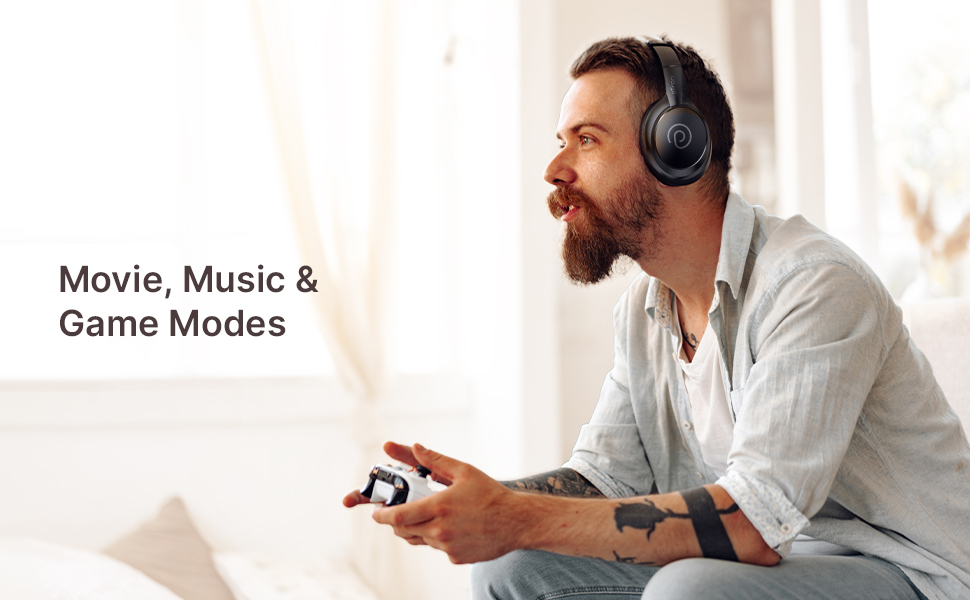
Image: pTron Studio Evo headphones highlighting 70 hours of playtime and Type-C fast charging.
3. Encendido / apagado
- Para encender: Mantenga presionado el botón de encendido durante aproximadamente 3 segundos hasta que se encienda el indicador LED.
- Para apagar: Mantenga presionado el botón de encendido durante aproximadamente 3 segundos hasta que el indicador LED se apague.
4. Emparejamiento Bluetooth
The pTron Studio Evo headphones utilize Bluetooth 5.3 for stable wireless connectivity.
- Asegúrese de que los auriculares estén apagados.
- Mantenga presionado el botón de encendido durante 5 a 7 segundos hasta que el indicador LED parpadee en rojo y azul alternativamente, lo que indica el modo de emparejamiento.
- En su dispositivo (teléfono inteligente, computadora portátil, etc.), habilite Bluetooth y busque los dispositivos disponibles.
- Select "pTron Studio Evo" from the list of found devices.
- Una vez conectado, el indicador LED se volverá azul fijo o parpadeará en azul lentamente.
Emparejamiento de dos dispositivos: These headphones support connecting to two devices simultaneously. After pairing with the first device, disable Bluetooth on that device, then pair with the second device. Re-enable Bluetooth on the first device, and the headphones should connect to both. You can then switch audio playback between the two devices.

Image: Headphones connected to both a phone and a laptop, demonstrating Bluetooth 5.3 dual device pairing.
5. Conexión por cable (entrada auxiliar)
For a wired connection, use the provided 3.5mm audio cable. Plug one end into the headphone's 3.5mm jack and the other end into your audio source's auxiliary output. The headphones will automatically switch to wired mode when the cable is connected.
Instrucciones de funcionamiento
1. Controles sobreview
The headphones feature integrated buttons for easy control of music, calls, and modes.
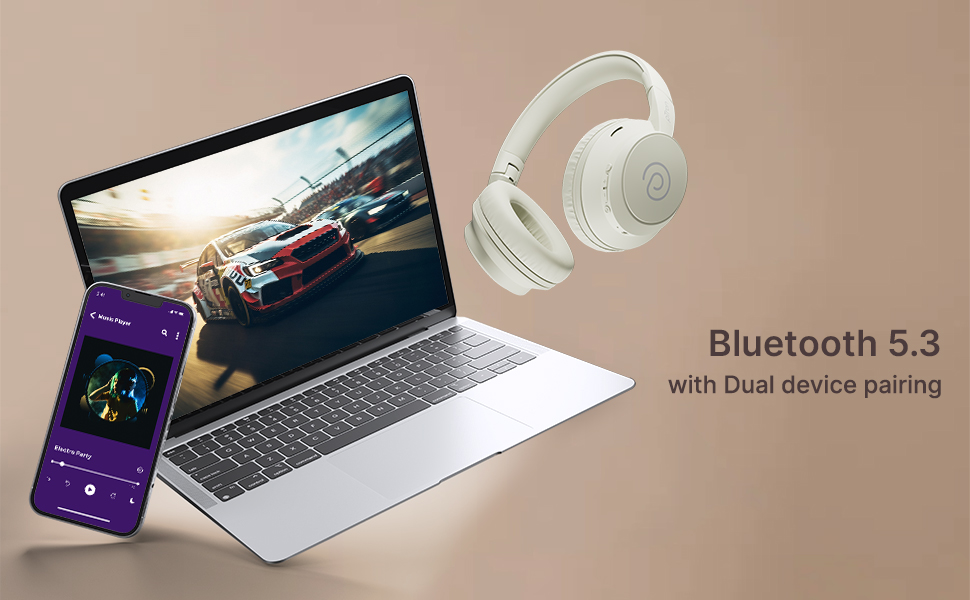
Imagen: Detallada view of the integrated control buttons on the pTron Studio Evo headphones.
- Botón de encendido: Mantén pulsado para encender o apagar. Pulsa brevemente para reproducir o pausar música o responder o finalizar llamadas.
- Subir volumen (+): Pulsación corta para subir el volumen. Pulsación larga para pasar a la siguiente pista.
- Bajar volumen (-): Pulsación corta para bajar el volumen. Pulsación larga para ir a la pista anterior.
- Botón EQ: Short press to cycle through EQ modes (Bass, Movie, Pop, Vocal).
2. Modos de ecualización
The pTron Studio Evo headphones offer multiple low-latency EQ modes optimized for different audio experiences:
- Modo de juego: Reduce la latencia del audio para una experiencia de juego más sincronizada.
- Modo de película Enhances dialogue clarity and cinematic sound effects.
- Modo música: Proporciona un audio equilibrado.file Para escuchar música en general.
- Modo bajo: Aumenta las frecuencias bajas para una respuesta de graves más profunda.
- Modo pop: Optimized for pop music genres.
- Modo vocal: Mejora la claridad vocal, ideal para podcasts o audiolibros.
Presione el botón EQ para cambiar entre estos modos.
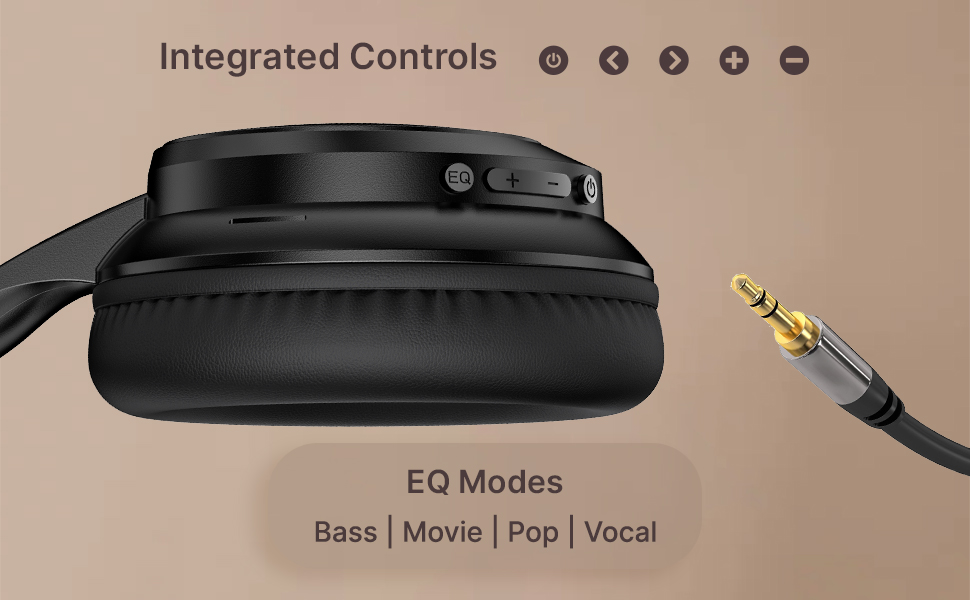
Image: User engaging in gaming with headphones, demonstrating low-latency sync for game mode.
3. Realización y recepción de llamadas
The headphones include a built-in HD microphone for hands-free calls.
- Responder/Finalizar llamada: Presione brevemente el botón de encendido.
- Rechazar llamada: Mantenga presionado el botón de encendido durante 2 segundos.
4. Asistente de voz
Access your device's voice assistant (e.g., Siri, Google Assistant) by double-pressing the Power button.
5. Uso de los auriculares
The pTron Studio Evo headphones feature an ergonomic design with soft earcups and an adjustable head beam for comfortable all-day listening. Adjust the head beam to position the earcups exactly over your ears for the best fit and sound isolation.
Mantenimiento
1. Limpieza
Regularly clean your headphones to maintain hygiene and performance.
- Utilice un paño suave y seco para limpiar los auriculares y la diadema.
- No utilice limpiadores abrasivos ni disolventes.
- Avoid getting moisture into the charging port or audio jack.
2. Resistencia al agua
The headphones are IPX5 water-resistant, meaning they can withstand splashes and sweat. Do not submerge them in water or expose them to heavy rain.
3. Almacenamiento
The foldable design allows for easy storage. Fold the headphones when not in use to protect them from damage and save space. Store them in a cool, dry place away from direct sunlight and extreme temperatures.
Solución de problemas
- Sin energía: Asegúrate de que los auriculares estén completamente cargados. Conéctalos a una fuente de alimentación y vuelve a intentarlo.
- No se puede emparejar: Make sure Bluetooth is enabled on your device and the headphones are in pairing mode (flashing red and blue LED). Try restarting both devices.
- Sin sonido: Check the volume levels on both the headphones and your connected device. Ensure the correct audio output is selected on your device. If using a wired connection, ensure the 3.5mm cable is fully inserted.
- Mala calidad de sonido: Ensure the headphones are within the Bluetooth range (up to 10 meters) of your device. Avoid obstacles that may interfere with the signal. Try switching EQ modes.
- El micrófono no funciona: Ensure the headphones are properly connected and selected as the input device on your call application.
Presupuesto
| Característica | Especificación |
|---|---|
| Nombre del modelo | Estudio |
| Tecnología de conectividad | Inalámbrico (Bluetooth) |
| Tecnología de comunicación inalámbrica | Bluetooth 5.3 |
| Alcance de Bluetooth | 10 metros |
| Tamaño del controlador de audio | 40 milímetros |
| Duración de la batería | 70 horas |
| Tiempo de carga | 2 horas |
| Toma de auriculares | 3.5 mm Jack |
| Nivel de resistencia al agua | Resistente al agua IPX5 |
| Método de control | Pulsar botón, voz |
| Control de ruido | Aislamiento de sonido |
| Material | Acrilonitrilo butadieno estireno (ABS) |
| Peso del artículo | 157 gramos |
| Dimensiones del producto | 19.2 x 15.8 x 7.9 cm |
Garantía y soporte
1. Garantía del fabricante
The pTron Studio Evo headphones come with a Garantía del fabricante de 1 año from the date of purchase. This warranty covers manufacturing defects only. Please retain your proof of purchase for warranty claims.
2. Atención al cliente
Para cualquier consulta, asistencia técnica o reclamo de garantía, comuníquese con el servicio de atención al cliente de pTron:
- Correo electrónico: soporte@ptron.in
- Teléfono: 040-67138888