
Introducción
This manual provides essential information for the safe and efficient use of your E GATE Atom 4X+ Fully Automatic Projector. Please read these instructions carefully before operating the device and retain them for future reference. This projector is designed for home cinema use, offering a native 1080p resolution with 4K input support, Android 12 OS, and automatic adjustments for an optimal viewExperiencia de aprendizaje.
Contenido del paquete
Verifique que todos los artículos estén presentes en el paquete:
- 1x E GATE Atom 4X+ Projector
- 1x cable de alimentación
- 1x control remoto
- 1x User Manual with Warranty Card
Configuración
1 Colocación
Position the projector on a stable, flat surface. The integrated Flex Angle stand allows for versatile placement, enabling projection onto walls or ceilings from various angles. Ensure adequate ventilation around the projector.

The projector features a built-in stand for flexible placement and instant projection without additional mounts.

The rotatable Flex Angle design allows projection onto any surface, including ceilings.
2. Conexión de alimentación
Conecte el cable de alimentación provisto a la entrada de alimentación del proyector y luego a una toma de corriente eléctrica adecuada.
3. Conexión inicial (opcional)
For external devices, use the available ports:
- HDMI: Connect gaming consoles, Blu-ray players, laptops, or streaming sticks (e.g., Fire TV Stick) using an HDMI cable. The projector supports HDMI 2.1 with ARC/eARC and CEC.
- USB: Insert USB drives for direct playback of photos, videos, music, or documents.
- Salida de audio (3.5 mm): Conecte altavoces externos o auriculares si lo desea.

Multiple connectivity options including HDMI, USB, and Wi-Fi for various devices.
Instrucciones de funcionamiento
1. Encendido y apagado
Presione el botón de encendido del proyector o el control remoto para encender o apagar el dispositivo.
2. Control remoto
Use the provided remote control to navigate the user interface, adjust settings, and control playback. Dedicated hotkeys provide quick access to common functions.

The remote control features hotkeys for convenient operation.
3. Ajustes automáticos
The Atom 4X+ features fully automatic focus and keystone correction. Upon startup or movement, the projector will automatically adjust the image for clarity and geometric accuracy. Manual 4-point and 6D keystone correction (30° Horizontal + Vertical) is also available for fine-tuning.

The projector offers fully automatic focus and keystone correction for a perfect projection alignment.
Effortless setup with automatic focus and keystone correction, plus 4-point digital adjustments.
4. Android 12 OS and Apps
The projector runs on a stable Android 12 operating system, providing access to over 9000 applications, including popular streaming services like Netflix, Prime Video, and YouTube. The WhaleTV+ feature offers hundreds of free live TV channels without registration or subscription.

Access endless entertainment with the built-in Android 12 OS and over 9000 apps.
5. Duplicación de pantalla
Utilize the Dual Band Wi-Fi 6 for lag-free screen mirroring from your Windows, iOS, or Android devices. This allows you to cast content directly from your smartphone, tablet, or laptop to the projector screen.

Effortlessly cast content from your devices using Dual Band Wi-Fi 6 for smooth screen mirroring.
Mantenimiento
1. Limpieza de lentes
To maintain optimal image clarity, regularly clean the projector lens. Use a soft, lint-free cloth specifically designed for optical lenses. Avoid abrasive materials or harsh chemicals. The projector features easy lens access for hassle-free cleaning.

Easy lens access simplifies cleaning to maintain sharp images.
2. Limpieza General
Limpie el exterior del proyector con un paño suave y seco. No utilice limpiadores líquidos ni aerosoles directamente sobre el dispositivo.
3. Elamp Vida
The projector utilizes an LED light source with an estimated lifespan of 60,000 hours, requiring no lamp Reemplazo en condiciones normales de uso.
Solución de problemas
No hay imagen o la calidad de la imagen es mala
- Comprobar potencia: Asegúrese de que el proyector esté correctamente conectado a una fuente de alimentación y encendido.
- Fuente de entrada: Verifique que esté seleccionada la fuente de entrada correcta (HDMI, USB, etc.).
- Enfoque/piedra clave: Allow the automatic focus and keystone correction to complete. If needed, manually adjust using the remote control.
- Limpieza de lentes: Limpie la lente del proyector como se describe en la sección Mantenimiento.
- Resolución: Ensure the input device's resolution is compatible. The projector's native resolution is 1080p, supporting 4K input which is downscaled to 1080p.
Sin sonido
- Volumen: Verifique la configuración del volumen del proyector y asegúrese de que no esté silenciado.
- Audio externo: If using external speakers, ensure they are properly connected to the 3.5mm audio out port or via Bluetooth.
- Dispositivo de origen: Verifique la configuración de salida de audio en su dispositivo fuente conectado.
El control remoto no responde
- Baterías: Reemplace las pilas del control remoto.
- Obstrucción: Asegúrese de que no haya obstrucciones entre el control remoto y el receptor de infrarrojos del proyector.
Presupuesto

Encimaview of the E GATE Atom 4X+ Projector's core specifications.
| Característica | Especificación |
|---|---|
| Marca | PUERTA E |
| Modelo | EO9022 (Atom 4X Plus) |
| Tecnología de visualización | Pantalla LCD |
| Tipo de pantalla | CONDUJO |
| Resolución nativa | 1920 x 1080 (Full HD) |
| Resolución admitida | Up to 3840 x 2160 (4K input, downscaled to 1080p) |
| Brillo de la imagen | 400 ISO Lumens (840 Candela) |
| Relación de contraste de imagen | 6000:1 |
| Relación de aspecto | 16:9 |
| Lamp Vida | 60,000 horas |
| Sistema operativo | Androide 12 |
| Procesador | HiSilicon V252, Quad Core |
| GPU | ARM Cortex 431 |
| Almacenamiento de memoria | 1 GB de RAM / 8 GB de almacenamiento |
| Wifi | Dual Band Wi-Fi 6 (2.4 + 5 GHz) |
| Bluetooth | Bi-Directional Bluetooth 5.4 |
| Conectividad | HDMI 2.1 (ARC/eARC/CEC), USB, 3.5mm Audio Out |
| Oradores | 5 Watt Inbuilt Speakers |
| Funciones automáticas | Auto Focus, Auto Keystone (4P & 6D correction) |
| Relación de proyección | 1.25:1 (Lanzamiento corto) |
| Tamaño máximo de pantalla | 762 cm (300 pulgadas) |
| Dimensiones del producto | 12.5 x 11 x 22.5 cm |
| Peso del artículo | 800 gramos |
| Características especiales | HDR+HLG, ScreenLess Lanthanide Glass Lens, Whale TV+ Live TV |
Understanding Lumens
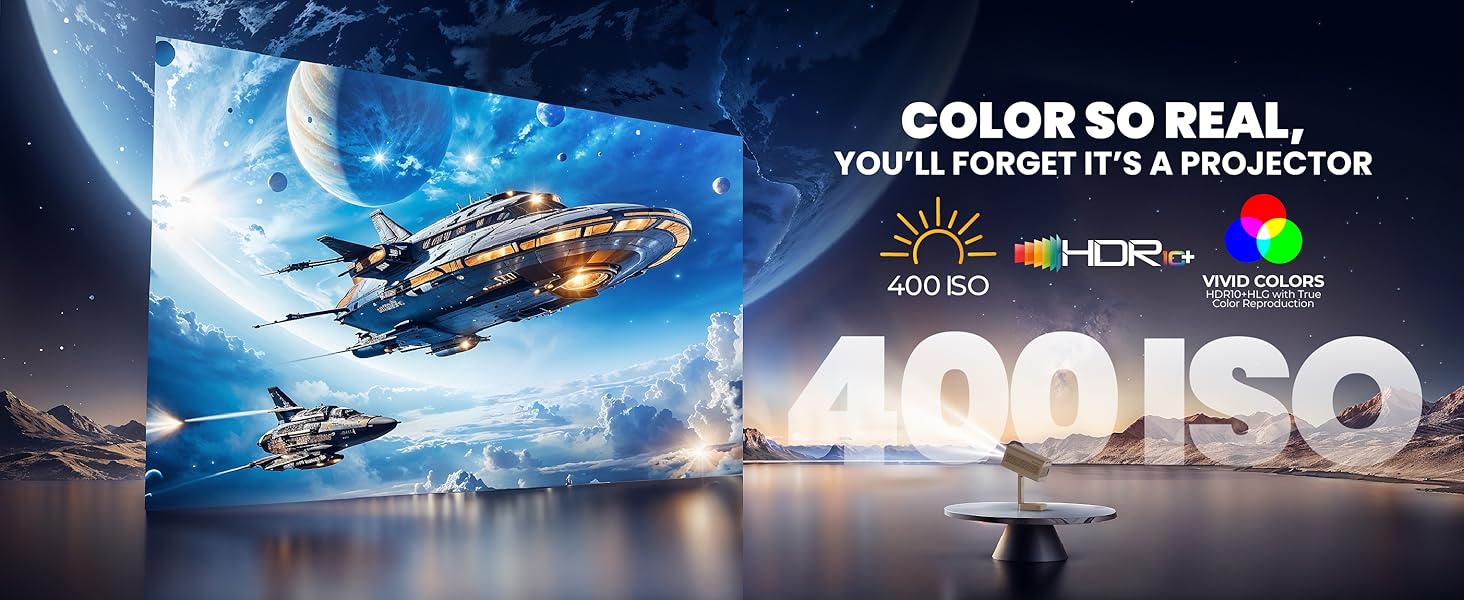
The E GATE Atom 4X+ Projector uses ISO Lumens (400 ISO Lumens) as a standardized measure of brightness. ISO Lumens are based on an established international standard (ISO21118) and provide a reliable, verifiable metric for projector brightness, unlike some non-standardized 'LED ANSI' or 'Source Lumens' claims.

Comparison of ISO Lumens (on-screen brightness) with non-verifiable source lumens.
Información de garantía
The E GATE Atom 4X+ Projector comes with a 1 año de garantía from the date of purchase. To avail warranty benefits, it is mandatory to register your product. EGate provides a free home pickup and drop service during the warranty period. For detailed warranty terms and conditions, please visit the official EGate websitio.
Apoyo
For technical assistance, product inquiries, or warranty claims, please refer to the contact information provided on your warranty card or visit the official E GATE website. Ensure you have your product model number (EO9022) and purchase details ready when contacting support.