
Introducción
Thank you for choosing the pTron Flick M2 Wireless Gaming Mouse. This manual provides detailed instructions for setting up, operating, and maintaining your device. Please read this manual carefully before use to ensure optimal performance and longevity of your mouse.
Contenido del paquete
- Ratón inalámbrico 1N
- Receptor USB 1N
- Cable de carga 1N (Tipo C)
- 1N User Guide
Producto terminadoview
The pTron Flick M2 features an ergonomic design with RGB lighting and dual wireless connectivity. It is equipped with 6 buttons and adjustable DPI settings for precise control.

Imagen: Más alláview of the pTron Flick M2 Wireless Gaming Mouse with its 6 buttons labeled: Left Click, Right Click, Scroll Wheel, DPI Button, Forward Button, and Backward Button.
Características principales:
- Modos inalámbricos duales: Connect via 2.4GHz USB receiver or Bluetooth.
- Iluminación LED RGB: Dynamic multi-color lighting effects.
- Diseño de 6 botones: Includes Left/Right-Click, Scroll Wheel, DPI Adjustment, Forward, and Backward buttons.
- DPI ajustable: Three levels (1000/1200/1600) for precision tracking.
- Diseño ergonómico: Ligero y cómodo para uso prolongado.
- Batería recargable: Batería incorporada con puerto de carga tipo C.
Instrucciones de instalación
1. Cargar el ratón
Before first use, ensure the mouse is fully charged. Connect the provided Type-C charging cable to the mouse's charging port and the other end to a USB power source (e.g., computer, wall adapter).
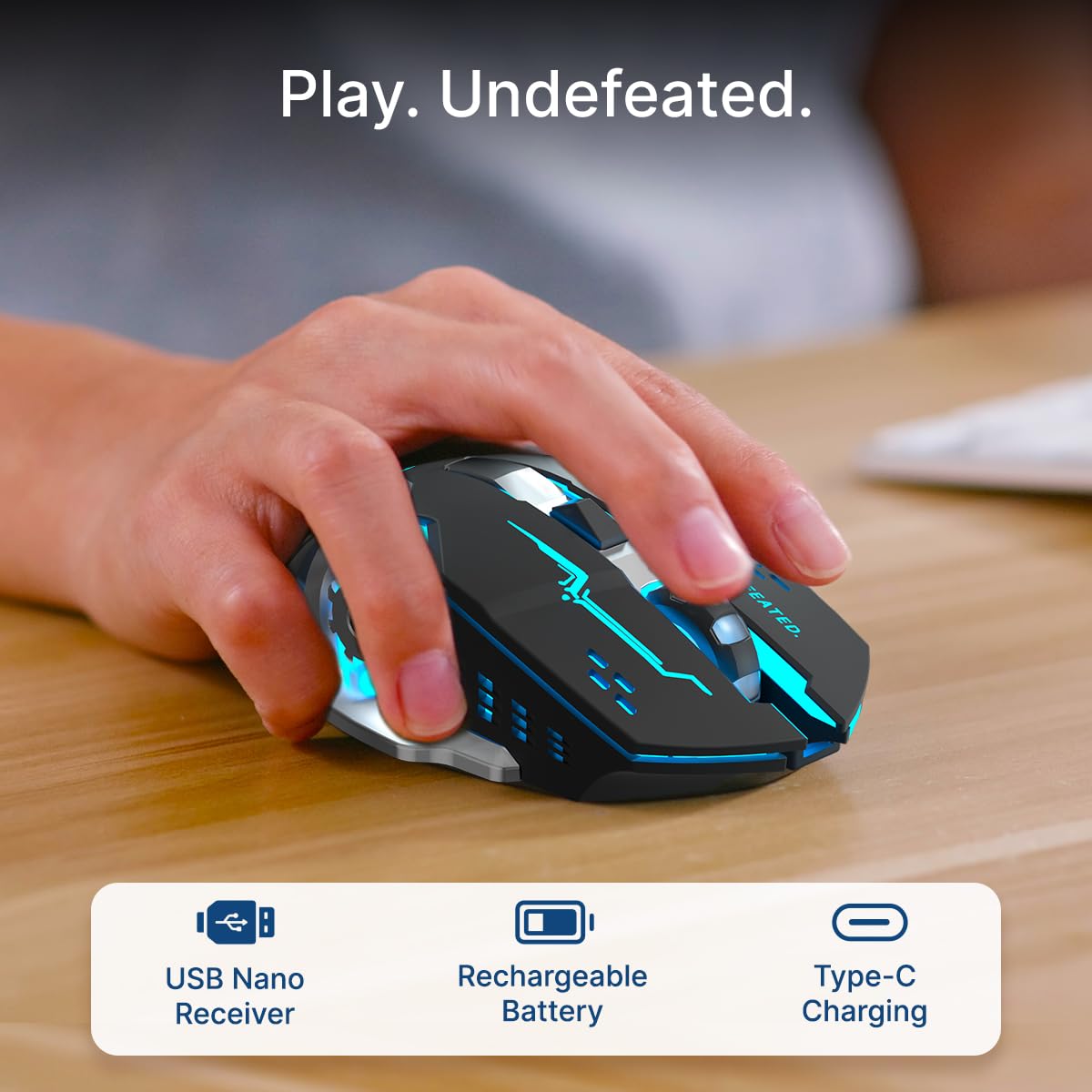
Image: A user's hand operating the pTron Flick M2 mouse, with icons indicating the USB Nano Receiver, Rechargeable Battery, and Type-C Charging features.
2. Conexión del ratón
The pTron Flick M2 offers two wireless connection methods:
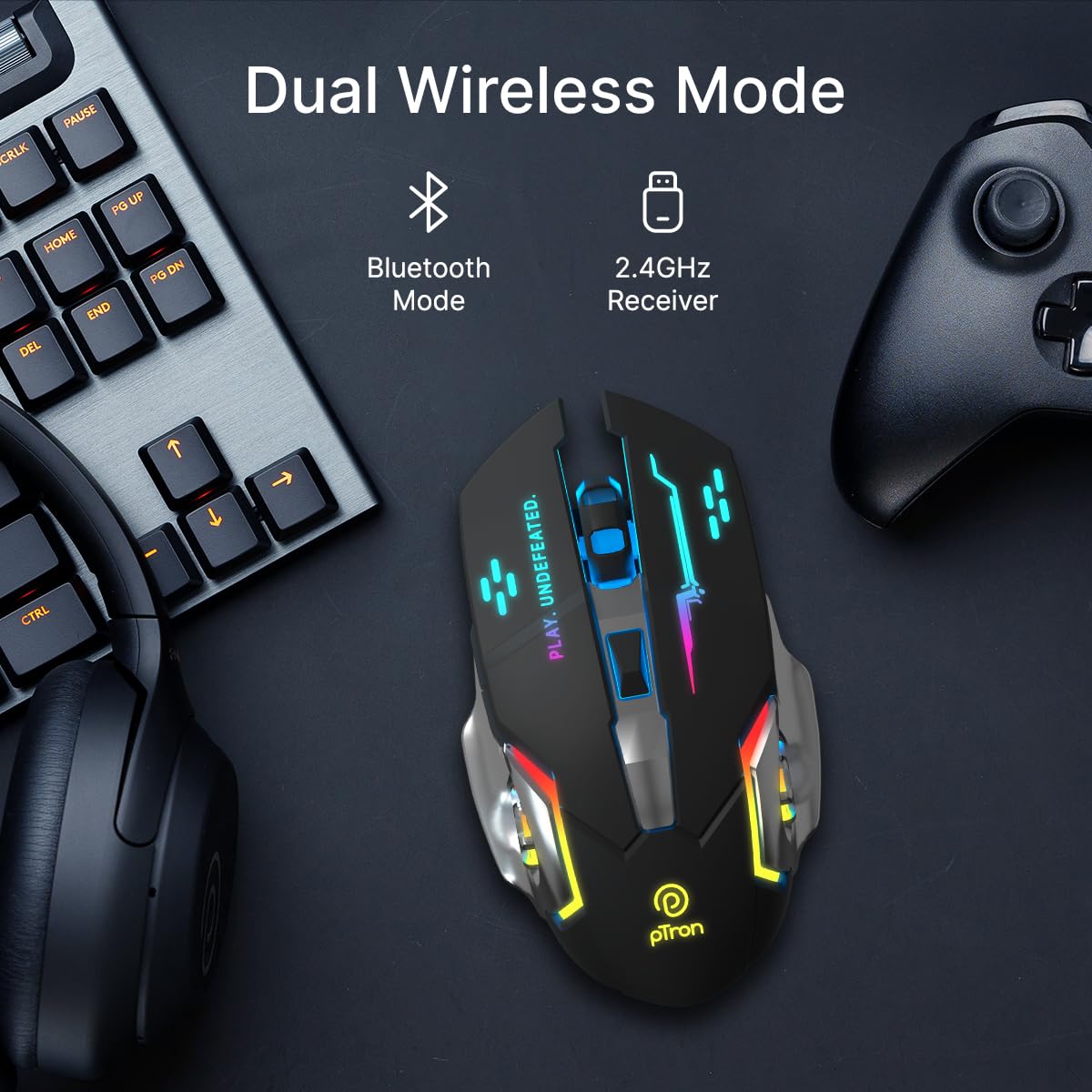
Image: The pTron Flick M2 mouse displayed with text indicating its Dual Wireless Mode capability, offering both Bluetooth and 2.4GHz Receiver options.
2.1. Modo inalámbrico de 2.4 GHz (receptor USB)
- Locate the USB Nano Receiver, typically stored in a compartment on the underside of the mouse.
- Plug the USB Nano Receiver into an available USB port on your computer, laptop, or compatible device.
- Encienda el mouse utilizando el interruptor de encendido ubicado en su parte inferior.
- The mouse should automatically connect to your device. No additional drivers are usually required.
2.2. Modo Bluetooth
- Encienda el mouse usando el interruptor de encendido ubicado en su parte inferior.
- En su dispositivo (computadora, teléfono inteligente, tableta), habilite Bluetooth y busque nuevos dispositivos.
- Select "pTron Flick M2" from the list of available Bluetooth devices to pair.
- Una vez emparejado, el ratón está listo para usarse.
Instrucciones de funcionamiento
1. Ajuste de DPI
The mouse features an adjustable DPI (Dots Per Inch) button to change cursor sensitivity. There are three preset DPI levels: 1000, 1200, and 1600.

Image: The pTron Flick M2 mouse with an overlay indicating its Adjustable DPI feature, offering 1000 DPI, 1200 DPI, and 1600 DPI options.
- Presione el Botón DPI (ubicado detrás de la rueda de desplazamiento) para recorrer las configuraciones de DPI disponibles.
- Each press will change the sensitivity, allowing you to find the optimal speed for your tasks or games.
2. Iluminación RGB
The pTron Flick M2 features dynamic multi-color RGB LED lighting.

Image: The pTron Flick M2 mouse illuminated with vibrant multi-color lighting, showcasing su atractivo estético.
- The RGB lighting automatically cycles through various colors and effects when the mouse is active.
- The lighting enhances the gaming experience and provides visual feedback.
Mantenimiento
To ensure the longevity and optimal performance of your pTron Flick M2 Wireless Gaming Mouse, follow these maintenance guidelines:
- Limpieza: Utilice un paño suave y seco para limpiar la superficie del ratón. Para la suciedad difícil, limpie ligeramenteampLave el paño con agua o una solución limpiadora suave. Evite usar productos químicos agresivos o materiales abrasivos.
- Cuidado del sensor: Mantenga el sensor óptico de la parte inferior del ratón limpio y sin polvo ni residuos. Utilice un hisopo de algodón o aire comprimido si es necesario.
- Almacenamiento: Cuando no esté en uso, guarde el mouse en un lugar fresco y seco, alejado de la luz solar directa y de temperaturas extremas.
- Batería: Evite descargar la batería por completo con frecuencia. Cargue el mouse regularmente para mantener la batería en buen estado.
Solución de problemas
If you encounter issues with your pTron Flick M2 Wireless Gaming Mouse, refer to the following common solutions:
| Problema | Posible causa | Solución |
|---|---|---|
| El ratón no responde | Low battery; Mouse is off; Incorrect connection mode; USB receiver not detected. | Charge the mouse; Turn on the mouse; Ensure correct mode (2.4GHz/Bluetooth) is selected; Re-insert USB receiver or try a different USB port. |
| Conexión intermitente o con retraso | Interferencia; Distancia del receptor/dispositivo; Batería baja. | Move closer to the receiver/device; Ensure no large metal objects are between mouse and receiver; Charge the mouse; Try a different USB port for the receiver. |
| El botón DPI no cambia la sensibilidad | Button malfunction; Software conflict. | Ensure the mouse is properly connected; Restart your device; If the issue persists, contact customer support. |
| Las luces RGB no funcionan | Mouse is off; Low battery; Malfunction. | Turn on the mouse; Charge the mouse; If the issue persists, contact customer support. |
Presupuesto
| Característica | Detalle |
|---|---|
| Marca | ptron |
| Modelo | Flick M2 |
| Conectividad | Inalámbrico de 2.4 GHz, Bluetooth |
| Niveles de DPI | 1000 / 1200 / 1600 |
| Botones | 6 (Izquierda, Derecha, Rueda de desplazamiento, DPI, Adelante, Atrás) |
| Tipo de sensor | Óptico |
| Iluminación | LED RGB |
| Fuente de poder | Batería recargable (iones de litio) |
| Puerto de carga | Tipo C |
| Dispositivos compatibles | Computadora personal, teléfono inteligente, tableta |
| Peso del artículo | 96 gramos |
| Material | Plástico |
Vídeo oficial del producto
Vídeo: Un vídeo oficial del producto que muestraasing the pTron Flick M2 Wireless Gaming Mouse, its dual wireless capabilities, RGB lighting, adjustable DPI, and ergonomic design.
Garantía y soporte
The pTron Flick M2 Wireless Gaming Mouse comes with a 6 meses de garantía del fabricante sobre defectos de fabricación.
Para reclamos de garantía, soporte técnico o cualquier otra consulta, comuníquese con:
- Fabricante: Palred Electronics Pvt. Ltd.
- Contacto de atención al cliente: 040-67138888
- Soporte por correo electrónico: soporte@ptron.in
- DIRECCIÓN: SY.NO. 56, 1.er PISO, GUNDLAPOCHAMPALLY VILLAGE, PARQUE TECNOLÓGICO MTP, TSIIC-IALA NACHARAM, HYDERABAD - 500076, TELANGANA, INDIA