
Introducción
This manual provides detailed instructions for the setup, operation, maintenance, and troubleshooting of your VLH 32 Inch Portable Smart TV. This device features a 1080P touchscreen, Android 15 operating system, 8GB RAM + 128GB storage, a movable base with wheels, a 5MP camera, and a 38,400 mAh battery. It offers versatile control options including touch, voice, remote, and airmouse functionality, along with a rotatable display for various viewángulos de ing.
Características principales:
- 32-inch FHD Touchscreen: Enjoy 1080P visuals with 100% sRGB color accuracy.
- Sistema operativo Android 15: Smooth navigation and access to Google Play Store applications.
- Cámara 5MP: Integrated camera for video calls and streaming (compatibility with some apps may vary due to Android 15).
- 8 GB de RAM + 128 GB de ROM: Ample storage and memory for multitasking and app performance.
- 360° Mobile Base with Wheels: Easily move the TV between locations.
- Pantalla ajustable: 90° pivot, ±20° tilt, and 20cm height adjustment for optimal viewEn.
- Múltiples opciones de control: Touch, voice commands ("Hey Google"), traditional remote, and airmouse gestures.
- Batería de 38,400 mAh: Extended battery life for portable use.
Contenido del paquete
- VLH 32 inch Portable Smart TV
- Mando a distancia
- 5MP Camera (detachable)
- Adaptador de corriente
- Manual de usuario
Instrucciones de instalación
- Desembalaje: Retire con cuidado todos los componentes del embalaje. Asegúrese de que contenga todo el contenido indicado.
- Montaje del soporte: Attach the display panel to the mobile stand. Ensure all connections are secure. The stand is designed for stability and portability.

Image: The VLH Portable Smart TV is shown on its mobile stand, highlighting the screen and the stable base with universal wheels. The screen is in landscape orientation.
- Conexión de la cámara: The 5MP camera is detachable. Plug it into the designated USB port at the top of the display if you intend to use it for video calls or streaming.
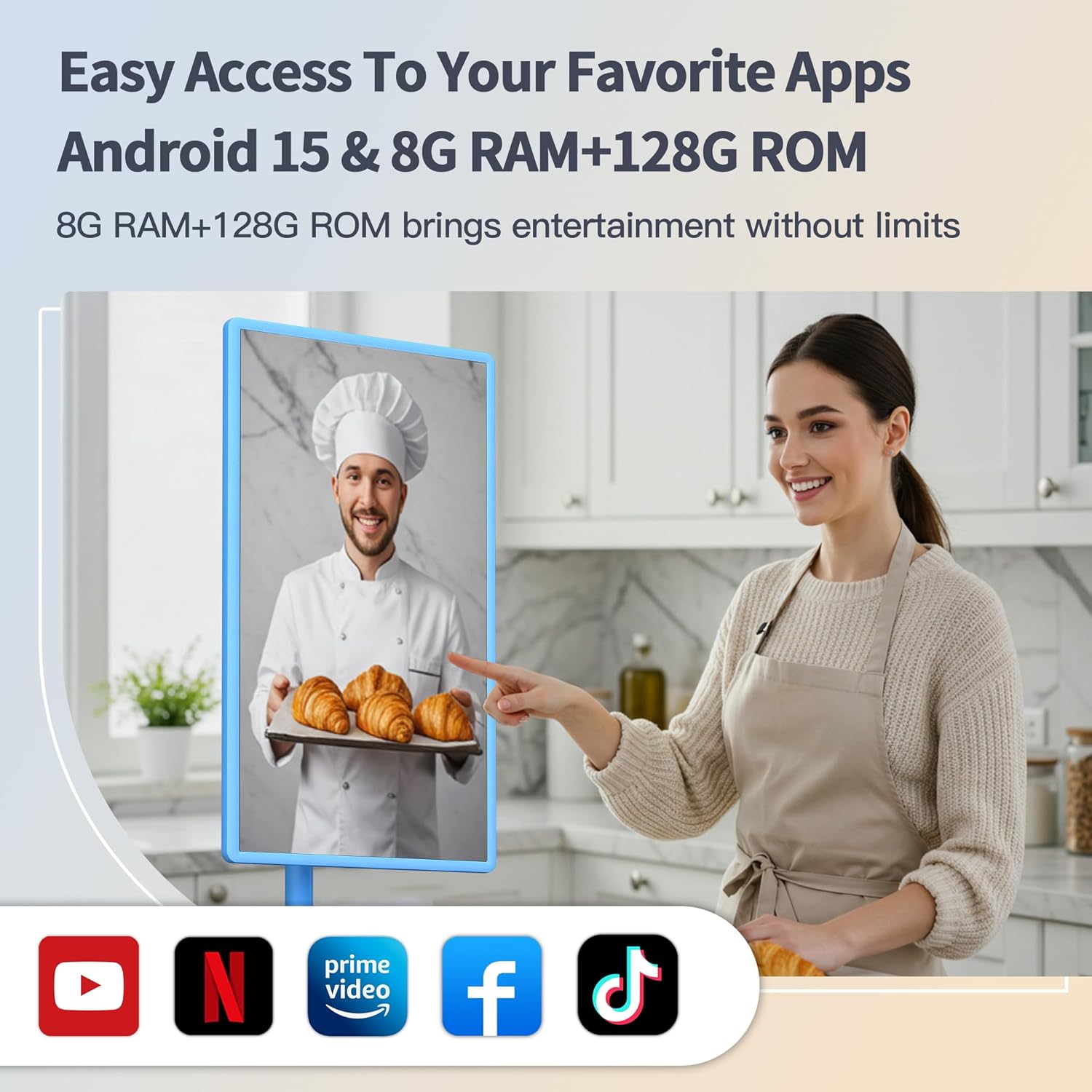
Imagen: Un primer plano view of the VLH Portable Smart TV screen, with the small, detachable camera clearly visible and plugged into the top edge of the display.
- Carga inicial: Connect the power adapter to the TV and a power outlet. Allow the device to fully charge before its first use to optimize battery life.
- Emparejamiento de control remoto: Insert two AAA batteries into the remote control. The remote should automatically pair with the TV when the USB switch is plugged into the TV's USB port. If not, follow the pairing instructions on the back of the remote or on the TV screen.
- Conexión de red: Power on the TV. Navigate to the settings menu to connect to your Wi-Fi network.
Instrucciones de funcionamiento
1. Encendido y apagado
- Press the power button on the TV or the remote control to turn the device on or off.
2. Navegación y control
- Pantalla táctil: Interact directly with the display like a tablet.
- Mando a distancia: Use the provided remote for traditional navigation. The remote also functions as an airmouse; point and click to control the cursor on screen.
Video: A user demonstrates the airmouse functionality of the remote control, moving a cursor on the screen by pointing the remote. The video also shows the touchscreen being used for navigation, as well as the screen rotating and adjusting height.
- Comandos de voz: Activate "Hey Google" for hands-free control and app launching.
3. Adjusting the Display
- Rotación: The screen can pivot 90° between landscape and portrait orientations.

Image: The smart TV screen is shown rotating from a horizontal (landscape) orientation to a vertical (portrait) orientation, demonstrating its flexible display.
- Inclinación: Adjust the screen tilt by ±20° for comfortable viewEn.
- Ajuste de altura: La altura de la pantalla se puede ajustar hasta 20 cm.
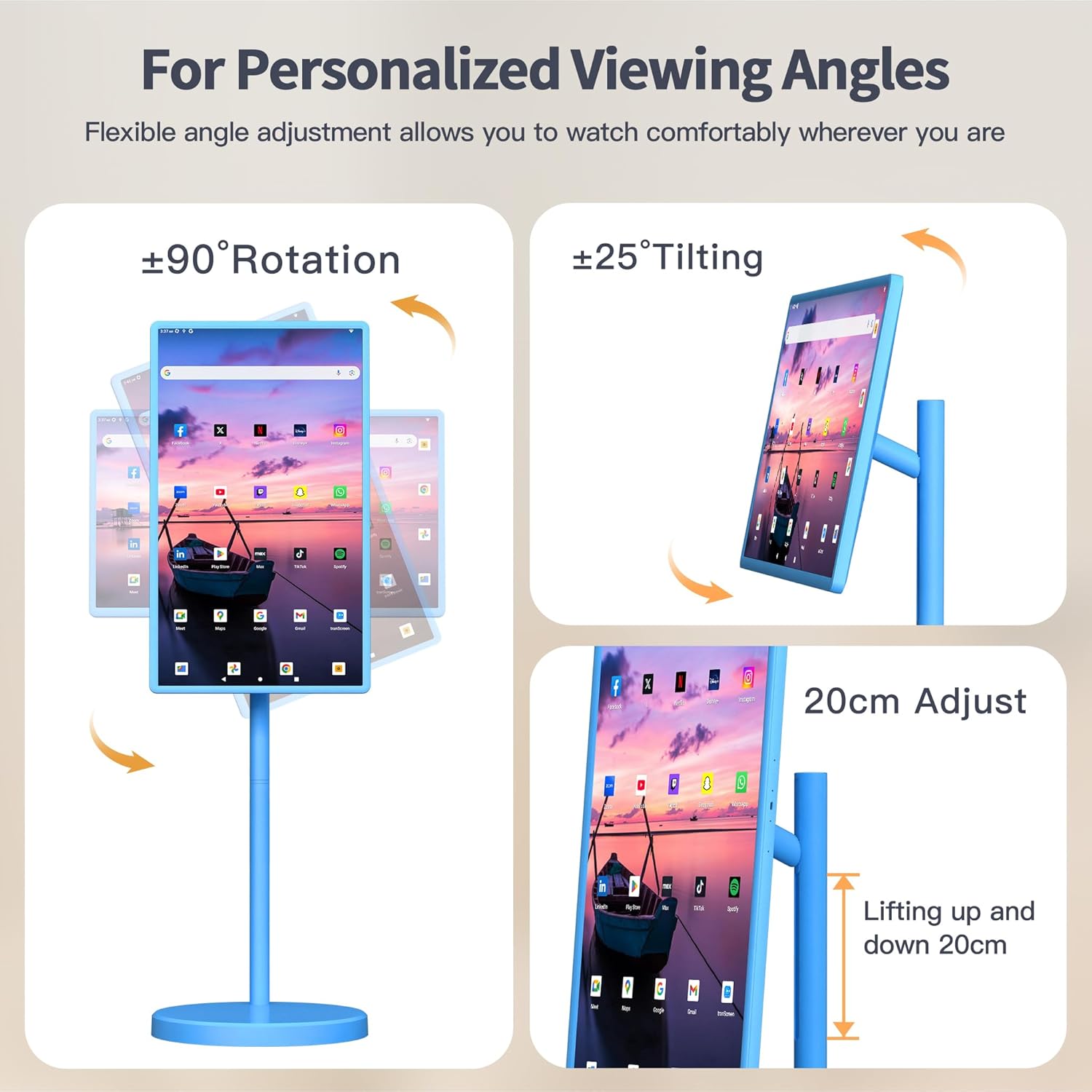
Image: This image illustrates the various adjustable features of the VLH Portable Smart TV, including 90-degree rotation, 25-degree tilting, and a 20cm height adjustment range.
4. Uso de la aplicación
- Access the Google Play Store to download and install your favorite streaming, social media, and productivity applications.
- Pre-installed Google apps are available for immediate use.
- Screen mirroring from your phone is supported via the Android Switch app.
5. Portabilidad
The VLH Smart TV is designed for easy movement around your home or even outdoors, thanks to its built-in battery and universal wheels. Simply unplug it from the charger and roll it to your desired location.
Video: This video demonstrates the portability of the VLH Smart TV, showing it being easily rolled between different rooms and used in various indoor and outdoor settings.
Mantenimiento
- Limpieza: Utilice un paño suave y seco para limpiar la pantalla y el exterior. Evite limpiadores abrasivos o disolventes.
- Cuidado de la batería: For optimal battery longevity, avoid fully discharging the battery frequently. Charge the device when the battery level is low.
- Actualizaciones de software: Periodically check for and install system updates to ensure optimal performance and security.
Solución de problemas
- El control remoto no responde:
- Ensure the USB dongle for the remote is securely plugged into a USB port on the TV.
- Revise y reemplace las pilas AAA en el control remoto.
- Refer to the pairing instructions on the back of the remote or in the TV's settings menu.
- Retraso/congelamiento del sistema:
- Reinicie el televisor.
- Cierre las aplicaciones en segundo plano innecesarias.
- Asegúrese de que haya suficiente espacio de almacenamiento libre.
- Busque e instale todas las actualizaciones del sistema disponibles.
- Camera Incompatibility with Apps:
- Due to the latest Android 15 OS, some older applications may not be fully compatible with the camera. Check the app's requirements or look for updates.
- Sin energía:
- Ensure the power adapter is correctly connected to both the TV and a working power outlet.
- Verifique que la batería esté cargada.
Presupuesto
| Característica | Detalle |
|---|---|
| Tamaño de pantalla | 32 pulgadas |
| Resolución | 1920 x 1080 píxeles (FHD 1080p) |
| Sistema operativo | Androide 15 |
| RAM | 8 GB |
| ROM (Almacenamiento) | 128 GB |
| Cámara | 5MP (detachable) |
| Capacidad de la batería | 38,400 mAh |
| Dimensiones del producto | 16.54 x 28.74 x 45.28 pulgadas |
| Peso del artículo | 45.2 libras |
| Puertos USB totales | 2 |
| Relación de aspecto | 16:9 |
| Brillo de la imagen | 300-350 nits |
Garantía y soporte
Your VLH 32 Inch Portable Smart TV comes with a one-year product warranty. For any missing parts, installation assistance, or operational queries, please contact customer service. We are committed to providing a satisfactory solution for any issues you may encounter.
Hay planes de protección adicionales disponibles para su compra:
- Plan de protección de 4 años
- Complete Protect (suscripción mensual que cubre las compras elegibles)