
Introducción
Thank you for choosing the MFVLP D16 Smart Watch. This manual provides detailed instructions to help you set up, operate, and maintain your device. Please read this manual thoroughly before using the watch to ensure proper function and longevity.

Image: The MFVLP D16 Smart Watch, featuring a black strap and a square display showing the time, date, heart rate, step count, and current weather conditions. Additional smaller screens around it illustrate daily activity, heart rate, and weather widgets.
Contenido del paquete
Asegúrese de que todos los artículos estén presentes en el paquete:
- Smart Watch * 1
- Correa de reloj * 1
- Cable de carga * 1
- Manual de usuario * 1
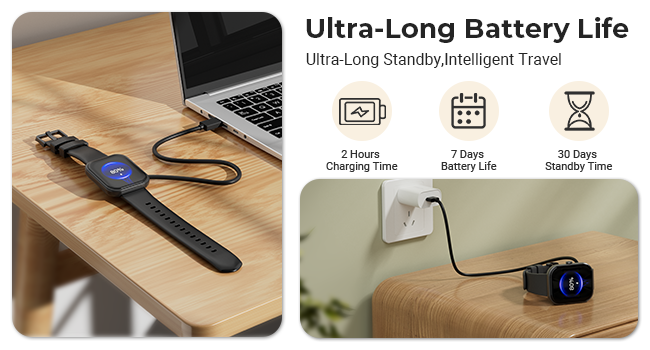
Image: An illustration detailing the size and package contents of the MFVLP D16 Smart Watch, including the watch itself with dimensions, a separate watch band, a charging cable, and a user manual.
Guía de configuración
1. Carga del dispositivo
Before first use, fully charge your smart watch. Connect the magnetic charging cable to the charging contacts on the back of the watch and plug the USB end into a power adapter (not included) or a computer's USB port.
- Tiempo de carga: Aproximadamente 2 horas para una carga completa.
- Duración de la batería: 5-7 days of typical use, up to 30 days in standby mode.
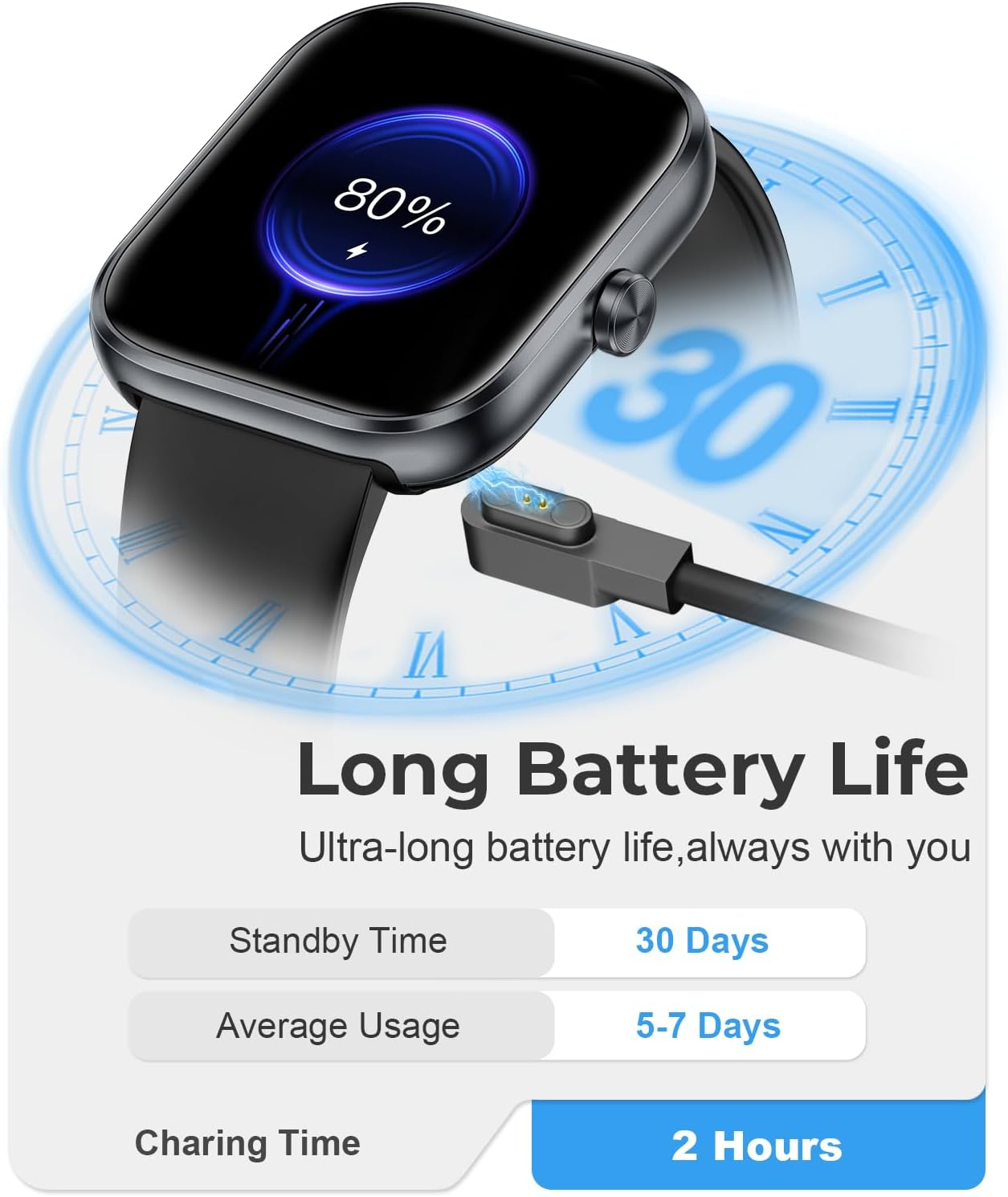
Image: The MFVLP D16 Smart Watch connected to its magnetic charging cable, illustrating the charging process. Text indicates a 2-hour charging time, 7 days of battery life, and 30 days of standby time.
2. Instalación y emparejamiento de la aplicación
To unlock the full functionality of your smart watch, download and install the companion app:
- Descargar la aplicación: Buscar "GloryFit" in the Apple App Store (for iOS devices) or Google Play Store (for Android devices), or scan the QR code provided in the watch's packaging or on the watch screen to download.
- Registrarse/Iniciar sesión: Open the GloryFit app and follow the on-screen instructions to register an account or log in.
- Combina el reloj:
- Asegúrese de que Bluetooth esté habilitado en su teléfono inteligente.
- Asegúrese de que el reloj esté dentro del alcance de su teléfono.
- In the GloryFit app, navigate to the device section and select "Add Device" or "Bind Device".
- The app will search for nearby devices. Select "D16" or the device name corresponding to your watch from the list.
- Confirme la solicitud de emparejamiento tanto en su teléfono como en el reloj si se le solicita.
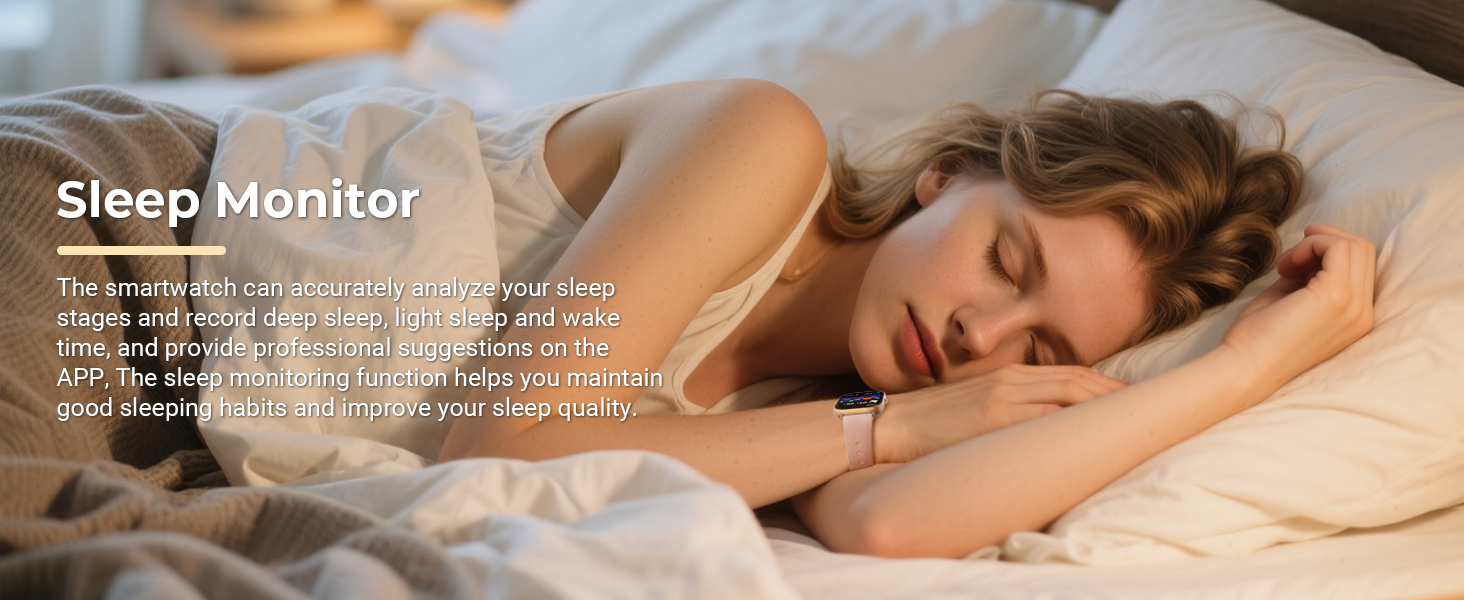
Image: A visual guide illustrating the connection steps for the MFVLP D16 Smart Watch, from downloading the GloryFit app to pairing the device and syncing contacts.
Operación del reloj inteligente
Navegación básica
- Pantalla táctil: Deslice el dedo hacia la izquierda/derecha, arriba/abajo y toque para navegar por los menús y seleccionar funciones.
- Botón lateral: Generalmente se utiliza para activar la pantalla, regresar a la pantalla de inicio o acceder a la lista de aplicaciones.
- Levantar para despertar: La pantalla se iluminará automáticamente cuando levantes la muñeca.
Llamadas y notificaciones por Bluetooth
Once paired with your smartphone, the D16 Smart Watch supports Bluetooth calling and smart notifications.
- Realizar/Recibir llamadas: Use the watch's built-in speaker and microphone to make or answer calls directly from your wrist. Access contacts, dial pad, and call history.
- Notificaciones inteligentes: Receive alerts for incoming calls, SMS messages, and notifications from social media apps (e.g., WhatsApp, Facebook, Instagram, Twitter) directamente en tu reloj.
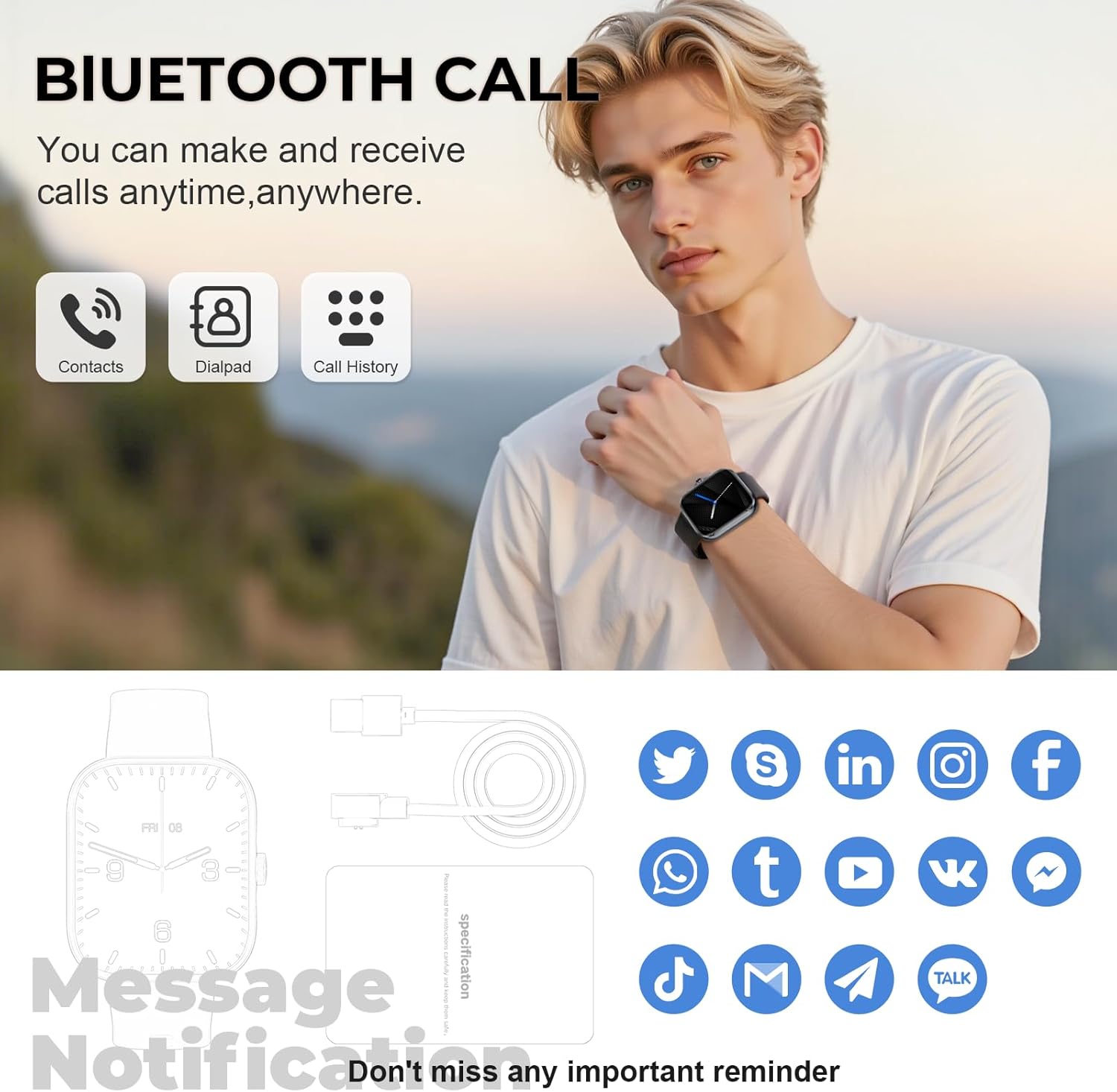
Image: A man wearing the MFVLP D16 Smart Watch, with an overlay highlighting the Bluetooth call functionality, including icons for contacts, dialpad, and call history. The image also shows icons for various social media notifications.
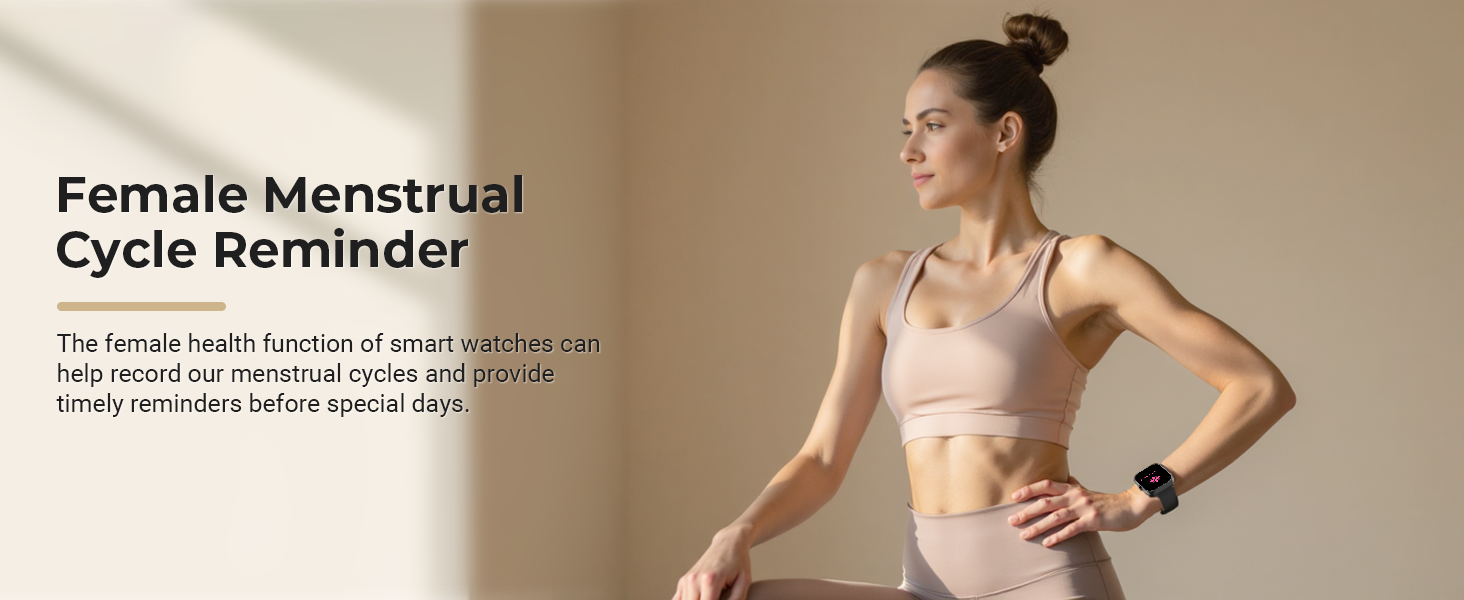
Image: A close-up of a wrist wearing the MFVLP D16 Smart Watch, surrounded by icons of various social media and messaging applications, illustrating the smart notification feature.
Personalización de esferas de reloj
Personalize your watch by choosing from over 100 online dials available through the GloryFit application. You can also set your favorite photos as custom wallpapers.
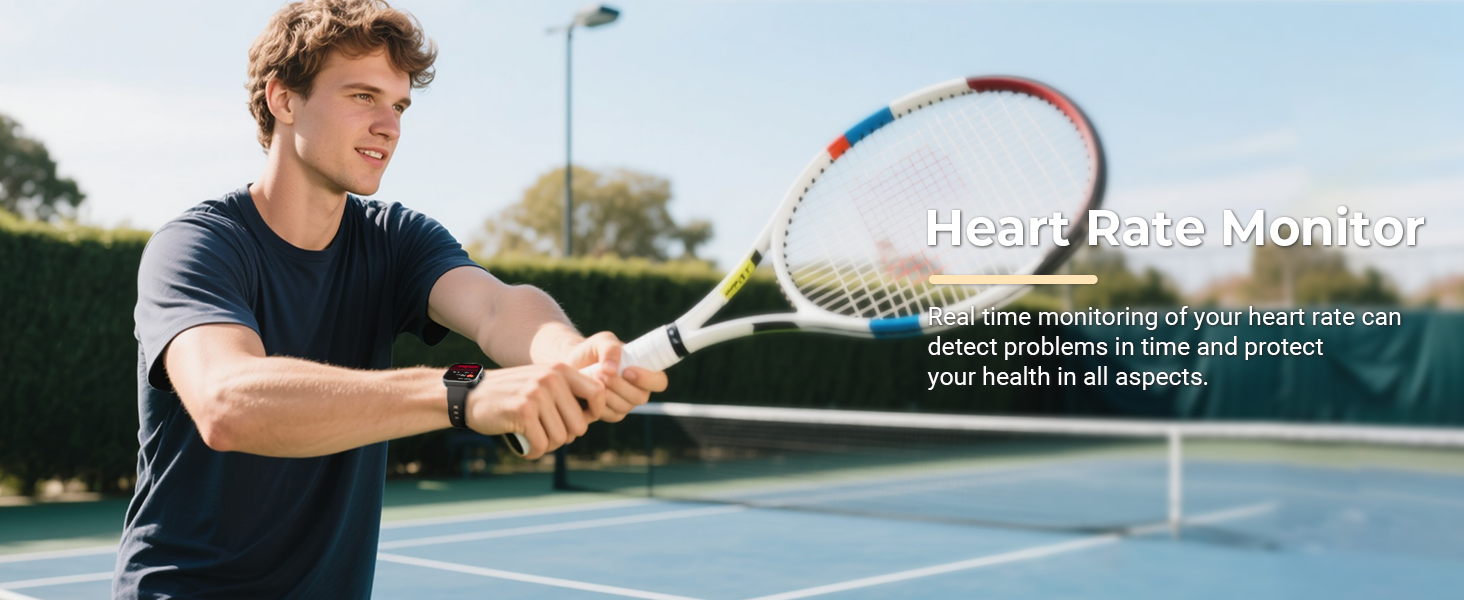
Image: The MFVLP D16 Smart Watch alongside a collection of diverse watch face designs, demonstrating the customizable dial feature.
Funciones adicionales
The D16 Smart Watch offers a range of practical features:
- Control de música: Reproduce, pausa y salta pistas en tu teléfono inteligente.
- Control remoto de la cámara: Activa de forma remota el obturador de la cámara de tu teléfono.
- Despertador: Configura alarmas directamente desde tu reloj.
- Calculadora: Realizar cálculos básicos.
- Flash: Utilice la pantalla del reloj como una pequeña fuente de luz.
- Encontrar teléfono: Localiza tu teléfono inteligente emparejado haciéndolo sonar.
- Asistente de voz: Accede al asistente de voz de tu teléfono.
- Clima: View condiciones climáticas actuales.
- Cronómetro y temporizador: Para actividades de cronometraje.
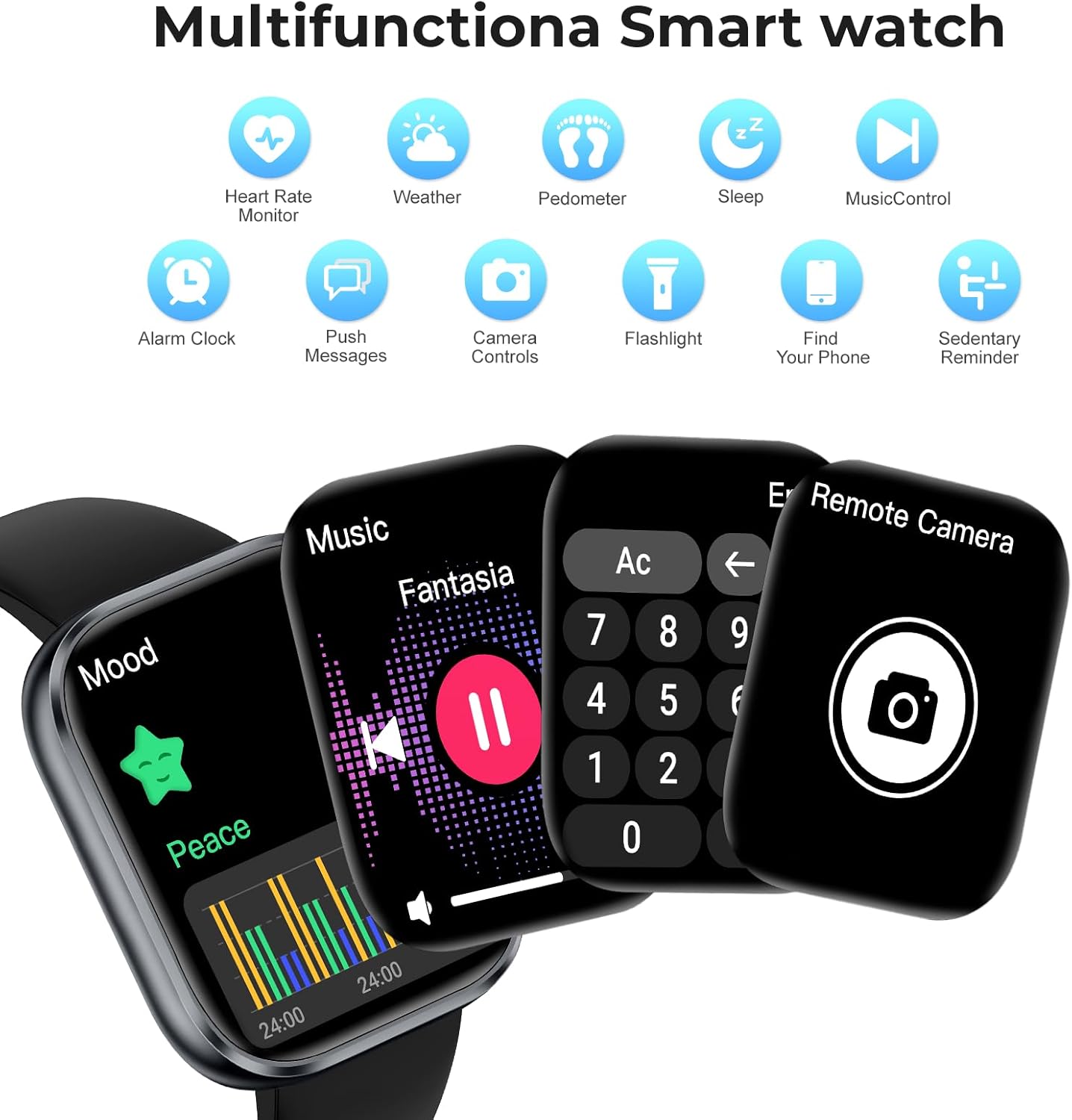
Image: A composite image showing the MFVLP D16 Smart Watch displaying various functions such as music playback, a calculator, and a remote camera control interface. Icons for other features like heart rate, weather, and sleep are also visible.
Health and Activity Monitoring
The D16 Smart Watch is equipped with high-performance sensors for comprehensive health and activity tracking.
Monitoreo continuo de la salud
- Monitor de frecuencia cardíaca: Monitoriza continuamente tu frecuencia cardíaca en tiempo real.
- Monitor de oxígeno en sangre (SpO2): Provides blood oxygen saturation data.
- Monitor de sueño: Automatically tracks your sleep status (deep sleep, light sleep, wake-up times) and provides a comprehensive sleep quality analysis in the app.
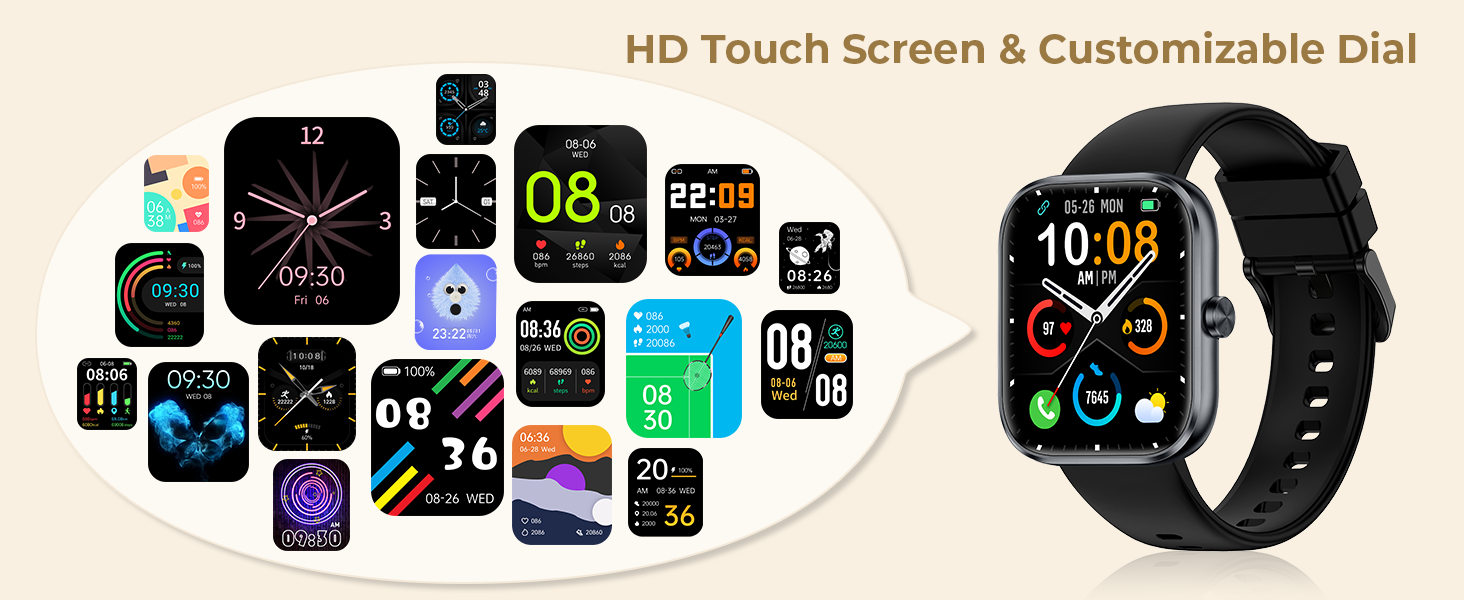
Image: A man playing tennis, wearing the MFVLP D16 Smart Watch, with text indicating the Heart Rate Monitor feature. This illustrates real-time heart rate tracking during physical activity.
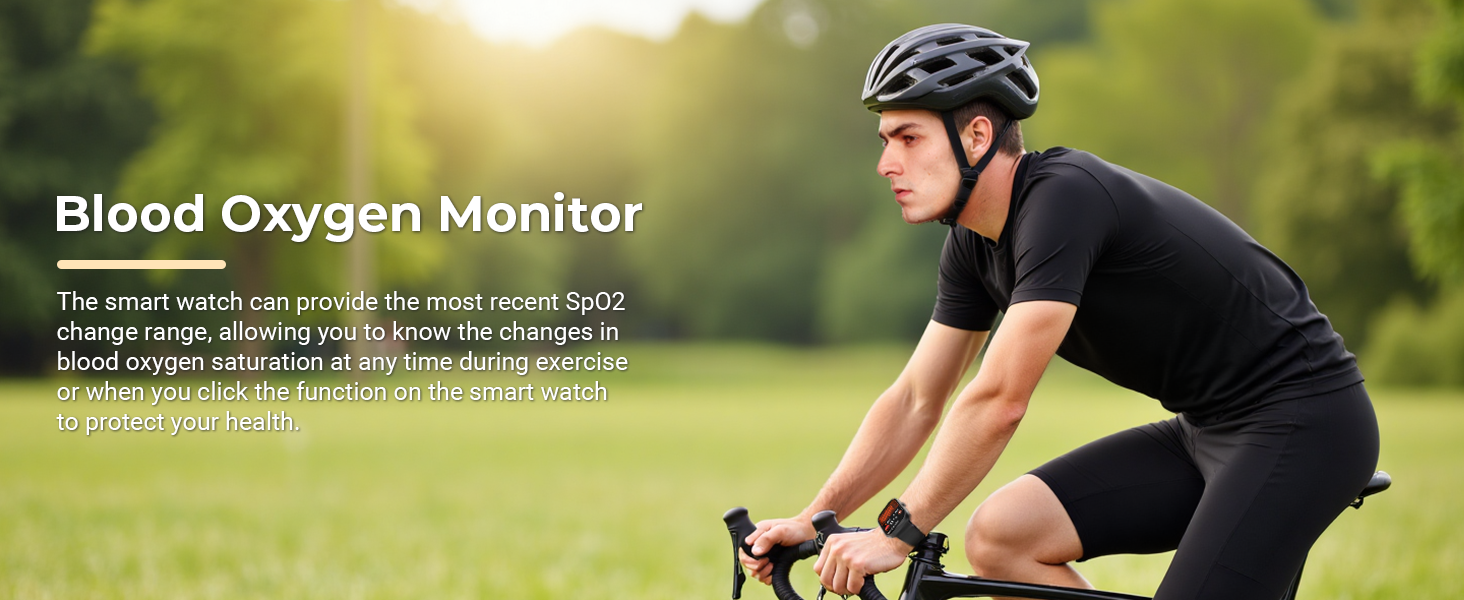
Image: A man cycling outdoors, wearing the MFVLP D16 Smart Watch, with text highlighting the Blood Oxygen Monitor feature. This demonstrates the watch's ability to track SpO2 during exercise.
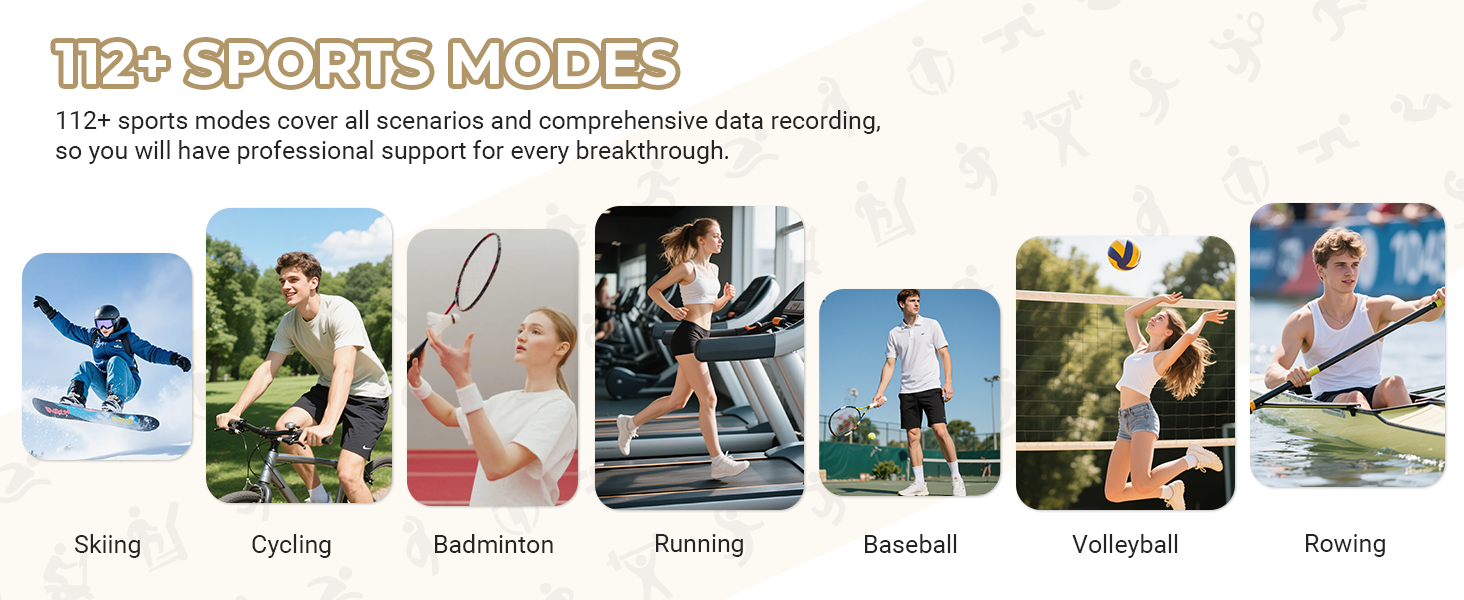
Image: A woman sleeping peacefully, with text indicating the Sleep Monitor feature and its ability to analyze sleep stages and provide suggestions for improving sleep quality.
Seguimiento de actividad
- All-Day Activity Monitor: Records steps, distance, and calories burned in real-time.
- Más de 110 modos deportivos: Supports a wide range of activities including cycling, rock climbing, tennis, skiing, running, and more. The watch records specific data for each sport to help you achieve training goals.
- Recordatorio de sedentarismo: Te avisa cuando has estado inactivo durante demasiado tiempo.

Image: A woman skiing down a slope, with an overlay showing the MFVLP D16 Smart Watch tracking daily activity data such as steps, calories, and distance.
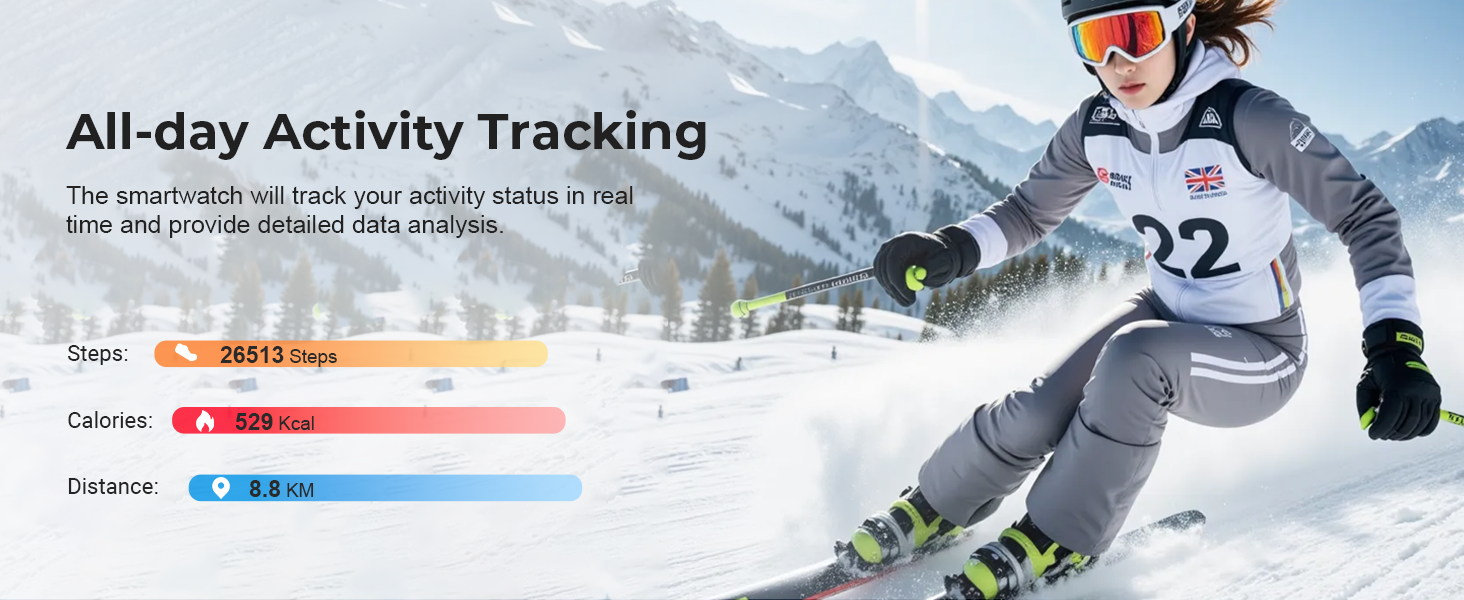
Imagen: Un collage muestraasing individuals engaged in various sports activities including skiing, cycling, badminton, running, baseball, volleyball, and rowing, illustrating the watch's support for over 112 sports modes.
Female Menstrual Cycle Tracking
The watch includes a function to track menstrual cycles, providing timely reminders for sensitive periods.
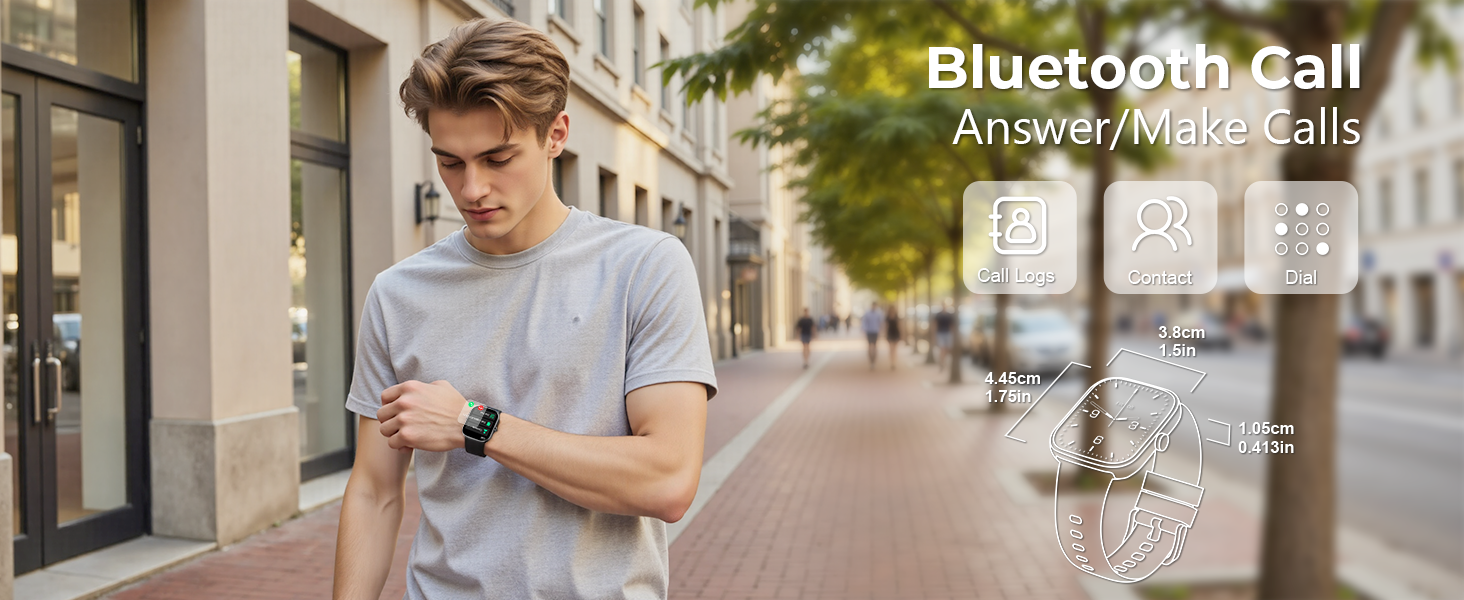
Image: A woman in athletic attire, with text highlighting the Female Menstrual Cycle Reminder feature of the smart watch.
Mantenimiento
Resistencia al agua (IP68)
The MFVLP D16 Smart Watch has an IP68 waterproof rating, meaning it is resistant to dust and can withstand immersion in water up to 1.5 meters for 30 minutes. It is suitable for daily activities like washing hands, rain, and sweating during exercise.
- Nota importante: Not recommended for use in hot water, saunas, or sea water, as steam and salt water can damage the device.
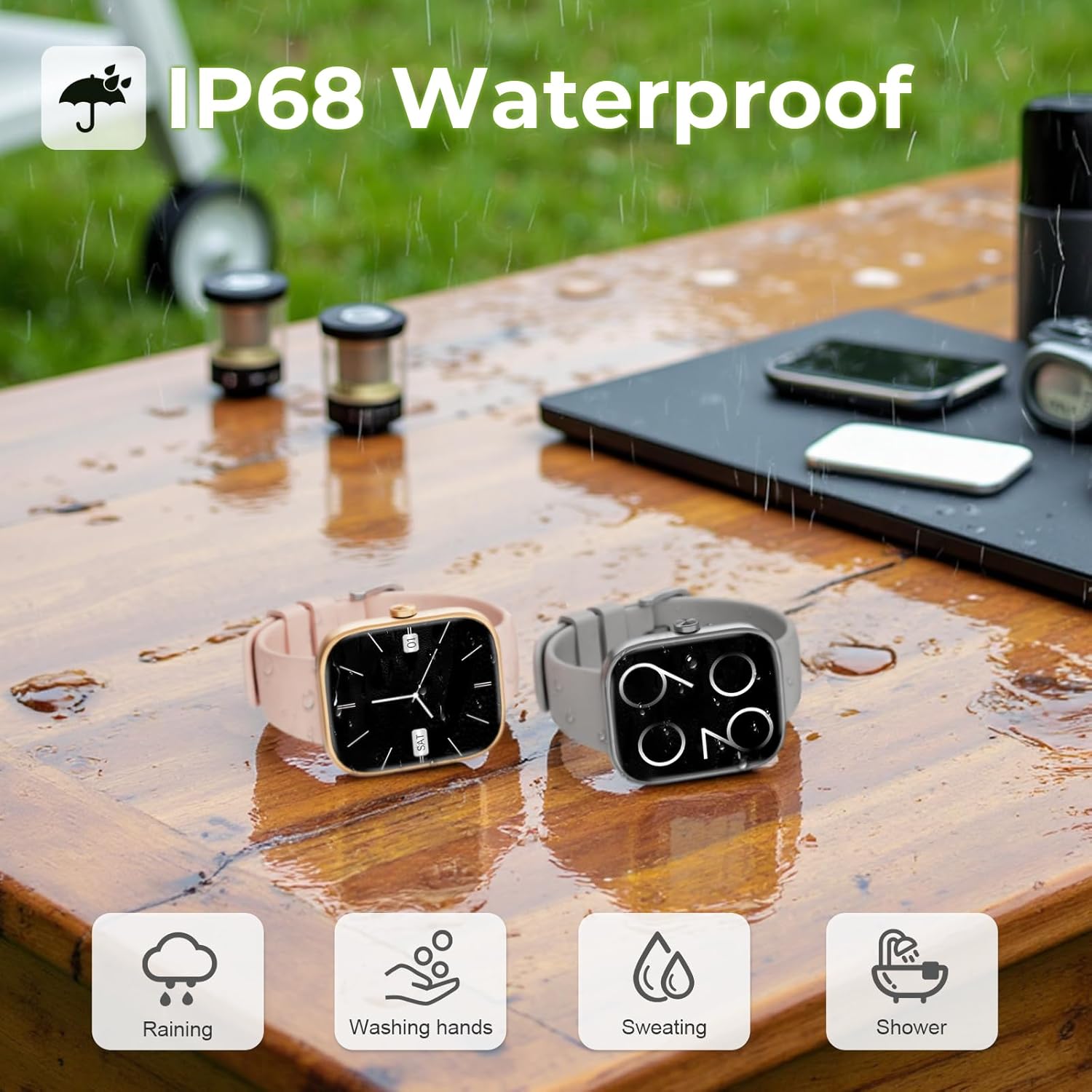
Image: Two MFVLP D16 Smart Watches, one pink and one grey, placed on a wet wooden surface, demonstrating their IP68 waterproof rating suitable for rain, hand washing, sweating, and showering.
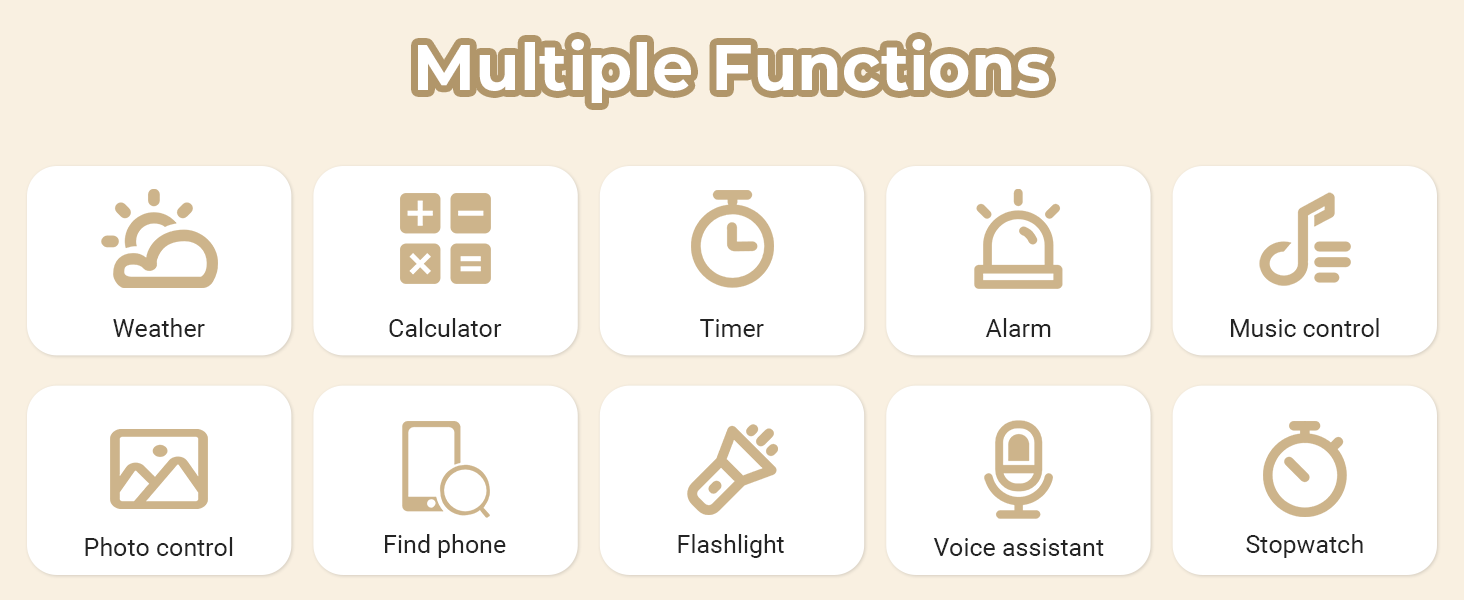
Image: The MFVLP D16 Smart Watch partially submerged in clear water, with bubbles around it, emphasizing its IP68 waterproof capability.
Limpieza y cuidado
- Limpie el reloj y la correa periódicamente con un paño suave y seco.
- Si es necesario, utilice un ligeramente damp paño con jabón suave, luego enjuague y seque completamente.
- Evite utilizar productos químicos agresivos o materiales abrasivos.
Solución de problemas
If you encounter issues with your MFVLP D16 Smart Watch, refer to the following common solutions:
| Problema | Posible solución |
|---|---|
| El reloj no se enciende ni responde. | Asegúrese de que el reloj esté completamente cargado. Conéctelo al cargador durante al menos 10 minutos. |
| No se puede emparejar con el teléfono inteligente. |
|
| No se reciben notificaciones. |
|
| Inaccurate health data (heart rate, sleep). |
|
| La información meteorológica no se actualiza. |
|
| Corta duración de la batería. |
|
Si el problema persiste, póngase en contacto con el servicio de atención al cliente.
Presupuesto
| Característica | Detalle |
|---|---|
| Número de modelo | D16 |
| Mostrar | 1.83-inch TFT-LCD HD Touch Screen |
| Conectividad | Bluetooth 5.3 |
| Capacidad de la batería | Polímero de litio de 300 mAh |
| Tiempo de carga | Aproximadamente 2 horas |
| Duración de la batería (uso típico) | 5-7 días |
| Tiempo de espera | Hasta 30 días |
| Clasificación de impermeabilidad | IP68 |
| Vigilancia de la salud | Heart Rate, Blood Oxygen, Sleep Tracking, Menstrual Cycle Tracking |
| Modos deportivos | Más de 110 modos |
| Compatibilidad | Android / iOS |
| Peso del artículo | 40 gramos (1.41 onzas) |
| Capacidad de almacenamiento de memoria | 128 MB |
| Tamaño de la memoria RAM instalada | 640 KB |
Garantía y soporte
Your MFVLP D16 Smart Watch comes with a standard manufacturer's warranty. For specific warranty terms and conditions, please refer to the documentation included with your purchase or contact the seller directly.
For technical support, troubleshooting assistance, or any questions regarding your device, please contact MFVLP customer service through the contact information provided on the product packaging or the official MFVLP websitio.
Tenga a mano el número de modelo (D16) y los detalles de la compra cuando se comunique con el soporte.