
1. Introducción
This manual provides essential information for the NIMO 17.3-inch FHD Gaming Laptop, Model N177. It covers the initial setup, operational guidelines, maintenance procedures, troubleshooting tips, and detailed product specifications. Please read this manual thoroughly to ensure proper use and to maximize the lifespan of your laptop.
Contenido del paquete
Upon unpacking your NIMO N177 Laptop, please verify that all items listed below are present:
- 1 x NIMO N177 Laptop
- 1 x Type-C 100W PD Fast Charger
- 1 x Manual de usuario (este documento)
- Windows 11 Home (pre-installed)
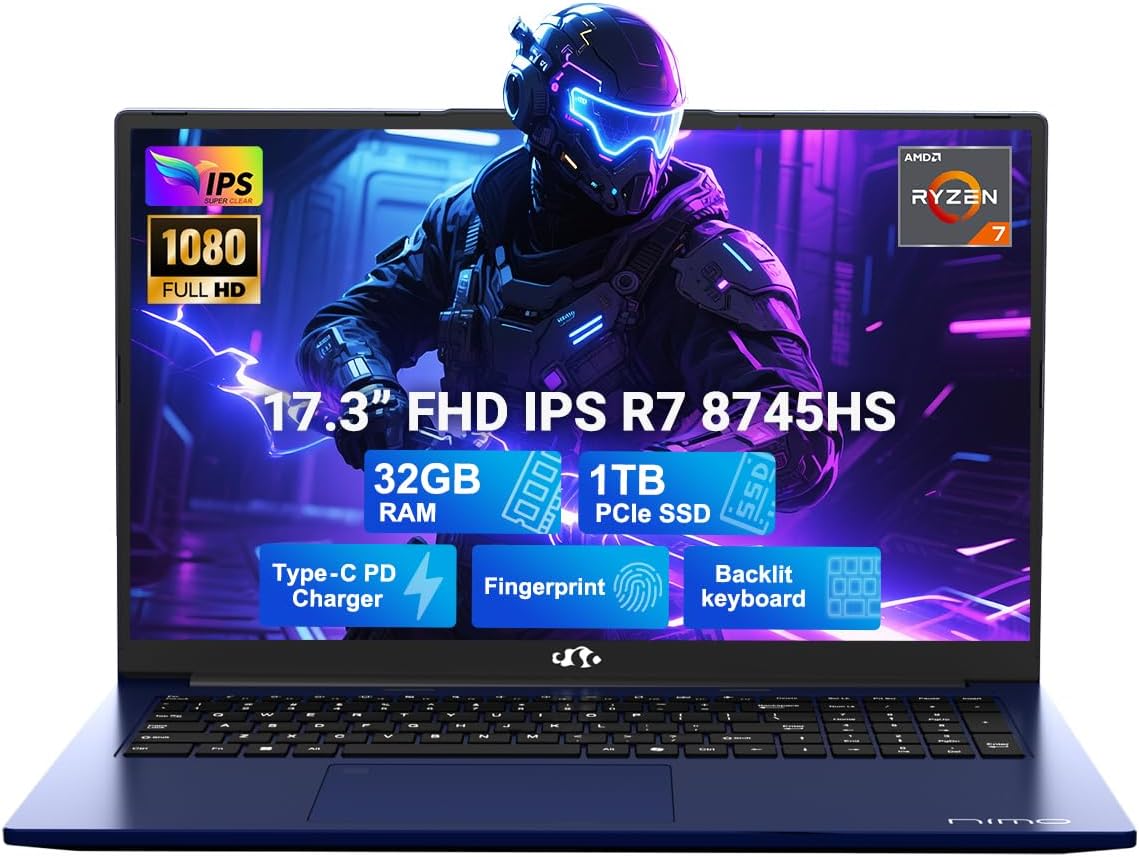
Image 1.1: The NIMO 17.3-inch FHD Gaming Laptop N177, showcasing its 17.3-inch display, 32GB RAM, 1TB SSD, Type-C PD Charger, Fingerprint sensor, and Backlit Keyboard features.
2. Características del producto
The NIMO N177 Laptop is designed for performance and user convenience, incorporating several key features:
- Procesador: Equipped with an AMD Ryzen 7 8745HS processor, featuring 8 cores and 16 threads, capable of turbo speeds up to 4.9GHz for efficient handling of demanding tasks.
- Gráficos: Integrated AMD Radeon 780M Graphics provide capable visual performance for gaming and content creation.
- Memoria y almacenamiento: Features 32GB DDR5 RAM and a 1TB PCIe 4.0 SSD for fast data access and multitasking. The design allows for memory and storage upgrades.
- Mostrar: A 17.3-inch Full HD (1920x1080) IPS anti-glare display offers clear visuals with an 85% screen-to-body ratio.
- Cargando: Includes a 100W USB-C Power Delivery (PD) fast charger, providing rapid charging capabilities.
- Seguridad y conveniencia: Integrated fingerprint sensor for secure login and a backlit keyboard for comfortable typing in various lighting conditions.
- Conectividad: Multiple ports including USB 2.0, USB 3.0, USB 4.0 Type-C, HDMI, headphone jack, SD card reader, and Kensington Lock slot.
Característica detallada sobreview

Image 2.1: Close-up of the AMD Ryzen 7 8745HS processor, highlighting its 8 cores, 16 threads, 780M iGPU Radeon, and 4.9GHz Precision Boost capabilities.
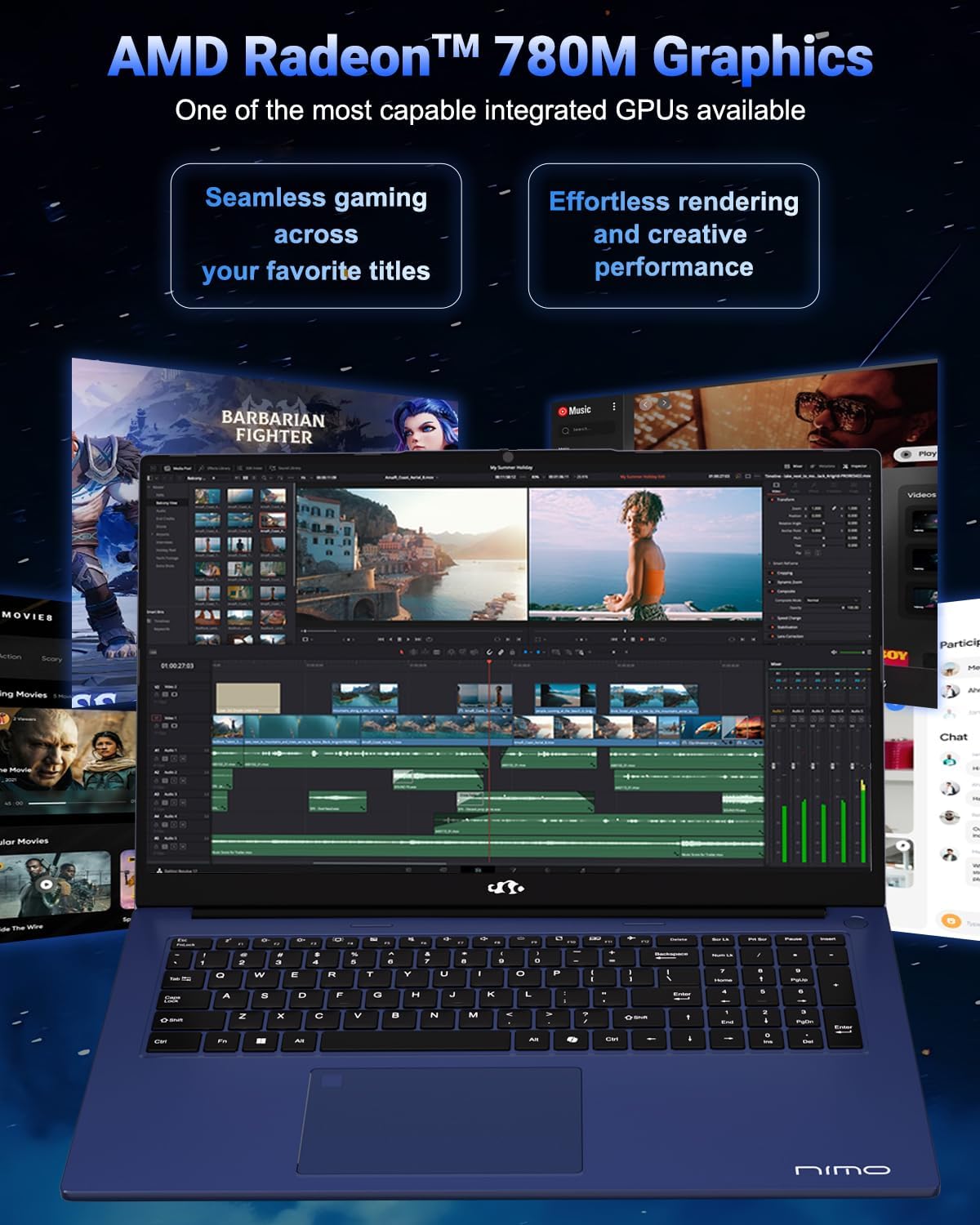
Image 2.2: Visual representation of the AMD Radeon 780M Graphics, illustrating its capacity for seamless gaming and efficient rendering for creative tasks.
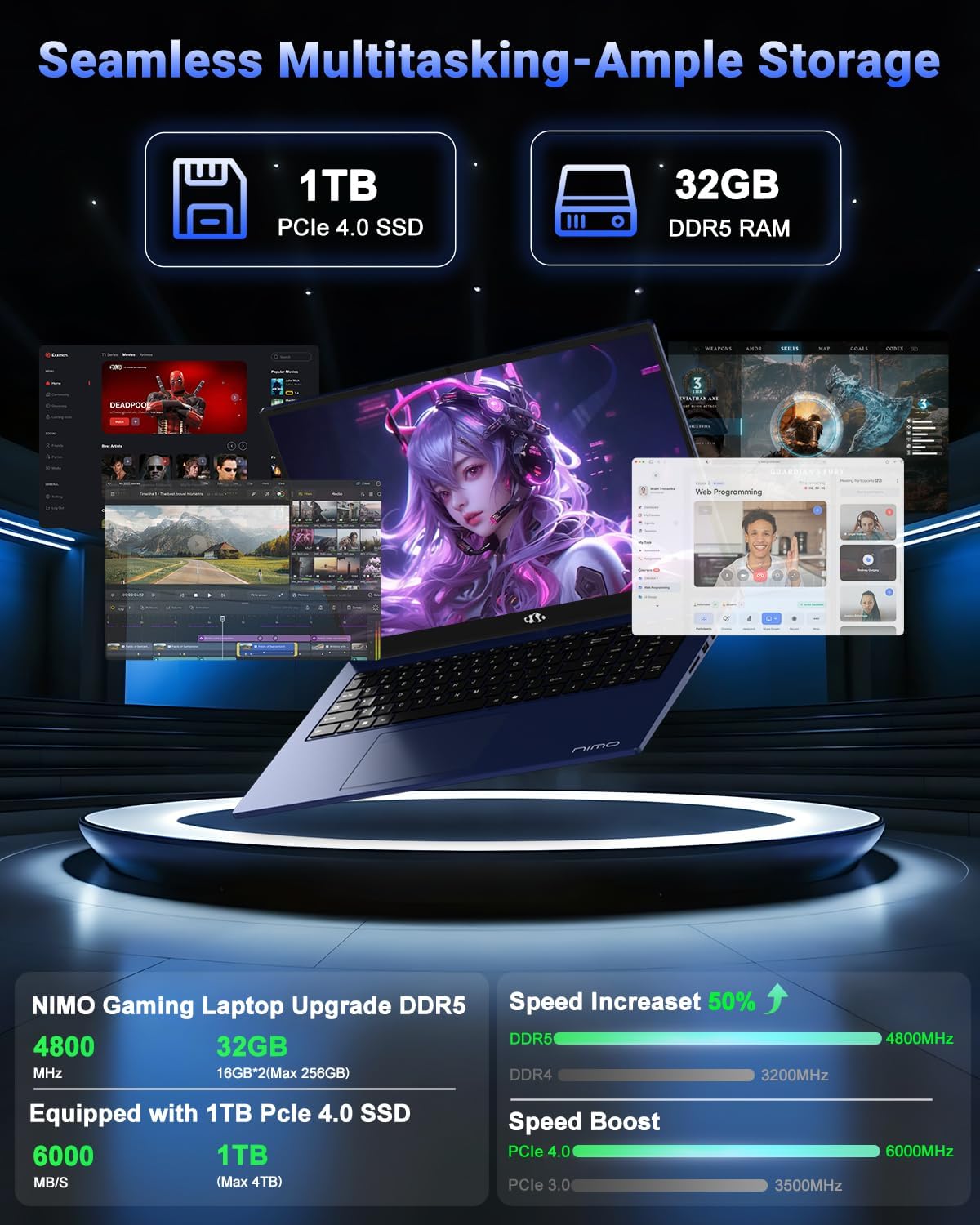
Image 2.3: Depiction of the laptop's 32GB DDR5 RAM and 1TB PCIe 4.0 SSD, emphasizing seamless multitasking and ample storage for various applications and files.

Image 2.4: Illustration of the 100W USB-C fast charger connected to the laptop, highlighting the 75Wh smart battery and its charging efficiency.
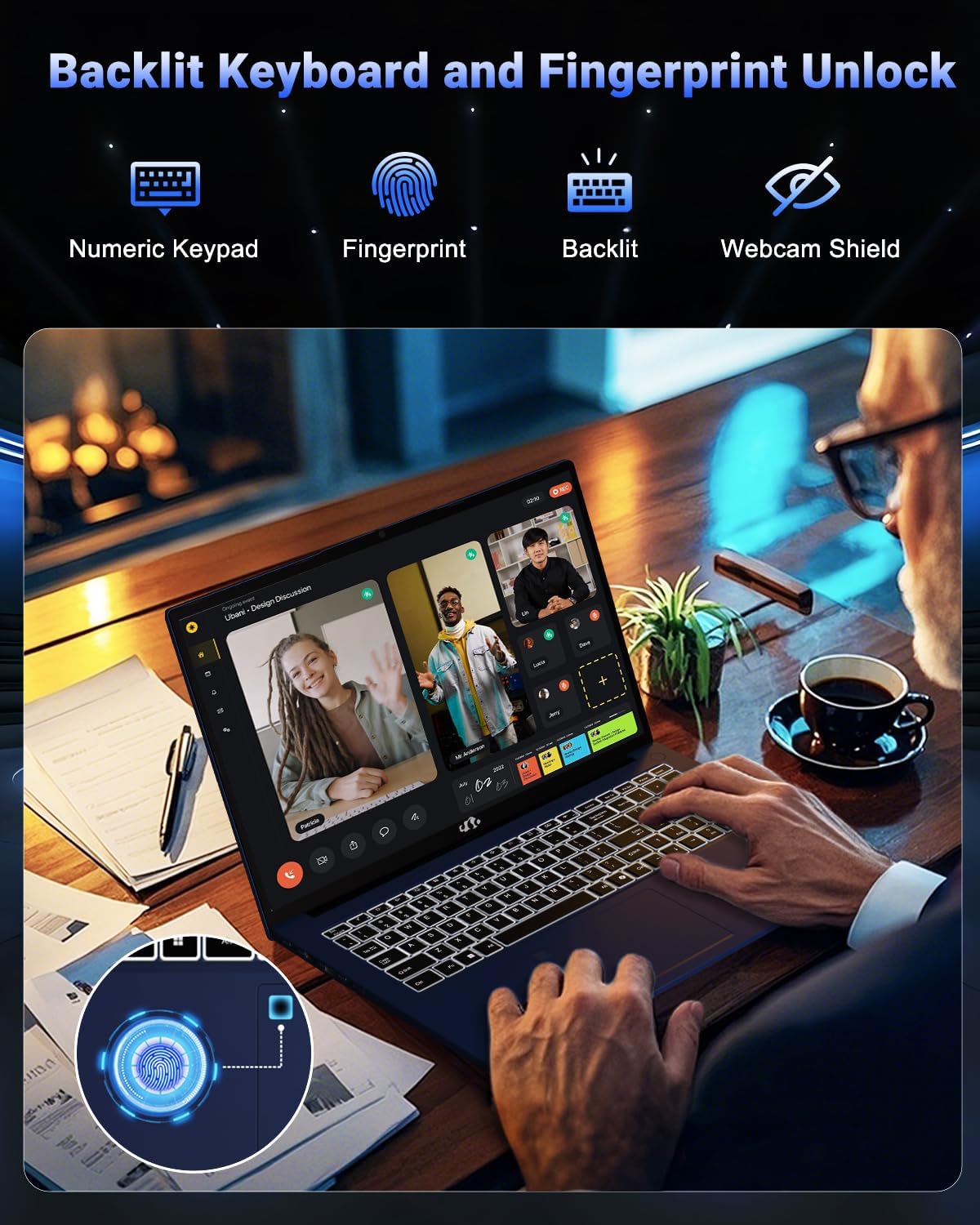
Image 2.5: The backlit keyboard and fingerprint unlock feature, showing the numeric keypad, fingerprint sensor, and webcam shield for enhanced usability and security.
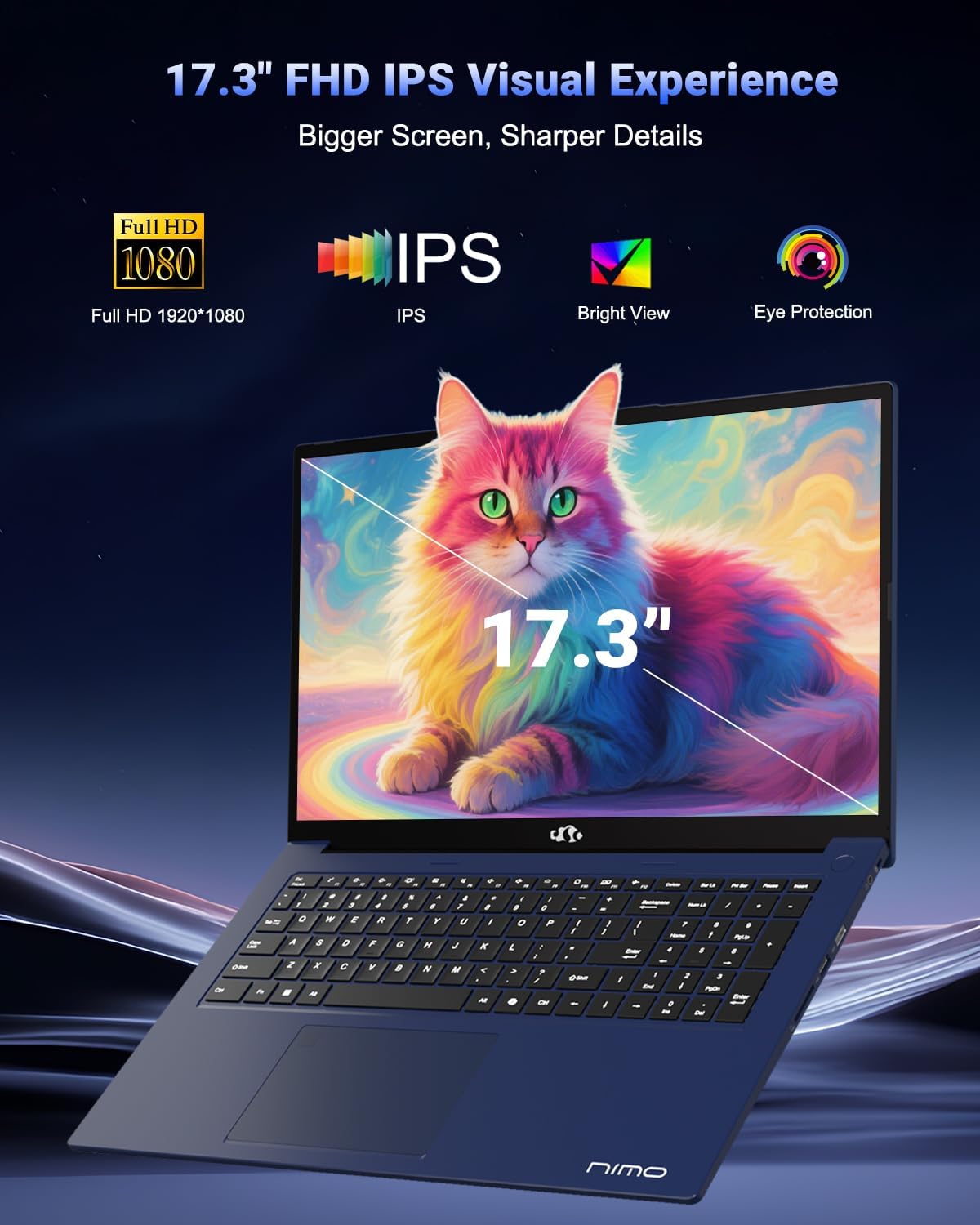
Image 2.6: The 17.3-inch FHD IPS display, emphasizing its larger screen size, sharper details, and eye protection features for an immersive visual experience.
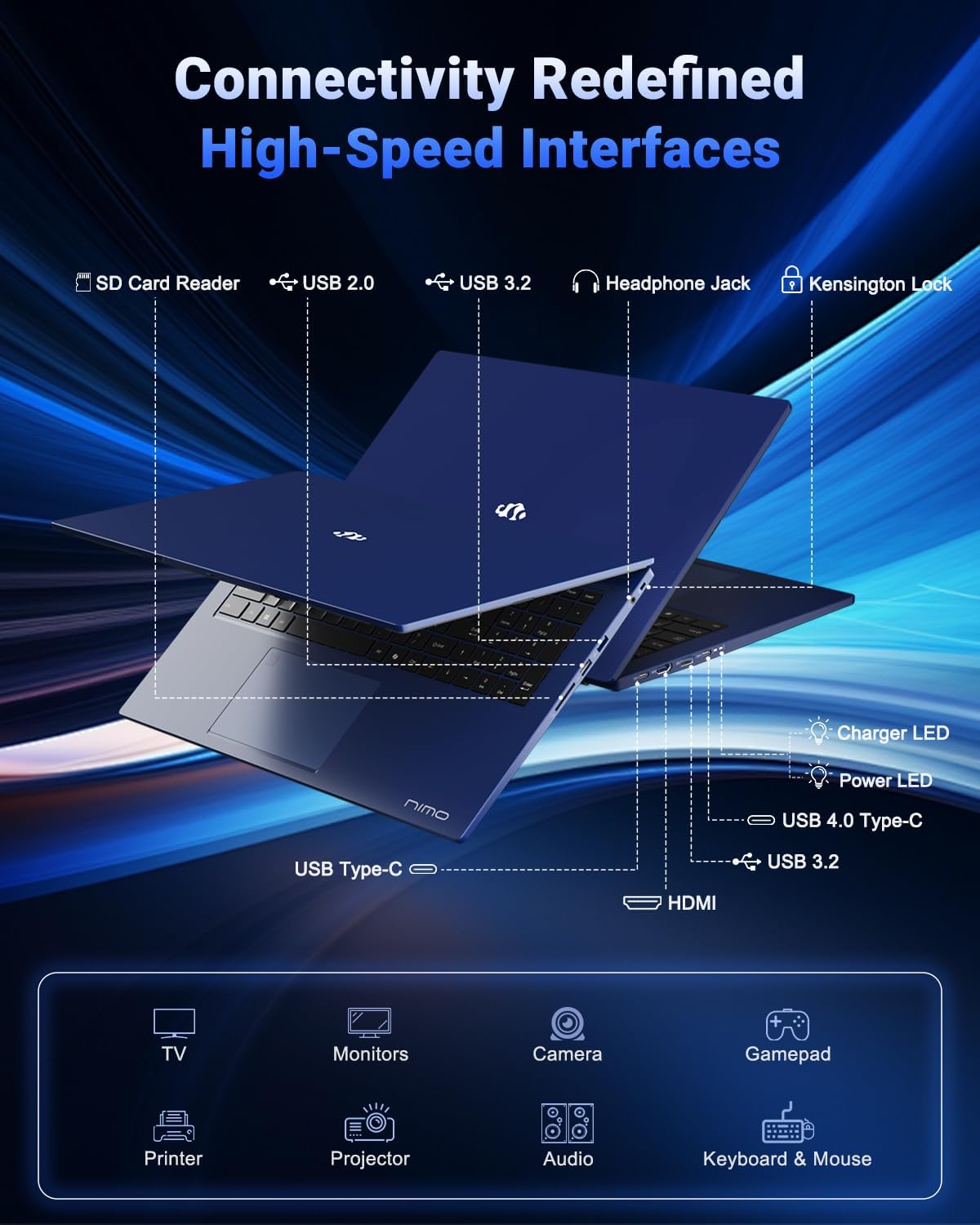
Image 2.7: Diagram illustrating the various high-speed interfaces and connectivity ports available on the NIMO N177 Laptop, including USB, HDMI, and Type-C ports.
3. Configuración
3.1 Carga inicial
Before first use, it is recommended to fully charge your NIMO N177 Laptop. Connect the provided 100W Type-C PD Fast Charger to the laptop's USB-C port and then to a power outlet. The charging indicator light will illuminate. A full charge typically takes approximately 45 minutes, providing several hours of usage.
3.2 Primer encendido
Open the laptop lid. Press the power button, usually located on the top right of the keyboard or side. The laptop will boot up, and you will be guided through the initial Windows 11 setup process. Follow the on-screen instructions to configure your language, region, network, and user account.
3.3 Conexión de red
During the Windows 11 setup, you will be prompted to connect to a Wi-Fi network. Select your preferred network and enter the password. For a wired connection, connect an Ethernet cable (if an adapter is used, as the laptop does not have a built-in Ethernet port) to a USB port.
4. Operación de su computadora portátil
4.1 Teclado y panel táctil
The laptop features a full-size keyboard with a numeric keypad and backlighting. To adjust the keyboard backlight, use the dedicated function keys (refer to the keyboard layout for specific key combinations, often Fn + Fx). The precision gesture touchpad supports multi-touch gestures for navigation.
4.2 Sensor de huellas dactilares
The integrated fingerprint sensor allows for quick and secure login. During Windows 11 setup or via Windows Settings > Accounts > Sign-in options, you can set up Windows Hello Fingerprint recognition. Follow the prompts to register your fingerprints.
4.3 Conexión de dispositivos externos
Utilize the available ports to connect peripherals:
- Puertos USB: Conecte unidades USB, teclados externos, ratones u otros dispositivos USB.
- Puerto USB-C 4.0: Supports data transfer, power delivery, and display output. This port can be used with compatible docking stations or external GPUs (eGPU dock not included).
- Puerto HDMI: Conéctese a monitores externos o televisores para una visualización extendida.
- Toma de auriculares: Conecte auriculares o altavoces externos.
- Lector de tarjetas SD: Inserte tarjetas SD para la transferencia de datos.
4.4 Configuración de pantalla
To adjust display settings such as resolution, brightness, or to configure multiple monitors, right-click on the desktop and select 'Display settings' or navigate through Windows Settings > System > Display.
5. Mantenimiento
5.1 Limpieza de la computadora portátil
To clean the laptop, power it off and disconnect the charger. Use a soft, lint-free cloth slightly dampLimpie la pantalla con agua o un limpiador de pantalla. Para el teclado y el chasis, utilice un paño seco o ligeramente húmedo.amp Paño. Evite productos químicos agresivos o materiales abrasivos.
5.2 Cuidado de la batería
Para prolongar la vida útil de la batería:
- Evite temperaturas extremas.
- No descargue completamente la batería con frecuencia.
- Si va a guardar la computadora portátil durante un período prolongado, asegúrese de que la batería esté cargada aproximadamente entre el 50 y el 70 %.
5.3 Actualizaciones de almacenamiento y memoria
The NIMO N177 Laptop features an upgradeable design for both RAM and SSD. If you intend to upgrade, it is recommended to consult a professional or refer to specific upgrade guides to avoid damaging components and potentially voiding your warranty.
6. Solución de problemas
This section addresses common issues you might encounter with your NIMO N177 Laptop.
| Asunto | Posible solución |
|---|---|
| La computadora portátil no se enciende. | Ensure the charger is securely connected and the power outlet is functional. Allow the laptop to charge for at least 30 minutes before attempting to power on again. |
| La pantalla está en blanco o parpadea. | Si usa un monitor externo, revise las conexiones del cable de la pantalla. Intente ajustar el brillo de la pantalla. Reinicie la laptop. Actualice los controladores de gráficos. |
| La duración de la batería es más corta de lo esperado. | Adjust power settings in Windows to a more power-efficient mode. Close unnecessary applications running in the background. Reduce screen brightness. |
| Problemas de conexión Wi-Fi. | Restart your router and the laptop. Ensure Wi-Fi is enabled in Windows settings. Update network drivers. |
| El sensor de huellas dactilares no funciona. | Asegúrate de que tu dedo esté limpio y seco. Vuelve a registrar tu huella digital en la configuración de Windows Hello. |
If you encounter issues not listed here or if the suggested solutions do not resolve the problem, please contact NIMO customer support for further assistance.
7. Especificaciones
The following table outlines the technical specifications for the NIMO 17.3-inch FHD Gaming Laptop N177:
| Característica | Especificación |
|---|---|
| Marca | NIMO |
| Nombre del modelo | NIMO N177B |
| Tamaño de pantalla de pie | 17.3 pulgadas |
| Resolución máxima de pantalla | 1920 x 1080 píxeles (FHD) |
| Procesador | AMD Ryzen 7 8745HS (hasta 4.9 GHz) |
| RAM | 32 GB DDR5 (4800 MHz) |
| Disco duro | 1024 GB SSD (PCIe 4.0) |
| Coprocesador gráfico | AMD Radeon 780M (integrada) |
| Sistema operativo | Inicio de Windows 11 |
| Tipo inalámbrico | 802.11a/b/g/n/ac |
| Puertos USB 2.0 | 1 |
| Puertos USB 3.0 | 3 |
| Puertos USB 4.0 tipo C | 1 (with PD and DisplayPort support) |
| Puerto HDMI | 1 |
| Duración media de la batería | 6 horas (batería de 75 Wh) |
| Peso del artículo | 3.84 libras |
| Dimensiones del producto (LxAnxAl) | 15.66 x 9.99 x 0.74 pulgadas |
| Características especiales | Backlit Keyboard, Fingerprint Reader, HD Audio, Numeric Keypad |
8. Garantía y soporte
8.1 Información de garantía
Your NIMO N177 Laptop is covered by a 2 año de garantía provided by NIMO Direct Inc. This warranty covers manufacturing defects and ensures support for your product.
Política de devolución de 8.2
NIMO offers a Política de devolución de 90 días from the date of purchase. Please refer to the terms and conditions of your purchase for detailed return instructions.
8.3 Atención al cliente
For any technical assistance, warranty claims, or product-related inquiries, please contact NIMO's dedicated support team. Contact information can typically be found on the official NIMO website or through your purchase platform. Our support team is available to provide solutions and ensure a satisfactory experience.


