
1. Introducción
Thank you for choosing the DUCO AG01 AI Smart Sunglasses. These innovative glasses integrate advanced technology to enhance your daily experiences, offering features such as a 4K HD camera, AI assistant, real-time translation, and Bluetooth connectivity. This manual provides essential information for the proper setup, operation, and maintenance of your new smart sunglasses.
2. Contenido del paquete
Asegúrese de que todos los artículos estén presentes en su paquete:
- DUCO AG01 AI Smart Sunglasses
- Estuche para gafas
- Paño de limpieza de microfibra
- Cable de carga magnética
- Manual de usuario

Figure 2.1: DUCO AG01 Package Contents
3. Características del producto
- 8MP 4K HD Camera: Capture high-resolution photos and videos with AI-powered stabilization and an ultra-wide perspective.
- AI Assistant & Translation: Access an AI assistant and real-time translation for 163 languages, breaking language barriers.
- Open-Ear Audio & Stereo Sound: Enjoy immersive audio without blocking ambient sounds, featuring dual microphones with noise reduction for clear calls.
- Conectividad Bluetooth 5.3: Seamlessly connect to your smartphone for calls, music, and data transfer.
- Control táctil inteligente: Manage calls, music playback, and camera functions with intuitive touch and button controls.
- Batería de larga duración: Powered by a 410mAh high-capacity battery, offering up to 8 hours of active use (translation/calls/music) and 15 days of standby time.
- Protección UV400: Lenses provide essential UV protection for your eyes.
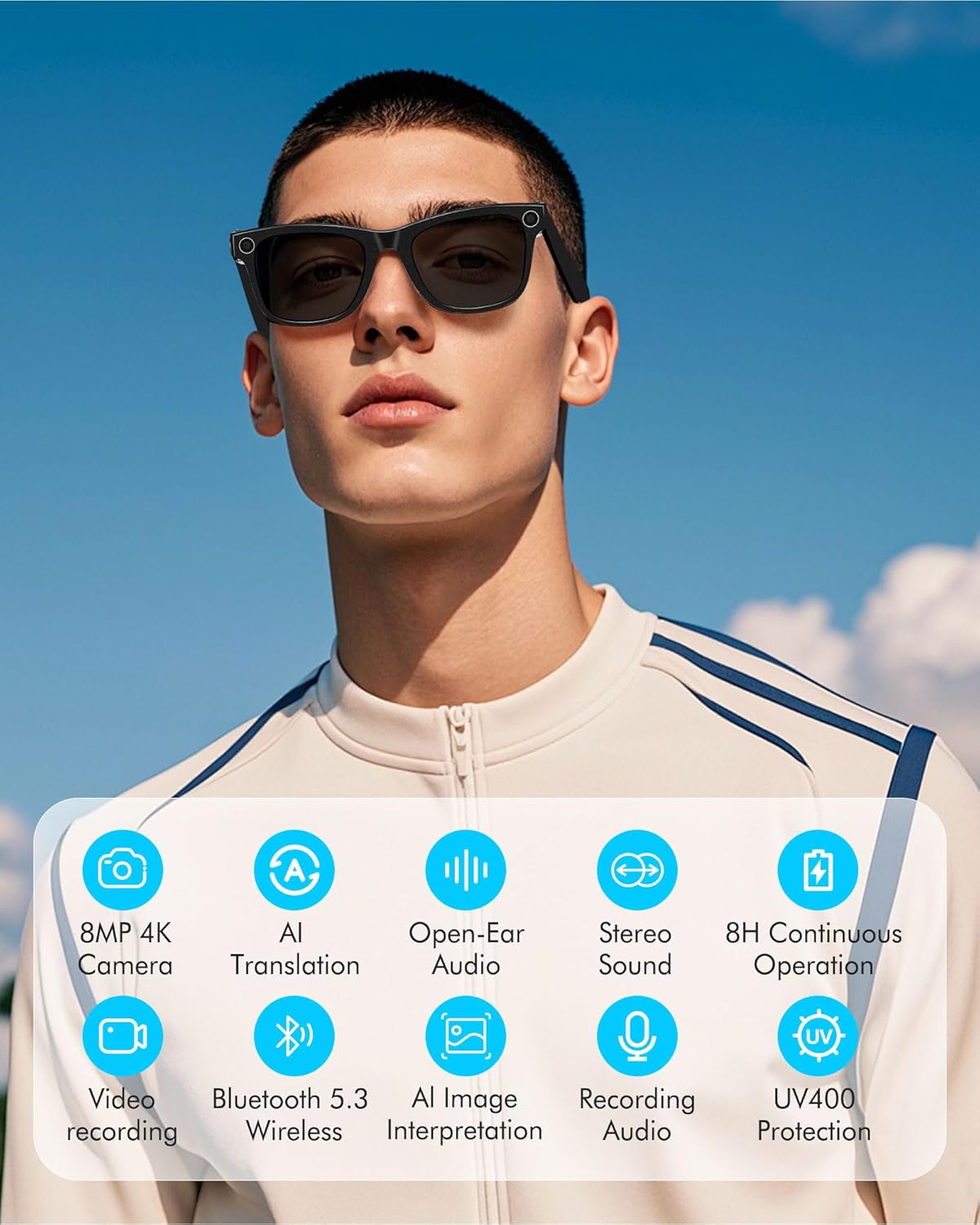
Figure 3.1: Key Features of DUCO AG01 Smart Sunglasses

Figure 3.2: 4K HD 8MP Camera System

Figure 3.3: Open Hi-Fi Sound & ENC Clear Calls

Figure 3.4: 8-Hour Continuous Use Battery
4. Configuración
4.1 Encendido / Apagado
To power on the DUCO AG01 Smart Sunglasses, locate the power switch on the right temple and slide it forward. To power off, slide the switch backward.
4.2 Descarga e instalación de aplicaciones
Download the companion app by scanning the QR code provided in the included user manual or searching for "HeyCyan" in your device's app store. Install the app on your smartphone.

Figure 4.1: App Download and Interface
4.3 Emparejamiento Bluetooth
- Ensure your DUCO AG01 Smart Sunglasses are powered on.
- Open the "HeyCyan" app on your smartphone.
- Habilite Bluetooth en su teléfono inteligente.
- In the app, search for available devices. The glasses should appear as "AG01_A16E".
- Select the device to pair. A successful connection will be indicated in the app.
Video 4.1: Demonstrates powering on the glasses, connecting to the HeyCyan app, and Bluetooth pairing. It also shows how to take photos, start/end video recording, answer/reject calls, control music volume, switch songs, and charge the device.
5. Instrucciones de funcionamiento
5.1 Camera and Video Functions
The DUCO AG01 Smart Sunglasses feature a camera on the right temple for hands-free capture.
- Toma una foto: Single-click the top-right button on the temple.
- Iniciar grabación de vídeo: Long-press the top-right button on the temple.
- End Video Recording: Press the top-right button once while recording.

Figure 5.1: Real-Time Translation Feature
5.2 Grabación de audio
To start audio recording, double-click the top-right button on the temple. To end recording, click the button once.
5.3 Gestión de llamadas
Manage your calls directly from your smart sunglasses:
- Responder/Finalizar llamada: Click the top-right button once.
- Rechazar llamada: Long-press the top-right button for 2 seconds.
5.4 Control de reproducción de música
Control your music using the touch panel on the right temple:
- Reproducir/Pausar música: Double-tap the right touch panel.
- Siguiente canción: Triple-tap the right touch panel.
- Aumenta el volumen: Swipe forward on the right touch panel.
- Disminuir volumen: Swipe backward on the right touch panel.

Figure 5.2: Intelligent Touch Control Overview
5.5 Asistente de voz con IA
Activate your AI voice assistant by saying "HeyCyan" or by long-pressing the designated button (refer to Figure 5.2 for button location). This allows for hands-free commands and information retrieval.
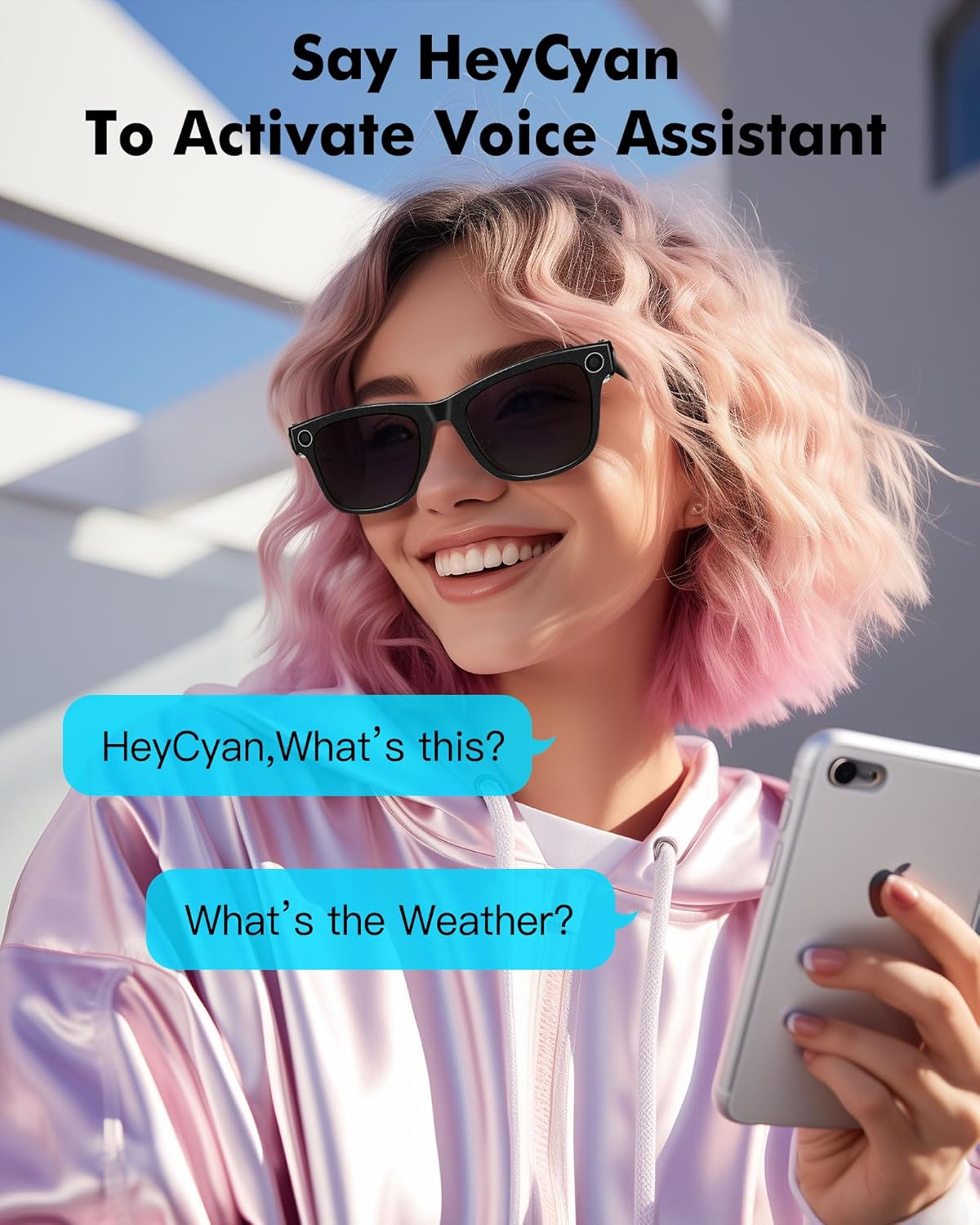
Figura 5.3: Activación del Asistente de voz
6. Carga
To charge your DUCO AG01 Smart Sunglasses, connect the magnetic charging cable to the charging port located on the left temple. Connect the other end of the USB cable to a compatible power source (e.g., computer USB port, wall adapter).
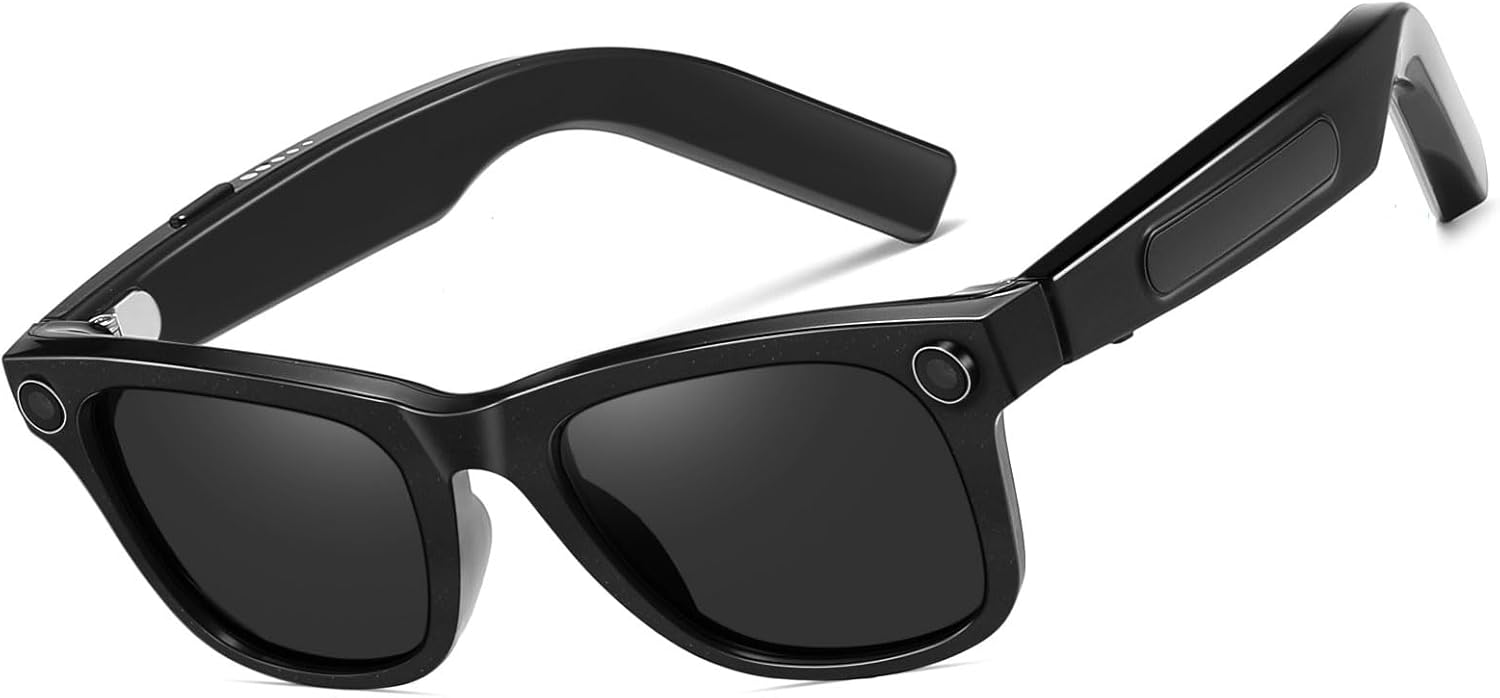
Figura 6.1: Ubicación del puerto de carga
7. Mantenimiento
- Limpieza: Utilice el paño de limpieza de microfibra incluido para limpiar suavemente las lentes y la montura. Evite el uso de productos químicos agresivos o materiales abrasivos.
- Almacenamiento: Cuando no las utilice, guarde las gafas de sol en su estuche protector para evitar rayones y daños.
- Resistencia al agua: The glasses are designed for everyday use but are not fully waterproof. Avoid prolonged exposure to water or submersion.
- Temperatura: Do not expose the sunglasses to extreme temperatures, as this may affect battery life and electronic components.
8. Solución de problemas
If you encounter issues with your DUCO AG01 Smart Sunglasses, please refer to the following common solutions:
- No se puede encender: Ensure the glasses are fully charged. Connect them to the charging cable and allow sufficient time to charge.
- Problemas de conexión Bluetooth: Make sure Bluetooth is enabled on your smartphone and the glasses are within range. Try restarting both the glasses and your phone. If issues persist, unpair and re-pair the device.
- La aplicación no responde: Close and restart the "HeyCyan" app. Ensure the app is updated to the latest version.
- Mala calidad de audio: Check the volume settings on both the glasses and your connected device. Ensure the speakers are not obstructed.
- Camera/Video Not Working: Verify that the glasses are powered on and connected to the app. Check if there is sufficient storage space for new recordings.
For further assistance, please contact DUCO customer support.
9. Especificaciones
| Característica | Especificación |
|---|---|
| Número de modelo | AG01 |
| Cámara | 8MP 4K HD |
| Funciones de IA | AI Assistant, Real-time Translation (163 languages), AI Image Interpretation |
| Conectividad | Bluetooth 5.3 |
| Audio | Open-Ear Audio, Stereo Sound, Dual Microphones with ENC Noise Reduction |
| Capacidad de la batería | 410 mAh |
| Active Runtime | Up to 8 hours (translation/calls/music) |
| Tiempo de espera | Hasta 15 días |
| Tipo de lente | UV Protected, UV400 Protection |
| Tipo de polarización | No polarizado |
| Material del marco | Policarbonato |
| Material de la lente | Policarbonato |
| Longitud del brazo | 150.5 milímetros |
| Ancho del puente | 12.5 milímetros |

Figura 9.1: Dimensiones del producto
10. Garantía y soporte
The DUCO AG01 AI Smart Sunglasses come with a Garantía del fabricante de 3 años. For warranty claims, technical support, or any product-related inquiries, please contact DUCO customer service through the official websitio o su plataforma de compra.