
1. Introducción
This manual provides detailed instructions for the setup, operation, and maintenance of your THINKYA Mini DVD Player, Model B0FMRRN8M4. Please read this manual thoroughly before using the device to ensure proper functionality and to prevent damage.
The THINKYA Mini DVD Player is a compact, all-region free device designed for versatile media playback. It supports various disc formats and offers both HDMI and AV outputs for broad compatibility with televisions and projectors. Key features include 1080P HD output, a last memory function, and USB playback capability.
2. Contenido del paquete
Verifique que todos los artículos enumerados a continuación estén incluidos en su paquete:
- 1 x THINKYA Mini DVD Player
- 1 x control remoto
- 1 cable HDMI
- 1 cable AV (RCA)
- Adaptador 1 x DC
- 1 x cable de carga (USB)
- 1 x Manual de usuario (este documento)

Image: The THINKYA Mini DVD Player shown with its remote control, HDMI cable, AV cable, USB charging cable, and power adapter.
3. Información de seguridad
- No exponga el dispositivo a la lluvia, la humedad o temperaturas extremas.
- Ensure proper ventilation around the player to prevent overheating.
- Utilice únicamente el adaptador de corriente y los cables proporcionados.
- No intente abrir ni reparar el dispositivo usted mismo. Encargue cualquier reparación a personal cualificado.
- Mantenga el dispositivo alejado de campos magnéticos fuertes.
4. Producto terminadoview
4.1 Disposición del dispositivo
The THINKYA Mini DVD Player features a compact design with essential controls and ports for ease of use.
Imagen: Un primer plano view of the DVD player, highlighting its compact size and top-loading disc mechanism.
4.2 Dimensiones
- Longitud: Aproximadamente 8.7 pulgadas
- Ancho: Aproximadamente 5.9 pulgadas
- Altura: Aproximadamente 1.2 pulgadas
- Peso: Aproximadamente 1.79 libras

Image: The compact DVD player positioned on a media console, demonstrating its small footprint next to a television.
5. Configuración
5.1 Conexión a un dispositivo de visualización
The DVD player offers two primary connection methods: HDMI and AV (RCA).
5.1.1 HDMI Connection (Recommended for Smart TVs, 4K TVs, Projectors)
- Conecte un extremo del cable HDMI provisto al puerto HDMI OUT del reproductor de DVD.
- Connect the other end of the HDMI cable to an available HDMI input port on your TV, projector, or monitor.
- Seleccione la entrada HDMI correspondiente en su dispositivo de visualización usando su control remoto.
5.1.2 AV (RCA) Connection (For older TVs or alternative connections)
- Connect the red, white, and yellow plugs of the provided AV cable to the corresponding color-coded AV OUT ports on the DVD player.
- Connect the other end of the AV cable to the matching color-coded AV IN ports on your TV.
- Select the AV input on your display device using its remote control.

Image: Visual guide demonstrating how to connect the DVD player to a display using either HDMI or AV cables.
5.2 Encendido del dispositivo
- Connect the USB charging cable to the DC IN port on the DVD player.
- Connect the other end of the USB charging cable to the provided DC adapter.
- Plug the DC adapter into a standard wall outlet.
The player can also be powered via a power bank or car charger using the USB charging cable (not included).

Image: The DVD player connected to various power sources, including a wall outlet, a power bank, and a car charger.
5.3 Configuración del control remoto
The remote control requires two AAA batteries (not included). Insert them according to the polarity markings inside the battery compartment.
6. Instrucciones de funcionamiento
6.1 Reproducción de discos
- Presione el FUERZA button on the player or remote to turn on the device.
- Gently lift the disc cover.
- Place a compatible disc (CD, DVD, DVD-R/+R, DVD-/+RW, CD-R/-RW, VCD, SVCD, Discs recorded by DVD Recorder) onto the spindle, ensuring it is seated correctly.
- Close the disc cover. The player will automatically begin reading the disc.
- Utilice el control remoto para funciones de reproducción como REPRODUCIR/PAUSA, DETENER, AVANCE / REBOBINADO RÁPIDO, y PISTA SIGUIENTE/ANTERIOR.
Important: Blu-ray discs are NOT supported by this player.
This player is All Region Free, allowing playback of DVDs from any region worldwide.

Image: The DVD player with a disc inserted, showing text indicating its 'All Region Free' capability and a list of supported formats including CD, DVD, VCD, SVCD, and MP3.
Reproducción USB 6.2
- Insert a USB flash drive (up to 32GB, formatted as FAT) into the USB port on the side of the DVD player.
- Presione el DVD / USB button on the player or remote to switch to USB input.
- Use the remote control's navigation buttons to browse and select media files (e.g., .MP3, .WAV, .AVI) from the USB drive.
- Prensa REPRODUCIR/PAUSA para iniciar la reproducción.
6.3 Función de última memoria
The player features a 'Last Memory' function. If the player is powered off or playback is stopped, it will resume from the exact point where it left off when powered on again. This applies to both disc and USB playback.

Image: A visual representation of the 'Last Memory Function', depicting a scene playing, then the device powering off, and finally resuming playback from the same point when powered back on.
6.4 Audio/Video Settings
The player outputs video in 1080P HD resolution via HDMI. It supports both PAL and NTSC video systems, automatically adjusting to the disc's format.
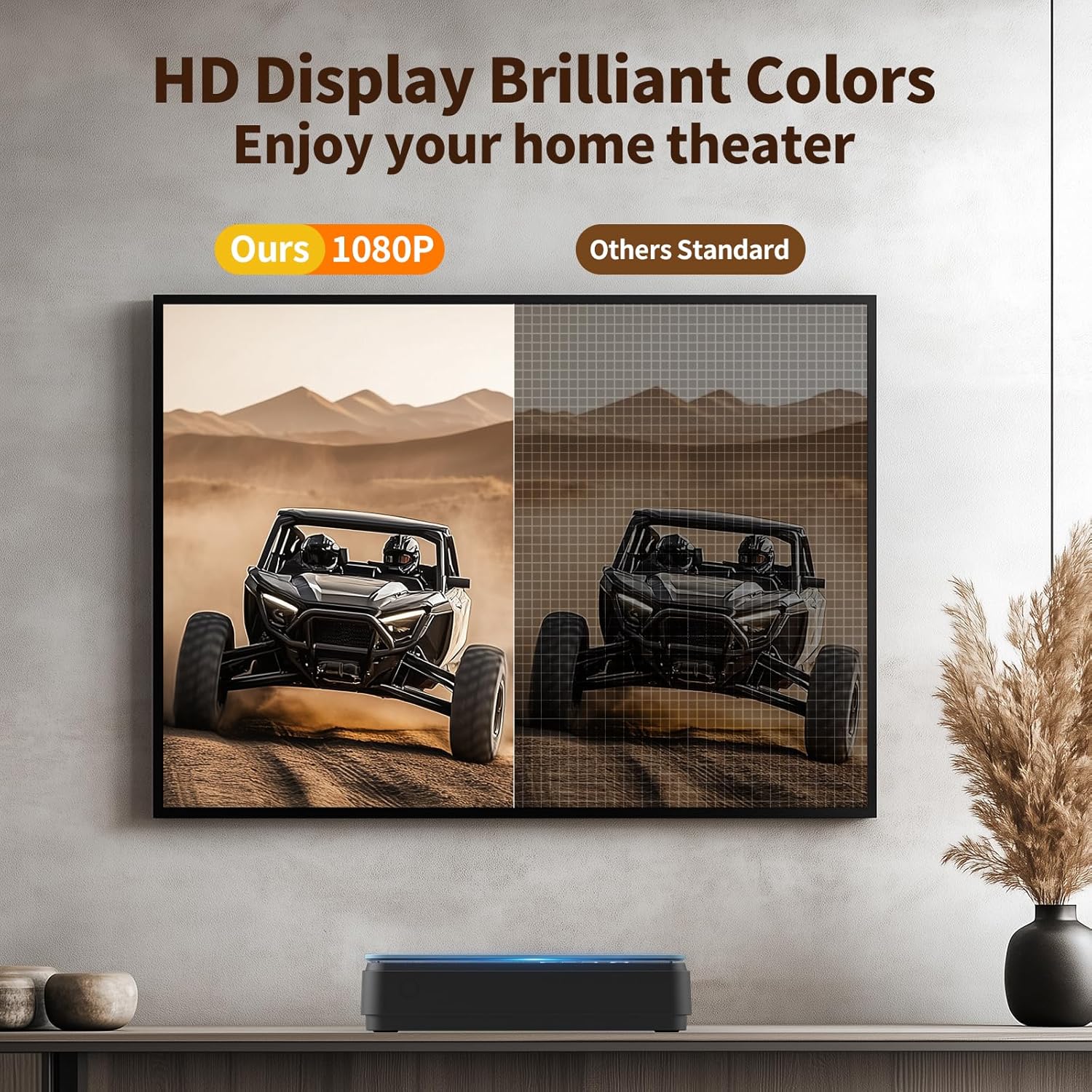
Image: A side-by-side comparison showing the enhanced clarity and vibrant colors of a 1080P HD display compared to a standard definition display.
7. Mantenimiento
7.1 Limpieza del reproductor
- Limpie el exterior del reproductor con un paño suave y seco.
- Do not use liquid cleaners or abrasive materials, as they may damage the surface.
- For the disc lens, use a specialized DVD/CD lens cleaning disc if necessary.
7.2 Cuidado del disco
- Manipule los discos por los bordes para evitar huellas dactilares y arañazos.
- Guarde los discos en sus estuches cuando no los use.
- Limpie los discos con un paño suave que no deje pelusa, frotando desde el centro hacia afuera.
8. Solución de problemas
Si tiene problemas con su reproductor de DVD, consulte los siguientes problemas y soluciones comunes:
| Problema | Posible causa | Solución |
|---|---|---|
| Sin poder | Cable de alimentación no conectado; toma de corriente defectuosa | Ensure power cable is securely connected; try a different outlet. |
| Sin imagen/sonido | Incorrect input selected on TV; loose HDMI/AV cables | Select correct input on TV; check cable connections. |
| Disco que no se reproduce | Disc is dirty/scratched; unsupported disc format; disc inserted incorrectly | Clean disc; ensure disc is compatible (no Blu-ray); reinsert disc correctly. The player features Corrección de errores for minor disc imperfections. |
| El control remoto no funciona | Batteries low/incorrectly inserted; obstruction between remote and player | Replace batteries (AAA); ensure clear line of sight to the player's front panel. |
| Playback skipping/freezing | Disc is damaged; player is unstable | Try a different disc; ensure player is on a stable surface. The player has Protección antichoque. |
The player's Cancelación de ruido feature helps ensure quiet operation during disc loading.
9. Especificaciones
| Característica | Especificación |
|---|---|
| Marca | PIENSA EN TI |
| Número de modelo | B0FMRRN8M4 |
| Tipos de medios admitidos | CD, DVD, DVD-R/+R, DVD-/+RW, CD-R/-RW, VCD, SVCD, Discs recorded by DVD Recorder (Blu-ray NOT supported) |
| Resolución | 1920x1080 (alta definición 1080P) |
| Tipo de conector | HDMI, RCA (AV) |
| Tecnología de conectividad | HDMI |
| Características especiales | Compact, All Region Free, Last Memory Function, USB Playback, Anti-shock, Error Correction, Noise Cancellation |
| Peso del artículo | 1.79 libras |
| Dimensiones del paquete | 11.97 x 11.22 x 4.53 pulgadas |
| Código Postal | 653998773199 |
| Fabricante | PIENSA EN TI |
10. Garantía y soporte
For information regarding the product warranty, please refer to the warranty card included with your purchase or contact the seller directly. Specific warranty terms and conditions may vary.
If you require further assistance or have questions not covered in this manual, please contact THINKYA customer support through the retailer's platform or the official THINKYA websitio, si está disponible.