
Introducción
This manual provides detailed instructions for the setup, operation, and maintenance of your Jectse 5G Mobile Hotspot. Please read this manual thoroughly before using the device to ensure proper functionality and to maximize your user experience. Keep this manual for future reference.
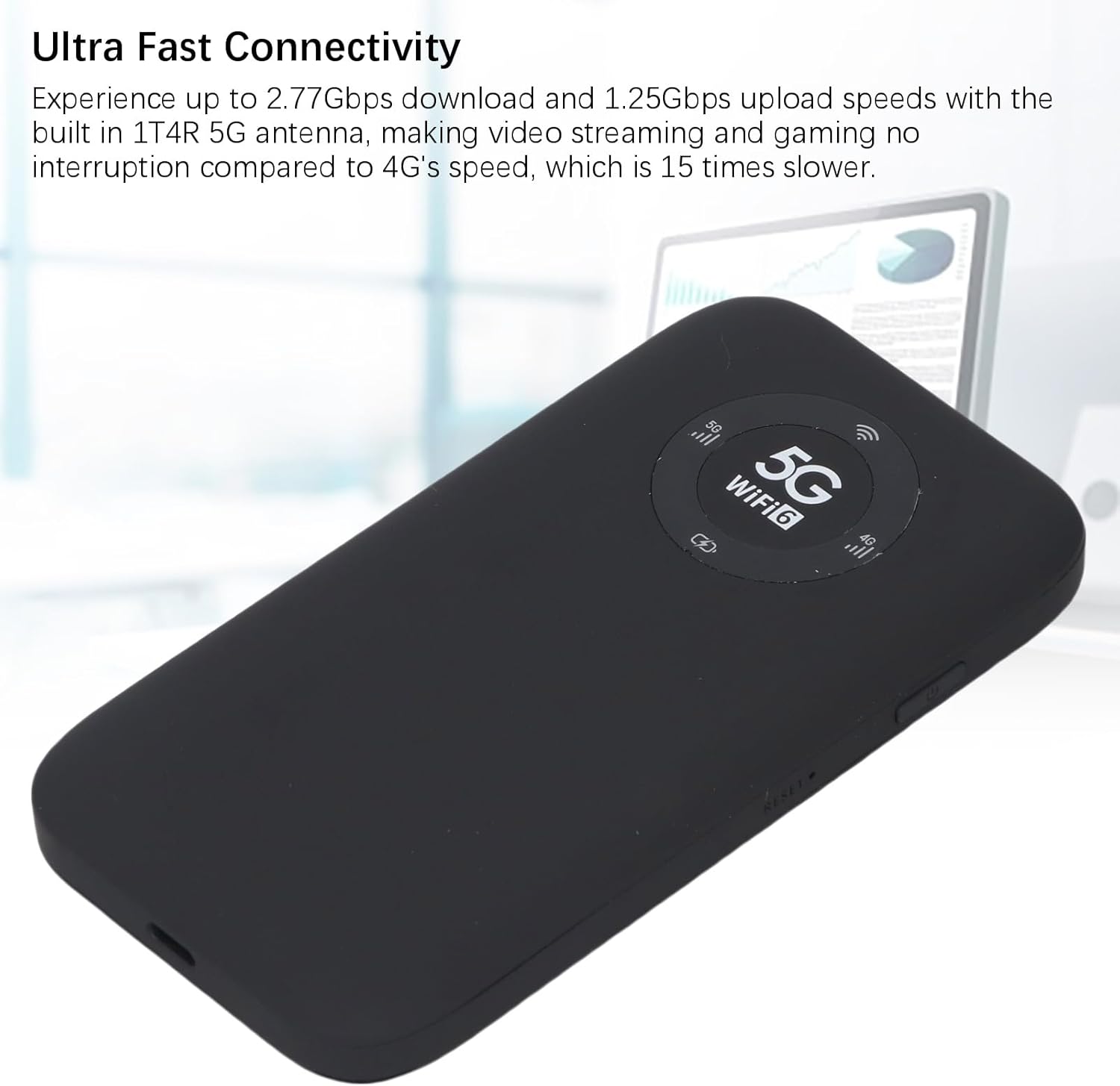
Image: The Jectse 5G Mobile Hotspot, a compact and portable device designed for high-speed 5G and WiFi 6 connectivity.
Producto terminadoview
Características principales
- Ultra-Fast 5G Connectivity: Supports up to 2.77Gbps download and 1.25Gbps upload speeds with a built-in 1T4R 5G antenna.
- Extensive Network Band Support: Compatible with multiple 5G NR bands (FDD: N1, N3, N28; TDD: N41, N78) and 4G bands (TDD LTE: B34, 38, 39, 40, 41; FDD LTE: B1, B3, B5, B8), and 3G band B1.
- WiFi 6 de doble banda: Offers 2.4GHz and 5.8GHz WiFi connectivity (802.11 a/b/g/n/ac/ax protocols) for up to 16 devices simultaneously.
- Batería de larga duración: Equipped with a 7100mAh Li-Ion battery for extended use.
- Diseño robusto: Features an IP67 rating, making it drop-proof, dust-proof, and rain-proof.
- Pantalla LED fácil de usar: Provides information on data usage, signal strength, WiFi credentials, and device settings.
- Ranura para tarjeta SIM: Supports SIM card compatibility for ease of setup (SIM card not included).
Contenido del paquete
El paquete del producto incluye:
- 1 x Jectse 5G Mobile Hotspot
- 1 x cable USB (tipo C)
- 1 x Manual de usuario (este documento)
- 1 x Pin de expulsión de tarjeta SIM

Image: The Jectse 5G Mobile Hotspot device shown alongside its included USB-C charging cable and a SIM card eject pin.
Guía de configuración
1. Instalación de la tarjeta SIM
- Asegúrese de que el dispositivo esté apagado.
- Locate the SIM card slot on the side of the hotspot.
- Insert the provided SIM eject pin into the small hole next to the SIM card tray. Press gently until the tray pops out.
- Place your activated Nano-SIM card into the tray with the gold contacts facing down and the notched corner aligned correctly.
- Empuje con cuidado la bandeja de la tarjeta SIM dentro de la ranura hasta que encaje en su lugar.
2. Carga del dispositivo
- Connect the USB-C cable to the charging port on the hotspot.
- Conecte el otro extremo del cable USB a un adaptador de corriente USB compatible (no incluido) o al puerto USB de una computadora.
- The LED indicator on the device will show charging status. A full charge is recommended before first use.
3. Encendido / apagado
- Para encender: Press and hold the Power button (usually located on the side) for a few seconds until the screen or LED indicators light up.
- Para apagar: Press and hold the Power button until the device prompts you to power off or the indicators turn off.
Instrucciones de funcionamiento
1. Conexión de dispositivos al punto de acceso
- Ensure the Jectse 5G Mobile Hotspot is powered on.
- On your WiFi-enabled device (smartphone, laptop, tablet), open the WiFi settings.
- Busque redes WiFi disponibles.
- Select the network name (SSID) displayed on your hotspot's screen or indicated in the manual.
- Enter the WiFi password (Key) displayed on the hotspot's screen or in the manual.
- Once connected, your device will have internet access through the hotspot. Up to 16 devices can be connected simultaneously.

Image: The Jectse 5G Mobile Hotspot showing its display with 5G and WiFi 6 indicators, ready for device connection.
2. Comprensión de los indicadores LED
The device features an LED light display that provides essential information:
- Intensidad de la señal: Indica la intensidad de la señal celular 5G/4G.
- Nivel de batería: Muestra el estado actual de carga de la batería.
- Estado WiFi: Confirms if WiFi is active and broadcasting.
- Uso de datos: May display current data consumption (check device interface for details).
- Tipo de red: Indicates whether the device is connected to a 5G or 4G network.
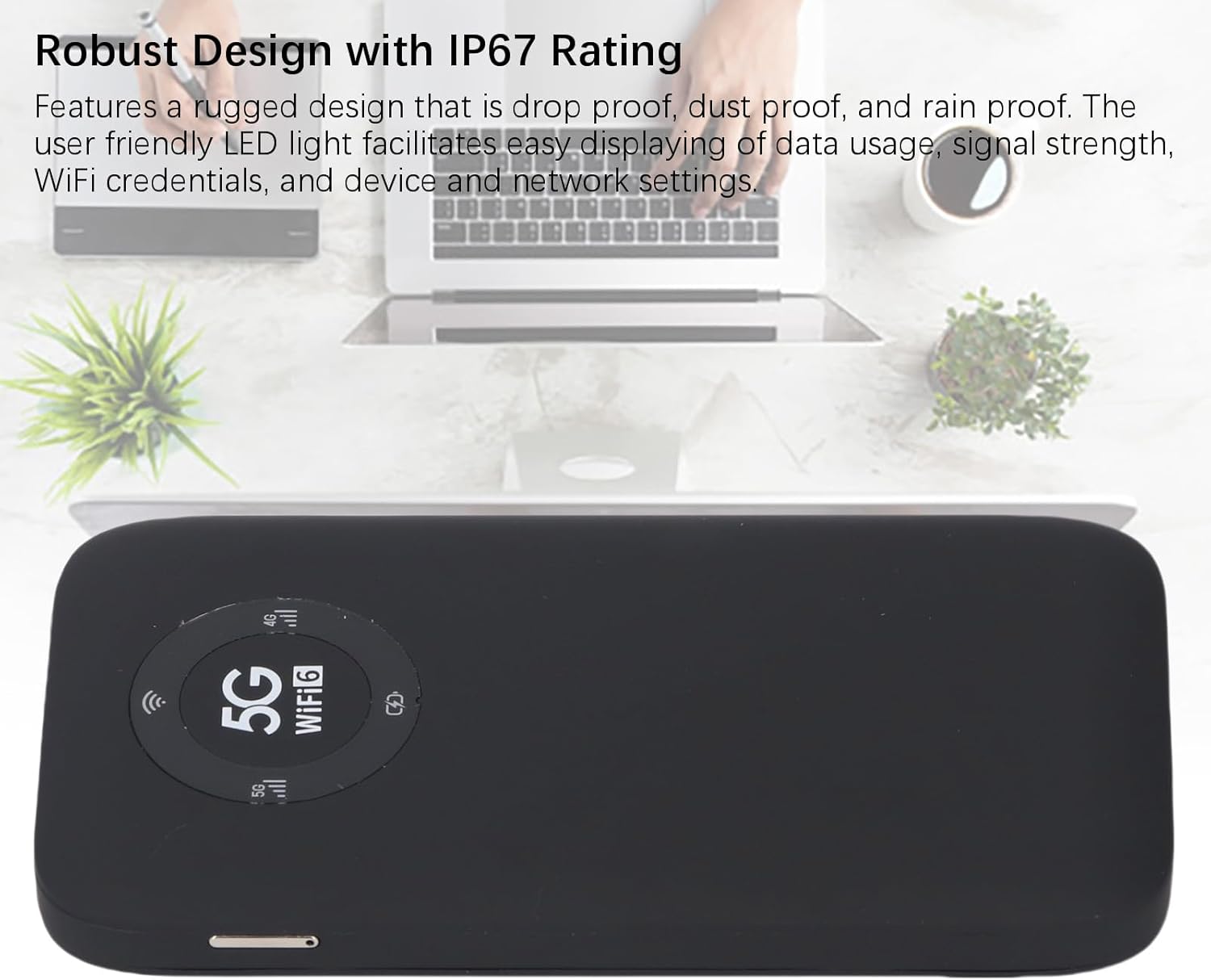
Image: A close-up of the Jectse 5G Mobile Hotspot's LED display, highlighting the 5G and WiFi 6 indicators, along with signal and battery icons.
3 Accediendo Web Management Interface (if applicable)
For advanced settings and configuration, you may access the device's web interfaz de gestión:
- Connect your computer or smartphone to the hotspot's WiFi network.
- Abrir una web browser and enter the default IP address (e.g., 192.168.0.1 or 192.168.1.1). This address is usually found on a sticker inside the SIM card slot or in the quick start guide.
- Enter the default username and password (also typically found on the device sticker or in documentation).
- Desde web interface, you can manage WiFi settings, change passwords, view connected devices, and monitor data usage.
Mantenimiento
Cuidado de la batería
- Evite exponer el dispositivo a temperaturas extremas (por debajo de 0 °C o por encima de 45 °C).
- No deje el dispositivo completamente descargado durante períodos prolongados.
- Para almacenamiento a largo plazo, cargue la batería aproximadamente al 50-70%.
- Utilice únicamente el cable USB proporcionado para cargar.
Limpieza
- Limpie el dispositivo con un paño suave, seco y que no suelte pelusa.
- No utilice limpiadores líquidos, aerosoles o disolventes.
- Asegúrese de que todos los puertos estén libres de polvo y residuos.
Solución de problemas
| Problema | Posible causa | Solución |
|---|---|---|
| Sin conexión a Internet |
|
|
| No se puede conectar a WiFi |
|
|
| El dispositivo no se enciende |
|
|
Presupuesto
| Característica | Detalle |
|---|---|
| Número de modelo | Jectses1yn2px9gw-11 |
| Dimensiones | Approx. 136x72x16mm (5.35x2.83x0.63in) |
| Peso | 10.6 onzas |
| Batería | 7100mAh Li-Ion Battery (Built-in) |
| Memoria | LPDDR4X 4 GB de RAM, NAND 2 GB de ROM |
| Puerto de carga | USB-C |
| Tipo de tarjeta SIM | Nano-SIM (Not Included) |
| Red celular | 3GPP Rel.15, 5G NR (SA/NSA, Sub 6G), LTE Category 18 |
| Bandas 5G NR | FDD: N1, N3, N28; TDD: N41, N78 |
| Bandas 4G | FDD: B1, B3, B5, B8; TDD: B34, B38, B39, B40, B41 |
| Banda 3G | B1 |
| Bandas WiFi | WiFi6 2.4GHz, 5.8GHz |
| Protocolo Wi-Fi | 802.11 a, b, g, n, ac, ax |
| Conexiones WiFi máximas | Up to 16 Devices Simultaneously |
| NR Download Rate | 2.77Gbps (DL) |
| NR Upload Rate | 1.25Gbps (UL) |
| Clasificación IP | IP67 (Drop-proof, Dust-proof, Rain-proof) |
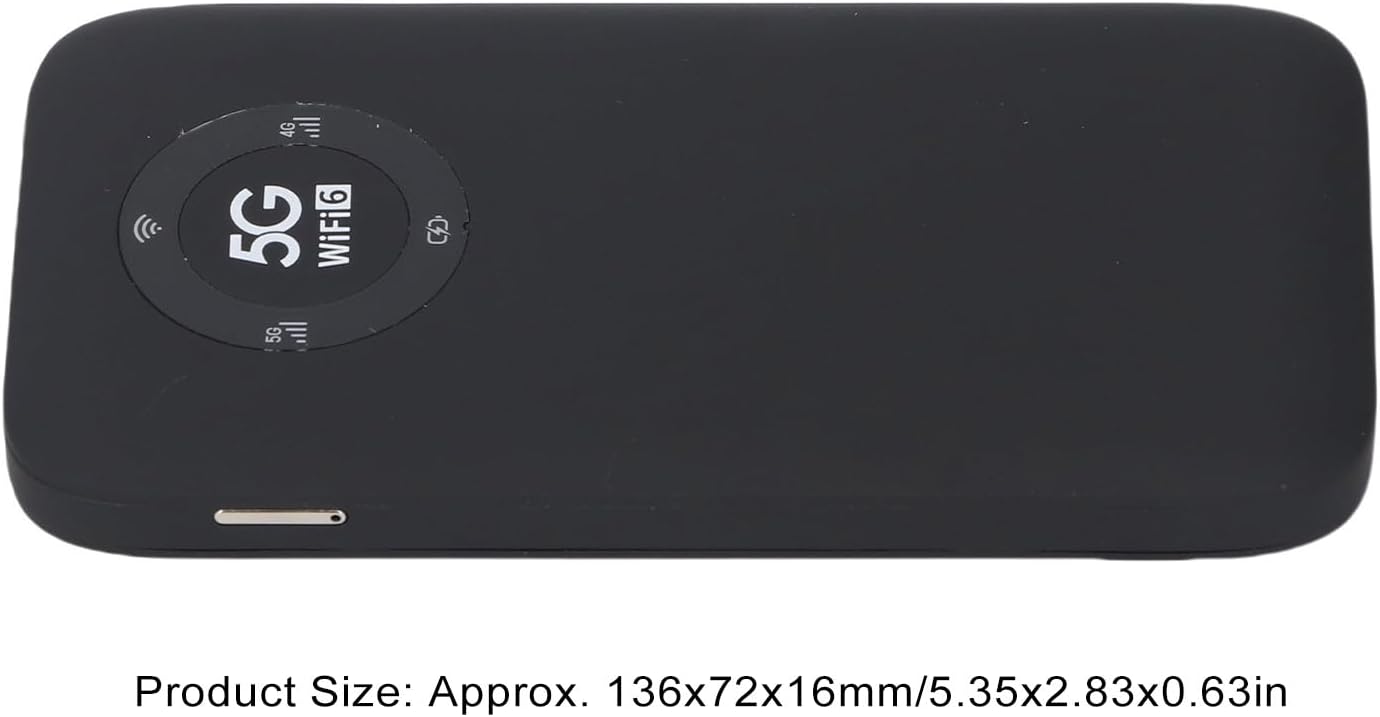
Image: The Jectse 5G Mobile Hotspot, illustrating its compact size with approximate dimensions of 136x72x16mm.
Notas importantes
- Antes de comprarasing, ensure that your local network signal frequency band and the SIM card frequency band are compatible with the supported frequency bands of this product.
- This product does not support use in South America, Japan, and South Korea regions.
Garantía y soporte
For warranty information and technical support, please refer to the documentation provided with your purchase or contact Jectse customer service through their official channels. Specific warranty terms may vary by region and retailer.
Puedes visitar el Tienda Jectse en Amazon para obtener más información o ponerse en contacto con el soporte.