
1. Introducción
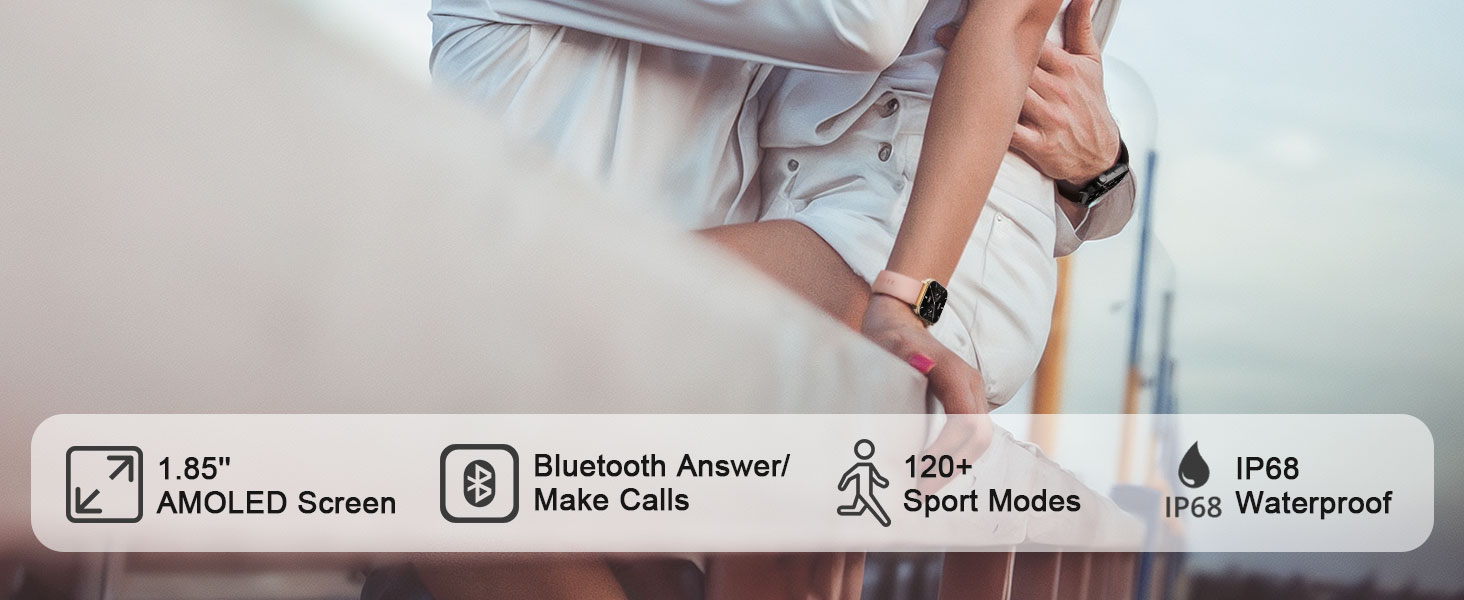
This manual provides detailed instructions for the MFVLP Smart Watch LC210. This device is designed to connect with your smartphone, monitor health data, track athletic performance, and support an efficient lifestyle. It features a 1.85-inch AMOLED HD display, Bluetooth calling, 120+ sports modes, and comprehensive health monitoring capabilities.
2. ¿Qué hay en la caja?
- MFVLP Smart Watch LC210 x 1
- Cable de carga x 1
- Manual de usuario x 1
- Watch Band x 1
3. Configuración
3.1 Carga del reloj inteligente
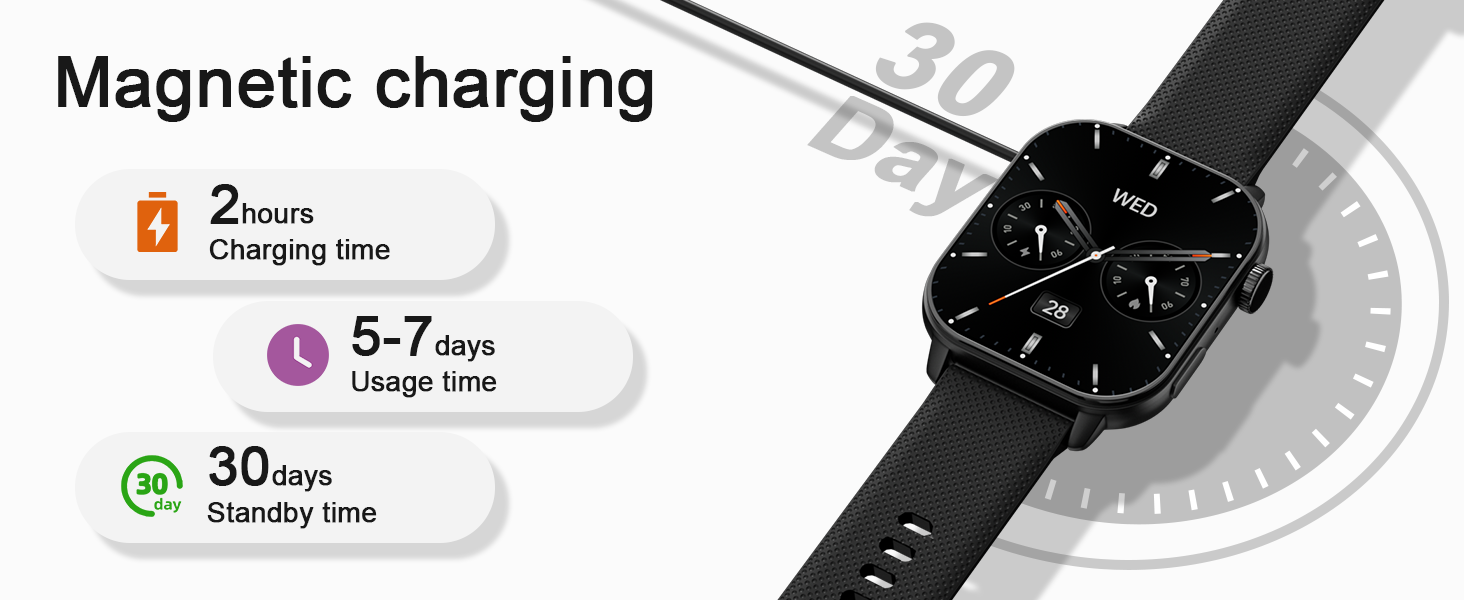
Before initial use, fully charge your MFVLP Smart Watch LC210. The watch features magnetic charging for convenience.

3.2 Descarga e instalación de aplicaciones
Para desbloquear todas las funciones y sincronizar datos, descargue el "El ajuste" app on your smartphone. The app is compatible with Android 5.0 or above and iOS 9.0 or above.
- Scan the QR code provided in the watch's packaging or search for "Da Fit" in the Google Play Store (for Android) or Apple App Store (for iOS).
- Instala la aplicación en tu teléfono inteligente.

3.3 Emparejamiento con su teléfono inteligente
Follow these steps to pair your MFVLP Smart Watch LC210 with the "Da Fit" app:
- Asegúrese de que Bluetooth esté habilitado en su teléfono inteligente.
- Abra la aplicación "Da Fit".
- Navegue a la sección "Agregar dispositivo" dentro de la aplicación.
- Select "LC210" from the list of available devices.
- Confirme la solicitud de emparejamiento tanto en su teléfono como en el reloj.
- Grant necessary notification permissions within the app to receive alerts on your watch.
3.4 Setting Watch Language
You can set the language of the watch directly from the "Da Fit" app after successful pairing.
4. Funcionamiento del reloj inteligente
4.1 Pantalla y esferas del reloj
The MFVLP Smart Watch LC210 features a vibrant 1.85-inch AMOLED HD screen with a 390*450 pixel resolution. You can customize your watch face from over 190 options available in the "Da Fit" app or use your own photos.


The watch also supports an Always-On Display (AOD) for instant time checks. Note that enabling AOD may shorten battery life.

4.2 Llamadas y notificaciones por Bluetooth
With its Bluetooth 5.3 chip, built-in microphone, and waterproof speaker, the LC210 allows you to make and receive calls directly from your wrist. You can also receive notifications from various apps like SMS, WhatsApp, Facebook, and Twitter.


4.3 Asistente de voz
The watch integrates a voice assistant feature, allowing for hands-free control and quick access to information.

4.4 Otras funciones
The MFVLP Smart Watch LC210 includes over 15 daily tools:
- Control de música: Controla la reproducción de música en tu teléfono directamente desde el reloj.
- Control de cámara: Utilice el reloj como obturador remoto para la cámara de su teléfono.
- Pronóstico del tiempo: Obtenga actualizaciones meteorológicas en tiempo real.
- Buscador de teléfono: Localiza tu teléfono extraviado.
- Calculadora: Realizar cálculos básicos.
- Stopwatch, Timer, Alarm: Herramientas esenciales para cronometrar el tiempo.
- Flash: Una fuente de luz conveniente.
- Reloj mundial: Seguimiento del tiempo en diferentes zonas.
- Recordatorios: Sedentary and hydration reminders.

5. Monitoreo de la salud
The LC210 is equipped with advanced optical sensors for comprehensive health tracking.

5.1 Monitoreo de la frecuencia cardíaca
Monitor your heart rate in real-time throughout the day to keep track of your cardiovascular health.

5.2 Seguimiento del sueño
The watch automatically tracks your sleep duration and analyzes sleep quality (light sleep, deep sleep, awake time) to help you improve your sleeping habits.

5.3 Monitoreo del oxígeno en sangre
Understand your blood oxygen status anytime and anywhere with the integrated SpO2 sensor.

5.4 Monitoreo del estrés
The watch monitors your stress levels 24 hours a day. If you feel stressed, you can use the stress relief aid function.

5.5 Seguimiento de la salud de la mujer
The LC210 provides accurate tracking and reminders for women's menstrual cycles.

6. Seguimiento de actividad y modos deportivos
The MFVLP Smart Watch LC210 offers extensive activity tracking and over 120 built-in sports modes.

6.1 Más de 120 modos deportivos
Easily adapt to various activity scenarios with modes for running, walking, cycling, yoga, dance, and more. Select and set these modes via the "Da Fit" app.

6.2 Activity Data Recording
The watch continuously records your activity data, including steps, distance, calories burned, and activity time, providing professional analysis to help you achieve your fitness goals.
6.3 IP68 a prueba de agua
The MFVLP Smart Watch LC210 is IP68 waterproof, making it resistant to sweat, rain, hand washing, and even swimming in a pool.

7. Especificaciones
| Característica | Detalle |
|---|---|
| Número de modelo | LC210 |
| Tamaño de pantalla | 1.85 pulgadas AMOLED HD |
| Peso del artículo | 40 gramos (1.41 onzas) |
| Capacidad de la batería | 290 miliamp Horas |
| Duración de la batería (uso activo) | 3-6 días |
| Duración de la batería (en espera) | Hasta 30 días |
| Tiempo de carga | Aproximadamente 2 horas |
| Clasificación de impermeabilidad | IP68 |
| Conectividad | Bluetooth 5.3 |
| Compatibilidad del sistema operativo | Android 5.0 o superior, iOS 9.0 o superior |
| Capacidad de almacenamiento de memoria | 128 MB |
| GPS | A través de un teléfono inteligente |
| Circunferencia de la muñeca | 150 mm - 195 mm (5.9 pulgadas - 7.67 pulgadas) |

8. Mantenimiento
- Limpieza: Limpie regularmente su reloj y correa con un paño suave y seco. Si es necesario, utilice un paño ligeramente seco.amp paño y jabón suave, luego enjuague y seque completamente.
- Evite los productos químicos agresivos: No exponga el reloj a productos químicos fuertes, solventes o detergentes, ya que pueden dañar el acabado y los sellos.
- Almacenamiento: Guarde el reloj en un lugar fresco y seco cuando no lo use. Evite las temperaturas extremas.
- Puerto de carga: Mantenga los contactos de carga magnéticos limpios y libres de residuos para garantizar una carga adecuada.
9. Solución de problemas
- El reloj no enciende: Asegúrese de que el reloj esté completamente cargado. Conéctelo al cable de carga y a una fuente de alimentación durante al menos 30 minutos.
- No se puede emparejar con el teléfono:
- Asegúrese de que Bluetooth esté habilitado en su teléfono y que el reloj sea detectable.
- Asegúrese de que la aplicación "Da Fit" esté instalada y abierta.
- Reinicie tanto el teléfono como el reloj.
- Asegúrese de que el reloj no esté emparejado con otro dispositivo.
- Las notificaciones no aparecen:
- Check that notification permissions are granted for the "Da Fit" app in your phone's settings.
- Asegúrese de que el reloj esté conectado mediante Bluetooth.
- Verifique que el modo “No molestar” no esté activo en el reloj.
- Datos de salud inexactos: Asegúrese de que el reloj esté ajustado a su muñeca, pero no demasiado apretado. Limpie los sensores con regularidad.
- Duración de la batería corta: Reduce screen brightness, disable Always-On Display, and limit background app refresh to extend battery life.
10. Garantía y soporte
MFVLP is committed to providing quality service and support for your Smart Watch LC210.
- Garantía: The product includes a 1-year free replacement service for manufacturing defects.
- Atención al cliente: Expect a rapid response to inquiries within 24 hours. Long-term support is provided with satisfactory solutions.
