
1. Producto terminadoview
The BOSGAME P6 Mini PC is a compact desktop computer designed for various tasks, from demanding professional applications to light gaming and home entertainment. It features an AMD Ryzen 9 6900HX processor, 32GB LPDDR5X RAM, and a 1TB PCIe 4.0 NVMe SSD, offering high performance in a small form factor.
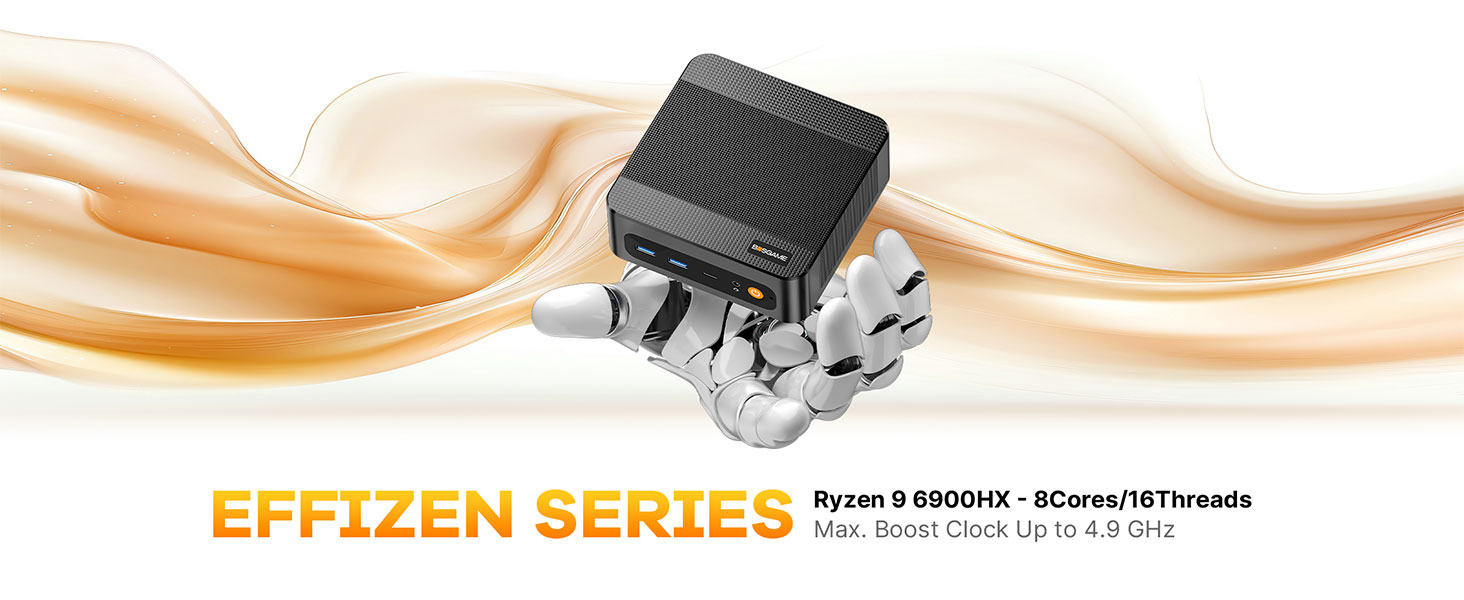
Imagen: Más alláview of the BOSGAME P6 Mini PC highlighting its compact design and key features.
Vídeo: Un breve resumenview of the BOSGAME P6 Mini PC's design and functionality, suitable for work environments.
2. ¿Qué hay en la caja?
Verifique que todos los artículos estén presentes en el paquete:
- BOSGAME P6 Mini PC (1 unit)
- Manual de usuario (1 unidad)
- Cable HDMI 2.0 (1 unidad)
- Adaptador de corriente de 19 V, 3.42 A y 65 W (1 unidad)
- Montaje VESA y tornillos (1 juego)
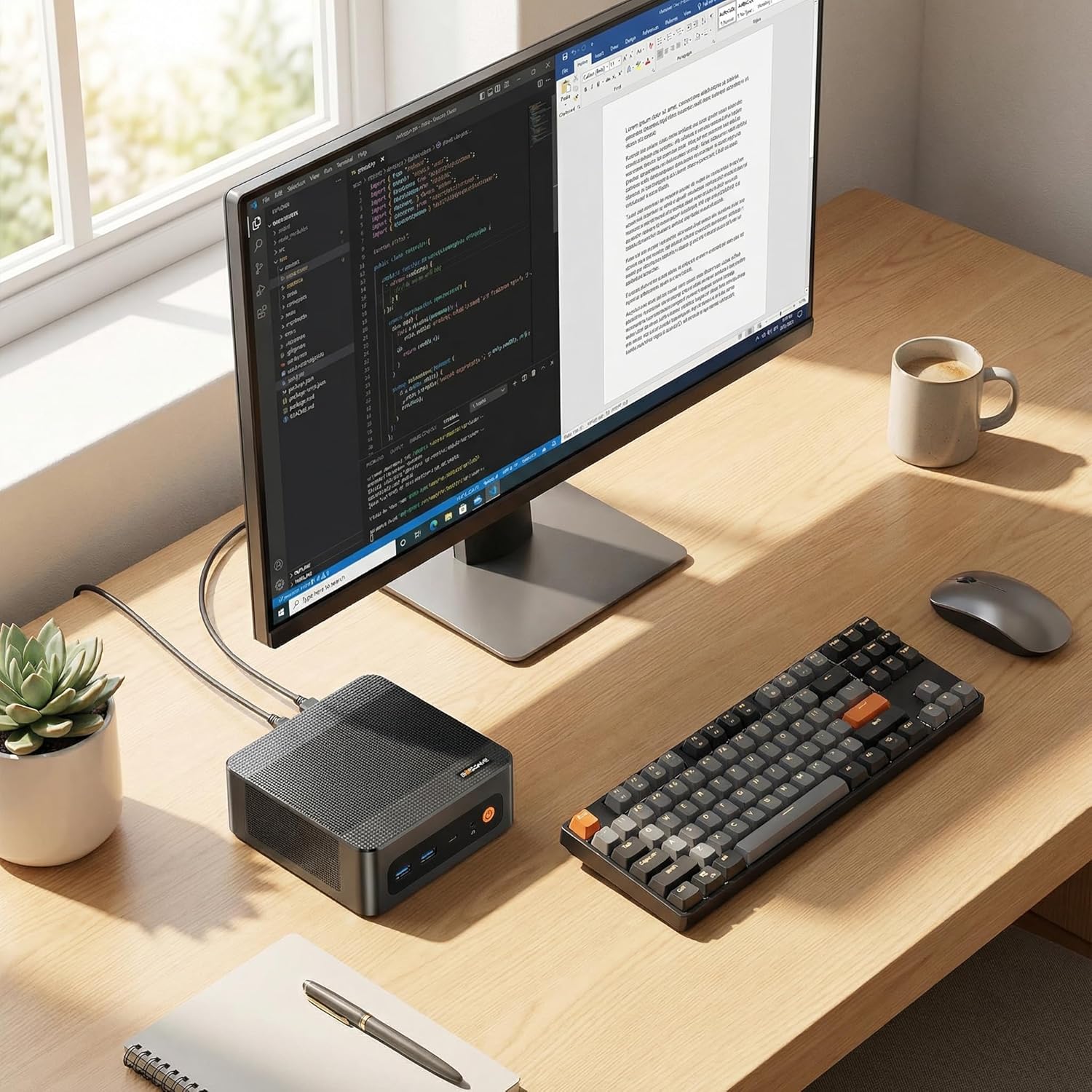
Image: All components included in the BOSGAME P6 Mini PC package.
3. Guía de configuración
3.1 Conexión inicial
- Connect your monitor(s) to the HDMI, DisplayPort, or USB-C ports on the Mini PC.
- Conecte su teclado y mouse a los puertos USB disponibles.
- Conecte el adaptador de corriente al puerto de entrada de CC de la mini PC y luego a una toma de corriente.
- Presione el botón de encendido en la parte frontal de la Mini PC para encenderla.
3.2 Instalación del soporte VESA
The BOSGAME P6 can be mounted to the back of a VESA-compatible monitor or under a desk for a clutter-free setup.
- Fije el soporte de montaje VESA a la parte posterior de su monitor o a la superficie deseada utilizando los tornillos provistos.
- Slide the Mini PC into the VESA mount until it clicks securely into place.

Image: Different installation methods for the BOSGAME P6 Mini PC.
4. Instrucciones de funcionamiento
4.1 Encendido y apagado
- Encendido: Presione el botón de encendido en el panel frontal.
- Apagado: Click the Start menu in Windows, then select Power > Shut down. Alternatively, press and hold the power button for 5 seconds to force a shutdown (not recommended for regular use).
4.2 sistema operativo
The Mini PC comes pre-installed with Windows 11 Pro. It is also compatible with Ubuntu for users who prefer a Linux environment.
- Windows 11 Pro: Follow the on-screen instructions for initial setup upon first boot.
- Ubuntu Compatibility: Users can install Ubuntu by creating a bootable USB drive and following standard installation procedures.
5. Conectividad
The BOSGAME P6 offers extensive connectivity options for various peripherals and network configurations.
5.1 Puertos del panel frontal
- Botón de encendido: Para encender/apagar el dispositivo.
- Conector de audio: Para auriculares o altavoces externos.
- USB-C (4K@60Hz): Full-featured port supporting data transfer, power delivery (PD3.0), and DisplayPort video output.
- USB 3.2 Gen2 (10Gbps) x2: Puertos de transferencia de datos de alta velocidad.
5.2 Puertos del panel trasero
- DC en: Puerto de entrada de energía.
- RJ45 LAN x2: Dual Gigabit Ethernet ports for stable wired network connections.
- HDMI (4K a 60 Hz): Puerto de salida de vídeo.
- DisplayPort (4K@60Hz): Puerto de salida de vídeo.
- USB 3.2 Gen2 (10Gbps) x1: Puerto de transferencia de datos de alta velocidad.
- USB 2.0 (480Mbps) x1: Puerto de transferencia de datos estándar.
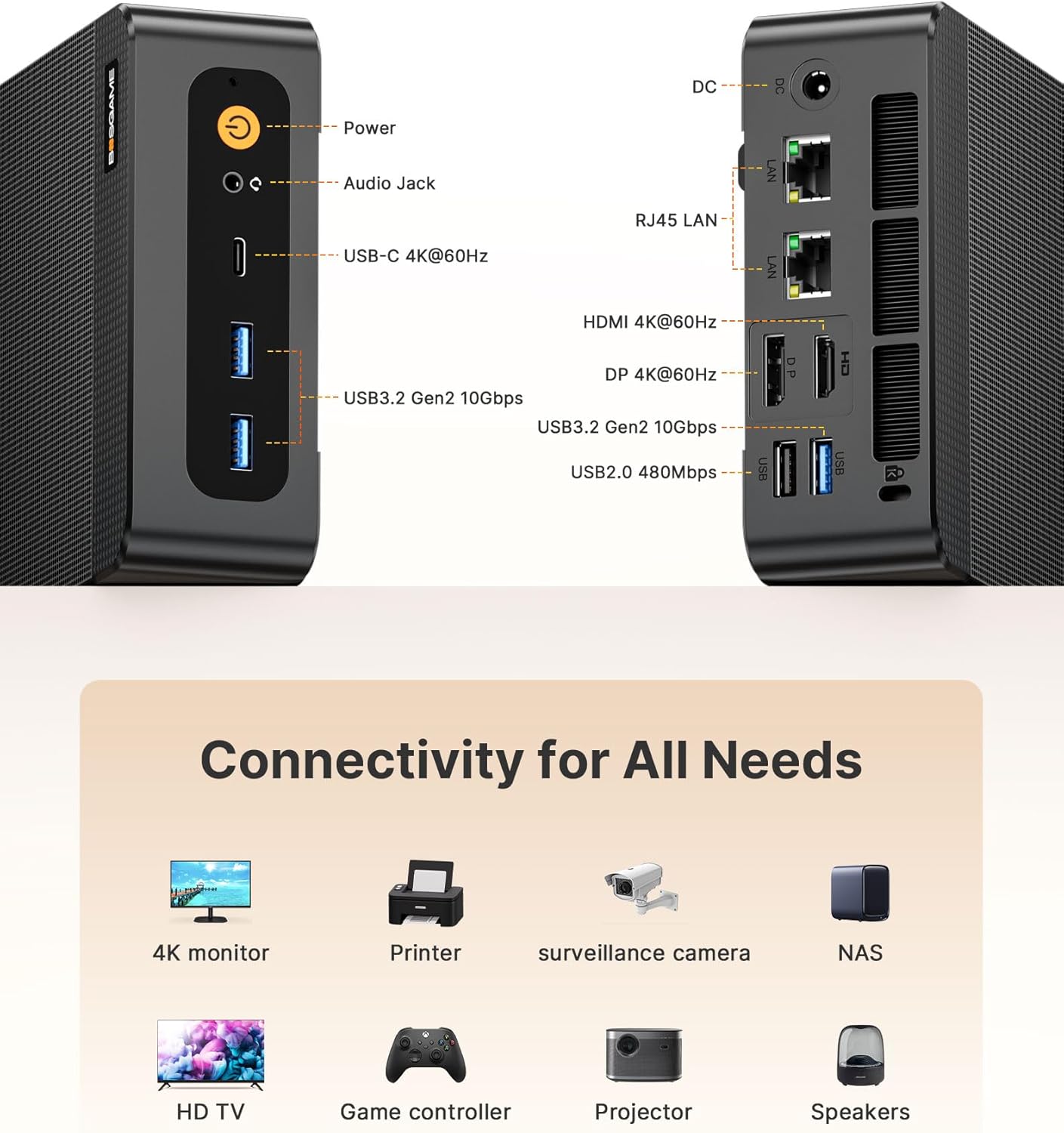
Image: Front and rear connectivity ports of the Mini PC.
5.3 Conectividad inalámbrica
- Wi-Fi 6E: Para acceso a Internet inalámbrico de alta velocidad.
- Bluetooth 5.3: Para conectar periféricos inalámbricos. Note: To activate Bluetooth 5.3, download the corresponding driver from the official Intel website; otherwise, it defaults to Bluetooth 5.2 speeds.

Image: Wireless connectivity features (Wi-Fi 6E and Bluetooth 5.3) and compatible devices.
6. Expansión de almacenamiento
The Mini PC is equipped with a 1TB M.2 NVMe PCIe 4.0 x4 SSD and supports expansion up to 4TB with an additional M.2 NVMe drive.
- Apague la Mini PC y desconecte todos los cables.
- Carefully open the chassis (refer to the detailed user manual for specific instructions).
- Locate the additional M.2 NVMe slot.
- Insert the new M.2 NVMe SSD into the slot and secure it with the provided screw.
- Cierre el chasis y vuelva a conectar todos los cables.
7. Configuración de la pantalla
The BOSGAME P6 supports triple 4K display output simultaneously via HDMI, DisplayPort, and USB-C, all at 60Hz.
- Connect your 4K monitors to the available HDMI, DisplayPort, and USB-C video output ports.
- Asegúrese de que sus monitores estén configurados en la fuente de entrada correcta.
- In Windows Display Settings, configure your display arrangement (extend, duplicate, or show only on one display).

Image: Triple display setup with the Mini PC.
8. Heat Dissipation & Noise
The Mini PC incorporates advanced phase change materials and active heat sinks for the CPU, memory, and hard drives, ensuring efficient and stable heat dissipation. It operates at a low noise level of under 36 decibels.

Imagen: interna view of the heat dissipation system.
9. Escenarios de uso
The BOSGAME P6 Mini PC is versatile and suitable for a wide range of applications:
- Oficina y negocios: Efficient for daily office tasks, presentations, and multitasking.
- Trabajo creativo: Capable of handling photo and video editing, graphic design, and other demanding creative applications.
- Juegos ligeros: Enjoy various games at suitable settings thanks to the integrated Radeon 680M graphics.
- Cine en casa: Connect to your TV for streaming 4K content and multimedia playback.
- Servidor doméstico: Utilize dual LAN ports for network attached storage (NAS) or other server applications.

Imagen: Examples of the Mini PC in different work and entertainment settings.
Video: Demonstrates the compact size and versatile functionality of the P6 Mini PC in various environments.
10. Especificaciones
| Característica | Detalle |
|---|---|
| Procesador | AMD Ryzen 9 6900HX (8 núcleos/16 hilos, hasta 4.9 GHz) |
| Gráficos | Tarjeta gráfica AMD Radeon 680M |
| RAM | 32 GB LPDDR5X (6400 MHz) |
| Almacenamiento | 1TB M.2 NVMe PCIe 4.0 x4 SSD (Expandable up to 4TB) |
| Sistema operativo | Windows 11 Pro (preinstalado), compatible con Ubuntu |
| Salida de vídeo | HDMI 2.0 (4K@60Hz), DisplayPort (4K@60Hz), USB-C (4K@60Hz) |
| Puertos USB | 2x USB 3.2 Gen2 (front), 1x USB 3.2 Gen2 (rear), 1x USB 2.0 (rear), 1x Full-function USB-C |
| Red | Dual 1000Mbps Gigabit Ethernet, Wi-Fi 6E, Bluetooth 5.3 |
| Dimensiones | 129 x 123 x 44 mm |
| Peso | 2.81 libras |
11. Solución de problemas
11.1 No hay salida de pantalla
- Ensure all display cables (HDMI, DisplayPort, USB-C) are securely connected to both the Mini PC and the monitor.
- Verifique que el monitor esté encendido y configurado en la fuente de entrada correcta.
- Intente conectarlo a un puerto de pantalla diferente o utilizar un cable diferente.
11.2 Sin energía
- Check if the power adapter is correctly connected to the Mini PC and a working power outlet.
- Asegúrese de que la toma de corriente funcione probándola con otro dispositivo.
11.3 Bluetooth 5.3 Not Active
- Download and install the latest Bluetooth 5.3 driver from the official Intel websitio.
12. Garantía y soporte
All BOSGAME Mini Desktop PCs are covered by a 12-month assurance period. For any questions or support needs, please contact us through the following methods:
- Contacto vía Amazon: Log into your Amazon buyer's account, find your order, and click 'Get help' for product-specific assistance.
- Soporte por correo electrónico: Send an email to the After-sales Support Team at su**pport@bos**game.com. You will receive a response as soon as possible.