
1. Introducción
This manual provides essential information for the safe and efficient operation of your E GATE Duster 5X Pro Projector. Please read this manual thoroughly before using the product and retain it for future reference.
The E GATE Duster 5X Pro is a native 1080p projector featuring Android 13, certified streaming applications like Netflix and Prime Video, automatic focus and keystone correction, and advanced connectivity options including Wi-Fi 6 and Bluetooth 5.0. It is designed for home entertainment, offering a large screen experience with clear visuals and integrated smart features.
2. Información de seguridad
Tenga en cuenta las siguientes precauciones de seguridad para evitar daños al proyector y garantizar la seguridad del usuario:
- No bloquee las aberturas de ventilación. Asegúrese de que haya un flujo de aire adecuado alrededor del proyector.
- No exponga el proyector a la lluvia, la humedad o temperaturas extremas.
- Utilice únicamente el cable de alimentación suministrado con el proyector.
- Evite mirar directamente a la lente del proyector cuando lamp Está encendido.
- No intente desmontar ni modificar el proyector. Encargue cualquier reparación a personal cualificado.
- Mantenga el proyector alejado de fuentes de calor y de la luz solar directa.
3. Contenido del paquete
Verifique que todos los artículos estén presentes en el paquete:
- Proyector 1
- Mando a distancia
- Cable de alimentación
- Conector AV
- Manual with Warranty Card
4. Producto terminadoview
Familiarize yourself with the components of your E GATE Duster 5X Pro Projector.
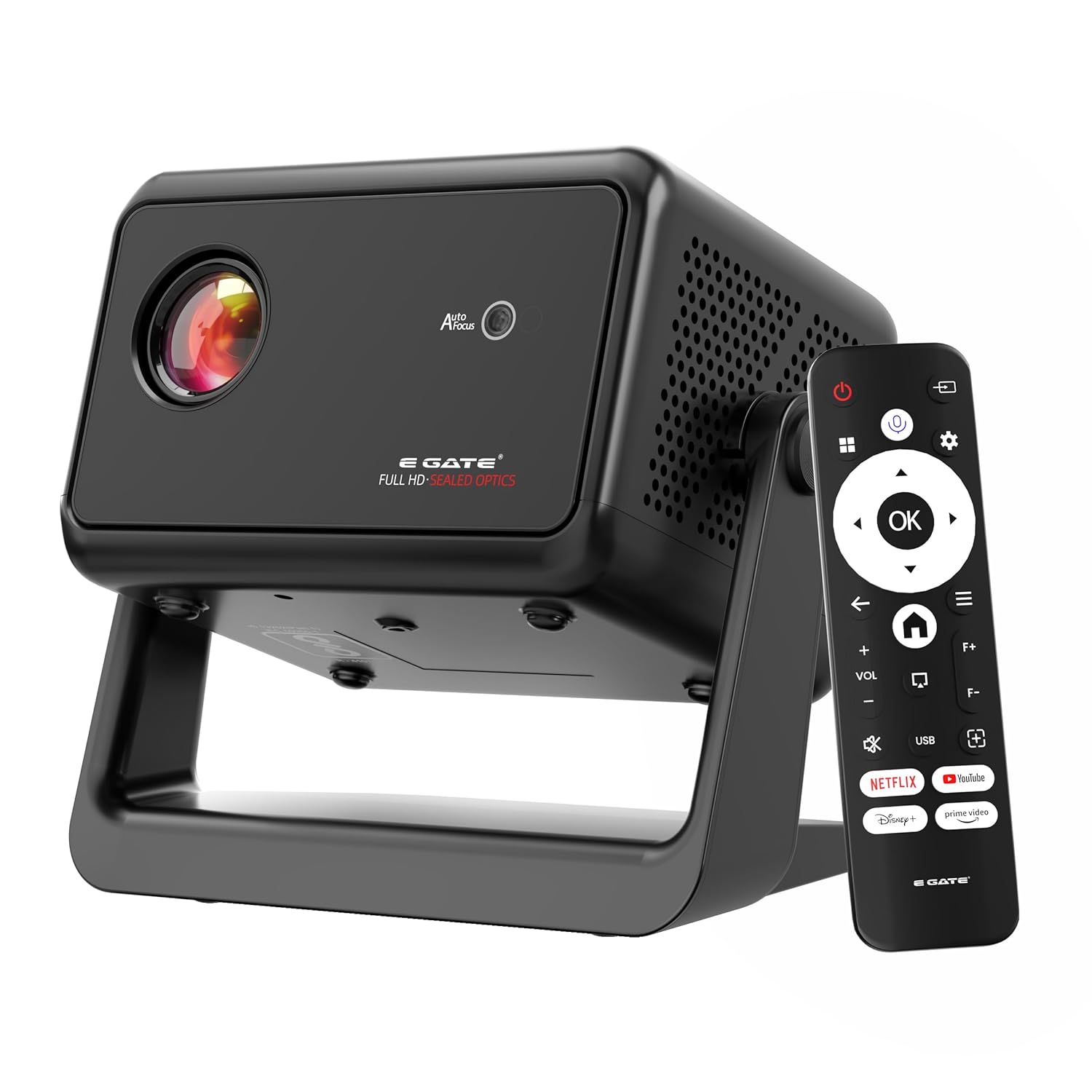
Image: The E GATE Duster 5X Pro projector in black, shown with its remote control. The projector features a lens on the front, ventilation grilles, and a sturdy base.
The projector includes a sealed optical engine for dust protection, a flexible rotating stand, and various input/output ports for versatile connectivity.

Imagen: Una sobreview of the Duster 5X Pro highlighting features such as 100% Dust Proof, 1080p Native resolution, Automatic Keystone, Flexible Rotation, Certified OTT apps, Automatic Focus, 500 ISO Lumens, Dual Wi-Fi 6, Two-way Bluetooth 5.0, Built-in WhaleOS, and AI Voice Assistant with ChatGPT.
5. Configuración
5.1 Conexión de alimentación
- Conecte el cable de alimentación a la entrada de alimentación del proyector.
- Conecte el otro extremo del cable de alimentación a una toma eléctrica adecuada.
5.2 control remoto
Insert two AAA batteries (not included) into the remote control. The remote supports Bluetooth for voice commands.
5.3 Colocación inicial y ajuste
The Duster 5X Pro features a flexible rotating stand and automatic adjustment capabilities.
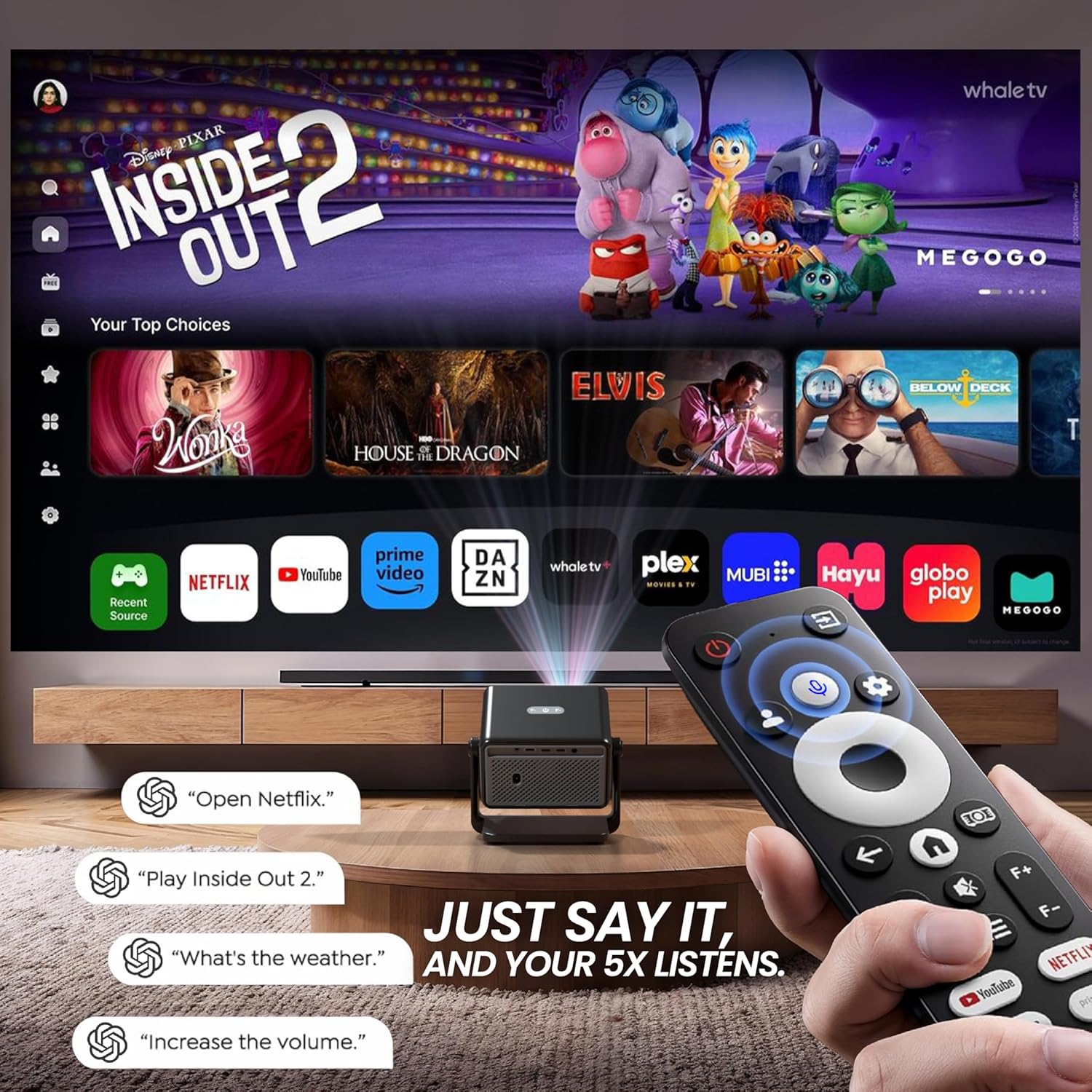
Image: Diagram illustrating the flexible rotating stand of the Duster 5X Pro, showing projection angles at 0, 45, and 90 degrees, with a total 110-degree adjustment range.
- Soporte flexible: Adjust the projector's angle using the integrated stand to project onto walls or ceilings. The stand allows for up to 110 degrees of rotation.
- Ajustes automáticos: The projector is equipped with AI-powered auto-focus, auto keystone correction (4P and 6D), auto screen fit, and obstacle avoidance for a clear and perfectly aligned image without manual intervention.

Imagen: Un corte transversal view of the Duster 5X Pro projector highlighting its internal components and illustrating the functions of Auto Focus, Auto 4D+4P Keystone, Auto Screen Fit, and Obstacle Avoidance for precise image projection.
6. Instrucciones de funcionamiento
6.1 Encendido y apagado
Presione el botón de encendido del proyector o el control remoto para encender o apagar la unidad.
6.2 Navegación y funciones inteligentes
The projector runs on Whale OS (based on Android 13), providing a smart interface for applications and settings.
- Certified Apps: Access pre-installed and certified applications such as Netflix, Prime Video, YouTube, Zee5, and SonyLIV. These apps are optimized for Full HD content playback.
- Televisión en vivo: The App store provides access to two live TV services (Whale TV+ & MovieARK) offering numerous free channels.
- Control de voz: Use the Bluetooth remote with its integrated microphone for voice commands. Simply press the voice button and speak your command.
Imagen: Una sobreview of the Duster 5X Pro highlighting features such as 100% Dust Proof, 1080p Native resolution, Automatic Keystone, Flexible Rotation, Certified OTT apps, Automatic Focus, 500 ISO Lumens, Dual Wi-Fi 6, Two-way Bluetooth 5.0, Built-in WhaleOS, and AI Voice Assistant with ChatGPT.
Image: Diagram illustrating the flexible rotating stand of the Duster 5X Pro, showing projection angles at 0, 45, and 90 degrees, with a total 110-degree adjustment range.
6.3 Duplicación de pantalla
The projector supports screen mirroring from various devices using Dual Band Wi-Fi 6.
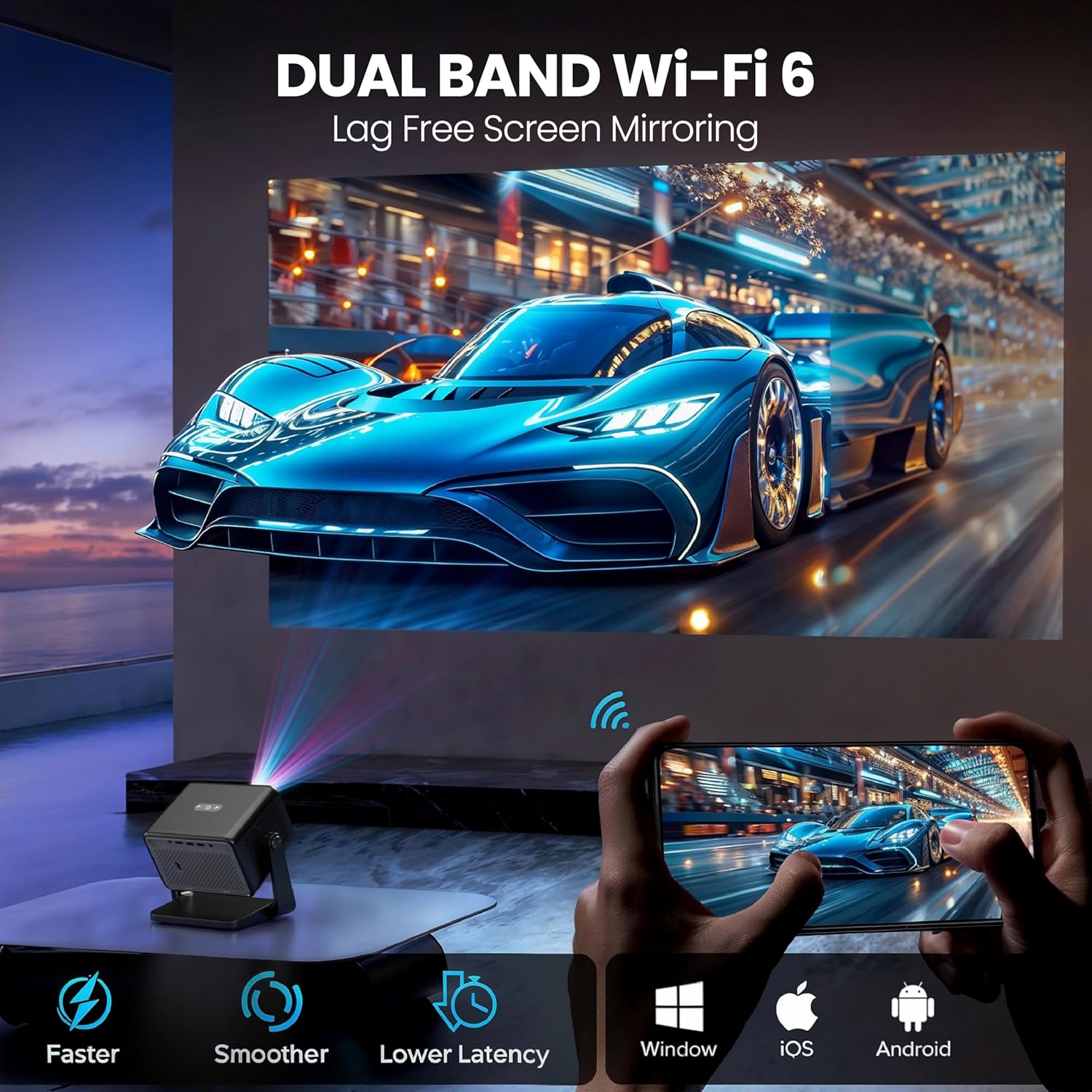
Image: Illustration of the Duster 5X Pro's Dual Band Wi-Fi 6 capability, enabling lag-free screen mirroring from Android, iOS, and Windows devices.
- Connect your smartphone, tablet, or computer to the same Wi-Fi network as the projector.
- Select the screen mirroring option on your device and choose the projector from the available devices.
6.4 Conectividad
The Duster 5X Pro offers multiple ports for connecting external devices:
- HDMI 2.1 (ARC+CEC): Connect Blu-ray players, gaming consoles, laptops, or other HDMI-enabled devices. ARC (Audio Return Channel) and CEC (Consumer Electronics Control) are supported.
- USB: Reproduzca medios directamente desde dispositivos de almacenamiento USB.
- Audio Out 3.5 mm: Conecte altavoces externos o auriculares.
- Bluetooth 5.0: Connect Bluetooth speakers, headphones, or other compatible accessories.
7. Image and Display Features
- Resolución nativa de 1080p: Delivers sharp, vibrant visuals with true Full HD clarity. Supports 4K video decoding at 30 FPS.
- Brillo: 500 ISO Lumens for clear images.
- Relación de contraste: 6000:1 para negros profundos y blancos brillantes.
- Tamaño de pantalla: Projects images up to 300 inches (762 cm).
- HDR+ and HLG Support: Enhances dynamic range and color for a more immersive viewExperiencia de aprendizaje.
- Relación de alcance corto (1.3:1): Allows for a larger screen size from a shorter projection distance.

Image: A visual comparison demonstrating the superior clarity of Native 1080p resolution on the Duster 5X Pro compared to 'Fake 1080p' projectors that use pixel shifting.
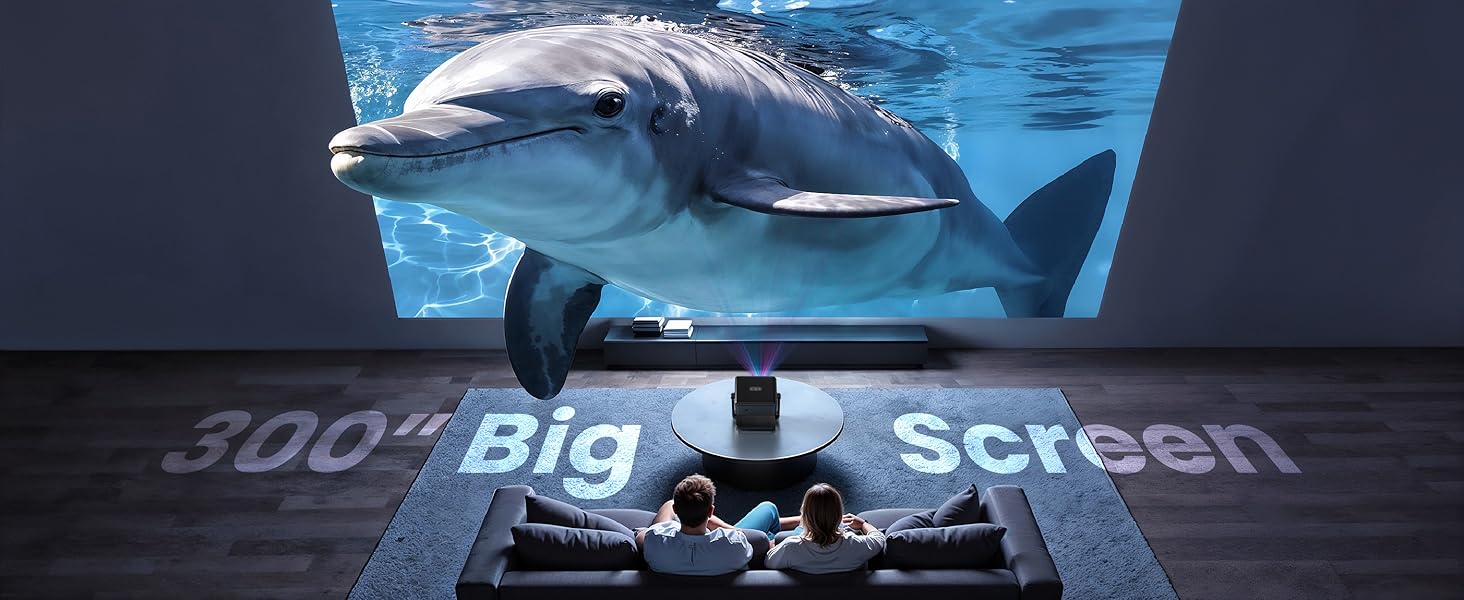
Image: An illustration showing the Duster 5X Pro's 1.3:1 short throw ratio, allowing it to project a large screen from a closer distance compared to other projectors.
8. audio
The projector features 10 Watt inbuilt speakers for integrated audio output. For enhanced audio, connect external speakers via the 3.5mm audio out port or Bluetooth.
9. Mantenimiento
9.1 Diseño a prueba de polvo
The E GATE Duster 5X Pro is designed with a 100% sealed optical engine, making it dust-proof. This design helps maintain image clarity and extends the lifespan of the projector by preventing dust accumulation on internal optical components.
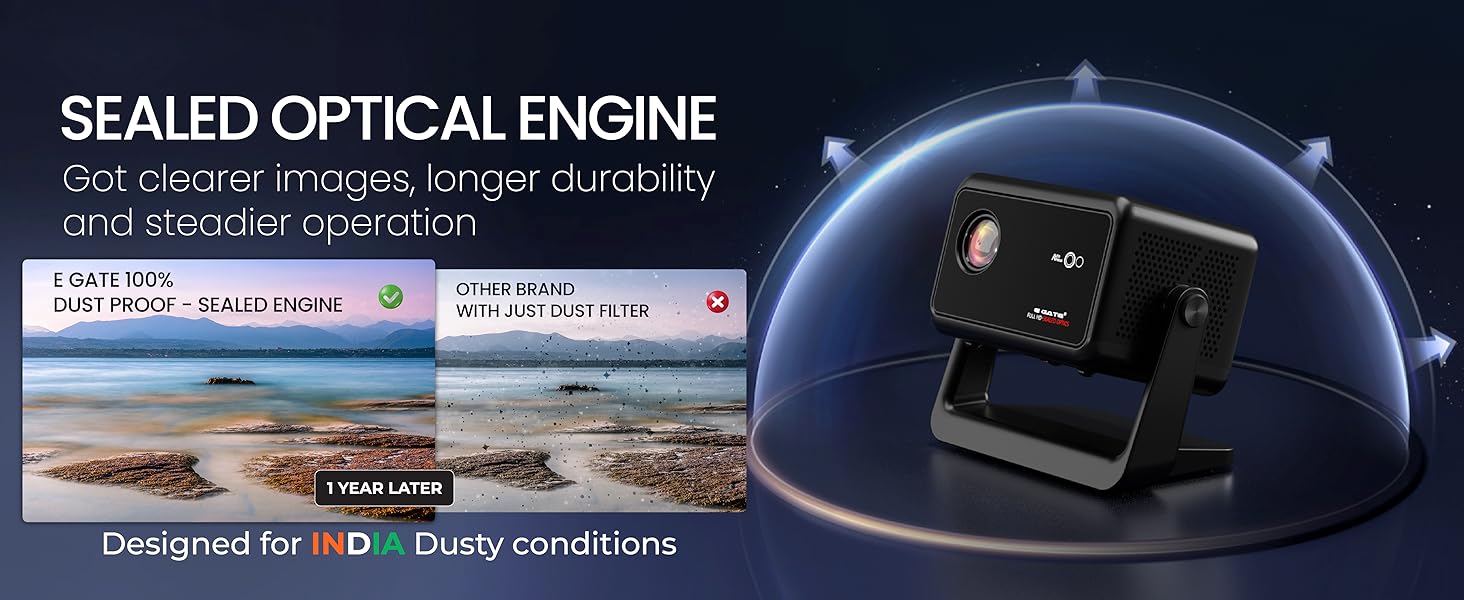
Image: A diagram illustrating the sealed optical engine of the Duster 5X Pro, highlighting its dust-proof design for clearer images and longer durability compared to projectors with only dust filters.
9.2 Limpieza
- Utilice un paño suave y seco para limpiar el exterior del proyector.
- Para la lente, utilice un paño de limpieza y una solución especial. No utilice limpiadores abrasivos.
- Asegúrese de que el proyector esté apagado y desenchufado antes de limpiarlo.
10. Solución de problemas
Si tiene problemas con su proyector, consulte las siguientes soluciones comunes:
| Problema | Posible causa | Solución |
|---|---|---|
| Sin poder | Cable de alimentación no conectado; toma de corriente defectuosa | Verifique la conexión del cable de alimentación; Pruebe con una toma de corriente diferente |
| Sin imagen | Input source not selected; Cable connection loose; Lens cap on | Select correct input source; Secure cable connections; Remove lens cap |
| Imagen borrosa | Fuera de foco; distorsión trapezoidal incorrecta | Allow auto-focus to adjust; Check auto keystone settings |
| Sin sonido | Volumen demasiado bajo; Dispositivo de audio externo no conectado; Silenciado | Increase volume; Connect external audio; Unmute projector |
| La duplicación de pantalla falla | Not on same Wi-Fi network; Device incompatibility | Ensure both devices are on the same 2.4GHz or 5GHz Wi-Fi network; Refer to device manual for compatibility |
11. Especificaciones
Detailed technical specifications for the E GATE Duster 5X Pro Projector:
| Característica | Especificación |
|---|---|
| Marca | PUERTA E |
| Modelo | DUSTER 5X PRO |
| Año del modelo | 2025 |
| Dimensiones del producto | 17 x 11.4 x 16 cm |
| Peso del artículo | 3.7 kilogramos |
| Interfaz de hardware | Bluetooth |
| Dispositivos compatibles | Laptops, Smartphones, Gaming Consoles, Blu-ray Players, Media Players |
| Tecnología de visualización | CONDUJO |
| Tipo de pantalla | Pantalla LCD |
| Relación de contraste de imagen | 6000:1 |
| Relación de aspecto | 16:9 |
| Resolución de pantalla | 1920 x 1080 Pixels (Native) |
| Quétage | 150 vatios |
| Frecuencia de actualización | 60 Hz |
| Tipo de conector | Wi-Fi (Dual Band Wi-Fi 6) |
| Factor de forma | Portátil |
| Tipo de montaje | Montaje de mesa |
| Características especiales | 100% Certified Netflix, Prime, JioHotstar & More - 100% Fully SEALED Optical Engine - Dust Proof Design - HDMI ARC, Fully Automatic, Throw Ratio 1.3:1, 10 Watt HiFi Speakers, Native 1080P and 4K HDR Support, Dual Band WiFi 6, 1GB+8GB |
12. Garantía y soporte
E GATE provides comprehensive warranty and support for your product:
- Periodo de garantía: 1 años de garantía a partir de la fecha de compra.
- Registro: Product registration is mandatory to avail warranty benefits.
- Servicio: Free home pickup & drop service is provided during the warranty period.
- For more details, visit the company's official websitio.