
Introducción
Thank you for choosing the LiNKFOR USB Gaming Microphone ULK113. This microphone is designed to provide clear audio for gaming, streaming, podcasting, and online communication. It features dynamic RGB lighting, one-tap noise cancellation, reverb effects, real-time gain control, and zero-latency monitoring. This manual will guide you through the setup, operation, and maintenance of your new microphone.
Contenido del paquete
Asegúrese de que todos los elementos estén presentes antes de continuar con la configuración:
- LiNKFOR USB Gaming Microphone
- Soporte de escritorio
- Montaje de choque
- Filtro pop
- Cable USB-C a USB-A
- Adaptador USB-A a USB-C

Image: All components included in the LiNKFOR USB Gaming Microphone package.
Instrucciones de instalación
- Ensamblar el soporte de escritorio: Screw the microphone stand pole into the weighted base until secure.
- Coloque el soporte amortiguador: Screw the shock mount onto the top of the stand pole.
- Insertar el micrófono: Gently place the LiNKFOR USB Gaming Microphone into the shock mount. Ensure it is seated securely.
- Coloque el filtro antipop: Clip the pop filter onto the shock mount, positioning it in front of the microphone's grille.
- Conectar al dispositivo:
- Conecte el extremo USB-C del cable provisto al puerto USB-C del micrófono.
- Connect the USB-A end of the cable to an available USB port on your PC, PS4/PS5, or Mac.
- For Android devices with OTG support, use the included USB-A to USB-C adapter to connect the microphone cable to your phone.
- Conectar y usar: The microphone is plug-and-play, requiring no additional drivers for most compatible operating systems. Your device should automatically recognize the microphone.
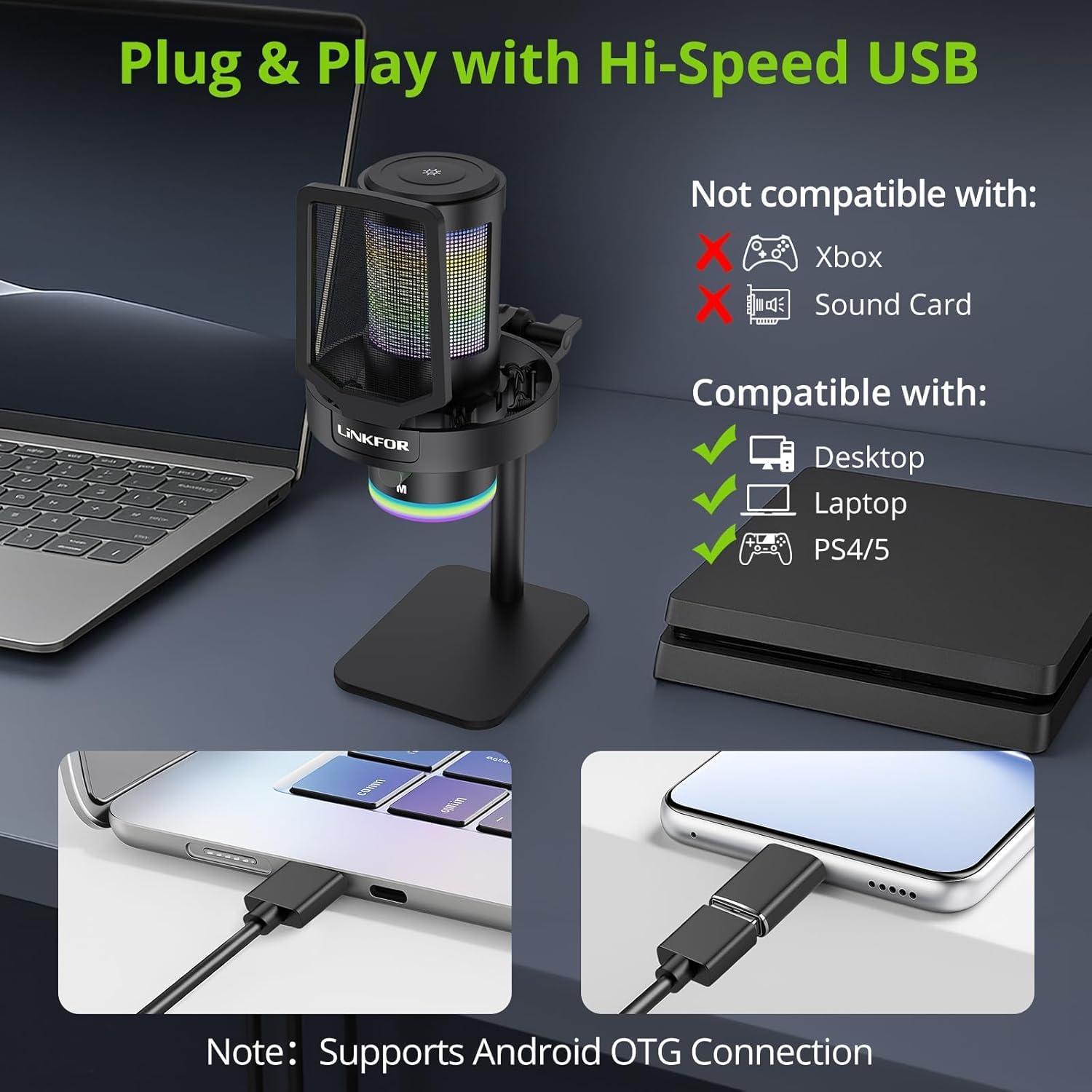
Image: The LiNKFOR USB Gaming Microphone connected to a laptop, demonstrating its plug-and-play functionality.
Vídeo: Un overview of the LiNKFOR USB Gaming Microphone, demonstrating its features and ease of use.
Instrucciones de funcionamiento
1. Dynamic RGB Lights & Touch Control
- Change RGB Modes: Touch the top of the microphone to cycle through various vibrant RGB lighting modes or solid colors.
- Apagar las luces: Long-press the top of the microphone to turn off the RGB lights.
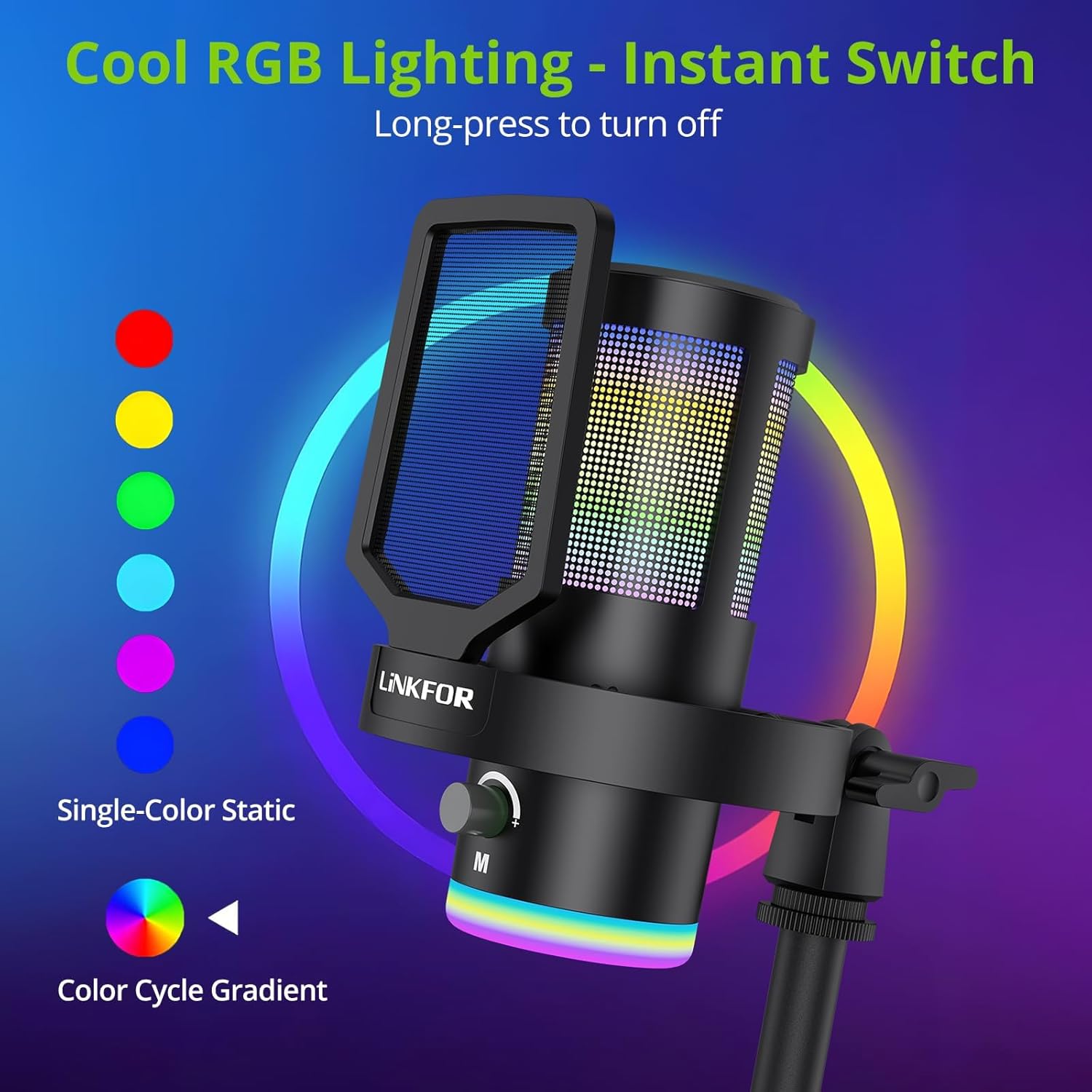
Imagen: El micrófono muestraasing sus efectos de iluminación RGB dinámicos.
2. Studio Voice Clarity + One-Tap Noise Cancellation
- The professional cardioid capsule captures your voice clearly.
- Activate Noise Cancellation: Use the dedicated one-tap smart noise cancellation feature to reduce background sounds like fan noise, AC hum, or keyboard clicks.

Image: Visual representation of the microphone's noise reduction capabilities.
3. Reverb Effects & Real-Time Gain Control
- Botón de reverberación: Use the dedicated reverb button to add depth to your audio.
- Perilla de ganancia: Adjust the gain knob to fine-tune the input volume in real-time, preventing audio clipping or low volume during live sessions.
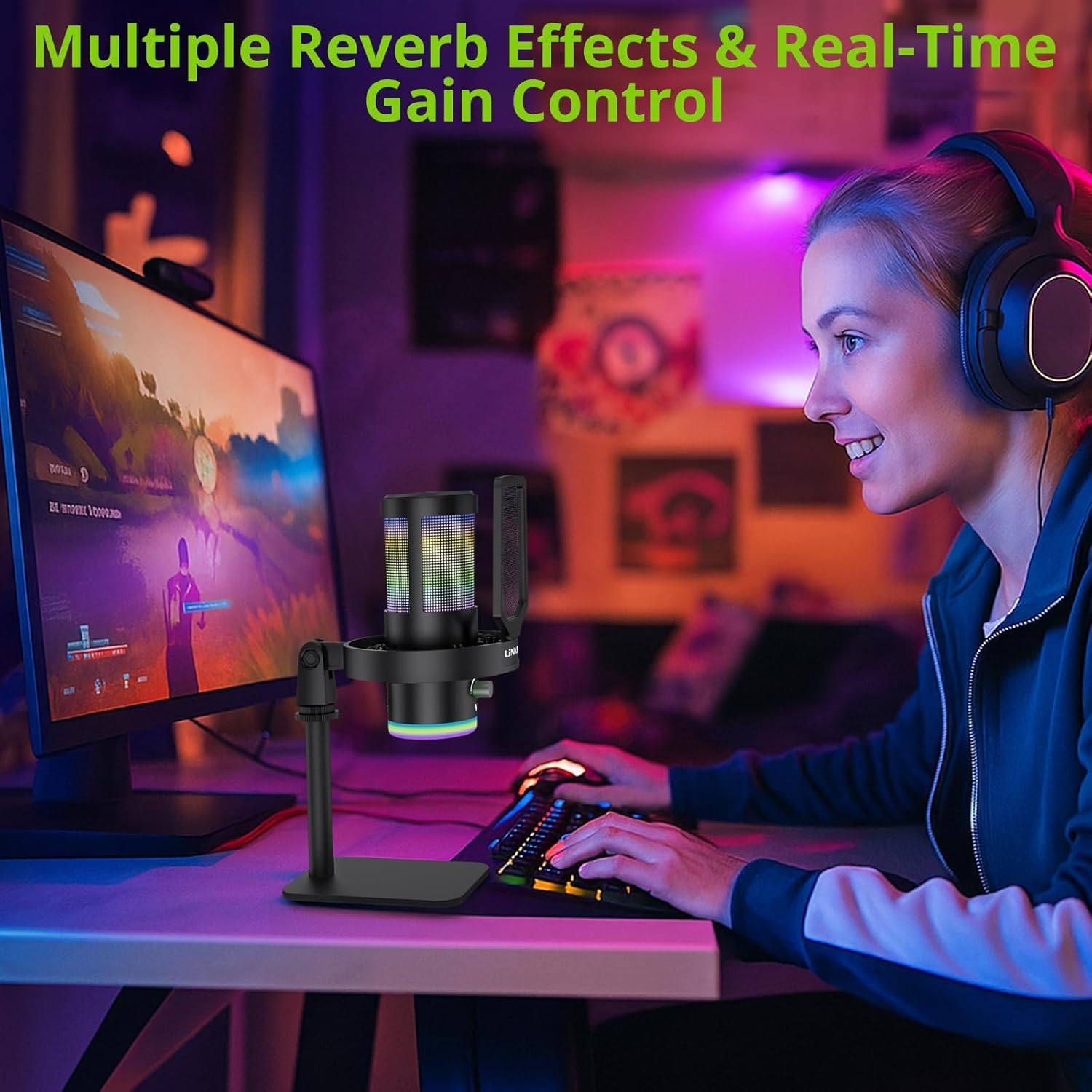
Image: A user operating the microphone with its reverb and gain control features.
4. Instant Mute + Zero-Delay Monitoring
- Botón de silencio: A touch-sensitive mute button allows for instant silencing of the microphone.
- Toma de auriculares de 3.5 mm: Plug in headphones to the 3.5mm jack for real-time, zero-latency monitoring of your audio. A dedicated volume dial controls headphone output.
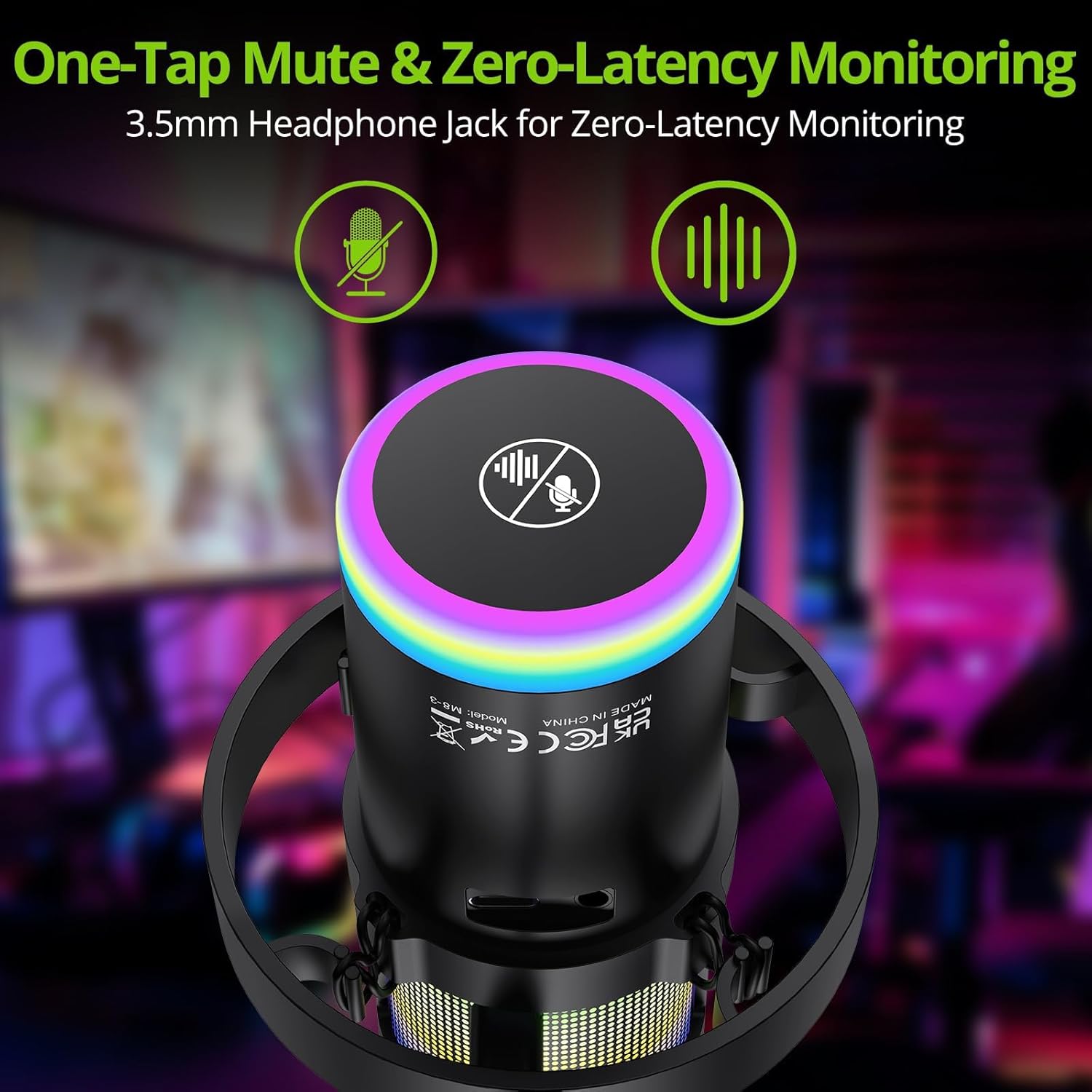
Image: Close-up of the microphone's top, highlighting the mute button and headphone jack for monitoring.
5. Controles sobreview

Image: A detailed diagram illustrating the various controls on the LiNKFOR USB Gaming Microphone, including the RGB lighting touch control, 3.5mm headphone jack, USB-C port, and volume/mode knob.
Compatibilidad
The LiNKFOR USB Gaming Microphone is designed for broad compatibility:
- Compatible con: PC (Windows), Mac, PS4, PS5, Android (OTG-capable phones).
- No compatible con: Xbox, dedicated sound cards (may interfere with plug-and-play functionality).
Mantenimiento
- Limpieza: Utilice un paño suave y seco para limpiar el exterior del micrófono. No utilice limpiadores líquidos ni disolventes.
- Almacenamiento: Guarde el micrófono en un lugar fresco y seco, alejado de la luz solar directa y de temperaturas extremas cuando no esté en uso.
- Manejo: Evite dejar caer el micrófono o someterlo a impactos fuertes, ya que esto puede dañar los componentes internos.
Solución de problemas
| Problema | Posible causa | Solución |
|---|---|---|
| No hay salida de sonido del micrófono | Incorrect device selection; loose cable connection; microphone muted. | Check your device's sound settings to ensure the LiNKFOR microphone is selected as the input device. Reconnect the USB cable. Ensure the microphone is not muted (check the mute button/indicator). |
| Las luces RGB no funcionan | Lights turned off; power issue. | Touch the top of the microphone to cycle through lighting modes. Long-press to turn them on/off. Ensure the microphone is properly connected and receiving power. |
| Audio is distorted or too quiet | Gain setting too high/low; microphone too close/far from source. | Adjust the gain knob on the microphone. Check your device's input volume settings. Position the microphone appropriately (typically 6-12 inches from the sound source). |
| Headphone monitoring not working | Headphones not properly connected; headphone volume too low. | Ensure headphones are fully plugged into the 3.5mm jack. Adjust the headphone volume dial on the microphone. |
Presupuesto
| Característica | Detalle |
|---|---|
| Número de modelo | ULK113 |
| Tecnología de conectividad | USB tipo C |
| Tipo de micrófono | Condenser, Cardioid |
| Relación señal a ruido | 85 dB |
| Características especiales | RGB Lighting, Noise Cancellation, Mute Button, Volume Control, Headphone Jack, Reverb Effects |
| Dispositivos compatibles | PC, PS4/PS5, Mac, Android (OTG) |
| Peso del artículo | 1.14 libras |
| Dimensiones del producto | 7.28 x 4.53 x 4.33 pulgadas |
| Material | Plástico |
Garantía y soporte
For warranty information or technical support, please refer to the official LiNKFOR webSitio web o contacte con el servicio de atención al cliente. Conserve el recibo de compra para cualquier reclamación de garantía.
Puedes visitar el LiNKFOR Store on Amazon para obtener más información y recursos de soporte.