
Introducción
This manual provides instructions for the installation, operation, and maintenance of your Luqeeg Smart Sprinkler Timer Automatic. This device allows for automated and remote control of your garden irrigation system via a mobile application and voice commands, enhancing watering efficiency and convenience.
Contenido del paquete
- 1 x WiFi Water Timer
- 1 x Adaptador
- 1 x Tornillo
- 1 manual en inglés
Configuración
1. Instalación de la batería
The Luqeeg Smart Sprinkler Timer requires 4 x AA batteries (not included) for operation. Open the battery compartment, insert the batteries according to the polarity markings, and securely close the compartment.
2. Instalación Física
Attach the sprinkler timer to your outdoor faucet. Ensure the connection is secure to prevent leaks. The timer features a 3/4 inch NPT thread specification for standard hose connections. Connect your garden hose to the outlet of the sprinkler timer.
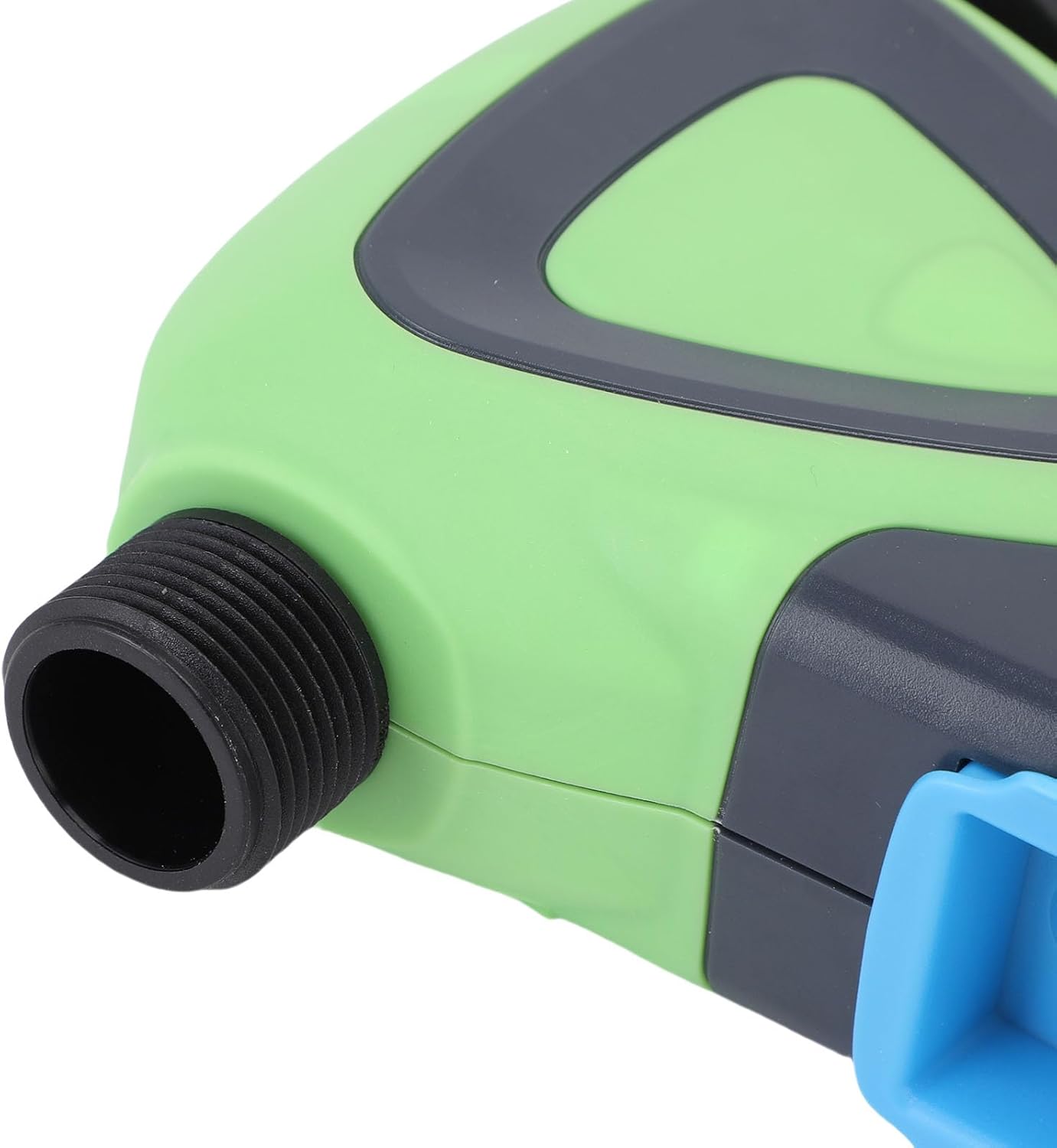
Imagen: Primer plano view of the Luqeeg Smart Sprinkler Timer's threaded inlet and outlet for hose connection.
3. Descarga de la aplicación y emparejamiento de dispositivos
Download the compatible mobile application (refer to the included English Manual for specific app details). Follow the in-app instructions to add your Luqeeg Smart Sprinkler Timer. The device connects via a Zigbee hub to your 2.4GHz WiFi network. Ensure your WiFi network is 2.4GHz for successful pairing.
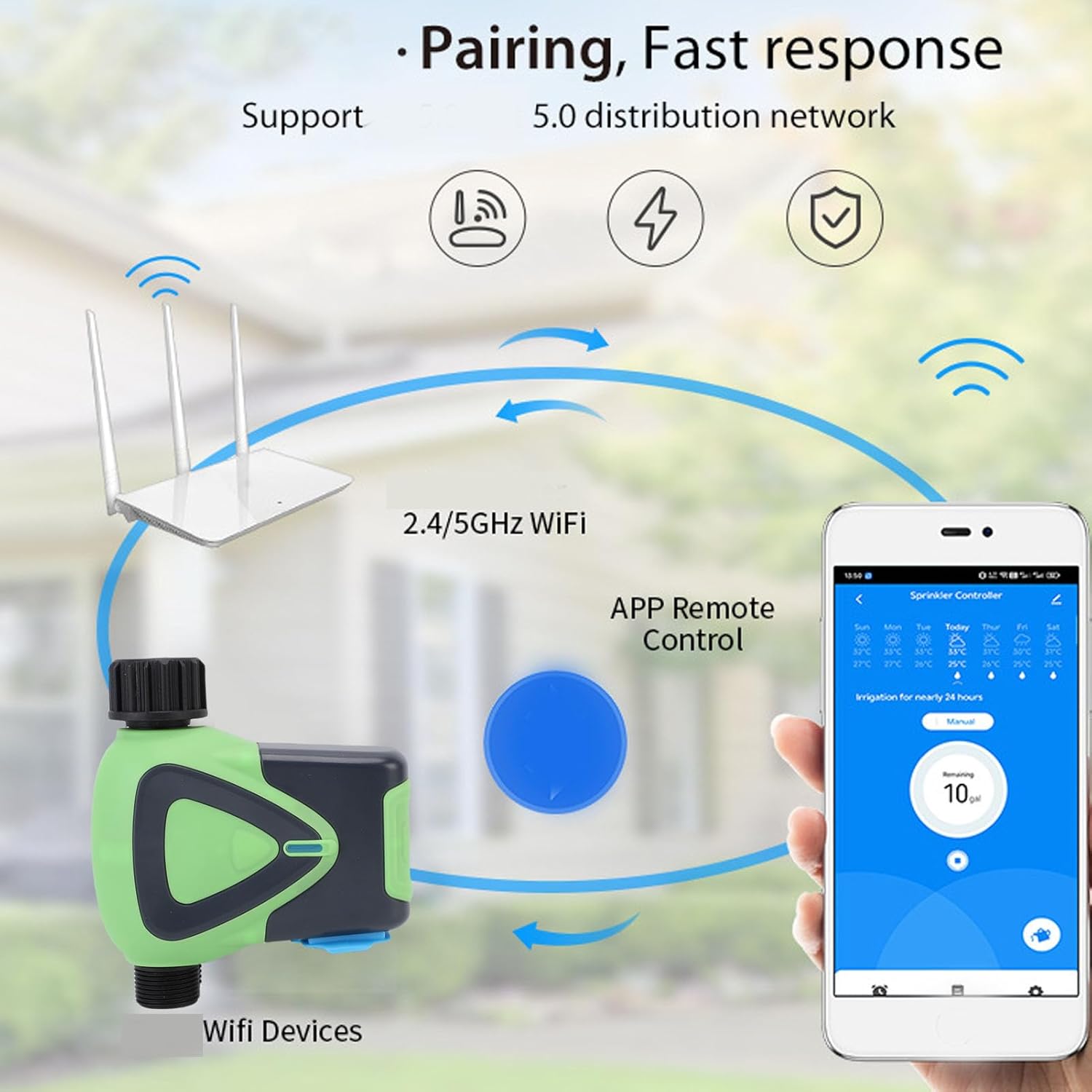
Image: Diagram illustrating the pairing process, showing the smart sprinkler timer, a WiFi router, and a smartphone displaying the control app.
Instrucciones de funcionamiento
1. Control remoto mediante aplicación
Once paired, you can manage your irrigation schedules and settings remotely using the mobile application. This includes setting watering times, durations, and activating manual watering modes.

Image: A smartphone displaying the app interface for remote watering control, with an icon representing a watering can.
2. Control por voz
The sprinkler timer supports voice activation through compatible smart assistants. Link your device to your preferred voice assistant (e.g., Google Assistant) to control watering with voice commands.
3. Scheduling and Rain Delay
Set up customized watering schedules within the app. The system also supports a rain delay function, allowing you to pause watering during rainy periods to conserve water and prevent overwatering.
4. Family Collaboration
The app allows you to add family members for shared management of the sprinkler timer. This enables multiple users to monitor and adjust watering settings.
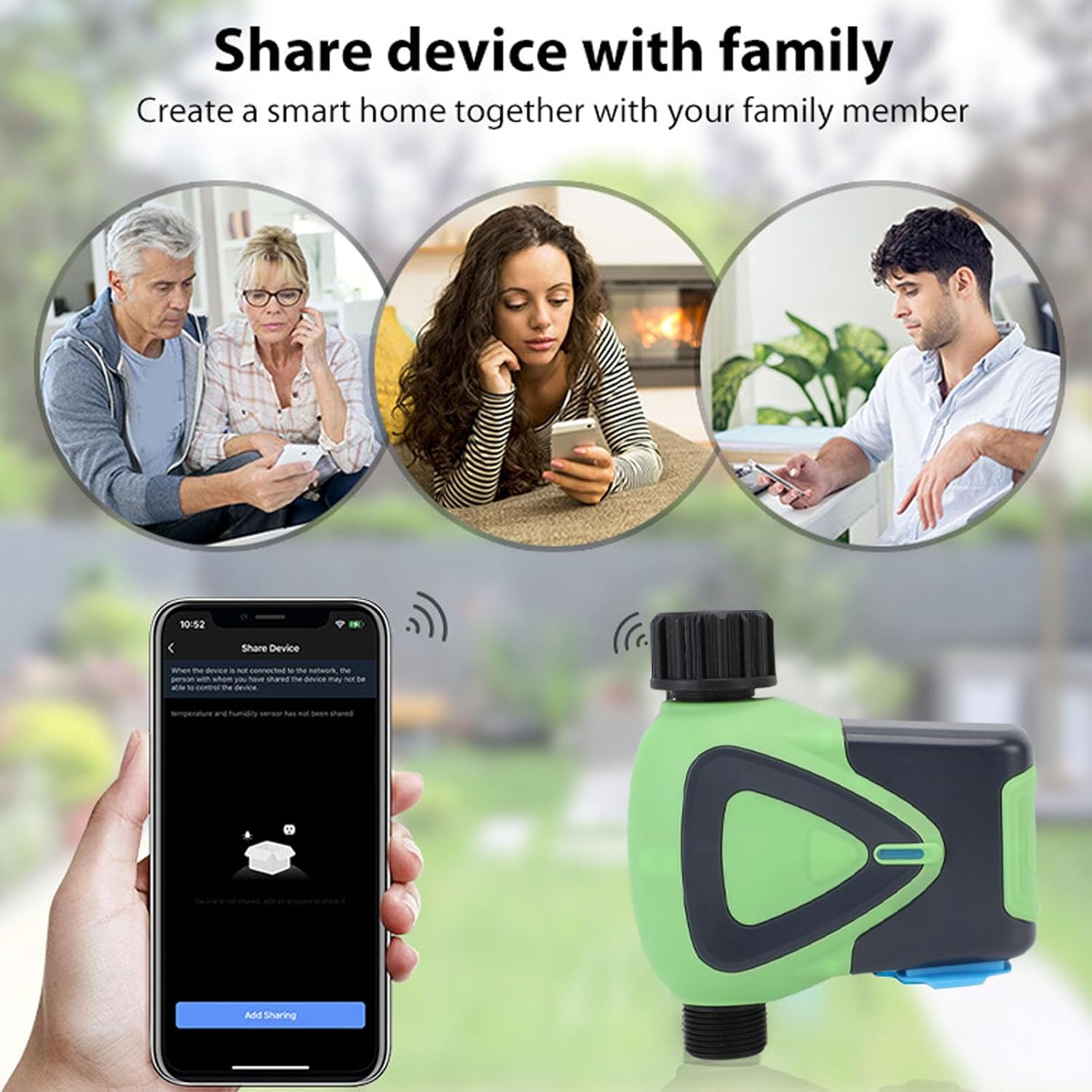
Image: Illustration depicting family members sharing control of the smart device via their smartphones.
5. Watering Records
The application maintains a record of past watering activities, including irrigation amounts and times. This feature helps in monitoring water usage and optimizing schedules.

Image: A smartphone screen showing the "Watering Records" section of the app, listing irrigation amounts and dates.
Mantenimiento
To ensure optimal performance and longevity of your Luqeeg Smart Sprinkler Timer, follow these maintenance guidelines:
- Reemplazo de batería: Replace the 4 x AA batteries when the low battery indicator appears in the app or on the device.
- Limpieza: Limpie periódicamente el exterior del dispositivo con un paño suave y húmedo.amp paño. No utilice productos químicos agresivos ni limpiadores abrasivos.
- Winterización: En regiones con temperaturas bajo cero, desconecte el temporizador del aspersor del grifo y guárdelo en el interior para evitar daños por el agua congelada.
- Clasificación de impermeabilidad: The device has an IP65 waterproof rating, meaning it is protected against low-pressure water jets from any direction. However, avoid submerging the device in water.
Solución de problemas
- Dispositivo no emparejado:
- Asegúrese de que su red WiFi sea de 2.4 GHz.
- Verify the Zigbee hub is properly connected and functioning.
- Check if the device is within the 45m wireless distance range of the hub/router.
- Restart the device and attempt pairing again.
- Sin flujo de agua:
- Compruebe si el grifo está completamente abierto.
- Ensure batteries are charged and correctly installed.
- Verify the watering schedule in the app is active and correctly configured.
- Check for any blockages in the hose or timer.
- Problemas de conectividad de aplicaciones:
- Asegúrese de que su teléfono inteligente tenga una conexión a Internet activa.
- Actualice la aplicación a la última versión.
- Restart your smartphone and the sprinkler timer.
- Inaccurate Watering:
- Review your watering schedule and settings in the app.
- Check for any rain delay settings that might be active.
Presupuesto
| Especificación | Valor |
|---|---|
| Tipo de artículo | Temporizador de agua WiFi |
| Material | abdominales |
| Fuente de alimentación | 4 pilas AA (no incluidas) |
| Tamaño de la manguera | 3/4 de pulgada |
| Especificación de hilo | TNP |
| Consumo de energía en modo de espera | 200uA |
| Estándar inalámbrico | IEEE802.11b, g, n |
| Frecuencia inalámbrica | 2.4 GHz |
| Distancia inalámbrica | 45 m |
| Nivel de impermeabilidad | IP65 |
| Presión de agua de trabajo | 0.03MPa a 1MPa |
| Temperatura de trabajo | -10 °C a 60 °C (14 °F a 140 °F) |
| Humedad de trabajo | 1% to 95%RH (non condensing) |
| Tamaño del producto | Approx. 137x126x54mm (5.4x5.0x2.1in) |
| Número de modelo | Luqeegfzgw1dqgay |
| Marca | Luqeeg |

Image: The Luqeeg Smart Sprinkler Timer with its approximate dimensions indicated.