
1. Introducción
This manual provides detailed instructions for the safe and efficient operation of your pofoto PD16 Portable TV/DVD Player. This device features a 15.6-inch HD swivel screen, a built-in ATSC tuner for local TV, FM radio, and supports multiple disc and media formats. It includes HDMI input, USB, Micro SD, and AV output capabilities, powered by a rechargeable battery for portable use.

Figure 1: The pofoto PD16 Portable TV/DVD Player with its 15.6-inch HD screen.
2. Configuración
2.1 Desempaquetado y contenido del paquete
Retire con cuidado todos los artículos del embalaje. Compruebe que estén presentes todos los componentes enumerados a continuación:
- Portable TV/DVD Player Combo
- User's Guide, Quick Start Guide
- TV Antenna, TV connector, Remote Control
- AV Cable, Car Charger, Power Adapter

Figure 2: Included accessories with the pofoto PD16 player.
2.2 Encendido del dispositivo
To power on the player, ensure it is either charged or connected to a power source. Slide the 'OFF/ON' switch located on the side of the unit to the 'ON' position. The screen will illuminate, displaying the pofoto logo.
Video 1: Demonstrates how to power on the pofoto PD16 and navigate basic functions.
3. Instrucciones de funcionamiento
3.1 Selecting Playback Modes
The pofoto PD16 supports various input sources. To switch between modes (ATSC TV, DVD, Card, AV, HDMI, USB, FM Radio), press the 'MODE' button on the player or remote control and select your desired source from the on-screen menu.
Vídeo 2: Un finalview of the pofoto 15.6" Portable Entertainment system, highlighting DVD, HDMI IN, and AV features.
3.2 Reproducción de DVD
Open the disc cover and carefully place a DVD, DVD±R/±RW, CD-R/RW, VCD, or SVCD disc onto the spindle. Close the cover. The player will automatically detect the disc and begin playback. The device supports region-free playback and features a last-memory function to resume from where you left off.
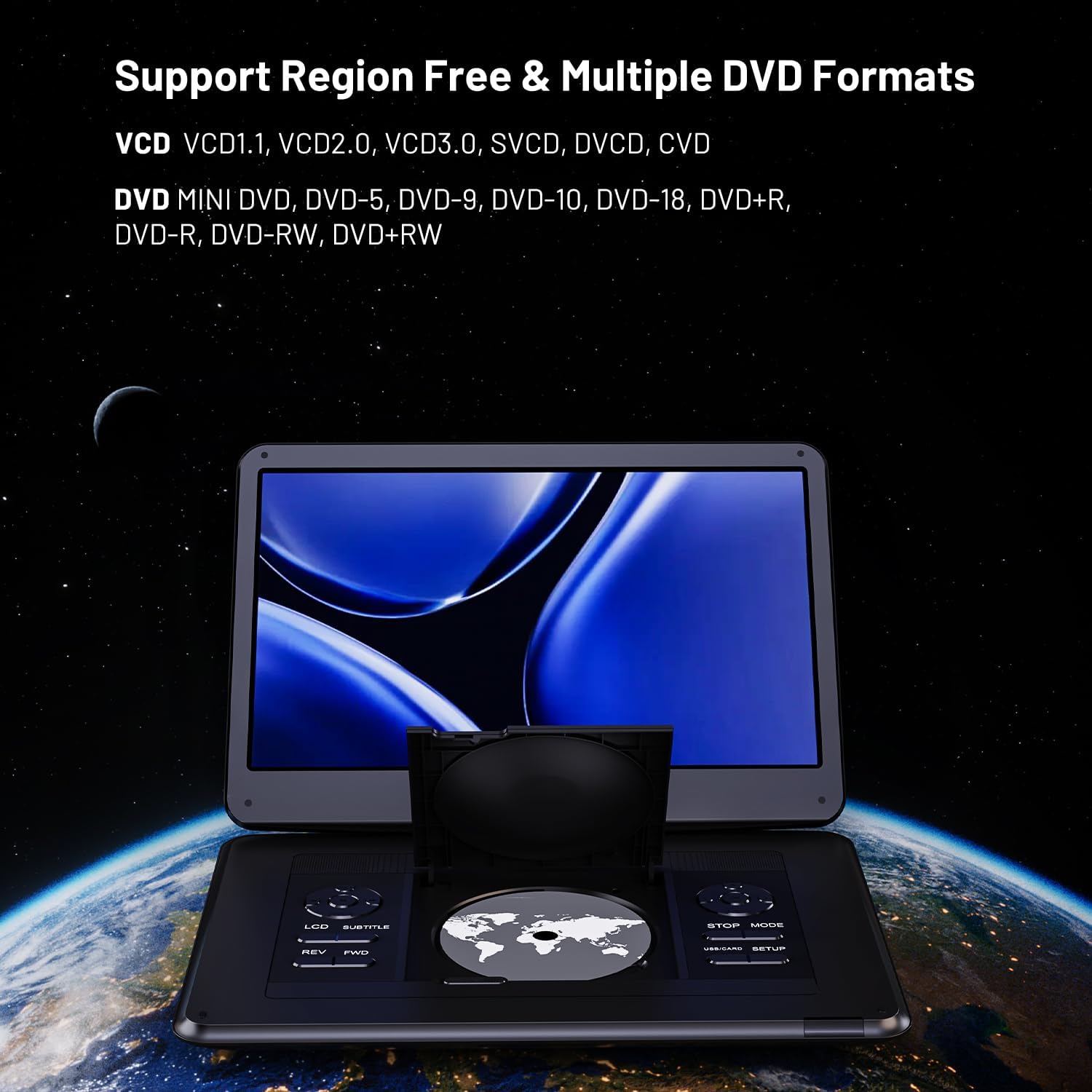
Figure 3: Inserting a DVD into the player's disc tray.
3.3 TV and FM Radio
Connect the included TV antenna to the antenna port on the side of the player. Select 'ATSC' mode for TV or 'FM Radio' mode for radio. Perform a channel scan to find available local stations. Reception quality may vary based on location and environmental factors.
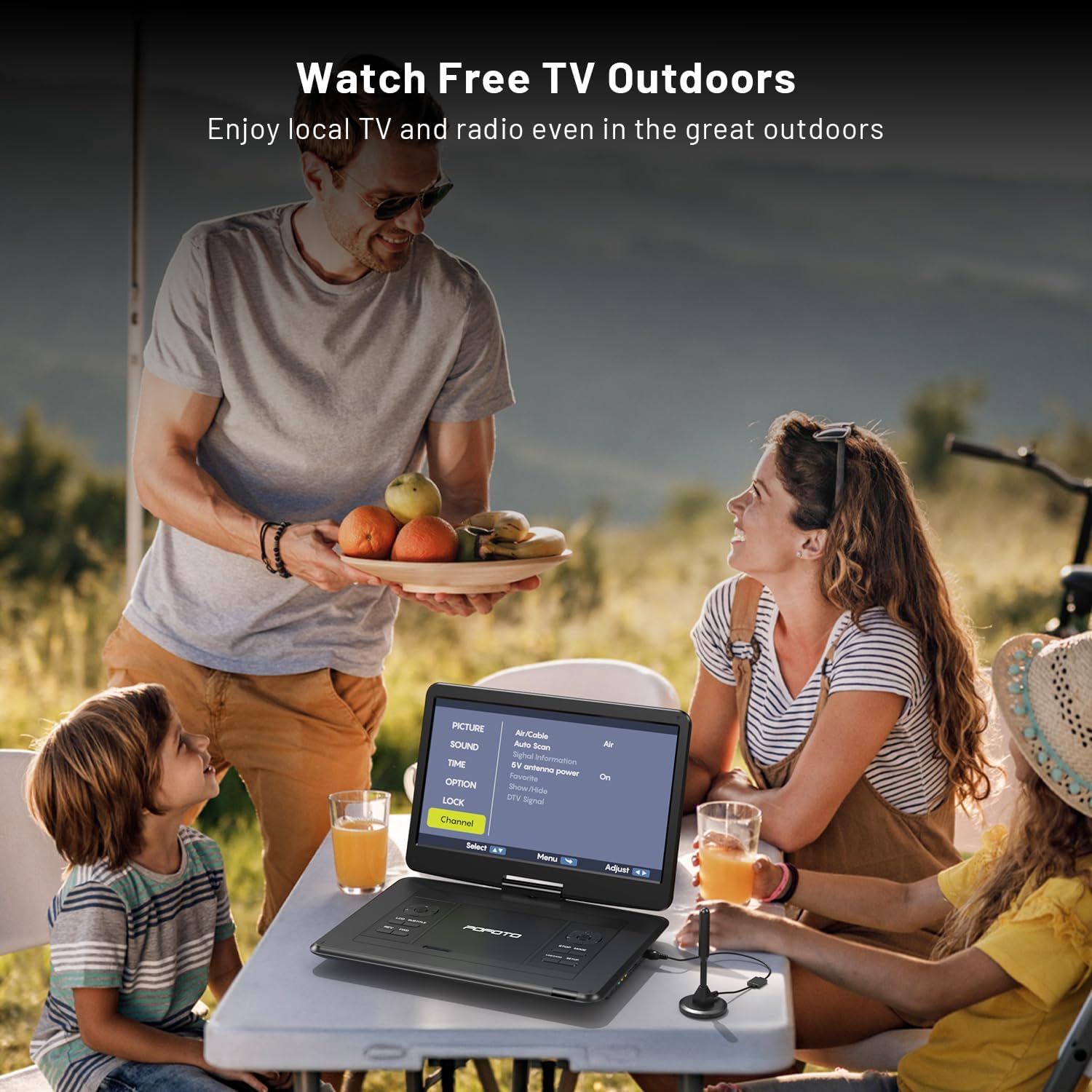
Figure 4: Enjoying local TV channels outdoors with the portable player.
3.4 HDMI In, USB, Micro SD, and AV Out
The player features multiple connectivity options:
- ENTRADA HDMI: Connect external devices like a Fire TV Stick, Roku, or gaming console to display content on the player's screen. (Note: Streaming devices and subscriptions are not included; Wi-Fi is required for streaming.)
- USB/MicroSD: Insert a USB drive or Micro SD card (up to 512GB) to play local videos, music, photos, and text files.
- SALIDA AV: Use the included AV cable to connect the player to a larger television or monitor for an expanded viewExperiencia de aprendizaje.

Figure 5: Using the HDMI IN port to connect a streaming device.
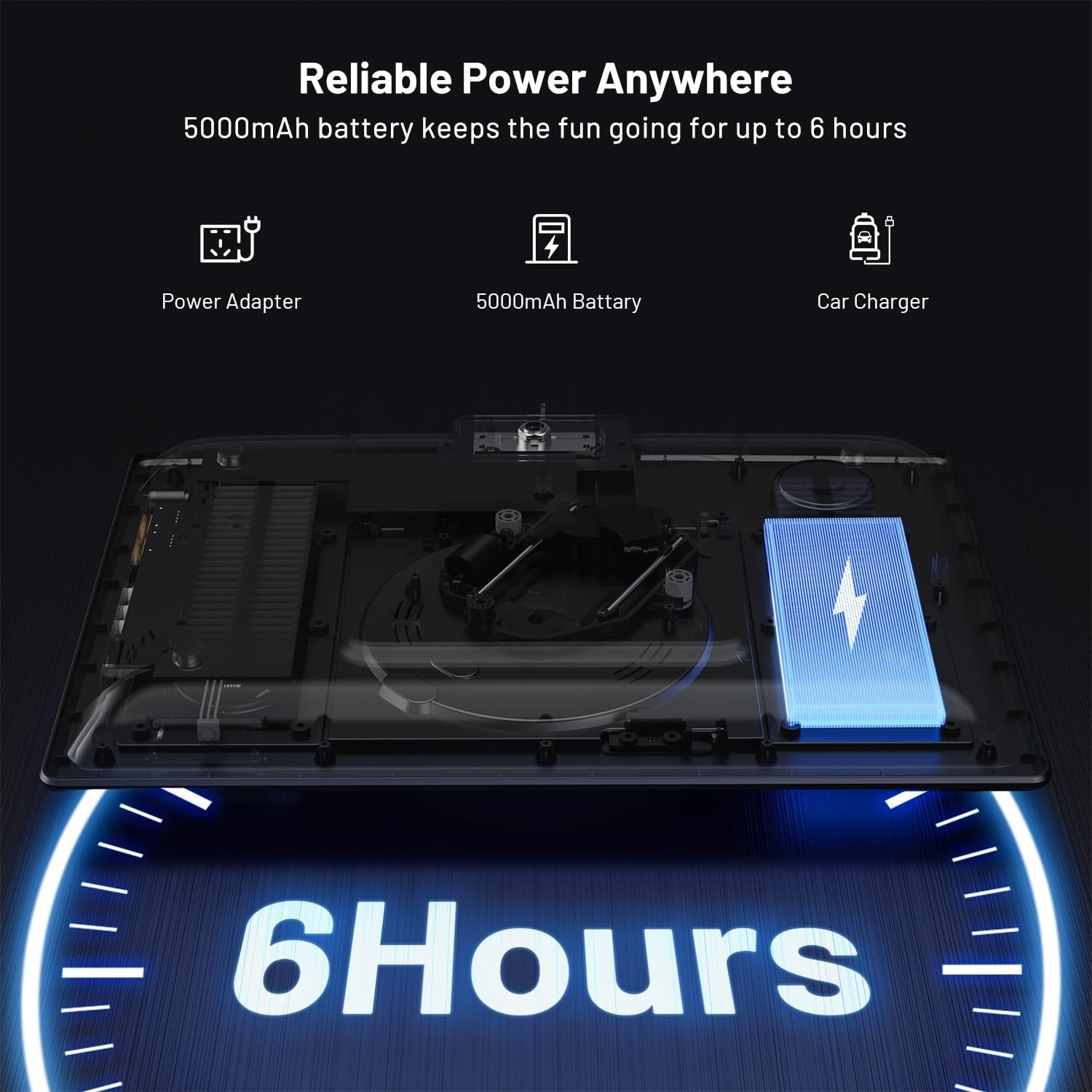
Figura 6: detallada view of the player's input and output ports.
4. Mantenimiento
4.1 Cuidados generales
To ensure the longevity of your player, keep it clean and free from dust. Use a soft, dry cloth to wipe the screen and exterior. Avoid using harsh chemicals or abrasive cleaners. Handle discs by their edges to prevent scratches.
4.2 Cuidado de la batería
The player is equipped with a 5000mAh rechargeable battery. For optimal battery life, avoid fully discharging the battery frequently. If storing the device for an extended period, charge it to approximately 50% and store in a cool, dry place.
5. Solución de problemas
If you encounter issues with your pofoto PD16, refer to the following common solutions:
- Sin energía: Ensure the power switch is in the 'ON' position and the device is either charged or connected to a working power adapter/car charger.
- El disco no se reproduce: Check if the disc is clean and free of scratches. Ensure it is a supported format (not Blu-ray or pirated discs). Try a different disc.
- Poor TV/FM Reception: Adjust the position of the antenna. Try placing the antenna near a window or in a higher location. Avoid obstacles like large buildings or mountains, and reduce interference from Wi-Fi routers, microwaves, or other high-power appliances. Visit the FCC DTV Maps page for channel availability in your area.
- Sin sonido/imagen: Verify that the correct input source is selected. Check all cable connections (AV, HDMI). Adjust volume settings.
For further assistance, please contact customer support. You can also refer to the video below for tips on improving TV signal reception.
Video 3: Tips for improving TV signal reception on portable devices.
6. Especificaciones
| Marca | pofoto |
| Número de modelo | PD16 |
| Tamaño de pantalla | 15.6 pulgadas |
| Tipo de pantalla | Pantalla LCD |
| Resolución nativa | 1366x768 |
| Compatibilidad con tipos de medios | AVI, VOB, MPEG, XVID, MP4, WMA, FLV, DAT, DVD, CD, SVCD, VCD, DVD ±R(±RW), JPEG, BMP, MP3, WMA (Does not support Blu-ray) |
| Tecnología de conectividad | ATSC, AV OUT, HDMI IN, TF (Micro SD), USB |
| Dispositivos compatibles | Headphone, Projector, Speaker, Television |
| Dimensiones del artículo (largo x ancho x alto) | 14.9" de largo x 10.6" de ancho x 1.9" de alto |
| Peso del artículo | 5.5 libras |
7. Garantía y soporte
7.1 Información de garantía
The pofoto PD16 Portable TV/DVD Player comes with a 24-month warranty. Please retain your proof of purchase for warranty claims.
7.2 Atención al cliente
For any setup questions, issues with playback, signal reception problems, or discs not playing, our customer care team is available to provide assistance within 24 hours. In cases where troubleshooting is insufficient, an eligible replacement may be provided.
To activate your warranty or for support, please contact: help@pofotovip.com