
1. Introducción
Welcome to your new NIMO 15.6" IPS FHD Student Laptop, Model N154. This manual provides essential information to help you get started, operate, and maintain your device. Designed for both home and business use, this laptop combines performance with user-friendly features to enhance your productivity and entertainment experience.
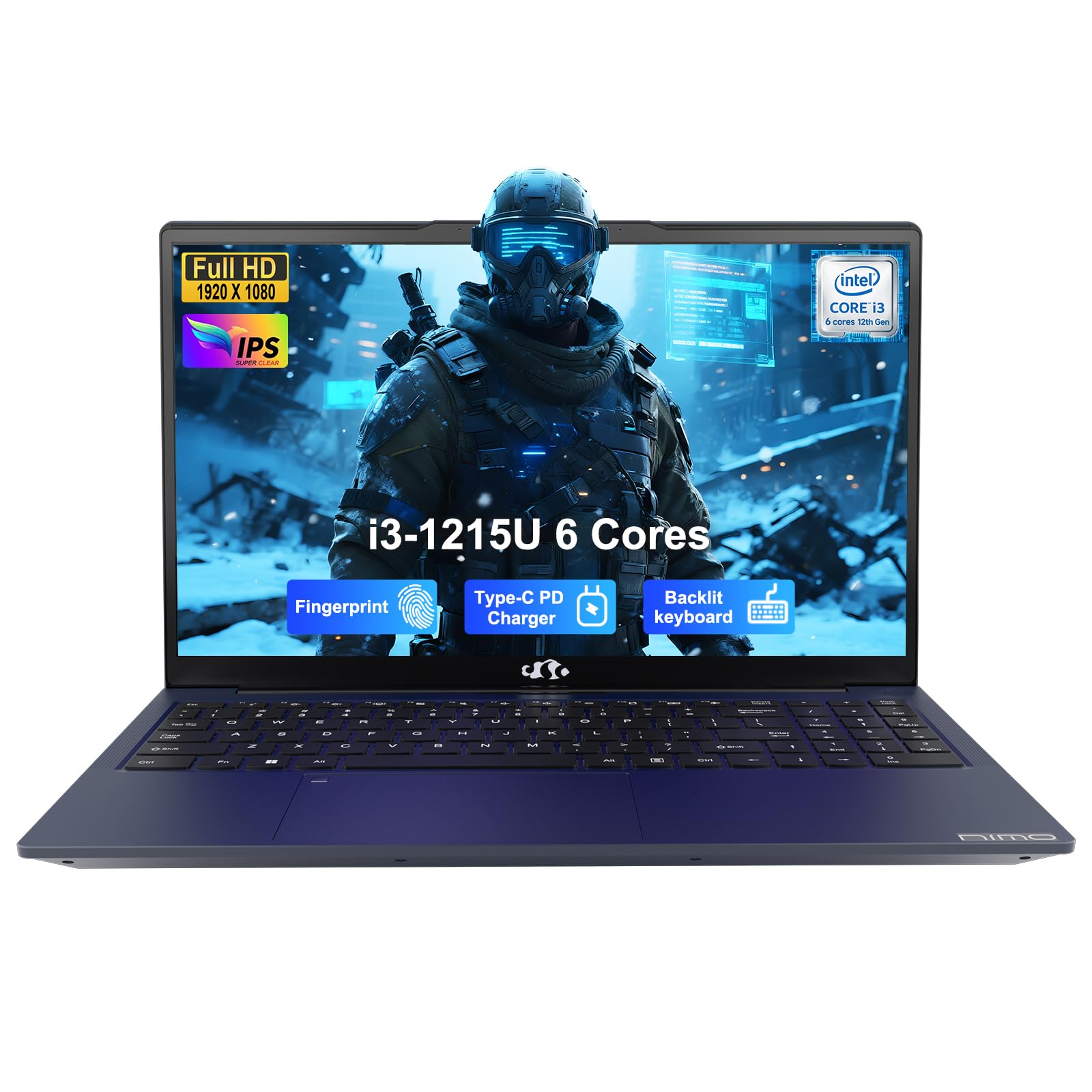
Image: The NIMO 15.6-inch IPS FHD Student Laptop, showcasing su elegante diseño.
2. ¿Qué hay en la caja?
Verifique el contenido del paquete para asegurarse de que todos los artículos estén presentes:
- 1 x NIMO N154 Laptop
- 1 x Type-C 65W PD Fast Charger
- 1 x Manual de usuario (este documento)
- Windows 11 Home (pre-installed)
3. Configuración inicial
3.1. Cargar la computadora portátil
Before first use, fully charge your NIMO laptop using the included 65W USB-C PD Fast Charger. Connect the charger to the Type-C port on your laptop and a power outlet. The charging indicator light will illuminate.

Image: The 65W USB-C PD Fast Charger, capable of charging the laptop, tablet, and smartphone.
3.2. Encendido y configuración inicial
Presiona el botón de encendido para encender tu laptop. Sigue las instrucciones en pantalla para completar la configuración de Windows 11 Home, incluyendo la selección de idioma, la conexión de red y la creación de una cuenta de usuario.
4. Operación de su computadora portátil
4.1. Pantalla
Your laptop features a 15.6-inch Full HD (1920x1080) IPS anti-glare display. This screen provides clear visuals and reduces eye strain during extended use. The 180° open angle allows for flexible viewposiciones de ing.
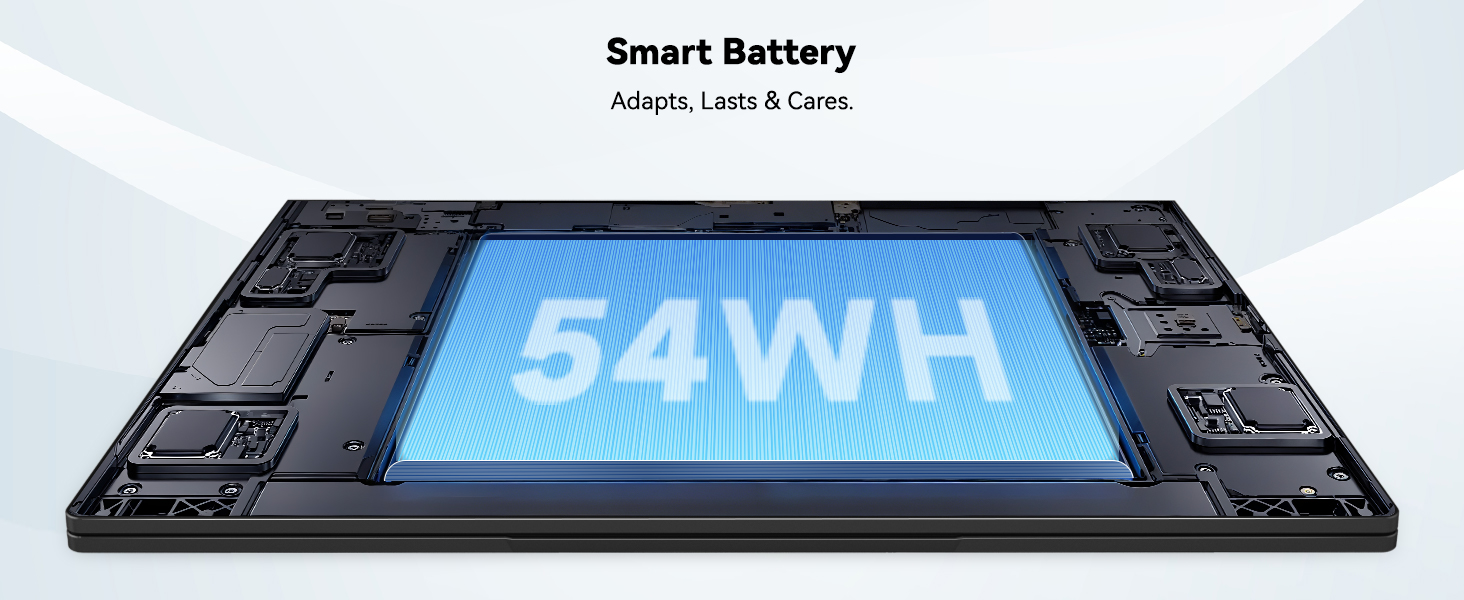
Image: The laptop's 15.6-inch Full HD IPS display with vibrant colors.
4.2. Teclado y panel táctil
The ergonomic backlit keyboard allows for comfortable typing in various lighting conditions, with adjustable brightness. The touchpad includes an integrated fingerprint sensor for secure, one-touch login.

Image: Features of the laptop's input, including backlit keyboard, webcam shield, fingerprint sensor, and numeric keypad.
4.3. Fingerprint Login
Utilize the fingerprint sensor on the touchpad for quick and secure access to your laptop. Configure your fingerprint in the Windows settings for enhanced security.

Image: Close-up of the integrated fingerprint scanner on the touchpad for secure login.
4.4. Puertos y conectividad
The NIMO N154 laptop offers a variety of ports for versatile connectivity:
- Puerto USB 2.0: 1
- Puertos USB: 3.0 3
- Puerto HDMI: Para conexiones de pantalla externa.
- Puerto Tipo-C: Supports 65W Power Delivery for charging and data transfer.
- Ranura para tarjeta micro SD: Para ampliar el almacenamiento o transferir files.
- Headphone Combo Jack: Para entrada/salida de audio.
- Ranura de bloqueo Kensington: Por seguridad física.
The laptop also features Wi-Fi 6 for fast and reliable wireless internet access.

Image: Diagram illustrating the various ports available on the NIMO laptop, including USB, HDMI, Type-C, Micro SD, headphone jack, and Kensington lock.
4.5. Audio y Webleva
Integrated speakers provide clear audio for video calls, online classes, and media consumption. The 2.0MP webcam is suitable for video conferencing, complemented by a privacy switch for enhanced security.

Image: Details on the 1080p FHD camera and privacy camera convenience features.
4.6. Procesador y rendimiento
Powered by the 6-Core Intel i3-1215U processor, your laptop is designed for efficient multitasking, handling numerous browser tabs, spreadsheets, and video calls without significant slowdowns.
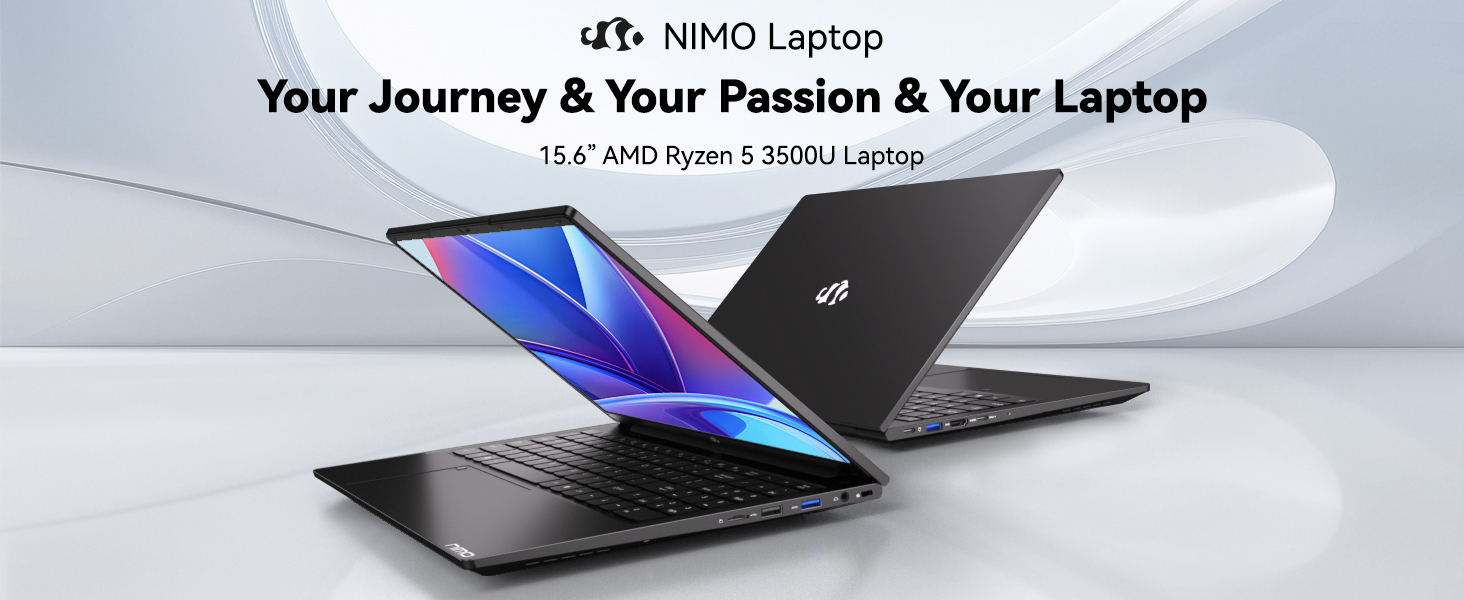
Image: Visual representation of the 12th Gen Intel Core i3-1215U Processor, highlighting its 6 cores, 8 threads, 15W power consumption, and 3.7 GHz Turbo Boost.
5. Mantenimiento
5.1. Limpieza
Regularly clean your laptop to ensure optimal performance and longevity. Use a soft, lint-free cloth for the screen and exterior. For stubborn marks, dampEnjuague el paño con un poco de agua o un limpiador de pantallas. Evite productos químicos agresivos.
5.2. Actualizaciones de software
Keep your operating system and drivers updated to benefit from the latest security patches and performance improvements. Windows Update can be accessed through the Settings menu.
5.3. Cuidado de la batería
To maximize battery life, avoid extreme temperatures and fully discharging the battery frequently. For long-term storage, charge the battery to around 50-70%.

Image: An illustration of the laptop's internal battery, labeled 54WH, emphasizing smart battery management.
6. Solución de problemas
6.1. La computadora portátil no enciende
- Asegúrese de que el cargador esté conectado de forma segura tanto a la computadora portátil como a una toma de corriente que funcione.
- Compruebe si el adaptador de corriente funciona correctamente.
- Intente mantener presionado el botón de encendido durante 10 a 15 segundos para realizar un restablecimiento completo.
6.2. Problemas de conectividad Wi-Fi
- Verifique que Wi-Fi esté habilitado en la configuración de Windows.
- Reinicie su enrutador y módem.
- Ensure your Wi-Fi drivers are up to date.
6.3. Rendimiento lento
- Cierre las aplicaciones innecesarias que se ejecutan en segundo plano.
- Busque e instale cualquier actualización de Windows pendiente.
- Ensure your storage (SSD) has sufficient free space.
Para obtener más ayuda, consulte la sección Garantía y soporte.
7. Especificaciones
| Característica | Especificación |
|---|---|
| Nombre del modelo | NIMO N154 |
| Tamaño de pantalla | 15.6 pulgadas |
| Resolución de pantalla | 1920 x 1080 píxeles (Full HD) |
| Procesador | Intel Core i3-1215U (6 Cores, up to 4.4 GHz) |
| RAM | 8 GB DDR4 (3200 MHz) |
| Disco duro | SSD de 512 GB |
| Coprocesador gráfico | Gráficos integrados |
| Sistema operativo | Inicio de Windows 11 |
| Tipo inalámbrico | Wifi 6 (802.11a/b/g/n/ac) |
| Puertos USB 2.0 | 1 |
| Puertos USB 3.0 | 3 |
| Duración media de la batería | 9 horas |
| Peso del artículo | 3.75 libras |
| Dimensiones del producto | 14.07 x 8.98 x 0.76 pulgadas |
| Características especiales | Fingerprint Reader, HD Audio, Memory Card Slot, Numeric Keypad |
8. Garantía y soporte
NIMO is committed to providing quality products and excellent customer service.
8.1. Información de garantía
Your NIMO N154 laptop comes with a comprehensive 2 año de garantía, covering manufacturing defects and hardware malfunctions under normal use. This warranty ensures your investment is protected.

Image: Text indicating '2-Year Support' for Nimo products.
8.2. Política de devoluciones
Ofrecemos una Política de devolución de 90 días from the date of purchase. If you are not satisfied with your product, you may return it within this period according to the terms and conditions.

Image: Text indicating '90-Day Return' for Nimo products.
8.3. Contacta con el servicio de asistencia
Our dedicated US-based support team is available to assist you with any questions or issues. You can reach us via email at servicio@nimopc.com. We aim to provide professional and high-quality customer service.

Image: A customer service representative wearing a headset, representing professional customer assistance.