
1. Introducción
This manual provides comprehensive instructions for setting up, operating, and maintaining your RUPA Android TV Box 14.0. Please read this manual carefully before using the device to ensure optimal performance and safety. Keep this manual for future reference.
The RUPA Android TV Box 14.0 is a high-performance streaming media player designed to transform your television into a smart entertainment hub. Featuring the powerful RK3518pro chipset, 2 GB de RAM, y 32 GB de almacenamiento interno, it delivers smooth operation and supports stunning 4K and 8K Ultra HD resolutions. Con Androide 14.0, Wi-Fi 6, dual-band connectivity, Bluetooth 5.0, and a voice-controlled remote, it offers a rich and interactive viewExperiencia de aprendizaje.

Image: An illustration of the RK3518pro chipset, highlighting its core processing unit, 2GB RAM, and 32GB internal storage, which are crucial for the TV box's performance.
2. Contenido del paquete
Carefully unpack your RUPA Android TV Box and verify that all items listed below are included and in good condition. If any items are missing or damaged, please contact customer support.
- RUPA Android TV Box Unit
- Control remoto por voz
- Cable HDMI
- Adaptador de corriente
- Manual de usuario (este documento)

Image: The complete contents of the RUPA Android TV Box package, laid out on a surface. This includes the main TV box unit, a voice-controlled remote, an HDMI cable, a power adapter, and the printed user manual.
3. Producto terminadoview
Familiarize yourself with the main components and ports of your Android TV Box.

Image: The RUPA Android TV Box, a compact black square device, shown alongside its voice-controlled remote. The remote features a circular navigation pad and dedicated buttons for popular streaming services.
3.1. Device Ports and Indicators
The Android TV Box features various interfaces for connectivity:
- Puerto HDMI: Para conectar a su televisor o pantalla.
- Puerto LAN (Ethernet): For a wired network connection (10/100M Ethernet).
- Puertos USB: Multiple USB ports (including USB 3.0) for connecting external storage, keyboards, mice, or other peripherals.
- Entrada de energía: Para conectar el adaptador de corriente proporcionado.
4. Guía de configuración
Follow these steps to set up your RUPA Android TV Box:
- Conectar al televisor: Conecte un extremo del cable HDMI al puerto HDMI del Android TV Box y el otro extremo a una entrada HDMI disponible en su televisor.
- Conecte la electricidad: Conecte el adaptador de corriente al puerto DC IN del TV Box, luego conecte el adaptador a un tomacorriente de pared.
- Encendido: Turn on your television and select the correct HDMI input source using your TV's remote control. The Android TV Box should automatically power on and display the boot screen.
- Configuración inicial: Siga las instrucciones en pantalla para completar la configuración inicial, que generalmente incluye la selección de idioma, la conexión de red (Wi-Fi o Ethernet) y el inicio de sesión en la cuenta de Google.
- Emparejamiento de control remoto: If your voice remote control is not automatically paired, follow the instructions provided on-screen or in the remote control section of this manual to pair it.
5. Instrucciones de funcionamiento
5.1. Navegación básica
Use the directional pad (up, down, left, right) and the "OK" button on your remote control to navigate through menus and select items. The "Back" button returns to the previous screen, and the "Home" button takes you to the main Android TV home screen.
5.2. Gestión de aplicaciones
The RUPA Android TV Box runs on the latest Android 14.0 system, providing access to a vast library of applications via the Google Play Store. You can download and install your favorite streaming services, games, and utility apps.
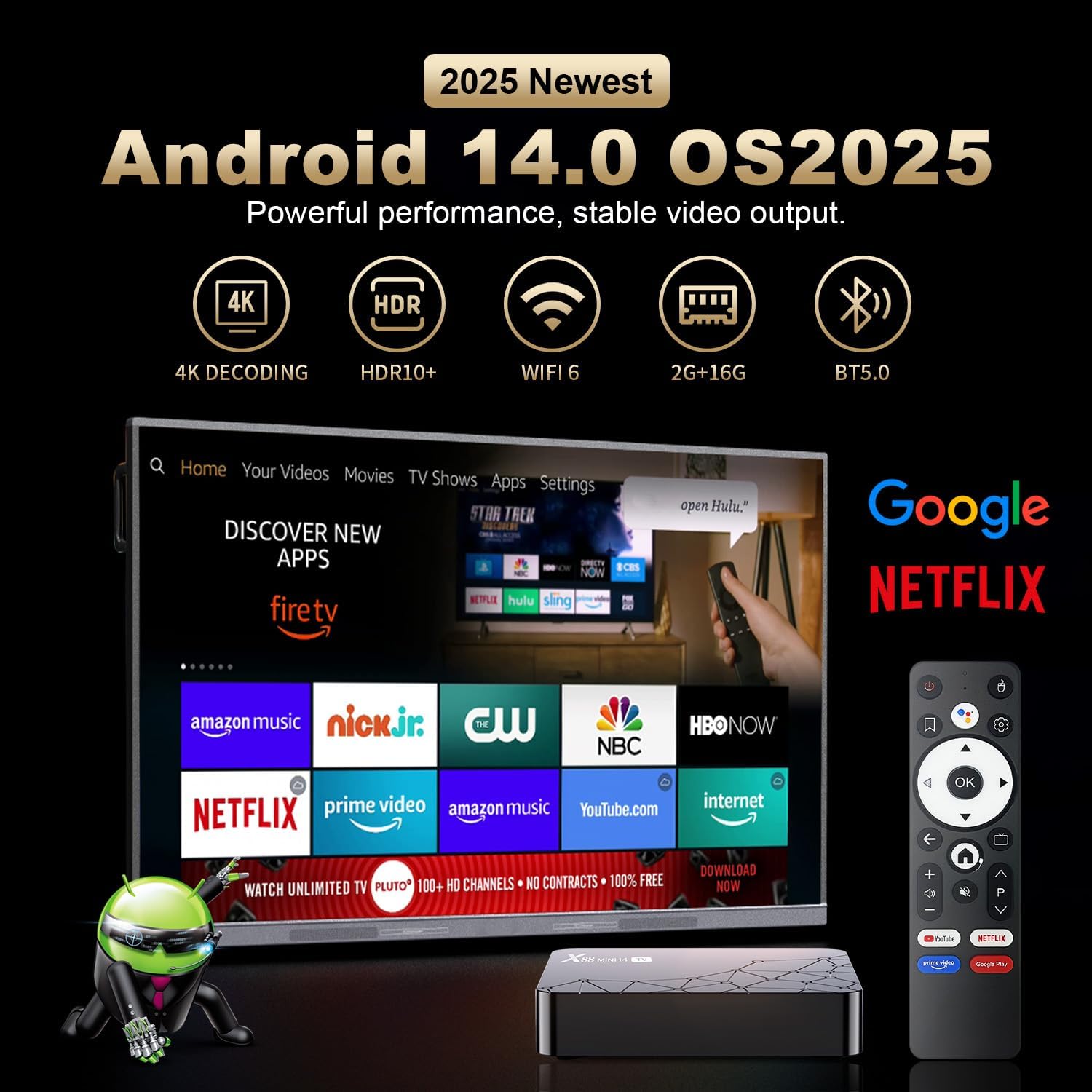
Image: A television screen displaying the Android 14.0 operating system interface. Various popular streaming applications such as Netflix, YouTube, Amazon Prime Video, and Google Play are visible, indicating broad app compatibility and access to the Google Play Store.
5.3. Control por voz
The included remote control features voice control capabilities. Press the dedicated voice button on the remote and speak your commands to search for content, open applications, or control playback. This feature enhances user interaction and convenience.

Image: A voice-controlled remote for the Android TV Box, positioned next to a television displaying various streaming app icons. A speech bubble indicates the voice command "Ask Google for a little help on your big screen," highlighting the remote's functionality for voice search and control.
The remote also supports motion sensing operating, utilizing a gyroscope for gesture recognition, providing an alternative method for navigation and control.
5.4. Duplicación de pantalla
The Android TV Box supports screen mirroring technologies like Airplay and Airscreen, allowing you to cast content from your mobile phone, tablet, or laptop directly to your television screen for a larger viewExperiencia de aprendizaje.
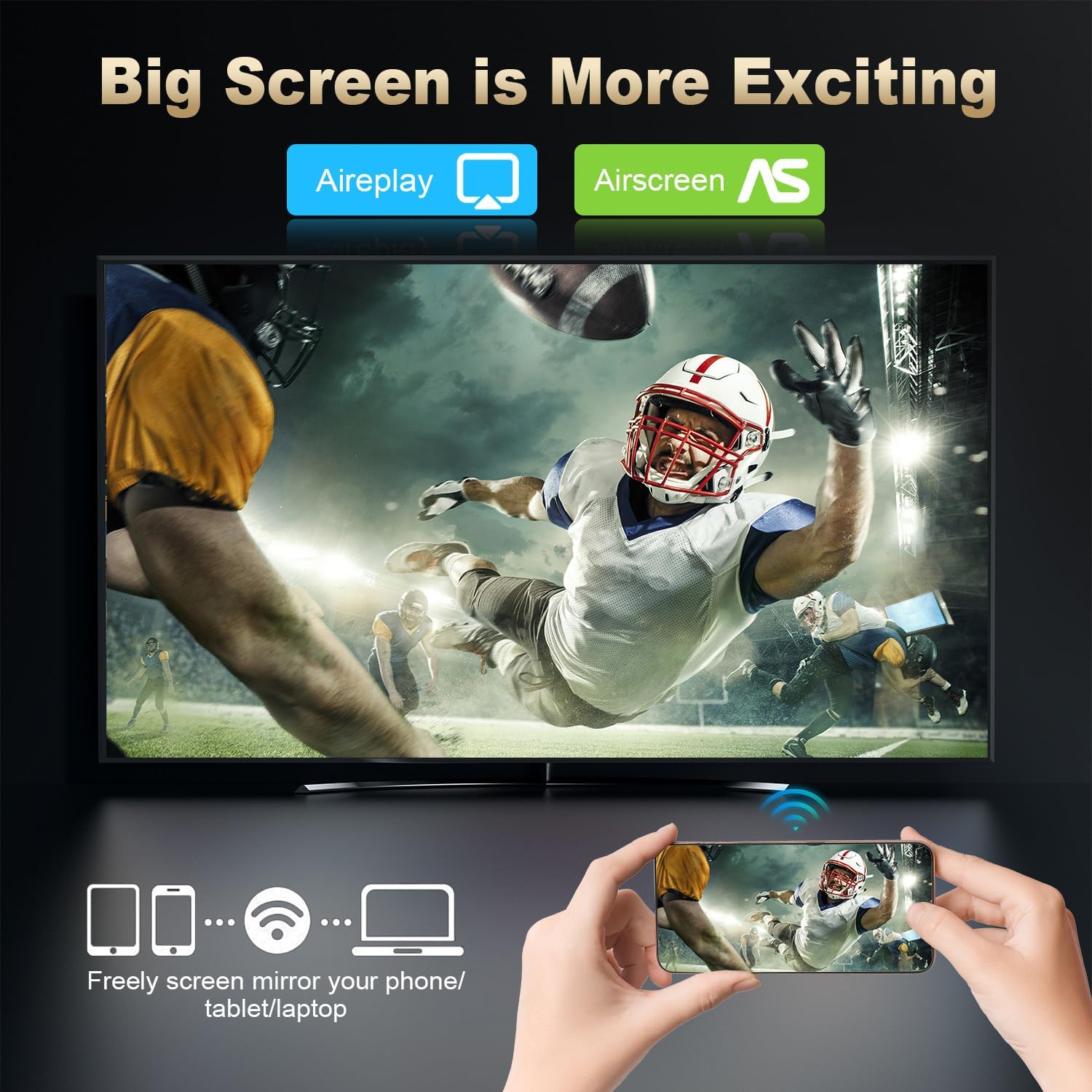
Image: A large television screen displaying a sports event, with a smartphone in the foreground showing the same content. Text indicates "Airplay" and "Airscreen" support, illustrating the screen mirroring capability from mobile devices to the TV.
6. Conectividad de red
Your RUPA Android TV Box offers flexible network connection options for stable and fast internet access:
- Wifi: Supports WIFI6 dual-band Wi-Fi (2.4 GHz and 5.8 GHz) for reliable wireless internet access, reducing interference from external signals.
- Ethernet: A 100M Ethernet port is available for a direct, wired internet connection, providing maximum stability and speed for streaming and online activities.
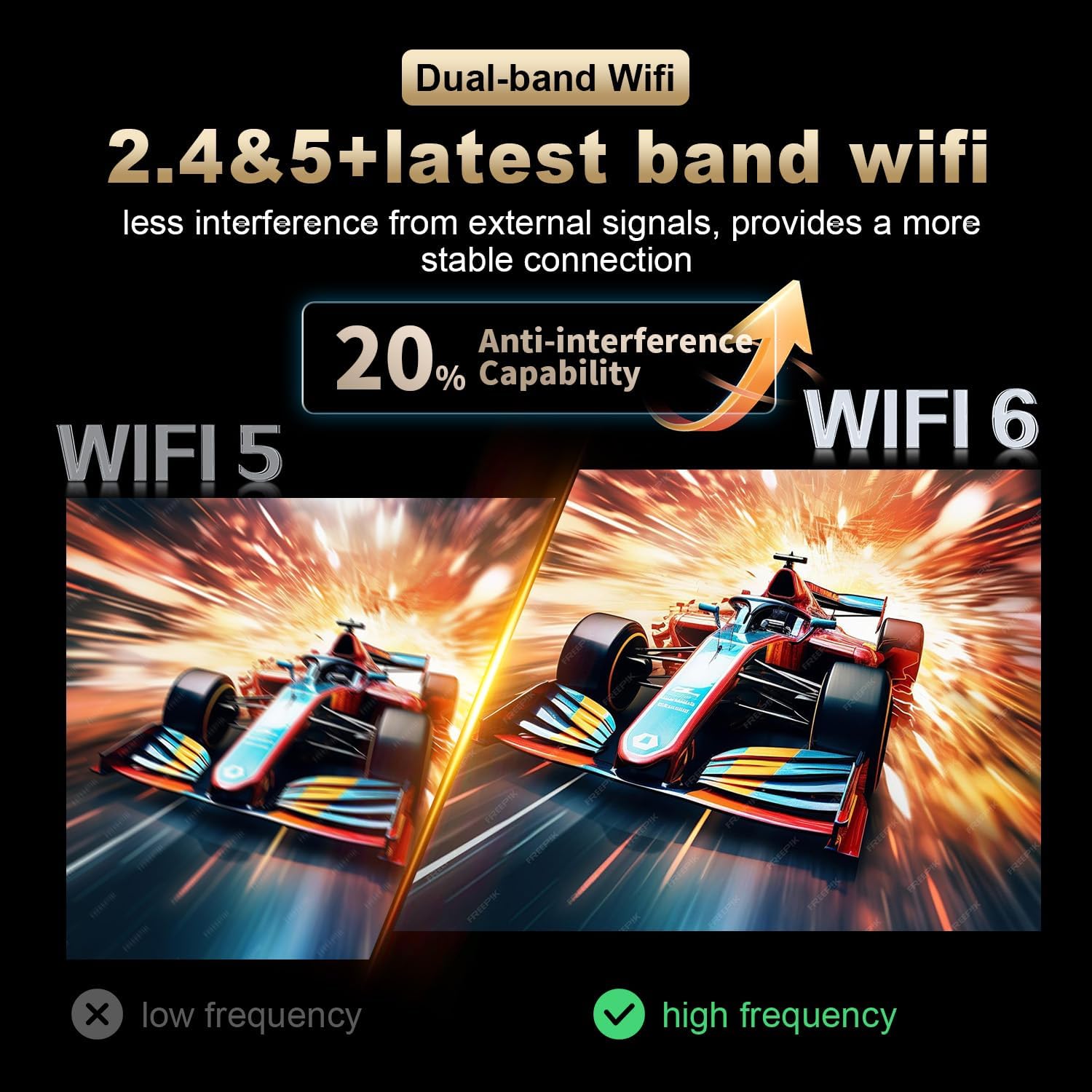
Image: A visual comparison illustrating the improved anti-interference capability of WiFi 6 (2.4 & 5.8 GHz dual-band) compared to older WiFi 5 technology, indicating a more stable and reliable wireless connection for the Android TV Box.
7. Display and Resolution
The RUPA Android TV Box supports advanced display technologies for a superior viewExperiencia:
- Resolución: Supports up to 4K and 8K Ultra HD resolutions, providing sharp and vivid images for movies, TV shows, and games.
- HDR10+: Enhances picture quality with improved contrast, brightness, and color accuracy, delivering a more immersive visual experience.

Image: A visual representation comparing the clarity and detail of 1080P, 4K, and 8K resolutions. The image highlights the significant visual improvement offered by 8K Ultra HD and HDR10+, showcasing a vibrant floral display on a television screen.
8. Mantenimiento
To ensure the longevity and optimal performance of your RUPA Android TV Box, follow these maintenance guidelines:
- Limpieza: Use a soft, dry cloth to clean the device. Do not use liquid cleaners, abrasive materials, or aerosols.
- Ventilación: Ensure the device is placed in a well-ventilated area to prevent overheating. Do not block any ventilation openings on the device.
- Apagado: When not in use for extended periods, it is recommended to power off the device and unplug it from the power outlet to conserve energy and protect the device.
- Actualizaciones de software: Regularly check for and install system updates to ensure you have the latest features, performance enhancements, and security patches.
9. Solución de problemas
If you encounter issues with your RUPA Android TV Box, refer to the following common problems and solutions:
| Problema | Posible solución |
|---|---|
| Sin alimentación/El dispositivo no enciende |
|
| No hay imagen en la televisión. |
|
| El control remoto no responde |
|
| Problemas de conexión wifi |
|
| Las aplicaciones se bloquean o se congelan |
|
10. Especificaciones
| Característica | Detalle |
|---|---|
| Marca | RUPA |
| Modelo | RK3518pro |
| Sistema operativo | Androide 14.0 |
| Procesador | RK3518pro Chipset |
| RAM | 2 GB |
| Almacenamiento interno | 32 GB |
| Soporte de resolución | Up to 8K Ultra HD, 4K, 1080P |
| Compatibilidad con HDR | HDR10+ |
| Wifi | WIFI 6, Dual-Band (2.4 GHz / 5.8 GHz) |
| Ethernet | 10/100M LAN Port |
| Bluetooth | Bluetooth 5.0 |
| Puertos USB | Multiple (including USB 3.0) |
| Salida de vídeo | HDMI |
| Tipo de controlador | Voice Remote Control (with motion sensing) |
| Dimensiones del producto | 7.2 x 4.4 x 2.2 pulgadas (18.3 x 11.2 x 5.6 cm) |
| Peso del artículo | 10.6 onzas (0.3 kilogramos) |
| Primera fecha disponible | 16 de septiembre de 2025 |
11. Información de seguridad
Tenga en cuenta las siguientes precauciones de seguridad para evitar daños al dispositivo o lesiones personales:
- No exponga el dispositivo al agua, la humedad o temperaturas extremas.
- Evite colocar el dispositivo cerca de fuentes de calor o bajo la luz solar directa.
- No intente abrir ni reparar el dispositivo usted mismo. Encargue cualquier reparación a personal cualificado.
- Utilice únicamente el adaptador de corriente proporcionado. El uso de adaptadores no autorizados puede dañar el dispositivo y anular la garantía.
- Mantenga el dispositivo y sus accesorios fuera del alcance de los niños.
- Asegúrese de que haya una ventilación adecuada alrededor del dispositivo para evitar el sobrecalentamiento.
12. Garantía y soporte
Para obtener información sobre la garantía y atención al cliente, consulte la documentación incluida con su compra o comuníquese directamente con el fabricante.
Fabricante: Shenzhen Hugsun Technology Co., Ltd.
Correo electrónico de contacto: contact@hugsun.com
For additional support and resources, you may visit the RUPA Store on Amazon: RUPA Store