
1. Introducción
This manual provides essential information for setting up, operating, and maintaining your NIMO 17.3" IPS FHD Gaming Laptop N173. Please read it thoroughly to ensure optimal performance and longevity of your device.
2. Información de seguridad
Tenga en cuenta las siguientes pautas de seguridad:
- Evite exponer la computadora portátil a temperaturas extremas, luz solar directa o alta humedad.
- No coloque objetos pesados sobre la computadora portátil.
- Mantenga los líquidos alejados del dispositivo para evitar descargas eléctricas o daños.
- Use only the provided 100W USB-C PD Fast Charger.
- Do not attempt to disassemble or repair the laptop yourself. Contact authorized service personnel for assistance.
3. ¿Qué hay en la caja?
- 1 x NIMO N173 Laptop
- 1 x Type-C 100W PD Fast Charger
- 1 x Manual de usuario
- Windows 11 Home (Pre-installed)
4. Características del producto y másview
The NIMO N173 is a high-performance gaming laptop designed for productivity and light gaming, featuring robust components and a user-centric design.
4.1. High-Performance Processor and Graphics
Equipado con un AMD Ryzen 5 6600H CPU (6 cores, 12 threads, up to 4.5 GHz) and a Radeon 660M GPU (6 GPU cores, 1900 MHz clock speed), this laptop delivers reliable performance for multitasking, demanding applications, and smooth gameplay.
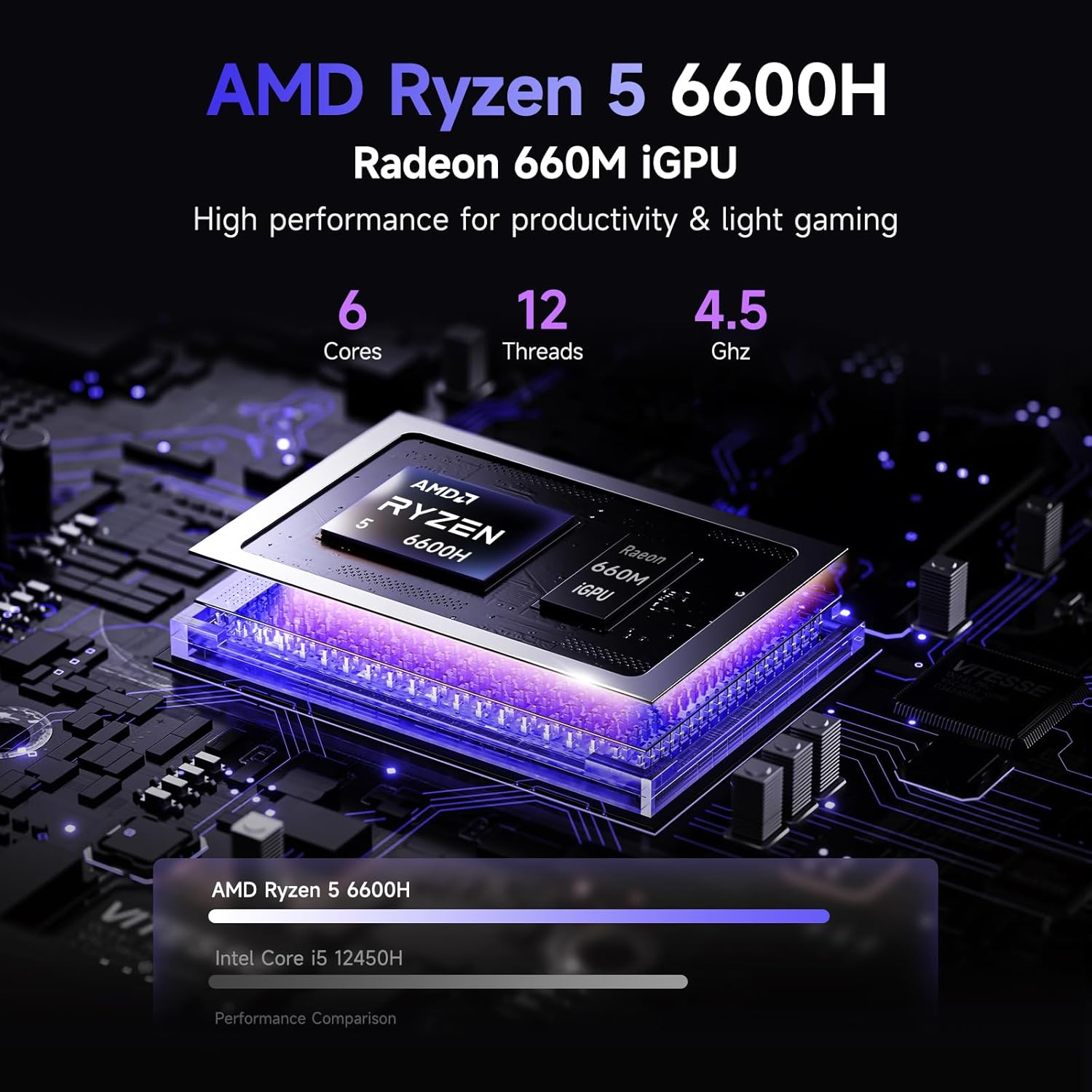
Imagen: Detallada view of the AMD Ryzen 5 6600H processor and Radeon 660M iGPU, highlighting its core count, thread count, and clock speed for productivity and light gaming.
4.2. Memoria y Almacenamiento
The laptop comes with 16GB of lightning-fast DDR5 RAM, ensuring smooth performance across applications. It also includes a pre-installed SSD PCIe 4.0 de 1 TB for rapid access to files and programs. Both RAM and SSD are user-upgradable for future expansion.
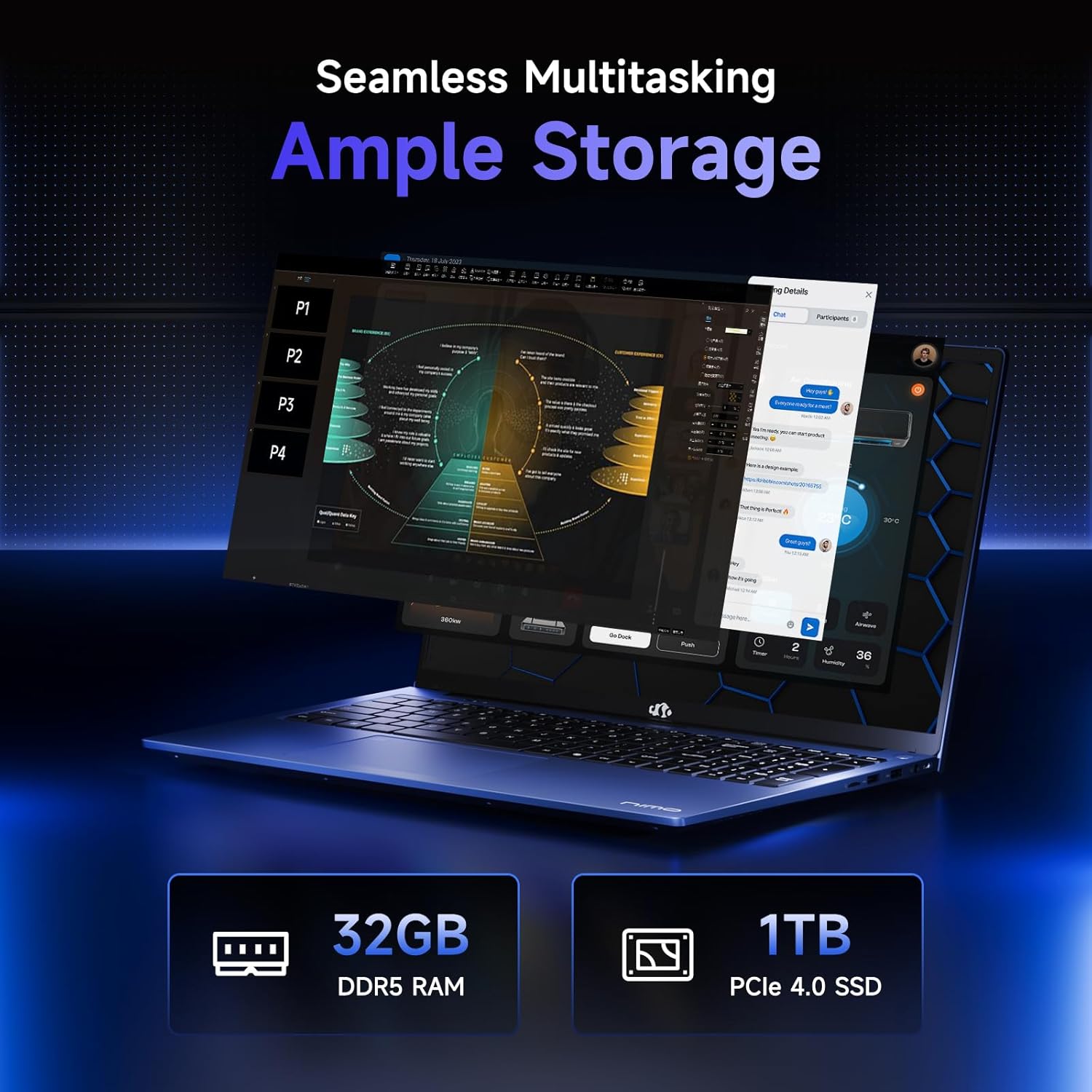
Image: Visual representation of the laptop's memory and storage capabilities, showing 32GB DDR5 RAM and 1TB PCIe 4.0 SSD, emphasizing seamless multitasking and ampalmacenamiento.
4.3. Exhibición y diseño
Experience premium visuals on the 17.3" FHD IPS (1920x1080) anti-glare display with an 85% screen-to-body ratio and micro-edge design. The laptop features an aluminum top cover for durability and a premium feel. The 180° hinge allows the screen to lay completely flat for collaborative viewEn.

Image: A close-up of the 17.3-inch Full HD IPS display, highlighting its sharp details and immersive visual experience.
4.4. Conectividad y puertos
The NIMO N173 offers a variety of high-speed interfaces for versatile connectivity:
- Puertos USB: 2.0 1
- Puertos USB: 3.0 4
- Type-C Ports: 2 (multifunction, 100W PD)
- Puerto HDMI: 1
- Micro SD Reader: 1
- Toma de auriculares: 1
- Ranura de bloqueo Kensington: 1

Image: An illustration detailing the various high-speed ports and interfaces available on the NIMO laptop, including USB, HDMI, Type-C, Micro SD Reader, Headphone Jack, and Kensington Lock.
4.5. Keyboard and Security
The ergonomic Teclado retroiluminado allows comfortable typing in any lighting condition. For secure and instant login, an integrated lector de huellas dactilares is located on the touchpad. The laptop also features a privacy-focused camera with a built-in shield.
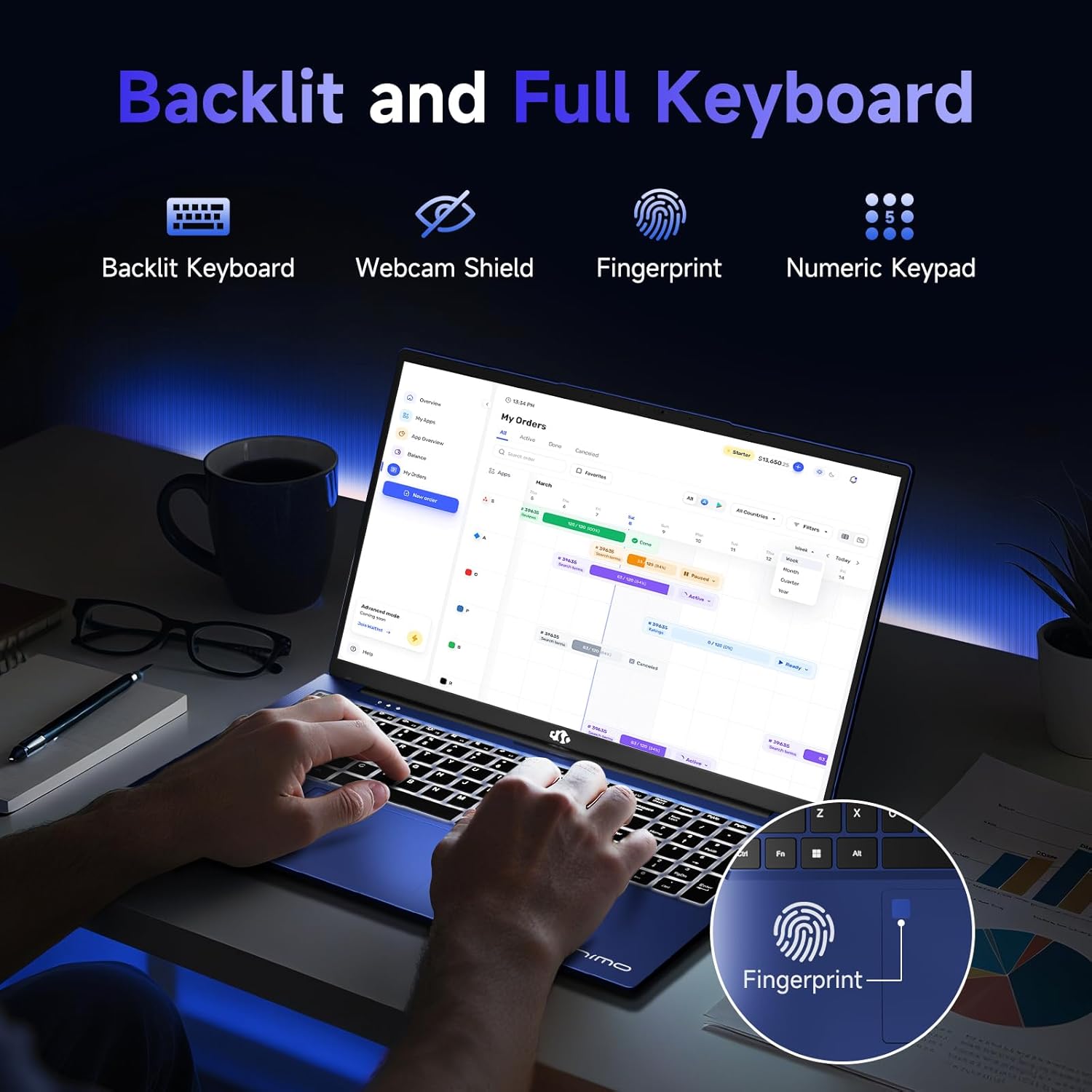
Imagen: A view of the laptop's backlit keyboard and integrated fingerprint reader, along with icons for webcam shield and numeric keypad, emphasizing smart design.

Image: A close-up of the laptop's webcam with a privacy switch, demonstrating the privacy-focused camera convenience.
4.6. Batería y carga
El compacto 100W USB-C PD Fast Charger and its 6.56-foot cable provide efficient power. A 15-minute charge can provide up to 2 hours of standby time. The average battery life is 9 hours.
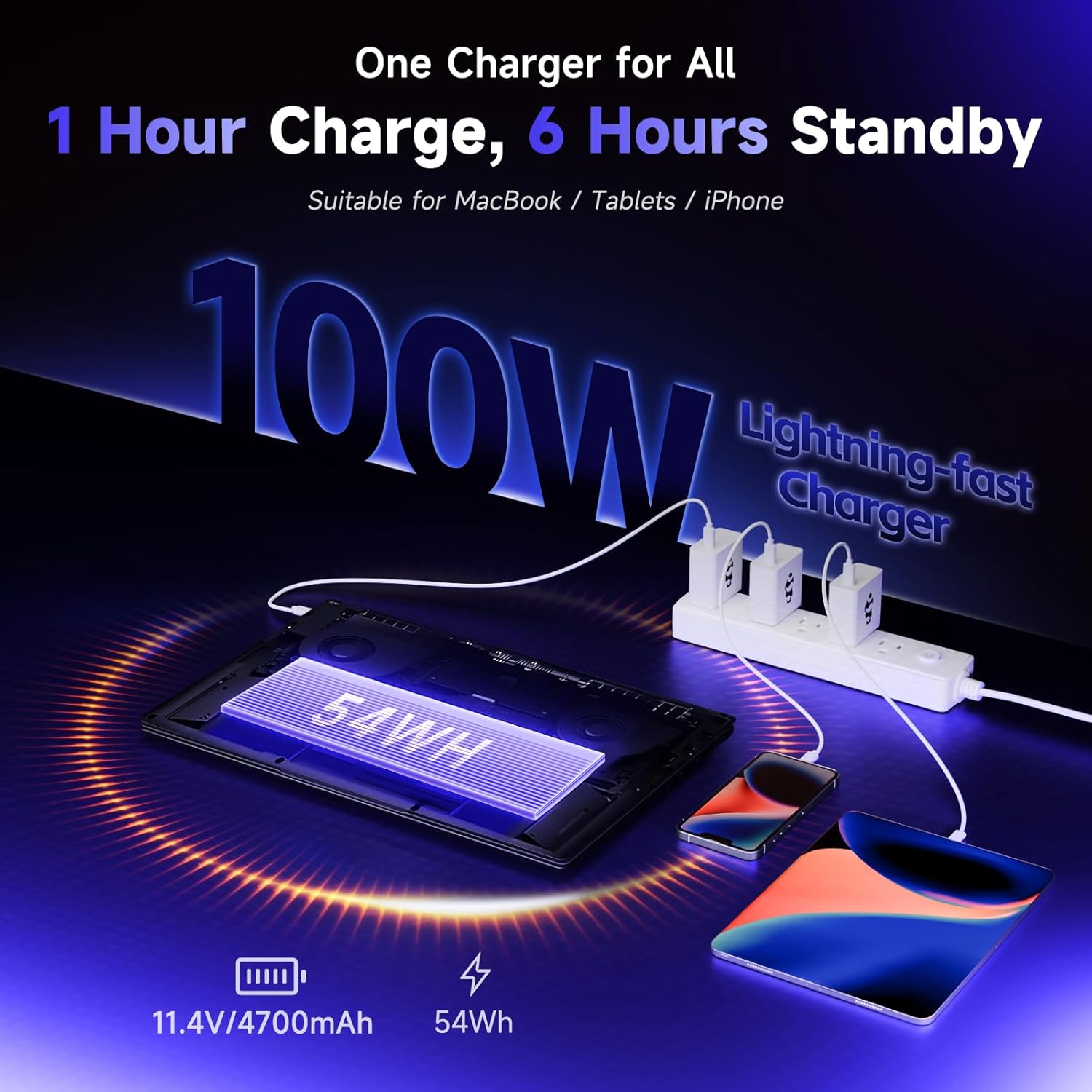
Image: An illustration showing the 100W USB-C PD fast charger connected to the laptop and other devices, highlighting its versatility and quick charging capabilities.
5. Configuración
5.1. Encendido inicial y configuración
Upon first use, connect the laptop to the power adapter. Press the power button to turn on the device. Follow the on-screen prompts to complete the initial Windows 11 setup, including selecting your region, keyboard layout, and connecting to a network.
Video: An unboxing and initial setup guide for a NIMO gaming laptop, demonstrating the first power-on and basic configuration steps. (Note: The video mentions a different CPU/GPU model, but the setup process is generally applicable).
5.2. Configuración del lector de huellas dactilares
To set up the integrated fingerprint reader for secure login:
- Vaya a Configuración de Windows > Cuentas > Opciones de inicio de sesión.
- Select 'Fingerprint recognition (Windows Hello)' and follow the on-screen instructions to register your fingerprint.
6. Operación de la computadora portátil
6.1. Basic Usage and Multitasking
The NIMO N173 is optimized for seamless multitasking. Utilize the powerful CPU and ample RAM to run multiple applications simultaneously without performance degradation. The large 17.3" display enhances productivity by providing more screen real estate.
6.2. Control de la retroiluminación del teclado
The backlit keyboard can be adjusted to suit your environment. Use the dedicated function keys (Fn + F key combination, typically F5 or F6) to turn the backlight on/off or adjust its brightness levels.
6.3. Camera Privacy
For enhanced privacy, the 2.0MP webcam features a physical privacy shield. Slide the cover over the camera lens when not in use to ensure your privacy.
6.4. Conexión a una pantalla externa
Extend your workspace or enjoy content on a larger screen by connecting an external monitor via the HDMI port. This allows for effortless screen extension and improved multitasking efficiency.

Image: A user working with the NIMO laptop connected to an external monitor via HDMI, illustrating enhanced multitasking capabilities.
6.5. Rendimiento en juegos
The Radeon 660M GPU provides excellent performance for light gaming. Enjoy smooth frame rates and vibrant visuals across a variety of games.
Video: A demonstration of gaming performance on the NIMO 17.3" laptop with the 6600H processor, showcasing smooth gameplay.
7. Mantenimiento
7.1. Sistema de refrigeración
The laptop features an efficient ventilation system to prevent overheating. Ensure that the vents on the bottom and sides of the laptop are not obstructed to allow for proper airflow.
7.2. Upgrading RAM and SSD
The NIMO N173 supports user-upgradable dual-channel DDR5 RAM and expandable PCIe 4.0 SSD storage. Refer to the detailed upgrade instructions available on the NIMO support website or consult a professional technician for assistance.
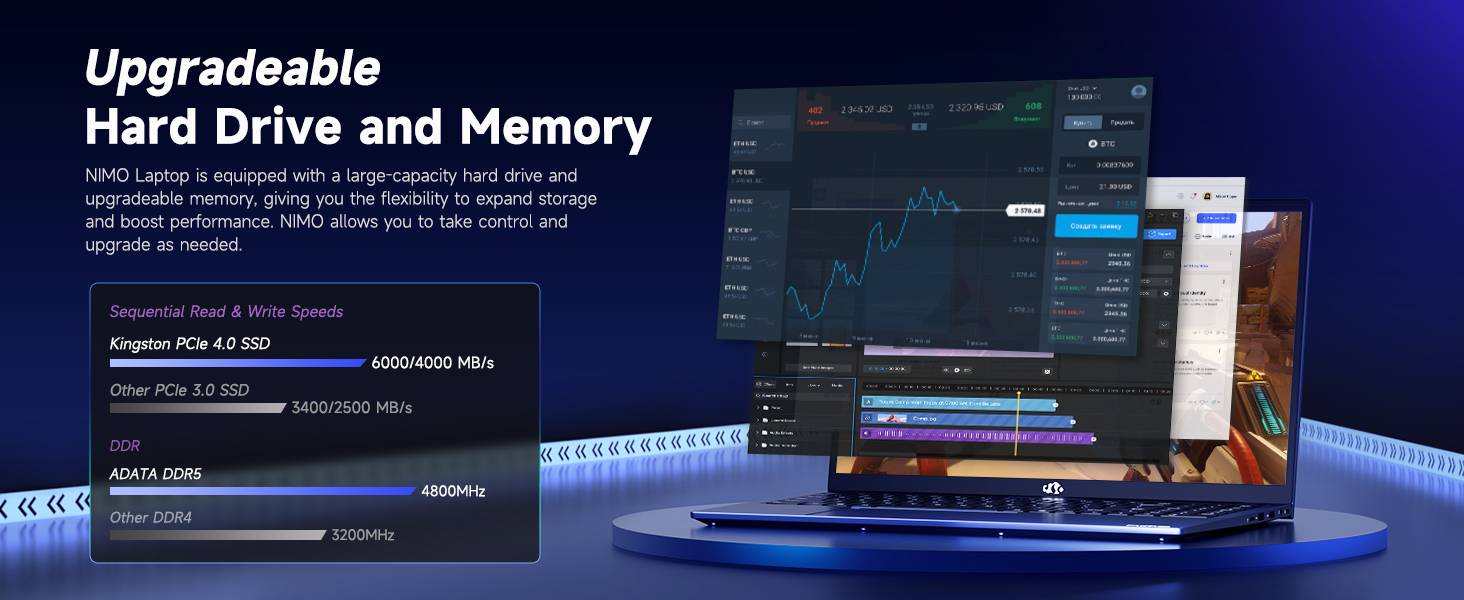
Image: An illustration highlighting the upgradeable hard drive and memory components of the NIMO laptop, showing sequential read/write speeds for Kingston PCIe 4.0 SSD and DDR5 RAM.
8. Solución de problemas
If you encounter any issues with your NIMO N173 laptop, please refer to the following common troubleshooting steps:
- Problemas de energía: Ensure the charger is securely connected and the power outlet is functional. If the battery is completely drained, allow it to charge for at least 30 minutes before attempting to power on.
- Problemas de visualización: If the screen is black, try connecting an external monitor to check if the issue is with the laptop's display or graphics card. Restarting the laptop can often resolve minor display glitches.
- Disminución del rendimiento: Close unnecessary applications, check for background processes, and ensure your operating system is up to date. Consider running a disk cleanup or defragmentation.
- Problemas de conectividad: For Wi-Fi problems, restart your router and the laptop. Ensure Wi-Fi drivers are updated. For peripheral issues, try reconnecting the device or using a different USB port.
- El teclado o el panel táctil no responden: Restart the laptop. If the issue persists, check for driver updates. Ensure the touchpad is not accidentally disabled (often via a function key).
For more complex issues, please contact NIMO customer support.
9. Especificaciones
| Característica | Especificación |
|---|---|
| Tamaño de pantalla | 17.3 pulgadas |
| Resolución de pantalla | 1920 x 1080 píxeles (FHD IPS) |
| Procesador | AMD Ryzen 5 6600H (hasta 4.5 GHz) |
| RAM | 16 GB DDR5 (Upgradable) |
| Disco duro | 1024 GB SSD (PCIe 4.0, Expandable) |
| Coprocesador gráfico | Tarjeta gráfica AMD Radeon 660M |
| Sistema operativo | Ventanas 11 |
| Tipo inalámbrico | 802.11a/b/g/n/ac |
| Puertos USB 2.0 | 1 |
| Puertos USB 3.0 | 4 |
| Puertos tipo C | 2 (100W PD) |
| Puerto HDMI | 1 |
| Duración media de la batería | 9 horas |
| Peso del artículo | 4.6 libras |
| Dimensiones del producto | 15.61 x 9.84 x 0.78 pulgadas |
| Color | Azul |
10. Garantía y soporte
10.1. Información de garantía
Your NIMO N173 laptop comes with a comprehensive Garantía del fabricante de 2 añoEsta garantía cubre defectos de materiales y mano de obra en condiciones normales de uso. Conserve su comprobante de compra para reclamaciones de garantía.
10.2. Política de devoluciones
NIMO offers a Política de devolución sin complicaciones de 90 días from the date of purchase. For details on eligibility and the return process, please refer to your purchase documentation or contact customer support.
10.3. Atención al cliente
Our dedicated support team is available to assist you with any product-related questions or issues. You can contact us via our official website, email, or telephone. We are committed to providing professional and high-quality customer service.
Correo electrónico: servicio@nimopc.com