
1. Introducción
This manual provides essential instructions for the safe and efficient operation of your SINGMOOD S-330 Karaoke Machine. Please read this manual thoroughly before use and retain it for future reference. The S-330 is a portable karaoke system designed to deliver high-fidelity sound with versatile connectivity options, suitable for various entertainment settings.
2. ¿Qué hay en la caja?
Desembale con cuidado todos los componentes y asegúrese de que se incluyan los siguientes elementos:
- 1 x SINGMOOD S-330 Stereo Speaker Unit
- 2 x Wireless UHF Handheld Microphones
- 1 x Charging Cable (for microphones)
- 1 x adaptador de corriente (para la unidad principal)
- 1 x Manual de usuario
- 1 x control remoto
- 1 x cable USB

Image: Contents of the S-330 package, including the main speaker unit, two wireless microphones, and cables.
3. Características del producto
- High-Fidelity Sound & Deep Bass: Equipped with 5 speakers (midrange and treble on both sides) and a powerful bottom-positioned subwoofer for 360-degree immersive sound.
- Tri-band Frequency Technology: Ensures clear and resonant audio output with a 2.1 channel system.
- Micrófonos UHF inalámbricos duales: Provides stable signals with a 40-foot range. Microphones feature adjustable volume, reverb, and voice mixing, and offer up to 10 hours of usage on a single charge.
- Batería recargable incorporada: The main unit features a built-in 6000mA battery, allowing for up to 7 hours of portable playback.
- Conectividad versátil: Supports Bluetooth, USB, Aux In, Optical input, and HDMI for connection to various devices like smartphones, tablets, and TVs.
- Iluminación RGB genial: Dynamic visual lighting to enhance the atmosphere.
- Diseño portátil: Features a compact design with a portable carrying strap for easy transport.
- Advanced Dual-DSP Technology: Dedicated DSP chips for music orchestration and microphone vocal polishing.
- Salida potente: Delivers an impressive 400-watt peak output.

Image: The S-330 unit highlighting its built-in rechargeable battery for extended use.

Image: The two wireless UHF microphones included with the system, emphasizing their key features.

Imagen: Un interno view illustrating the 360-degree surround sound design and speaker placement.

Image: Representation of the Advanced Dual-DSP Technology for enhanced audio processing.
4. Configuración
4.1 Carga inicial
- Connect the main S-330 unit to a power outlet using the provided power adapter. The unit will begin charging its internal battery.
- Charge the wireless microphones using the provided charging cable. An indicator light on the microphones will show charging status.
4.2 Conexión de fuentes de audio
The S-330 offers multiple ways to connect your music source:
- Bluetooth:
- Power on the S-330 unit.
- Press the 'Mode' button on the unit or remote until 'Bluetooth' mode is selected.
- On your device (smartphone, tablet), enable Bluetooth and search for 'SINGMOOD S-330'.
- Seleccione el dispositivo que desea emparejar. Un sonido de confirmación indicará que el emparejamiento se realizó correctamente.
- Entrada auxiliar: Connect your audio device (e.g., MP3 player) to the AUX IN port on the S-330 using a 3.5mm audio cable (not included). Select 'AUX' mode.
- Entrada óptica: For high-quality digital audio from your TV or sound system, connect an optical cable (not included) to the OPTICAL IN port. Select 'OPTICAL' mode.
- Reproducción USB: Inserte una unidad flash USB que contenga audio MP3 fileConecte el dispositivo al puerto USB. La unidad cambiará automáticamente al modo USB y comenzará la reproducción.
- HDMI (ARC/eARC): Connect an HDMI cable (not included) from your TV's HDMI ARC/eARC port to the HDMI port on the S-330. Select 'HDMI' mode. Note: Some users have reported compatibility issues with HDMI connections. If you experience no audio, please try an Optical or Bluetooth connection.

Image: Visual representation of the various connectivity options available for the S-330.
5. Instrucciones de funcionamiento
5.1 Encendido y apagado
Press and hold the power button on the unit or remote control to turn the machine on or off.
Selección de 5.2 modos
Press the 'Mode' button on the unit or remote control to cycle through available input modes: Bluetooth, AUX, Optical, USB, HDMI.
5.3 Uso del micrófono
- Turn on the microphones. They should automatically pair with the main unit.
- Adjust microphone volume using the dedicated controls on the remote or the unit.
- Use the 'Reverb' button on the remote to add echo effects to your vocals.
- The 'Voice Mixing' function allows for blending vocal effects.
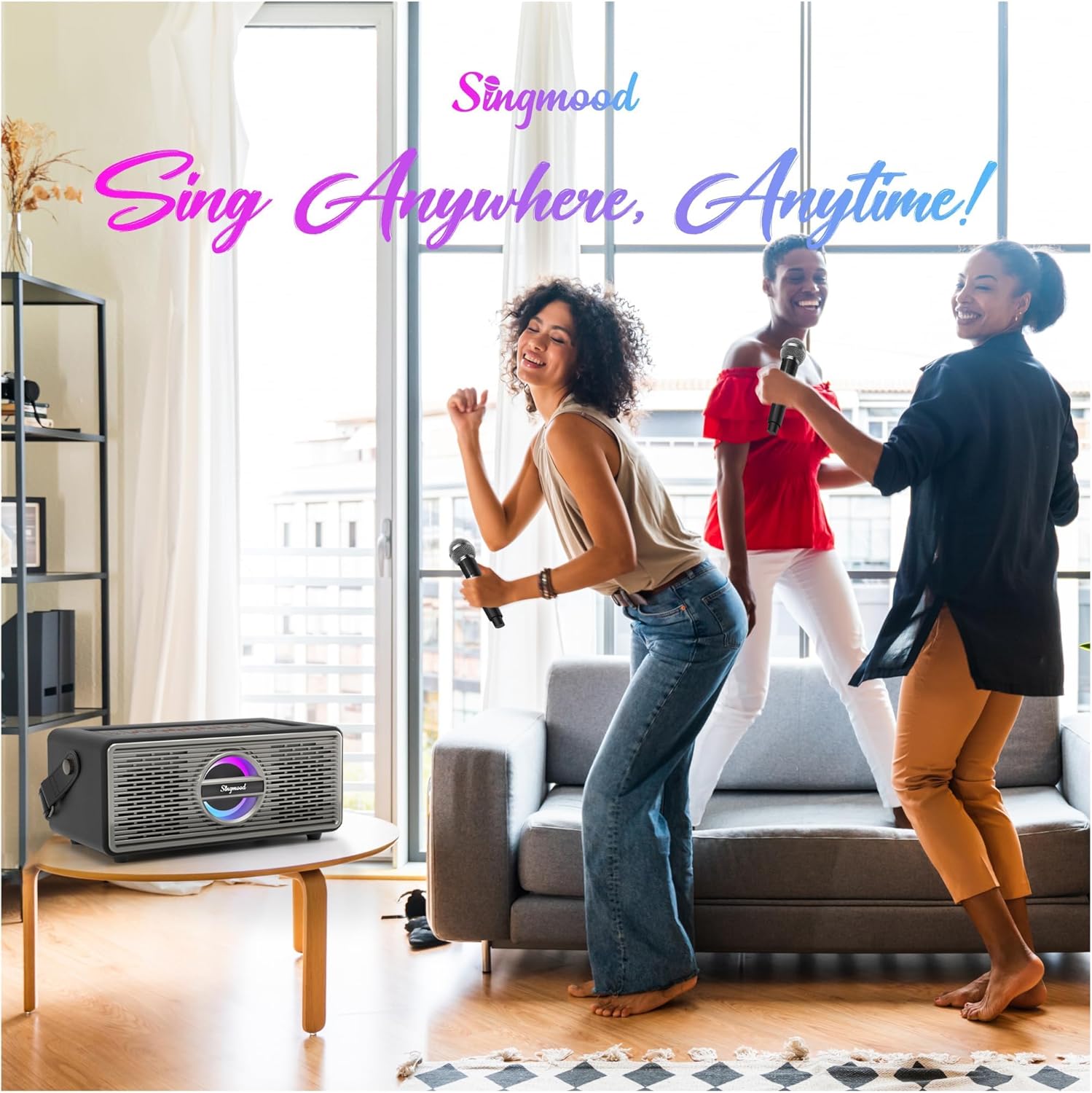
Imagen: Un detalle view of one of the wireless microphones.
5.4 Reproducción de música
Once an audio source is connected and selected, use the playback controls (Play/Pause, Next, Previous) on the unit or remote to manage your music.
5.5 Vocal Reduction (ACCO Function)
Press the 'ACCO' button on the remote control to lower the original vocals in a song, effectively converting it into a karaoke track.

Image: The remote control, indicating the 'ACCO' button for vocal reduction.
5.6 Control de iluminación RGB
The unit features dynamic RGB lighting. Use the dedicated button on the unit or remote to cycle through lighting modes or turn them off.

Image: The S-330 unit displaying its cool RGB lighting feature.
5.7 Demostraciones en vídeo
Vídeo: Un overview of the SINGMOOD S-330 Karaoke Machine, demonstrating its features and design.
Video: Demonstration of the Bluetooth connectivity feature of the karaoke machine.
Video: A closer look at the S-330 Portable Karaoke Machine and its two wireless microphones.
6. Mantenimiento
- Limpieza: Utilice un paño suave y seco para limpiar el exterior de la unidad y los micrófonos. No utilice limpiadores líquidos ni productos abrasivos.
- Almacenamiento: Guarde la unidad en un lugar fresco y seco, alejado de la luz solar directa y de temperaturas extremas cuando no esté en uso.
- Cuidado de la batería: For optimal battery life, fully charge the unit and microphones before long periods of storage. Recharge periodically if stored for extended durations.
7. Solución de problemas
| Problema | Posible causa | Solución |
|---|---|---|
| Sin poder | La unidad no está cargada o el adaptador de corriente no está conectado. | Ensure the power adapter is securely connected and the unit is charged. |
| No hay sonido del altavoz | Volume too low, incorrect input mode, or audio source issue. | Increase volume. Select the correct input mode (Bluetooth, AUX, Optical, USB, HDMI). Check audio source device. |
| Los micrófonos no funcionan | Microphones not charged, not turned on, or out of range. | Charge microphones. Turn them on. Ensure they are within the 40-foot operating range. |
| El emparejamiento de Bluetooth falló | Device too far, Bluetooth not enabled, or incorrect device selected. | Move device closer. Ensure Bluetooth is enabled on your device. Select 'SINGMOOD S-330' from the list. |
| HDMI audio issues | TV/device compatibility, cable issue, or port setting. | Ensure your TV's HDMI port supports ARC/eARC. Try a different HDMI cable. If issues persist, use Optical or Bluetooth connection. |
| Remote control delay or unresponsiveness | Low battery in remote, obstruction, or signal interference. | Replace remote control batteries. Ensure a clear line of sight to the unit's IR receiver. |
8. Especificaciones
| Característica | Detalle |
|---|---|
| Marca | SINGMOOD |
| Número de modelo | S-330 |
| Característica especial | Portátil |
| Color | Negro |
| Fuente de poder | Battery Powered (Built-in 6000mA) |
| Número de altavoces | 5 (including subwoofer) |
| Tecnología de conectividad | Bluetooth, Optical, AUX, USB, HDMI |
| Dispositivos compatibles | Smartphone, Tablet, TV, PC |
| Modo de salida de audio | Estéreo |
| Dimensiones del artículo (Pr. x An. x Al.) | 12" de profundidad x 7" de ancho x 16" de alto |
| Micrófonos | 2 x Wireless UHF Microphones (Rechargeable) |
9. Garantía
The SINGMOOD S-330 Karaoke Machine comes with a Garantía de 6 meses A partir de la fecha de compra. Esta garantía cubre defectos de fabricación y mal funcionamiento en condiciones normales de uso. Conserve su comprobante de compra para reclamaciones de garantía.
10. Soporte
If you encounter any issues or have questions regarding your SINGMOOD S-330 Karaoke Machine, please contact our customer support team. We are committed to providing assistance and aim to respond within 24 hours.
For support, please refer to the contact information provided with your product packaging or visit the official SINGMOOD websitio.