
Introducción
The Wanbo Cube 2 Pro is a smart home cinema projector that combines sophisticated design with intelligent functionality. This mini projector features automatic ToF correction for precise focus and alignment in under a second, eliminating manual adjustments. Its compact design allows for vertical storage, making it suitable for small spaces. Equipped with advanced WiFi and Bluetooth connectivity, integrated Android TV, and an 8-watt speaker, it provides seamless entertainment. The 230° rotating base offers versatile placement options. The Cube 2 Pro delivers high-quality home cinema performance in a compact form.
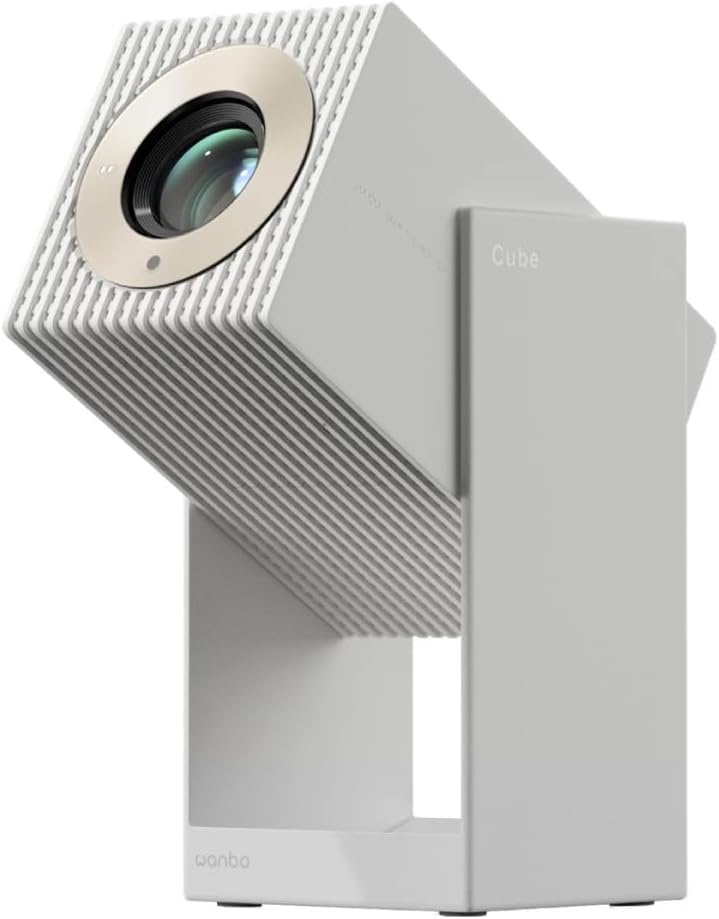
Figura 1: Frente view of the Wanbo Cube 2 Pro Smart Projector.
¿Qué hay en la caja?
Por favor, compruebe el contenido del paquete al desembalarlo:
- Wanbo Cube 2 Pro Projector
- Mando a distancia
- Cable de alimentación de CA
- Manual de usuario
Guía de configuración
1. Colocación inicial y conexión eléctrica
Place the projector on a stable, flat surface. The 230° rotating base allows for flexible projection angles onto walls or ceilings. Connect the AC power cable to the projector's power input port and then to a power outlet.

Figura 2: Posterior view of the projector with power and HDMI ports.
2. Powering On and Automatic Adjustment
Press the power button on the projector or the remote control to turn it on. The projector will automatically perform ToF (Time-of-Flight) auto-focus and keystone correction. This process ensures a clear and properly aligned image in less than one second, eliminating manual adjustments.
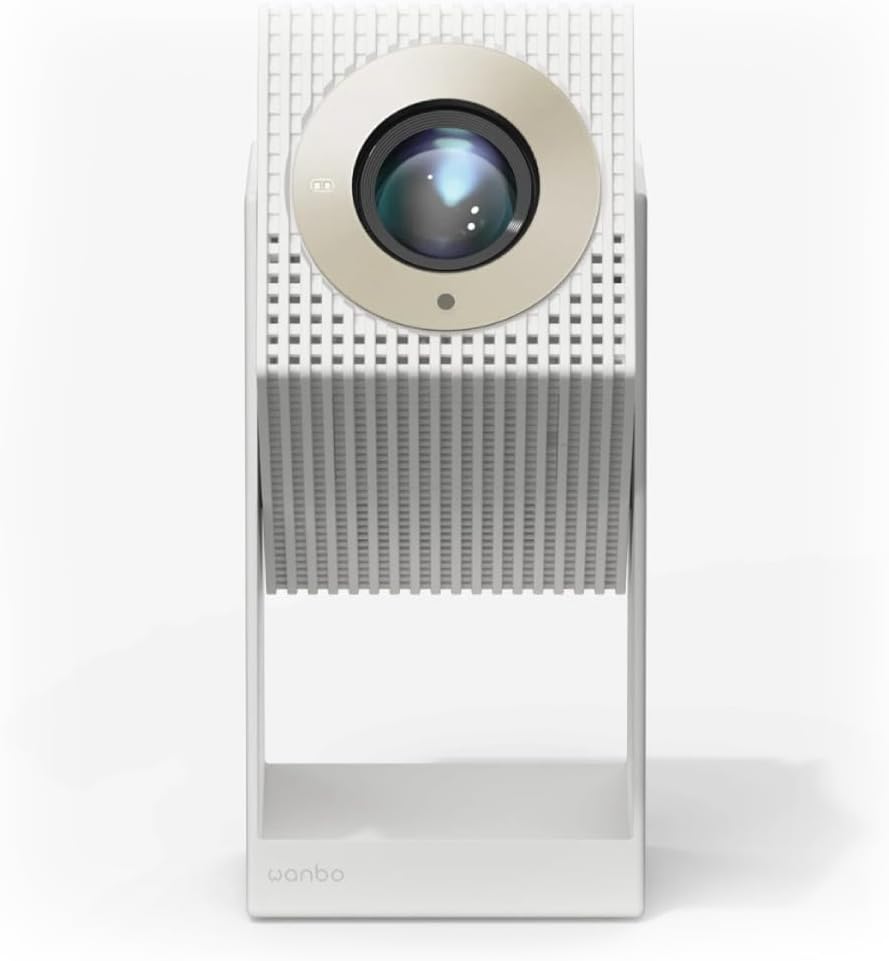
Figure 3: Projector angled for flexible projection.
3. Conexión de red y Bluetooth
- Wifi: Navigate to the settings menu on the Android TV interface, select Network & Internet, and connect to your Wi-Fi network.
- Bluetooth: For connecting external audio devices or using the projector as a standalone Bluetooth speaker, go to Bluetooth settings and pair your device.
Instrucciones de funcionamiento
1. Navegación por Android TV
The projector comes with integrated Android TV. Use the provided remote control to navigate the interface. You can access pre-installed apps like Netflix and YouTube, or download more from the Google Play Store.

Figura 4: Arriba view of the projector with control buttons.
2. Ajuste de la proyección
The projector features multi-point sensors that automatically adjust image clarity and alignment as you move it. For manual adjustments, if needed, refer to the display settings within the Android TV interface.
3. Uso como altavoz Bluetooth
When not projecting, the device can function as a standalone 8-watt Bluetooth speaker. Activate Bluetooth mode through the settings or a dedicated button (if available) and connect your audio source.
4. Conexión de dispositivos externos
Use the HDMI port to connect external devices such as laptops, gaming consoles, or Blu-ray players. Select the appropriate HDMI input source from the Android TV menu.
Mantenimiento
1. Limpieza de la lente
Limpie suavemente la lente del proyector con un paño suave y sin pelusa, especialmente diseñado para superficies ópticas. No utilice limpiadores abrasivos ni aplique demasiada fuerza.
2. Limpieza del exterior
Limpie el exterior del proyector con un paño suave y seco. Para manchas difíciles, utilice un paño ligeramente seco.amp Se puede usar un paño y luego un paño seco. Evite usar productos químicos agresivos.
3. Almacenamiento
When not in use for extended periods, store the projector in a cool, dry place, away from direct sunlight and extreme temperatures. Its compact design allows it to be stored vertically like a book.
Solución de problemas
- Sin energía: Ensure the AC power cable is securely connected to both the projector and the power outlet. Check if the power outlet is functional.
- Sin imágen: Verify that the projector is powered on. If using an external device, ensure it is connected via HDMI and the correct input source is selected on the projector.
- Imagen borrosa: The projector features automatic focus. If the image remains blurry, try moving the projector slightly or restarting it. Ensure the lens is clean.
- Sin sonido: Check the volume settings on both the projector and any connected external devices. If using Bluetooth, ensure the device is properly paired.
- El control remoto no responde: Check the battery in the remote control (1 AAAA battery required). Ensure there are no obstructions between the remote and the projector.
- Android TV Freezing: If Android TV becomes unresponsive, try restarting the projector. Ensure a stable Wi-Fi connection.
Presupuesto
| Número de modelo | 6970885351044 |
| Marca | WANBO |
| Dimensiones (L x An x Al) | 11.1 x 11.6 x 21.2 cm |
| Peso | 1.4 kilogramos |
| Tecnología de visualización | CONDUJO |
| Resolución nativa | 1920 x 1080 (Full HD) |
| Brillo | 2000 lúmenes |
| Distancia de proyección | 1.2 - 3.5 metros |
| Conectividad | Bluetooth, HDMI, Wi-Fi |
| Sistema operativo | Televisión Android |
| Salida de audio | 8-watt Built-in Speaker |
| Consumo de energía | 50 vatios |
| Tipo de batería remota | 1 AAAA (not included) |
Garantía y soporte
Para obtener información sobre la garantía y soporte técnico, consulte el sitio web oficial de WANBO. webSitio web o contacte a su vendedor. Conserve el recibo de compra para reclamaciones de garantía.
Fabricante: Wanbo
ASIN: B0FT8R519V