
1. Introducción
Welcome to the NIMO N15A 15.6" Laptop User Manual. This guide provides essential information for setting up, operating, maintaining, and troubleshooting your new laptop. Please read this manual thoroughly to ensure optimal performance and longevity of your device.

Figure 1: NIMO N15A 15.6" Laptop
2. Información de seguridad
To prevent damage to your NIMO N15A laptop and ensure your safety, please observe the following guidelines:
- Use only original chargers and regularly inspect cables for any signs of damage.
- Handle the laptop by its base and consider using a protective case to prevent physical damage.
- Evite colocar objetos pesados sobre la computadora portátil.
- Ensure the laptop is placed on a hard, flat surface to allow for proper ventilation and prevent overheating.
- Mantenga el dispositivo alejado de temperaturas extremas y humedad.
- Do not overcharge the battery. Discontinue use immediately if the battery shows signs of swelling or damage.
- Set strong passwords, keep your software updated, use antivirus protection, and regularly back up your data.
- In case of liquid spills, immediately unplug the laptop and allow it to dry completely before attempting to power it on.
- For any issues, consult qualified professionals. Do not attempt to disassemble or repair the laptop yourself, as this may void the warranty and cause further damage.
3. ¿Qué hay en la caja?
Your NIMO N15A laptop package includes the following items:
- 1 x NIMO N15A Laptop
- 1 x Type-C 100W PD Fast Charger
- 1 x Manual de usuario (este documento)
- Windows 11 Home (pre-installed)
- Warranty Information (2 Years Warranty, 90 Days Return)
Video 1: Unboxing and Initial Setup of the NIMO 15.6" Laptop. This video demonstrates the contents of the package and the first steps to power on the device.
4. Producto terminadoview
4.1. Características físicas
The NIMO N15A laptop features a durable metal shell, combining a sleek aesthetic with robust protection. Its slim profile and lightweight design (3.75 lbs) make it highly portable.
4.2. Puertos y conectividad
La computadora portátil está equipada con una variedad de puertos para una conectividad versátil:
- Lector de tarjetas Micro SD
- Puerto USB 2.0
- USB 3.2 Ports (multiple)
- Toma de auriculares
- Ranura de bloqueo Kensington
- Puerto HDMI
- Type-C (Multifunction) Ports (multiple, supporting 100W PD fast charging)

Figure 2: High-Speed Interfaces and Ports
Video 2: NIMO Laptop Overview. This video highlights the laptop's design, display, camera, keyboard, and various ports.
5. Configuración
5.1. Encendido inicial
- Unpack your NIMO N15A laptop and all accessories from the box.
- Connect the 100W Type-C PD Fast Charger to the laptop's Type-C port and a power outlet.
- Abra la tapa del portátil. Es posible que se encienda automáticamente o que deba presionar el botón de encendido.
- Siga las instrucciones en pantalla para completar la configuración de Windows 11 Home, incluido el idioma, la región, la conexión de red y la creación de la cuenta de usuario.
5.2. Conexión a Wi-Fi
During the initial setup or at any time, you can connect to a Wi-Fi network:
- Click the Wi-Fi icon in the taskbar (bottom right corner of the screen).
- Seleccione la red Wi-Fi deseada de la lista.
- Ingrese la contraseña de red si se le solicita y haga clic en "Conectar".
6. Operación de su computadora portátil
6.1. Pantalla
The NIMO N15A features a 15.6" Full HD (1920x1080) IPS anti-glare display with an 85% screen-to-body ratio, providing clear and vibrant visuals for work, entertainment, and light gaming.
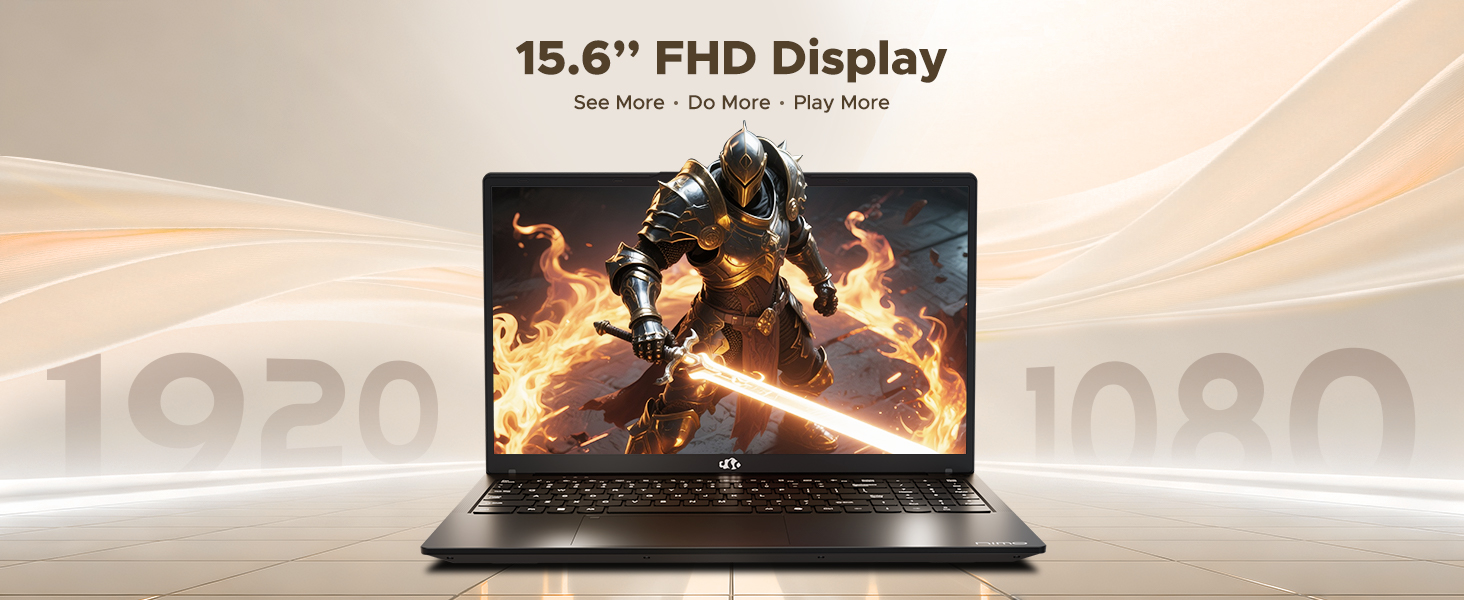
Figure 3: 15.6" FHD IPS Display
6.2. Teclado y panel táctil
The laptop includes an ergonomic backlit keyboard for comfortable typing in various lighting conditions and a precision gesture touchpad for smooth navigation.
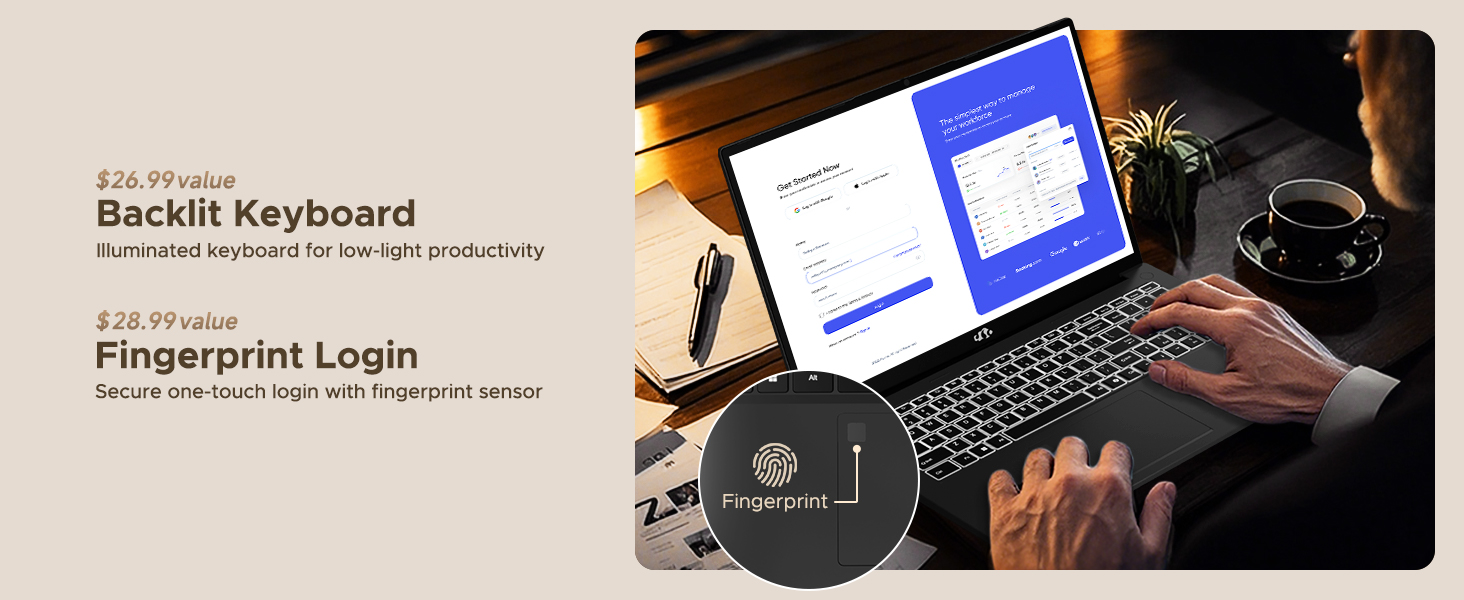
Figure 4: Backlit Keyboard and Fingerprint Sensor
6.3. Fingerprint Login
For enhanced security and convenience, the laptop features a fingerprint reader integrated into the touchpad. You can set up fingerprint login through Windows Settings for quick and secure access.
6.4. Cámara
The integrated 2MP front camera is suitable for video calls and online meetings. It includes a privacy shutter for when the camera is not in use.

Figure 5: Privacy-Focused Camera Convenience
6.5. Rendimiento
Powered by the AMD Ryzen 7 Pro 6850U processor (8 cores, 16 threads, up to 4.7GHz) and AMD Radeon 680M GPU, the NIMO N15A delivers balanced performance for productivity, content creation, and light gaming.
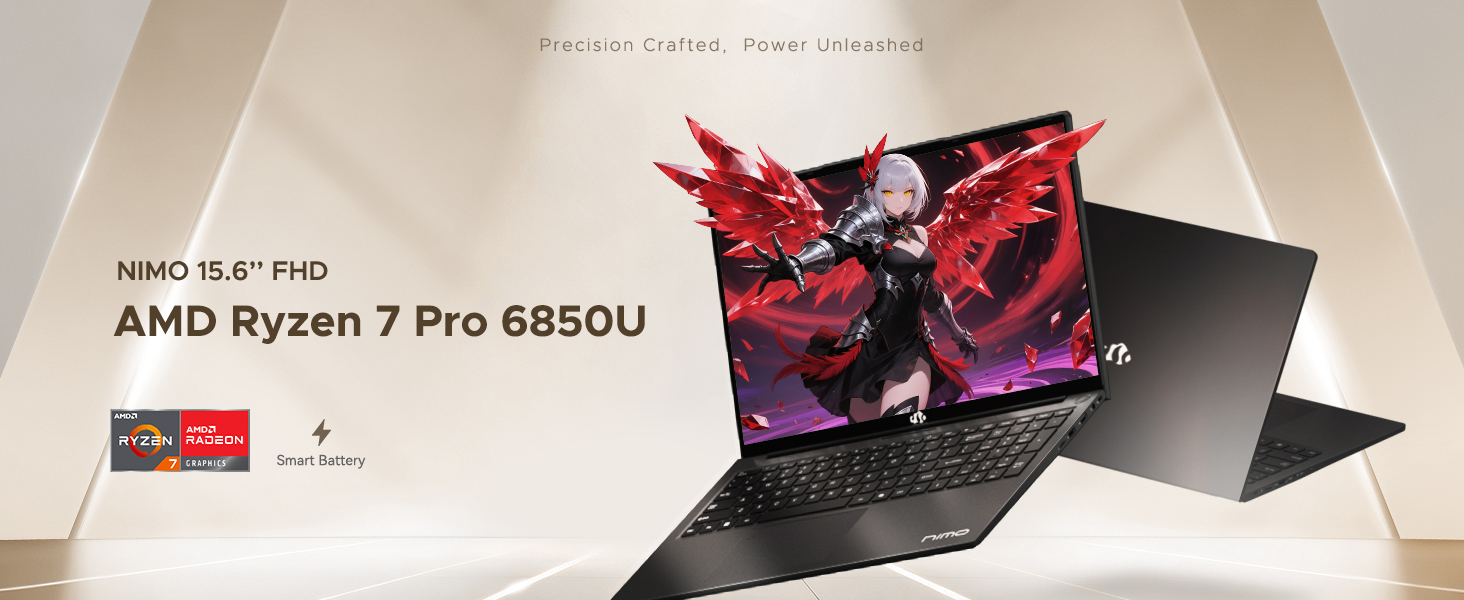
Figure 6: AMD Ryzen 7 Pro 6850U Processor Details
Video 3: NIMO Gaming Laptop Demonstration. This video showcases the laptop's performance in gaming and creative applications.
7. Carga y batería
The NIMO N15A is equipped with a 53.58 Watt-Hour Lithium Polymer battery, offering up to 9 hours of typical use and 12.75 hours of standby time. It supports 100W USB-C PD fast charging, allowing for approximately 2 hours of use from just a 15-minute charge.
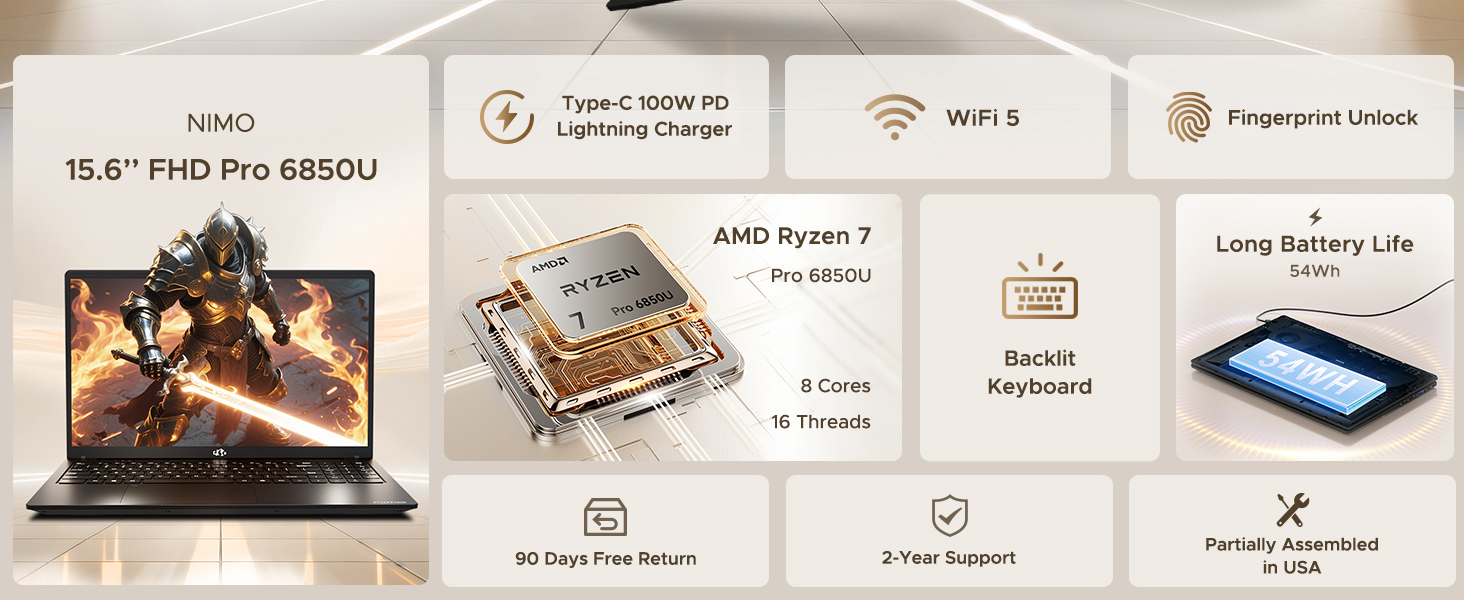
Figure 7: 100W USB-C Fast Charging
8. Almacenamiento y memoria
The laptop features 16GB of lightning-fast LPDDR5 RAM (6400 MHz) for seamless multitasking and a pre-installed 1TB PCIe 4.0 SSD for rapid boot times and file transferencias.
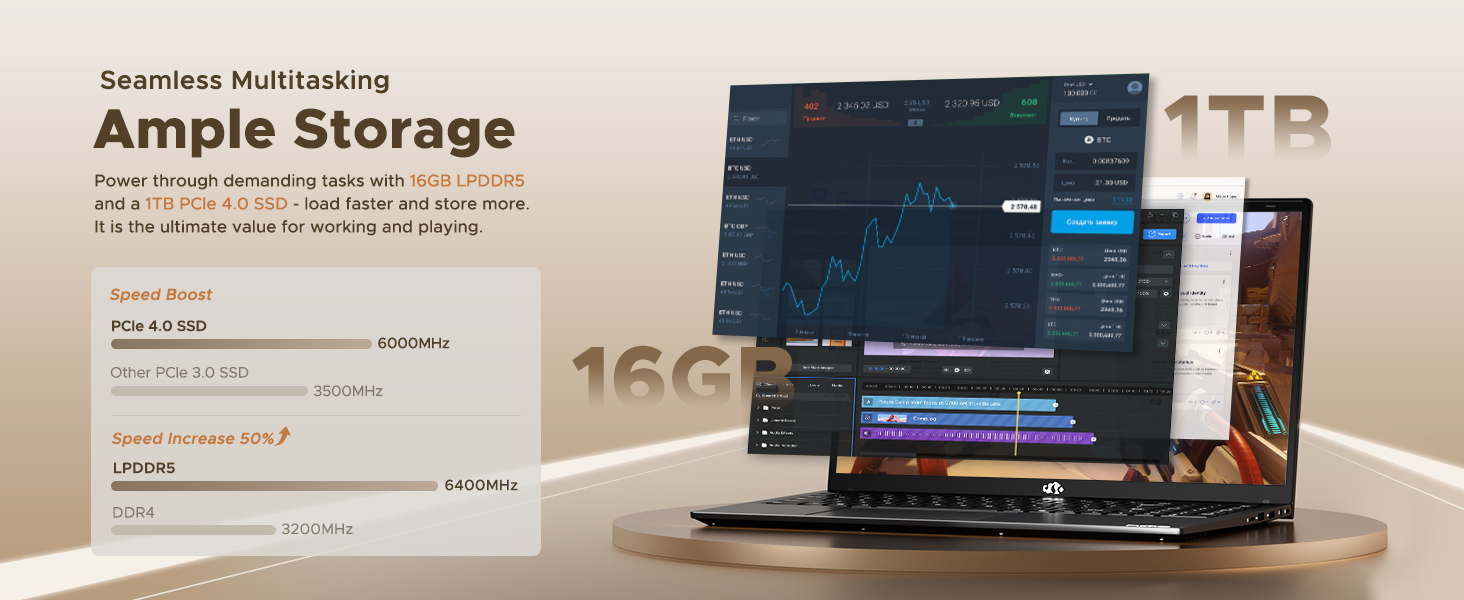
Figure 8: 16GB LPDDR5 RAM and 1TB PCIe 4.0 SSD
9. Mantenimiento
Regular maintenance helps ensure the longevity and optimal performance of your NIMO N15A laptop:
- Limpieza: Utilice un paño suave y sin pelusa para limpiar la pantalla y el exterior. Para manchas difíciles, limpie ligeramenteampEnjuague el paño con agua o un limpiador de pantallas. Evite productos químicos agresivos.
- Actualizaciones de software: Regularly install operating system and driver updates to ensure security and performance improvements.
- Ventilación: Keep the ventilation openings clear of obstructions to prevent overheating. Avoid using the laptop on soft surfaces like beds or couches for extended periods.
- Cuidado de la batería: To prolong battery life, avoid fully discharging the battery frequently. If storing the laptop for a long time, charge it to about 50-60%.
- Copia de seguridad de datos: Realice periódicamente copias de seguridad de sus datos importantes files a una unidad externa o almacenamiento en la nube para evitar la pérdida de datos.
10. Solución de problemas
If you encounter issues with your NIMO N15A laptop, try the following basic troubleshooting steps:
- La computadora portátil no se enciende: Ensure the charger is securely connected and the power outlet is functional. Try a different outlet or charger if available.
- La pantalla está en blanco: Connect an external monitor to check if the display is the issue. If the external monitor works, the laptop's screen may require service.
- Rendimiento lento: Cierre las aplicaciones innecesarias, verifique si hay malware, asegúrese de que haya suficiente espacio de almacenamiento libre y actualice los controladores.
- Problemas de conectividad Wi-Fi: Restart your router and modem. Ensure Wi-Fi is enabled on your laptop and try reconnecting to the network.
- El teclado o el panel táctil no responden: Restart the laptop. If the issue persists, check for driver updates.
For more complex issues, please refer to the support section or contact NIMO customer service.
11. Especificaciones
Below are the detailed specifications for the NIMO N15A laptop:
| Característica | Especificación |
|---|---|
| Marca | NIMO |
| Nombre del modelo | NIMO N15A |
| Tamaño de pantalla | 15.6 pulgadas |
| Resolución | 1920x1080 Pixels (FHD IPS) |
| Color | Negro |
| Modelo de CPU | AMD Ryzen 7 Pro 6850U (8 Cores, 16 Threads, up to 4.7 GHz) |
| Coprocesador gráfico | AMD Radeon 680M (integrada) |
| Tamaño de la memoria RAM instalada | 16 GB LPDDR5 (6400 MHz) |
| Tamaño del disco duro | 1024 GB (1TB PCIe 4.0 SSD) |
| Sistema operativo | Inicio de Windows 11 |
| Características especiales | Backlit Keyboard, Fingerprint Reader, HD Audio, Numeric Keypad |
| Tecnología de conectividad | Bluetooth, Wi-Fi (802.11a/b/g/n/ac) |
| Puertos USB totales | 5 |
| Puertos HDMI totales | 1 |
| Duración de la batería | 9 Hours (typical use), 12.75 Hours (standby) |
| Contenido de energía de la batería | 53.58 vatios horas |
| Webcam Capability | Yes (2 MP Front Camera) |
| Peso del artículo | 3.75 libras |
| Item Dimensions L x W x Thickness | 14.07" de largo x 8.98" de ancho x 0.76" de grosor |
12. Garantía y soporte
12.1. Información de garantía
Your NIMO N15A laptop comes with a Garantía del fabricante de 2 años from NIMO Direct Inc. This warranty covers manufacturing defects and ensures peace of mind for your purchase.
12.2. Política de devoluciones
A Política de devolución sin complicaciones de 90 días is provided, allowing you to return the product if you are not completely satisfied.
12.3. Atención al cliente
For any technical assistance, warranty claims, or support inquiries, please contact NIMO customer service. Our dedicated support team is ready to provide quick and effective assistance.
Please visit the official NIMO website or refer to the contact information provided with your product for the most up-to-date support details.