
1. Introducción
This manual provides essential information for setting up, operating, and maintaining your realme 15T 5G smartphone. Please read it carefully to ensure optimal performance and longevity of your device.
2. ¿Qué hay en la caja?
Upon opening your realme 15T 5G package, you should find the following items:
- Teléfono inteligente realme 15T 5G
- Cable USB
- Adaptador de corriente (60 W)
- Estuche protector
Este vídeo ofrece una breve descripciónview of the realme 15T 5G smartphone and its key features.
3. Configuración
3.1. Instalación de la tarjeta SIM
- Localice la bandeja de la tarjeta SIM en el costado de su dispositivo.
- Inserte la herramienta de expulsión de SIM en el pequeño orificio al lado de la bandeja y presione firmemente hasta que la bandeja salga.
- Coloque las tarjetas Nano-SIM en las ranuras designadas de la bandeja. Asegúrese de que los contactos dorados estén hacia abajo.
- Vuelva a insertar con cuidado la bandeja de la tarjeta SIM en el teléfono.
3.2. Encendido / apagado
- Para encender: Mantenga presionado el botón de encendido hasta que aparezca el logotipo de realme.
- Para apagar: Mantenga presionado el botón de Encendido, luego seleccione “Apagar” en las opciones en la pantalla.
3.3. Carga inicial
Before first use, it is recommended to fully charge your device. Use the provided 60W Power Adapter and USB Cable for fast charging. The 7000mAh battery can reach 50% charge in approximately 30 minutes.
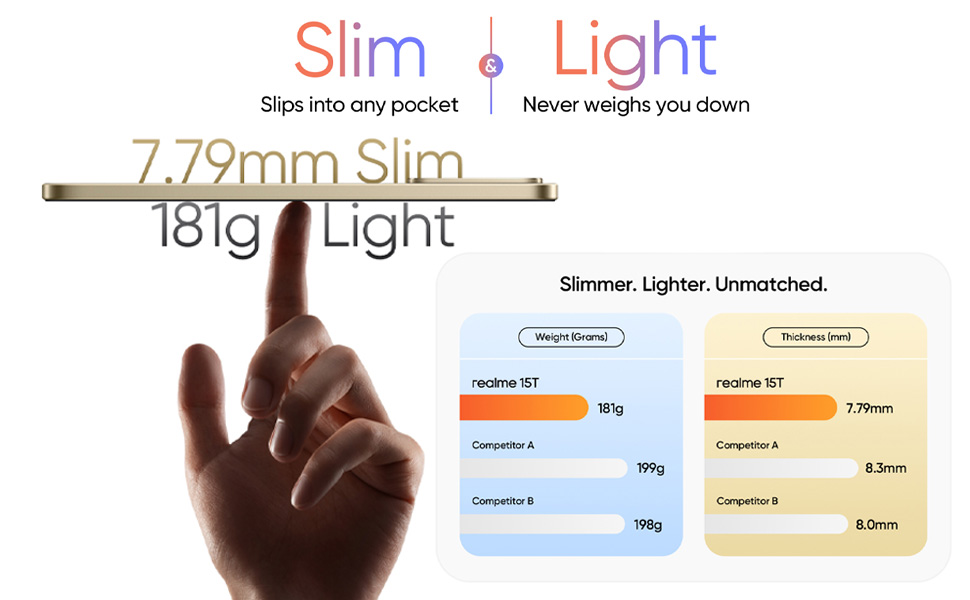
The realme 15T 5G is designed to be slim at 7.79mm and light at 181g for comfortable handling.
4. Operar su dispositivo
4.1. Características de la pantalla
The realme 15T 5G features a 6.57-inch 120Hz AMOLED display with a peak brightness of 4000 nits. This ensures clear visibility even under direct sunlight. The display also incorporates 4R Comfort+ technology to reduce harmful blue light and provide a smooth viewExperiencia de aprendizaje.
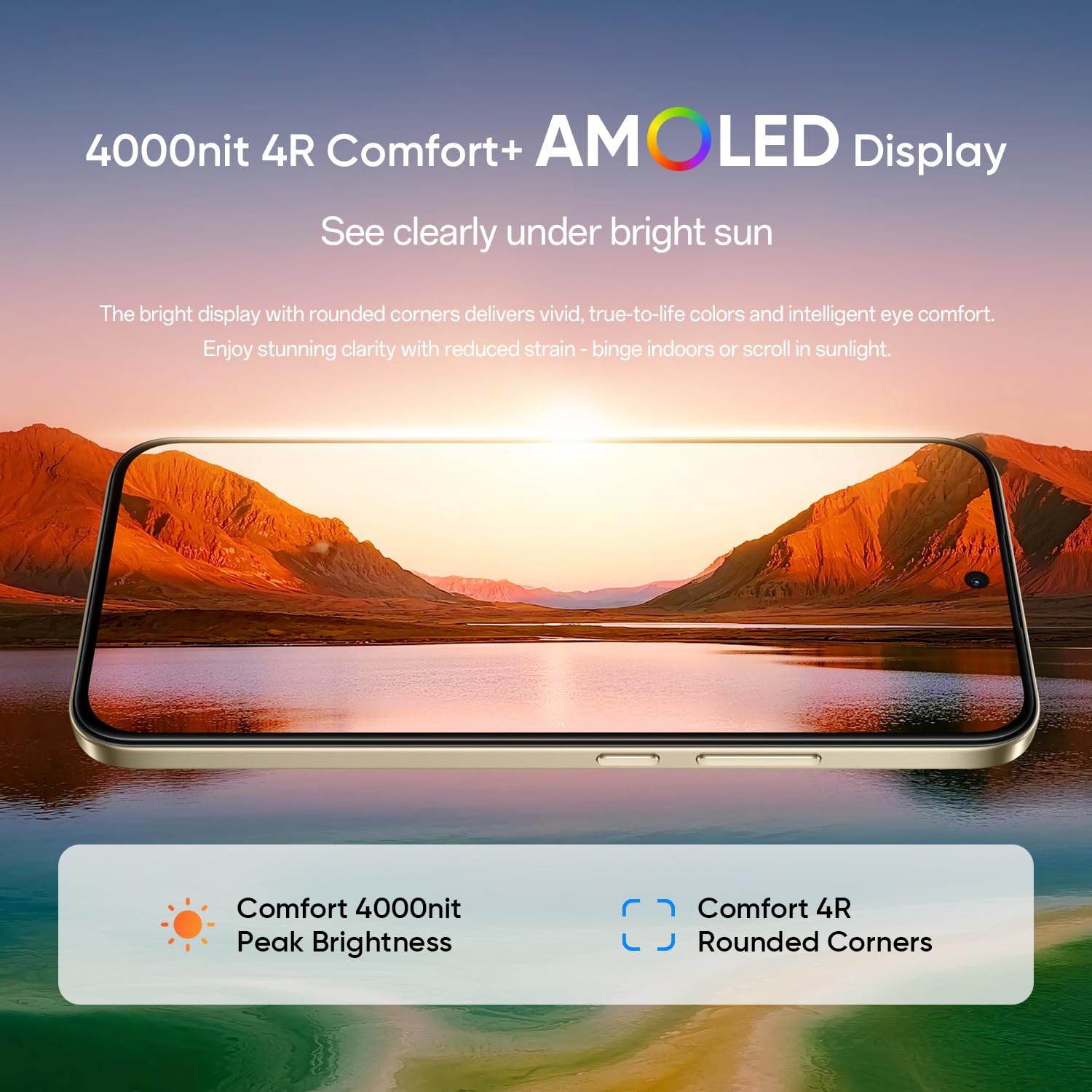
The 4000 nit AMOLED display ensures excellent visibility and eye comfort.
4.2. Batería y carga
Equipped with a 7000mAh Titan battery, the realme 15T 5G offers extended usage, supporting over 20 hours of continuous video playback. The device supports 60W wired fast charging, allowing for rapid power replenishment.
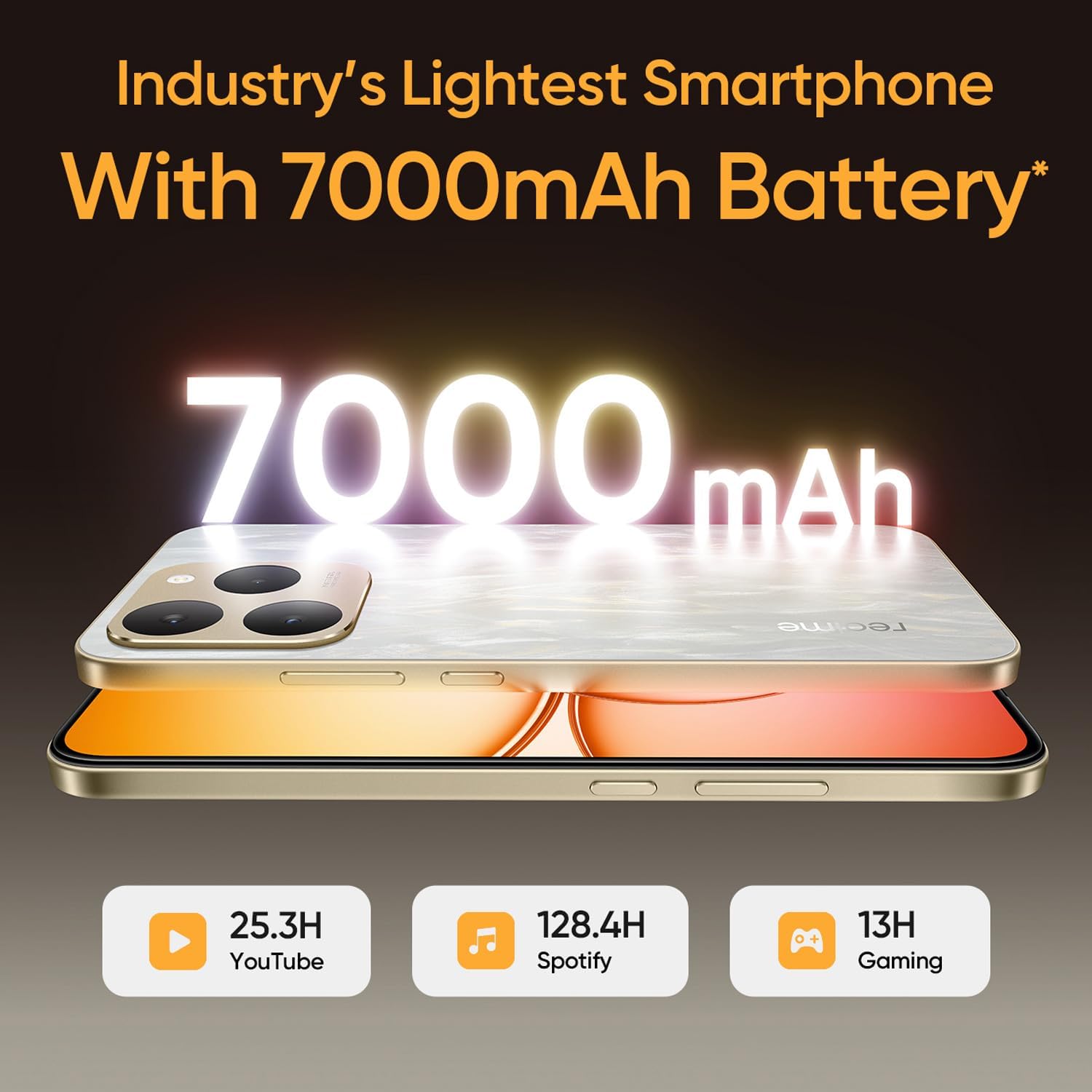
La batería de 7000 mAh proporciona energía duradera para diversas actividades.
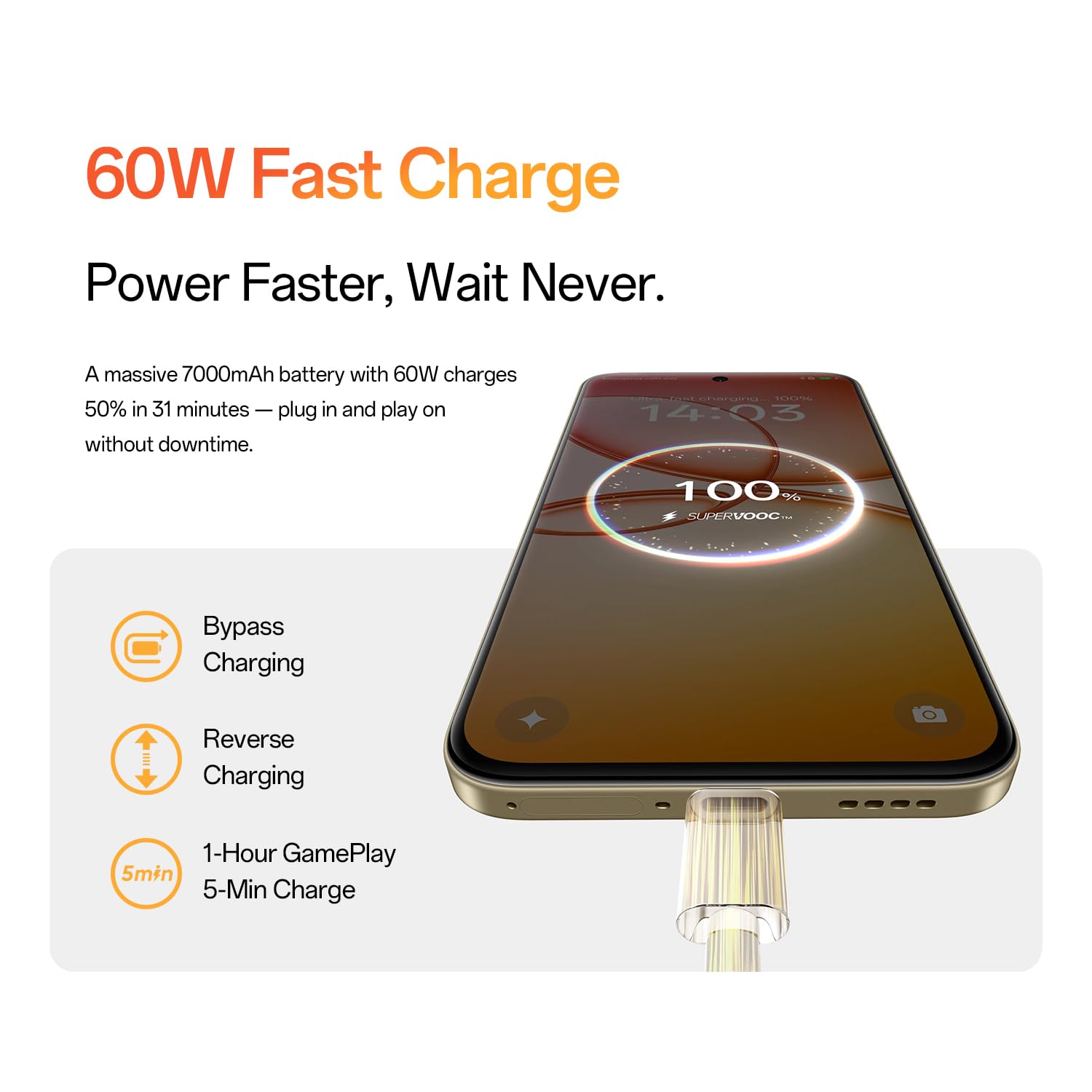
60W fast charging allows for quick power-ups, with features like bypass charging and reverse charging.
4.3. Rendimiento
The realme 15T 5G is powered by a Mediatek Dimensity 8000 Octa-core 5G chipset, ensuring smooth performance. With 8GB of RAM and 128GB of internal storage, the device handles multitasking and stores a large volume of data efficiently. Memory expansion technology provides additional virtual RAM for enhanced performance.
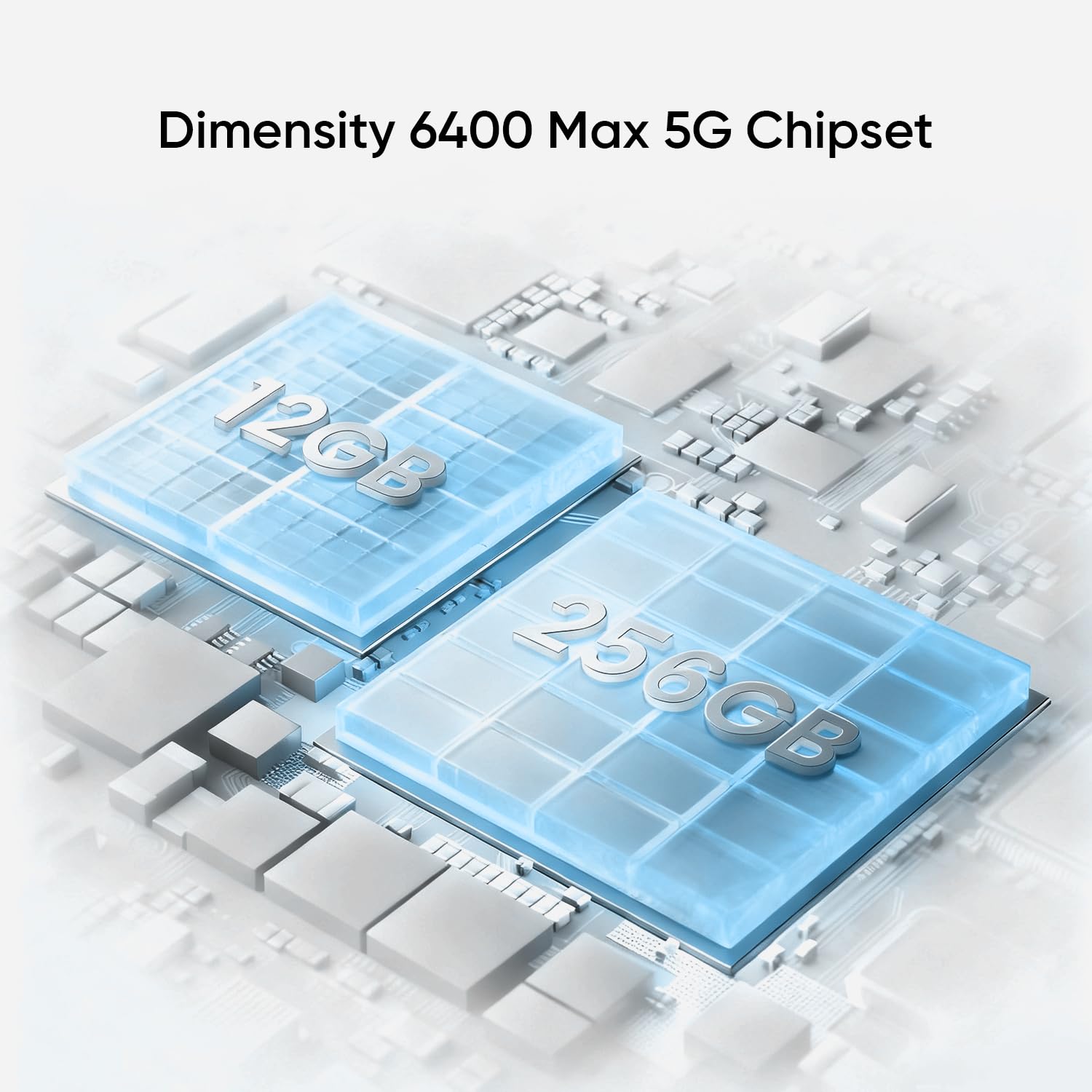
The device is powered by a high-performance 5G chipset for efficient operation.
4.4. Sistema de cámara
Capture high-quality photos with the 50MP front and 50MP rear AI cameras. These cameras are designed to deliver clear and detailed images.
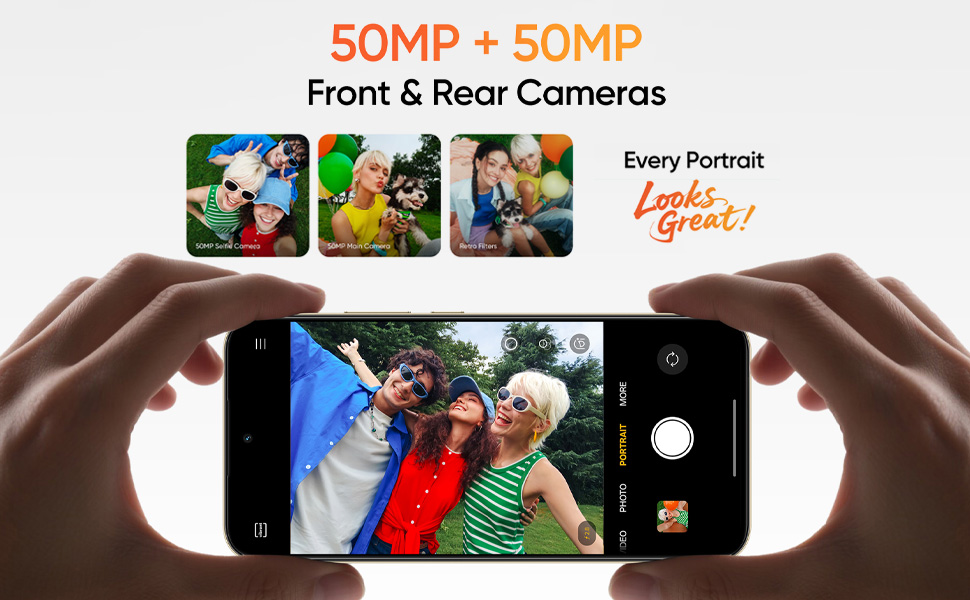
The realme 15T 5G features 50MP front and rear AI cameras for detailed photography.
4.5. Resistencia al agua
The smartphone boasts an IP69 rating, providing robust protection against high-pressure, high-temperature water jets, dust, and spills. This enhances the device's durability in various demanding conditions.
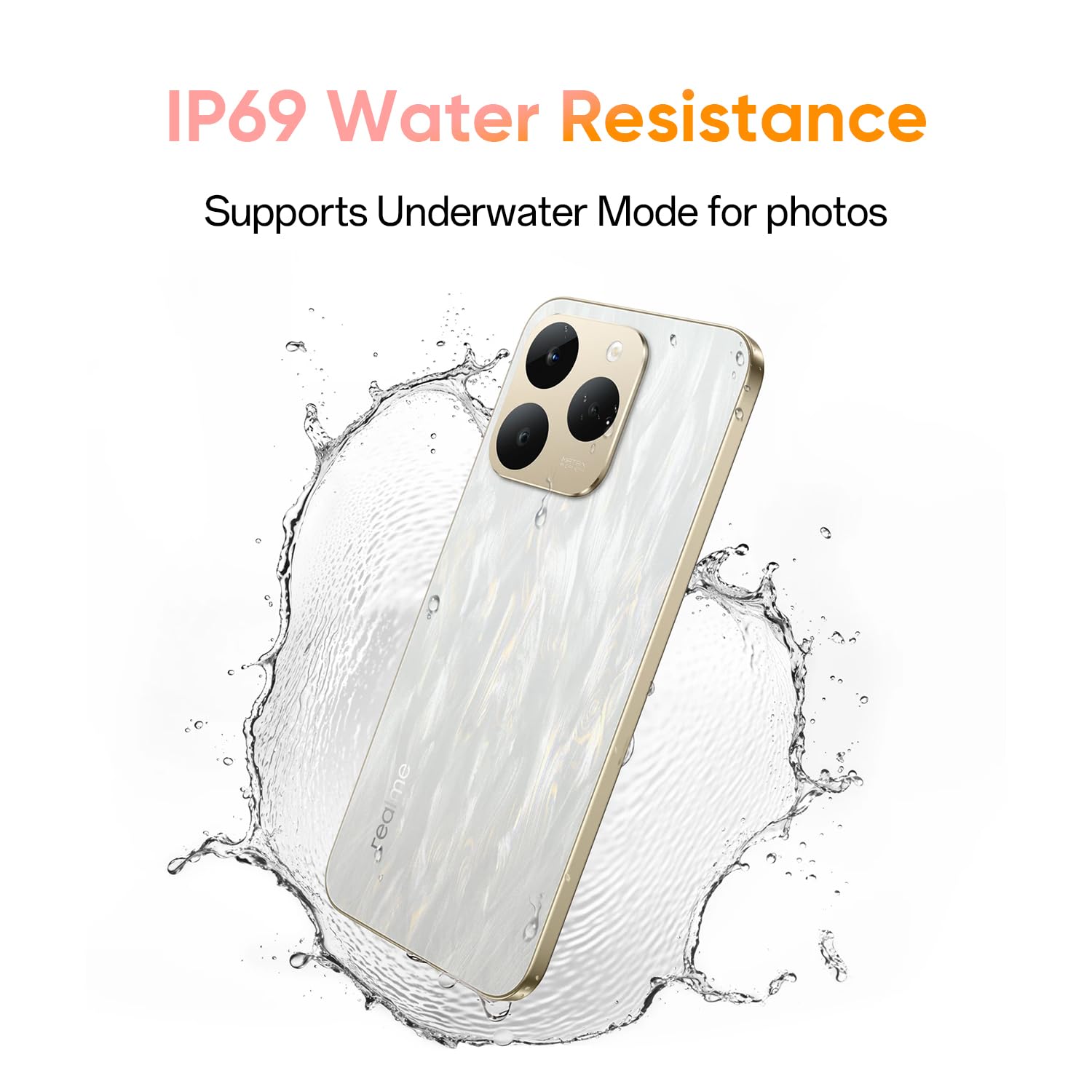
The IP69 rating ensures the device is protected against water and dust.
4.6. Sistema de refrigeración
To maintain optimal performance during intensive use, the realme 15T 5G incorporates a 6050mm² AirFlow VC (Vapor Chamber) cooling system. This system efficiently dissipates heat, preventing throttling during gaming or heavy multitasking.
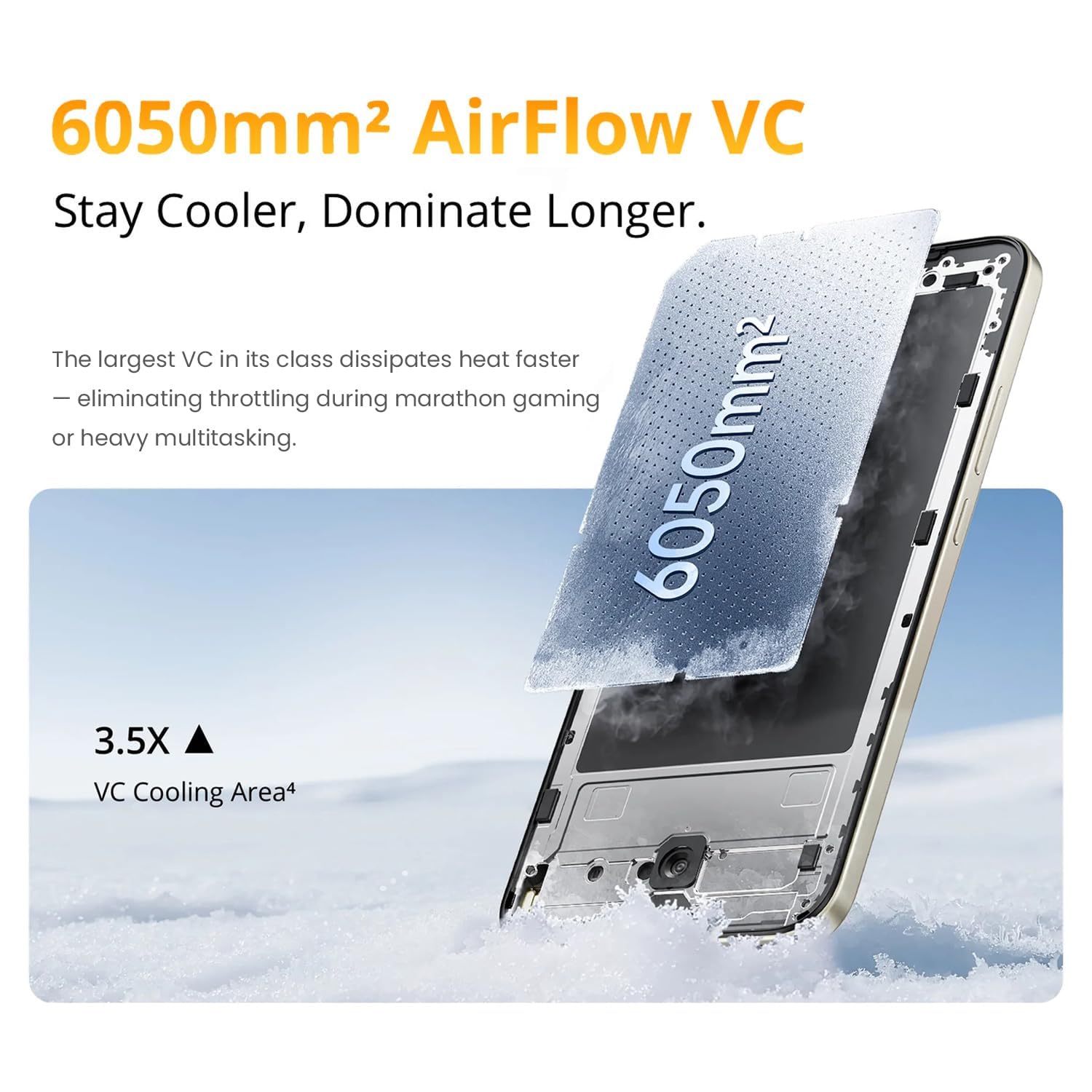
The AirFlow VC cooling system helps maintain device performance under load.
4.7. Mini Capsule
The Mini Capsule feature provides quick access to important notifications and information, such as weather updates, download progress, power saving mode status, and charging status, directly from the top of your screen.

The Mini Capsule provides convenient access to essential information.
5. Mantenimiento
5.1. Cuidados generales
- Evite exponer el teléfono a temperaturas extremas o a la luz solar directa durante períodos prolongados.
- Utilice la funda protectora proporcionada para protegerlo contra daños físicos.
- Mantenga el dispositivo alejado de campos magnéticos fuertes.
5.2. Limpieza
- Limpie suavemente la pantalla y el cuerpo con un paño suave que no suelte pelusa.
- No utilice productos químicos agresivos ni materiales abrasivos para la limpieza.
- Ensure all ports are dry before charging, especially after exposure to water.
5.3. Actualizaciones de software
Revisa e instala periódicamente las actualizaciones de software para asegurarte de que tu dispositivo cuente con las últimas funciones, parches de seguridad y mejoras de rendimiento. Normalmente, encontrarás esta opción en el menú de Ajustes del teléfono, en "Sistema" o "Acerca del teléfono".
6. Solución de problemas
If you encounter issues with your realme 15T 5G, try the following common troubleshooting steps:
- El dispositivo no se enciende: Ensure the battery is charged. Connect the phone to the charger for at least 10 minutes, then try powering it on.
- Problemas de carga: Check if the charging cable and adapter are securely connected. Try using a different outlet or charging accessory.
- Mala conectividad de red: Restart your device. Check your SIM card installation. Ensure you are within network coverage.
- Las aplicaciones se bloquean o se congelan: Close and reopen the app. Clear the app's cache and data in Settings. Update the app to its latest version.
- Rendimiento lento: Cierra las aplicaciones innecesarias en segundo plano. Borra la caché y el almacenamiento temporal. files. Restart your device regularly.
- Problemas de reconocimiento de huellas dactilares: Asegúrese de que su dedo esté limpio y seco. Vuelva a registrar su huella dactilar si el problema persiste.
Para problemas más complejos, consulte el soporte oficial de realme. websitio o póngase en contacto con el servicio de atención al cliente.
7. Especificaciones
| Característica | Detalle |
|---|---|
| Marca | Realme |
| Modelo | 15T 5G |
| Sistema operativo | Androide 15 |
| Memoria RAM | 8 GB |
| Almacenamiento interno | 128 GB |
| Modelo de CPU | Mediatek Dimensity 8000 |
| Velocidad de la CPU | 2.5 GHz |
| Capacidad de la batería | 7000 mAh |
| Carga rápida | 60 W |
| Tamaño de la pantalla | 6.57 pulgadas |
| Tipo de pantalla | AMOLED |
| Frecuencia de actualización | 120 Hz |
| Brillo máximo | 4000 nits |
| Resolución | 1080*2372 |
| Resistencia al agua | IP69 |
| Ranura para tarjeta SIM | Doble SIM (Nano) |
| Seguridad biométrica | Reconocimiento de huellas dactilares |
| Tecnología celular | 5G |
| Tipo de conector | USB tipo C |
| Peso del artículo | 181 gramos |
| Dimensiones del artículo | 15.8 x 7.5 x 0.8 centímetros |
8. Garantía y soporte
8.1. Información de garantía
The realme 15T 5G smartphone comes with a 1-year manufacturer's warranty from the date of purchase. This warranty covers manufacturing defects. Please retain your proof of purchase for warranty claims.
8.2. Atención al cliente
For further assistance, technical support, or warranty claims, please visit the official realme support website or contact their customer service. Contact details can typically be found on the realme websitio o en la tarjeta de garantía incluida con su producto.