
1. Introducción
Gracias por la compraasing the T&G TG468 Portable Bluetooth Speaker. This manual provides essential information for setting up, operating, and maintaining your speaker. Please read it thoroughly before use to ensure optimal performance and longevity of your device.
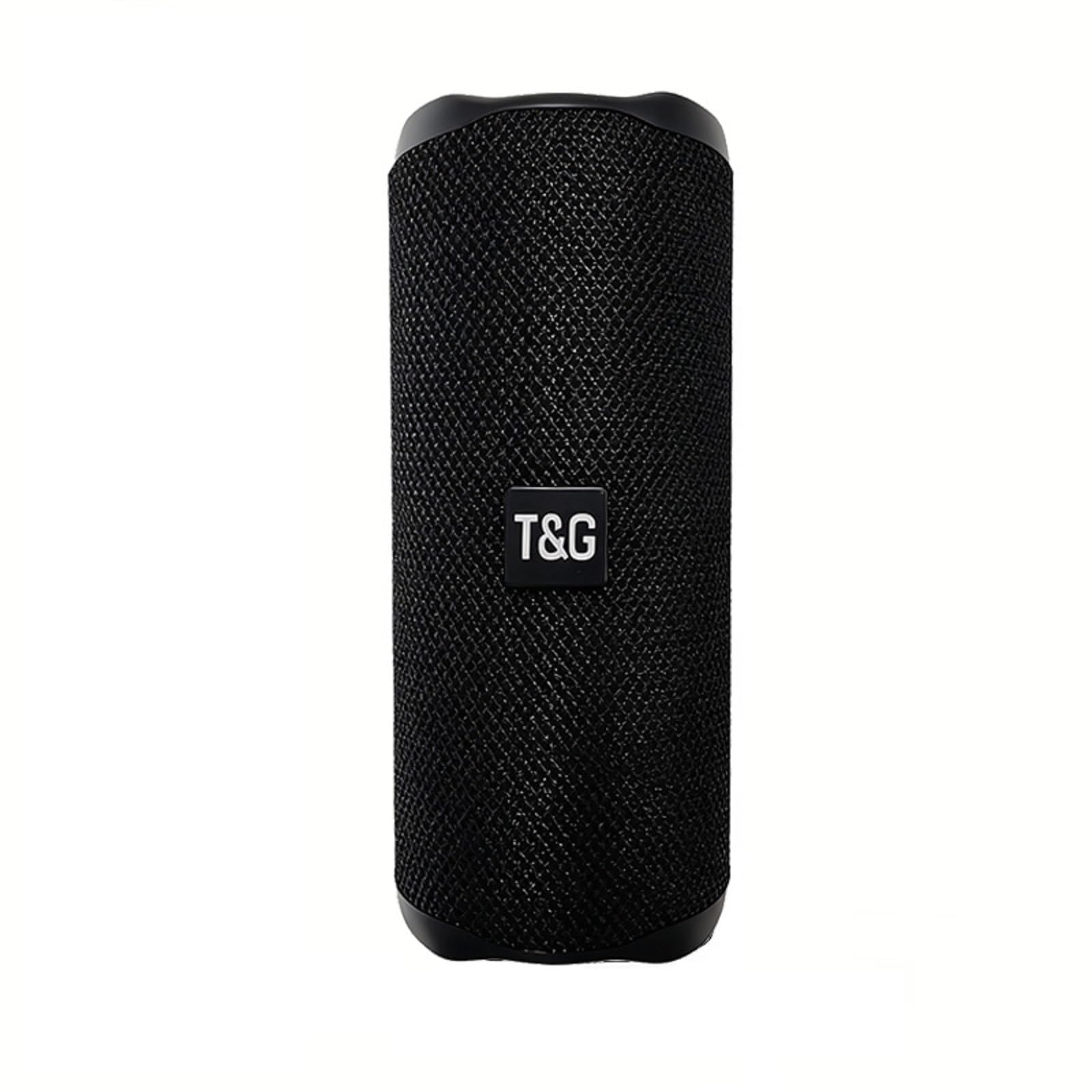
Figure 1: T&G TG468 Portable Bluetooth Speaker. This image shows the speaker's main design, highlighting its compact, cylindrical form factor and the T&G branding on the front mesh.
2. ¿Qué hay en la caja?
Verifique que todos los artículos estén presentes en el paquete:
- Altavoz Bluetooth portátil T&G TG468
- Cable de carga USB-C
- Guía de inicio rápido
- Lanyard (attached to speaker)
3. Producto terminadoview
3.1 Características físicas
The T&G TG468 speaker features a compact, cylindrical design with a durable fabric exterior. It is equipped with a convenient lanyard for portability.

Figure 2: Speaker Control Panel. This image displays the side panel of the speaker with clearly visible control buttons for power, volume up/next track, volume down/previous track, and mode selection.
3.2 Botones y puertos de control
The speaker's controls and ports are designed for easy access and functionality:
- Botón de encendido: Mantenga pulsado para encender o apagar. Pulse brevemente para reproducir o pausar.
- Botón '+': Pulsación corta para subir el volumen. Pulsación larga para siguiente pista.
- '-' Botón: Pulsación corta para bajar el volumen. Pulsación larga para pista anterior.
- Botón 'M': Short press to switch between modes (Bluetooth, TF Card, USB, AUX, FM Radio).

Figure 3: Speaker Ports. This image shows the rubber flap covering the charging port (DC 5V), TF card slot, USB-A port, and AUX input, designed to protect them from water and dust.
- Puerto DC 5 V (USB-C): Para cargar el altavoz.
- Ranura para tarjetas TF: Inserte una tarjeta TF (MicroSD) para reproducir música directamente.
- Puerto USB-A: Inserte una unidad flash USB para reproducir música directamente.
- Entrada auxiliar: Conecte dispositivos de audio externos mediante un cable de audio de 3.5 mm.
Video 1: Portable Speaker for Indoor & Outdoor Use. This video demonstrates the T&G TG468 speaker's versatility and suitability for various environments, showcasing su diseño y portabilidad.
4. Configuración
4.1 Carga del altavoz
- Connect the provided USB-C charging cable to the DC 5V port on the speaker.
- Conecte el otro extremo del cable a un adaptador de corriente USB (se recomienda 5 V/1 A) o al puerto USB de una computadora.
- La luz indicadora de carga se iluminará durante la carga y se apagará cuando esté completamente cargada.
- A full charge takes approximately 2-3 hours. The speaker provides up to 20 hours of playtime at 30% volume.
4.2 Encendido / Apagado
- Para encender: Mantenga presionado el botón de encendido durante 2 a 3 segundos hasta que escuche una indicación audible.
- Para apagar: Mantenga presionado el botón de encendido durante 2 a 3 segundos hasta que escuche una indicación audible.
5. Instrucciones de funcionamiento
5.1 Emparejamiento Bluetooth
- Ensure the speaker is powered on and in Bluetooth mode (indicated by a flashing blue LED). If not, press the 'M' button to switch to Bluetooth mode.
- Habilite Bluetooth en su dispositivo (teléfono inteligente, tableta, computadora portátil).
- Buscar 'TG468' in the list of available Bluetooth devices.
- Select 'TG468' to connect. Once connected, the LED indicator will stop flashing and remain solid blue, and you will hear a confirmation tone.
- El altavoz se volverá a conectar automáticamente al último dispositivo emparejado cuando se encienda, si el Bluetooth del dispositivo está activo y dentro del alcance.
5.2 Emparejamiento estéreo inalámbrico verdadero (TWS)
TWS allows you to pair two TG468 speakers together for a stereo sound experience.
- Asegúrese de que ambos altavoces TG468 estén encendidos y en modo Bluetooth, pero no conectados a ningún dispositivo.
- On one of the speakers (this will be the primary speaker), double-press the 'M' button. The speaker will emit a pairing tone.
- The two speakers will automatically search for and pair with each other. Once paired, you will hear a confirmation tone, and the primary speaker's LED will flash, while the secondary speaker's LED will remain solid.
- Now, connect your device to the primary speaker ('TG468') via Bluetooth as described in Section 5.1.
- To disconnect TWS, double-press the 'M' button on either speaker.
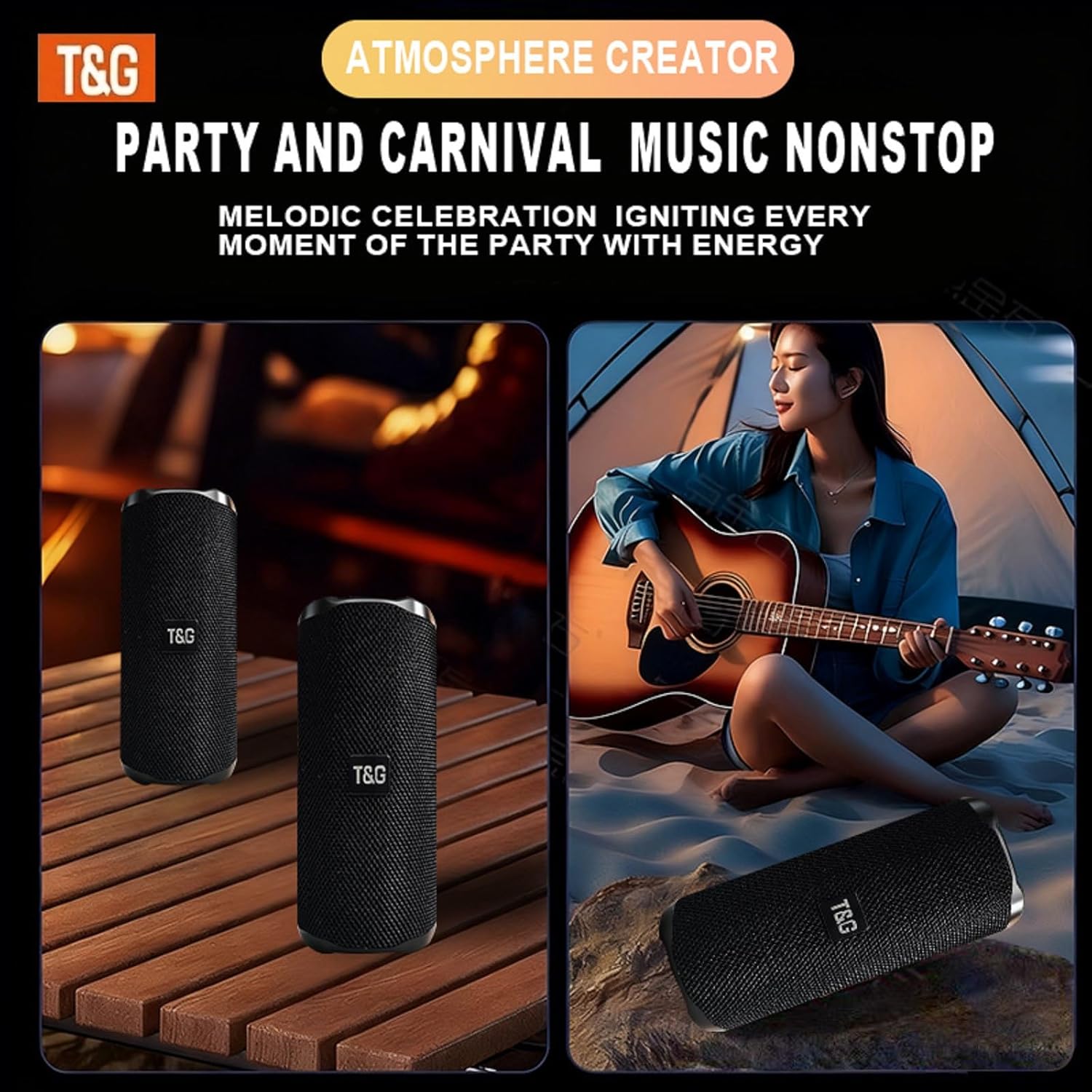
Figure 4: TWS Dual Pairing. This image illustrates two T&G TG468 speakers set up to function as a stereo pair, enhancing the audio experience.
5.3 Controles de reproducción de música
- Reproducir/Pausa: Presione brevemente el botón de encendido.
- Sube el volumen: Presione brevemente el botón '+'.
- Bajar volumen: Presione brevemente el botón '-'.
- Pista siguiente: Mantenga presionado el botón '+'.
- Pista anterior: Mantenga presionado el botón '-'.
5.4 Llamadas manos libres
El altavoz cuenta con un micrófono incorporado para llamadas manos libres cuando se conecta a través de Bluetooth.
- Responder llamada: Presione brevemente el botón de encendido.
- Finalizar llamada: Presione brevemente el botón de encendido durante una llamada.
- Rechazar llamada: Mantenga presionado el botón de encendido.

Figure 5: Hands-Free Calling. This image shows an individual making a phone call using the speaker's built-in microphone, demonstrating its hands-free functionality.
5.5 Otros modos de reproducción
Press the 'M' button to cycle through the following modes:
- Modo de tarjeta TF: Automatically plays music from an inserted TF (MicroSD) card.
- Modo USB: Automatically plays music from an inserted USB flash drive.
- Modo AUX: Conecte un dispositivo de audio externo mediante un cable de audio de 3.5 mm.
- Modo de radio FM: The speaker will automatically scan and save available FM stations. Use the '+' and '-' buttons to navigate stations.
6. Mantenimiento
6.1 Limpieza
- Limpie el altavoz con un paño suave, damp paño.
- No utilice limpiadores abrasivos, alcohol ni disolventes químicos.
- Asegúrese de que todas las tapas de los puertos estén bien cerradas antes de limpiar o exponer al agua.
6.2 Resistencia al agua (IPX4)
The T&G TG468 speaker is IPX4 rated, meaning it is resistant to splashing water from any direction. It is not designed to be submerged in water.
- Asegúrese de que la solapa de goma que cubre los puertos de carga y de entrada esté bien cerrada para mantener la resistencia al agua.
- Do not expose the speaker to pressurized water streams or prolonged submersion.

Figure 6: IPX4 Water Resistance. This image shows the speaker being splashed with water, illustrating its ability to withstand light water exposure, such as rain or splashes.
6.3 Almacenamiento
- Guarde el altavoz en un lugar fresco y seco, alejado de la luz solar directa y de temperaturas extremas.
- If storing for an extended period, charge the battery to approximately 50% to preserve battery life.
7. Solución de problemas
| Problema | Posible causa | Solución |
|---|---|---|
| El altavoz no se enciende | Batería baja; el botón de encendido no se mantiene presionado el tiempo suficiente | Cargue el altavoz; mantenga presionado el botón de encendido durante 2 a 3 segundos |
| No se puede emparejar a través de Bluetooth | El altavoz no está en modo de emparejamiento; el Bluetooth del dispositivo está desactivado; está demasiado lejos del dispositivo | Ensure speaker is flashing blue LED; Enable Bluetooth on your device; Move device closer to speaker (within 36ft) |
| Sin sonido | Volumen demasiado bajo; Modo incorrecto seleccionado; El dispositivo no reproduce audio | Increase speaker and device volume; Press 'M' to select correct mode; Ensure audio is playing on your device |
| El emparejamiento de TWS falla | Altavoces ya conectados a un dispositivo; Altavoces demasiado separados | Disconnect both speakers from any device; Ensure speakers are within close proximity for TWS pairing |
8. Especificaciones
| Característica | Detalle |
|---|---|
| Número de modelo | TG468 |
| Marca | T&G |
| Potencia de salida del altavoz | 24 vatios RMS |
| Respuesta de frecuencia | 60 Hz (Deep Bass) |
| Tecnología de conectividad | Bluetooth 5.3, USB, tarjeta TF, AUX |
| Alcance de Bluetooth | Hasta 10 metros (36 pies) |
| Modo de salida de audio | Sonido envolvente (con TWS) |
| Duración de la batería | Hasta 20 horas (al 30% del volumen) |
| Capacidad de la batería | 1200 mAh |
| Puerto de carga | USB-C (CC 5 V) |
| Resistencia al agua | IPX4 (a prueba de salpicaduras) |
| Dimensiones (D x W x H) | 3" de profundidad x 3" de ancho x 7" de alto (aprox.) |
| Material | Plástico, Tela |
| Características adicionales | Built-in Microphone, TWS Pairing, Bass Boost |
9. Información de seguridad
- No desmonte, repare ni modifique el altavoz. Esto podría causar daños, descargas eléctricas o incendios.
- Mantenga el altavoz alejado de temperaturas extremas, luz solar directa y fuentes de calor.
- No exponga el altavoz a llamas abiertas.
- Evite dejar caer o someter el altavoz a impactos fuertes.
- Mantener fuera del alcance de los niños.
- Deseche el altavoz y su batería de forma responsable según las regulaciones locales.
10. Garantía y soporte
T&G offers a limited warranty for this product. For warranty claims, technical support, or further assistance, please refer to the contact information provided in your Quick Start Guide or visit the official T&G websitio.