
Introducción
This manual provides detailed instructions for the setup, operation, and maintenance of your Oilsky M305 MP3 Player. Please read this manual thoroughly before using the device to ensure optimal performance and longevity.

Imagen: Más alláview of the Oilsky M305 MP3 Player's key features.
1. Guía de configuración
1.1 Desempaquetado y contenido del paquete
Carefully unpack your Oilsky M305 MP3 Player and verify all components are present.

Image: Contents of the Oilsky M305 MP3 Player box.
El paquete debe contener:
- 1x Reproductor de música Oilsky M305
- 1x 128GB TF Card (pre-installed or separate)
- 1x Cable USB (para carga y transferencia de datos)
- 1x Auriculares con cable
- 1x Película protectora
- 1x Funda protectora
- 1x Manual de usuario
1.2 Carga del dispositivo
Before first use, fully charge the device. Connect the provided USB cable to the player's charging port and to a USB power adapter (not included) or a computer's USB port. The charging indicator will show the charging status.
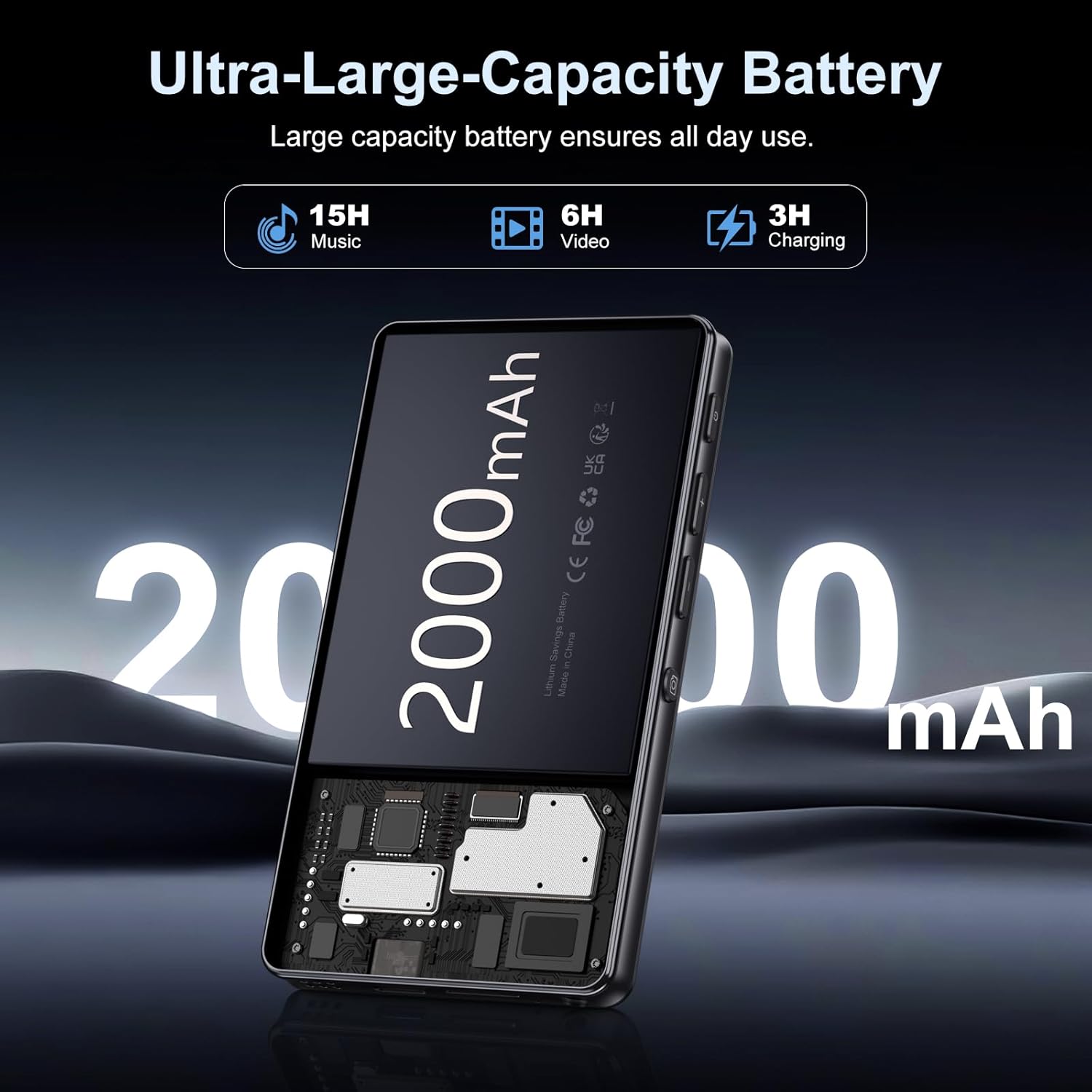
Image: Illustration of the 2000mAh battery and its charging/usage capabilities.
The 2000mAh battery provides approximately 15 hours of music playback and 6 hours of video playback on a full charge, which takes about 3 hours.
1.3 Encendido y apagado
- Para encender: Mantenga presionado el botón de encendido ubicado en el costado del dispositivo hasta que se encienda la pantalla.
- Para apagar: Mantenga presionado el botón de encendido, luego seleccione “Apagar” de las opciones que aparecen en la pantalla.
1.4 Configuración inicial
Al encenderlo por primera vez, siga las instrucciones en pantalla para:
- Seleccione su idioma preferido
- Conéctese a una red Wi-Fi para acceder a Internet y descargar aplicaciones.
- Configurar fecha y hora.
2. Instrucciones de funcionamiento
2.1 Basic Navigation (Touchscreen)
The Oilsky M305 features a 4.02-inch HD touchscreen for intuitive control. Use gestures similar to a smartphone:
- Grifo: Para seleccionar un elemento o abrir una aplicación.
- Golpe fuerte: Para desplazarse por las listas o cambiar entre pantallas.
- Pellizcar para hacer zoom: In supported applications like image galleries.

Image: The 4.02-inch HD touchscreen in use, displaying video content.
2.2 Reproducción de música
The device supports various music formats including MP3, WAV, APE, FLAC, and AAC. You can play music through the built-in speaker or connected headphones/Bluetooth devices.

Image: Music playback interface showing supported audio formats.
- Accessing Music: Open the pre-installed music player app or any downloaded streaming service (e.g., Spotify, Audible).
- Creación de listas de reproducción: Use the music player app to organize your songs into custom playlists.
- Ecualizador: Adjust audio settings via the built-in equalizer for a personalized listening experience.

Image: Features for music management, including playlist creation and equalizer settings.
2.3 Reproducción de video
The device supports various video formats including AVI, MKV, MP4, MPG, and MOV. Videos can be viewed on the 4.02-inch HD screen.

Image: Supported video and music formats for the device.
2.4 Uso de la cámara
The M305 is equipped with a 13MP rear camera and a 5MP front camera for capturing photos and videos.
- Tomando fotos: Abra la aplicación Cámara, encuadre su toma y toque el botón del obturador.
- Grabación de videos: Switch to video mode in the Camera app and tap the record button to start/stop.

Image: Illustration of the 5MP front and 13MP rear cameras.
2.5 Conectividad (Bluetooth y Wi-Fi)
The device features dual-band Wi-Fi for fast internet access and Bluetooth 5.0 for stable wireless connections.
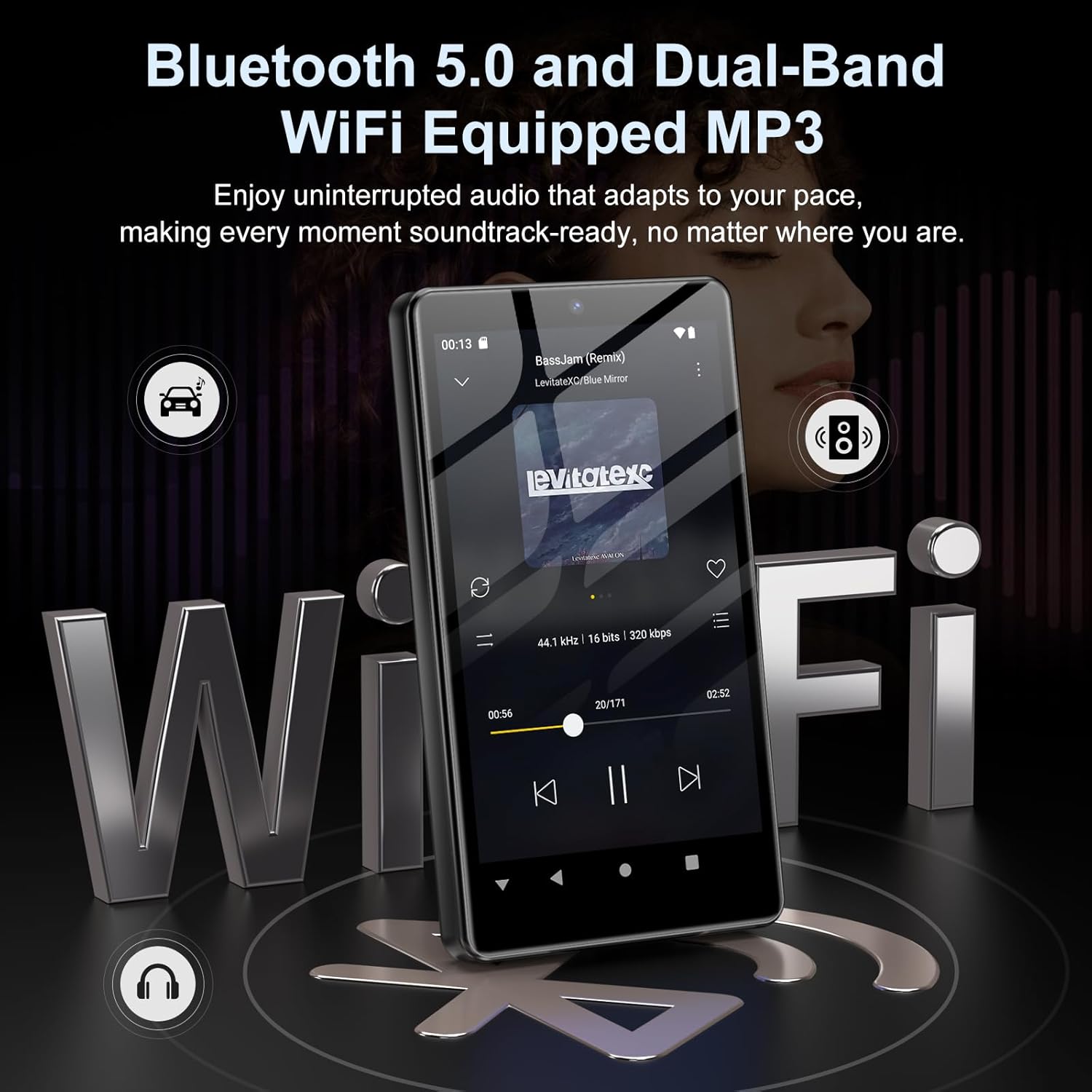
Image: Visual representation of Bluetooth and Wi-Fi connectivity.
- Wifi: Vaya a Configuración > Red e Internet > Wi-Fi para conectarse a las redes disponibles.
- Bluetooth: Go to Settings > Connected devices > Bluetooth to pair with headphones, speakers, or other Bluetooth-enabled devices.
2.6 Gestión del almacenamiento
The M305 comes with 32GB of internal ROM and includes a 128GB TF card, supporting external storage expansion up to 1TB.

Image: Storage capacity details including internal ROM and TF card expansion.
- Viewing Storage: Navigate to Settings > Storage to see internal and external storage usage.
- Transferencia Files: Connect the device to a computer using the USB cable to transfer music, videos, and photos.
2.7 Instalación de la aplicación (Google Play Store)
Running on Android 13.0, the device allows you to install and uninstall applications from the Google Play Store.
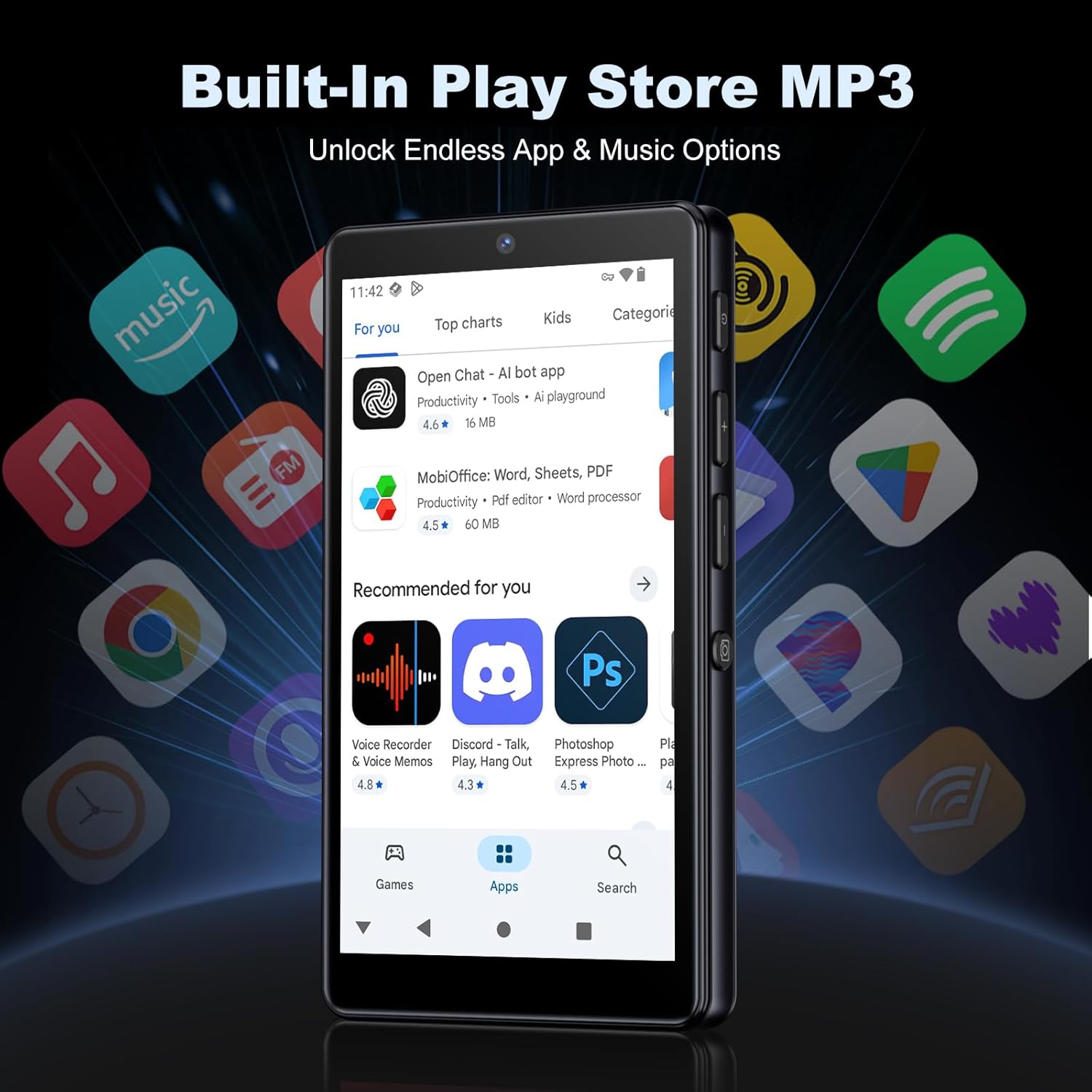
Image: The Google Play Store interface on the device.
- Instalación de aplicaciones: Open the Play Store app, search for your desired application, and tap 'Install'.
- Desinstalar aplicaciones: Go to Settings > Apps, select the app, and tap 'Uninstall'.
3. Mantenimiento
3.1 Limpieza
To clean the device, use a soft, dry, lint-free cloth. Avoid using abrasive cleaners, solvents, or aerosol sprays, which may damage the screen or finish.
3.2 Cuidado de la batería
- Evite exponer el dispositivo a temperaturas extremas.
- No permita que la batería se descargue completamente con frecuencia.
- Utilice únicamente el cable USB proporcionado para cargar.
3.3 Actualizaciones de software
Revisa periódicamente las actualizaciones de software para asegurarte de que tu dispositivo cuente con las funciones y parches de seguridad más recientes. Ve a Ajustes > Sistema > Actualización del sistema.
4. Solución de problemas
4.1 El dispositivo no se enciende
- Asegúrese de que la batería esté cargada. Conecte el dispositivo a un cargador durante al menos 30 minutos.
- Intente un reinicio forzado manteniendo presionado el botón de encendido durante 10 a 15 segundos.
4.2 Problemas de conectividad (Wi-Fi/Bluetooth)
- Wifi: Check if the Wi-Fi network is active and you have entered the correct password. Try restarting your router.
- Bluetooth: Ensure the device you are trying to connect to is in pairing mode and within range. Try turning Bluetooth off and on again on both devices.
4.3 Las aplicaciones se bloquean o se congelan
- Cierre y vuelva a abrir la aplicación.
- Clear the app's cache: Settings > Apps > [App Name] > Storage & cache > Clear cache.
- Si el problema persiste, intenta desinstalar y reinstalar la aplicación.
4.4 Mala calidad de audio
- Check your earphones or Bluetooth speaker connection.
- Asegúrese de que el audio file no está corrupto.
- Adjust the equalizer settings in your music player.
5. Especificaciones
| Característica | Detalle |
|---|---|
| Marca | aceitesky |
| Número de modelo | M305 |
| Sistema operativo | Androide 13.0 |
| Procesador | MTK de 8 núcleos |
| RAM | 4 GB |
| Almacenamiento interno (ROM) | 32 GB |
| Almacenamiento externo | 128GB TF Card included, expandable up to 1TB |
| Tamaño de pantalla | Pantalla táctil HD de 4.02 pulgadas |
| Cámara trasera | 13MP |
| Cámara frontal | 5MP |
| Bluetooth | Bluetooth 5.0 |
| Wifi | Wi-Fi de doble banda |
| Capacidad de la batería | Polímero de litio de 2000 mAh |
| Tiempo de reproducción de música | Hasta 15 horas |
| Tiempo de reproducción de vídeo | Hasta 6 horas |
| Tiempo de carga | Aproximadamente 3 horas |
| Formatos de audio compatibles | MP3, WAV, APE, FLAC, AAC, etc. |
| Formatos de vídeo compatibles | AVI, MKV, MP4, MPG, MOV, etc. |
| Formatos de imagen admitidos | JPEG, BMP, GIF, PNG, etc. |
6. Información de garantía
The Oilsky M305 MP3 Player comes with a manufacturer's warranty. Please refer to the warranty card included in your package or contact Oilsky customer support for specific terms and conditions. Keep your proof of purchase for warranty claims.
7. Atención al cliente
If you encounter any issues not covered in this manual or require further assistance, please contact Oilsky customer support. Contact details can typically be found on the official Oilsky websitio o en la tarjeta de garantía.