
1. Introducción
Gracias por la compraasing the Aiwa BST-130RD Bluetooth Speaker. This portable speaker features Bluetooth 5.3 connectivity, vibrant RGB lighting, FM radio, and multiple playback options including USB and TF card. This manual provides essential information for the safe and efficient use of your device. Please read it thoroughly before operation and retain it for future reference.
2. Contenido del paquete
Asegúrese de que todos los artículos estén presentes en el paquete:
- Aiwa BST-130RD Bluetooth Speaker
- Cable de carga USB-C
- Manual de instrucciones
3. Producto terminadoview
Familiarícese con los controles y puertos del altavoz.
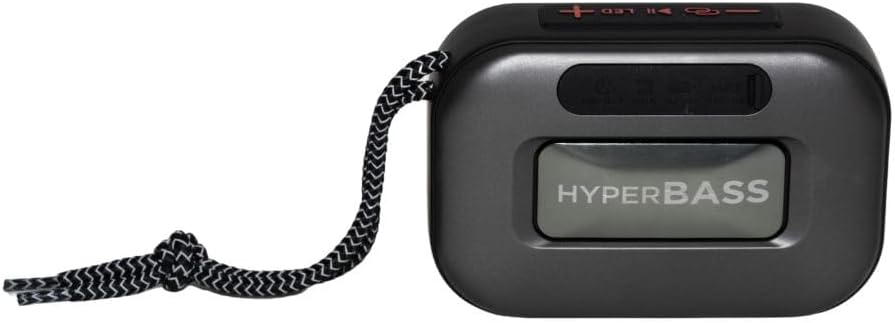
Figura 3.1: Frente view of the Aiwa BST-130RD Bluetooth Speaker, showcasing the speaker grille and RGB light ring.

Figura 3.2: Close-up of the tactile control buttons located on the top panel of the speaker. These include power, play/pause, volume, mode, and LED light controls.

Figura 3.3: Trasero view of the speaker, illustrating the USB-A port, Micro SD (TF) card slot, AUX-IN port, and USB Type-C charging port.
Controles:
- Botón de encendido: Mantenga presionado para encender o apagar el altavoz.
- Botón de reproducción/pausa: Reproducir o pausar audio. Responder o finalizar llamadas en modo Bluetooth.
- Subir volumen (+): Increase volume. Long press for next track/FM station.
- Bajar volumen (-): Decrease volume. Long press for previous track/FM station.
- Botón de modo (M): Switch between Bluetooth, FM Radio, USB, TF Card, and AUX-IN modes.
- Botón LED: Cambiar los modos de iluminación RGB.
Puertos:
- Puerto USB-A: Para reproducción de unidad flash USB.
- Ranura para tarjetas TF: Para reproducción de tarjeta Micro SD.
- Puerto AUX-IN (3.5 mm): Para conexión de audio por cable.
- Puerto de carga USB tipo C: Para cargar el altavoz.
4. Configuración
4.1 Carga del altavoz
- Conecte el cable de carga USB tipo C provisto al puerto de carga del altavoz.
- Connect the other end of the cable to a 5V DC USB power adapter (not included).
- La luz indicadora de carga se iluminará durante la carga y se apagará una vez que esté completamente cargada.
- Una carga completa suele tardar entre 2 y 3 horas aproximadamente.
4.2 Encendido y apagado
- Para encender: Press and hold the Power button for 2-3 seconds until you hear an audible prompt and the RGB lights activate.
- Para apagar: Press and hold the Power button for 2-3 seconds until you hear an audible prompt and the RGB lights deactivate.
5. Instrucciones de funcionamiento
5.1 Emparejamiento Bluetooth
- Ensure the speaker is powered on and in Bluetooth mode (indicated by an audible prompt or LED status). If not, press the Mode button to switch to Bluetooth mode.
- Habilite Bluetooth en su teléfono inteligente, tableta u otro dispositivo habilitado para Bluetooth.
- Buscar available devices and select "AIWA BST-130RD" from the list.
- Una vez emparejado, el altavoz emitirá una confirmación audible.
- Ahora puedes reproducir audio desde tu dispositivo a través del altavoz.
5.2 Emparejamiento estéreo inalámbrico verdadero (TWS)
The TWS function allows you to connect two Aiwa BST-130RD speakers for a stereo sound experience.
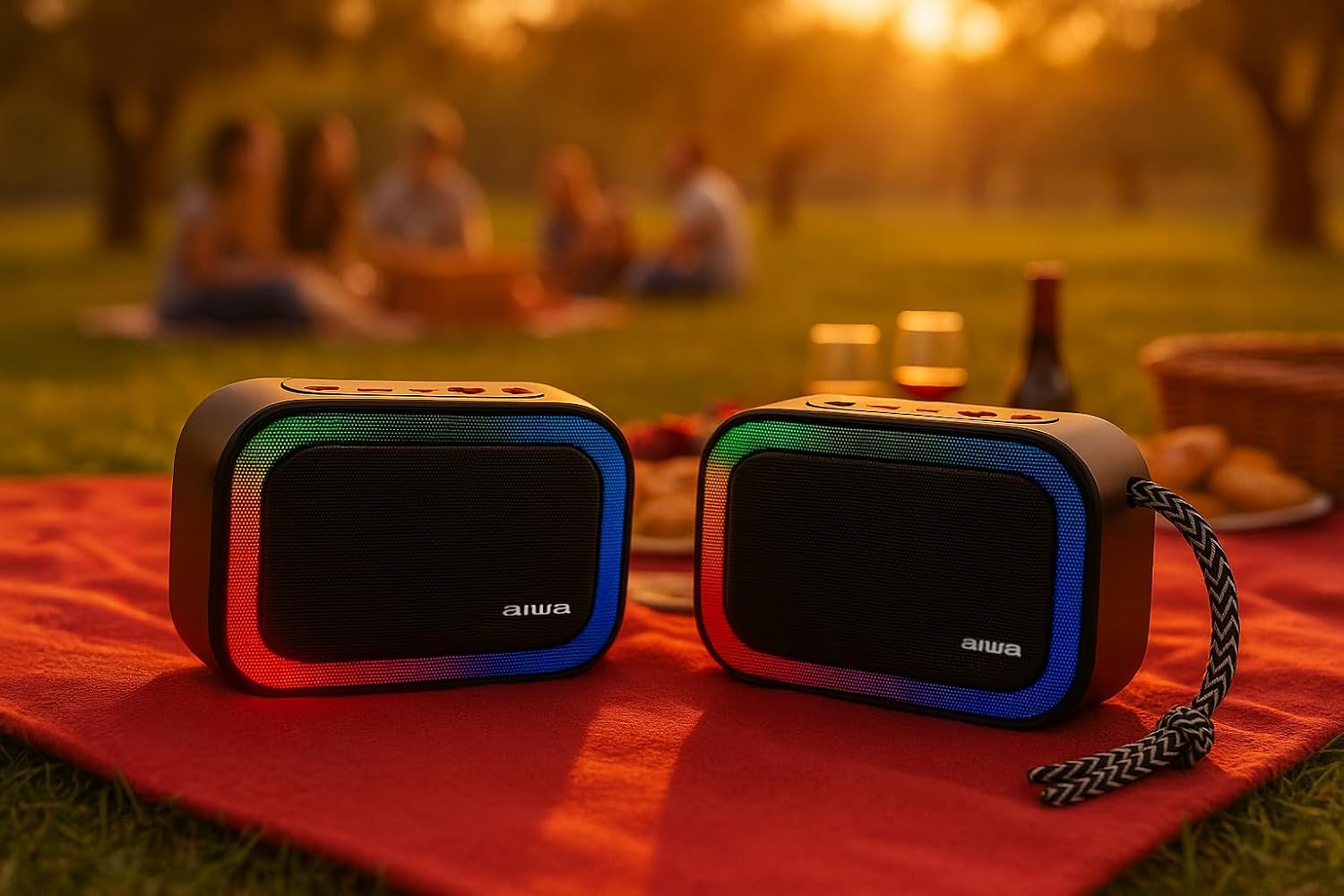
Figura 5.1: Two Aiwa BST-130RD speakers operating in True Wireless Stereo (TWS) mode, providing a wider soundstage.
- Ensure both BST-130RD speakers are powered on and in Bluetooth mode, but not yet paired to any device.
- On one of the speakers (this will be the primary speaker), double-press the Play/Pause button. The speaker will search for another BST-130RD.
- Once connected, you will hear an audible confirmation. The primary speaker will act as the left channel, and the secondary speaker as the right channel.
- Now, pair your Bluetooth device to the primary speaker as described in Section 5.1.
5.3 Funcionamiento de la radio FM
- Presione el botón Mode repetidamente hasta ingresar al modo de Radio FM.
- Presione el botón Reproducir/Pausa una vez para iniciar la búsqueda automática de estaciones. El altavoz buscará y guardará las estaciones FM disponibles.
- Utilice los botones Subir volumen (+) y Bajar volumen (-) (pulsación prolongada) para navegar entre las estaciones guardadas.
5.4 Reproducción de tarjeta USB/TF
- Insert a USB flash drive into the USB-A port or a TF (Micro SD) card into the TF card slot.
- The speaker will automatically switch to the corresponding mode and begin playing MP3 files. If not, press the Mode button to select USB or TF mode.
- Use the Play/Pause button to control playback. Use the Volume Up (+) and Volume Down (-) buttons (long press) to skip tracks.
5.5 Modo AUX-IN
- Connect one end of a 3.5mm audio cable (not included) to the speaker's AUX-IN port.
- Conecte el otro extremo a la salida de audio de su dispositivo externo (por ejemplo, reproductor MP3, computadora).
- Press the Mode button to switch to AUX-IN mode.
- El audio se reproducirá por el altavoz. Controla la reproducción desde tu dispositivo externo.
5.6 Hands-free Function
Cuando se conecta a través de Bluetooth a un teléfono inteligente, el altavoz se puede utilizar para llamadas manos libres.
- Responder llamada: Presione el botón Reproducir/Pausa una vez.
- Finalizar llamada: Presione el botón Reproducir/Pausa una vez durante una llamada.
- Rechazar llamada: Mantenga presionado el botón Reproducir/Pausar durante 2 segundos.
5.7 Control de iluminación RGB
The speaker features a dynamic RGB lighting system.

Figura 5.2: The Aiwa BST-130RD speaker displaying its vibrant RGB lighting effects.
- Pulse el botón LED para alternar entre los diferentes modos de iluminación RGB.
- Press and hold the LED button to turn the RGB lighting On/Off.
6. Mantenimiento
- Limpie el altavoz con un paño suave y seco. No utilice limpiadores abrasivos ni disolventes.
- Evite exponer el altavoz a temperaturas extremas, luz solar directa o humedad alta.
- No sumerja el altavoz en agua. No es impermeable.
- Cuando no esté en uso durante períodos prolongados, cargue la batería al menos una vez cada tres meses para prolongar su vida útil.
7. Solución de problemas
| Problema | Posible causa | Solución |
|---|---|---|
| El altavoz no se enciende. | Batería baja. | Cargue el altavoz utilizando el cable USB tipo C proporcionado. |
| No hay sonido. | Volumen demasiado bajo; modo incorrecto; dispositivo no emparejado. | Increase volume on speaker and connected device. Ensure correct mode is selected. Re-pair Bluetooth device. |
| El emparejamiento de Bluetooth falla. | El altavoz no está en modo de emparejamiento; el dispositivo está demasiado lejos; hay interferencias. | Asegúrate de que el altavoz esté en modo de emparejamiento Bluetooth. Acerca el dispositivo al altavoz. Apaga los demás dispositivos Bluetooth. |
| La recepción de radio FM es mala. | Señal débil; interferencia ambiental. | Mueva el altavoz a otra ubicación. Vuelva a realizar un escaneo automático. |
8. Especificaciones
- Modelo: BST-130RD
- Versión de Bluetooth: V5.3
- Potencia de salida: 5W RMS (10% THD)
- Controlador de altavoz: 5 cm (Full Range), 3 Ohm Impedance
- Respuesta de frecuencia: 80 Hz - 18 kHz
- Relación señal / ruido: ≥ 85 dB
- Sensibilidad: 490 mV (1 kHz)
- Entradas: Bluetooth, USB MP3, TF MP3, FM Scanner, AUX-IN (3.5mm Stereo)
- Entrada de energía: 5V DC USB Type-C
- Batería: 1200mAh, 3.7V Lithium (with protection circuit)
- Vol. De cargatage: 5 V 1 A
- Características: TWS (True Wireless Stereo), RGB Lighting, Hands-free Function
- Dimensiones: 133 x 89 x 47.5 mm
- Peso: 0.314 kilogramos
9. Información de seguridad
- No desmonte, repare ni modifique el dispositivo.
- Keep the device away from water, moisture, and flammable substances.
- Evite escuchar música a volúmenes altos durante períodos prolongados para evitar daños auditivos.
- Dispose of the battery and device responsibly according to local regulations.
10. Garantía y soporte
Aiwa products are designed and manufactured to the highest quality standards. For warranty information and technical support, please refer to the warranty card included in your package or visit the official Aiwa websitio para su región.