
1. Configuración
Desembalaje e inspección inicial
Carefully unpack your Luoran N2 Android MP3 Player. Ensure all components are present and in good condition.
- Luoran N2 MP3 Player
- Cable USB-C
- Auriculares con cable
- Manual de instrucciones
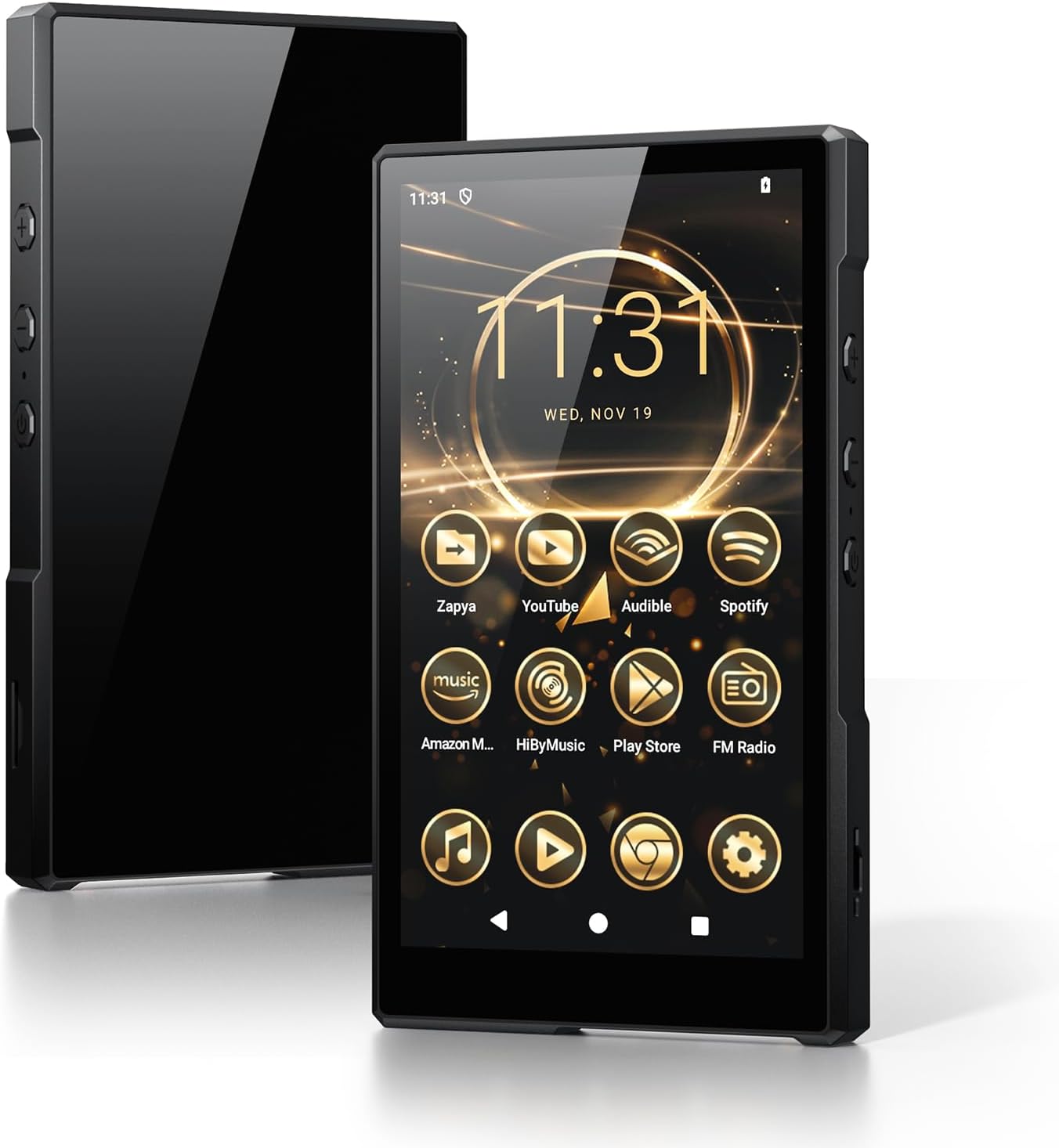
Image: Luoran N2 MP3 Player with included accessories.
Encendido y configuración inicial
To power on the device, press and hold the power button located on the side until the Luoran logo appears on the screen. Follow the on-screen prompts to select your language and region.
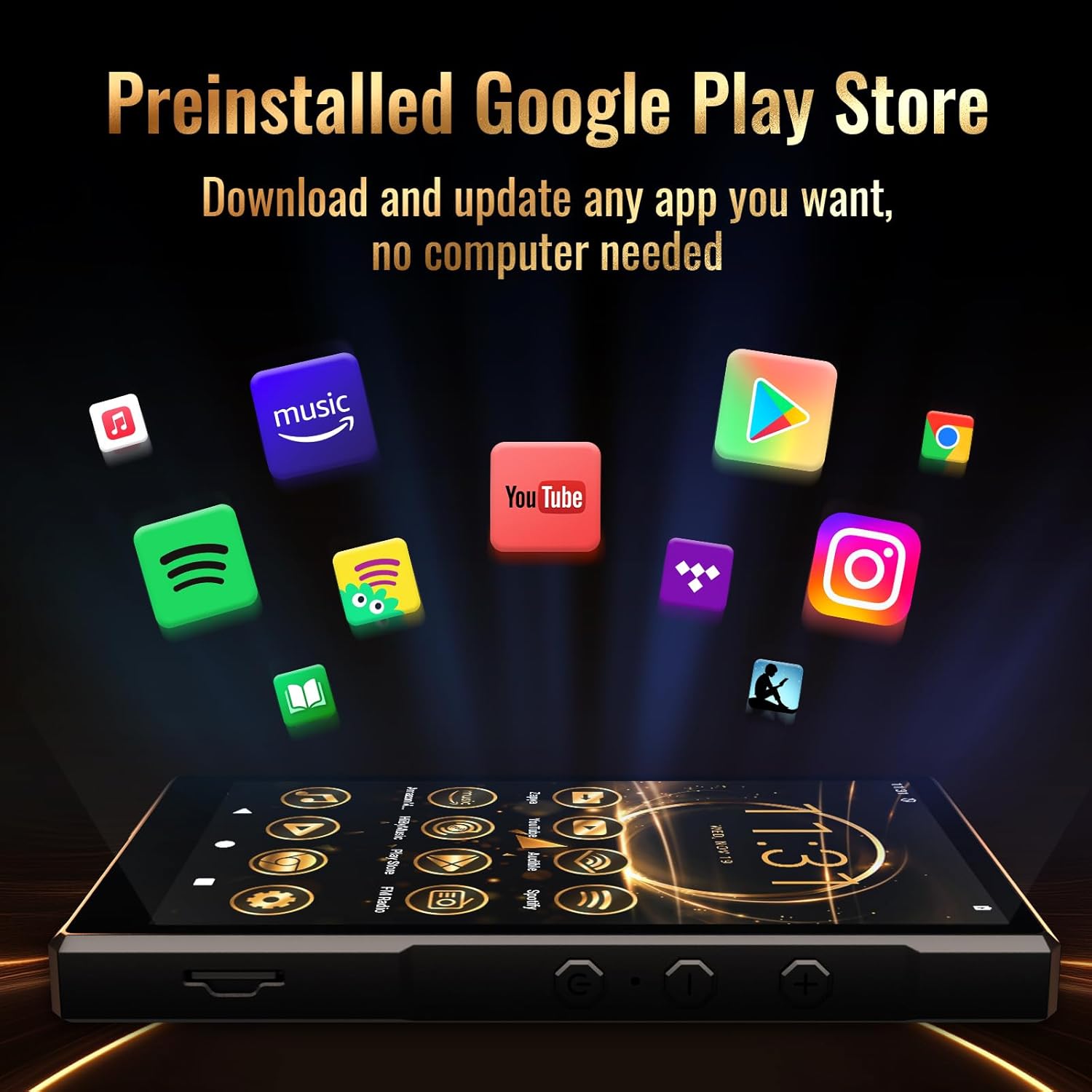
Image: The Luoran N2 MP3 Player's vibrant home screen with pre-installed applications.
Conexión wifi
Connect your device to a Wi-Fi network to access online features, download apps, and receive updates. The N2 supports dual-band Wi-Fi (2.4G & 5G) for stable connections.
- Ir a Ajustes.
- Seleccionar Red e internet.
- Grifo Wifi y enciendelo.
- Seleccione la red que desee de la lista.
- Ingrese la contraseña si se le solicita y toque Conectar.
Video: Demonstrates connecting the MP3 player to a Wi-Fi network.
Configuración de la cuenta de Google
To fully utilize the Google Play Store and other Google services, you may sign in with your Google Account. This step is optional but recommended for app downloads.
Recordatorio de seguridad
Please remember any password or PIN codes you set on the MP3 player. Losing these credentials may prevent access to your device.
2. Operar su dispositivo
Navegación básica
The Luoran N2 features a 5.0" HD IPS touch screen for intuitive navigation. Swipe left or right to browse applications and tap icons to open them. Physical buttons on the side control power and volume.

Image: The Luoran N2 MP3 Player highlighting its upgraded Android 14 system and security.
Instalación de aplicaciones
The device comes with Android 14 and the Google Play Store pre-installed, allowing you to freely download and install various applications. Popular apps like Spotify, Spotify Kids, Audible, Amazon Music, Apple Music, and YouTube are supported.

Image: The Google Play Store interface on the Luoran N2, ready for app downloads.
Reproducción de música
Enjoy your music collection with support for various audio formats including MP3, FLAC, APE, OGG, M4A, AAC, WMA, and MP2. The player offers different playback modes for both offline and online music.
- Bluetooth 5.0: Connect wirelessly to Bluetooth headphones, speakers, or car audio systems for a stable and fast connection.
- Conexión por cable: Use the included wired earphones or your preferred 3.5mm jack headphones.

Image: The Luoran N2 MP3 Player demonstrating its versatile Bluetooth connectivity options.
Reproducción de vídeo
The 5.0" HD IPS screen with 720x1280 pixels resolution provides a clear and vivid viewing experience for videos. The powerful Octa-core processor ensures smooth operation.

Image: The Luoran N2 MP3 Player showcasing video playback on its high-definition screen.
Gestión de almacenamiento
The device comes with 64GB of built-in storage and supports up to 1TB memory card expansion via the microSD card slot. This allows for extensive storage of music, videos, and other files.

Image: The Luoran N2 MP3 Player demonstrating its expandable memory feature with a microSD card.
3. Mantenimiento
Gestión de la batería
The Luoran N2 is equipped with a 3000 mAh long-lasting battery. To ensure optimal battery life:
- Cargue el dispositivo con el cable USB-C proporcionado.
- Evite temperaturas extremas durante la carga y el funcionamiento.
- For prolonged storage, charge the battery to approximately 50% to prevent deep discharge.
Instrucciones de limpieza
To clean your device, use a soft, lint-free cloth. For the screen, a screen cleaner designed for electronics can be used. Avoid harsh chemicals or abrasive materials.
Actualizaciones de software
Regularly check for and install software updates to ensure your device has the latest features, security patches, and performance improvements. Connect to Wi-Fi to download updates.
4. Solución de problemas
If you encounter issues with your Luoran N2 MP3 Player, try the following steps:
- El dispositivo no se enciende: Asegúrese de que la batería esté cargada. Conecte el dispositivo al cargador durante al menos 30 minutos antes de intentar encenderlo de nuevo.
- Problemas de conexión Wi-Fi: Verify your Wi-Fi password and ensure the device is within range of the router. Try restarting both the device and your router.
- La aplicación se bloquea o se congela: Close the problematic app and reopen it. If the issue persists, try clearing the app's cache or reinstalling it.
- Rendimiento lento: Close unused applications. Consider freeing up storage space by deleting unnecessary files o aplicaciones.
- Restablecimiento de fábrica: As a last resort, you can perform a factory reset through the Settings menu. This will erase all data on the device, so back up important files de antemano.
Video: A user demonstrating the setup and basic functions of a similar Android MP3 player, which may offer insights into troubleshooting.
5. Especificaciones
| Característica | Especificación |
|---|---|
| Nombre del modelo | N2 |
| Dimensiones del producto | 5.07 x 0.47 x 2.9 pulgadas |
| Peso del artículo | 8.5 onzas |
| Tamaño de pantalla | 5 pulgadas |
| Resolución de pantalla | 720x1280 pixels (HD IPS) |
| Sistema operativo | Androide 14 |
| Procesador | Octa-core |
| Almacenamiento interno | 64 GB |
| Memoria expandible | Hasta 1 TB mediante tarjeta microSD |
| Tecnología de conectividad | Bluetooth V5.0, Wi-Fi (2.4G & 5G) |
| Capacidad de la batería | 3000 mAh de iones de litio |
| Componentes incluidos | USB-C Cable, Wired Earphone, Instruction Manual |
6. Garantía y soporte
Información de garantía
The Luoran N2 MP3 Player comes with a manufacturer's warranty. For specific details regarding warranty coverage, duration, and terms, please refer to the warranty card included in your product packaging or visit the official Luoran websitio.
Atención al cliente
If you require further assistance, technical support, or have questions not covered in this manual, please contact Luoran customer service. Contact details can typically be found on the manufacturer's websitio o en la documentación del producto.