
1. Introducción
This manual provides instructions for the proper use and maintenance of your plplaaoo SC12022D wired 1D and 2D barcode scanner. This device is designed for fast and accurate scanning of both printed and screen-based barcodes, suitable for various retail, warehouse, and office environments.
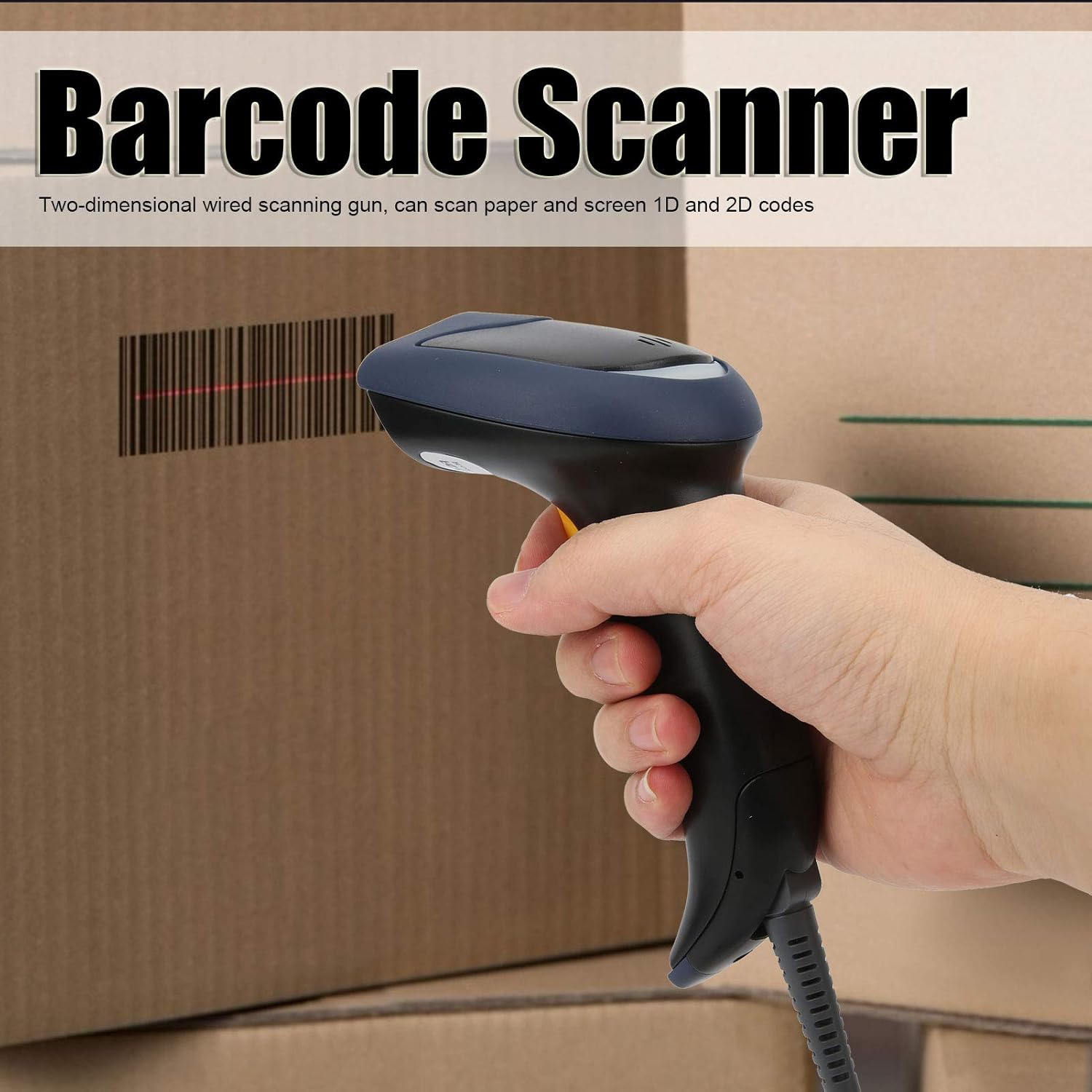
Image 1.1: The plplaaoo SC12022D barcode scanner in operation, held by a user scanning a package. This illustrates the ergonomic design and typical use case of the device.
2. Información de seguridad
Please read and follow these safety guidelines to ensure safe operation and to prevent damage to the device or injury to yourself.
- Seguridad láser: Do not stare directly into the scanning window or point the laser beam at eyes. This device uses a visible light laser.
- Condiciones ambientales: Operate the scanner within the specified temperature range of 20℃ to +60℃. Avoid exposure to extreme temperatures, humidity, or dust.
- Manejo: Manipule el dispositivo con cuidado. Evite dejarlo caer o someterlo a impactos fuertes.
- Limpieza: Utilice un paño suave y seco para limpiar. No utilice limpiadores abrasivos ni disolventes.
3. Contenido del paquete
Verifique que todos los artículos estén presentes en el paquete:
- plplaaoo SC12022D Barcode Scanner
- USB Cable (attached or separate)
- Manual de usuario (este documento)
4. Producto terminadoview
The plplaaoo SC12022D is a handheld, gun-style barcode scanner designed for comfortable and efficient use. It features a high-resolution sensor for precise reading of various barcode types.
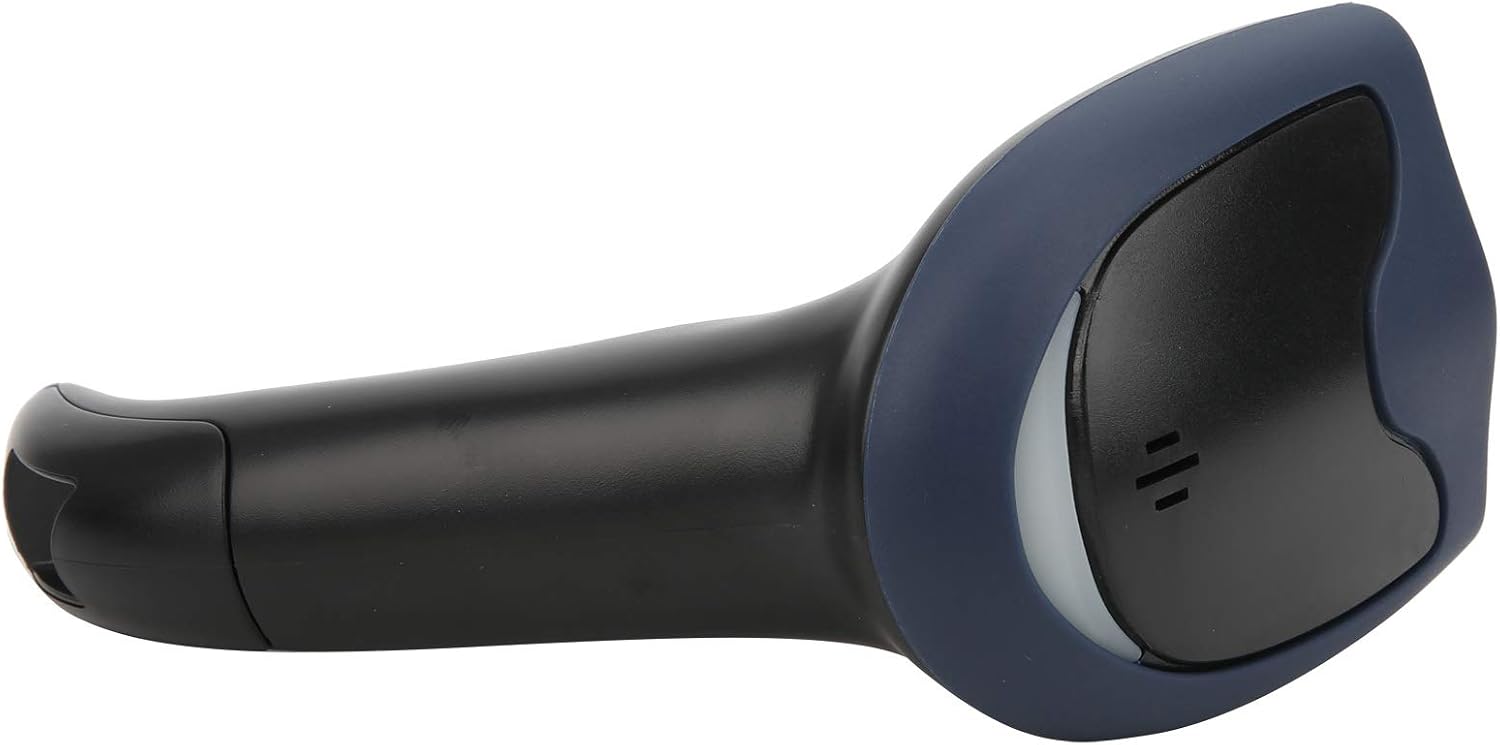
Imagen 4.1: Frente view of the barcode scanner, highlighting the scanning window and the comfortable grip design.

Imagen 4.2: Lateral view of the barcode scanner, illustrating its contoured shape and the placement of the trigger button.

Imagen 4.3: Un detalle view of the scanning window, where the laser beam is emitted and barcodes are read.
5. Configuración
The plplaaoo SC12022D barcode scanner is designed for plug-and-play convenience. No driver installation is typically required for most operating systems.
- Conecte el cable USB: Locate the USB cable. If it is detachable, connect the smaller end to the port on the base of the scanner.
- Plug into Computer/POS System: Insert the standard USB-A end of the cable into an available USB port on your computer or Point-of-Sale (POS) system.
- Reconocimiento del sistema: Your operating system should automatically detect and install the necessary generic drivers. The scanner will typically emit a beep or flash an indicator light to confirm it is ready for use.

Image 5.1: The USB cable provided with the scanner, featuring a USB-A connector for the host device and a proprietary connector for the scanner.

Image 5.2: The USB cable securely connected to the port on the underside of the scanner's handle.
6. Instrucciones de funcionamiento
Once connected, the scanner functions as a keyboard wedge, inputting scanned data directly into any active text field.
- Apuntar: Apunte la ventana de escaneo hacia el código de barras que desea leer.
- Escanear: Press and hold the trigger button. A red laser line or aiming pattern will appear. Position the laser line across the entire barcode.
- Confirmación: Upon successful scan, the scanner will emit a beep and/or the indicator light will flash. The barcode data will then appear in your active application.
- Scanning Performance: The scanner is capable of reading both 1D and 2D barcodes from paper and digital screens, even if they are poorly printed or slightly damaged.
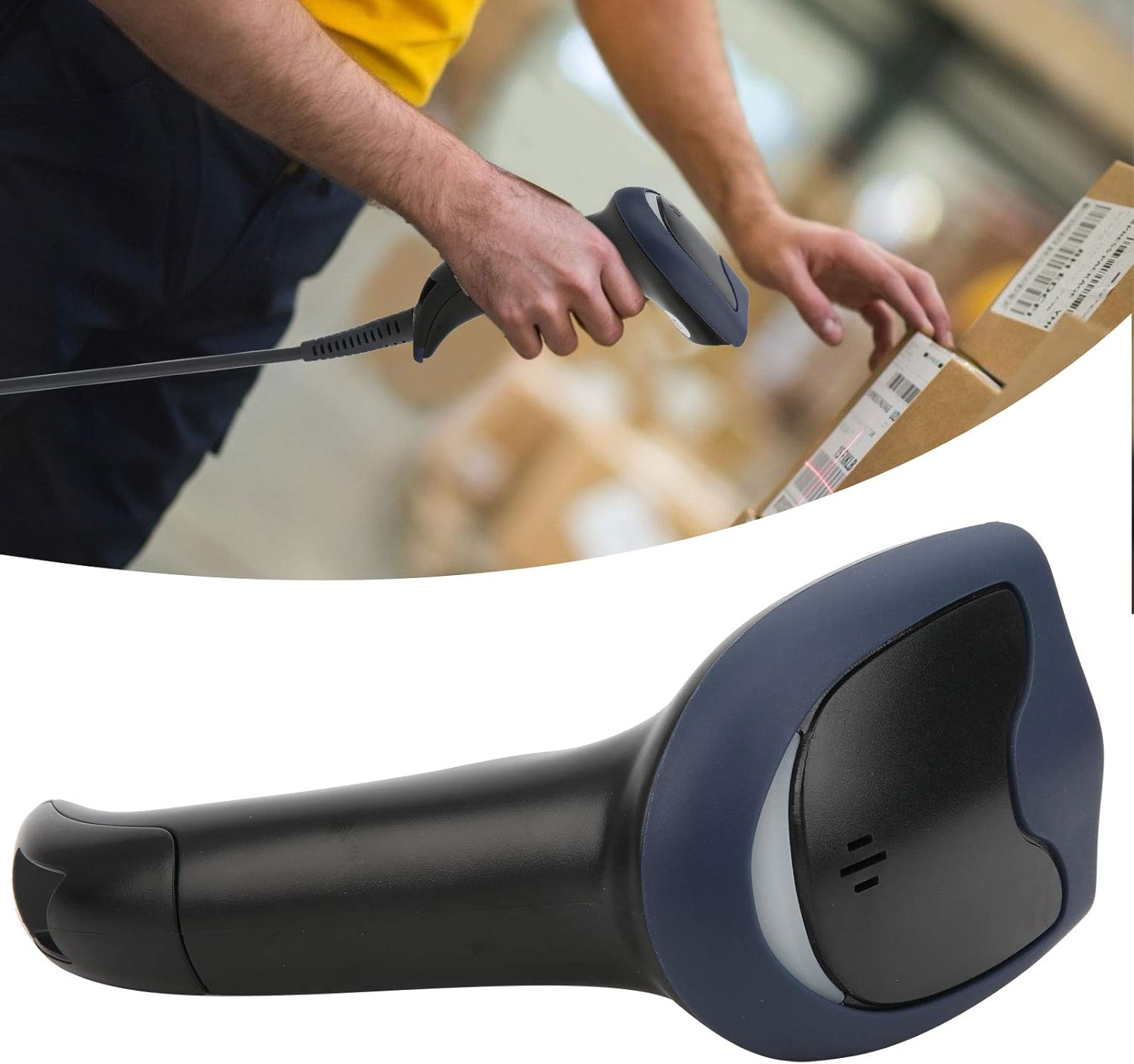
Image 6.1: A user actively scanning a barcode on a box, demonstrating the scanner's application in a typical work environment.

Image 6.2: The barcode scanner displayed alongside icons representing diverse environments such as retail, logistics, and office settings, illustrating its broad compatibility.
7. Mantenimiento
Un mantenimiento adecuado garantiza la longevidad y el rendimiento óptimo de su escáner de código de barras.
- Limpieza de la ventana de escaneo: Limpie periódicamente la ventana de escaneo con un paño suave que no deje pelusa. Para manchas difíciles, limpie ligeramenteampen the cloth with water or a mild, non-abrasive cleaner. Ensure the window is dry before use.
- Limpieza general: Wipe the exterior of the scanner with a soft, dry cloth. Avoid using harsh chemicals or solvents that could damage the plastic.
- Almacenamiento: Cuando no esté en uso, guarde el escáner en un entorno limpio y seco, alejado de la luz solar directa y de temperaturas extremas.
8. Solución de problemas
Si tiene problemas con su escáner, consulte los siguientes problemas y soluciones comunes:
| Problema | Posible causa | Solución |
|---|---|---|
| El escáner no se enciende ni responde. | Cable USB no conectado correctamente o puerto USB defectuoso. | Asegúrese de que el cable USB esté bien conectado tanto al escáner como a la computadora. Pruebe con otro puerto USB o computadora. |
| El escáner emite un pitido pero no se transmiten datos. | No active text field or incorrect keyboard layout. | Ensure a text input field is active (e.g., Notepad, Word document, browser search bar). Check your computer's keyboard language settings. |
| Unable to scan certain barcodes. | Barcode type not supported, damaged barcode, or poor lighting. | Refer to the Specifications section for supported symbologies. Try scanning a different, known-good barcode. Ensure adequate lighting and proper aiming. |
| Scanner is slow or inconsistent. | Dirty scanning window or interference. | Clean the scanning window as described in the Maintenance section. Ensure no obstructions are near the scanning area. |
9. Especificaciones
- Modelo: SC12022D
- Tecnología de escaneo: 1D/2D Wired
- Interfaz: USB
- Simbologías admitidas: QR, Micro QR, PDF417, Maxicode, Data Matrix, AztecCode, UPC, EAN, Code 128, and more than 20 other types.
- Temperatura de funcionamiento: 20℃ a +60℃
- Protección contra descargas electrostáticas (ESD): Up to ±15 KV
- Diseño: Ergonomic handheld gun style
10. Información de garantía
This product comes with a standard manufacturer's warranty. Please retain your proof of purchase for warranty claims. The warranty typically covers defects in materials and workmanship under normal use. It does not cover damage caused by misuse, accidents, unauthorized modifications, or operation outside the specified environmental conditions.
11. Soporte
For technical assistance, troubleshooting beyond this manual, or warranty inquiries, please contact your retailer or the manufacturer directly. Refer to the product packaging or the manufacturer's official websitio para detalles de contacto.