1. Introducción
Welcome to the user manual for your new Generic AMOLED Watch ZT-MAX20. This guide provides essential information for setting up, operating, and maintaining your smartwatch. The Super AMOLED Watch ZT-MAX20 blends modern design with practical features to elevate your everyday experience. Whether you need fitness tracking, notifications, or a classic analog look, this watch delivers reliability and style. Built with premium materials and advanced tech, it’s designed for daily wear, workouts, or special occasions.
Lea este manual detenidamente antes de utilizar el dispositivo para garantizar su correcto funcionamiento y larga duración.
2. ¿Qué hay en la caja?
Upon opening your Generic AMOLED Watch ZT-MAX20 package, you should find the following items:
- Generic AMOLED Watch ZT-MAX20
- Watch Band (2 included)
- Cable de carga
- Manual de usuario (este documento)
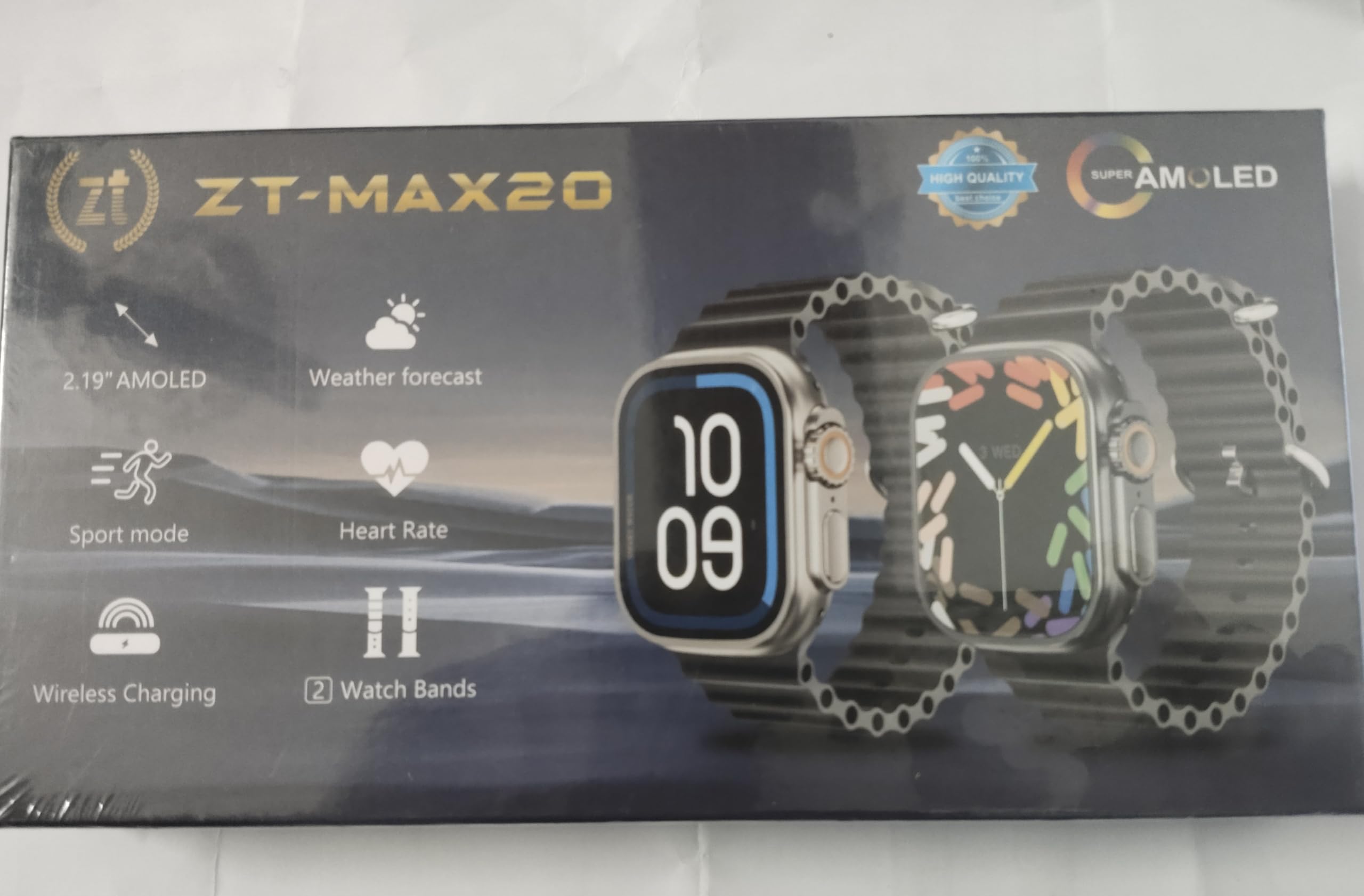
Image: The Generic AMOLED Watch ZT-MAX20 displayed with its two interchangeable watch bands, charging cable, and user manual, as typically found in the product packaging.
3. Producto terminadoview y características
The Generic AMOLED Watch ZT-MAX20 is equipped with a vibrant AMOLED display and a range of functionalities to support your daily activities and health monitoring.
Características principales:
- Comunicación: Dial (for calls)
- Seguimiento de actividad física: Run (activity tracking)
- Vigilancia de la salud: ECG (Electrocardiogram) - Note: This device is not a medical device. Not all capabilities are available in all areas.
- Entretenimiento: Control de música
- Utilidad: Photograph (remote camera control), Calculator, Weather updates
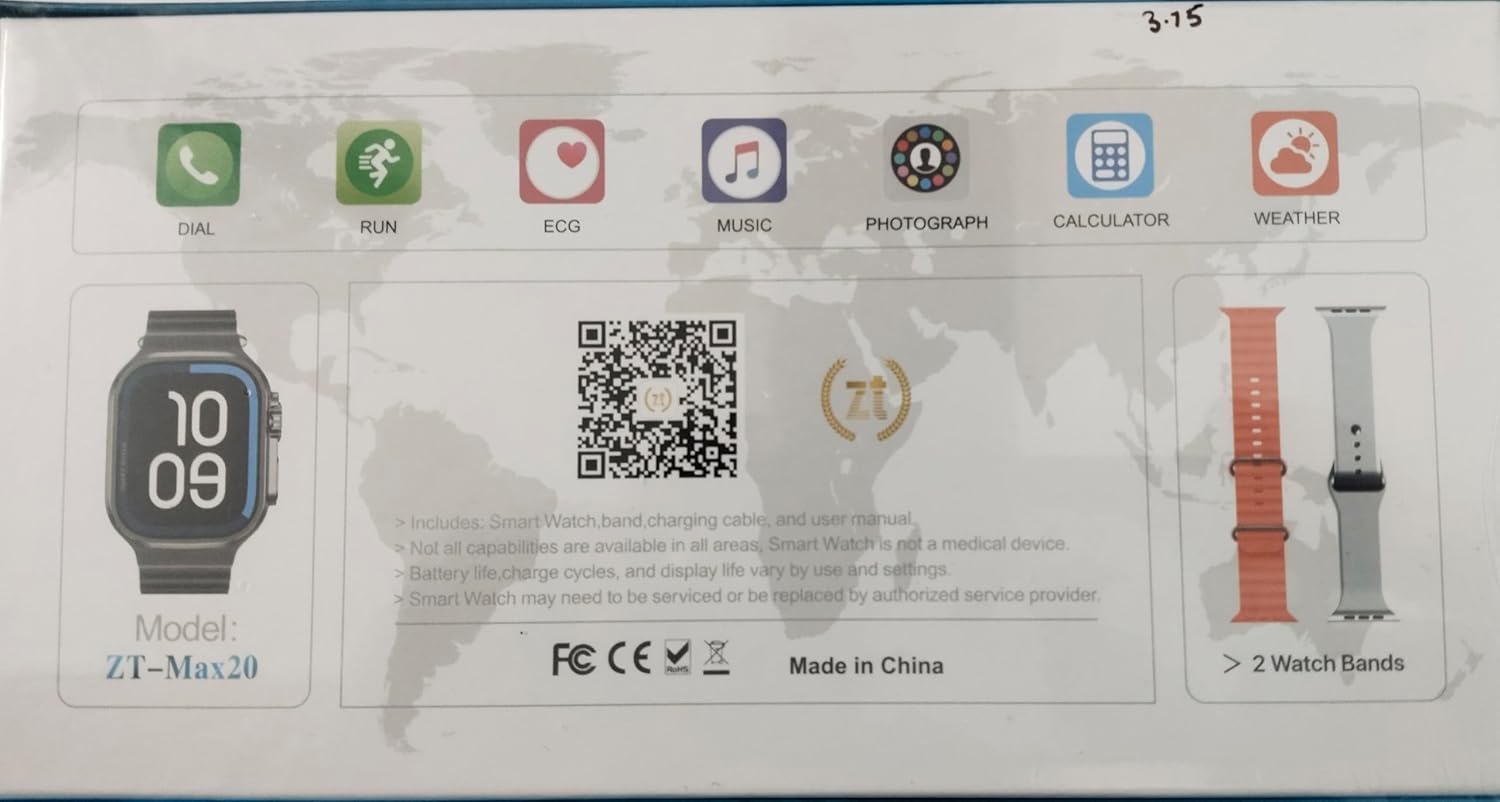
Imagen: Un primer plano view of the Generic AMOLED Watch ZT-MAX20 display, illustrating the various application icons for features such as Dial, Run, ECG, Music, Photograph, Calculator, and Weather.
4. Configuración
4.1 Carga del reloj
- Conecte el cable de carga a un adaptador de corriente USB (no incluido) o al puerto USB de una computadora.
- Attach the magnetic end of the charging cable to the charging contacts on the back of your watch. Ensure it snaps into place securely.
- The watch display will indicate charging status. Charge the watch fully before first use.
4.2 Encendido / Apagado
- Para encender: Mantenga presionado el botón lateral hasta que la pantalla se ilumine.
- Para apagar: Mantenga presionado el botón lateral, luego seleccione la opción ‘Apagar’ en la pantalla.
4.3 Instalación y emparejamiento de la aplicación
Para desbloquear todo el potencial de su reloj inteligente, descargue la aplicación complementaria en su teléfono inteligente.
- Descargar la aplicación: Scan the QR code below with your smartphone's camera or visit https://app.jusonsmart.com/public/ztfit_download.html para descargar la aplicación oficial.
- Habilitar Bluetooth: Asegúrese de que Bluetooth esté habilitado en su teléfono inteligente.
- Emparejamiento: Open the downloaded app, follow the on-screen instructions to create an account (if required), and search for your ZT-MAX20 watch to pair it. Confirm the pairing request on both your phone and watch.
Image: A QR code displayed on the watch screen, which can be scanned to download the companion application for the ZT-MAX20 smartwatch.
5. Instrucciones de funcionamiento
5.1 Navegación básica
- Pantalla táctil: Desliza el dedo hacia la izquierda, derecha, arriba o abajo para navegar por los menús y las notificaciones. Toca para seleccionar un elemento.
- Botón lateral: Press to return to the home screen or wake the display. Press and hold for power options or to access specific functions.
5.2 Using Core Functions
- Calls (Dial): Once paired, you can initiate or answer calls directly from your watch.
- Fitness Tracking (Run): Select the 'Run' app to start tracking your steps, distance, and calories burned during your workout.
- ECG: Follow the in-app instructions to take an ECG reading. Remember, this feature is for informational purposes and not a substitute for professional medical advice.
- Música: Controle la reproducción de música en su teléfono inteligente emparejado (reproducir, pausar, omitir pistas).
- Fotografía: Utilice su reloj como obturador remoto para la cámara de su teléfono inteligente.
- Calculadora: Access a basic calculator for quick computations.
- Clima: View Condiciones meteorológicas actuales y previsiones para su ubicación (requiere sincronización de la aplicación).
6. Mantenimiento
6.1 Limpieza de su reloj
Limpie el reloj y las correas regularmente con un paño suave.ampPaño sin pelusa. Evite el uso de productos químicos agresivos o materiales abrasivos.
6.2 Resistencia al agua
The ZT-MAX20 is water resistant, suitable for daily use, sweat, rain, and light water exposure. It is not recommended for swimming, showering, or diving. Avoid exposure to hot water or steam.
6.3 Cuidado de la batería
To maximize battery life and charge cycles, avoid extreme temperatures. Battery life, charge cycles, and display life vary by use and settings. For optimal performance, charge your watch before the battery is completely depleted.
7. Solución de problemas
If you encounter issues with your Generic AMOLED Watch ZT-MAX20, try the following steps:
- El reloj no se enciende: Asegúrese de que el reloj esté completamente cargado. Conéctelo al cable de carga y a una fuente de alimentación.
- No se puede emparejar con el teléfono inteligente: Ensure Bluetooth is enabled on your phone and the watch. Restart both devices and try pairing again through the app.
- Lecturas inexactas: Asegúrese de que el reloj esté bien ajustado a su muñeca. Limpie los sensores de la parte trasera del reloj.
- La aplicación no se sincroniza: Check your phone's internet connection and ensure the app has necessary permissions. Restart the app and watch.
- Restablecimiento de fábrica: If issues persist, you may perform a factory reset via the watch settings. This will erase all data on the watch.
If the Smart Watch requires servicing or replacement, please contact an authorized service provider.
8. Especificaciones
| Marca | Genérico |
| Modelo | ZT-MAX20 |
| Fabricante | Porcelana |
| Peso del artículo | 200 gramos |
| Herrajes de montaje | Correa de reloj |
| Número de artículos | 1 |
| Tipo de conector | Bluetooth |
| País natal | Porcelana |
| ASIN | B0GCZX29K8 |
| Fecha de primera disponibilidad | 29 de diciembre de 2025 |
| Envasador | India |
| Importador | India |
| Nombre genérico | Super Amoled Watch |
| Tecnología de conectividad | Bluetooth |
| Componentes incluidos | Correa de reloj |
9. Garantía y soporte
This product comes with a standard manufacturer's warranty. For specific warranty details, please refer to the documentation provided with your purchase or contact the retailer. For technical support or service inquiries, please reach out to the authorized service provider or the point of purchase.


