
1. Introducción
The Luminous Zelio M 1200 Sine Wave Inverter is designed to provide reliable power backup for homes, offices, and shops. This inverter delivers a pure sine wave output, ensuring the safety and longevity of your sensitive electronic appliances. With advanced features and robust protection mechanisms, the Zelio M 1200 offers efficient and uninterrupted power during outages.
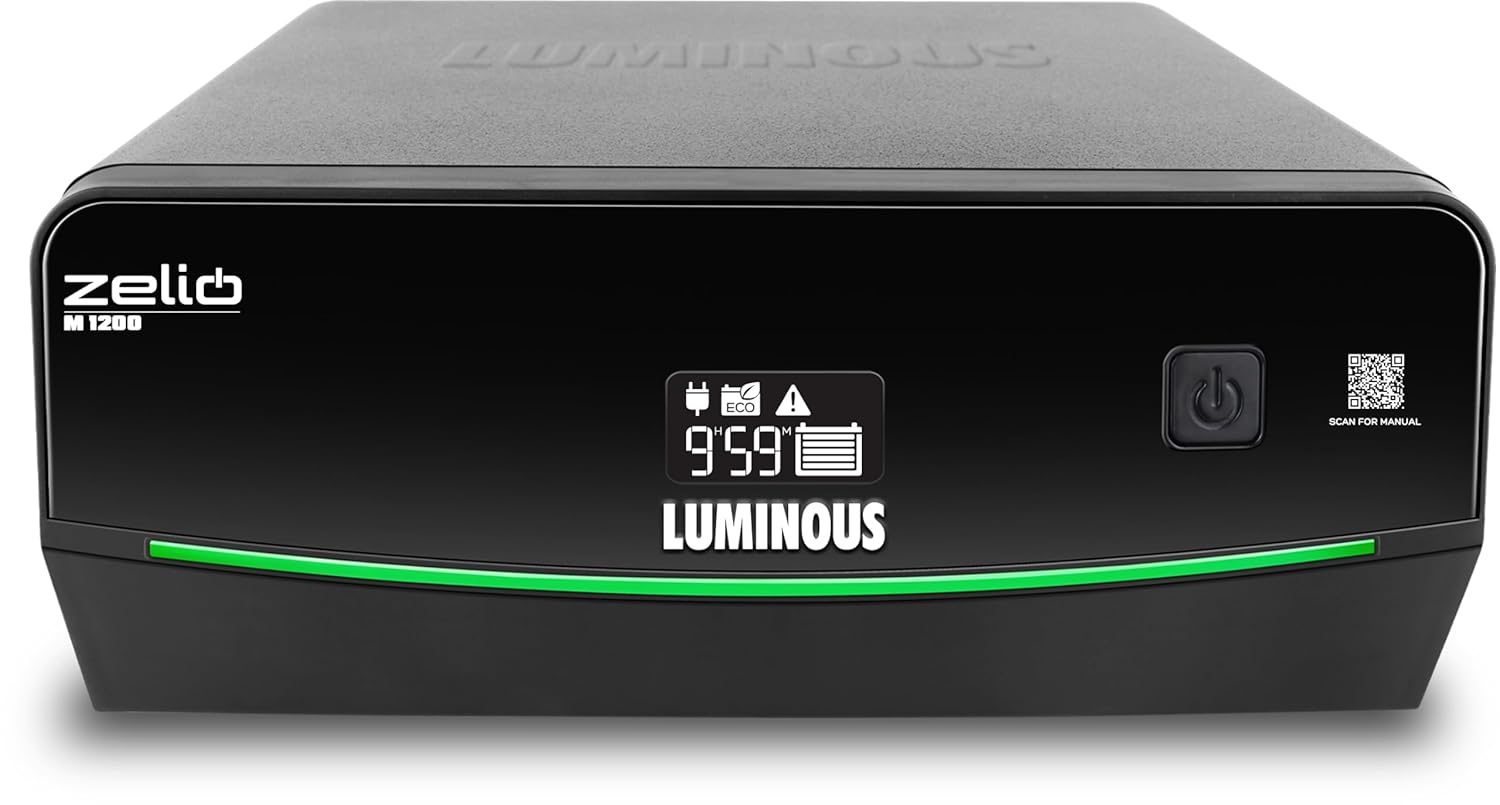
Figura 1: Frente view of the Luminous Zelio M 1200 Inverter.
Características principales:
- 900VA / 756W Power Output: Capable of powering essential appliances like lights, fans, TVs, and routers.
- UPS/REG & ECO Mode Support: Offers regulated voltage for sensitive devices (UPS mode) and a wide input range for unstable power conditions (ECO mode).
- Fast Transfer Time (<20 ms): Ensures a seamless transition to battery power during outages.
- 12V Single Battery System: Compatible with various battery types (tubular, SMF, flat) ranging from 80Ah to 250Ah.
- LCD Display & Safety Alerts: Provides real-time information on battery status, backup time, and fault conditions with audible alerts.
2. Configuración e instalación
Proper installation is crucial for the safe and efficient operation of your Luminous Zelio M 1200 Inverter. Please follow these steps carefully.
2.1 Desembalaje e inspección
- Carefully remove the inverter from its packaging.
- Inspect the unit for any signs of physical damage. If damaged, do not proceed with installation and contact customer support.
- Asegúrese de que todos los accesorios enumerados en la lista de embalaje estén presentes.
2.2 Elección de una ubicación de instalación
- Instale el inversor en un área bien ventilada, lejos de la luz solar directa, fuentes de calor y materiales inflamables.
- Ensure the location is dry and free from dust and moisture.
- Mantenga un espacio libre adecuado alrededor del inversor para garantizar un flujo de aire adecuado.
- The inverter should be placed on a flat, stable surface.
2.3 Conexión de la batería
The Zelio M 1200 requires a 12V battery. Ensure the battery is fully charged before connecting it to the inverter.
- Turn off the inverter and disconnect it from the mains power supply.
- Connect the red cable from the inverter to the positive (+) terminal of the battery.
- Connect the black cable from the inverter to the negative (-) terminal of the battery.
- Ensure all connections are tight and secure to prevent sparking.
- Verify the battery polarity before switching on the inverter. Incorrect polarity can damage the unit.
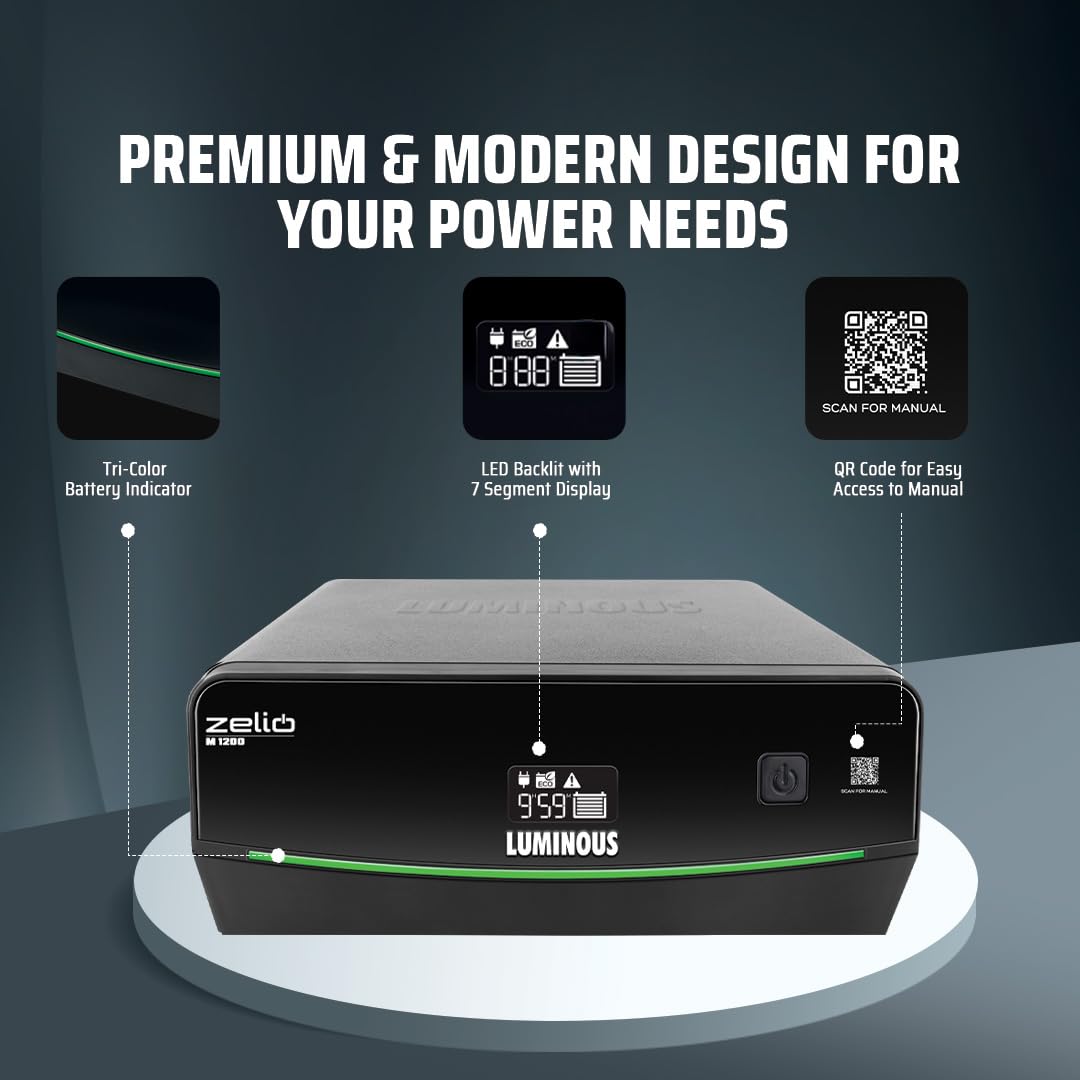
Figure 2: Inverter display showing battery indicator and QR code for manual access.
2.4 Mains Power and Load Connection
- Plug the inverter's mains power cord into a grounded wall socket.
- Connect your appliances (lights, fans, TV, etc.) to the output sockets of the inverter. Do not overload the inverter beyond its rated capacity (756W).
3. Instrucciones de funcionamiento
Understand how to operate your Zelio M 1200 Inverter and utilize its various modes.
3.1 Encendido / Apagado
- Para encender: Press and hold the power button for a few seconds until the LCD display illuminates.
- Para apagar: Mantenga presionado el botón de encendido nuevamente hasta que la pantalla se apague.
3.2 Comprensión de la pantalla LCD
The LCD display provides critical information about the inverter's status and operation.

Figure 3: LED Backlit Segment Display for simplified power monitoring.
- Estado de la batería: Indica el nivel de carga actual de la batería conectada.
- Tiempo de respaldo: Estimates the remaining backup time based on the current load and battery charge.
- Indicadores de falla: Displays specific error codes or symbols in case of a malfunction (e.g., overload, short circuit, low battery).
- Modo de funcionamiento: Shows whether the inverter is in UPS/REG mode or ECO mode.
Modos de funcionamiento de 3.3
- UPS/REG Mode: Provides a stable and regulated output voltage, ideal for sensitive electronic devices like computers, televisions, and medical equipment. This mode has a narrower input voltagy ventana.
- Modo ecologico: Designed for areas with frequent and wide voltage fluctuations. It allows the inverter to operate within a broader input voltage range, conserving battery power by switching to inverter mode only when necessary. This mode is suitable for less sensitive appliances.
To switch between modes, refer to the specific button or menu option on your inverter's control panel, usually indicated by a dedicated button or a combination of button presses.

Figure 4: The Zelio M 1200 Inverter can power essential loads like LED bulbs, fans, LED tubelights, and LED TVs.
4. Mantenimiento
Regular maintenance ensures the longevity and optimal performance of your Luminous Zelio M 1200 Inverter.
4.1 Cuidados generales
- Keep the inverter clean and free from dust. Use a dry, soft cloth for cleaning.
- Ensure proper ventilation by keeping the vents clear of obstructions.
- Avoid exposing the inverter to extreme temperatures or humidity.
4.2 Mantenimiento de la batería
- For lead-acid batteries, regularly check the electrolyte level and top up with distilled water if necessary.
- Keep battery terminals clean and free from corrosion. Apply petroleum jelly to the terminals to prevent corrosion.
- Ensure the battery is fully charged periodically, especially if the inverter is not used for extended periods.
4.3 Comprobaciones periódicas
- Inspect all cable connections for tightness and signs of wear or damage.
- Test the inverter's backup function periodically by disconnecting the mains power to ensure it switches to battery mode correctly.
5. Solución de problemas
This section provides solutions to common issues you might encounter with your Luminous Zelio M 1200 Inverter.
| Problema | Posible causa | Solución |
|---|---|---|
| El inversor no se enciende |
|
|
| No power output in backup mode |
|
|
| Inverter beeping continuously |
|
|
| La batería no se carga |
|
|

Figure 5: The Zelio M 1200 features multiple protections including MCB, over temperature, short circuit, overload, and low battery/overcharge protection.
6. Especificaciones
Detailed technical specifications for the Luminous Zelio M 1200 Sine Wave Inverter.
| Característica | Detalle |
|---|---|
| Marca | Luminoso |
| Nombre del modelo | Zelio M 1200 |
| Inverter Capacity (VA) | 900 VA |
| Quétage | 756 vatios |
| Volumentage | 12 voltios |
| Fuente de poder | Funciona con pilas |
| Usos recomendados | Home, Office, Shops |
| Battery Capacity Compatibility | 80Ah to 250Ah (Tubular, SMF, Flat) |
| Dimensiones del artículo (largo x ancho x alto) | 27.5L x 24.1W x 11.6H Centímetros |
| Peso del artículo | 10.2 kilogramos |
| Color | Negro |
| Garantía | 36 meses |
7. Información de garantía
The Luminous Zelio M 1200 Sine Wave Inverter comes with a comprehensive warranty to ensure your peace of mind.
Periodo de garantía: Este producto está cubierto por un 36 meses de garantía Desde la fecha de compra. Esta garantía cubre defectos de fabricación y mal funcionamiento en condiciones normales de uso.
For warranty claims or service, please retain your purchase receipt and contact Luminous customer support.
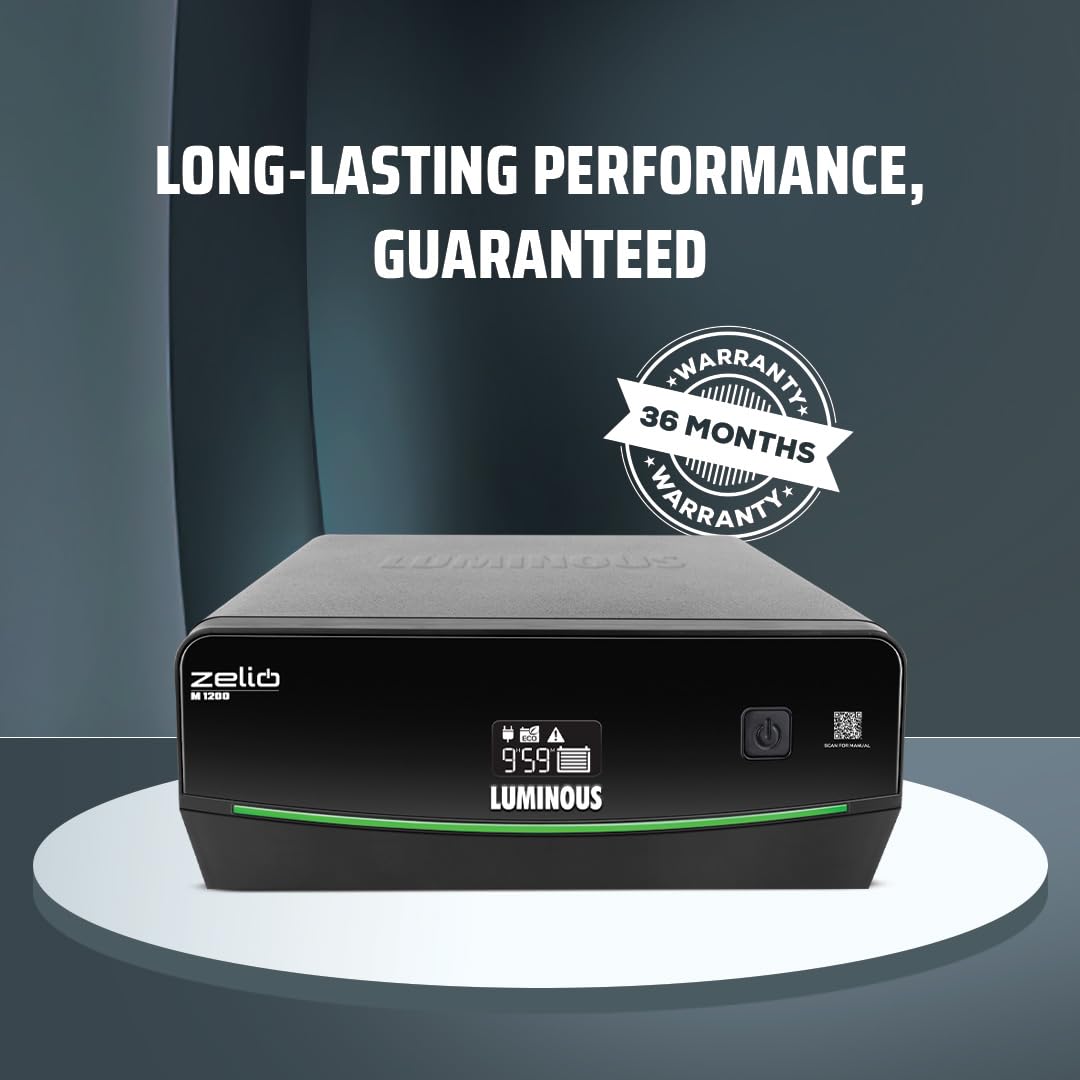
Figure 6: The Luminous Zelio M 1200 Inverter comes with a 36-month warranty.
8. Atención al cliente
For any queries, technical assistance, or service requests, please contact Luminous customer support.
- Fabricante: Luminous Power Technologies Private Limited
- Dirección del fabricante: Luminous power technologies pvt. Ltd Village-malpur, baddi, District-solan, himachal pradesh-173205
- Packer Contact Information: Luminous Power Technologies Private Limited Plot No 150, Sector- 44, Gurugram, Haryana -122003
- Identificación de correo electrónico: Care@luminousindia.com
- Websitio: Visita el Luminous Store on Amazon Para obtener más información y soporte.

Figure 7: Luminous offers comprehensive installation, trained service engineers, nationwide network, warranty assurance, and 24/7 customer support.