Introducción
Welcome to the user manual for your new Generic QC-01 Mini Smartwatch. This device combines the functionality of a smartphone with the compact form factor of a smartwatch, running on Android 12.0. It features a 3.97-inch HD screen, dual SIM support, dual cameras, and ample storage. This manual provides essential information for setting up, operating, maintaining, and troubleshooting your device to ensure optimal performance.
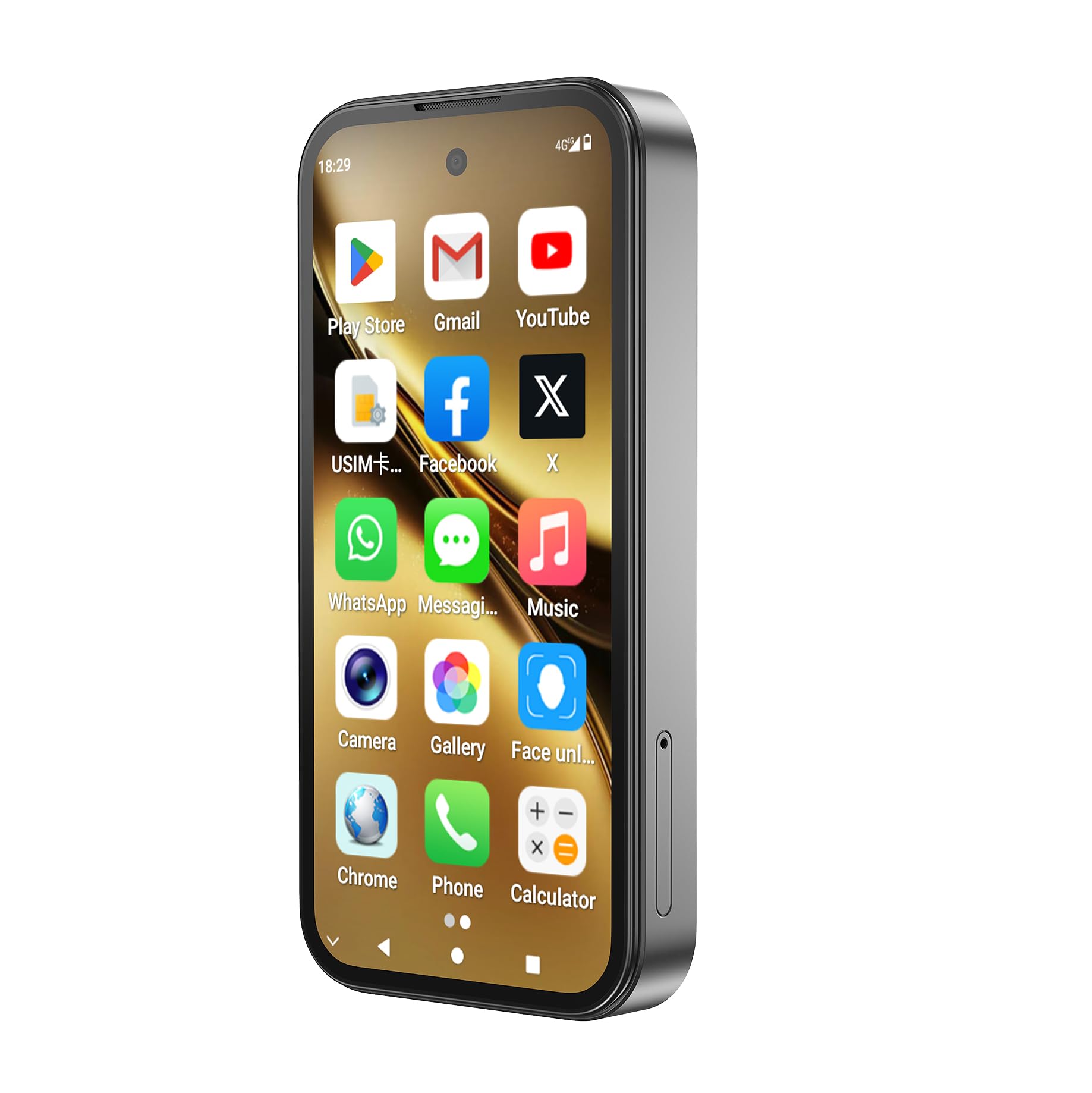
Image: The QC-01 Mini Smartwatch, showcasing su diseño compacto y su interfaz Android.
1. Configuración
1.1 Desempaquetado y contenido del paquete
Carefully unpack your QC-01 Mini Smartwatch and verify all contents. The package should include:
- 1x QC-01 Smartwatch
- 1x Charging Data Cable (USB Type-C)
- 1x Manual de usuario (este documento)
- 1x destornillador
- 1x pasador de extracción de tarjeta
- 1x caja de embalaje
1.2 Carga del dispositivo
Antes del primer uso, cargue completamente su reloj inteligente.
- Connect the USB Type-C charging cable to the charging port on your smartwatch.
- Conecte el otro extremo del cable a un adaptador de corriente USB compatible (no incluido) o al puerto USB de una computadora.
- The battery indicator on the screen will show charging progress. A full charge typically takes approximately 2-3 hours.
El dispositivo está equipado con una batería de polímero de litio de 2000 mAh.
1.3 Instalación de la tarjeta SIM y la tarjeta TF
The QC-01 supports dual SIM cards and a TF (microSD) card for expandable storage up to 256GB.
- Locate the SIM/TF card tray on the side of the smartwatch.
- Utilice el pasador de extracción de tarjeta provisto para expulsar suavemente la bandeja.
- Carefully place your Nano-SIM cards (up to two) and/or TF card into the designated slots on the tray. Ensure the gold contacts are facing down and the cards are correctly oriented.
- Gently reinsert the tray into the smartwatch until it clicks into place.

Image: The smartwatch supports 4G Full Netcom and WiFi, indicating its connectivity features for SIM and network usage.
1.4 Encendido y configuración inicial
- Mantenga presionado el botón de encendido (generalmente en el costado) hasta que la pantalla se ilumine.
- Follow the on-screen prompts to complete the initial setup, which includes selecting your language, connecting to Wi-Fi, setting up your Google account, and configuring security options.
- The device runs on Android 12.0, providing a familiar and user-friendly interface.
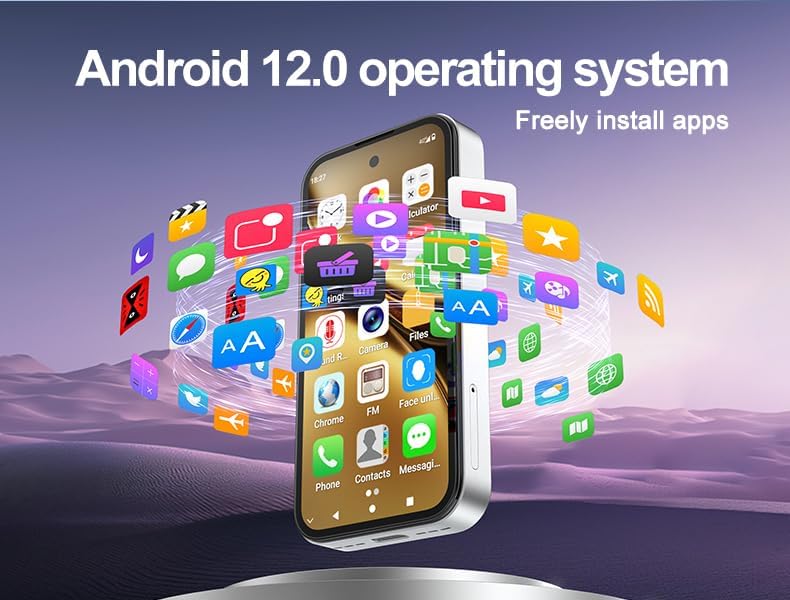
Image: The QC-01 Mini Smartwatch running Android 12.0, illustrating the ability to freely install applications.
2. Funcionamiento del reloj inteligente
2.1 Navegación básica
The QC-01 features a 3.97-inch HD multi-touch display for intuitive interaction.
- Grifo: Seleccione un elemento o abra una aplicación.
- Golpe fuerte: Navigate through screens, menus, or scroll content.
- Pellizcar para hacer zoom: Acercar o alejar las imágenes y web páginas.
- Pulsación larga: Acceda a los menús contextuales o mueva los íconos de las aplicaciones.
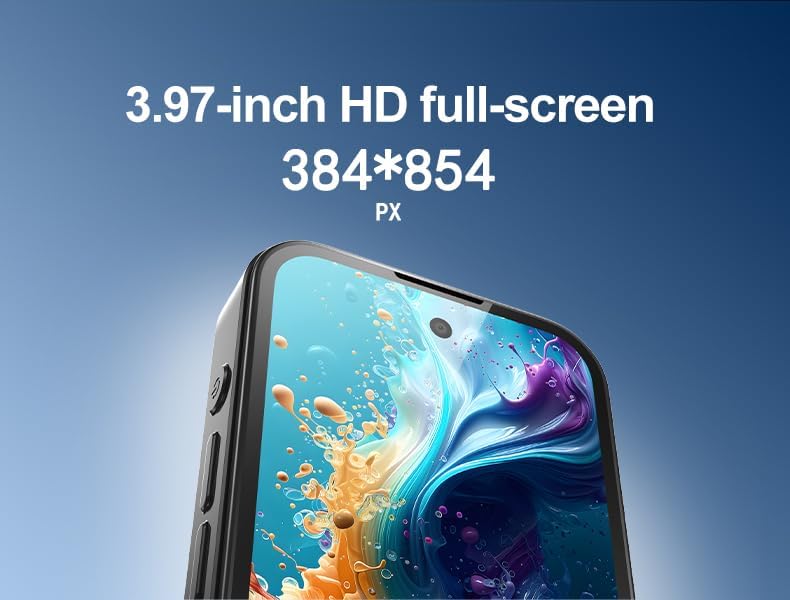
Imagen: Un detalle view of the 3.97-inch HD full-screen display, showing its resolution.
2.2 Llamadas y mensajes
With dual SIM support and 4G LTE connectivity, you can make and receive calls and messages directly from your smartwatch.
- Abrir el Teléfono Aplicación para marcar números o acceder a tus contactos.
- Utilice el Mensajes app for SMS and MMS.
- For video calls, apps like WhatsApp are pre-installed or can be downloaded from the Google Play Store.

Image: The smartwatch displaying a WhatsApp video chat, demonstrating its communication capabilities.
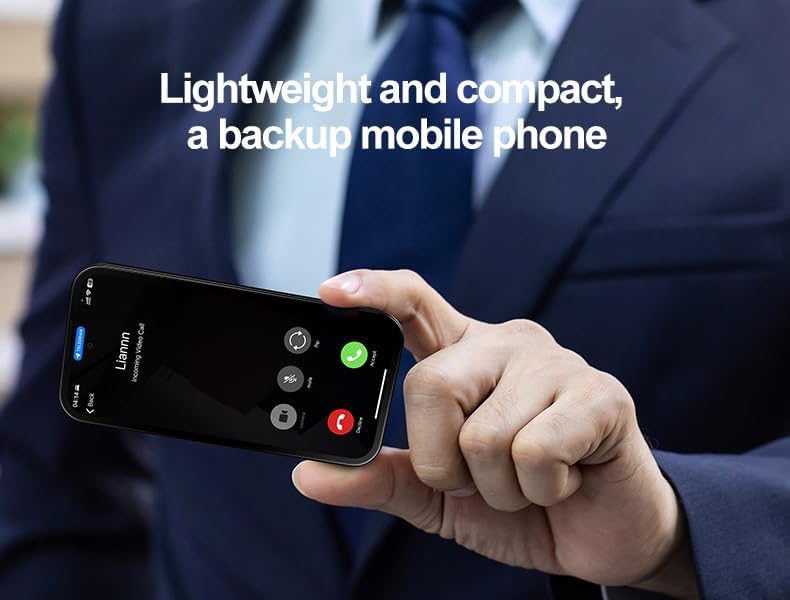
Image: The lightweight and compact smartwatch, shown receiving an incoming video call, highlighting its use as a backup mobile phone.
2.3 Uso de la cámara
The smartwatch is equipped with a 5MP front camera and an 8MP rear camera with auto-focus.
- Abrir el Cámara aplicación desde la pantalla de inicio o el cajón de aplicaciones.
- Toque la pantalla para enfocar.
- Toque el botón del obturador para tomar una fotografía o iniciar/detener la grabación de un video.
- Cambie entre la cámara frontal y trasera usando el ícono en la pantalla.
2.4 Instalación y gestión de aplicaciones
With Google Play Store pre-installed, you have access to millions of applications.
- Abrir el Tienda de juegos aplicación.
- Buscar desired applications.
- Grifo Instalar para descargar e instalar aplicaciones.
- To manage apps, go to Configuración > Aplicaciones.
2.5 Connectivity (Bluetooth, Wi-Fi, GPS)
Your smartwatch supports Bluetooth 5.0, dual-band Wi-Fi (2.4G/5G), and GPS.
- Bluetooth: Ir a Configuración > Dispositivos conectados > Bluetooth to pair with headphones, speakers, or other devices.
- Wifi: Ir a Configuración > Red e Internet > Wi-Fi para conectarse a redes Wi-Fi disponibles.
- GPS: The device includes GPS for navigation and location-based services. Ensure location services are enabled in Configuración> Ubicación for apps like Google Maps.
2.6 Reconocimiento facial
The QC-01 features intelligent face recognition for secure unlocking.
- Ir a Configuración > Seguridad y privacidad > Desbloqueo facial.
- Siga las instrucciones en pantalla para registrar su rostro.
- Una vez configurado, simplemente mire la cámara frontal para desbloquear su dispositivo.
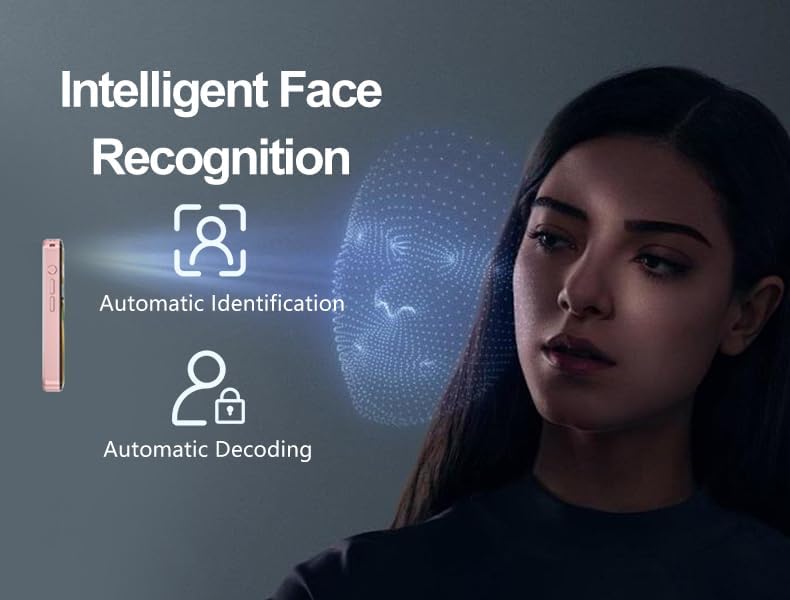
Image: Visual representation of the smartwatch's Intelligent Face Recognition technology for secure access.
3. Mantenimiento
3.1 Limpieza de su reloj inteligente
Para mantener tu reloj inteligente en óptimas condiciones:
- Limpie la pantalla y el cuerpo con un paño suave que no suelte pelusa.
- Evite utilizar productos químicos agresivos, limpiadores abrasivos o aerosoles.
- No sumerja el dispositivo en agua.
3.2 Actualizaciones de software
Compruebe periódicamente si hay actualizaciones de software para asegurarse de que su dispositivo tenga las últimas funciones y parches de seguridad.
- Ir a Configuración > Sistema > Actualización del sistema.
- Conéctese a una red Wi-Fi estable antes de descargar actualizaciones.
3.3 Cuidado de la batería
Para prolongar la vida útil de la batería:
- Evite temperaturas extremas.
- No deje que la batería se descargue por completo con frecuencia.
- Utilice el cable de carga proporcionado.
4. Solución de problemas
If you encounter issues with your QC-01 Mini Smartwatch, refer to the following common solutions:
4.1 El dispositivo no se enciende
- Asegúrese de que la batería esté cargada. Conecte el dispositivo a un cargador durante al menos 30 minutos.
- Mantenga presionado el botón de encendido durante 10 a 15 segundos para realizar un reinicio forzado.
4.2 Problemas de conectividad (Wi-Fi/Bluetooth)
- Wifi: Ensure Wi-Fi is enabled in settings. Forget the network and reconnect. Restart your router.
- Bluetooth: Ensure Bluetooth is enabled on both devices. Unpair and re-pair the device. Move closer to the paired device.
4.3 Las aplicaciones se bloquean o se congelan
- Cierre y vuelva a abrir la aplicación.
- Borrar el caché y los datos de la aplicación en Configuración > Aplicaciones > [Nombre de la aplicación] > Almacenamiento.
- Reinicie el reloj inteligente.
- Asegúrese de que la aplicación esté actualizada a su última versión.
4.4 Poor Performance / Lag
- Cierre las aplicaciones en segundo plano innecesarias.
- Limpiar el caché de las aplicaciones utilizadas con frecuencia.
- Asegúrese de que haya suficiente espacio de almacenamiento disponible.
- Reinicie el dispositivo periódicamente.
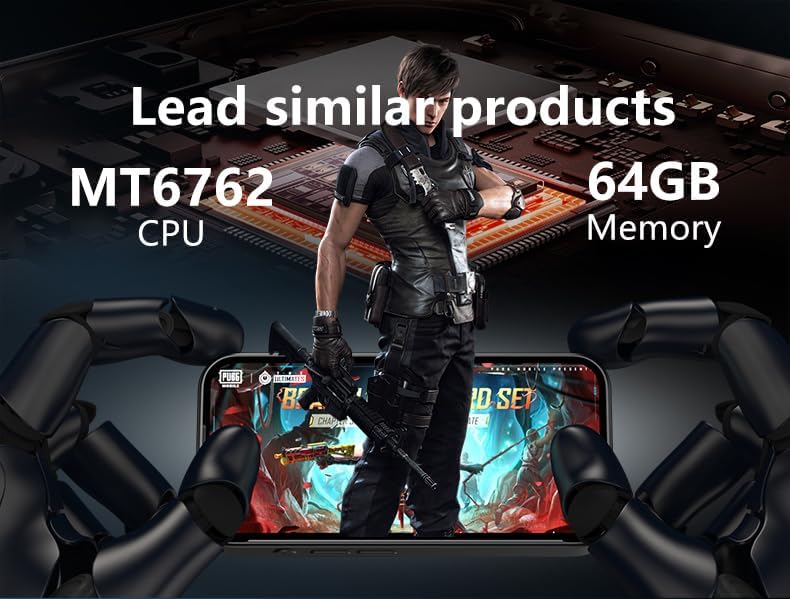
Image: The smartwatch demonstrating its performance capabilities with the MT6762 CPU and 64GB memory, suitable for gaming and multitasking.
5. Especificaciones
Detailed technical specifications for the Generic QC-01 Mini Smartwatch:
| Característica | Detalle |
|---|---|
| Modelo | QC-01 |
| Sistema operativo | Android 12.0 with Google Mobile Services |
| Procesador | Octa-Core MTK6762 Chipset |
| Mostrar | 3.97-inch HD Screen (384×854 pixels), Multi-Touch, AMOLED |
| Memoria (RAM) | 4 GB de RAM DDR3 |
| Almacenamiento (ROM) | 64GB eMMC (Expandable via TF Card up to 256GB) |
| Cámaras | Front 5MP (Interpolated) / Rear 8MP with Auto-Focus (Interpolated) |
| Conectividad | Dual SIM (4G LTE), 2.4G/5G Wi-Fi, Bluetooth 5.0, GPS, USB Type-C |
| Batería | 2000mAh Built-in Lithium Polymer |
| Dimensiones | 98.2×48.2×12 mm |
| Peso | 81 gramos |
| Entrada de interfaz humana | Pantalla táctil |
| Características especiales | GPS, Face Recognition, Handwriting input, Gyroscope sensor |
6. Garantía y soporte
6.1 Garantía del producto
Your Generic QC-01 Mini Smartwatch comes with a standard manufacturer's warranty. Please refer to the warranty card included in your product packaging or your purchase documentation for specific terms, conditions, and duration. Keep your proof of purchase for warranty claims.
6.2 Atención al cliente
For further assistance, technical support, or inquiries not covered in this manual, please contact your retailer or the manufacturer's customer service. Contact details can typically be found on the product packaging or the official brand websitio.
Fabricante: Genérico
Place of Business: Shenzhen Xingjicheng Technology Co; Ltd huizhanwan shuian4-2101 fuhai street baoan district shenzhen city guangdong province china ,tel: 008618268003535


