
1. Introducción
This manual provides essential information for setting up, operating, and maintaining your RebotAi A9 Android Tablet. Please read it thoroughly before using the device to ensure proper functionality and safety.

Imagen 1.1: Anverso y reverso view of the RebotAi A9 Android Tablet.

Imagen 1.2: Másview of the RebotAi A9 Android Tablet highlighting its 8.68-inch 90Hz IPS display, MediaTek Helio G100 processor, 7.8mm thickness, 360g weight, 18GB RAM, 128GB ROM, 5000mAh battery, 2.4GHz+5GHz WiFi, GPS, and BT5.2.
2. Características principales
- Procesador: Latest MediaTek Helio G100 (MT8781) octa-core CPU (up to 2.2GHz) for enhanced performance and energy efficiency.
- Almacenamiento de memoria: 18GB de RAM (6GB físicos + 12GB virtuales) y 128GB de almacenamiento interno, ampliable hasta 1TB mediante microSD.
- Mostrar: 8.68-inch high-definition IPS LCD display with 1340x800 resolution, 90Hz refresh rate, and 450 nits brightness.
- Conectividad: Dual nano SIM 4G LTE support (B1 / B3 / B7 / B8 / B19 / B20), high-speed 5G Wi-Fi, Bluetooth 5.2, and integrated high-precision GPS.
- Cámaras: 13-megapixel autofocus rear camera and 5-megapixel front camera.
- Batería: 5000mAh large-capacity battery with 20W PD fast charging support.
- Diseño: Ultra-thin 7.8mm and lightweight 360g nano-coated metal body.
- Software: Runs on Android 15 with GMS certification, supporting various AI applications and features like face recognition (for unlocking).
3. Configuración
3.1 Contenido del paquete
Verifique que todos los artículos estén presentes en el paquete:
- RebotAi A9 Tablet x1
- Cargador x1
- Cable USB tipo C x1
- Stylus Pen x1
- Screen Protector (pre-applied) x1
- Instruction Manual (Japanese) x1
- Pin de la tarjeta SIM x1

Image 3.1: Illustration of the RebotAi A9 tablet and its included accessories.
3.2 Carga inicial
Before first use, fully charge the tablet using the provided USB-C cable and charger. Connect the USB-C cable to the tablet's charging port and the charger to a power outlet.
Video 3.1: This video demonstrates the physical features of the RebotAi A9 tablet, including its rear camera, side buttons, USB-C port, and speaker grille. It also shows the tablet being charged and powered on, displaying the RebotAi logo.
3.3 Instalación de la tarjeta SIM y la tarjeta MicroSD
Locate the card slot on the side of the tablet. Use the provided SIM card pin to open the tray. Insert up to two nano SIM cards and/or one microSD card (up to 1TB) into the tray, ensuring correct orientation. Gently push the tray back into the slot until it clicks into place.
4. Instrucciones de funcionamiento
4.1 Encendido y apagado
- Para encender: Press and hold the power button until the RebotAi logo appears.
- Para apagar: Mantenga presionado el botón de encendido, luego seleccione “Apagar” en las opciones en la pantalla.
- Para reiniciar: Press and hold the power button, then select 'Restart' from the options on the screen.
4.2 Navegación básica
The tablet uses a touch-sensitive screen for navigation:
- Grifo: Toque la pantalla una vez para seleccionar un elemento o abrir una aplicación.
- Pulsación larga: Toque y mantenga presionado un elemento para ver más opciones.
- Golpe fuerte: Arrastre el dedo por la pantalla para desplazarse o navegar entre páginas.
- Pellizco: Utilice dos dedos para acercar o alejar las imágenes y web páginas.
4.3 Funcionalidad de pantalla dividida
The tablet supports split-screen mode, allowing you to use two applications simultaneously. This feature is useful for multitasking, such as watching a video while chatting or browsing information.

Image 4.1: The tablet demonstrating split-screen mode, allowing two applications to be viewed simultáneamente.
5. Conectividad
5.1 Conexión Wi-Fi
The RebotAi A9 supports dual-band 2.4GHz and 5GHz Wi-Fi (802.11ac) for fast and stable internet access.
- Ir a Ajustes > Red e Internet > Wifi.
- Encienda el Wi-Fi.
- Seleccione la red deseada de la lista e ingrese la contraseña si es necesario.
5.2 4G LTE Mobile Data and Calls
With dual nano SIM support, you can use 4G LTE for mobile data and voice calls. The tablet supports bands B1 / B3 / B7 / B8 / B19 / B20.
- Ensure SIM cards are correctly installed.
- Ir a Ajustes > Red e Internet > Red móvil.
- Configure your mobile data settings as per your carrier's instructions.
5.3 Conexión Bluetooth
The tablet features Bluetooth 5.2 for connecting wireless accessories.
- Ir a Ajustes > Dispositivos conectados > Bluetooth.
- Activar Bluetooth.
- Select the device you wish to pair from the list and follow the on-screen prompts.
5.4 Navegación GPS
The integrated high-precision GPS supports navigation and location-based services, compatible with Beidou, Galileo, and GLONASS.

Image 5.1: The tablet displaying GPS navigation, indicating its capability for accurate positioning.
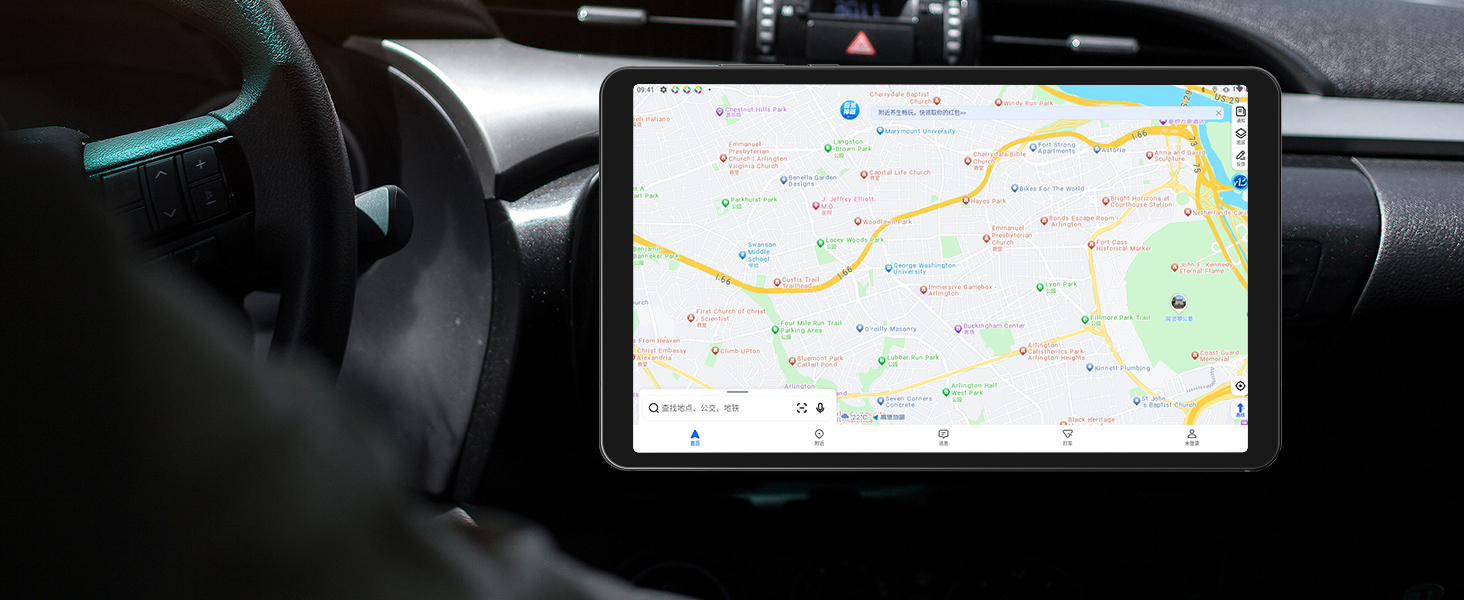
Image 5.2: The RebotAi A9 tablet being used for in-car navigation, demonstrating its GPS functionality.
6. Display and Multimedia
Pantalla de alta definición 6.1
The 8.68-inch IPS LCD display offers a 1340x800 resolution, 90Hz refresh rate, and 450 nits brightness. Its full lamination structure ensures vibrant colors and clear visuals for videos, games, photos, and documents.

Image 6.1: The tablet screen displaying a visual representation of its 90Hz refresh rate.

Image 6.2: The RebotAi A9 tablet showcasing a colorful image on its IPS display, emphasizing visual quality.
6.2 Compatibilidad con Widevine L1
With Widevine L1 certification, the tablet allows high-quality, full HD content streaming from services like Amazon Prime Video, Netflix, Disney+, and Hulu.

Image 6.3: The tablet highlighting its Widevine L1 support for high-definition streaming from various platforms.
6.3 salida de audio
The tablet features dual BOX speakers for clear audio and a 3.5mm headphone jack for private listening.

Imagen 6.4: La tableta muestraasing its dual BOX speakers for enhanced audio experience.
6.4 Proyección inalámbrica
The tablet supports wireless projection, allowing you to easily connect to a large-screen TV for sharing content.
7. Cámara
The RebotAi A9 is equipped with a 13-megapixel autofocus rear camera and a 5-megapixel front camera, suitable for photography, video calls, and QR code scanning.

Imagen 7.1: Primer plano view of the RebotAi A9 tablet's rear camera module.

Image 7.2: Visual representation of the tablet's 5MP front and 13MP rear cameras.
8. Almacenamiento y rendimiento
Procesador 8.1
The tablet is powered by the MediaTek Helio G100 (MT8781) octa-core processor, featuring two Cortex-A76 and six Cortex-A55 cores, clocked up to 2.2GHz. This configuration provides an AnTuTu score exceeding 400,000, ensuring smooth performance for various applications, including gaming.

Image 8.1: Details of the MTK Helio G100 processor, highlighting its performance and efficiency.
8.2 Memoria y almacenamiento
The RebotAi A9 comes with 18GB RAM (6GB physical + 12GB virtual) and 128GB of internal storage. Storage can be expanded up to 1TB using a microSD card, providing ampEl espacio para aplicaciones, medios y documentos.

Image 8.2: Visual representation of the tablet's 18GB RAM and 128GB ROM, with 1TB expansion capability.

Image 8.3: Illustration of the tablet's large storage capacity, including 6GB+12GB virtual memory, 128GB storage, and 1TB expansion.
8.3 Juegos y entretenimiento
The combination of the Helio G100 processor, Mali-G76 GPU, 90Hz display, and 6-axis gyroscope provides a responsive and immersive experience for gaming and multimedia consumption.

Image 8.4: The tablet displaying a racing game, demonstrating its smooth performance for gaming.

Image 8.5: A user playing a game on the RebotAi A9 tablet, highlighting its suitability for gaming.

Image 8.6: A user reading comics on the RebotAi A9 tablet, showcasing its display quality for reading.
9. Batería y carga
The tablet is equipped with a 5000mAh battery and supports 20W PD fast charging, providing extended usage times for various activities such as reading, online classes, video viewing, and work.
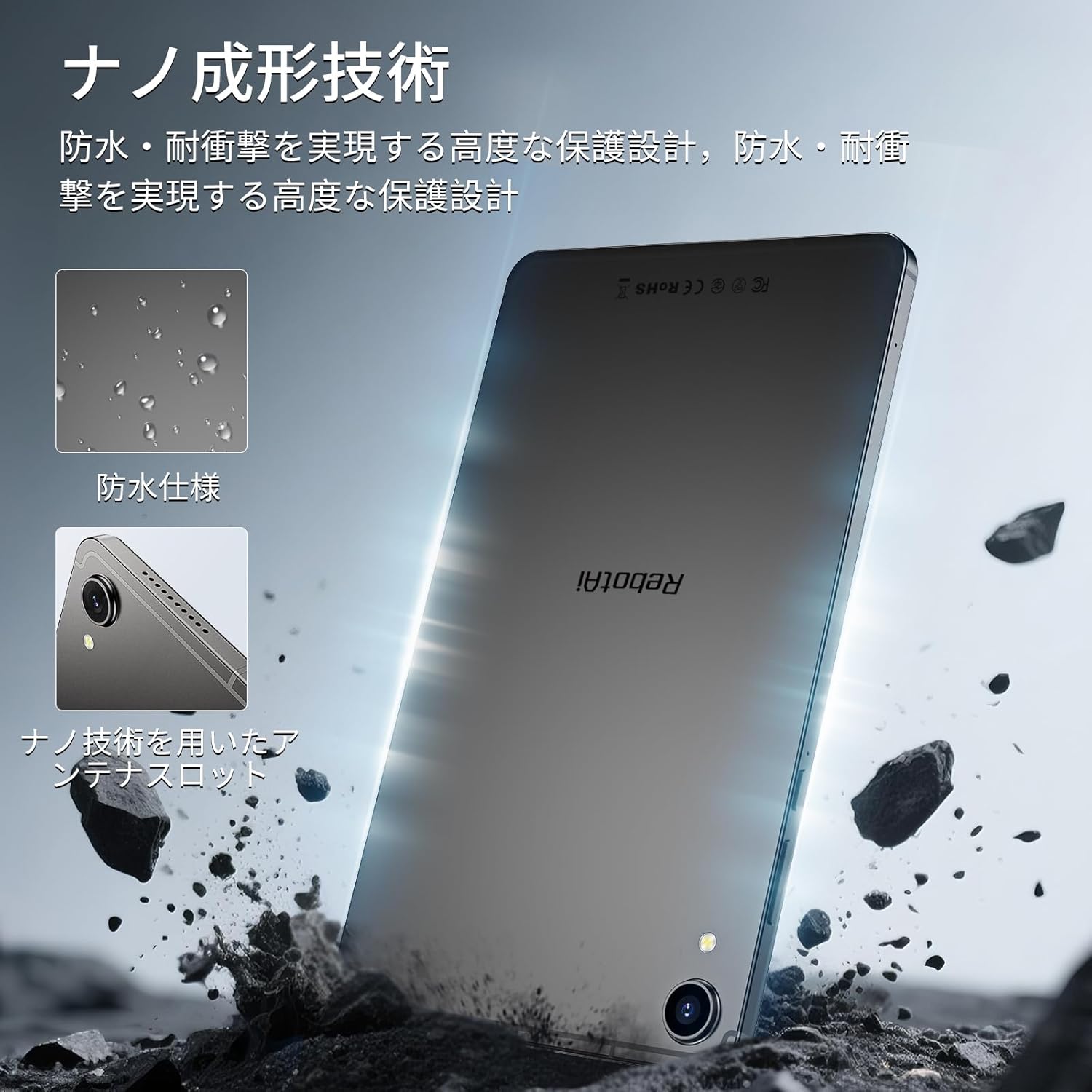
Image 9.1: The RebotAi A9 tablet connected to its charger, indicating its charging capability.

Image 9.2: Details of the tablet's 5000mAh battery and 20W fast charging, with estimated usage times for different activities.
10. Physical Design and Durability
The RebotAi A9 features a nano-coated metal body, offering a smooth and premium feel. Its ultra-thin 7.8mm profile and lightweight 360g design make it highly portable. The nano-molding technology provides enhanced protection against water and impacts.

Image 10.1: The tablet highlighting its water-resistant features and nano-molding technology for durability.

Image 10.2: The RebotAi A9 tablet emphasizing its thinness (7.8mm) and light weight (360g).

Imagen 10.3: Detallada view of the tablet's nano-molding technology, contributing to its robust design.
11. Especificaciones
| Característica | Especificación |
|---|---|
| Marca | RebotAi |
| Nombre del modelo | A9 |
| Sistema operativo | Androide 15 |
| Procesador | MediaTek Helio G100 (Octa-core, up to 2.2 GHz) |
| GPU | Malí-G76 |
| RAM | 18 GB (6 GB físicos + 12 GB virtuales) |
| Almacenamiento interno | 128 GB |
| Almacenamiento expandible | Hasta 1 TB mediante microSD |
| Tamaño de pantalla | 8.68 pulgadas |
| Tipo de pantalla | Pantalla LCD IPS |
| Resolución | 1340x800 píxeles |
| Frecuencia de actualización | 90 Hz |
| Brillo | 450 nits |
| Relación de aspecto | 16:10 |
| Cámara trasera | 13 MP (enfoque automático) |
| Cámara frontal | 5 MP |
| Capacidad de la batería | 5000 mAh |
| Cargando | Carga rápida PD de 20 W |
| Wifi | 802.11ac (2.4GHz/5GHz) |
| Bluetooth | 5.2 |
| Red móvil | 4G LTE (Dual Nano SIM, Bands: B1/B3/B7/B8/B19/B20) |
| GPS | Integrated (Supports Beidou, Galileo, GLONASS) |
| Sensores | 6-axis Gyroscope, Light Sensor, Gravity Sensor, Hall Sensor, Proximity Sensor |
| Puertos | USB 2.0 Type-C, 3.5mm Headphone Jack |
| Dimensiones | 7.8 mm de espesor |
| Peso | Aproximadamente 360 g |
| Color | Gray-Metallic |
| Certificaciones | PSE, TELEC, GMS |
12. Mantenimiento
12.1 Limpieza
Utilice un paño suave y sin pelusa para limpiar la pantalla y el cuerpo de la tableta. Evite usar productos químicos agresivos o materiales abrasivos que puedan dañar el dispositivo.
12.2 Actualizaciones de software
Revise e instale periódicamente las actualizaciones del sistema para garantizar un rendimiento y una seguridad óptimos. Vaya a Ajustes > Sistema > Actualización del sistema.
12.3 Gestión del almacenamiento
Para mantener el rendimiento, borre periódicamente los elementos innecesarios. files and applications. You can check storage usage in Ajustes > Almacenamiento.
13. Solución de problemas
13.1 La tableta no se enciende
- Asegúrese de que la batería esté cargada. Conecte el cargador y espere unos minutos antes de intentar encenderla de nuevo.
- Mantenga presionado el botón de encendido durante al menos 10 a 15 segundos para forzar el reinicio.
13.2 Rendimiento lento
- Cierre las aplicaciones no utilizadas que se ejecutan en segundo plano.
- Borre los datos de caché de las aplicaciones utilizadas con frecuencia.
- Busque actualizaciones del sistema disponibles.
- Consider performing a factory reset if issues persist (back up your data first).
13.3 Problemas de conexión Wi-Fi
- Asegúrese de que la conexión Wi-Fi esté habilitada en la tableta.
- Reinicie su enrutador Wi-Fi.
- Olvídese de la red en la configuración de la tableta y vuelva a conectarse.
14. Garantía y soporte
The RebotAi A9 tablet comes with a 2-year product warranty. This product has obtained all official certifications based on Japanese regulations, including PSE (Electrical Appliance and Material Safety Act), TELEC (Radio Act), and GMS (Google official certification).
14.1 Contactar con el soporte
For any inquiries or issues, please contact the seller through your Amazon purchase history. Alternatively, on the product page, click the store name below the 'Add to Cart' button, then click 'Ask a question' in the upper right corner.

Image 14.1: Warranty and support information for the RebotAi A9 tablet.