
1. Introducción
Thank you for choosing the Jectse 5G LTE Mobile Hotspot Router. This device provides high-speed portable Wi-Fi connectivity, allowing you to stay connected on the go. It supports up to 12 devices simultaneously and features WPA/WPA2 encryption for secure internet access. This manual will guide you through the setup, operation, and maintenance of your new mobile hotspot.
2. Información de seguridad
- No exponga el dispositivo a temperaturas extremas, luz solar directa o ambientes húmedos.
- Evite dejar caer o someter el dispositivo a impactos fuertes.
- Use only the provided or approved charging cable and battery.
- No intente desmontar ni reparar el dispositivo usted mismo. Contacte con atención al cliente si surge algún problema.
- Mantenga el dispositivo alejado del agua y otros líquidos.
3. Contenido del paquete
Por favor revise el paquete para ver los siguientes artículos:
- Jectse 5G LTE Mobile Hotspot Router
- Cable de carga USB
- Batería recargable (3000 mAh)
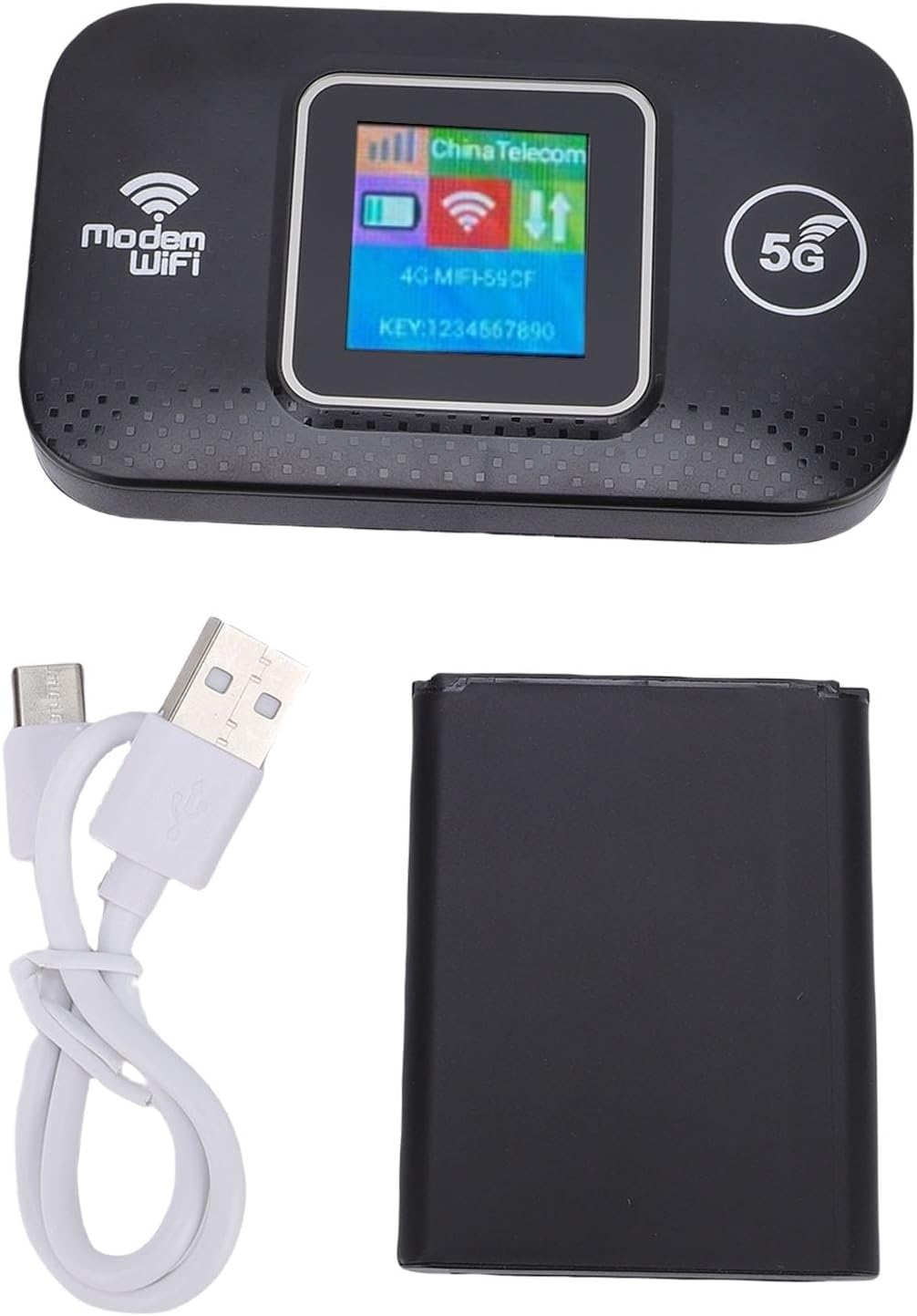
Image: The Jectse 5G LTE Mobile Hotspot Router, its USB charging cable, and the removable battery, illustrating the main components included in the package.
4. Producto terminadoview
The Jectse Mobile Hotspot is designed for ease of use and portability. It features a compact design with essential indicators and ports.

Imagen: Una sobreview of the mobile hotspot's features, highlighting SIM card plug-and-play, high-end chip for fast and stable performance, 150Mbps high speed, 3000mAh battery for durability, strong signal, and one-button start for convenience.
Componentes del dispositivo:
- Pantalla de visualización: Shows network status, signal strength, battery level, and Wi-Fi information.
- Botón de encendido: Se utiliza para encender/apagar el dispositivo.
- Ranura para tarjeta SIM: For inserting your 5G/LTE SIM card.
- Puerto USB-C: Para cargar el dispositivo.

Imagen: Un detalle view of the USB-C port located on the side of the mobile hotspot, used for charging the device.
5. Configuración
5.1 Inserción de la tarjeta SIM
- Asegúrese de que el dispositivo esté apagado.
- Locate the SIM card slot, usually under the battery cover.
- Carefully insert your active 5G/LTE SIM card into the slot with the gold contacts facing down, ensuring it clicks into place.
5.2 Inserción de la batería
- Abra la tapa del compartimento de la batería en la parte posterior del dispositivo.
- Alinee los contactos de la batería con los terminales dentro del compartimiento.
- Gently press the battery into place and close the cover.
5.3 Encendido y conexión inicial
- Mantén presionado el botón de encendido hasta que se encienda la pantalla.
- Wait for the device to boot up and establish a network connection. The display will show signal strength and network type (e.g., 4G, 5G).
- En su teléfono inteligente, tableta o computadora portátil, busque redes Wi-Fi disponibles.
- Select the Wi-Fi network name (SSID) displayed on the hotspot's screen.
- Enter the Wi-Fi password (KEY) shown on the hotspot's screen.
- Una vez conectado, podrás comenzar a navegar por Internet.
6. Instrucciones de funcionamiento
6.1 Conexión de varios dispositivos
The Jectse Mobile Hotspot supports connecting up to 12 devices simultaneously. Simply follow the steps in Section 5.3 for each device you wish to connect.

Image: A visual representation of the mobile hotspot's capability to support multiple users, showing various devices like monitors, desktop PCs, laptops, and smartphones connected to the hotspot's Wi-Fi signal.
6.2 Network Security (WPA/WPA2)
Your mobile hotspot uses WPA and WPA2 encryption protocols to protect your network from unauthorized access. The default password is provided on the device screen. For enhanced security, it is recommended to change the default Wi-Fi password through the device's web management interface (if available, refer to advanced settings in a separate guide).
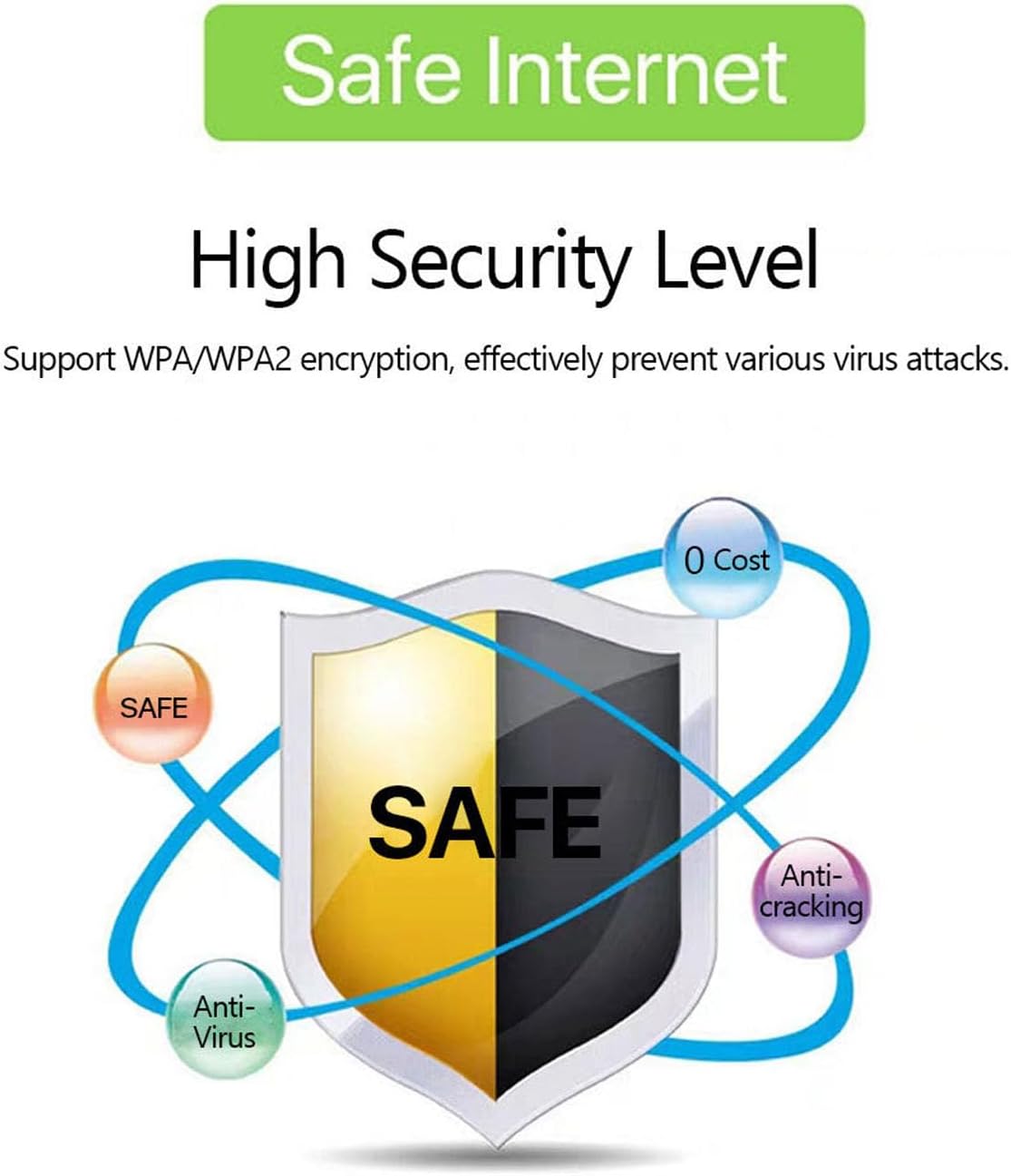
Image: A graphic emphasizing the high security level of the device, featuring a shield icon and text indicating support for WPA/WPA2 encryption to prevent virus attacks and ensure safe internet usage.
6.3 Uso y carga de la batería
The device is equipped with a 3000 mAh battery, providing extended usage time. When the battery level is low, connect the device to a power source using the provided USB charging cable.

Image: A visual depicting the mobile hotspot's battery life, showing a battery icon at 50% charge. The device features a 3000 mAh battery (note: image text states 3600mAh, but product description confirms 3000mAh) for extended use.
7. Mantenimiento
7.1 Limpieza del dispositivo
Para limpiar el dispositivo, utilice un paño suave y seco. No utilice limpiadores líquidos ni aerosoles, ya que podrían dañarlo.
7.2 Cuidado de la batería
- Evite descargar completamente la batería con frecuencia.
- Cargue la batería periódicamente, incluso si el dispositivo no está en uso, para mantener su vida útil.
- Guarde el dispositivo en un lugar fresco y seco cuando no lo utilice durante períodos prolongados.
8. Solución de problemas
8.1 Sin conexión a Internet
- Comprobar tarjeta SIM: Asegúrese de que la tarjeta SIM esté insertada correctamente y activa con un plan de datos.
- Intensidad de la señal: Verify that the device has sufficient signal strength. Move to an area with better network coverage if needed.
- Reiniciar dispositivo: Turn the hotspot off and then on again.
- Configuración APN: If issues persist, you may need to configure the Access Point Name (APN) settings manually. Refer to your mobile carrier's instructions for the correct APN.
8.2 Velocidad de Internet lenta
- Número de dispositivos conectados: Too many devices connected simultaneously can reduce speed. Disconnect some devices.
- Congestión de la red: Speed can be affected by network congestion in your area.
- Intensidad de la señal: Ensure good signal strength.
8.3 No se puede conectar a Wi-Fi
- Contraseña correcta: Double-check that you are entering the correct Wi-Fi password (KEY) as displayed on the hotspot's screen.
- Proximidad del dispositivo: Ensure your connecting device is within the Wi-Fi range of the hotspot.
- Reiniciar dispositivos: Reinicie tanto el punto de acceso como el dispositivo al que intenta conectarse.
9. Especificaciones
| Característica | Especificación |
|---|---|
| Número de modelo | Jectse57yq0tl4p8 |
| Tecnología de conectividad | 5G LTE, Wi-Fi, USB |
| Velocidad máxima de descarga | Hasta 300 Mbps |
| Capacidad de la batería | 3000 mAh |
| Dispositivos compatibles | Hasta 12 conexiones simultáneas |
| Protocolos de seguridad | WPA, WPA2 |
| Bandas LTE compatibles | B1, B3, B5, B7, B8, B20, B38, B40, B41 |
10. Garantía y soporte
10.1 Información de garantía
This product comes with a 90-day warranty from the date of purchase. The warranty covers manufacturing defects and malfunctions under normal use. It does not cover damage caused by misuse, accidents, unauthorized modifications, or natural disasters.
10.2 Atención al cliente
If you encounter any issues or have questions regarding your Jectse 5G LTE Mobile Hotspot Router, please contact the seller or refer to the official Jectse support channels for assistance. Please have your model number (Jectse57yq0tl4p8) and purchase details ready when contacting support.