1. Introducción
This manual provides comprehensive instructions for the Digitus DA-70156 USB 2.0 to RS232 Serial Adapter. This device is designed to facilitate the connection of serial devices, such as weather stations, sensors, motor controls, set-top boxes, and gaming consoles, to your computer via a standard USB port. It ensures reliable data transfer and broad compatibility across various operating systems.
2. Información de seguridad
- Keep the adapter away from water and moisture.
- Evite exponer el adaptador a temperaturas extremas.
- No intente desmontar ni reparar el dispositivo usted mismo. Para obtener servicio técnico, contacte con personal cualificado.
- Asegúrese de que haya una ventilación adecuada durante su uso para evitar el sobrecalentamiento.
3. Contenido del paquete
Verifique que todos los artículos estén presentes en su paquete:
- Digitus DA-70156 USB 2.0 to RS232 Serial Adapter
- USB Extension Cable (80cm)
- Product Support CD-ROM (for drivers, if needed)

4. Producto terminadoview
4.1. Componentes
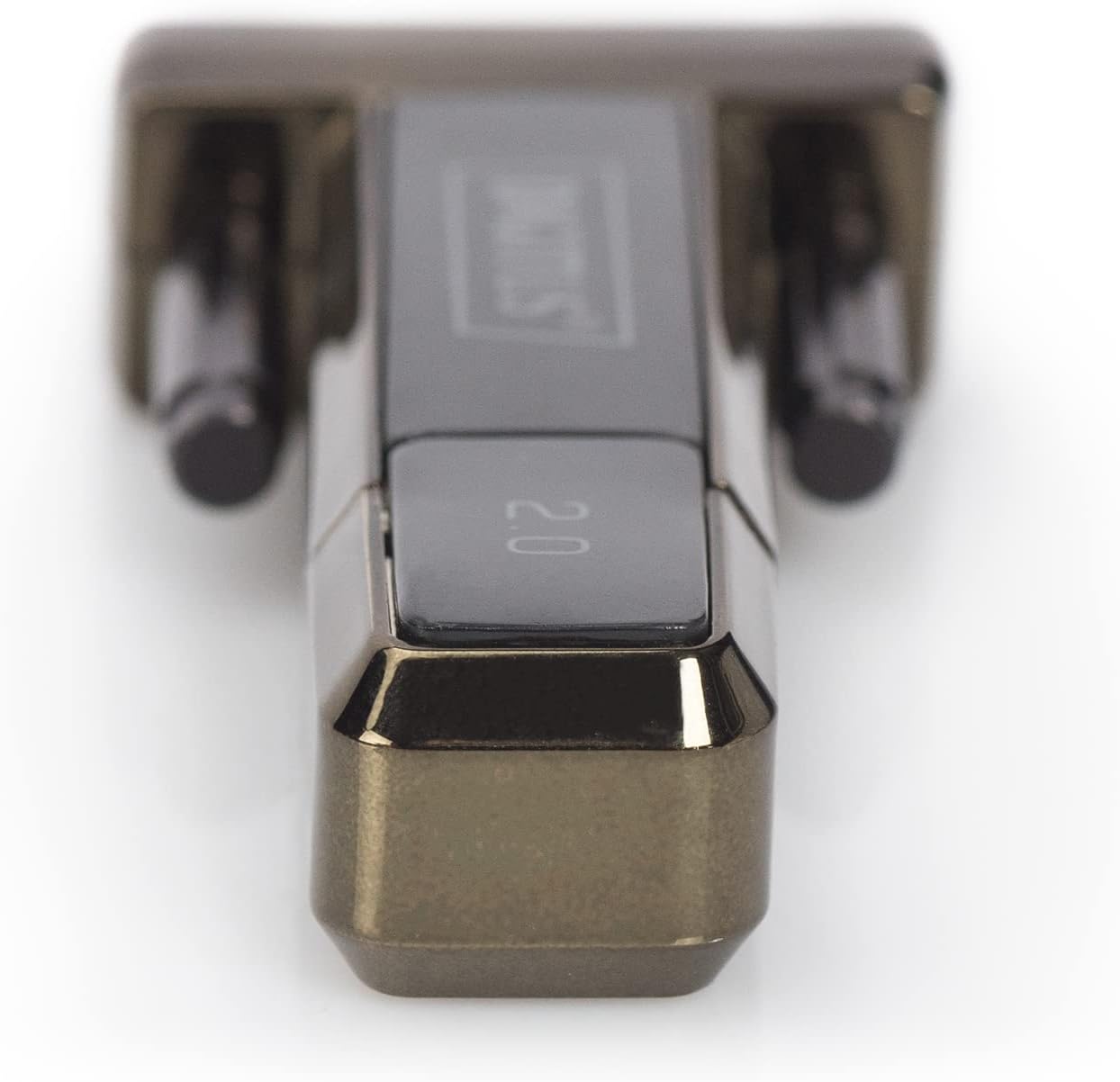
The Digitus DA-70156 adapter features a USB-A connector on one end and a DB9 male serial connector on the other.

4.2. Características principales
- German Technical Design Serial Adapter.
- Supports Windows 10, 8, 7, Vista, XP, Mac OS X, and Linux operating systems.
- Integrated FTDI / FT232RL Chipset for reliable performance.
- Supports remote wake-up and power management functions.
- Compliant with USB 2.0 standards.
- Data transfer rates of 1Mbps and more.
5. Configuración
5.1. Instalación del controlador
The Digitus DA-70156 adapter utilizes the FTDI / FT232RL chipset. For most modern operating systems (Windows 8/8.1/10/11), drivers are often installed automatically when the device is connected to an active internet connection. For older Windows versions (7, Vista, XP), Mac OS X, or Linux, manual driver installation may be required.
- Automatic Installation (Windows 8/8.1/10/11): Connect the adapter to an available USB port on your computer. If connected to the internet, the operating system should automatically detect and install the necessary drivers.
- Instalación manual: If automatic installation fails or for other operating systems, insert the provided Product Support CD-ROM. Follow the on-screen instructions to install the FTDI drivers. Alternatively, the latest drivers can be downloaded from the official FTDI websitio.
- After installation, verify the adapter is recognized in your device manager (Windows) or system information (Mac/Linux) as a USB Serial Port.
5.2. Conexión física
- Connect the USB-A end of the Digitus DA-70156 adapter to an available USB 2.0 port on your computer. You may use the included USB extension cable for added reach.
- Connect your RS232 serial device (e.g., modem, printer, industrial equipment) to the DB9 male serial connector on the adapter. Ensure the connection is secure by tightening the screws on the DB9 connector.


6. Instrucciones de funcionamiento
6.1. Conexión de dispositivos en serie
Once the drivers are installed and the adapter is physically connected, your computer will recognize the serial port. You can then use software applications designed for serial communication to interact with your connected devices. Examples of compatible devices include:
- Estaciones meteorológicas
- Sensores
- Controles de motor
- Decodificadores
- Consolas de juegos
- Módems
- Impresoras
6.2. Transferencia de datos
The adapter supports data transfer rates of 1Mbps and higher, ensuring efficient communication with your serial devices. Configure your serial communication software with the appropriate baud rate, data bits, parity, and stop bits to match your connected device's requirements.
7. Solución de problemas
- Dispositivo no reconocido: Ensure the adapter is firmly connected to a working USB port. Reinstall drivers from the CD-ROM or the FTDI website. Try a different USB port or computer.
- Errores de comunicación: Verify that the serial communication settings (baud rate, data bits, parity, stop bits) in your software match those of your connected serial device. Check the physical connection of the DB9 cable.
- Transferencia lenta de datos: Ensure you are using a USB 2.0 compatible port for optimal speed. Check for conflicting drivers or background applications consuming system resources.
- Sin energía: The adapter draws power directly from the USB port. Ensure the USB port is functional.
8. Mantenimiento
- Clean the adapter and cables with a soft, dry cloth. Avoid liquid cleaners.
- Guarde el adaptador en un lugar fresco y seco cuando no esté en uso.
- Evite doblar o torcer excesivamente los cables para evitar daños internos.
9. Especificaciones
| Especificación | Detalle |
|---|---|
| Número de modelo | DA-70156 |
| Marca | dígito |
| Conjunto de chips | FTDI / FT232RL |
| Tipo de conector | USB 2.0 (Type-A), RS232 (DB9 Male) |
| Velocidad de transferencia de datos | 1Mbps and more |
| Longitud del cable | 80cm (USB extension cable included) |
| Compatibilidad con sistemas operativos | Windows 10, 8, 7, Vista, XP, Mac OS X, Linux |
| Peso del artículo | 0.035 onzas |
10. Garantía y soporte
This Digitus product is covered by the manufacturer's standard warranty. Please refer to the warranty information provided with your purchase or contact Digitus customer support for details. For technical assistance, consult the Product Support CD-ROM or visit the official Digitus webSitio para controladores actualizados y recursos de soporte.


