Producto terminadoview
The Intel Core i7-8700 Processor is an 8th Generation Intel Core Desktop Processor designed for high-end PC performance. It features 6 processing Cores and 12 Threads, offering enhanced processing power compared to previous generations. With a 12MB Cache and up to 4.6 GHz max frequency via Intel Turbo Boost Max Technology 3.0, it delivers a smooth and responsive computing experience. The integrated Intel UHD Graphics 630 provides a richer visual experience, making it suitable for various media content. This processor also supports Intel vPro Technology for business needs and is compatible with motherboards based on the Intel 300 series chipset. For accelerated system performance, it can be paired with Intel Optane Memory and a 2.5" HDD. It supports two-channel DDR4 memory technology, allowing up to 64 GB of memory and up to 2666 MT/s memory transfer speeds.
Características principales:
- 6 Cores / 12 Threads. Intel UHD Graphics 630.
- 3.20 GHz up to 4.60 GHz Max Turbo Frequency / 12 MB Cache.
- Compatible only with Motherboards based on Intel 300 Series Chipsets.
- Intel Optane Memory Supported
- El conjunto de instrucciones es de 64 bits y sus extensiones son Intel SSE4.1, Intel SSE4.2 e Intel AVX2. Incorpora la tecnología Intel Hyper-Threading.
¿Qué hay en la caja?
- 1 procesador
Configuración e instalación
For detailed installation instructions, please refer to the official Installation Manual (PDF) provided by Intel. Proper installation is crucial for optimal performance and to prevent damage to the processor and other components.
Descargar Manual de Instalación (PDF)
General Installation Steps (Refer to manual for specifics):
- Prepare su espacio de trabajo: Ensure a clean, static-free environment. Use an anti-static wrist strap.
- Preparar la placa base: Open the CPU socket lever on your Intel 300 Series chipset motherboard.
- Instalar CPU: Carefully align the processor with the socket, ensuring the gold triangle on the CPU matches the triangle on the socket. Gently lower the processor into place without forcing it.
- CPU segura: Close the CPU socket lever to secure the processor.
- Aplicar pasta térmica: Aplique una pequeña cantidad de pasta térmica de alta calidad en el centro del disipador de calor integrado (IHS) de la CPU.
- Instalar enfriador de CPU: Mount the CPU cooler according to its specific instructions, ensuring even pressure and good contact with the CPU.
- Conecte la electricidad: Conecte el cable de alimentación del ventilador de la CPU al encabezado apropiado en la placa base.
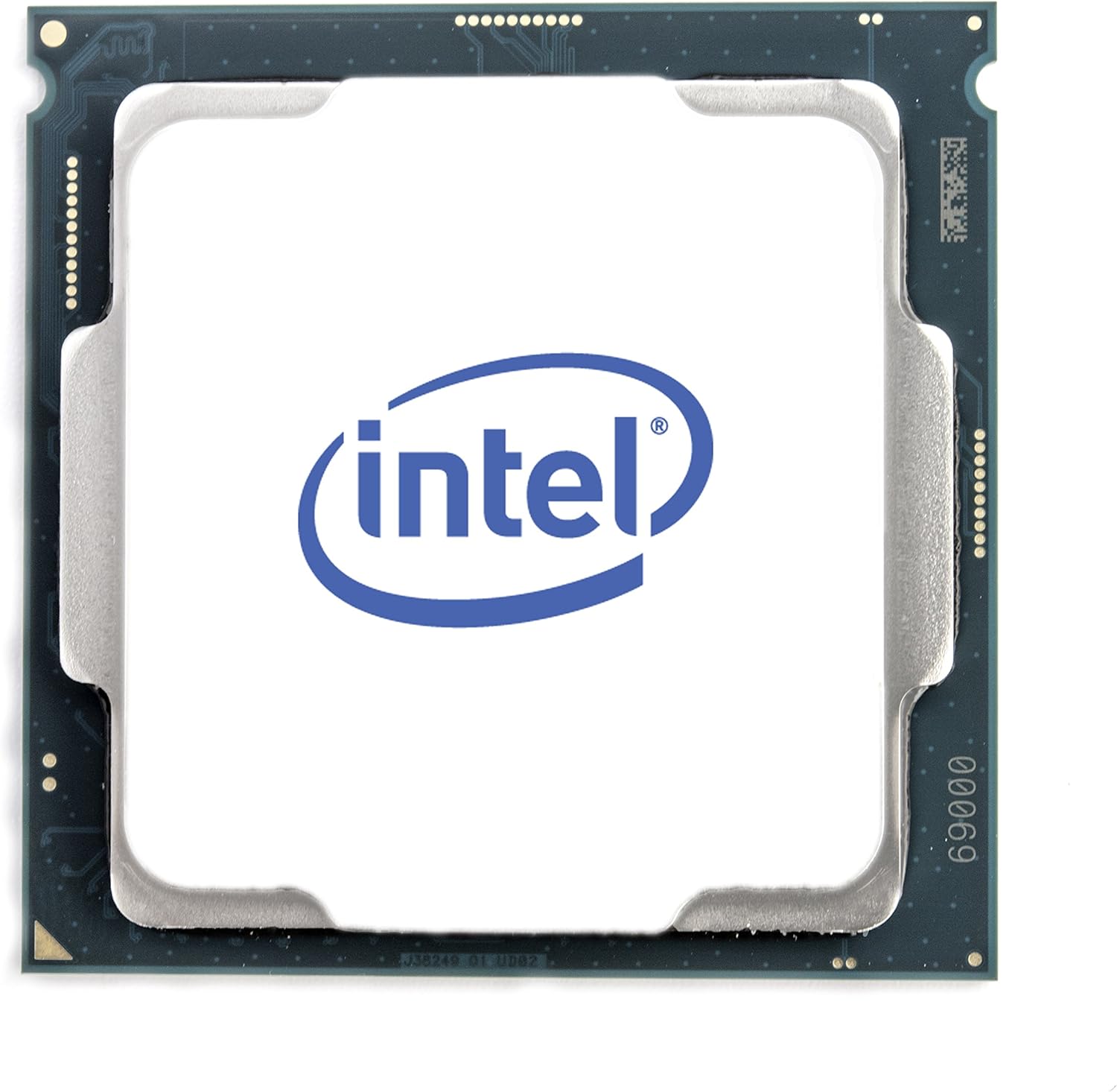
Figura 1: Arriba view of the Intel Core i7-8700 processor.

Figura 2: Anverso y reverso views of the Intel Core i7-8700 processor, highlighting the contact pins.

Figura 3: detallada view of the processor's contact pads.
Instrucciones de funcionamiento
Once installed, the Intel Core i7-8700 processor operates automatically as part of your computer system. Its performance is managed by the operating system and motherboard BIOS/UEFI settings. For optimal performance, ensure your system drivers and BIOS are up to date.
- Configuración de BIOS/UEFI: Access your motherboard's BIOS/UEFI settings during startup (usually by pressing Del, F2, or F10). Verify that the CPU is recognized correctly and that memory settings (like XMP profiles for DDR4) are configured for optimal performance.
- Instalación del controlador: Instale los controladores de chipset más recientes del fabricante de su placa base. website and graphics drivers for the integrated Intel UHD Graphics 630 from Intel's official websitio.
- Monitoreo del sistema: Use system monitoring software to keep an eye on CPU temperature and utilization, especially during demanding tasks like gaming or video editing.
Video: Official Intel video showcasing the performance capabilities of the Intel Core i7-8700 Desktop Processor in various gaming and multitasking scenarios. This video highlights smoother gameplay and improved streaming/recording performance compared to older systems.
Mantenimiento
The Intel Core i7-8700 processor itself requires minimal maintenance. However, maintaining the overall health of your computer system is essential for the longevity and performance of the CPU.
- Sistema de enfriamiento: Regularly clean your CPU cooler and case fans to prevent dust buildup, which can impede airflow and lead to overheating. Ensure thermal paste is not dried out; reapply if necessary (typically every few years or if the cooler is removed).
- Factores ambientales: Operate your computer in a clean, well-ventilated area. Avoid extreme temperatures and humidity.
- Actualizaciones de software: Keep your operating system, drivers, and BIOS/UEFI firmware updated to ensure compatibility and optimal performance.
Solución de problemas
Si tiene problemas con su procesador Intel Core i7-8700, considere los siguientes pasos de solución de problemas:
- Problemas de pantalla/arranque:
- Verify all power connections to the motherboard and CPU are secure.
- Reseat the CPU in its socket, ensuring proper alignment and lever closure.
- Check RAM modules are correctly seated. Try booting with one RAM stick if multiple are installed.
- Clear CMOS (Complementary Metal-Oxide-Semiconductor) settings on your motherboard.
- Calentamiento excesivo:
- Asegúrese de que el enfriador de la CPU esté instalado correctamente y haga buen contacto con la CPU.
- Compruebe si el ventilador de la CPU está girando.
- Verify thermal paste application. Reapply if needed.
- Mejore el flujo de aire del gabinete agregando o reposicionando ventiladores.
- Inestabilidad/fallos del sistema:
- Actualice el BIOS/UEFI de la placa base a la última versión.
- Asegúrese de que todos los controladores (chipset, gráficos) estén actualizados.
- Run system diagnostics (e.g., Windows Memory Diagnostic, CPU stress tests) to identify potential component failures.
If issues persist, consult the motherboard manual or Intel's support resources for further assistance.
Presupuesto
| Característica | Detalle |
|---|---|
| Procesador | 3.2 GHz core_i7 |
| Velocidad de la memoria | 3200 MHz |
| Coprocesador gráfico | Gráficos Intel HD 630 |
| Descripción de la tarjeta | integrado |
| Marca | Intel |
| Serie | BX80684I78700 |
| Número de modelo del artículo | BX80684I78700 |
| Peso del artículo | 12 onzas |
| Dimensiones del producto | 4.7 x 4.2 x 4.7 pulgadas |
| Número de procesadores | 6 |
| Tipo de memoria de la computadora | Memoria SDRAM DDR4 |
| Volumentage | 240 voltios |
| Fabricante | Intel |
| Fecha de primera disponibilidad | 5 de octubre de 2017 |
| Fabricante de CPU | Intel |
| Modelo de CPU | Núcleo i7 |
| Velocidad de la CPU | 3.2 GHz |
| Zócalo de CPU | 1 |
Garantía y soporte
Intel processors typically come with a manufacturer's warranty. For specific warranty terms, conditions, and duration, please refer to the documentation included with your processor or visit the official Intel support websitio.
Intel Support Resources:
- Official Intel Websitio: https://www.intel.com/content/www/us/en/support/products/processors.html
- Driver & Software Downloads: Ensure you have the latest drivers and software for your processor and integrated graphics.
- Apoyo técnico: Contact Intel's technical support for assistance with installation, troubleshooting, or product-related inquiries.
For protection plans offered by Amazon, please refer to the product listing page where you purchased the item.


