Introducción
Thank you for choosing the Blow JS-19 16800 mAh Powerbank Jump Starter. This versatile device is designed to provide emergency jump-starting for vehicles, act as a portable power bank for electronic devices, and offer an integrated LED flashlight for various situations. Please read this manual carefully before using the product to ensure safe and optimal performance.
Instrucciones de seguridad importantes
- Always ensure the jump starter is fully charged before use, especially for jump-starting a vehicle.
- Do not attempt to jump-start a vehicle if the battery indicator shows less than 50% charge.
- Conecte el cable rojoamp al terminal positivo (+) de la batería del vehículo y al cable negroamp al terminal negativo (-) o a un punto de tierra adecuado en el chasis del vehículo.
- Evite provocar un cortocircuito en el arrancador auxiliar.amps tocándolos entre sí.
- No exponga el dispositivo a temperaturas extremas, luz solar directa o humedad.
- Mantener fuera del alcance de los niños.
- Si el dispositivo se calienta excesivamente durante su uso, desconéctelo inmediatamente y déjelo enfriar.
- No desmonte ni modifique el dispositivo. Esto anulará la garantía y podría causar daños o lesiones.
Contenido del paquete
Desempaque la caja con cuidado y asegúrese de que todos los artículos estén presentes y en buen estado. Si falta algún artículo o está dañado, póngase en contacto con su vendedor.

Included accessories for the Blow JS-19 Powerbank Jump Starter, featuring smart jump cables, various charging adapters (wall, car), and a multi-device USB charging cable.
- Blow JS-19 Powerbank Jump Starter Unit
- Smart Jump Cables (Red/Black)
- Cargador de pared de CA
- Cargador de coche
- Multi-device USB Charging Cable
- Various DC Adapter Tips
- Manual de usuario (este documento)
Producto terminadoview
Familiarize yourself with the different parts and functions of your Blow JS-19 Powerbank Jump Starter.

Frente view of the Blow JS-19 Powerbank Jump Starter, displaying the digital charge indicator, 'ENGINE START' button, and an integrated compass.

Trasero view of the Blow JS-19 Powerbank Jump Starter, showing the multiple USB output ports, the main ON/OFF switch, and the dedicated jump start cable connection ports.
Componentes:
- Puerto de arranque auxiliar: Connection point for the smart jump cables.
- Puertos de salida USB: Para cargar teléfonos inteligentes, tabletas y otros dispositivos alimentados por USB.
- Pantalla LED: Muestra el porcentaje de carga de la bateríatage y estado operativo.
- Interruptor encendido / apagado: Enciende o apaga la unidad.
- Linterna led: Proporciona iluminación.
- Brújula: Integrado para asistencia a la navegación.
- Safety Hammer/Glass Breaker: Located on the side for emergency situations.
- Puerto de entrada de CC: Para cargar la unidad de arranque.
Configuración y carga inicial
Before first use, it is recommended to fully charge the Blow JS-19 Powerbank Jump Starter. This ensures maximum performance and extends battery life.
- Connect the AC wall charger to the DC Input Port on the jump starter.
- Plug the AC wall charger into a standard electrical outlet.
- La pantalla LED mostrará el progreso de la carga. Cargue hasta que la pantalla indique el 100 %.
- Una vez completamente cargado, desconecte el cargador.
Nota: Para una salud óptima de la batería, recargue la unidad cada 3 o 6 meses si no la usa regularmente.
Instrucciones de funcionamiento
1. Arrancar un vehículo
Ensure the jump starter has at least 50% charge before attempting to jump-start a vehicle.
- Apague el encendido del vehículo y todos los accesorios (luces, radio, etc.).
- Connect the smart jump cables to the jump start port on the Blow JS-19 unit. Ensure a secure connection.
- Conectar el rojo (+) clamp al terminal positivo de la batería del vehículo.
- Conectar el negro (-) clamp al terminal negativo de la batería del vehículo o a una parte metálica sólida y sin pintar del bloque/chasis del motor.
- Asegúrese de que el clamps are securely attached and not touching any moving parts.
- Press the 'ENGINE START' button on the jump starter (if applicable, or ensure the unit is powered on).
- Arranque el motor del vehículo. Si no arranca inmediatamente, espere 30 segundos antes de volver a intentarlo. No lo arranque durante más de 3 segundos por intento.
- Una vez que el vehículo arranque, retire inmediatamente el cable negro (-)amp Primero, luego el rojo (+) clamp de la batería del vehículo.
- Disconnect the smart jump cables from the Blow JS-19 unit.
2. Usar como banco de energía
The Blow JS-19 can charge various electronic devices via its USB output ports.
- Turn on the Blow JS-19 unit using the ON/OFF switch.
- Conecte el cable de carga USB de su dispositivo a uno de los puertos de salida USB del arrancador.
- Conecte el otro extremo del cable a su dispositivo electrónico.
- Charging will begin automatically. The LED display will show the remaining charge of the power bank.
- Once your device is charged, disconnect it from the power bank. Turn off the power bank to conserve battery.
3. Uso de la linterna LED
La linterna LED integrada proporciona iluminación en condiciones de poca luz.
- Turn on the Blow JS-19 unit using the ON/OFF switch.
- Locate the flashlight button (refer to Product Overview for exact location).
- Press the button once to turn on the flashlight.
- Press again to cycle through different modes (e.g., steady light, strobe, SOS).
- Press and hold, or cycle through all modes, to turn off the flashlight.
Mantenimiento
- Recarga: Recharge the unit after each jump-start or heavy use. For long-term storage, recharge every 3-6 months to maintain battery health.
- Almacenamiento: Store the jump starter in a cool, dry place, away from direct sunlight and extreme temperatures. Keep it in its protective carrying case when not in use.
- Limpieza: Utilice un paño suave y seco para limpiar el exterior de la unidad. No utilice productos químicos agresivos ni limpiadores abrasivos.
- Cuidado de cables: Inspect jump cables and clampRevise si hay daños antes de cada uso. Reemplácelo si está desgastado o dañado.
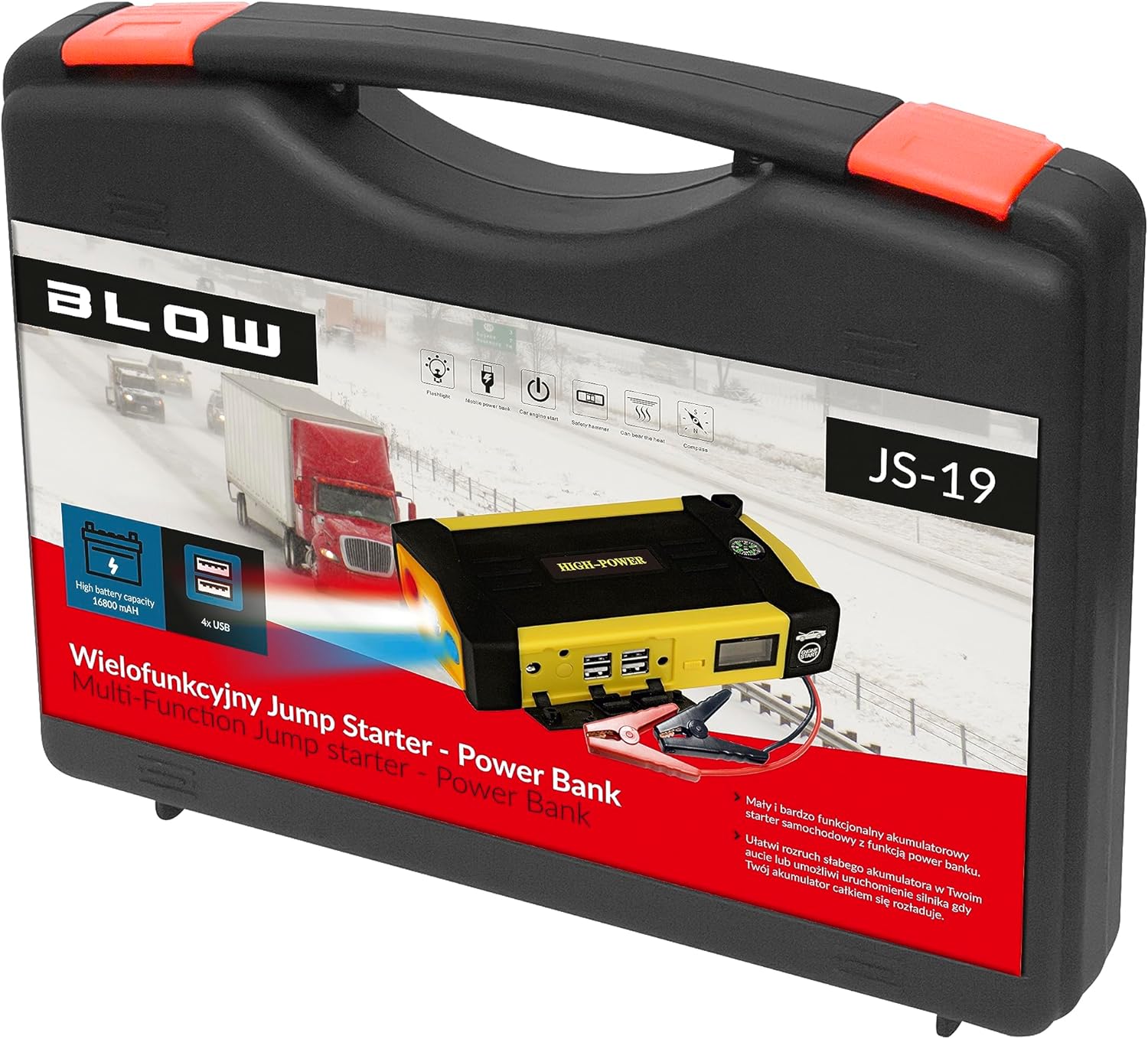
The Blow JS-19 Powerbank Jump Starter and its complete set of accessories organized within its protective carrying case.
Solución de problemas
| Problema | Posible causa | Solución |
|---|---|---|
| El vehículo no arranca después del intento de arranque con pinzas. | La batería del arrancador auxiliar está baja; clamps are not properly connected; vehicle battery is severely damaged; other vehicle issues. | Ensure jump starter is fully charged (>50%). Check clamp connections for proper contact. Consult a mechanic if vehicle still won't start. |
| El arrancador auxiliar no carga. | Charger not connected properly; faulty charger or cable; unit malfunction. | Check all connections. Try a different outlet. If issue persists, contact customer support. |
| Los dispositivos USB no se cargan. | Jump starter is off; USB cable is faulty; device is incompatible. | Ensure jump starter is powered on. Try a different USB cable. Check device compatibility. |
| La linterna LED no funciona. | Jump starter is off; low battery. | Ensure jump starter is powered on. Recharge the unit. |
Presupuesto
| Característica | Valor |
|---|---|
| Marca | Explotar |
| Número de modelo | JS-19 (5900800000000) |
| Capacidad de la batería | 16800 mAh |
| Tipo de batería | Iones de litio |
| Volumentage | 5 voltios (salida USB) |
| Tipo de servicio del vehículo | Auto |
| Peso del artículo | 5 kilogramos |
| Dimensiones del producto (L x An x Al) | 2.79 x 24.64 x 16.51 cm |
Garantía y soporte
This product is covered by a standard manufacturer's warranty. Please refer to the warranty card included in your package for specific terms and conditions. For technical support, troubleshooting assistance, or warranty claims, please contact your retailer or the Blow customer service department.
Please have your model number (JS-19) and proof of purchase ready when contacting support.


