Introducción
This manual provides detailed instructions for the Keychron K8 Wireless Bluetooth/USB Wired Mechanical Keyboard. The K8 is a hot-swappable, tenkeyless (87-key) keyboard featuring RGB LED backlighting, Gateron Brown switches, and N-Key Rollover. It is designed for compatibility with both Mac and Windows operating systems, and includes an aluminum frame for durability.
Configuración
Contenido del paquete
- Teclado mecánico Keychron K8
- Cable USB tipo C
- Extractor de teclas
- Extractor de interruptores
- Extra keycaps for Windows and Mac operating systems
Carga inicial
Before first use, connect the keyboard to a USB power source using the provided USB Type-C cable to ensure the internal 4000mAh battery is fully charged. The charging indicator light will provide status.
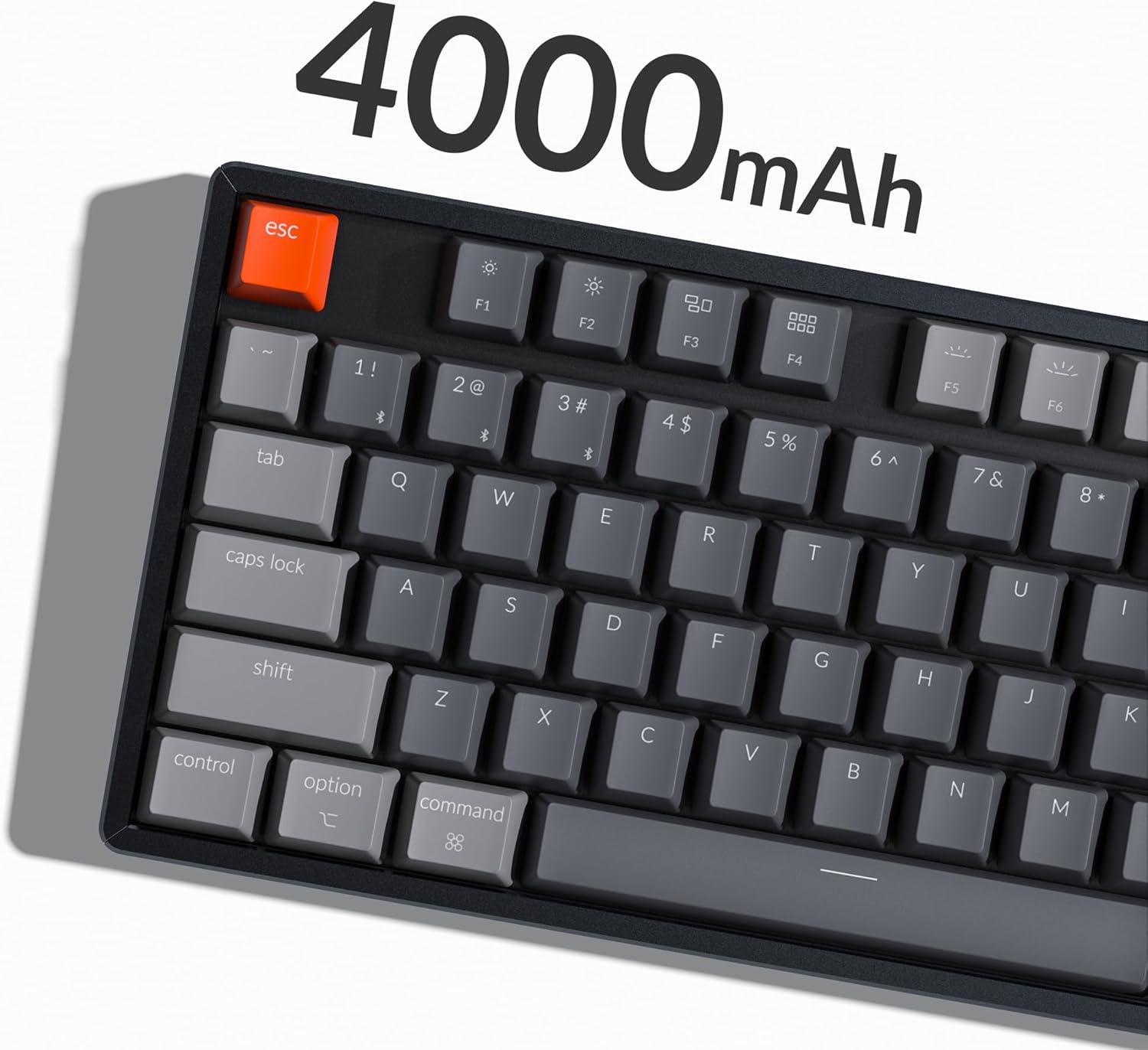
Image: The Keychron K8 keyboard highlighting its 4000mAh battery capacity.
Opciones de conectividad
The Keychron K8 supports both wireless Bluetooth 5.1 and wired USB Type-C connections.

Image: The Keychron K8 keyboard demonstrating its dual wireless and wired connectivity options alongside a laptop and smartphone.
Conexión Bluetooth
- Ensure the keyboard's mode switch (located on the side) is set to "Bluetooth".
- Mantenga pulsado el Fn + 1 (o Fn + 2 / Fn + 3) key combination for 4 seconds until the indicator light flashes rapidly, indicating pairing mode.
- On your device (smartphone, laptop, iPad), enable Bluetooth and search for "Keychron K8".
- Select "Keychron K8" to pair. The indicator light will stop flashing upon successful connection.
- The keyboard can connect with up to 3 devices and switch between them easily using Fn + 1, Fn + 2, o Fn + 3.

Image: The Keychron K8 keyboard positioned with a laptop, tablet, and smartphone, demonstrating its ability to connect to three devices simultaneously.
Conexión por cable
- Ensure the keyboard's mode switch is set to "Cable".
- Conecte el cable USB tipo C del teclado al puerto USB de su computadora.
- El teclado será reconocido automáticamente y estará listo para usarse.
Compatibilidad del sistema operativo
The K8 features a unique Mac layout with all necessary Mac function keys, and is also fully compatible with Windows. Extra keycaps for both operating systems are included. For Linux users, a dedicated user group is available for support.
Instrucciones de funcionamiento
Funciones clave y diseño
The Keychron K8 is a tenkeyless (TKL) 87-key layout keyboard, designed for productivity. It supports N-Key Rollover for accurate input during fast typing or gaming.

Imagen: Una vista de arriba hacia abajo view of the Keychron K8 mechanical keyboard, showcasing its 87-key tenkeyless layout, with a Gateron Brown switch displayed separately.

Imagen: Un ángulo view of the Keychron K8, highlighting its compact tenkeyless layout.
Control de retroiluminación RGB
The K8 features charming RGB LED backlighting with elegant keycap legends, aiding visibility in dim environments. You can cycle through various static color backlight modes and 15+ types of RGB lighting effects.

Image: The Keychron K8 keyboard displaying its vibrant RGB LED backlighting.
Refer to the included quick start guide or Keychron's official website for specific key combinations to control backlight modes and brightness.
Adjustable Angled Feet
The keyboard is equipped with two adjustable angled feet, allowing you to customize the typing angle for ergonomic comfort.
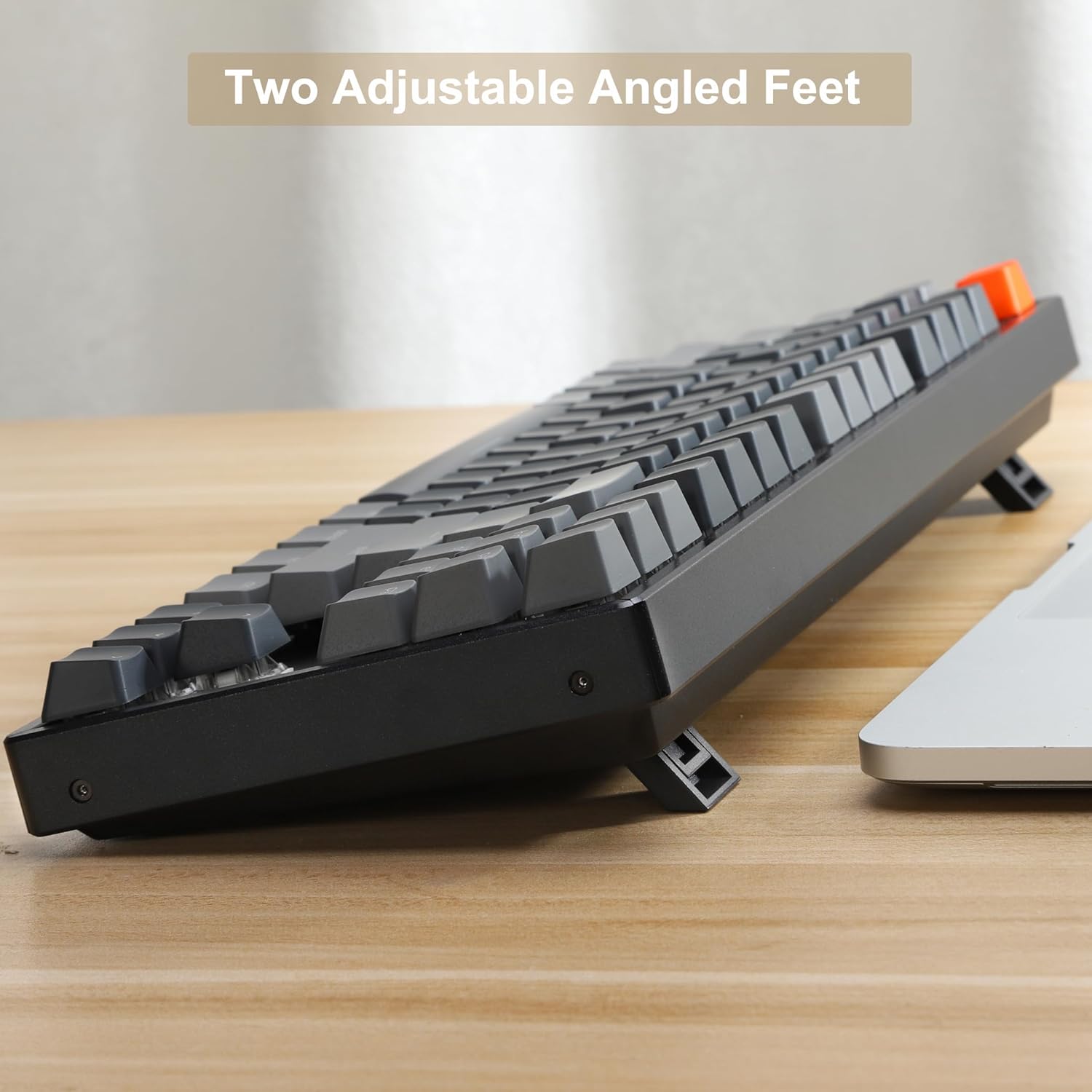
Imagen: Un lado view of the Keychron K8 keyboard, illustrating its two adjustable angled feet in an extended position.
Mantenimiento
Limpieza del teclado
- Utilice un paño suave y sin pelusa ligeramente seco.ampLimpie con agua o una solución de limpieza suave las teclas y el marco.
- Para eliminar el polvo y los residuos entre las teclas, utilice aire comprimido.
- Evite rociar líquidos directamente sobre el teclado.
Conmutadores intercambiables en caliente
The K8 features hot-swappable mechanical switches, allowing you to easily change switches without soldering. The PCB supports both 3-pin and 5-pin MX mechanical switches.

Imagen: Un primer plano view of the Keychron K8 keyboard demonstrating its hot-swappable switch sockets, with examples of different switch types.
- Para quitar una tecla, utilice el extractor de teclas proporcionado.
- To remove a switch, use the provided switch puller. Gently grasp the switch and pull upwards.
- To install a new switch, align the pins with the holes on the PCB and press down firmly until it clicks into place. Ensure pins are not bent.
Solución de problemas
Problemas de conectividad
- Bluetooth no se conecta:
- Ensure the keyboard is in Bluetooth mode and pairing mode (indicator light flashing).
- Compruebe si Bluetooth está habilitado en su dispositivo.
- Olvídese del dispositivo en su computadora/teléfono e intente emparejarlo nuevamente.
- Asegúrese de que el teclado esté cargado.
- La conexión por cable no funciona:
- Ensure the keyboard is in Cable mode.
- Pruebe con un puerto USB diferente en su computadora.
- Pruebe con un cable USB tipo C diferente.
Problemas de retroiluminación
- La luz de fondo no se enciende:
- Asegúrese de que el teclado esté cargado.
- Check backlight control key combinations (e.g., Fn + Light key, Fn + arrow keys for brightness).
Key Responsiveness
- Las teclas no responden:
- Check if the keyboard is properly connected (Bluetooth or wired).
- If a specific key is not working, try removing and re-inserting the switch for that key, ensuring it is seated correctly.
- Limpie alrededor de la tecla afectada.
Presupuesto
| Característica | Detalle |
|---|---|
| Número de modelo | K8J3 |
| Disposición | Tenkeyless (87-key) |
| Interruptores | Gateron Brown (intercambiable en caliente) |
| Conectividad | Bluetooth 5.1, USB tipo C (con cable) |
| Capacidad de la batería | 4000 mAh |
| Contraluz | LED RGB |
| Material del marco | Aluminio |
| Dispositivos compatibles | Portátil, teléfono inteligente, tableta |
| Compatibilidad del sistema operativo | Mac, Windows, Linux |
| Dimensiones del producto | 14.13 x 14.13 x 5 pulgadas |
| Peso del artículo | 2.9 libras |
Garantía y soporte
Información de garantía
Specific warranty details for the Keychron K8 keyboard are typically provided with the product packaging or can be found on the official Keychron webSitio web. Conserve su comprobante de compra para reclamaciones de garantía.
Atención al cliente
For further assistance, technical support, or inquiries, please visit the official Keychron support page or contact their customer service. A dedicated user group is also available for Linux users.
Official Keychron Store: Keychron Amazon Store
Documentos relacionados - K8J3
 |
Guía del usuario del teclado mecánico inalámbrico Keychron K8 Instrucciones y características del teclado mecánico inalámbrico Keychron K8 TKL, incluida la conectividad Bluetooth y por cable, reasignación de teclas y desactivación del modo de suspensión automática. |
 |
Guía de inicio rápido de Keychron Q3 y configuración del software VIA Esta guía proporciona instrucciones para configurar el teclado mecánico Keychron Q3, incluyendo el cambio de sistema, el uso del software de reasignación de teclas VIA, el control de la retroiluminación, la comprensión de los términos de la garantía y el restablecimiento de fábrica. También incluye enlaces para descargar el software y el firmware necesarios. |
 |
Manual de usuario del teclado mecánico Bluetooth Keychron K5SE Una guía completa del teclado mecánico Bluetooth Keychron K5SE, que abarca la configuración, las características, la resolución de problemas y las especificaciones. Aprende a conectarlo, personalizar la iluminación y optimizar tu experiencia de escritura. |
 |
Guía de inicio rápido de Keychron V5 Max Una guía completa para configurar y usar el teclado mecánico inalámbrico personalizado Keychron V5 Max, que cubre conexiones de 2.4 GHz, Bluetooth y cableadas, retroiluminación, rollover de teclas, software VIA y resolución de problemas. |
 |
Teclado mecánico ultrafino Keychron K3: Guía de inicio rápido Empieza a usar tu teclado mecánico inalámbrico ultrafino Keychron K3. Esta guía explica las conexiones Bluetooth y por cable, los efectos de iluminación, el reemplazo de teclas, la configuración de suspensión automática, la reasignación de teclas y el restablecimiento de fábrica para Mac y Windows. |
 |
Guía del usuario del teclado mecánico inalámbrico compacto Keychron K6 65% Esta guía proporciona instrucciones para configurar y usar el teclado mecánico inalámbrico compacto Keychron K6 65%. Aprenda sobre las conexiones Bluetooth y por cable, la personalización de la retroiluminación, la desactivación del modo de suspensión, la reasignación de teclas y el acceso a las funciones multimedia. |