1. Introducción
Welcome to the user manual for your new Taurus Homeland Laser Robot Vacuum Cleaner. This intelligent cleaning device is designed to provide efficient and thorough cleaning for your home, utilizing advanced ElegantLaser technology for precise navigation and mapping. Please read this manual carefully before using the product to ensure proper operation, maintenance, and safety.
Información de seguridad
Siga siempre las siguientes pautas de seguridad:
- Do not allow children to operate the robot vacuum cleaner.
- Ensure the charging base is placed on a flat, stable surface against a wall, with no obstacles within 1 meter in front and 0.5 meters on either side.
- Mantenga el robot alejado del agua o superficies mojadas para evitar descargas eléctricas.
- Do not use the robot to clean liquids, burning objects, or large, sharp debris.
- Regularly check and clean the brushes and sensors to maintain optimal performance.
- Utilice únicamente el adaptador de corriente y la base de carga originales proporcionados con el producto.
- Si el cable de alimentación está dañado, deberá ser reemplazado por el fabricante o un agente de servicio calificado.
2. Producto terminadoview
Familiarize yourself with the components of your Taurus Homeland Laser Robot Vacuum Cleaner.
Contenido del paquete
- Taurus Homeland Laser Robot Vacuum Cleaner
- Base de carga
- Adaptador de corriente
- Mando a distancia
- Cepillos laterales (2 pares)
- Cepillo principal
- Basura
- Tanque de agua con paño de fregona
- Herramienta de limpieza
- Manual de usuario
Componentes de robots


3. Configuración
Desembalaje y colocación inicial
- Retire con cuidado todos los componentes del embalaje.
- Choose a suitable location for the charging base. It should be placed against a wall on a hard, level surface. Ensure there are no obstacles within 1 meter (3.3 feet) in front of the base and 0.5 meters (1.6 feet) on either side to allow the robot to dock easily.
- Connect the power adapter to the charging base and plug it into a wall outlet. Ensure the indicator light on the charging base illuminates.
Instalación de cepillos laterales
Dale la vuelta al robot. Alinea los cepillos laterales con las ranuras correspondientes (I y D) en la parte inferior del robot y presiónalos hasta que encajen en su lugar.
Carga inicial
Place the robot onto the charging base, ensuring the charging contacts on the robot align with those on the base. The robot will begin charging automatically. For first-time use, it is recommended to fully charge the robot before its initial cleaning cycle (approximately 4-5 hours).
App Setup and Wi-Fi Connection
To unlock the full potential of your robot, download the dedicated mobile application.

- Buscar the 'Taurus Homeland' app in your smartphone's app store (Google Play Store for Android or Apple App Store for iOS).
- Descargue e instale la aplicación.
- Follow the in-app instructions to create an account and connect your robot vacuum cleaner to your home Wi-Fi network. Ensure your Wi-Fi network is 2.4GHz.
- Una vez conectado, podrás controlar el robot, programar limpiezas y view Limpieza de mapas desde tu teléfono inteligente.
4. Instrucciones de funcionamiento
Encendido/apagado
- Encendido: Press and hold the power button on the robot or the remote control until the indicator lights illuminate.
- Apagado: Press and hold the power button on the robot or the remote control until the indicator lights turn off.
Iniciar un ciclo de limpieza
Press the power button on the robot or the 'Clean' button on the remote control/app to start an automatic cleaning cycle. The robot will begin mapping and cleaning your home using its ElegantLaser navigation.


Modos de limpieza
The robot offers 10 different cleaning modes, accessible via the remote control or the mobile app:
- Auto: Standard cleaning mode, the robot intelligently navigates and cleans the entire area.
- Seleccionar habitación: Clean specific rooms identified on the app's map.
- Perímetro: Limpia a lo largo de paredes y bordes de muebles.
- Espiral: Limpia un área concentrada en un patrón en espiral.
- Manual: Control the robot's movement manually using the remote control or app.
- Vuelve a casa: Robot returns to the charging base.
- Potencia máxima: Aumenta la potencia de succión para una limpieza más profunda.
- Restricted Zone: Define areas on the app map that the robot should avoid.
- Restricted Wall: Create virtual walls on the app map to block off areas.
- Limpieza de manchas: Limpia intensamente una pequeña zona específica.
Usando la aplicación móvil
The app provides comprehensive control and customization options:

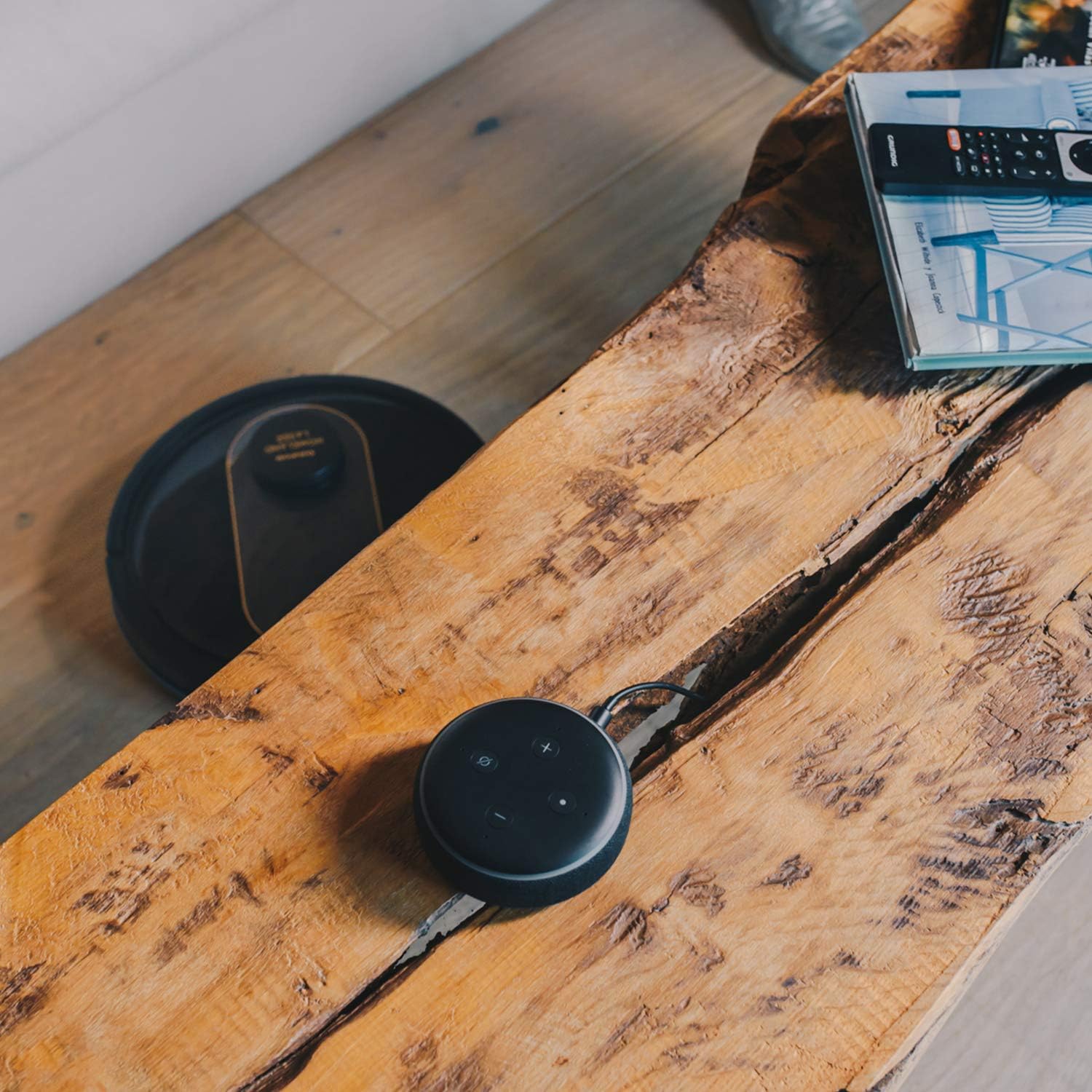
- Cartografía: The robot creates a real-time map of your home, which is displayed in the app.
- Zone Restriction: Draw virtual boundaries or no-go zones on the map to prevent the robot from entering certain areas.
- Programación: Establezca horarios de limpieza diarios o semanales para una limpieza automatizada.
- Control de voz: Compatible with Alexa and Google Assistant for convenient voice commands (e.g., "Alexa, start cleaning").
Función de limpieza
To use the mopping function, fill the water tank with clean water and attach the mop cloth. Insert the water tank into the robot. The robot will then vacuum and mop simultaneously. Do not use detergents or harsh chemicals in the water tank.
5. Mantenimiento
El mantenimiento regular garantiza un rendimiento óptimo y prolonga la vida útil de su robot aspirador.
Vaciar el cubo de basura
The dustbin should be emptied after each cleaning cycle or when the 'dustbin full' indicator (if available) illuminates. Press the dustbin release button, pull out the dustbin, open its lid, and discard the debris.
Limpieza del filtro
The HEPA filter should be cleaned weekly. Remove the filter from the dustbin and tap it gently over a trash can to remove dust. Do not wash the HEPA filter with water; if it becomes heavily soiled, replace it.
Cepillos de limpieza
- Cepillo principal: Remove the main brush cover and lift out the main brush. Use the provided cleaning tool to remove hair and debris tangled around the brush. Clean the brush compartment.
- Cepillos laterales: Periodically check the side brushes for tangled hair or debris. If necessary, remove them and clean them. Replace worn or damaged side brushes.
Limpieza de sensores y contactos de carga
Wipe the cliff sensors (located on the bottom of the robot), wall sensors (on the front bumper), and charging contacts (on the robot and charging base) with a clean, dry cloth. This ensures proper navigation and charging.
Limpieza del tanque de agua y el paño de fregona
After mopping, empty any remaining water from the tank. Remove the mop cloth and wash it thoroughly. Allow both the tank and cloth to air dry completely before reassembling.
6. Solución de problemas
Si tiene problemas con su aspiradora robot, consulte los siguientes problemas y soluciones comunes:
| Problema | Posible causa | Solución |
|---|---|---|
| El robot no se enciende. | Batería baja; botón de encendido no presionado correctamente. | Coloque el robot en la base de carga; mantenga presionado el botón de encendido durante unos segundos. |
| El robot no carga. | Los contactos de carga están sucios; el adaptador de corriente no está conectado. | Limpie los contactos de carga del robot y la base; asegúrese de que el adaptador de corriente esté bien enchufado. |
| El robot se atasca con frecuencia. | Demasiados obstáculos; sensores de acantilado sucios. | Retire los obstáculos del camino de limpieza; limpie los sensores de acantilados. |
| Bajo rendimiento de limpieza. | Cubo de basura lleno; cepillos enredados; filtro obstruido. | Vaciar el depósito de polvo; limpiar los cepillos principales y laterales; limpiar o sustituir el filtro. |
| Problemas de conectividad de la aplicación. | Contraseña de Wi-Fi incorrecta; enrutador demasiado lejano; red Wi-Fi de 5 GHz. | Vuelva a ingresar la contraseña de Wi-Fi; acerque el robot al enrutador; asegúrese de que se utilice Wi-Fi de 2.4 GHz. |
| El robot hace un ruido inusual. | Residuos en cepillos o ruedas; Obstrucción del ventilador. | Inspect and clean main brush, side brushes, and wheels; Check for obstructions in the suction path. |
If the problem persists after trying these solutions, please contact Taurus customer support.
7. Especificaciones
Key technical specifications for the Taurus Homeland Laser Robot Vacuum Cleaner:
| Característica | Especificación |
|---|---|
| Marca | Tauro |
| Nombre del modelo | Homeland Laser |
| Número de modelo | 948895000 |
| Color | Negro/dorado |
| Dimensiones (L x An x Al) | 32L x 32W x 10H cm (approx. 7.6 cm height for cleaning under furniture) |
| Peso del artículo | 2.7 kilogramos |
| Volumentage | 240 voltios |
| Material | Plástico |
| Poder de succión | 1800 PA |
| Tipo de batería | Iones de litio |
| Duración de la batería | Hasta 120 minutos |
| Tipo de filtro | Filtro HEPA |
| Conectividad | Wi-Fi (2.4GHz), Smartphone App, Alexa & Google Assistant compatible |
| Modos de limpieza | 10 (Auto, Select Room, Perimeter, Spiral, Manual, Return to Home, Max Power, Restricted Zone, Restricted Wall, Spot Cleaning) |
8. Garantía y soporte
Your Taurus Homeland Laser Robot Vacuum Cleaner comes with a manufacturer's warranty. Please refer to the warranty card included in your product packaging for specific terms and conditions, including the warranty period and coverage details.
Atención al cliente
For technical assistance, troubleshooting beyond this manual, or warranty claims, please contact Taurus customer support. Contact information can typically be found on the official Taurus websitio o en el embalaje de su producto.
We recommend registering your product on the Taurus webSitio para recibir actualizaciones y soporte.


