1. Introducción
The Edifier TWS1 PRO True Wireless Earbuds offer a superior audio experience with advanced features designed for convenience and durability. This manual provides detailed instructions for setup, operation, and maintenance to ensure optimal performance.
- Bluetooth V5.2 + CVC 8.0: Ensures a reliable connection, clear sound, and minimal latency.
- Qualcomm AptX-Adaptive: Provides high-resolution and uninterrupted audio.
- 42 Hours Battery and Rapid Charging: Enjoy extended playtime with quick charging capabilities.
- IP65 Sweat, Water, and Dust Resistant: Diseñado para mayor durabilidad en diversos entornos.
- Control táctil: Control intuitivo sobre la música y las llamadas.
2. ¿Qué hay en la caja?
Upon unboxing your Edifier TWS1 PRO earbuds, please ensure all the following items are present:
- Edifier TWS1 PRO Earbuds
- Estuche de carga
- Cable de carga USB-C
- Almohadillas para los oídos (varios tamaños)
- Manual de usuario
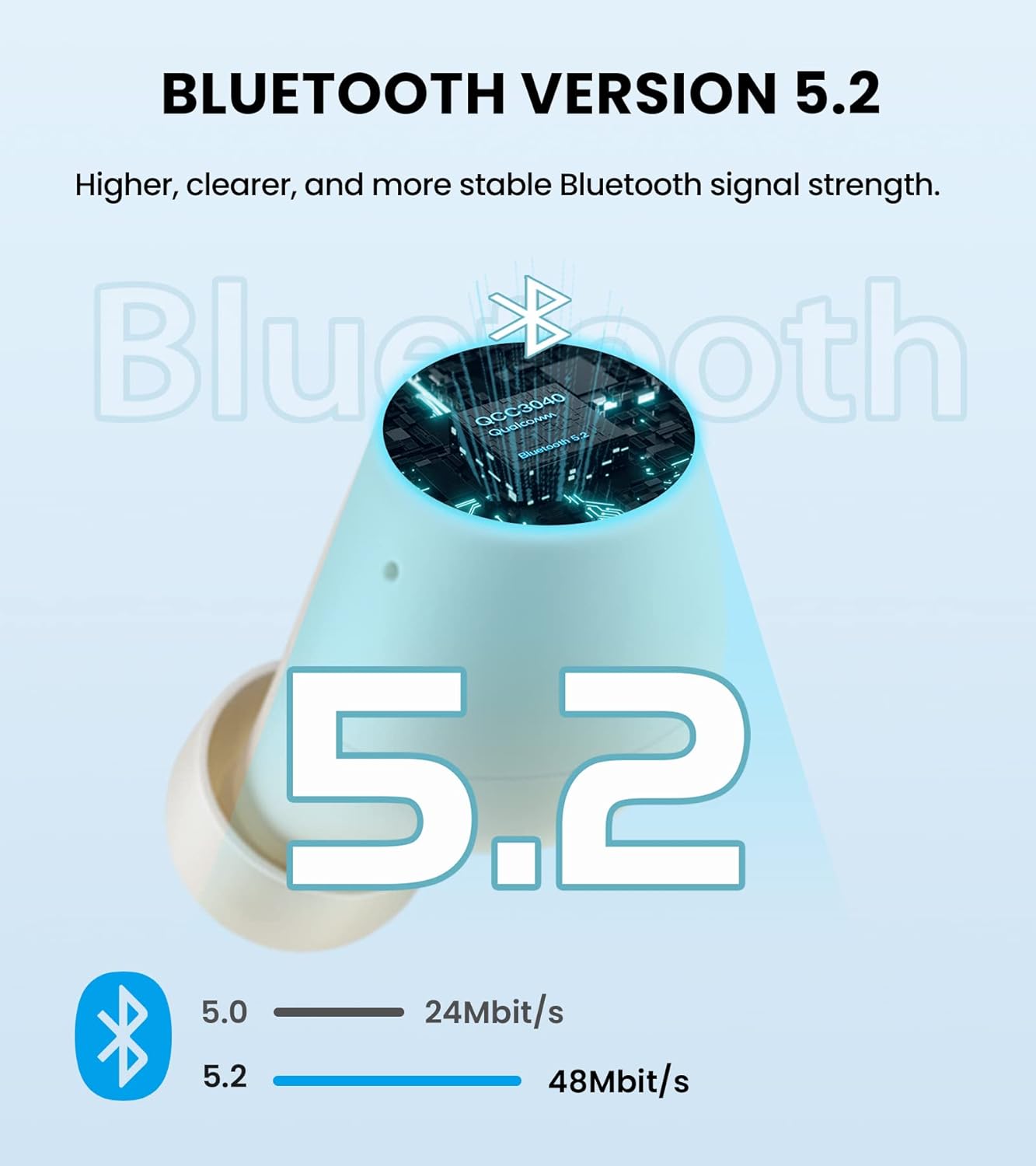
Image: Edifier TWS1 PRO Earbuds and Charging Case, showcasing the product and its compact design.
Video: An unboxing demonstration of the Edifier TWS1 PRO, showing all included components.
3. Configuración y emparejamiento
Automatic Pairing (First Use)
- Take both earbuds out of the charging case. The earbuds will automatically power on and enter pairing mode.
- On your mobile device, enable Bluetooth and search for "EDIFIER TWS1 Pro" in the available devices list.
- Select "EDIFIER TWS1 Pro" to connect. Once connected, the indicator light on the earbuds will flash slowly.
Manual Pairing (Connecting to a New Device)
- Asegúrese de que los auriculares estén en el estuche de carga y que la tapa del estuche esté abierta.
- Press and hold the touch button on either the left or right earbud for approximately 2-3 seconds until the indicator light flashes rapidly in blue and red. This indicates pairing mode.
- On your new mobile device, enable Bluetooth and search for "EDIFIER TWS1 Pro" in the available devices list.
- Select "EDIFIER TWS1 Pro" to connect. Once connected, the indicator light will flash slowly.
Video: A demonstration of the Bluetooth connection process for the Edifier TWS1 PRO earbuds.
Video: Instructions on how to pair the Edifier TWS1 PRO earbuds for the first time.
4. Instrucciones de funcionamiento
Controles táctiles
The Edifier TWS1 PRO earbuds feature intuitive touch controls for managing your audio and calls.
- Un solo toque (auricular izquierdo o derecho): Play/Pause music, Accept/End a call.
- Doble toque (auricular derecho): Siguiente pista.
- Doble toque (auricular izquierdo): Pista anterior.
- Pulsación larga (auricular derecho): Aumentar el volumen.
- Pulsación larga (auricular izquierdo): Disminuir el volumen.
- Long Press (Left or Right Earbud during incoming call): Rechazar una llamada.

Image: Diagram illustrating the touch control functions for the Edifier TWS1 PRO earbuds.
Video: A demonstration of call handling and music playback controls on the Edifier TWS1 PRO earbuds.
5. Carga
The Edifier TWS1 PRO earbuds provide up to 12 hours of playtime on a single charge, with an additional 30 hours provided by the charging case, totaling 42 hours. The charging case supports rapid charging, fully charging in less than 40 minutes.
Cargar los auriculares y el estuche
- Coloque los auriculares en el estuche de carga. Asegúrese de que estén bien colocados para iniciar la carga.
- Conecte el estuche de carga a una fuente de alimentación con el cable de carga USB-C proporcionado.
- The indicator light on the case will show charging status. A steady red light indicates charging.

Image: Visual representation of the 42-hour total battery life and rapid charging feature.
Video: A demonstration of how to charge the Edifier TWS1 PRO earbuds and case.
6. Mantenimiento
The Edifier TWS1 PRO earbuds are IP65 rated, meaning they are sweat, water, and dust resistant. Proper maintenance ensures longevity and optimal performance.
- Limpieza: Limpie regularmente los auriculares y el estuche de carga con un paño suave y seco. Evite usar materiales abrasivos o productos químicos agresivos.
- Exposición al agua: While water resistant, it is recommended to wipe off any water droplets from the earbuds before placing them back into the charging case or charging them.
- Almacenamiento: Guarde los auriculares y el estuche en un lugar fresco y seco, alejado de temperaturas extremas.

Image: Illustration highlighting the IP65 dust and water resistance of the Edifier TWS1 PRO earbuds.