1. Introducción
The GROVIEW JQ818C Projector is designed to deliver a high-quality home theater experience with its native 1080P resolution, high brightness (15000lux 490ANSI lm), and impressive contrast ratio (12000:1). Utilizing LED light and LCD technology, it supports 4K Ultra HD video for clear and detailed images. This versatile projector offers seamless connectivity options including 2.4+5G dual-band WiFi and Bluetooth, enabling easy screen mirroring and audio integration. Its compact design and user-friendly features make it suitable for various applications, from home entertainment to business presentations.
2. ¿Qué hay en la caja?
Upon unboxing your GROVIEW JQ818C Projector, please ensure all the following components are present:
- JQ818C Projector
- Mando a distancia
- AV Cable
- Cable HDMI
- Cable de alimentación
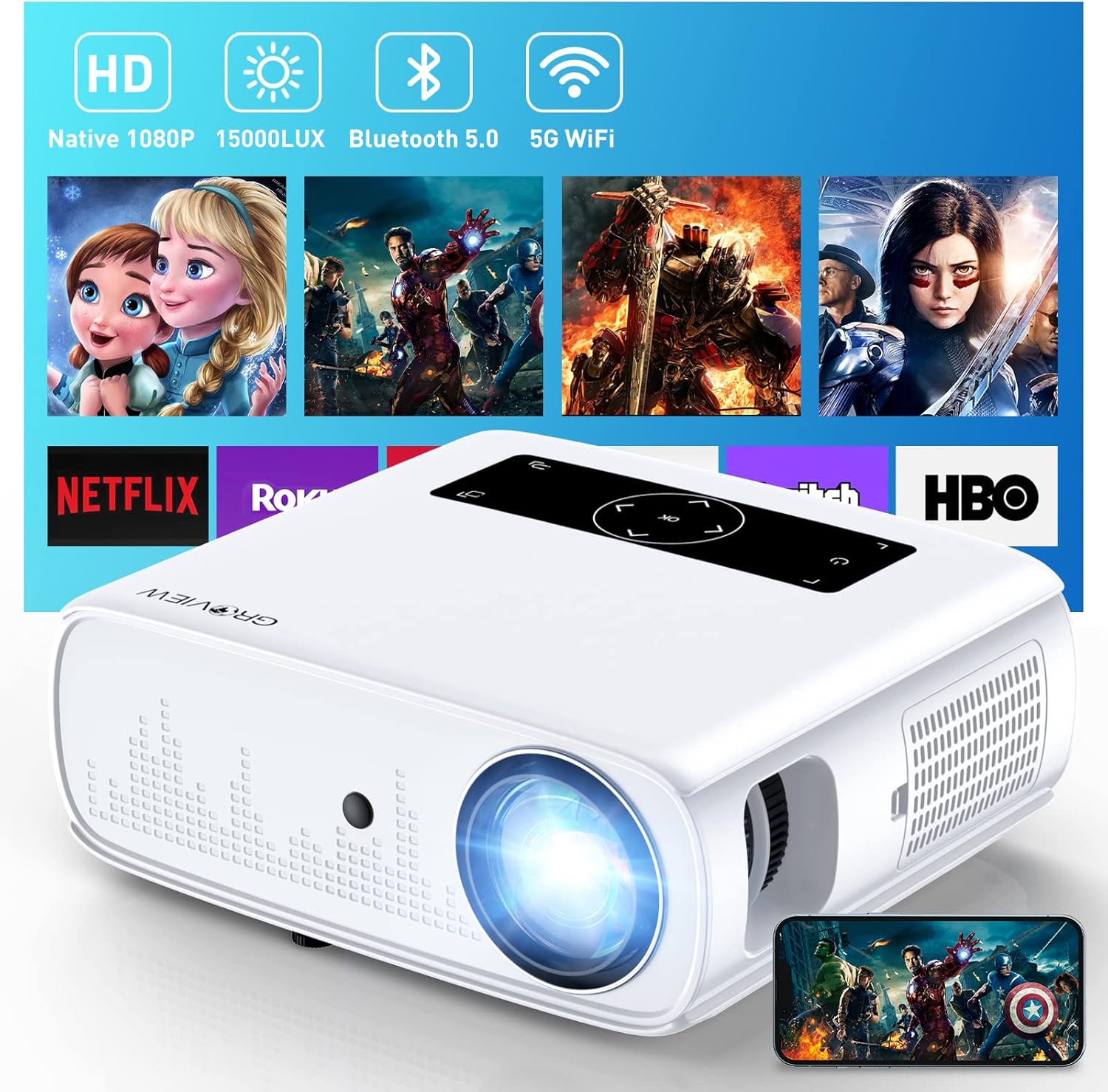
Imagen: El GROVIEW JQ818C Projector shown with its remote control, AV cable, HDMI cable, and power cord.
3. Producto terminadoview
3.1 Características físicas
The GROVIEW JQ818C Projector features a sleek, white design with intuitive controls and multiple connectivity options. Its compact dimensions of 10.63 x 9.06 x 3.94 inches and a weight of 5.9 pounds make it portable for various setups.
Imagen: Frente view of the GROVIEW JQ818C Projector, highlighting its lens and clean design.
3.2 Puertos y controles
The projector is equipped with a variety of ports for seamless integration with your devices:
- Puertos HDMI (x2): For connecting laptops, gaming consoles (PS5), TV sticks, and other HDMI-enabled devices.
- Puertos USB (x2): For connecting USB drives, smartphones, tablets, and other USB devices.
- Puerto AV: Para conectar dispositivos más antiguos mediante un cable AV.
- Salida de audio (conector de 3.5 mm): Para conectar altavoces externos o auriculares.
- Entrada de energía: Para conectar el cable de alimentación.
Control buttons are conveniently located on the top panel, allowing for easy navigation and adjustments. A remote control is also included for convenient operation from a distance.

Imagen: Trasera view of the projector, detailing the HDMI, USB, AV, and audio out ports.

Image: Top panel of the projector with illuminated control buttons.
4. Configuración
4.1 Colocación
Coloque el proyector sobre una superficie plana y estable. Para una óptima viewing, position it directly in front of your projection surface (wall or screen). The projector features an adjustable foot at the front to slightly tilt the projection upward if needed.

Image: Diagram illustrating recommended projection distances for various screen sizes (50-300 inches).
4.2 Conexión de alimentación
Conecte el cable de alimentación provisto a la entrada de energía del proyector y luego a una toma eléctrica estándar.
4.3 Encendido inicial y ajuste del enfoque
Press the power button on the projector or the remote control to turn on the device. Adjust the focus ring around the lens until the projected image is clear and sharp. The projector also includes a lens cap to protect the lens when not in use.
5. Instrucciones de funcionamiento
5.1 Conexión de dispositivos
The GROVIEW JQ818C Projector offers multiple ways to connect your devices:
- HDMI: Use the provided HDMI cable to connect your laptop, game console (PS5), DVD player, or TV stick to either of the two HDMI ports.
- USB: Inserte una unidad flash USB en uno de los puertos USB para reproducir contenido multimedia files directamente.
- AV: Conecte dispositivos más antiguos, como reproductores de DVD, mediante el cable AV.
5.2 Screen Mirroring (Wireless Connectivity)
Experience seamless content sharing with the projector's advanced screen mirroring capabilities:
- WiFi (2.4G+5G Dual-Band): Connect the projector to your home WiFi network for ultra-fast and stable screen mirroring from your smartphone, tablet, or laptop.
- Red celular: The projector supports one-step screen mirroring via cellular network technology, allowing you to mirror your device even outdoors without a WiFi network.
- Bluetooth: Connect the projector to external Bluetooth speakers for enhanced audio experience. The built-in 5W dual stereo speakers with SRS sound system also provide clear and dynamic audio.
5.3 Ajuste de imagen
- Función de zoom: Adjust the display size from 50 to 300 inches using the 25% zoom function, allowing you to fine-tune the image without moving the projector.
- Corrección trapezoidal: Ajuste manualmente la corrección trapezoidal para corregir imágenes distorsionadas si el proyector no está perfectamente perpendicular a la pantalla.
6. Mantenimiento
To ensure the longevity and optimal performance of your GROVIEW JQ818C Projector, follow these maintenance guidelines:
- Limpieza de la lente: Use a soft, lint-free cloth specifically designed for optical lenses to gently wipe the projector lens. Avoid using abrasive cleaners or cloths that could scratch the surface.
- Limpieza del exterior: Limpie el exterior del proyector con un paño suave y seco. No utilice limpiadores líquidos ni en aerosol.
- Ventilación: Ensure the projector's ventilation openings are clear and unobstructed to prevent overheating. Regularly check for dust buildup.
- Almacenamiento: Cuando no utilice el proyector durante períodos prolongados, guárdelo en un lugar fresco y seco, idealmente en su embalaje original o en un estuche protector, con la tapa de la lente puesta.
7. Solución de problemas
If you encounter any issues with your GROVIEW JQ818C Projector, please refer to the common troubleshooting steps below. For more detailed information, consult the full Manual de usuario (PDF).
- Sin imágen:
- Asegúrese de que el cable de alimentación esté bien conectado y que el proyector esté encendido.
- Verify the input source is correctly selected (e.g., HDMI 1, USB, Miracast).
- Check the connected device for proper output settings.
- Imagen borrosa:
- Ajuste el anillo de enfoque en la lente del proyector.
- Asegúrese de que la superficie de proyección sea plana y que el proyector esté posicionado correctamente.
- Use keystone correction to adjust image shape if needed.
- Sin sonido:
- Verifique la configuración de volumen tanto en el proyector como en el dispositivo conectado.
- Si utiliza altavoces externos, asegúrese de que estén correctamente conectados y encendidos.
- Verifique la conexión Bluetooth si utiliza audio inalámbrico.
- Problemas de conectividad (WiFi/Bluetooth):
- Ensure the projector is within range of the WiFi router or Bluetooth device.
- Reinicie tanto el proyector como el dispositivo que lo conecta.
- Compruebe si hay interferencias de otros dispositivos inalámbricos.
8. Especificaciones técnicas
| Característica | Especificación |
|---|---|
| Dimensiones del producto | 10.63 x 9.06 x 3.94 pulgadas |
| Peso del artículo | 5.9 libras |
| Número de modelo | JQ818C |
| Resolución nativa | 1920 x 1080 (Full HD) |
| Brillo | 15000LUX (490ANSI lm) |
| Relación de contraste | 12000:1 |
| Resolución de video admitida | Up to 4K Ultra HD (downscaled to 1080P) |
| Tamaño de proyección | 50-300 pulgadas |
| Tecnología de conectividad | Wireless (WiFi 2.4G+5G, Bluetooth), HDMI, USB, AV |
| Altavoces incorporados | Altavoces estéreo duales de 5 W con sistema de sonido SRS |
| Características especiales | Zoom function, Eye-friendly diffused reflection |
9. Garantía y soporte
GRUPOVIEW ofrece una 2-year customer service and replacement policy for the JQ818C Projector, providing peace of mind for your purchase.
For further assistance, detailed instructions, or troubleshooting not covered in this manual, please refer to the comprehensive Manual de usuario (PDF) Disponible en línea.
También puedes visitar la página oficial Groview Tienda en Amazon Para obtener más información y soporte sobre el producto.


