Introducción
Thank you for choosing the realme Techlife Robot 2-in-1 Vacuum Cleaner with Mopping. This device is designed to provide efficient and convenient floor cleaning with advanced features. This manual provides essential information for safe operation, setup, maintenance, and troubleshooting to ensure optimal performance of your robot vacuum cleaner.

The realme Techlife Robot 2-in-1 Vacuum Cleaner, showcasing su diseño elegante y su formato compacto.
Información de seguridad
Before using the appliance, please read this user manual carefully and keep it for future reference. This device is intended for indoor use only. Do not use it in commercial or industrial environments. Ensure the charging dock is placed on a flat surface against a wall, with no obstacles within 1 meter in front and 0.5 meters on either side. Keep the device away from water and moisture. Do not allow children or pets to play with the device. Always supervise children when the device is in operation. Do not use the device to clean liquids, burning objects, or sharp objects. Regularly check the brushes and wheels for tangled hair or debris.
Contenido del paquete
Verifique que todos los artículos estén presentes y en buenas condiciones al desembalar.
- realme Techlife Robot Vacuum Cleaner
- Base de carga
- Adaptador de corriente
- Tanque de agua
- Mando a distancia
- Cepillos laterales (2 pares)
- Cepillo principal
- Herramienta de limpieza
- Manual de usuario
Producto terminadoview
Arriba View
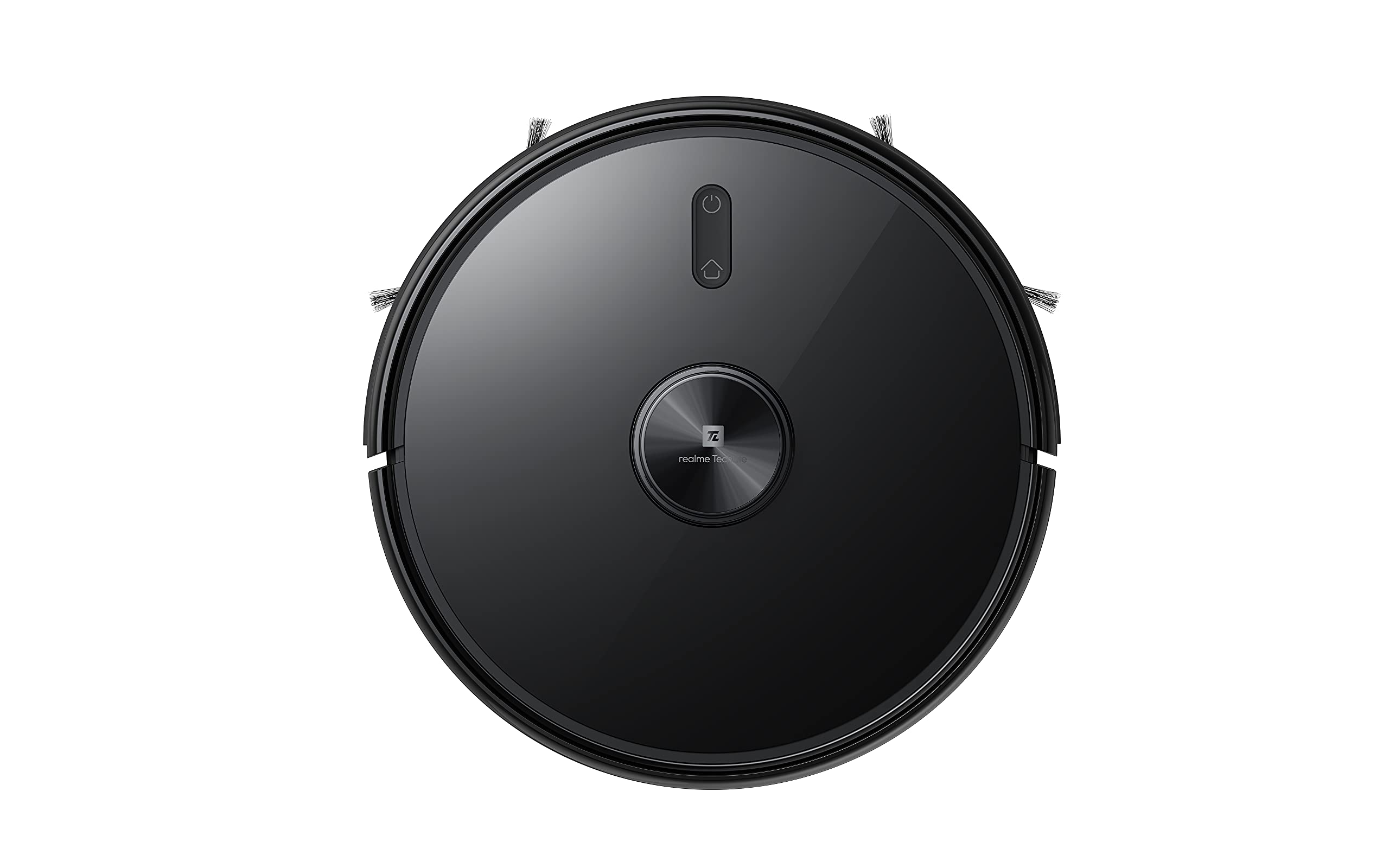
La cima view of the robot vacuum, showing the power button and LiDAR sensor housing.
The top of the robot features the LiDAR navigation sensor for accurate mapping and navigation, along with control buttons for starting/pausing cleaning and returning to the charging dock.
Abajo View
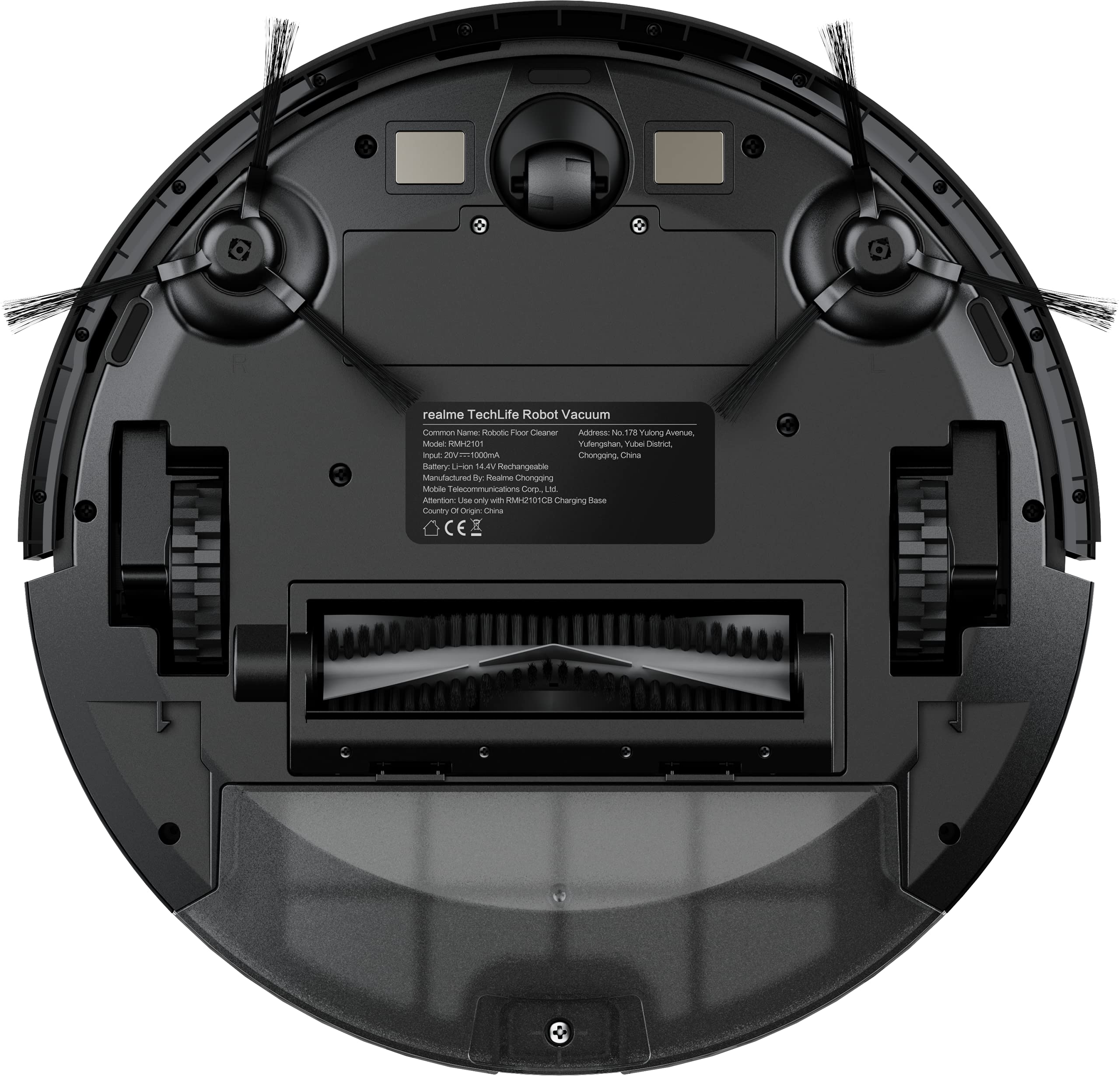
The underside of the robot vacuum, displaying the main brush, side brushes, and wheels.
The bottom of the robot includes the main rolling brush, two side brushes for edge cleaning, driving wheels, and cliff sensors to prevent falls.
Configuración
1. Ubicación de la base de carga
Place the charging dock against a wall on a hard, level surface. Ensure there are no obstacles within 1 meter (3 feet) in front of the dock and 0.5 meters (1.5 feet) on either side to allow the robot to easily dock and undock.
2. Carga inicial
Connect the power adapter to the charging dock and plug it into a wall outlet. Place the robot onto the charging dock. The robot will automatically begin charging. For first-time use, ensure the robot is fully charged (approximately 6 hours) before its initial cleaning cycle. The 5200mAh battery provides up to 300 minutes of cleaning time on a full charge.
3. App Connection (realme Link App)
- Descargar el Enlace realme aplicación desde la tienda de aplicaciones de tu teléfono inteligente.
- Crea una cuenta o inicia sesión.
- Follow the in-app instructions to add your realme Techlife Robot Vacuum Cleaner. This typically involves turning on the robot, resetting its Wi-Fi, and connecting to your home Wi-Fi network.
- Una vez conectado, podrás controlar el robot, view cleaning maps, set schedules, and adjust cleaning modes remotely.
Instrucciones de funcionamiento
1. Iniciar un ciclo de limpieza
Press the power button on the robot or use the realme Link app to start a cleaning cycle. The robot will use its advanced LiDAR navigation technology to map your home and plan an efficient cleaning path.
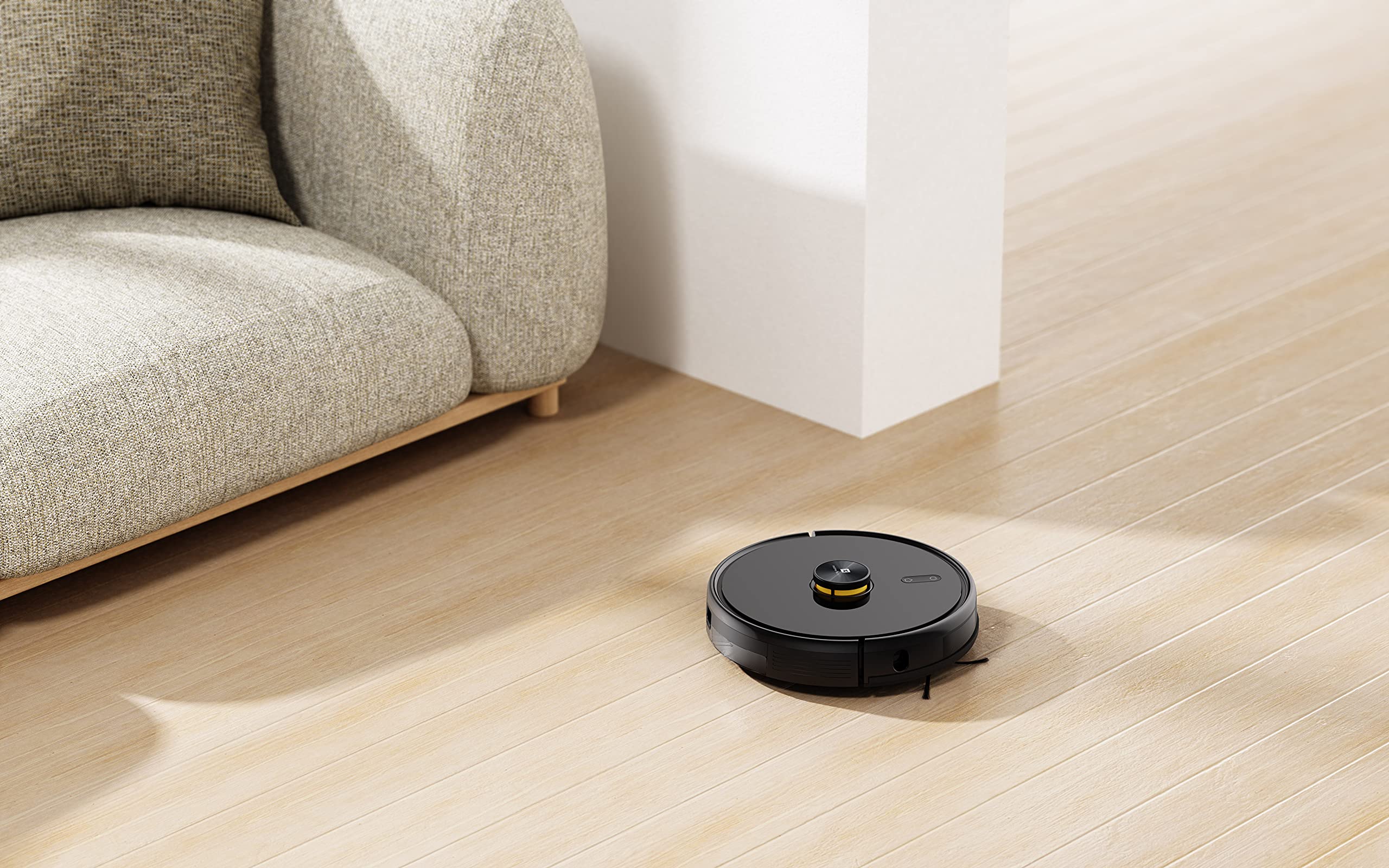
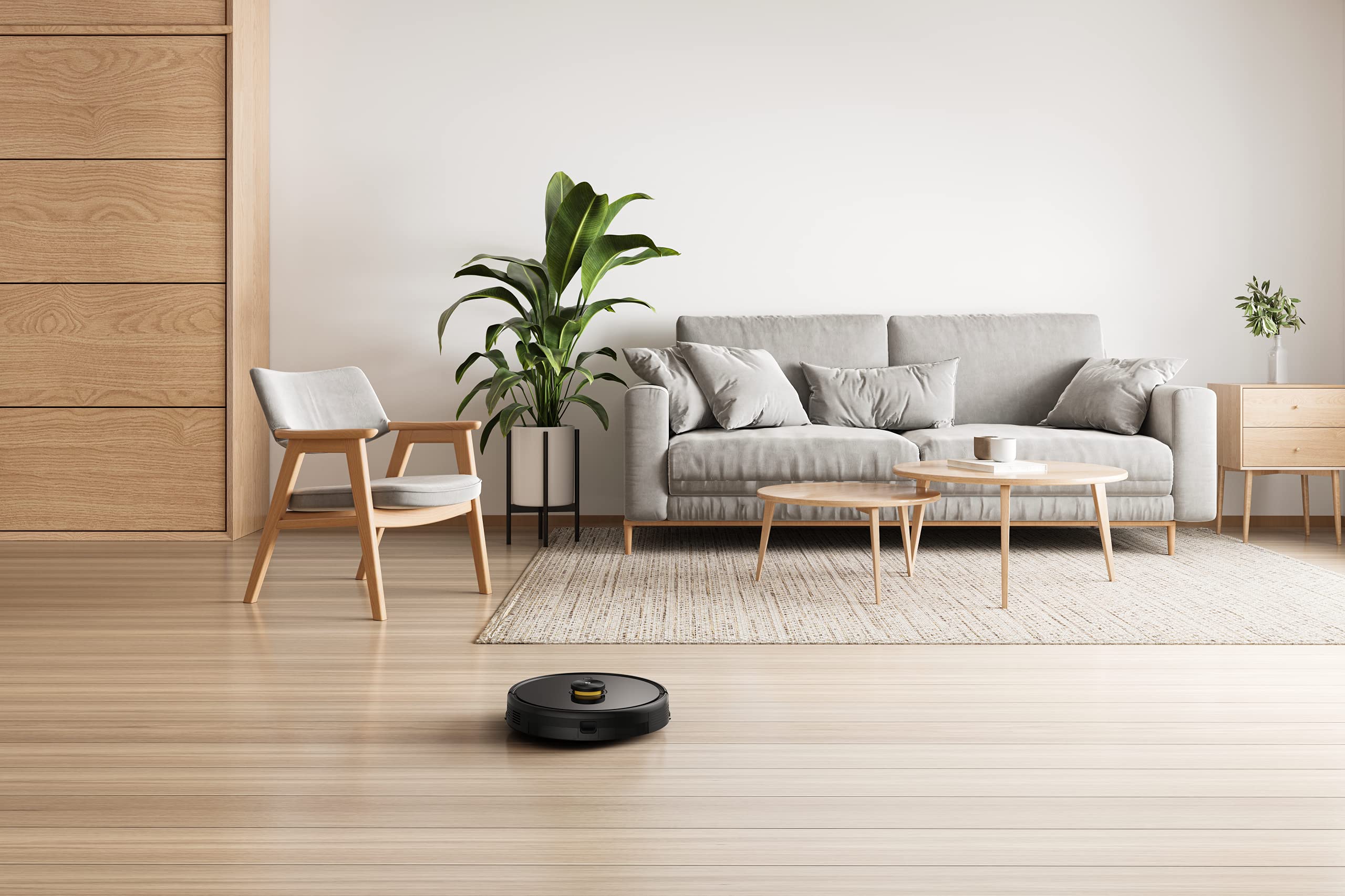
The robot vacuum actively cleaning a hard floor surface in a modern living space.
2. Modos de limpieza
The robot offers 4 cleaning modes, which can be selected via the app or remote control:
- Limpieza automática: El robot limpia de forma inteligente toda la zona.
- Limpieza localizada: Limpia una zona específica con mayor intensidad.
- Limpieza de bordes: Se centra en la limpieza a lo largo de las paredes y los bordes de los muebles.
- Limpieza programada: Establezca horarios específicos para que el robot limpie automáticamente.
The 3000Pa strong suction power ensures effective removal of dust and debris across various floor types.
3. Función de trapeado
To use the mopping function, fill the intelligent water tank with clean water and attach it to the robot. The robot features 4 water output modes, allowing you to adjust water flow based on floor surface and cleaning requirements. The Y-shape cleaning path is specifically designed for effective mopping.
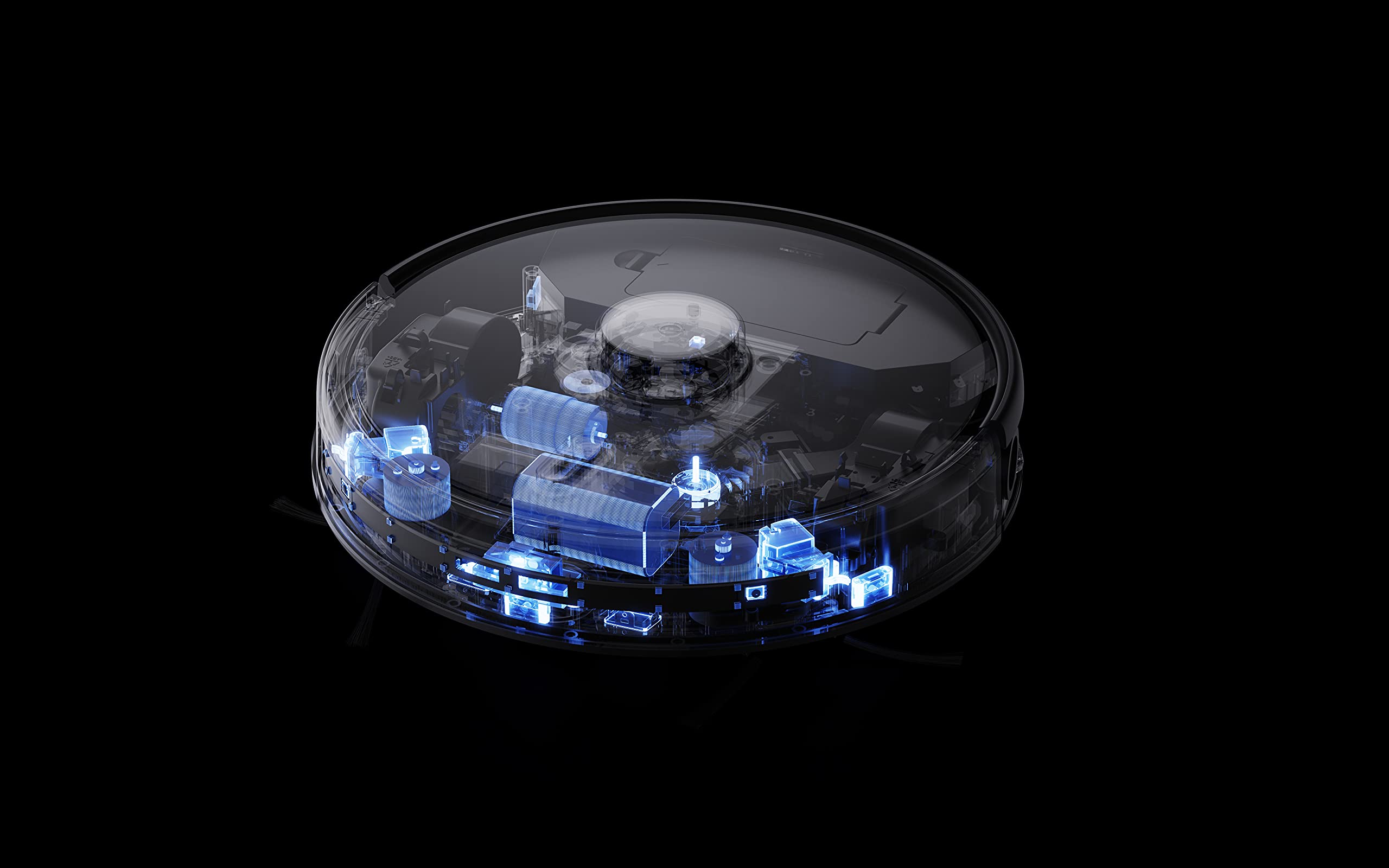
The robot vacuum performing its mopping function on a hard floor, demonstrating its 2-in-1 capability.
4. Funciones inteligentes
- realme Link App Control: Control cleaning force, schedule tasks, and monitor progress in real-time.
- Mapeo de varios pisos: The robot can build and memorize maps for multiple floors, improving cleaning efficiency.
- Compatibilidad del asistente de voz: Supports Google Assistant and Alexa for convenient voice control.
The robot vacuum navigating and cleaning under furniture, highlighting its low-profile diseño.
Mantenimiento
Regular maintenance ensures the longevity and optimal performance of your robot vacuum cleaner.
1. Vaciado del depósito de polvo
Open the top cover of the robot and remove the dust box. Empty its contents into a trash bin. Clean the filter regularly by tapping it gently to remove dust. Rinse the dust box with water if necessary, ensuring it is completely dry before reinserting.
2. Limpieza del cepillo principal
Remove the main brush cover and lift out the main brush. Use the provided cleaning tool to cut and remove any tangled hair or debris. Reinstall the main brush and cover.
3. Limpieza de los cepillos laterales
Periodically check the side brushes for wear or entanglement. Remove any hair or debris. If brushes are damaged, replace them with new ones.
4. Limpieza del tanque de agua y la almohadilla de limpieza
After each mopping session, empty any remaining water from the tank. Remove and clean the mopping pad. Wash the mopping pad thoroughly and allow it to air dry completely before reuse.
5. Limpieza de sensores y contactos de carga
Wipe the cliff sensors, wall sensors, and charging contacts on both the robot and the charging dock with a clean, dry cloth to ensure proper function.
Solución de problemas
Si tiene problemas con su robot aspirador, consulte las siguientes soluciones comunes:
- El robot no se carga: Asegúrese de que la base de carga esté encendida y que los contactos de carga del robot estén limpios y correctamente alineados con la base.
- Robot atascado o navegando erráticamente: Clear any obstacles, loose cables, or rugs that may be impeding movement. Clean the sensors.
- Mala succión: Vacíe el depósito de polvo, limpie el filtro y verifique que el cepillo principal no tenga obstrucciones.
- Mopping not working: Ensure the water tank is filled, properly installed, and the mopping pad is attached. Check water output settings in the app.
- Problemas de conectividad de la aplicación: Ensure your robot and smartphone are connected to the same 2.4GHz Wi-Fi network. Restart the robot and your router if necessary.
- Ruido inusual: Check the main brush, side brushes, and wheels for any foreign objects or debris.
For persistent issues, consult the realme Link app for further diagnostics or contact customer support.
Presupuesto
| Característica | Especificación |
|---|---|
| Marca | Realme |
| Nombre del modelo | 6941399050860 |
| Característica especial | LiDAR Navigation, Smart |
| Color | Negro |
| Dimensiones del producto | 33L x 33W x 7H Centímetros |
| Duración de la batería | 100 Minutes (Mopping), 300+ Minutes (Vacuuming) |
| Capacidad de la batería | 5200 mAh |
| Poder de succión | 3000Pa |
| Capacidad de la caja de polvo | 0.3 litros |
| Método de control | Remote, App (realme Link), Voice (Google Home, Alexa) |
| Nivel de ruido | Tan bajo como 55dB |
| Fabricante | Realme |
Garantía y soporte
Your realme Techlife Robot 2-in-1 Vacuum Cleaner is covered by a limited warranty. Please refer to the warranty card included in your package for specific terms and conditions. For technical support, service, or inquiries, please visit the official realme support webSitio web o contacte con su línea de atención al cliente. Conserve su recibo de compra como comprobante para reclamaciones de garantía.