1. Introducción
This manual provides essential information for setting up, operating, maintaining, and troubleshooting your Google Pixel 6 Pro smartphone. The Pixel 6 Pro is a powerful 5G Android device featuring the custom Google Tensor processor, an advanced camera system, and enhanced security features, designed to deliver a smart and fast mobile experience.
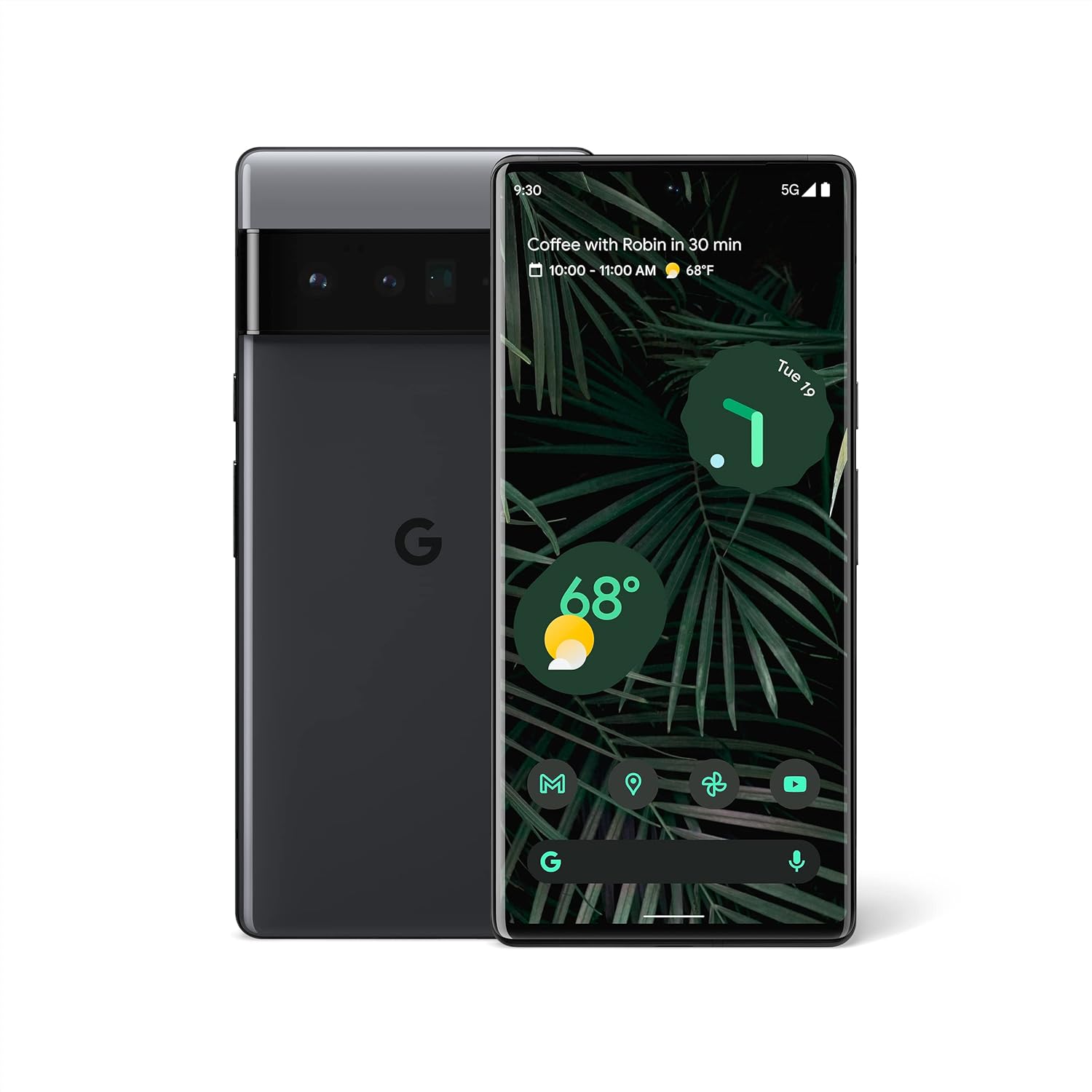
Figura 1.1: Anverso y reverso view of the Google Pixel 6 Pro in Stormy Black. The front displays the home screen with time, weather, and app icons, while the back shows the distinctive camera bar and Google logo.
2. Guía de configuración
2.1 Desembalaje e inspección inicial
Al abrir el paquete, asegúrese de que estén presentes todos los componentes:
- Teléfono celular Google Pixel 6 Pro
- Cable USB-C a USB-C
Inspeccione el dispositivo para detectar cualquier daño físico antes de continuar.
2.2 Inserción de la tarjeta SIM
- Locate the SIM card tray on the side of your Pixel 6 Pro.
- Inserte la herramienta de expulsión de SIM (o un clip pequeño) en el pequeño orificio de la bandeja y presione suavemente hasta que la bandeja salga.
- Place your Nano-SIM card into the tray with the gold contacts facing down and the notched corner aligned.
- Empuje con cuidado la bandeja nuevamente dentro de la ranura hasta que encaje en su lugar.
2.3 Encendido y configuración inicial
- Press and hold the Power button (located on the right side) until the Google logo appears on the screen.
- Follow the on-screen prompts to select your language, connect to a Wi-Fi network, and sign in with your Google Account.
- You will be guided through setting up security features like fingerprint unlock and screen lock.
2.4 Transferring Data from Your Old Phone
The Pixel 6 Pro offers a seamless way to transfer your messages, contacts, photos, and other data from your previous device during the initial setup process. Use the provided USB-C cable and follow the on-screen instructions.

Figure 2.1: A Google Pixel 6 Pro connected via USB-C cable to another smartphone, illustrating the data transfer process. The Pixel's screen shows options to copy messages, contacts, photos, and other data.
3. Operating Your Pixel 6 Pro
3.1 Funciones de visualización
The Pixel 6 Pro features a 6.7-inch LTPO QHD+ Smooth Display with a resolution of 1080 x 2340 pixels and a 120Hz refresh rate for fluid scrolling and responsiveness. The display is protected by Corning Gorilla Glass Victus for enhanced durability.
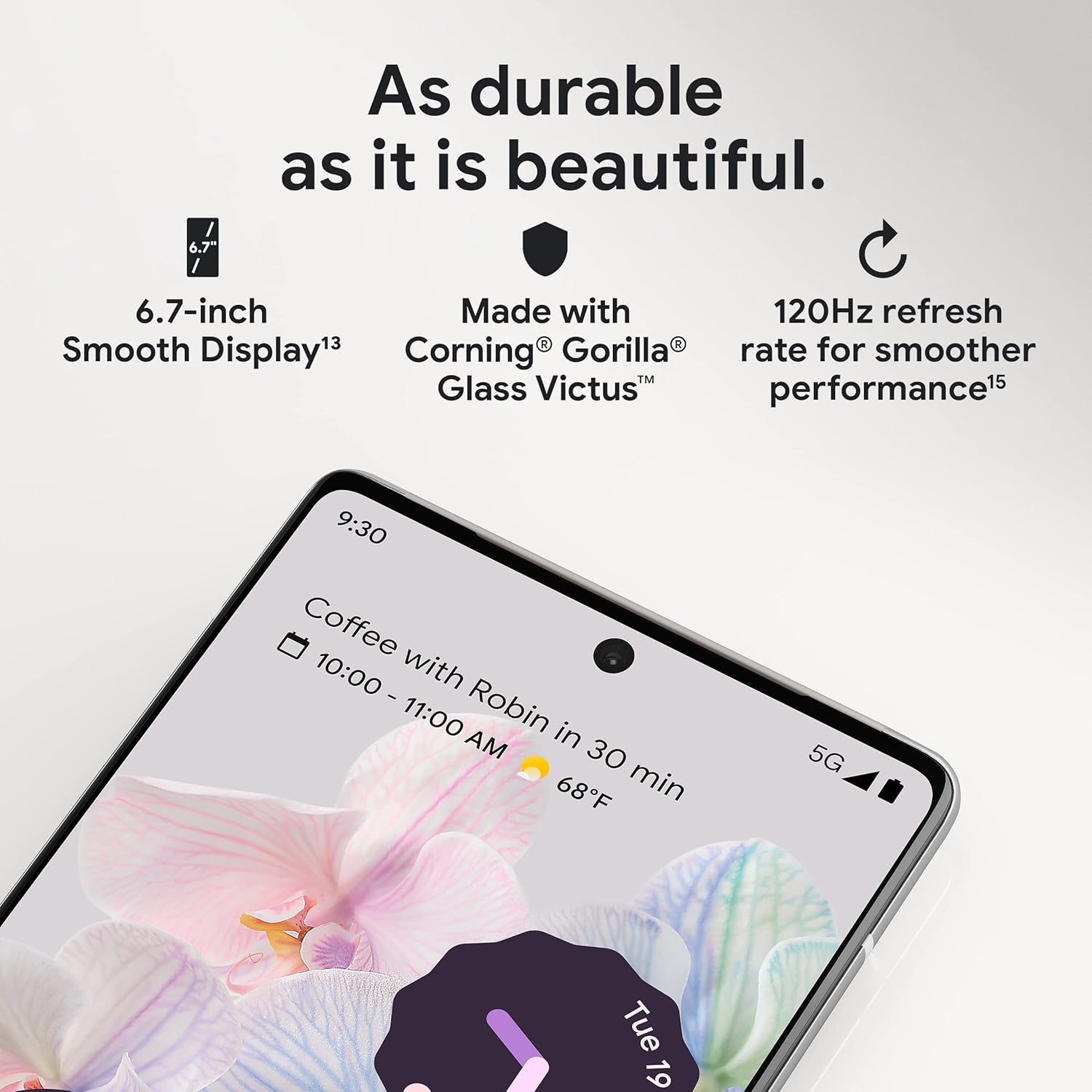
Figura 3.1: Un primer plano view of the Pixel 6 Pro's display, highlighting its durability with Corning Gorilla Glass Victus and the smooth performance enabled by its 120Hz refresh rate.
Sistema de cámara 3.2
The Pixel 6 Pro is equipped with an advanced camera system:
- 50 MP Wide Camera: Captures 150% more light for detailed photos.
- 48 MP Telephoto Camera: Ofrece zoom óptico 4x para sujetos distantes.
- Cámara ultra ancha de 12 MP: For expansive landscape and group shots.
- Cámara frontal: Para selfies y videollamadas de alta calidad.
Las características principales de la cámara incluyen:
- Borrador mágico: Removes unwanted objects or people from your photos.
- Modo de movimiento: Creates dynamic long-exposure shots.
- Modo retrato: Artfully blurs backgrounds for professional-looking portraits.

Figura 3.2: Un interno view of the Pixel 6 Pro's camera array, detailing the 50 MP wide camera, 48 MP telephoto camera with 4x optical zoom, and 12 MP ultrawide camera.

Figure 3.3: Visual demonstrations of the Pixel 6 Pro's advanced camera tools: Magic Eraser removing background elements, Motion Mode capturing light trails, and Portrait Mode creating a blurred background effect.
3.3 Rendimiento
The Pixel 6 Pro is powered by the custom-built Google Tensor processor, which provides a significant boost in performance compared to previous Pixel models. This chip enables advanced on-device AI capabilities and contributes to maximum battery efficiency.
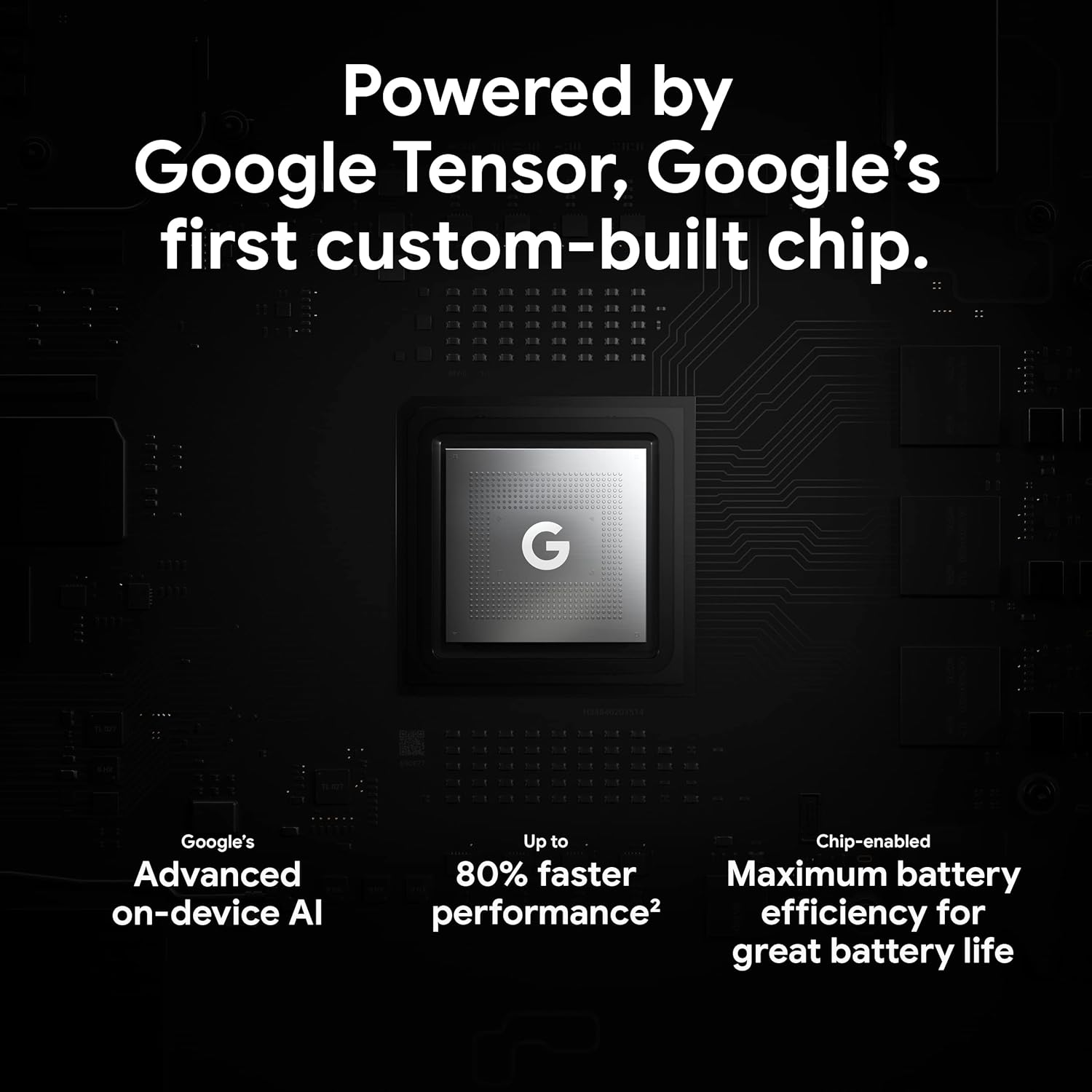
Figure 3.4: An illustration of the Google Tensor chip, highlighting its role in providing advanced on-device AI and up to 80% faster performance for improved battery efficiency.
3.4 Funciones de seguridad
Your Pixel 6 Pro is built with robust security:
- Titan M2™ chip: Provides next-generation hardware security.
- Actualizaciones de seguridad: Guaranteed 5 years of security updates to protect against threats.
- Protección contra agua y polvo IP68: Offers resistance against water and dust ingress.
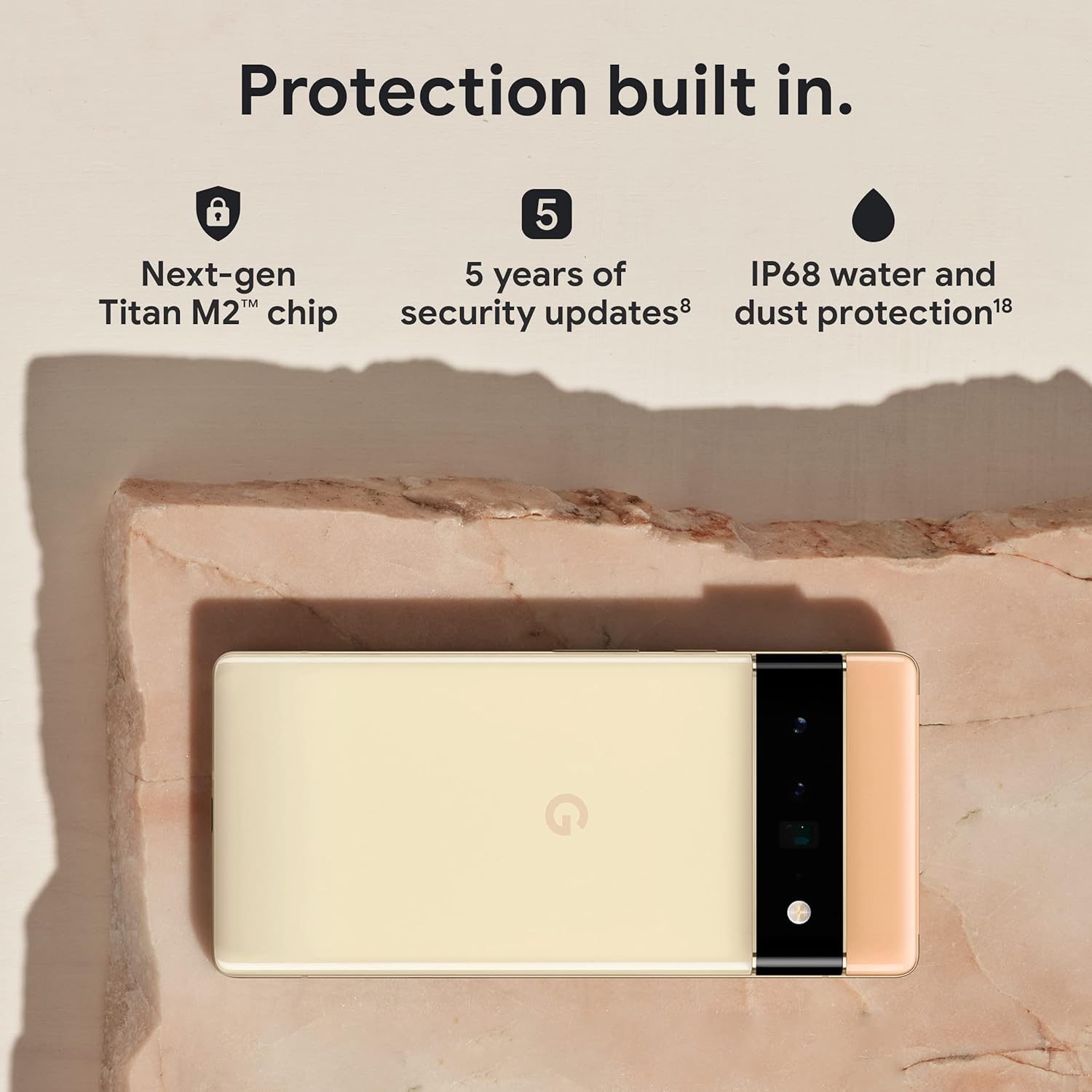
Figure 3.5: The Pixel 6 Pro shown alongside icons representing its built-in security features: the Titan M2 chip, 5 years of security updates, and IP68 water and dust protection.
3.5 Batería y carga
The device is equipped with a large 5003 mAh battery. It supports fast wired charging (with a compatible 30W USB-C charger, sold separately) and adapts to your usage patterns to save power for frequently used applications, extending battery life beyond 24 hours.

Figura 3.6: Una vista aérea view of a person using the Pixel 6 Pro, with icons illustrating the phone's battery capabilities: super-fast charging, power saving for frequently used apps, and extended battery life.
3.6 Software e interfaz de usuario
The Pixel 6 Pro runs on the Android 12 operating system, offering a modern and intuitive user interface. It includes features like Material You for personalized themes and enhanced privacy controls.
3.7 Translation Capabilities
The device comes with Google Translate pre-installed, allowing you to translate private chats, messages, and live video captions in up to 55 languages directly on your phone.
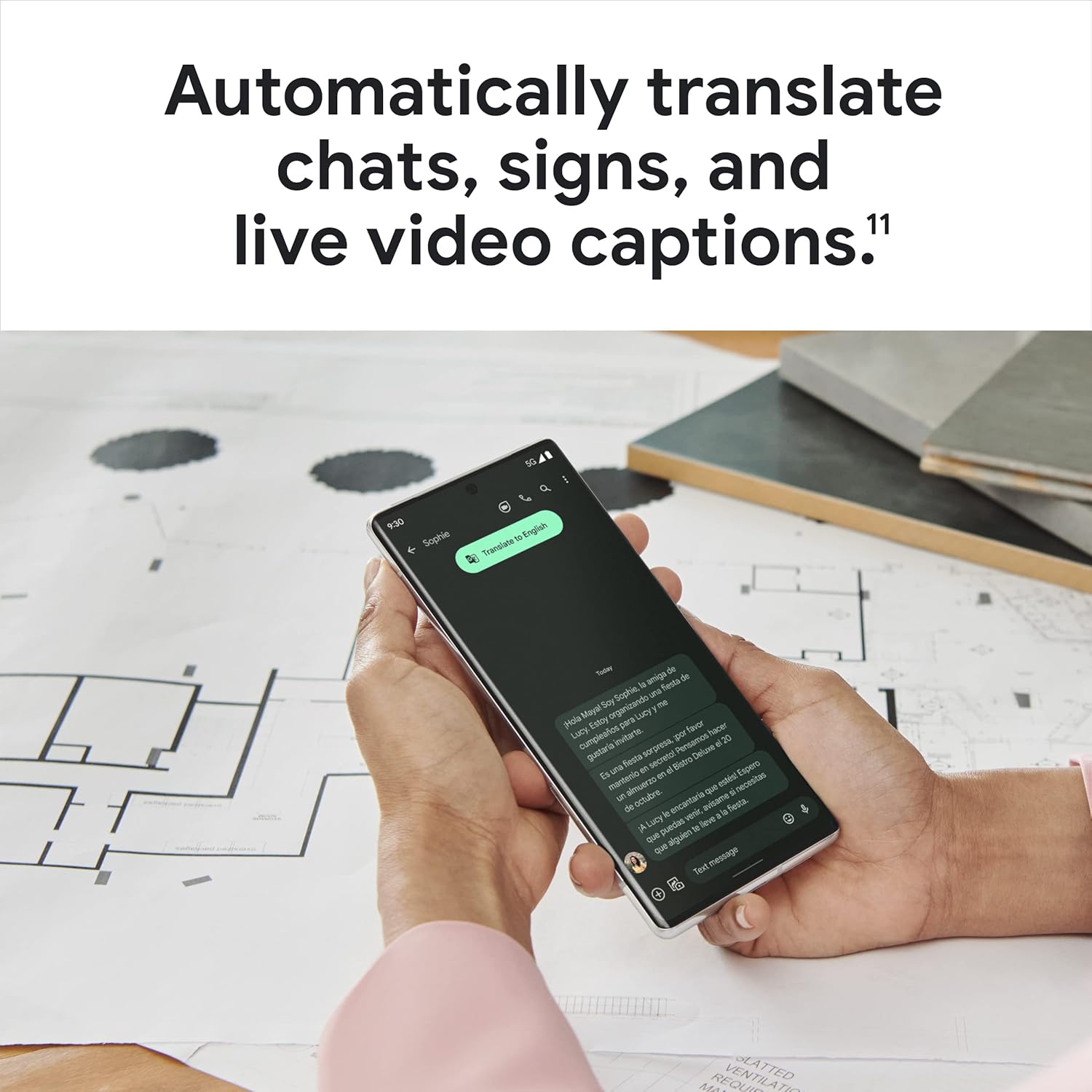
Figure 3.7: A user holding the Pixel 6 Pro, which displays a live translation of text on its screen, demonstrating the device's automatic translation capabilities for chats, signs, and live video captions.
3.8 Conectividad
The Pixel 6 Pro supports various connectivity options for seamless integration with other devices and services:
- USB: Para carga y transferencia de datos.
- Wifi: Para acceso inalámbrico a Internet.
- Bluetooth: Para conectar accesorios inalámbricos.
- NFC: Para pagos sin contacto y emparejamiento rápido.
4. Mantenimiento
4.1 Cuidados generales
- Keep your device away from extreme temperatures, direct sunlight, and excessive moisture.
- Avoid dropping the phone or exposing it to strong impacts.
- Use a screen protector and a protective case to minimize damage from drops and scratches.
4.2 Limpieza del dispositivo
To clean your Pixel 6 Pro:
- Apague el dispositivo antes de limpiarlo.
- Utilice un paño suave que no suelte pelusa (por ejemplo, un paño de microfibra) para limpiar suavemente la pantalla y el cuerpo.
- Para manchas difíciles, un poco deampEnjuague el paño con agua o un limpiador de pantallas específico para dispositivos electrónicos. Evite productos químicos agresivos o materiales abrasivos.
4.3 Actualizaciones de software
Regularly check for and install software updates. These updates often include performance improvements, new features, and critical security patches that keep your device running optimally and securely.
5. Solución de problemas
5.1 El dispositivo no se enciende
- Comprobar la batería: Asegúrese de que la batería esté cargada. Conecte el teléfono a un cargador durante al menos 15 a 30 minutos.
- Reinicio forzado: Mantenga presionado el botón de encendido durante aproximadamente 30 segundos.
- Check Charger/Cable: Try a different charger and USB-C cable to rule out faulty accessories.
5.2 Problemas de conectividad de red
- Reiniciar el teléfono: A menudo, un simple reinicio puede resolver problemas temporales de la red.
- Activar o desactivar el modo avión: Turn Airplane Mode on for a few seconds, then turn it off.
- Comprobar tarjeta SIM: Asegúrese de que la tarjeta SIM esté correctamente insertada.
- Reiniciar configuración de la red: Go to Settings > System > Reset options > Reset Wi-Fi, mobile & Bluetooth. Note: This will erase saved Wi-Fi passwords.
5.3 Las aplicaciones se bloquean o se congelan
- Forzar el cierre de la aplicación: Swipe up from the bottom of the screen, find the problematic app, and swipe it away to close.
- Borrar caché/datos: Go to Settings > Apps > See all apps, select the app, then Storage & cache > Clear cache. If the issue persists, try Clear storage (this will delete app data).
- Actualizar aplicación: Asegúrese de que la aplicación esté actualizada a su última versión desde Google Play Store.
- Reiniciar el teléfono: A full device restart can often resolve app-related issues.
5.4 La batería se agota rápidamente
- Identificar uso: Go to Settings > Battery > Battery usage to see which apps are consuming the most power.
- Ajustar el brillo de la pantalla: Reducir el brillo de la pantalla o habilitar el brillo adaptativo.
- Deshabilitar funciones no utilizadas: Turn off Wi-Fi, Bluetooth, GPS, or NFC when not in use.
- Actualización de la aplicación en segundo plano: Limit apps running in the background.
6. Especificaciones
| Característica | Especificación |
|---|---|
| Dimensiones del producto | 6.45 x 2.98 x 0.35 pulgadas |
| Peso del artículo | 7.4 onzas |
| Número de modelo del artículo | GA03149 |
| Sistema operativo | Androide 12.0 |
| RAM | 12 GB |
| Capacidad de almacenamiento de memoria | 128 GB |
| Tamaño de pantalla | 6.7 pulgadas |
| Resolución | 1080 x 2340 |
| Frecuencia de actualización | 120 Hz |
| Capacidad de la batería | 5003 mAh |
| Tiempo de conversación telefónica | 25.5 horas |
| Tiempo de carga | 119 minutes (with compatible 30W charger) |
| Tecnologías de comunicación inalámbrica | Bluetooth, NFC, Wi-Fi |
| Tecnologías de conectividad | Bluetooth, NFC, USB, Wi-Fi |
| Características especiales | High-Refresh-Rate Screen, Wireless Charging, Fast Charging, Powerful Camera System with Magic Eraser and Deblurring, Custom Google Tensor Processor |
| Color | Stormy Black |
| ¿Qué hay en la caja? | Cell Phone, USB Cable |
7. Garantía y soporte
Para obtener información detallada sobre la garantía y asistencia al cliente, consulte el soporte oficial de Google. website or the warranty card included with your purchase. Google provides comprehensive support resources, including FAQs, troubleshooting guides, and contact options for technical assistance.
Visit the official Google Support page: soporte.google.com/pixelphone


