1. Introducción
Gracias por la compraasing the Edifier X3s True Wireless Stereo Earbuds. This manual provides detailed instructions on how to set up, operate, and maintain your earbuds to ensure optimal performance and longevity. Please read this manual thoroughly before use.

Image: The Edifier X3s earbuds, one removed from the open charging case, showcasing su diseño compacto.
2. Contenido del paquete
- Edifier X3s True Wireless Earbuds (Left and Right)
- Estuche de carga
- Cable de carga USB
- Puntas para los oídos (varios tamaños)
- Manual de usuario
3. Configuración
3.1 Carga de los auriculares y el estuche
Antes del primer uso, cargue completamente los auriculares y el estuche de carga.
- Place the earbuds into the charging case. Ensure they are correctly seated; the indicator lights on the earbuds will illuminate.
- Conecte el estuche de carga a una fuente de alimentación mediante el cable USB incluido. La luz indicadora del estuche mostrará el estado de carga.
- A full charge for the charging case typically takes approximately 8 hours. The earbuds will charge automatically when placed in the case.
3.2 Emparejamiento Bluetooth
Follow these steps to pair your Edifier X3s earbuds with your device:
- Asegúrese de que los auriculares estén cargados.
- Abra el estuche de carga. Los auriculares entrarán automáticamente en modo de emparejamiento, lo cual se indicará mediante una luz intermitente.
- En su dispositivo (teléfono inteligente, tableta, etc.), habilite Bluetooth y busque nuevos dispositivos.
- Select "EDIFIER X3s" from the list of available devices.
- Once connected, a voice prompt will confirm successful pairing, and the earbud indicator lights will turn off.
Los auriculares son compatibles TrueWireless Mirroring, allowing seamless switching between single and dual earbud use.
4. Instrucciones de funcionamiento
4.1 Controles táctiles
The Edifier X3s earbuds feature intuitive touch controls on each earbud. Refer to the diagram below for specific functions:

Image: A diagram illustrating the touch control functions for the left and right Edifier X3s earbuds.
- Un solo toque (I/D): Play/Pause music, Answer an Incoming Call
- Doble toque (L): Canción anterior
- Doble toque (R): Próxima canción
- Triple toque (L): Switch On Game Mode
- Triple toque (R): Activar Asistente de Voz
- Long Press for 2-3 Seconds (L/R): Hang Up/Reject a Call
- Long Press (L): Bajar volumen
- Long Press (R): Subir volumen
4.2 modos de juego
To enhance your gaming experience, the Edifier X3s features a dedicated Game Mode. Triple-tap the izquierda earbud to activate or deactivate Game Mode. This mode optimizes audio-visual synchronization for gaming.
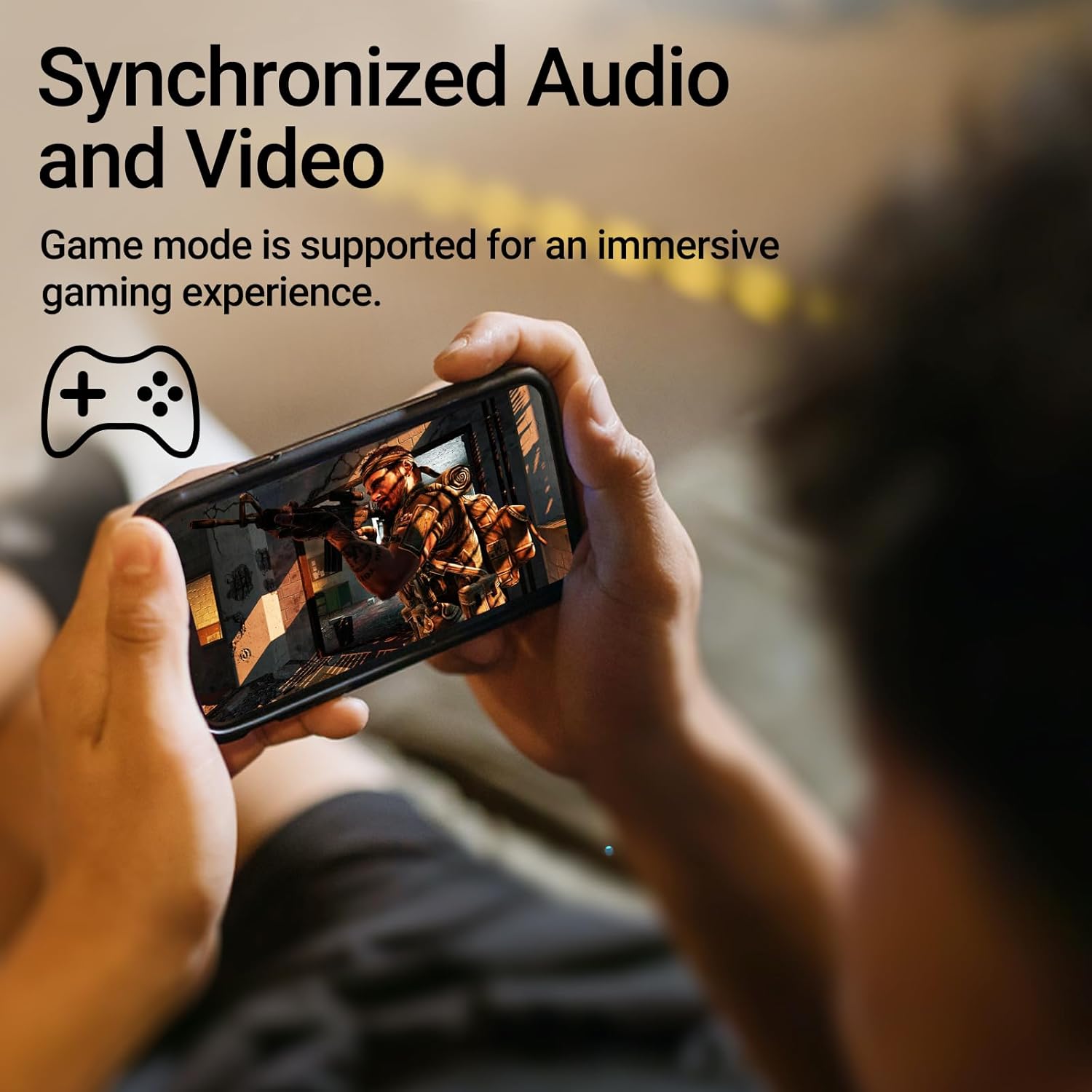
Image: A person holding a smartphone, playing a game, with the text "Synchronized Audio and Video. Game mode is supported for an immersive gaming experience."
5. Características principales
- True Wireless Experience: Bluetooth V5.2 with Qualcomm aptX audio decoding for high-fidelity sound and stable connections.
- Tiempo de juego extendido: Up to 28 hours of total playtime, with 8 hours from the earbuds and an additional 20 hours from the charging case.
- Superior Call Clarity: Equipped with Qualcomm cVc 8.0 noise cancellation technology for crystal clear calls.
- IP55 Rated Protection: Dust and water resistance make these earbuds suitable for outdoor activities and various weather conditions.
- Diseño cómodo y ligero: Weighing only 62g, these earbuds provide a secure and comfortable fit for extended wear.

Image: A close-up of the Qualcomm aptX QCC3040 chip, highlighting Bluetooth V5.2 with aptX audio decoding for lossless audio transmission.

Image: Hands holding the Edifier X3s charging case, with an overlay indicating "Up to 28 hours of playback in total: 8 hours (earbuds), 20 hours (charging case)".

Image: A graphic illustrating cVc 8.0 noise reduction, showing how ambient noise is reduced while voice remains clear during calls.

Image: A woman exercising, with an overlay indicating "Dust and water resistant. Feel free to use them at the gym or on a rainy day. IP55-Rated."
6. Mantenimiento
6.1 Limpieza
- Limpie periódicamente los auriculares y el estuche de carga con un paño suave, seco y sin pelusa.
- Retire las almohadillas y límpielas con agua y jabón suave si es necesario. Asegúrese de que estén completamente secas antes de volver a colocarlas.
- Utilice un hisopo de algodón para limpiar suavemente los contactos de carga de los auriculares y del estuche.
6.2 Almacenamiento
- Cuando no los utilice, guarde los auriculares en su estuche de carga para protegerlos y mantenerlos cargados.
- Conservar en un lugar fresco y seco, alejado de temperaturas extremas y de la luz solar directa.
6.3 Resistencia al agua y al polvo
The earbuds are IP55 rated, meaning they are protected against dust ingress and low-pressure water jets from any direction. While they can withstand sweat and light rain, they are not designed for submersion in water. Do not use them while swimming or showering.
7. Solución de problemas
- Los auriculares no se emparejan: Asegúrate de que ambos auriculares estén en el estuche de carga y abre la tapa para iniciar el modo de emparejamiento. Revisa la configuración de Bluetooth de tu dispositivo e intenta volver a conectarlo.
- Solo funciona un auricular: Vuelve a colocar ambos auriculares en el estuche de carga, cierra la tapa, espera unos segundos y vuelve a abrirla. Esto suele resincronizarlos.
- Sin sonido: Check the volume level on both your device and the earbuds. Ensure the earbuds are properly paired and connected.
- Problemas de carga: Verify that the charging cable is securely connected and the power source is active. Clean the charging contacts on the earbuds and case.
- Mala calidad de llamada: Ensure the earbuds are clean and positioned correctly in your ears. Check for any obstructions to the microphone.
8. Especificaciones
- Modelo: EDIFIER X3S
- Conectividad: Inalámbrico (Bluetooth V5.2)
- Descodificación de audio: Qualcomm aptX
- Cancelación de ruido: Qualcomm cVc 8.0 (for calls)
- Recreo: Earbuds: 8 hours, Total with Charging Case: 28 hours
- Tiempo de carga (estuche): Aproximadamente 8 horas
- Resistencia al agua y al polvo: Clasificación IP55
- Método de control: Tocar
- Peso: 62 gramos (total)
- Material: Policarbonato (PC), elastómero termoplástico (TPE)
- Dispositivos compatibles: Smartphones, Gaming Devices, Tablets
9. Garantía y soporte
For warranty information and customer support, please refer to the warranty card included with your product or visit the official Edifier webSitio. Conserve su comprobante de compra para cualquier reclamación de garantía.


