1. Introducción
This manual provides essential information for the safe and efficient operation, installation, and maintenance of your Globe Electric Smart Pendant Lighting. Please read this manual thoroughly before installation and retain it for future reference.
The Globe Electric Smart Pendant Light (Model 50583) is a modern, matte brass finish lighting fixture designed for indoor use. It features integrated LED lighting with tunable white and RGB color-changing capabilities, offering 2000 lumens of brightness at 30 watts. This smart pendant light works exclusively with Amazon Alexa for voice and app control, connecting via 2.4GHz Wi-Fi.
2. Información de seguridad
Always follow basic safety precautions when installing or using this product to reduce the risk of fire, electric shock, or personal injury.
- Ensure power is OFF at the circuit breaker before installation, cleaning, or maintenance.
- La instalación debe ser realizada por un electricista calificado de acuerdo con los códigos eléctricos locales.
- No modifique el producto de ninguna manera. Las modificaciones no autorizadas pueden anular la garantía y generar riesgos de seguridad.
- Úselo solo con volumen compatible.tage (120 voltios).
- This product is for indoor use only. Do not expose to water or damp condiciones.
- The integrated LED light source is non-replaceable. Do not attempt to disassemble or replace the LEDs.
3. Contenido del paquete
Verifique que todos los componentes estén presentes antes de comenzar la instalación:
- 1 x Globe Electric Smart Pendant Lighting fixture
- Hardware para instalación
- Instrucciones de instalación (este manual)
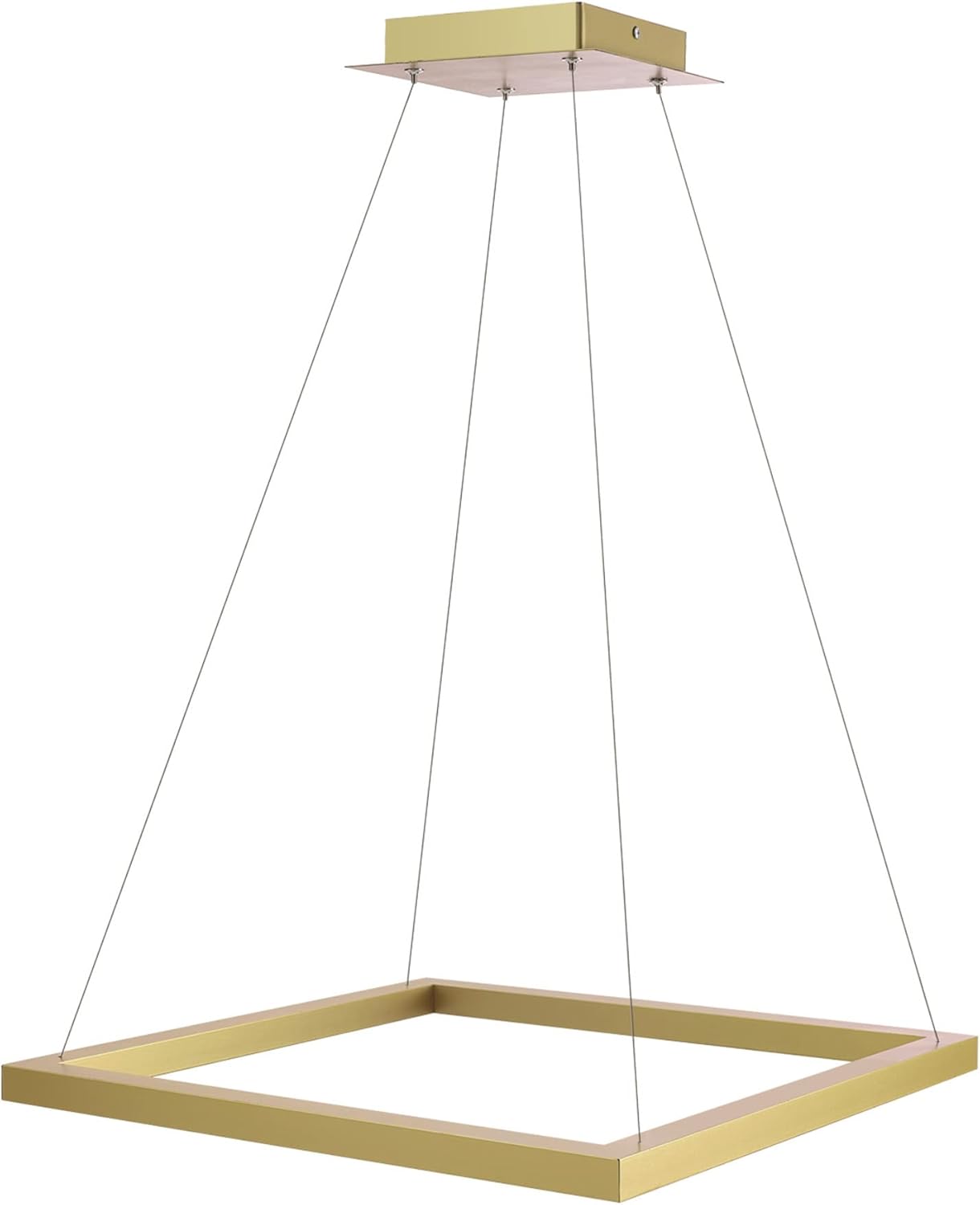
Figura 3.1: Producto principal view of the Smart Pendant Light.
4. Configuración
4.1 Instalación física
The Globe Electric Smart Pendant Light is designed for ceiling mount installation. Ensure the power is off at the circuit breaker before proceeding.
- Desempaque con cuidado todos los componentes de la caja.
- Follow the detailed wiring instructions provided in the included hardware kit to connect the fixture to your electrical system.
- Securely mount the fixture to the ceiling using the provided hardware. The pendant height is adjustable up to 70 inches.
- Restablezca la energía en el disyuntor.

Figura 4.1: Dimensiones del producto para la planificación de la instalación.
4.2 Smart Device Pairing (Alexa Exclusive)
This Smart Pendant Light works exclusively with Amazon Alexa and requires a 2.4GHz Wi-Fi connection. No hubs or third-party apps are required.
Frustration-Free Setup (Recommended)
If you selected "Link device to your Amazon account to simplify setup" during checkout, your device will automatically pair upon power-up.
- Install the smart pendant light and power it on.
- Open the Amazon Alexa app on your smartphone or tablet.
- The Alexa app should notify you with "New device found" or "First light found". Confirm the device.
- Your device is now connected and ready for use.

Figure 4.2: Visual guide for simple Alexa setup.
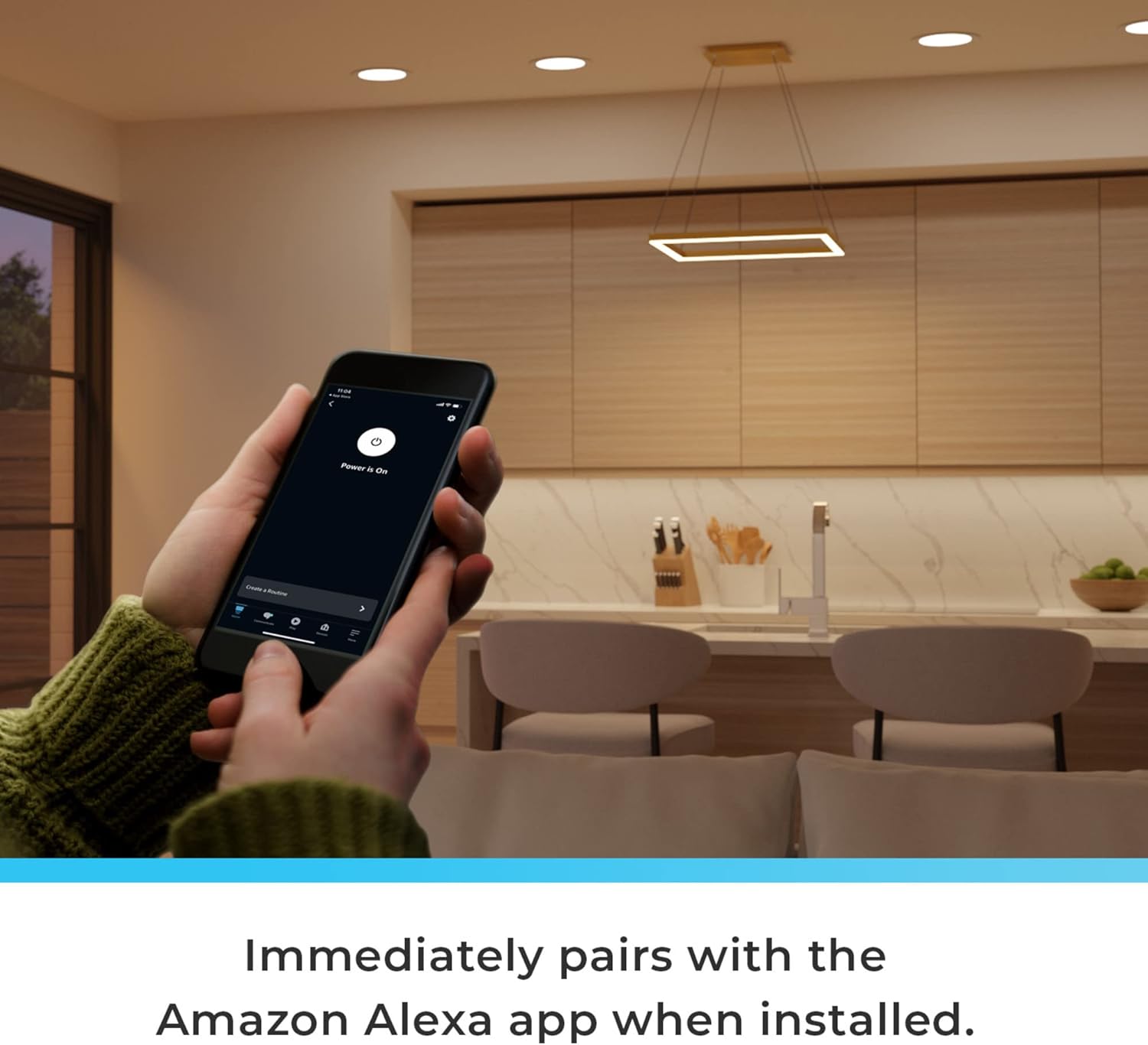
Figure 4.3: The pendant light immediately pairs with the Amazon Alexa app upon installation.
Manual Pairing (If Frustration-Free Setup is not used or fails)
If the device does not automatically pair, or if you have changed your Wi-Fi settings, you can manually add the device:
- Ensure the Smart Pendant Light is powered on.
- Abra la aplicación Amazon Alexa.
- Tap the "Devices" icon.
- Toque el ícono "+" en la esquina superior derecha para agregar un nuevo dispositivo.
- Follow the on-screen prompts to discover and connect your Globe Electric Smart Pendant Light.
Video 4.1: How to Connect Your Globe Smart Pendant Light to Alexa. This video demonstrates the step-by-step process of connecting the smart pendant light to your Amazon Alexa account, including both automatic and manual pairing methods.
5. Instrucciones de funcionamiento
Once connected, you can control your Smart Pendant Light using voice commands or the Amazon Alexa app.
5.1 Control de voz
Use your Amazon Echo device to control the light hands-free:
- "Alexa, enciende [Nombre de la luz]".
- "Alexa, apaga [Nombre de la luz]".
- "Alexa, establece [Nombre de la luz] al 50 % de brillo".
- "Alexa, cambia [Nombre de la luz] a azul".
- "Alexa, configura [Nombre de la luz] en blanco cálido".

Figure 5.1: Seamless pairing with Alexa virtual assistant for hands-free voice control.
5.2 App Control (Amazon Alexa App)
The Alexa app provides full control over your light's features:
- Encendido/apagado: Enciende o apaga la luz.
- Brillo: Adjust the light intensity (Dimmable).
- Cambio de color (RGB): Choose from 16 million colors to create different moods.
- Blanco sintonizable: Adjust color temperature from 2000K (warm) to 5000K (cool white).
- Rutinas: Create automated schedules for your light (e.g., turn on at sunset, turn off at bedtime).
- Grupos: Group multiple smart lights together for synchronized control.

Figure 5.2: Use the Amazon Alexa app to control your lighting with a full range of vibrant colors and vivid whites.
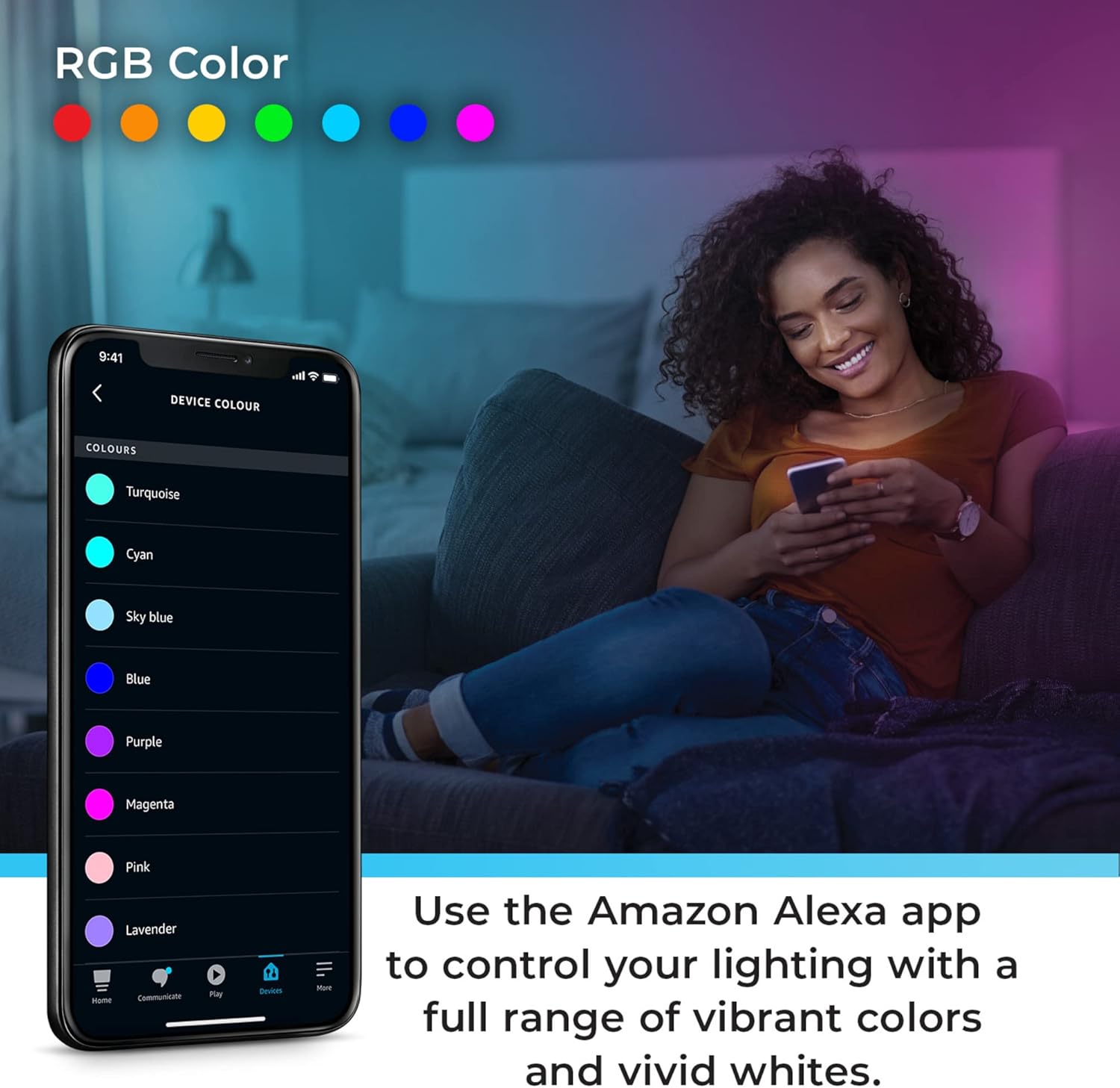
Figure 5.3: Using Moods, select lighting presets that cycle through colors with varying effects.

Figure 5.4: Create routines to fit your lifestyle using the Alexa app.
Video 5.1: Works with Alexa Smart Pendant Light Product Highlights. This video showcases the key features of the smart pendant light, including color changing, tunable white, and voice control capabilities through Alexa.
6. Mantenimiento
To ensure the longevity and optimal performance of your Smart Pendant Light, follow these maintenance guidelines:
- Limpieza: Desconecte la alimentación antes de limpiar. Utilice un paño suave y seco para limpiar la lámpara. No utilice limpiadores abrasivos ni disolventes.
- Fuente de luz: La fuente de luz LED está integrada y no es extraíble. No intente reemplazar los LED.
- Solución de problemas: Refer to the Troubleshooting section for common issues.
7. Solución de problemas
If you experience issues with your Smart Pendant Light, consult the table below. For further assistance, refer to the official Troubleshooting Guide PDF linked in the product information or contact customer support.
| Problema | Posible causa | Solución |
|---|---|---|
| La luz no se enciende. | No power; loose wiring; device not paired. | Check circuit breaker. Verify wiring connections. Re-attempt pairing with Alexa app. |
| No se puede conectar a Alexa. | Incorrect Wi-Fi band; Wi-Fi signal weak; device not in pairing mode. | Ensure your Wi-Fi is 2.4GHz. Move closer to router. Follow manual pairing steps in Alexa app. |
| Los comandos de voz no funcionan. | Alexa device not hearing commands; light not recognized by Alexa. | Speak clearly to your Alexa device. Check Alexa app to ensure light is listed and online. |
| La luz parpadea o cambia de color inesperadamente. | Power fluctuations; software glitch. | Turn off power at the breaker for 30 seconds, then restore. Check for Alexa app updates. |
Para obtener una guía completa de solución de problemas, consulte el documento PDF oficial: Guía de solución de problemas (PDF).
8. Especificaciones
| Característica | Detalle |
|---|---|
| Marca | GLOBO |
| Número de modelo | 50583 |
| Color | Brass (Matte Brass Finish) |
| Material | Metal |
| Dimensiones del producto | 19.69"L x 16.69"W x 70"H (adjustable) |
| Tipo de fuente de luz | LED integrado |
| Quétage | 30 vatios |
| Brillo | 2000 lúmenes |
| Volumentage | 120 voltios |
| Color claro | Tunable White (2000K-5000K), RGB Color Changing |
| Método de control | App (Amazon Alexa), Voice (Amazon Alexa) |
| Protocolo de conectividad | Wi-Fi (solo 2.4 GHz) |
| Uso en interiores y exteriores | Interior |
| Requiere ensamblaje | Sí |
| Código Postal | 058219505830 |
9. Garantía y soporte
This Globe Electric Smart Pendant Light comes with a Garantía limitada del fabricante de 3 año.
For warranty claims, technical support, or additional information, please visit the official GLOBE Store on Amazon or contact Globe Electric customer service directly.
Recursos en línea:
- GLOBE Store: Visit the GLOBE Store
- Guía de solución de problemas (PDF): Descargar PDF


