Introducción
The Google Pixel 7 Pro is a powerful 5G Android smartphone designed for an exceptional user experience. Powered by the Google Tensor G2, it offers fast and secure performance, an immersive display, and extended battery life. This manual provides essential information for setting up, operating, maintaining, and troubleshooting your device.
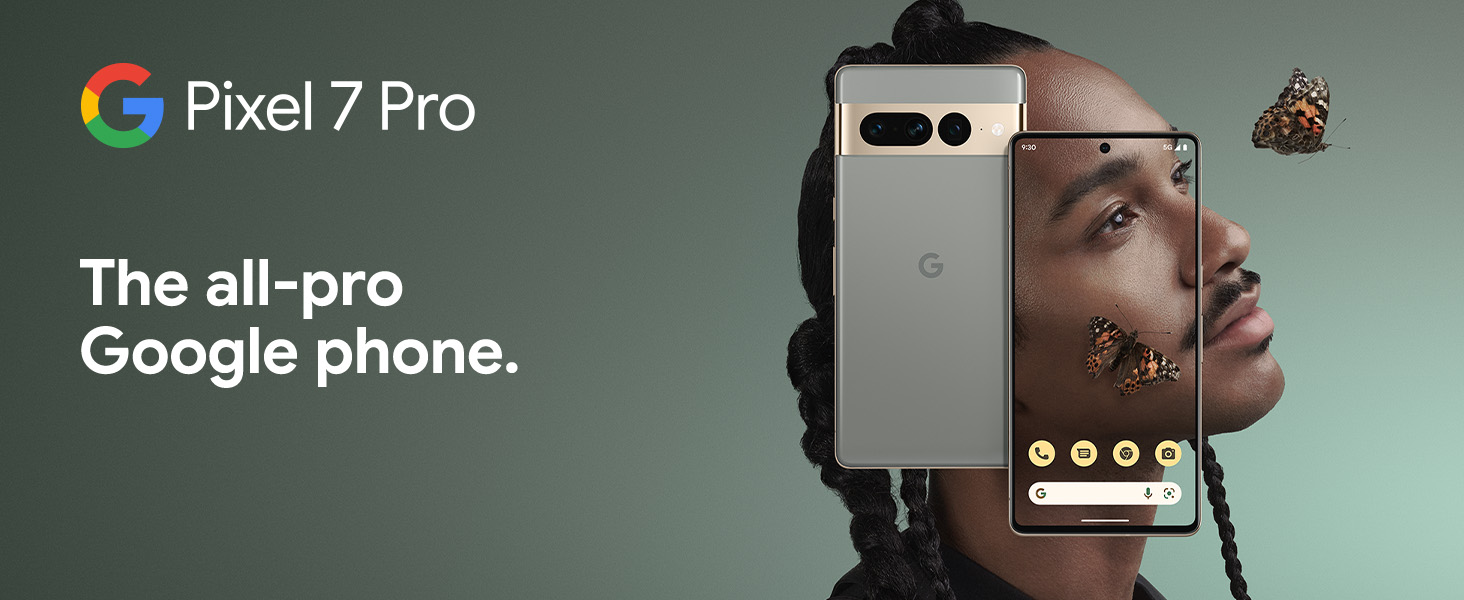
¿Qué hay en la caja?
Upon unboxing your Google Pixel 7 Pro, you should find the following items:
- Cell Phone (Google Pixel 7 Pro)
- Cable USB (para carga y transferencia de datos)
- SIM Tray Ejector (for accessing the SIM card slot)
- Quick Switch Adapter (for easy data transfer from your old phone)
- Quick Start Guide (a brief setup guide)

Configuración
Follow these steps to set up your new Google Pixel 7 Pro:
- Insertar tarjeta SIM: Use the provided SIM tray ejector tool to open the SIM card slot on the side of the phone. Insert your nano-SIM card into the tray and reinsert it into the phone.
- Encendido: Mantenga presionado el botón de encendido en el costado del dispositivo hasta que aparezca el logotipo de Google.
- Configuración inicial: Follow the on-screen prompts to select your language, connect to Wi-Fi, and sign in with your Google account.
- Transferencia de datos: If you are transferring data from an old device, use the Quick Switch Adapter and follow the instructions. Note that some third-party apps and data may not transfer automatically. For more information, visit g.co/pixel/copydatahelp.
- Desbloqueo de huella digital: Set up the on-screen fingerprint sensor for secure and convenient unlocking.

Operar su dispositivo
Características principales
- Procesador Google Tensor G2: Experience fast and efficient performance with improved AI capabilities for smarter features.
- Conectividad 5G: Enjoy high-speed internet access on major carrier networks (requires a 5G data plan, sold separately).
- Batería adaptable: Designed to last over 24 hours with typical usage, extending up to 72 hours with Extreme Battery Saver mode.
- Smooth 120Hz Display: The 6.7-inch display intelligently adjusts its refresh rate for smooth scrolling and responsive interactions.
- Titan M2 Security Chip: Multiple layers of hardware security protect your personal information and data.
- Google Assistant and Find My Device: Utilize hands-free voice commands and easily locate your device if lost.
- Durable and Water Resistant Design: Built to withstand daily use, with an IP68 rating for dust and water resistance.
Características de la cámara
The Pixel 7 Pro features an advanced triple camera system, enabling you to capture stunning photos and videos in various conditions:
- 50MP Main Sensor: For high-resolution, detailed images.
- 12MP Ultrawide Lens: Capture broader scenes with a wider field of view.
- Teleobjetivo de 48 MP: Offers 4x optical zoom for clear, detailed shots from a distance.
Advanced features include Macro Focus for extreme close-ups, Cinematic Blur for professional-looking videos, and improved low-light photography.

Resistencia al agua y al polvo (IP68)
Your Pixel 7 Pro is designed to be water and dust resistant, with an IP68 rating under IEC standard 60529. This means it can withstand submersion in up to 1.5 meters of fresh water for up to 30 minutes. While durable, water and dust resistance are not permanent conditions and may diminish over time with normal wear and tear. Avoid intentional submersion or exposure to harsh chemicals.

Mantenimiento
Para garantizar la longevidad y el rendimiento óptimo de su Google Pixel 7 Pro, siga estas pautas de mantenimiento:
- Limpieza: Utilice un paño suave y sin pelusa para limpiar la pantalla y el cuerpo del teléfono. Para manchas difíciles, limpie ligeramenteampen the cloth with water. Avoid abrasive materials or harsh cleaning agents.
- Protección: Considere usar una funda protectora y un protector de pantalla para protegerlo contra rayones y caídas accidentales.
- Temperatura: Evite exponer su teléfono a temperaturas extremas (muy caliente o muy frío) ya que esto puede afectar la vida útil de la batería y los componentes internos.
- Cargando: Use only Google-approved chargers and cables to prevent damage to the battery and charging port.
- Actualizaciones de software: Keep your device's software updated to the latest version to benefit from security patches, bug fixes, and new features.
Solución de problemas
If you encounter issues with your Pixel 7 Pro, try the following common troubleshooting steps:
- Reiniciar el dispositivo: A simple restart can often resolve minor software glitches. Press and hold the power button, then tap "Restart."
- Buscar actualizaciones: Ensure your Android operating system is up to date. Go to Settings > System > System update.
- Borrar caché de la aplicación: If a specific app is causing issues, try clearing its cache. Go to Settings > Apps > See all apps, select the app, then Storage & cache > Clear cache.
- Modo seguro: Booting into Safe Mode can help identify if a third-party app is causing problems. Press and hold the power button, then touch and hold "Power off." Tap "OK" when prompted to restart in Safe Mode.
- Restablecimiento de fábrica: Como último recurso, puedes realizar un restablecimiento de fábrica. Advertencia: Esto borrará todos los datos de tu teléfono. Haz una copia de seguridad de los datos importantes antes de continuar. Vaya a Configuración > Sistema > Opciones de restablecimiento > Borrar todos los datos (restablecimiento de fábrica).
- Contactar con soporte: If the issue persists, contact Google Support for further assistance.
Presupuesto
Detailed technical specifications for the Google Pixel 7 Pro (Obsidian, 256GB model):
| Característica | Especificación |
|---|---|
| Dimensiones del producto | 6.42 x 3.02 x 0.34 pulgadas |
| Peso del artículo | 7.4 onzas |
| ASIN | B0BCQVFQHD |
| Número de modelo del artículo | GE2AE |
| Baterías | Se requieren 1 batería de iones de litio (incluida). |
| Sistema operativo | Androide 13.0 |
| RAM | 12 GB |
| Capacidad de almacenamiento de memoria | 256 GB |
| Tecnologías de comunicación inalámbrica | Bluetooth |
| Tecnologías de conectividad | Bluetooth, NFC, Wi-Fi |
| GPS | Verdadero |
| Entrada de interfaz humana | Pantalla táctil |
| Resolución del escáner | 2560 x 1440 |
| Otras características de la cámara | Delantero trasero |
| Conector de audio | Sin conector para auriculares |
| Factor de forma | Bar |
| Color | Obsidiana |
| Clasificación de potencia de la batería | 4926 mAh |
| Tiempo de conversación telefónica | 24 horas |
| Fabricante | |
| Fecha de primera disponibilidad | 6 de octubre de 2022 |
| Tamaño de pantalla de pie | 6.7 pulgadas |
| Velocidad de la CPU | 2.85 GHz |
| Frecuencia de actualización | 120 Hz |
| Nombre del modelo | Pixel 7 Pro |
| Operador inalámbrico | Desbloqueado para todos los operadores |
Garantía y soporte
Your Google Pixel 7 Pro comes with a Garantía del fabricante de 1 año, providing comprehensive coverage for peace of mind.
For additional support, frequently asked questions, or to contact customer service, please visit the official Google Support website or the Google Store:


