1. Introducción
This instruction manual provides detailed guidance for the assembly, operation, and maintenance of your Fenge 23.6 Inch Monitor Stand. Please read this manual thoroughly before use to ensure proper setup and to maximize the benefits of the product.
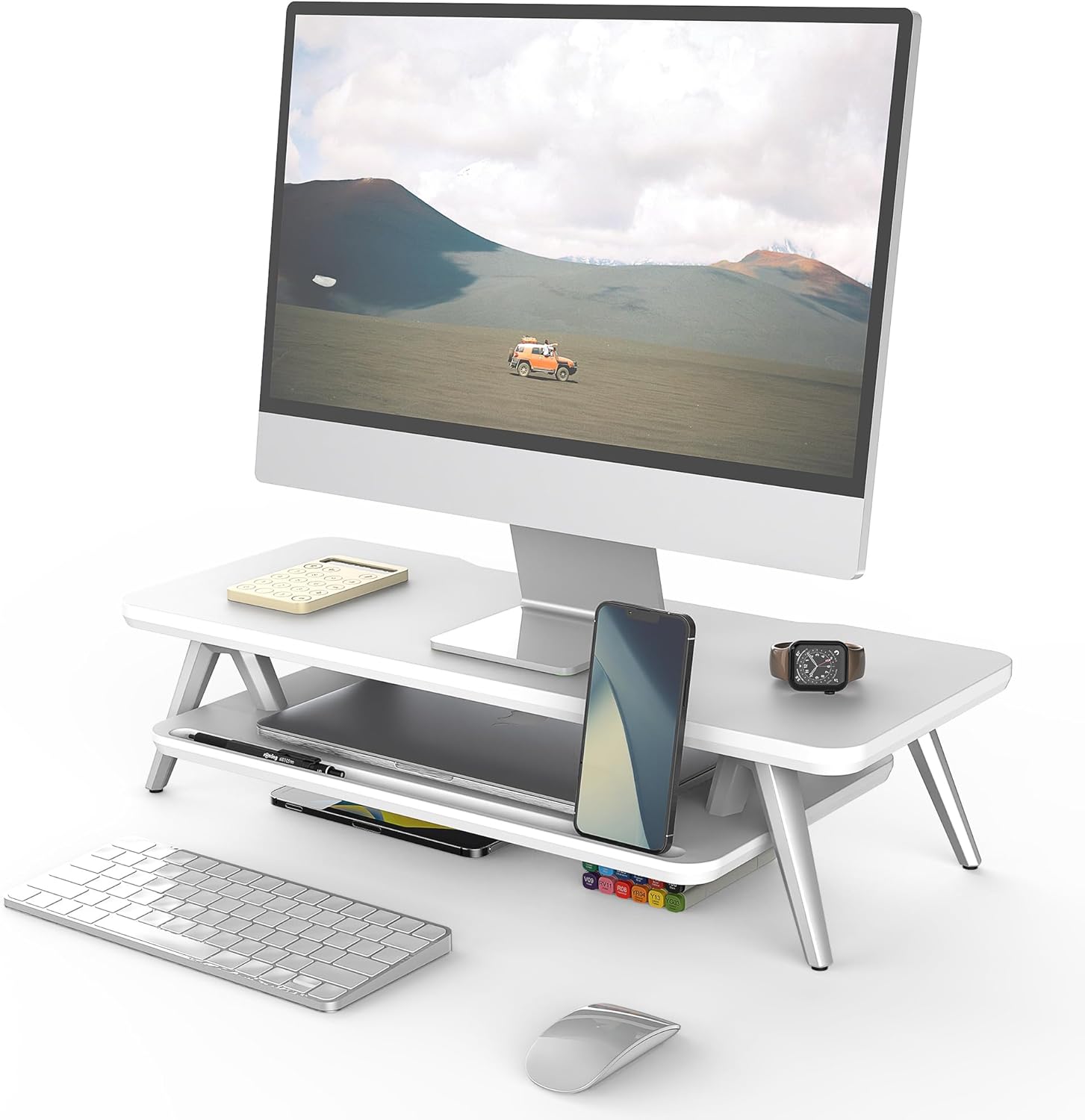
Image 1: Fenge 23.6 Inch Monitor Stand in a typical desk setup.
The Fenge Monitor Stand is designed to elevate your monitor to an ergonomic viewing height, reducing neck and shoulder strain. It also offers integrated storage solutions and cable management features to help maintain an organized workspace.
2. Información importante de seguridad
- Asegúrese de que todos los componentes estén bien fijados antes de colocar cualquier elemento en el soporte.
- No exceda la capacidad de carga máxima de 66 libras (30 kg).
- Mantenga las piezas pequeñas fuera del alcance de los niños para evitar riesgos de asfixia.
- Evite exponer el soporte a la humedad excesiva o a la luz solar directa.
- Coloque el soporte sobre una superficie estable y nivelada para evitar que se vuelque.
3. Contenido del paquete
Verifique que todos los siguientes componentes estén incluidos en su paquete:
- Panel superior (1x)
- Bottom Shelf (1x)
- Aluminum Feet (4x)
- Rubber Pads (4x)
- Herrajes de montaje (tornillos, llave Allen)
- Manual de instrucciones (este documento)
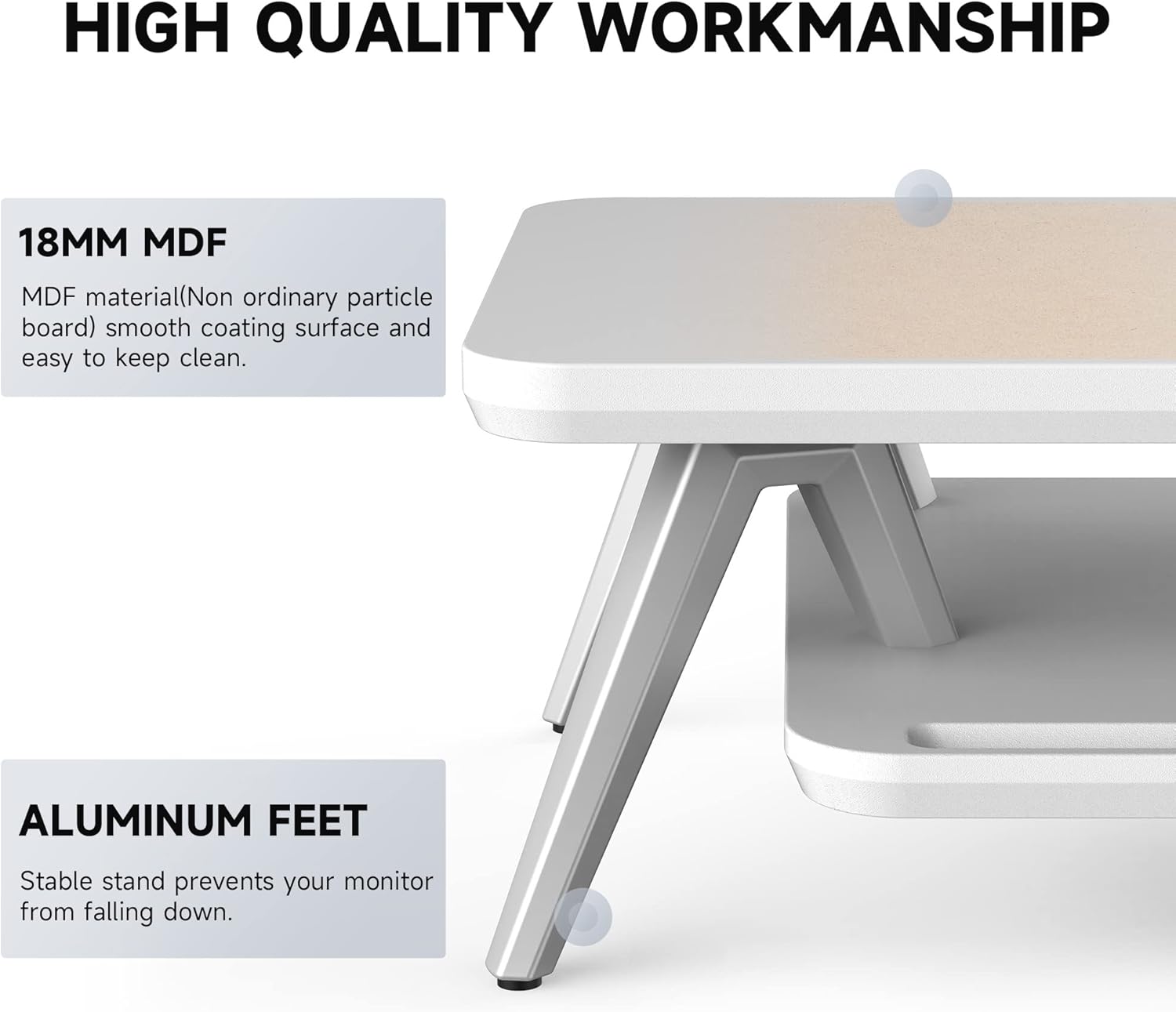
Image 2: Components of the Fenge Monitor Stand, highlighting the MDF panel and aluminum feet.
4. Instrucciones de montaje
Assembly typically takes 5-8 minutes. Follow these steps:
- Attach the Aluminum Feet: Securely fasten the four aluminum feet to the underside of the top panel using the provided screws and Allen wrench. Ensure they are tightly secured for stability.
- Install the Bottom Shelf: Slide the bottom shelf into the designated slots on the aluminum feet. The shelf should fit snugly.
- Aplicar almohadillas de goma: Attach the four rubber pads to the bottom of the aluminum feet. These pads prevent scratching your desktop and enhance stability.
- Comprobación final: Verify that all connections are secure and the stand is stable before placing your monitor or other items on it.
Video 1: This video demonstrates the assembly process and highlights the functional design of the Fenge monitor stand.
5. Uso y características
5.1 Diseño ergonómico
The Fenge Monitor Stand elevates your screen by 5.7 inches, promoting a comfortable viewing angle and helping to prevent neck and shoulder discomfort during prolonged use.

Image 3: Visual representation of ergonomic benefits, including desktop organization, monitor elevation, and cervical spine health.
5.2 2-Tier Desktop Organizer
The stand features a two-tier design with high-capacity compartments, allowing you to store office accessories, notebooks, and other supplies, keeping your desktop tidy and clutter-free.

Imagen 4: Detallada view of the storage compartments, ideal for organizing desk essentials.
5.3 Gestión de cables
Integrated cable management slots help route and organize your cords, preventing tangles and maintaining a clean aesthetic.

Image 5: Illustration of the cable management system, keeping cords organized and out of sight.
5.4 Phone/Tablet Slot
A dedicated slot is provided for holding your smartphone or tablet, keeping it upright and easily accessible while you work.

Image 6: The monitor stand featuring its M-type stable structure, phone/tablet slot, and cable management trough.
Video 2: This video showcases the Fenge monitor stand in various desk setups, demonstrating its organizational capabilities and aesthetic appeal.
6. Cuidado y mantenimiento
- Limpieza: Limpie el soporte con un paño suave.amp paño. Evite limpiadores abrasivos o productos químicos agresivos que puedan dañar el acabado.
- Limpiar el polvo: Regularly dust the surface with a dry, lint-free cloth.
- Inspección: Revise periódicamente todos los tornillos y conexiones para asegurarse de que estén bien apretados. Apriételos si es necesario.
7. Solución de problemas
- El soporte es inestable:
- Asegúrese de que todos los tornillos estén apretados.
- Verifique que el soporte esté colocado sobre una superficie plana y estable.
- Check that the rubber pads are correctly installed on all four feet.
- Dificultad de montaje:
- Refer to Section 4: Assembly Instructions and review the steps carefully.
- Asegúrese de utilizar el hardware correcto para cada paso.
- Si los problemas persisten, comuníquese con atención al cliente.
8. Especificaciones
| Característica | Detalle |
|---|---|
| Marca | Fenge |
| Modelo | 23.6 Inch Monitor Stand |
| Material | Madera de ingeniería (MDF) |
| Color | Blanco |
| Dimensiones del producto (L x An x Al) | 23.6 x 11 x 5.7 pulgadas |
| Peso del artículo | 11 libras (5 kg) |
| Capacidad de carga | 66 libras (30 kg) |
| Requiere ensamblaje | Sí |
| Tipo de acabado | Lacado |
| Código Postal | 694743169188 |

Image 7: Technical drawing showing the dimensions and load capacity of the monitor stand.
9. Garantía y soporte
For warranty information or customer support, please refer to the product packaging or contact Fenge customer service directly. Keep your purchase receipt for any warranty claims.


