1. Introducción
This manual provides essential information for setting up, operating, maintaining, and troubleshooting your Acer Aspire 3 A315-24P-R2SC Slim Laptop. Designed for practical multitasking and productivity, this laptop features the AMD Ryzen™ 7000 Series Processor and a 15.6" Full HD IPS display. Please read this manual thoroughly to ensure optimal performance and longevity of your device.

Figure 1: Acer Aspire 3 A315-24P-R2SC Slim Laptop
2. ¿Qué hay en la caja?
Verifique que todos los artículos estén presentes en el paquete:
- Acer Aspire Laptop
- Adaptador de CA
- Cable de alimentación
3. Producto terminadoview
3.1. Diseño y exhibición
The Aspire 3 features a thin and light design, making it portable for various environments. The 15.6" Full HD IPS display offers sharp details and crisp colors with narrow bezels for an enhanced viewExperiencia de aprendizaje.
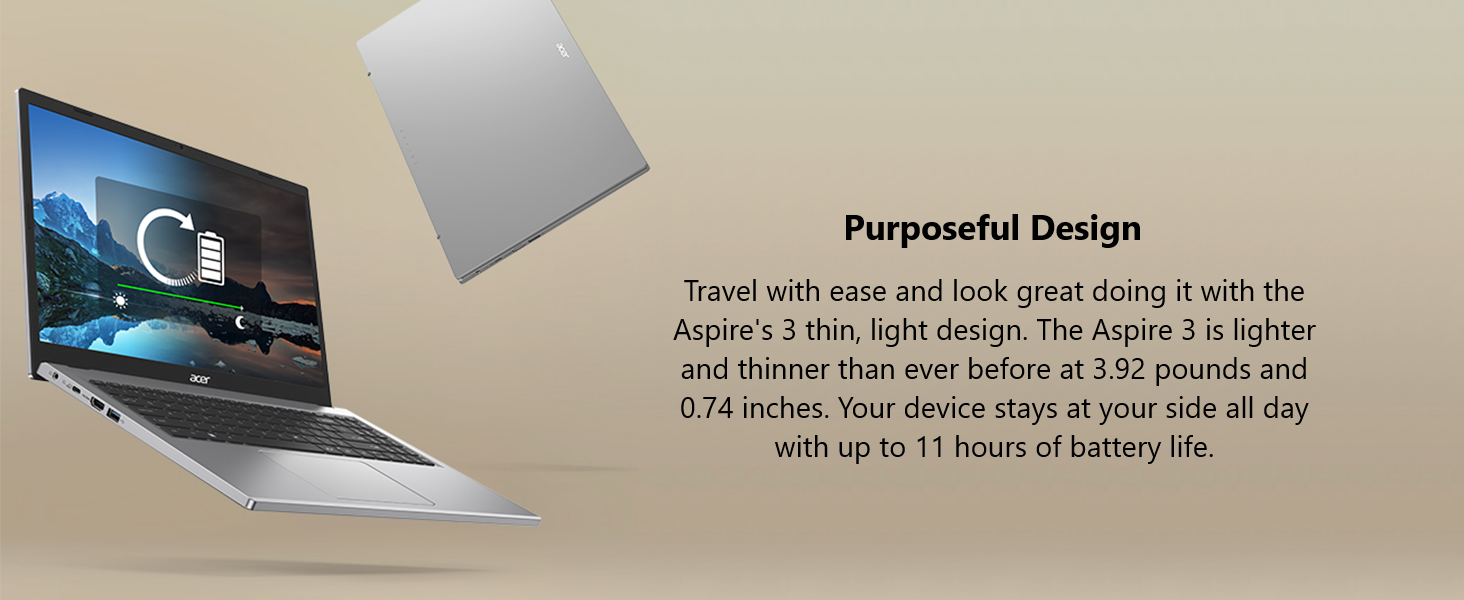
Figure 2: 15.6" Full HD IPS Display
3.2. Puertos y conectividad
La computadora portátil está equipada con varios puertos para conectar periféricos y pantallas externas.
- 1 puerto USB tipo C (USB 3.2 Gen 2, hasta 10 Gbps, DisplayPort a través de USB tipo C y carga USB)
- 2 puertos USB 3.2 Gen 1
- 1 puerto HDMI 2.1 con soporte HDCP
- 1 x conector para auriculares/altavoz/salida de línea
- Entrada de CC para adaptador de CA

Figura 3: Puertos del lado izquierdo

Figura 4: Puertos del lado derecho
3.3. Thermal System
The improved thermal system, with a 78% increase in fan surface area, provides an additional 17% thermal capacity. This allows for longer, more efficient work sessions without being plugged in.

Figure 5: Improved Thermal Design
3.4. Webcámara y audio
The HD front-facing camera utilizes Acer’s TNR (Temporal Noise Reduction) technology for high-quality imagery in low-light conditions. Acer PurifiedVoice technology with AI Noise Reduction filters out background sound for clear communication during online meetings.
4. Configuración inicial
- Desembalaje de la computadora portátil: Retire con cuidado la computadora portátil y todos los accesorios del embalaje.
- Conecte la electricidad: Plug the AC adapter into the laptop's DC-in port and then into a power outlet.
- Encendido: Abra la tapa del portátil y presione el botón de encendido. El portátil iniciará su secuencia de arranque inicial.
- Configuración de Windows: Siga las instrucciones en pantalla para completar la configuración de Windows 11 Home, incluido el idioma, la región, la conexión de red y la creación de la cuenta de usuario.
5. Instrucciones de funcionamiento
5.1. Rendimiento y multitarea
The Acer Aspire 3 is powered by the AMD Ryzen 5 7520U Quad-Core Processor with AMD Radeon Graphics, 8GB LPDDR5 RAM, and a 256GB NVMe SSD. This configuration ensures smooth performance for everyday tasks, productivity applications, and light multimedia use.
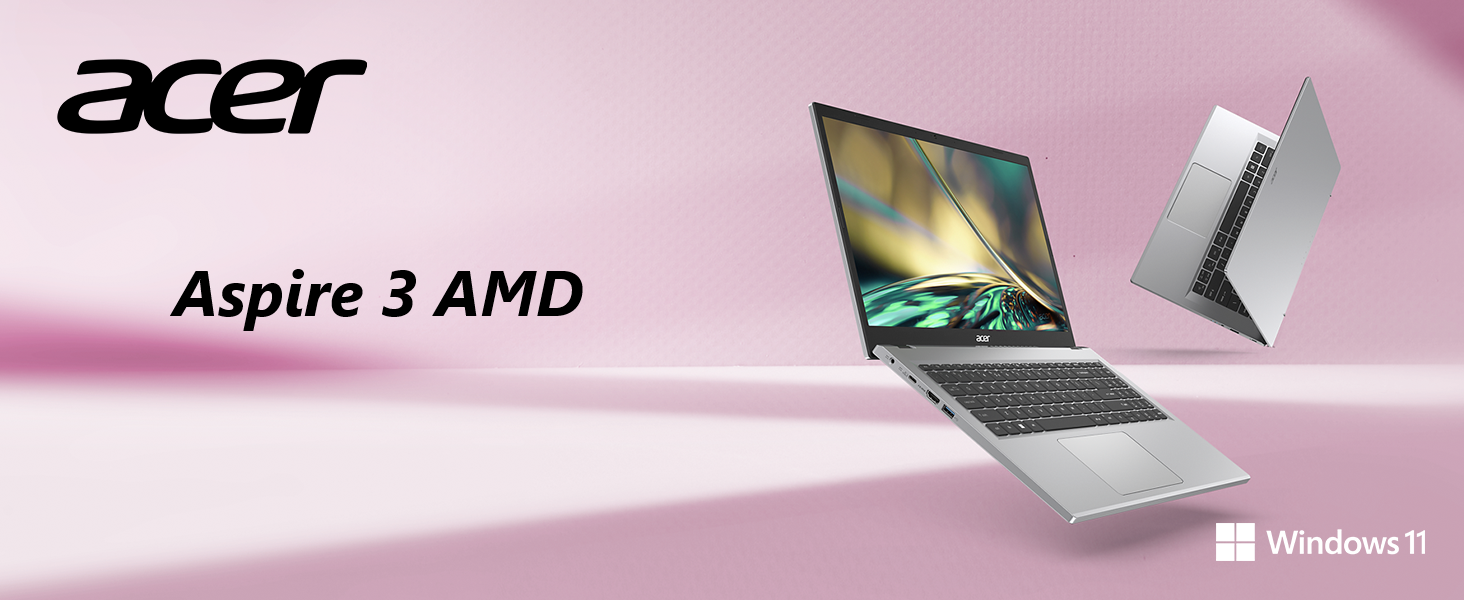
Figure 6: AMD Ryzen Processor and Radeon Graphics
5.2. Conectividad inalámbrica
Enjoy a smooth internet experience with Wireless Wi-Fi 5 (802.11ac), offering connection speeds up to three times faster than previous generations. Bluetooth connectivity is also available for wireless peripherals.

Figure 7: Wireless Wi-Fi 5 Connectivity
5.3. Características de Windows 11
The laptop comes with Windows 11 Home, offering a modern interface and enhanced features for productivity and organization.

Figure 8: Windows 11 Home Interface
5.4. Vídeos oficiales del producto
Acer Aspire 3 A315-24P Product Overview
Acer Aspire 3 A315-24P and A315-24PT 360 Degree View
Microsoft 365 - Powerful Tools
Windows 11 Cloud File Respaldo
Windows 11 Centralized Universal Search
6. Mantenimiento
- Limpieza: Utilice un paño suave y sin pelusa para limpiar la pantalla y el exterior. Evite productos químicos agresivos.
- Actualizaciones de software: Actualice periódicamente su sistema operativo Windows y sus controladores para garantizar un rendimiento y una seguridad óptimos.
- Cuidado de la batería: Para prolongar la vida útil de la batería, evite temperaturas extremas y descargarla completamente con frecuencia.
- Administración de almacenamiento: Limpiar periódicamente lo innecesario files y aplicaciones para mantener la velocidad del sistema y liberar espacio de almacenamiento.
7. Solución de problemas
7.1. Problemas comunes
- La computadora portátil no se enciende: Asegúrese de que el adaptador de CA esté bien conectado y que la toma de corriente funcione. Pruebe con otra toma.
- Rendimiento lento: Close unnecessary applications, check for background processes, and ensure sufficient free storage space. Run system diagnostics.
- Problemas de conectividad Wi-Fi: Restart your router and laptop. Check Wi-Fi settings and ensure drivers are updated.
- Problemas de visualización en pantalla: Adjust brightness settings. If the screen remains blank, try connecting to an external monitor to diagnose.
7.2. Contacta con el servicio de asistencia
If issues persist, refer to the Acer support websitio o comuníquese con el servicio de atención al cliente para obtener más ayuda.
8. Especificaciones
| Característica | Especificación |
|---|---|
| Marca | Acer |
| Nombre del modelo | A315-24P-R2SC |
| Tamaño de pantalla | 15.6 pulgadas |
| Resolución de pantalla | 1920 x 1080 píxeles (Full HD) |
| Procesador | AMD Ryzen 5 7520U Quad-Core (4.3 GHz max) |
| RAM | 8 GB LPDDR5 |
| Velocidad de la memoria | 2400 MHz |
| Disco duro | SSD NVMe de 256 GB |
| Coprocesador gráfico | AMD Radeon™ Graphics (Integrated) |
| Tipo inalámbrico | 802.11ac (Wi-Fi 5), Bluetooth |
| Puertos USB 3.0 | 3 (incluido 1 USB tipo C) |
| Puerto HDMI | 1 (HDMI 2.1 with HDCP support) |
| Sistema operativo | Inicio de Windows 11 |
| Peso del artículo | 3.92 libras |
| Dimensiones del producto | 14.29 x 0.74 x 9.35 pulgadas |
| Color | Plata |
| Baterías | 1 batería de iones de litio (incluida) |
9. Garantía y soporte
Para obtener información detallada sobre la garantía, consulte la tarjeta de garantía incluida con su producto o visite el soporte oficial de Acer. websitio. los website also provides access to drivers, FAQs, and additional support resources.
Soporte en línea: www.acer.com/support