1. Introducción
Thank you for choosing Ledvion Sevilla Smart LED Downlights. These recessed spotlights are designed to provide versatile and intelligent lighting for your home or commercial space. Featuring RGBWW color changing, dimmable functionality, and WiFi connectivity, they offer advanced control via a smartphone app and compatibility with voice assistants like Google Home and Alexa.
This manual will guide you through the installation, setup, operation, and maintenance of your new LED downlights. Please read all instructions carefully before installation and retain this manual for future reference.
2. Información de seguridad
Siga siempre las precauciones básicas de seguridad al instalar y operar productos eléctricos para reducir el riesgo de incendio, descarga eléctrica y lesiones personales.
- Instalación profesional: La instalación debe ser realizada por un electricista calificado de acuerdo con los códigos eléctricos locales.
- Desconexión de energía: Ensure the power supply is switched off at the main circuit breaker before any installation, maintenance, or cleaning.
- Volumentage: These downlights operate on 230 Volts. Verify your electrical system's voltage compatibilidad.
- Uso exclusivo en interiores: These fixtures are designed for indoor use in dry locations. Do not expose to moisture or extreme temperatures.
- Calor: LED lights generate heat. Ensure adequate ventilation around the fixture. Do not cover with insulating material unless specifically rated for IC (Insulated Contact) applications.
- Daño: Do not operate if the product is damaged. Contact customer support for assistance.
3. ¿Qué hay en la caja?
Verifique que todos los componentes estén presentes antes de comenzar la instalación.
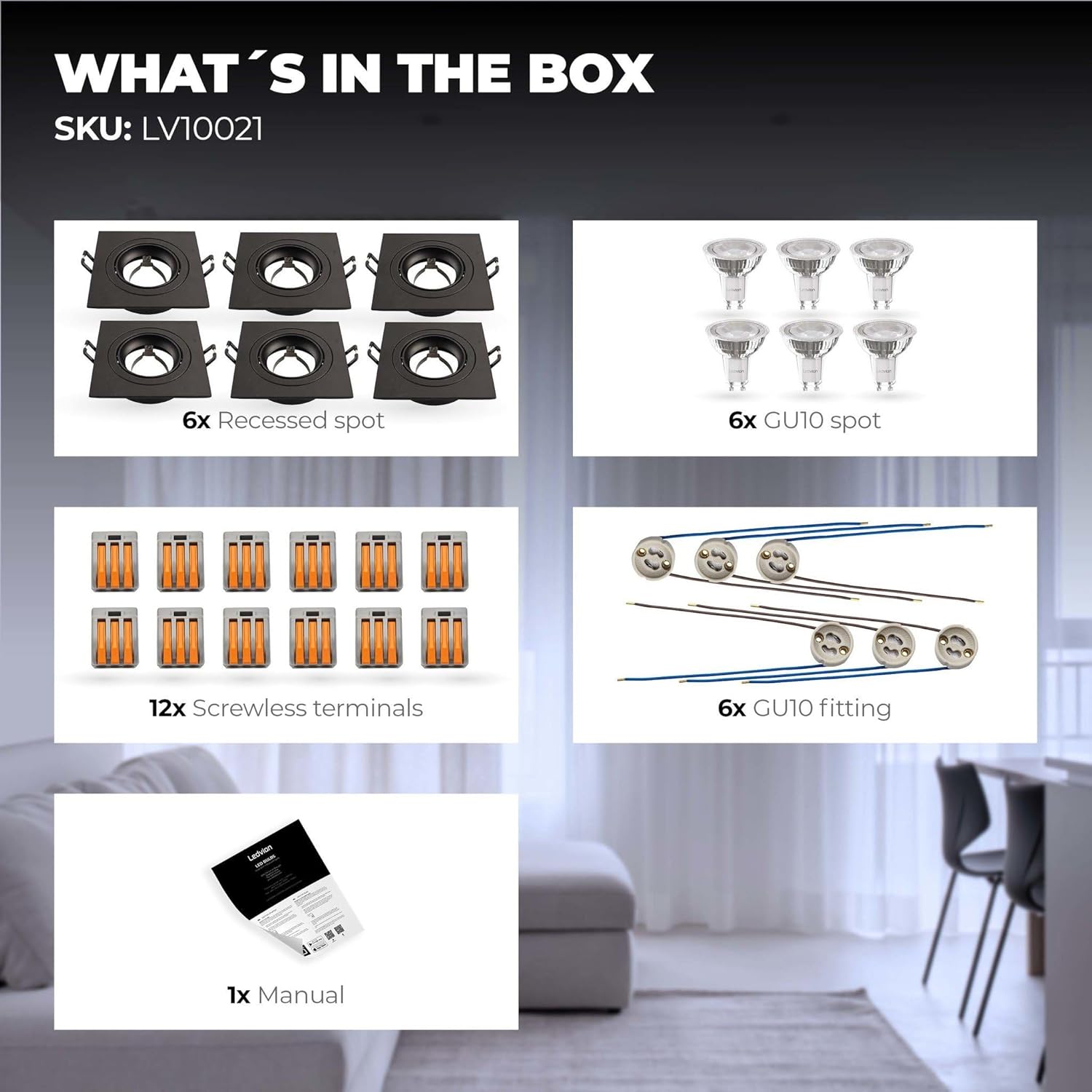
Image: The package contents include recessed spots, GU10 bulbs, screwless terminals, GU10 fittings, and a manual.
- 6x Recessed Spotlights (Black, Aluminum)
- 6x Smart Ledvion WiFi GU10 LED Bulbs (RGBWW, Dimmable)
- 12x Screwless Terminals
- 6x GU10 Fittings
- 1x Manual de usuario
4. Especificaciones
| Característica | Especificación |
|---|---|
| Marca | Ledvión |
| Número de modelo | LV10021-RGB-6pack |
| Dimensiones del producto | 24 x 20 x 10 cm (largo x ancho x alto) |
| Peso | 960 grams (total for 6-pack) |
| Material | Aluminio |
| Color (Accesorio) | Negro |
| Vol de entradatage | 230 voltios |
| Tipo de bombilla | Smart GU10 LED (RGBWW) |
| Flujo luminoso | 345 lm (per bulb) |
| Consumo de energía | 49 Watts (total for 6 bulbs) |
| Temperatura de color | 2700K (Warm White) to 6500K (Daylight White) + RGB |
| Características especiales | Color Changing, Dimmable, WiFi Control, Adjustable Beam Angle (up to 36 degrees) |
| Tipo de instalación | Montaje en techo (empotrado) |
| Diámetro de corte | 80-83 milímetros |
| Profundidad de instalación | 60 milímetros |
| Vida | 15,000 horas |
Para obtener información detallada sobre energía, consulte la EPREL product information sheet.

Image: Dimensional diagram indicating a cut-out diameter of 80mm, an outer diameter of 92mm, and an installation depth of 60mm.
5. Instrucciones de instalación
Importante: Asegúrese de que la energía esté desconectada en el disyuntor principal antes de continuar con la instalación.
- Prepare el techo: Cut a circular hole in the ceiling with a diameter of 80-83 mm for each downlight. Ensure there is at least 60 mm of clear space above the ceiling for the fixture.
- Conectar el cableado:
- Connect the GU10 fitting to the main electrical wiring using the provided screwless terminals.
- Ensure proper polarity: typically, blue wire to neutral (N) and brown wire to live (L).
- Refer to the wiring diagram for multiple downlight connections.
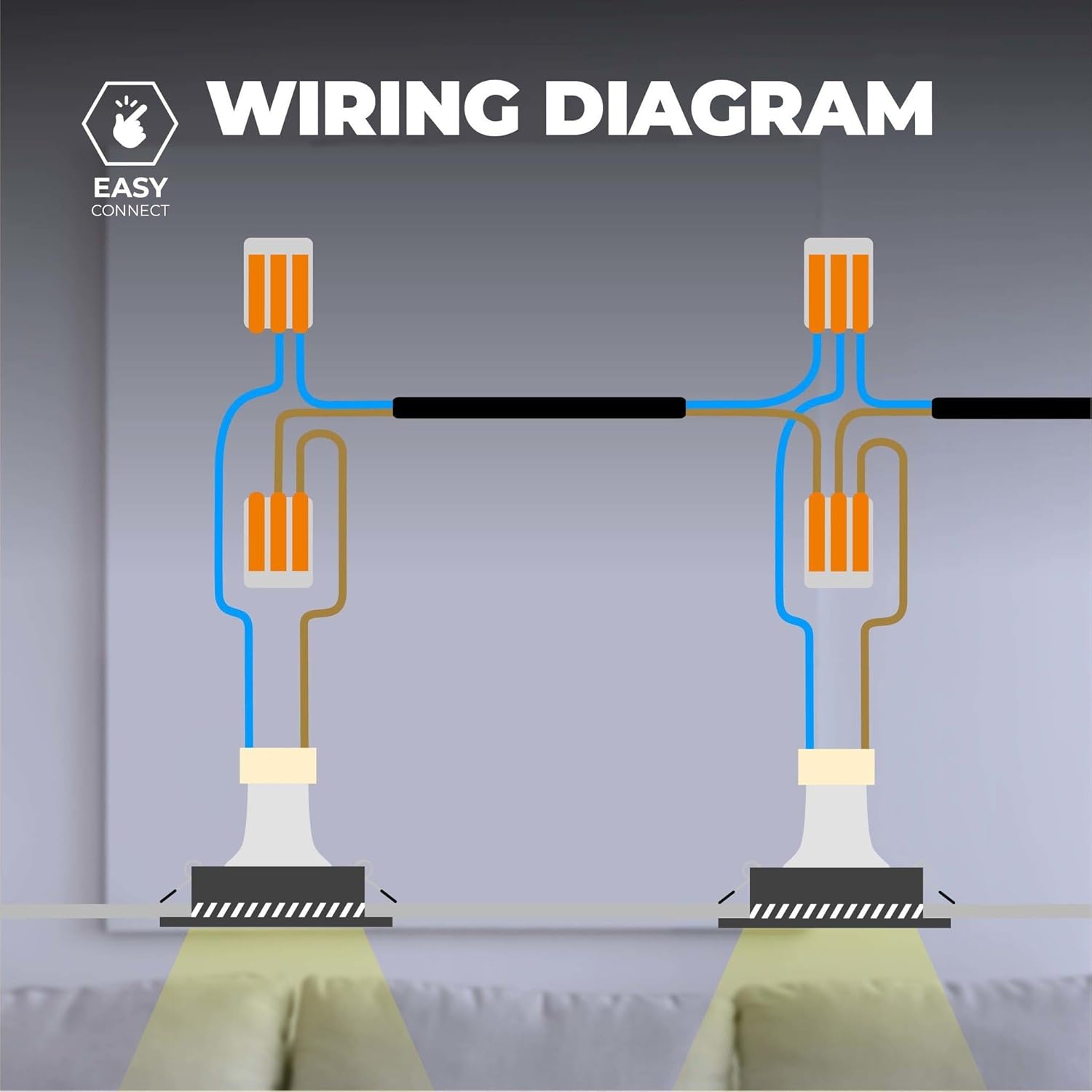
Image: Wiring diagram illustrating how to connect multiple recessed spotlights in parallel using screwless terminals for live and neutral connections.
- Insertar bombilla GU10: Carefully insert the Smart GU10 LED bulb into the GU10 fitting.
- Monte el accesorio:
- Push the spring clips on the sides of the recessed spot upwards.
- Insert the fixture into the prepared ceiling hole.
- Release the clips; they will secure the downlight in place against the ceiling.
- Restaurar energía: Once all downlights are securely installed and wired, restore power at the main circuit breaker.
6. Configuración de funciones inteligentes
Your Ledvion Smart LED Downlights can be controlled via a smartphone app and integrated with voice assistants.
6.1 Instalación y emparejamiento de la aplicación
- Descargar aplicación: Download a compatible smart home app such as "Smart Life App", "Calex Smart App", or "V-tac Smart Light app" from your device's app store. These are Tuya-compatible applications.
- Registrarse/Iniciar sesión: Abra la aplicación y registre una nueva cuenta o inicie sesión si ya tiene una.
- Habilitar WiFi: Ensure your smartphone is connected to a 2.4 GHz WiFi network. The downlights require a 2.4 GHz network for initial pairing.
- Agregar dispositivo:
- Turn on the downlight. It should start blinking rapidly, indicating pairing mode. If not, cycle the power (on-off-on-off-on) until it blinks.
- En la aplicación, toque “Agregar dispositivo” o el ícono “+”.
- Select "Lighting" or "Light Source (Wi-Fi)".
- Follow the on-screen instructions to connect the downlight to your WiFi network. You may need to confirm the blinking status and enter your WiFi password.
- Repeat for each downlight if adding individually, or use group pairing if available in the app.
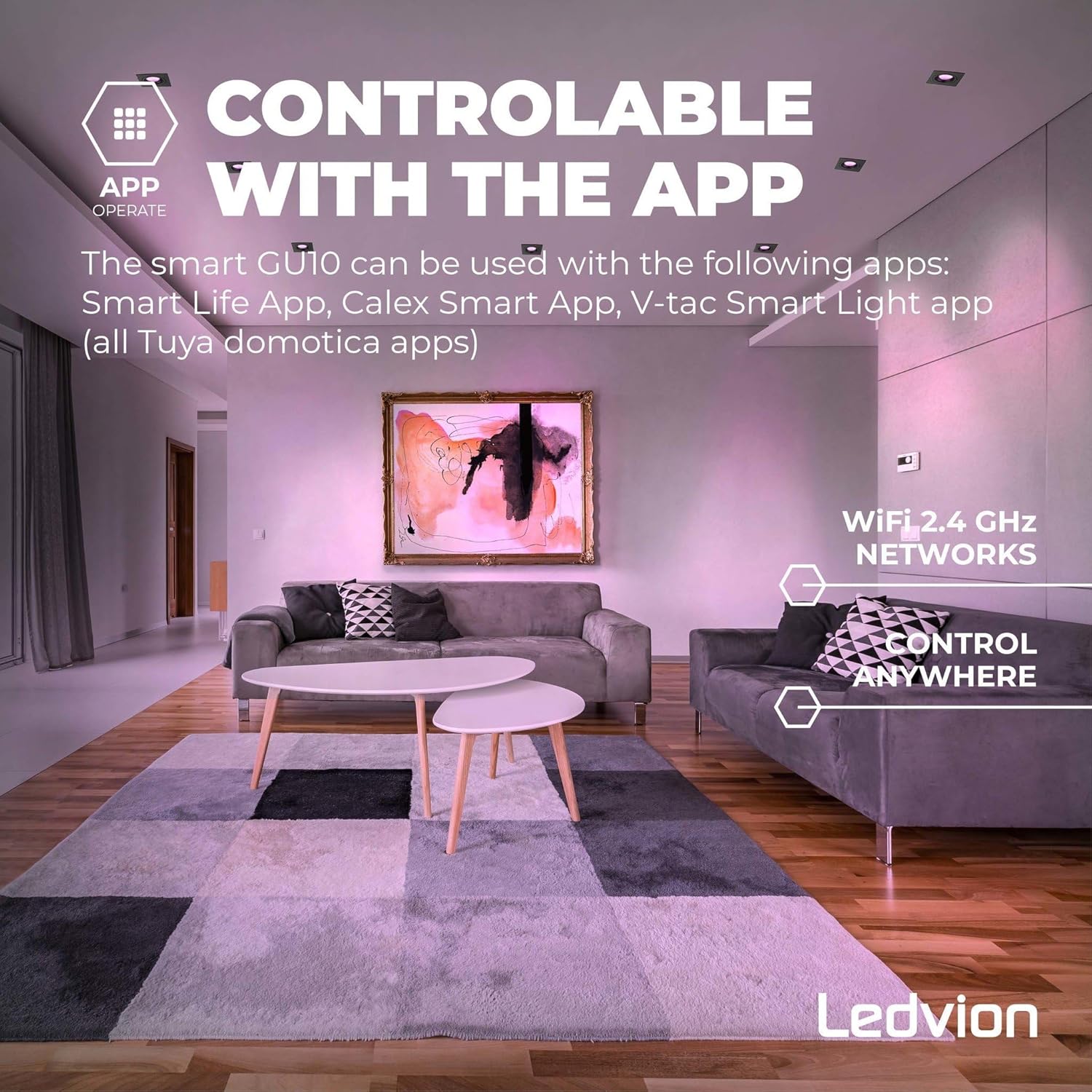
Image: A smartphone screen displaying a smart home app interface, indicating control over lighting via a 2.4 GHz WiFi network, with the text "Controllable with the App" and "Control Anywhere".
6.2 Integración del asistente de voz
Your downlights are compatible with Google Home, Amazon Alexa, and Siri Shortcuts.
- Cuenta de enlace: In your Google Home, Amazon Alexa, or Apple Home app, navigate to the "Skills" or "Works with Google" section.
- Buscar Aplicación: Buscar the smart home app you used (e.g., "Smart Life").
- Enable Skill/Link Service: Enable the skill or link the service, then log in with your smart home app account credentials.
- Descubrir dispositivos: Una vez vinculado, pídale a su asistente de voz que "Descubra dispositivos" o inicie manualmente el descubrimiento de dispositivos en la aplicación.
- Assign Rooms: Assign your downlights to specific rooms for easier voice control (e.g., "Turn on living room lights").
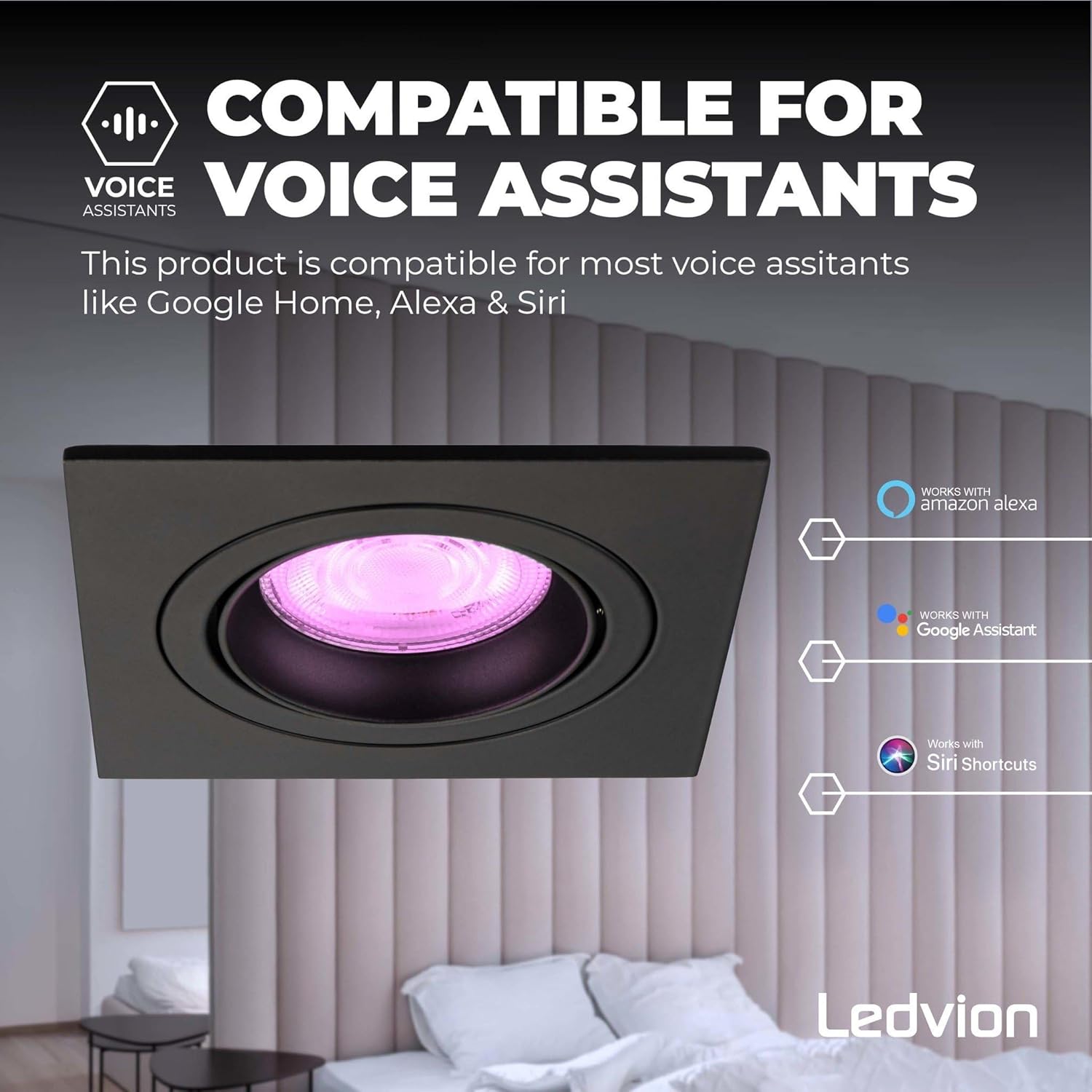
Image: A close-up of a black recessed smart LED downlight, with logos indicating compatibility with Amazon Alexa, Google Assistant, and Siri Shortcuts.
7. Instrucciones de funcionamiento
Once installed and set up, you can control your Ledvion Smart LED Downlights in several ways:
7.1 Via Smartphone App
- Encendido/apagado: Tap the power icon next to the device name.
- Brillo: Use the dimmer slider to adjust light intensity (0-100%).
- Temperatura de color: Adjust the white light from warm white (2700K) to cool daylight (6500K).
- Colores RGB: Select from millions of colors using the color wheel or preset scenes.
- Escenas: Choose from pre-programmed lighting scenes or create your own custom scenes.
- Temporizadores y horarios: Set schedules for lights to turn on/off or change settings at specific times.
- Agrupamiento: Group multiple downlights together to control them simultaneously.
7.2 Via Voice Assistants
Use voice commands with your linked Google Home, Amazon Alexa, or Siri-enabled devices:
- "Ok Google, enciende las luces de la sala de estar".
- "Alexa, set kitchen lights to 50% brightness."
- "Hey Siri, change bedroom light to blue." (Requires Siri Shortcuts setup)
7.3 Adjustable Beam Angle
The aluminum frame of the recessed spot is tiltable, allowing you to adjust the light beam angle up to 36 degrees. Gently push the inner ring of the fixture to direct the light as desired.

Image: A close-up of a black recessed smart LED downlight, showing its inner ring tilted to demonstrate the adjustable beam angle of up to 36 degrees.
8. Mantenimiento
These LED downlights require minimal maintenance.
- Limpieza: Asegúrese de que la alimentación esté apagada antes de limpiarla. Limpie la lámpara con un paño suave y seco. No utilice limpiadores abrasivos ni disolventes.
- Reemplazo de bombilla: The GU10 LED bulbs are designed for a long lifespan (15,000 hours). If replacement is necessary, ensure power is off, gently remove the old bulb, and insert a new compatible GU10 LED bulb.
- A prueba de corrosión: The aluminum construction is corrosion-proof, ensuring durability.
9. Solución de problemas
| Problema | Posible causa | Solución |
|---|---|---|
| La luz no se enciende. | No hay suministro de energía. Cableado suelto. Bombilla defectuosa. | Revise el disyuntor. Verify all wiring connections (power off first). Test with a known working GU10 bulb. |
| Light is not blinking for pairing. | No en modo de emparejamiento. | Cycle power (on-off-on-off-on) until the light blinks rapidly. |
| No se puede conectar a WiFi. | Contraseña de WiFi incorrecta. Not on 2.4 GHz network. Señal WiFi débil. | Verifique nuevamente la contraseña de WiFi. Ensure your phone is connected to a 2.4 GHz network during setup. Acerque el enrutador o use un extensor WiFi. |
| El asistente de voz no responde. | App not linked. Devices not discovered. Comandos incorrectos. | Ensure the smart home app is correctly linked to your voice assistant. Ask the voice assistant to discover devices. Use correct and clear voice commands. |
| La luz parpadea o se atenúa inesperadamente. | Suministro de energía inestable. Incompatible dimmer (if not using smart dimming). Conexión suelta. | Consulte a un electricista. Ensure you are using the app's dimming function, not a wall dimmer. Verifique las conexiones del cableado (primero apague la alimentación). |
If problems persist, please contact Ledvion customer support.
10. Garantía y soporte
Ledvion ofrece una 2 año de garantía on these Smart LED Downlights. This warranty covers defects in materials and workmanship under normal use.
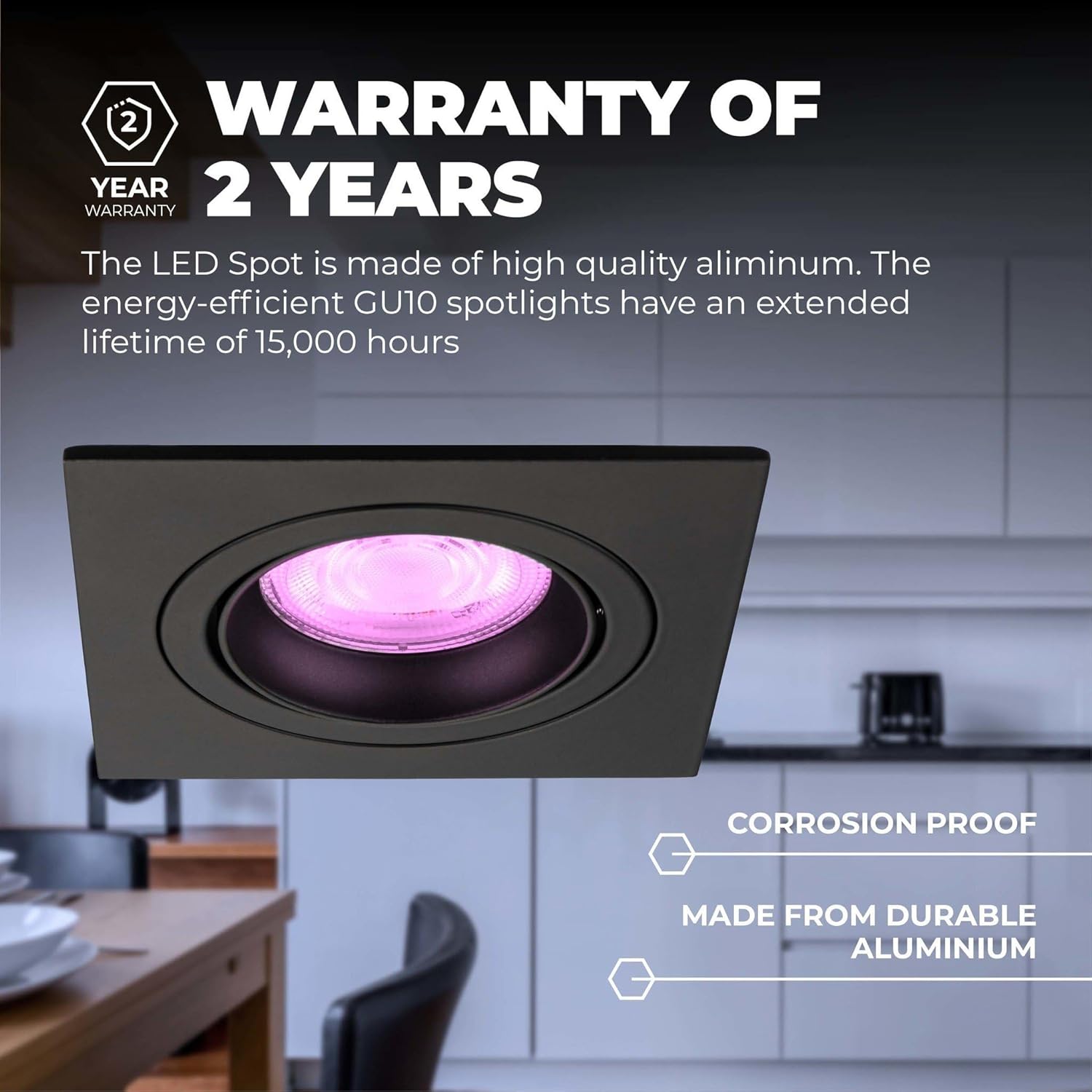
Image: A close-up of a black recessed smart LED downlight, featuring a "2 Year Warranty" badge and text emphasizing its corrosion-proof and durable aluminum construction.
For warranty claims or technical support, please contact your retailer or Ledvion customer service with your proof of purchase and model number (LV10021-RGB-6pack).
Información del contacto: Please refer to the Ledvion official websitio o el embalaje de su producto para obtener los datos de contacto más actualizados.


