1. Producto terminadoview
The WHATOOK 2-in-1 Cordless Air Duster and Vacuum Cleaner is a versatile cleaning tool designed for various applications, from delicate electronics to car interiors and household items. It combines powerful air blowing and strong vacuum suction in a compact, portable design.
Las características principales incluyen:
- Powerful 100,000 RPM motor for air duster mode.
- Strong 10,000 KPA suction for vacuum mode.
- Three adjustable speed settings for varied cleaning needs.
- Rechargeable 7600mAh battery with Type-C quick charge.
- Luz LED integrada para una mejor visibilidad.
- Comes with multiple nozzles and brushes for diverse cleaning tasks.

Figure 1: WHATOOK 2-in-1 Cordless Air Duster & Vacuum Cleaner with included accessories.
2. Contenido del paquete
Verifique el contenido del paquete al desembalarlo para asegurarse de que todos los componentes estén presentes:
- WHATOOK 2-in-1 Cordless Air Duster & Vacuum Cleaner Unit
- Dusting Tool Nozzle
- Boquilla de vacío
- Cable de carga USB (Tipo C)
- Filtro de acero inoxidable
- Various cleaning brushes and additional nozzles (8 nozzles, 3 brushes)
- Bolsa de almacenamiento
- Manual de usuario (este documento)

Figure 2: Visual representation of the packing list.
3. Configuración y carga
3.1 Cargo inicial
Before first use, fully charge the device. The integrated 7600mAh battery provides extended usage time.
- Conecte el cable de carga USB tipo C provisto al puerto de carga del dispositivo.
- Connect the other end of the USB cable to a compatible power source (e.g., car charger, adapter charger, power bank, computer USB port).
- The LED indicator will show charging status. Once fully charged, the indicator will change (refer to device specific LED behavior, usually turns green or off).
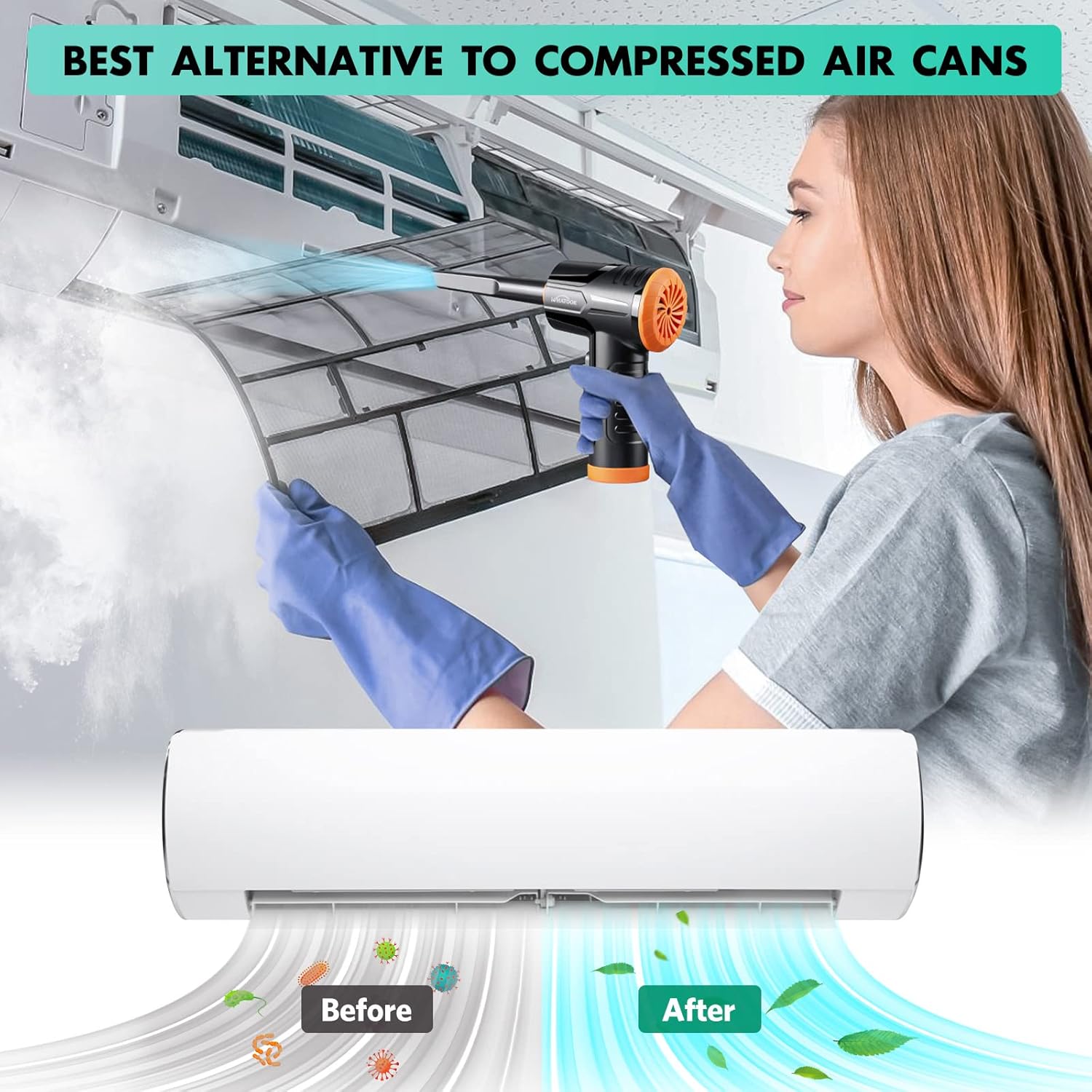
Figure 3: Charging the device using the USB Type-C cable.
3.2 Conexión de boquillas
The device supports both air blowing and vacuuming functions. Attach the appropriate nozzle for your desired cleaning mode.
For Air Blowing:
- Identify the front air outlet.
- Select the desired dusting tool nozzle.
- Align the nozzle with the air outlet and push firmly until it clicks into place.
Para aspirar:
- Identify the rear vacuum inlet.
- Select the desired vacuum nozzle.
- Align the nozzle with the vacuum inlet and twist or push firmly to secure it.

Figure 4: Installation and removal of air duster and vacuum nozzles.
5. Instrucciones de funcionamiento
5.1 Encendido/apagado y control de velocidad
The device features three powerful airflow modes to suit different cleaning requirements.
- Para encender el dispositivo, mantenga presionado el botón de encendido durante 3 segundos.
- Once on, briefly press the power button to cycle through the three speed settings:
- 1ª marcha: 60,000 RPM / 6000 PA (approx. 55 minutes runtime)
- 2da marcha: 80,000 RPM / 8000 PA (approx. 35 minutes runtime)
- 3ra marcha: 100,000 RPM / 10000 PA (approx. 20 minutes runtime)
- To turn off the device, press and hold the power button for 3 seconds again.

Figure 5: Three adjustable speed settings for optimal performance.
5.2 Using the Air Duster Function
The air duster is ideal for removing dust and debris from sensitive electronics, keyboards, and hard-to-reach areas.
- Attach the desired dusting nozzle to the front air outlet.
- Seleccione la configuración de velocidad adecuada.
- Point the nozzle at the area to be cleaned and activate the air duster.
- Use short bursts of air for delicate items or continuous airflow for larger areas.

Figure 6: Using the air duster mode for cleaning a laptop.
5.3 Uso de la función de vacío
The vacuum function is perfect for picking up dust, crumbs, and small debris from surfaces like car interiors, sofas, and tight corners.
- Attach the desired vacuum nozzle to the rear vacuum inlet.
- Seleccione la configuración de velocidad adecuada.
- Place the nozzle over the area to be vacuumed and activate the device.
- Move the nozzle slowly over the surface to effectively pick up debris.

Figure 7: Using the vacuum mode for cleaning a laptop.

Figura 8: Examples of multiple usage scenarios for the device.
6. Mantenimiento
El mantenimiento regular garantiza un rendimiento óptimo y prolonga la vida útil de su dispositivo.
6.1 Limpieza del filtro
The stainless steel filter should be cleaned regularly, especially after vacuuming fine dust.
- Twist and remove the vacuum nozzle and the dust collection cup.
- Carefully remove the stainless steel filter from the dust collection cup.
- Tap the filter to dislodge loose debris. For thorough cleaning, rinse the filter under running water.
- Ensure the filter is completely dry before reassembling. Air drying is recommended.
- Reinsert the dry filter into the dust collection cup, then reattach the cup and nozzle to the device.

Figure 9: Instructions for cleaning the vacuum filter.
6.2 Limpieza general
- Limpie el exterior del dispositivo con un paño suave yamp paño. No utilice productos químicos agresivos ni limpiadores abrasivos.
- Ensure no liquid enters the charging port or air outlets/inlets.
- Store the device and its accessories in the provided storage bag in a cool, dry place.
7. Solución de problemas
If you encounter any issues with your WHATOOK 2-in-1 Cordless Air Duster & Vacuum Cleaner, please refer to the following common problems and solutions:
| Problema | Posible causa | Solución |
|---|---|---|
| El dispositivo no se enciende. | La batería está agotada. | Cargue completamente el dispositivo utilizando el cable USB tipo C proporcionado. |
| Flujo de aire/succión débil. | El filtro está obstruido o sucio. | Clean the stainless steel filter as described in the Maintenance section. |
| Flujo de aire/succión débil. | Nozzle is not properly attached. | Ensure the nozzle is securely attached to the correct port (air outlet for duster, vacuum inlet for vacuum). |
| Flujo de aire/succión débil. | La batería está baja. | Recargue el dispositivo. El rendimiento puede disminuir a medida que baja el nivel de batería. |
| El dispositivo se detiene inesperadamente. | Protección contra sobrecalentamiento activada. | Turn off the device and let it cool down for at least 15-30 minutes before resuming use. |
If the problem persists after trying these solutions, please contact WHATOOK customer support.
8. Especificaciones
| Característica | Detalle |
|---|---|
| Número de modelo | 001 |
| Dimensiones (L x An x Al) | 16 x 9 x 16 cm |
| Peso | 680 gramos |
| Capacidad de la batería | 7600 mAh |
| Tipo de carga | USB tipo C |
| Max Air Duster Speed | 100,000 RPM |
| Max Vacuum Suction | 10,000 PA |
| Vol nominaltage | 12 voltios |
| Runtime (Max Speed) | Aproximadamente 20 minutos |
| Runtime (Min Speed) | Aproximadamente 55 minutos |
| Tipo de filtro | Filtro de acero inoxidable |
| Característica especial | HEPA (implied by "Filtre HEPA" in specs, though the main filter is stainless steel, it might refer to filtration capability) |
9. Garantía y soporte
WHATOOK is committed to providing high-quality products and excellent customer service.
- Garantía: El producto viene con una garantía de 24 meses.
- Atención al cliente: WHATOOK offers 7*24 hour stand-by support with a 12-hour response time. Lifetime after-sales support is also provided.
- For any inquiries, technical assistance, or warranty claims, please contact WHATOOK customer service through their official channels or the retailer where you purchased the product.

Figure 10: WHATOOK customer support is available to assist you.


