1. Introducción
Gracias por la compraasing the COBY CPA905BK Bluetooth Party Speaker. This manual provides essential information for the safe and efficient operation of your device. Please read it thoroughly before use and retain it for future reference.

Image 1.1: The COBY CPA905BK Bluetooth Party Speaker, showcasing its vibrant multi-color LED lighting.
2. Información importante de seguridad
- No exponga el altavoz al agua, la humedad o temperaturas extremas.
- Evite dejar caer o someter el altavoz a impactos fuertes.
- No intente desmontar ni reparar la unidad usted mismo. Encargue cualquier servicio técnico a personal cualificado.
- Mantenga el altavoz alejado de fuentes de calor como radiadores, rejillas de calefacción, estufas u otros aparatos que produzcan calor.
- Utilice únicamente el cable de carga proporcionado.
- Limpiar únicamente con un paño seco.
- Escuchar el volumen alto durante mucho tiempo puede causar daños auditivos. Ajuste el volumen a un nivel moderado.
3. Contenido del paquete
Por favor revise el paquete para ver los siguientes artículos:
- COBY CPA905BK Bluetooth Party Speaker
- Cable de carga micro USB
- Manual de usuario (este documento)
4. Producto terminadoview
Familiarize yourself with the various parts and controls of your COBY CPA905BK speaker.

Image 4.1: Top panel of the COBY CPA905BK speaker, illustrating the control buttons and ports.
Funciones del panel de control:
- Interruptor encendido / apagado: Enciende o apaga el altavoz.
- Puerto de carga: Micro USB input for charging the speaker.
- Indicador LED de carga: Muestra el estado de carga.
- Ranura para tarjetas TF: Inserte una tarjeta TF (microSD) para reproducir música directamente.
- Puerto USB: Inserte una unidad flash USB para reproducir música directamente.
- Botón LED: Recorre diferentes modos de luz.
- Botón EQ: Activates or changes equalizer presets.
- Control de volumen (VOL+ / VOL-): Ajusta el volumen del altavoz.
- Previous / Next Song Buttons: Salta a la pista anterior o siguiente.
- Speaker Mode Button: Changes input mode (Bluetooth, USB, TF Card).
- Play / Pause / Scan Button: Plays or pauses music; initiates FM radio scan (if applicable).
- Manejar: Asa de transporte integrada para portabilidad.
5. Configuración y primer uso
5.1 Carga del altavoz
Before first use, fully charge the speaker. Connect the Micro USB charging cable to the speaker's charging port (2) and the other end to a USB power adapter (not included) or a computer's USB port. The Charging LED Indicator (3) will illuminate during charging and turn off when fully charged. A full charge provides up to 7 hours of playtime.
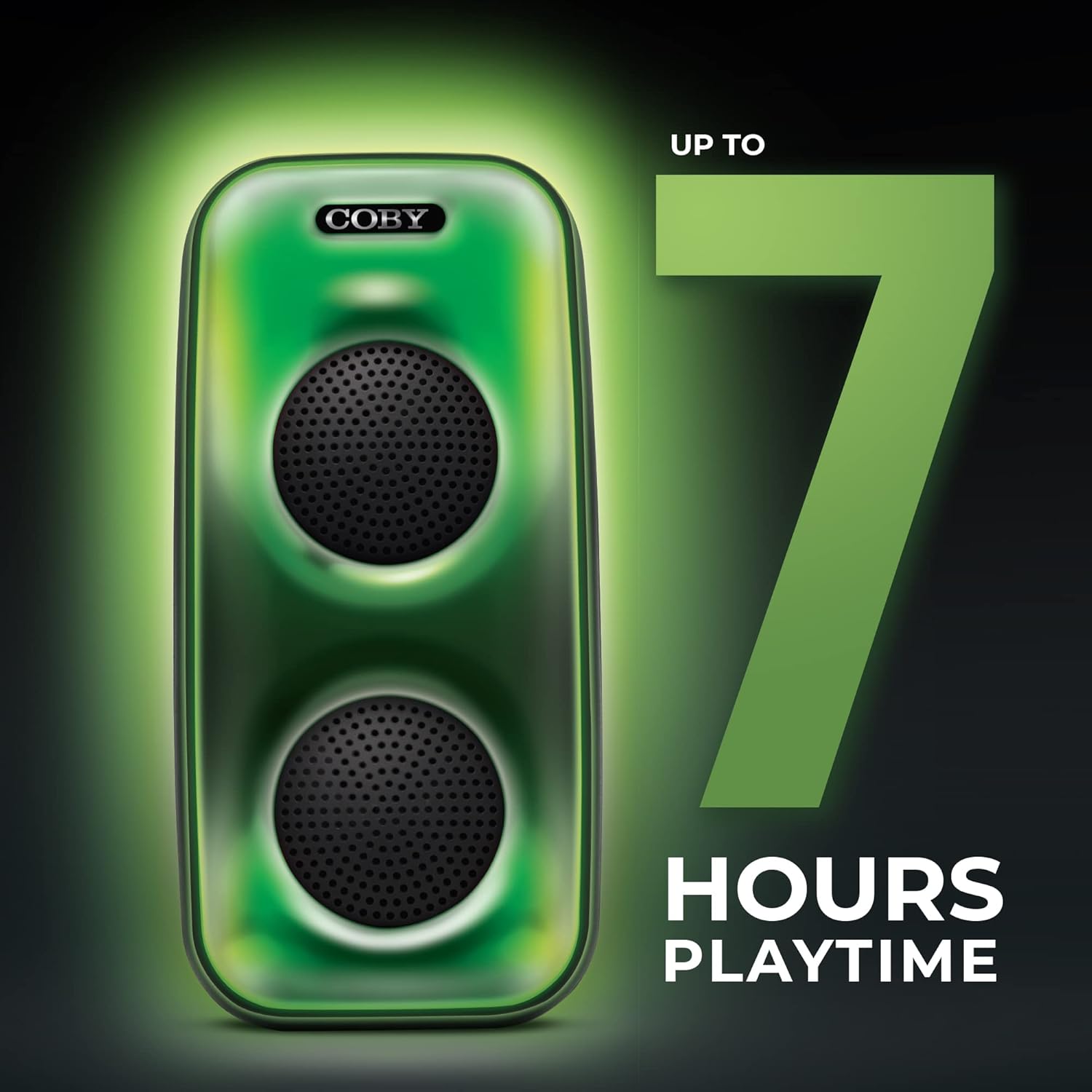
Image 5.1: The COBY CPA905BK speaker highlighting its battery life of up to 7 hours.
5.2 Encendido / Apagado
Deslice el Interruptor encendido / apagado (1) to the "ON" position to power on the speaker. Slide it to "OFF" to power off.
6. Instrucciones de funcionamiento
6.1 Conexión Bluetooth
- Asegúrese de que el altavoz esté encendido y en modo Bluetooth. De lo contrario, presione el botón Speaker Mode Button (10) until you hear a prompt indicating Bluetooth mode.
- Habilite Bluetooth en su teléfono inteligente u otro dispositivo compatible.
- Buscar "COBY CPA905BK" in your device's Bluetooth settings.
- Select "COBY CPA905BK" to pair. A confirmation sound will indicate successful pairing.
- Ahora puedes reproducir audio desde tu dispositivo a través del altavoz.

Image 6.1: Illustration of the COBY CPA905BK speaker establishing a quick and easy Bluetooth connection with a smartphone.
6.2 Emparejamiento estéreo inalámbrico verdadero (TWS)
To achieve a stereo sound experience, you can pair two COBY CPA905BK speakers together:
- Asegúrese de que ambos altavoces estén encendidos y en modo Bluetooth, pero no conectados a ningún dispositivo.
- En uno de los altavoces (este será el altavoz principal), mantenga presionado el botón Speaker Mode Button (10) for a few seconds until you hear a pairing tone.
- The two speakers will automatically search and pair with each other. A confirmation tone will sound once paired.
- Now, connect your smartphone or device to the primary speaker via Bluetooth as described in section 6.1. Audio will play through both speakers in stereo.

Image 6.2: Two COBY CPA905BK speakers demonstrating True Wireless Stereo (TWS) functionality for enhanced sound.
6.3 Reproducción de tarjetas USB y TF
The speaker supports direct playback from USB flash drives and TF (microSD) cards.
- Inserte una unidad flash USB en el Puerto USB (5) o una tarjeta TF en el Ranura para tarjetas TF (4).
- El altavoz cambiará automáticamente al modo correspondiente y comenzará a reproducir audio. files. Si no, presione el Speaker Mode Button (10) to select the correct input.
- Utilice el Previous / Next Song Buttons (9) to navigate tracks and the Botón de reproducción/pausa (11) to control playback.
Modos de luz 6.4
The speaker features three distinct light modes:
- Polychromatic: Displays a dynamic range of colors.
- Progresivo: Los colores cambian suavemente.
- Legumbres: Lights react to the rhythm of the music.
Presione el Botón LED (6) repeatedly to cycle through these light modes or to turn the lights off.

Image 6.3: The COBY CPA905BK speaker demonstrating its three distinct light modes.
6.5 Ecualizador (EQ)
Presione el Botón EQ (7) to cycle through available equalizer presets, optimizing the sound for different music genres or personal preferences.
7. Mantenimiento
- Limpieza: Utilice un paño suave y seco para limpiar el exterior del altavoz. No utilice limpiadores líquidos ni aerosoles.
- Almacenamiento: Cuando no utilice el altavoz durante períodos prolongados, guárdelo en un lugar fresco y seco, alejado de la luz solar directa.
- Cuidado de la batería: Para prolongar la vida útil de la batería, evite descargar completamente el altavoz con frecuencia. Cárguelo regularmente, incluso si no lo usa.
8. Solución de problemas
| Problema | Posible causa | Solución |
|---|---|---|
| El altavoz no se enciende. | La batería está agotada. | Cargue el altavoz utilizando el cable Micro USB proporcionado. |
| No sale sonido del altavoz. | El volumen es demasiado bajo; modo de entrada incorrecto; dispositivo no emparejado. | Aumentar el volumen; presionar Speaker Mode Button (10) to select correct input; re-pair Bluetooth device. |
| El dispositivo Bluetooth no puede encontrar el altavoz. | Speaker is not in Bluetooth pairing mode; speaker is already connected to another device. | Ensure speaker is in Bluetooth mode; disconnect from other devices; restart speaker and device. |
| El emparejamiento de TWS falla. | Los altavoces están demasiado separados; uno de ellos ya está emparejado con un dispositivo. | Ensure speakers are close to each other; disconnect both speakers from any Bluetooth devices before initiating TWS pairing. |
| La reproducción de tarjeta USB/TF no funciona. | Incorrecto file formato; tarjeta/unidad no insertada correctamente; altavoz no en modo correcto. | Asegurar audio files are in a compatible format (e.g., MP3); reinsert card/drive; press Speaker Mode Button (10) to select USB or TF mode. |
9. Especificaciones
| Característica | Detalle |
|---|---|
| Número de modelo | CPA905BK |
| Marca | Coby |
| Tecnología de conectividad | Bluetooth 5.3, USB, tarjeta TF |
| Fuente de poder | Funciona con pilas (1 batería de iones de litio, incluida) |
| Recreo | Hasta 7 horas |
| Entrada de audio | Bluetooth, USB, tarjeta TF |
| Dimensiones del producto (L x An x Al) | 5.52 x 5.52 x 11.43 pulgadas |
| Peso del artículo | 2.3 libras |
| Material | Metal, Plástico |
| Código Postal | 810071491368 |
10. Garantía y soporte
For warranty information and technical support, please refer to the documentation provided with your purchase or visit the official Coby webSitio. Conserve su comprobante de compra para reclamaciones de garantía.
Fabricante: Electrónica Summit, LLC
Websitio: Visita la tienda Coby en Amazon


