1. Introducción
This manual provides detailed instructions for the installation, operation, and maintenance of your Gyration Cyberview 3000 3MP Wi-Fi Network Camera. Please read this manual thoroughly before using the product to ensure proper functionality and safety. The Cyberview 3000 is designed for both indoor and outdoor surveillance, offering high-resolution video, advanced detection features, and seamless smart home integration.
2. Producto terminadoview
2.1 Contenido del paquete
- Giración Cibernéticaview 3000 3MP Smart Wi-Fi Wireless Doorbell Camera
- Unidad de timbre inalámbrico
- Herrajes de montaje (tornillos, anclajes)
- Cable de carga USB (si corresponde)
- Manual de usuario (este documento)
2.2 Características principales
- High-quality 3MP image with 1/2.8'' CMOS sensor (2048 x 1536@15fps; 16:9 aspect ratio)
- Zoom digital 3X para mayor detalle viewEn
- PIR motion sensor for instant and accurate alerts
- Advanced AI detection: humanoid, vehicle, pet capture, and package detection (requires value-added services)
- Wi-Fi connectivity for easy installation
- Micrófono y altavoz integrados para comunicación de audio bidireccional
- Multiple storage options: Cloud storage, local Micro SD card (up to 128 GB), and mobile phone memory
- IP65 weather resistance rating
- Includes a wireless chime for audible alerts
- Compatibility with Google Home & Amazon Alexa
- Remote real-time monitoring via Android/iOS mobile devices
2.3 Componentes del producto
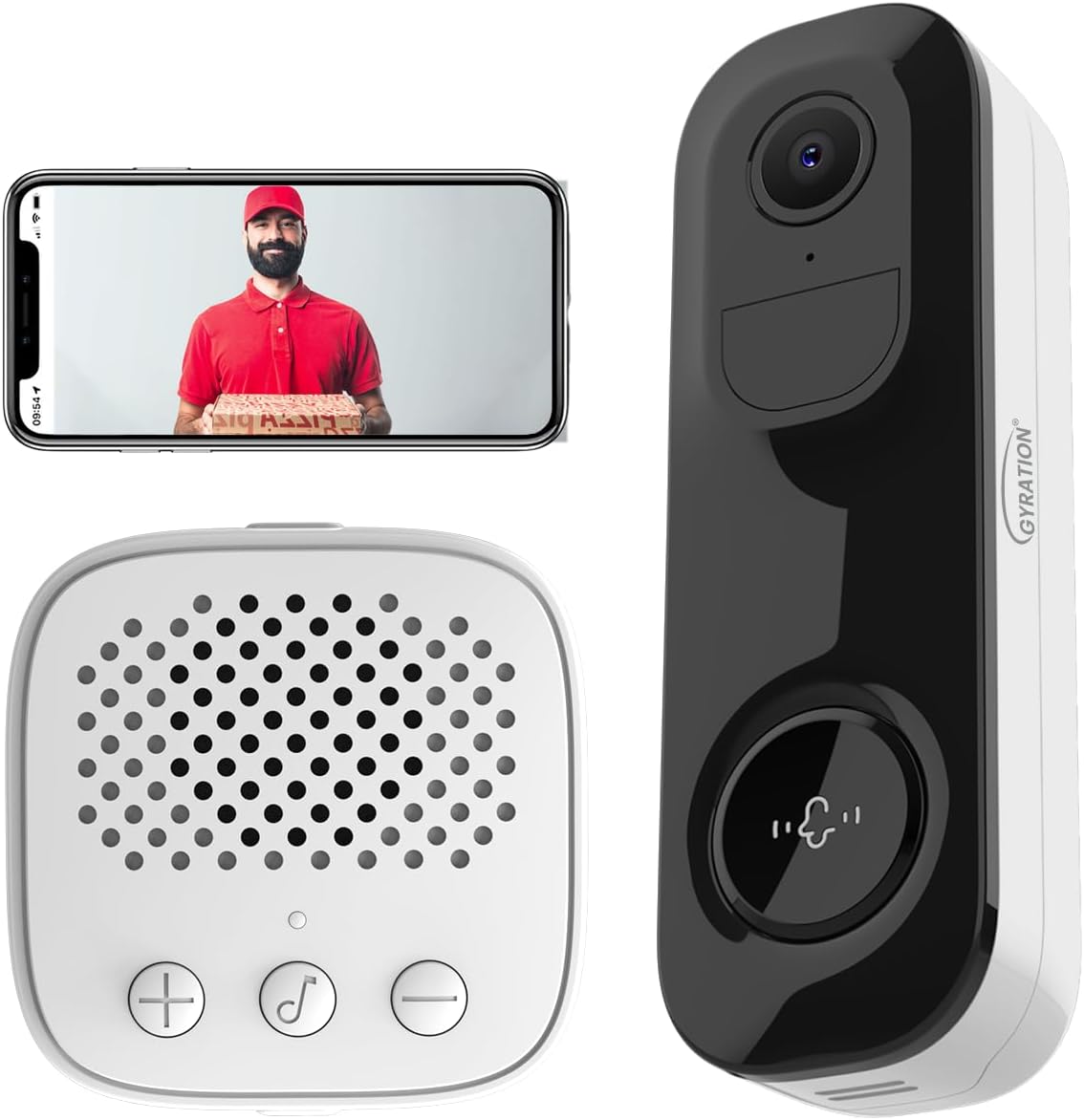
Figura 2.3.1: The Gyration Cyberview 3000 system, including the doorbell camera, wireless chime, and a smartphone displaying the live feed.
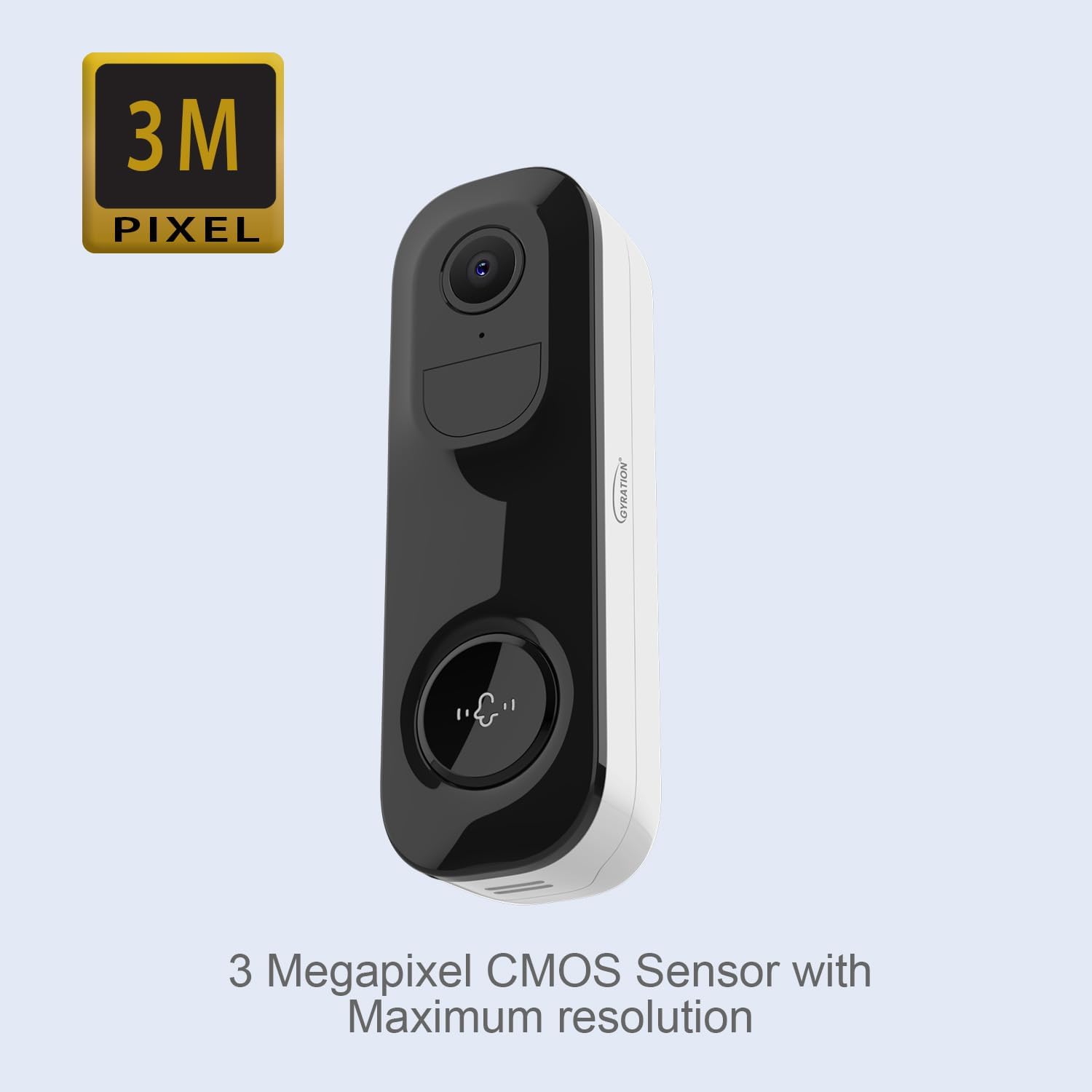
Figura 2.3.2: Frente view of the Cyberview 3000 camera, emphasizing its 3 Megapixel CMOS sensor for high-resolution video.
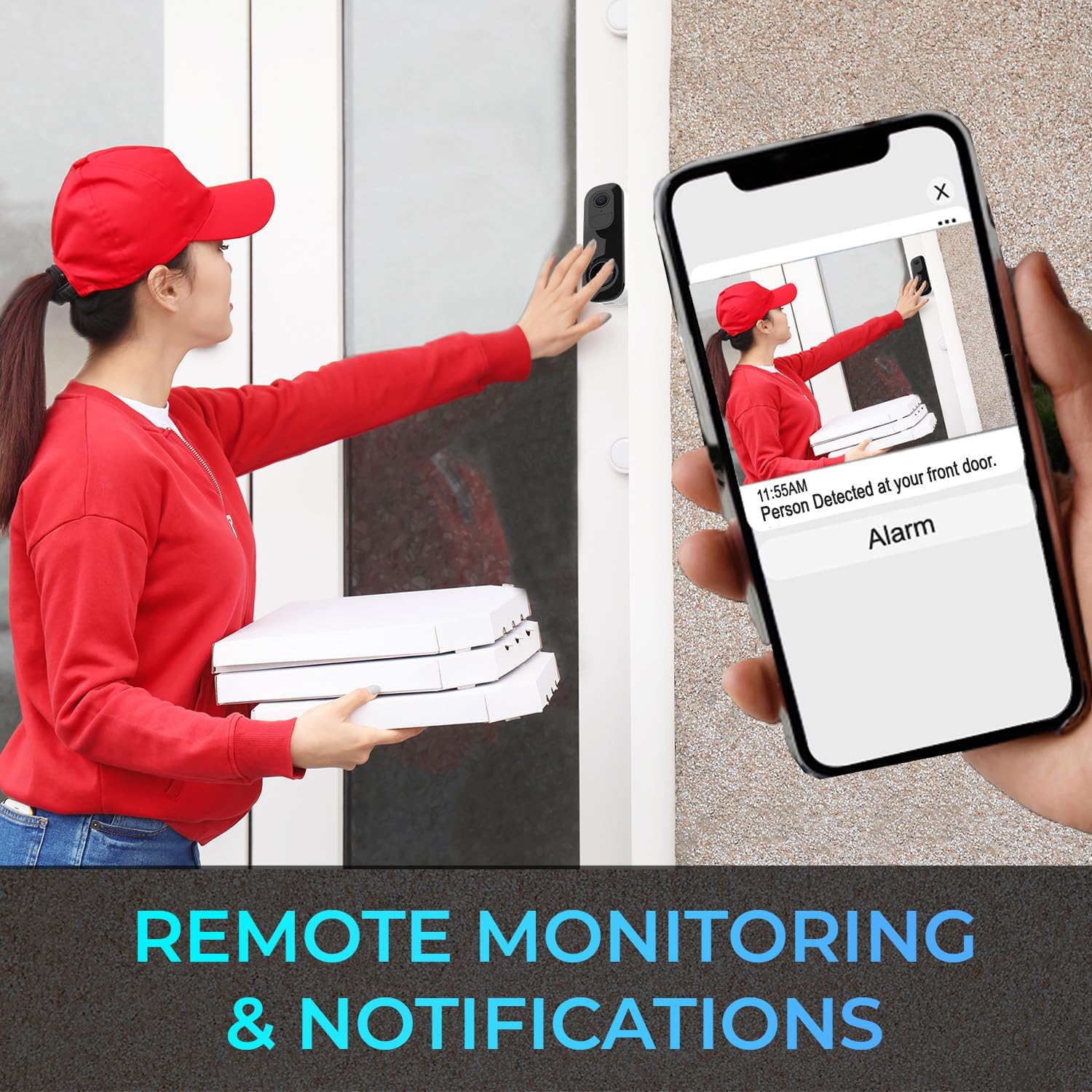
Figura 2.3.3: The wireless chime unit, which provides audible alerts when the doorbell is pressed or motion is detected.
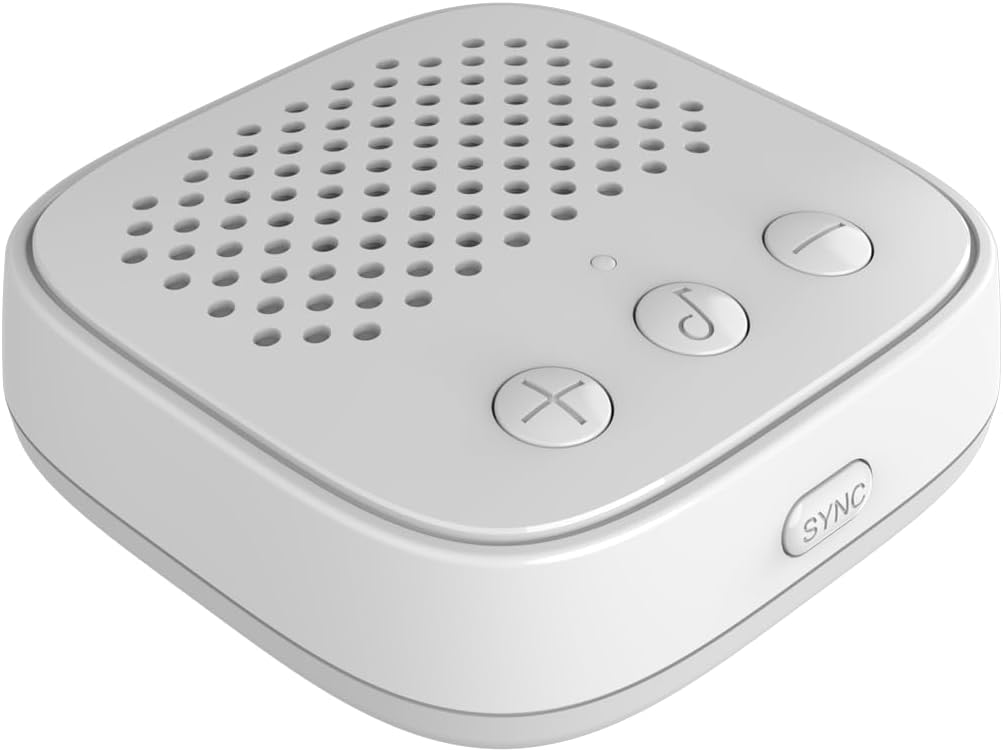
Figura 2.3.4: el ciberview 3000 doorbell camera mounted on a wall, showcasing its compact design and 3MP high-resolution capability.
3. Configuración
3.1 Carga del dispositivo
Before initial use, ensure the doorbell camera is fully charged. Connect the camera to a 5V power source using the provided USB charging cable. The charging indicator will show the charging status.
3.2 Instalación de la aplicación y creación de una cuenta
- Download the official Gyration app from your mobile device's app store (available for Android and iOS).
- Open the app and create a new user account. Follow the on-screen prompts to complete registration.
3.3 Emparejamiento de dispositivos
- Asegúrese de que su dispositivo móvil esté conectado a una red Wi-Fi de 2.4 GHz.
- En la aplicación, seleccione “Agregar dispositivo” o el ícono “+”.
- Follow the in-app instructions to put the camera into pairing mode (usually by pressing and holding a button on the camera).
- Scan the QR code displayed on your phone with the camera, or follow alternative pairing methods provided by the app.
- Once the camera is connected, follow the prompts to name your device and complete the setup.
3.4 Emparejamiento de timbres
- Plug the wireless chime into a power outlet within range of the doorbell camera.
- Press the SYNC button on the chime unit.
- Presiona el botón del timbre de la cámara. El timbre debería sonar, indicando que el emparejamiento se realizó correctamente.
- Adjust chime volume and melody using the buttons on the chime unit.
3.5 Instalación física
- Choose a suitable location for the camera, ensuring good Wi-Fi signal strength and a clear view del área que desea monitorear.
- Use the provided mounting hardware to securely attach the camera to a wall or doorframe.
- Ensure the camera is positioned at an optimal height for detection and clear viewEn.
4. Instrucciones de funcionamiento
4.1 en vivo View y Monitoreo Remoto
Open the Gyration app on your smartphone to access the live video feed from your Cyberview 3000 camera. You can monitor your property in real-time from anywhere with an internet connection.
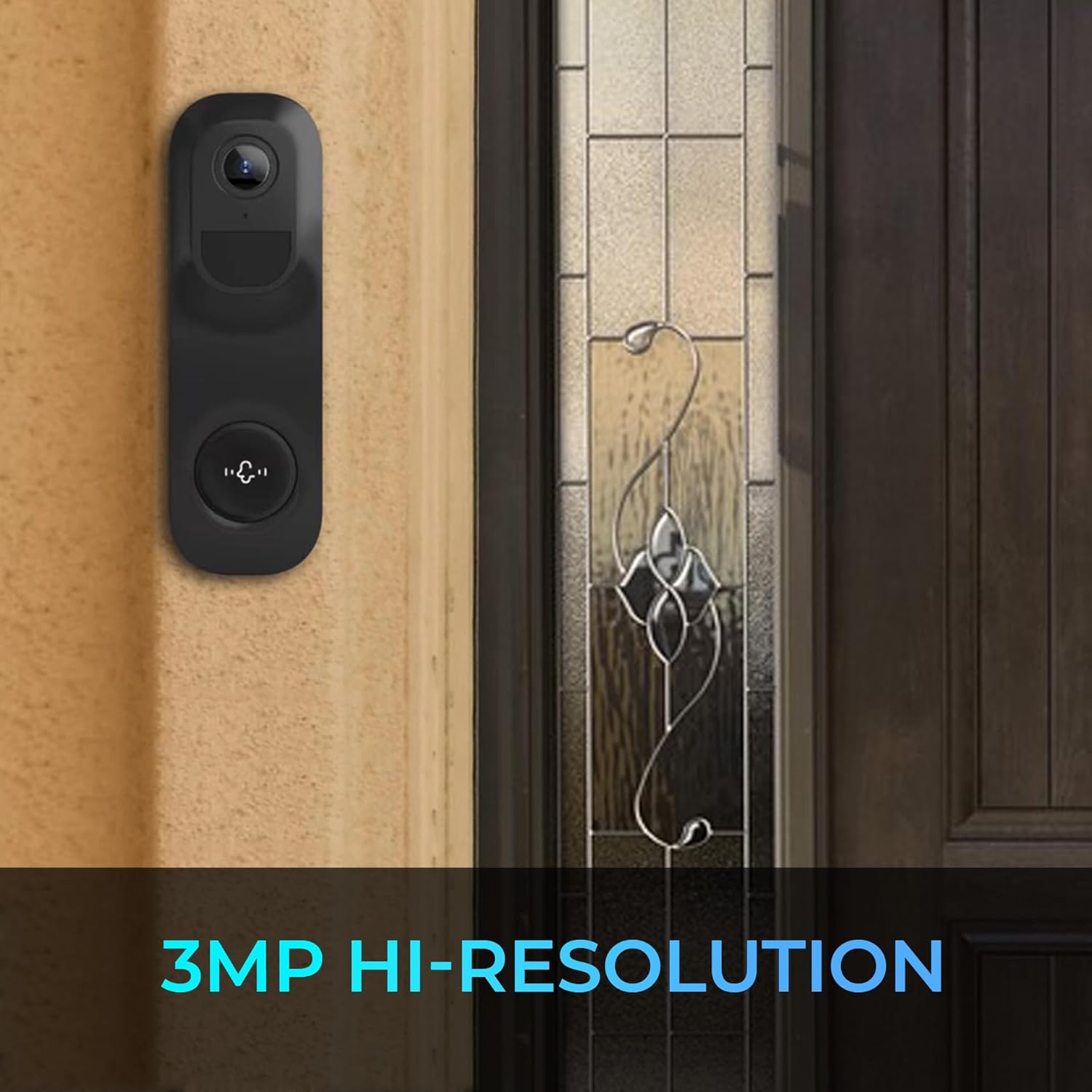
Figura 4.1.1: Remote monitoring and notifications allow users to receive alerts and view events on their mobile device.
4.2 Audio bidireccional
mientras esta en vivo view, tap the microphone icon in the app to speak through the camera's speaker. Tap the speaker icon to listen to audio from the camera's microphone. This enables communication with visitors or deterrence of unwanted activity.
4.3 Motion and Activity Detection
el ciberview 3000 utilizes a PIR motion sensor and advanced AI for detection. When motion, a person, vehicle, pet, or package is detected, you will receive an instant alert on your mobile device. You can customize detection zones and sensitivity settings within the app.

Figura 4.3.1: The camera's ability to detect people and packages, indicated by red detection lines, triggering alerts.
4.4 Visión nocturna
The camera features full-color infrared night vision, providing clear video footage even in low-light or no-light conditions.

Figura 4.4.1: A visual comparison demonstrating the effectiveness of the camera's full-color infrared night vision.
4.5 Almacenamiento de video
Vídeo grabado footagSe puede almacenar de varias maneras:
- Almacenamiento en la nube: Subscribe to cloud services through the app for secure, remote storage of your recordings.
- Tarjeta micro SD: Insert a Micro SD card (up to 128 GB, not included) into the camera's designated slot for local storage.
- Mobile Phone Memory: Manually record or download clips directly to your smartphone.
4.6 Integración de casas inteligentes
el ciberview 3000 is compatible with Google Home and Amazon Alexa. Follow the instructions in your smart home app to link your Gyration account and enable voice control or integrate with other smart devices.
5. Mantenimiento
5.1 Limpieza
To maintain optimal performance, periodically clean the camera lens and housing with a soft, dry cloth. Avoid using harsh chemicals or abrasive materials that could damage the device.
5.2 actualizaciones de firmware
Ensure your camera's firmware is always up to date. The app will typically notify you of available updates. Follow the in-app instructions to perform firmware upgrades, which can improve performance and add new features.
5.3 Gestión de la batería
The camera is battery-powered. Monitor the battery level through the app and recharge the device as needed to ensure continuous operation.
6. Solución de problemas
- La cámara no se conecta a Wi-Fi:
- Asegúrese de que su red Wi-Fi sea de 2.4 GHz.
- Verifique la intensidad de la señal Wi-Fi en la ubicación de la cámara.
- Reinicie el enrutador y la cámara.
- Verifique la correcta entrada de la contraseña de Wi-Fi en la aplicación.
- Alertas de no detección de movimiento:
- Verifique la configuración de notificaciones de la aplicación y asegúrese de que estén habilitadas.
- Ajuste la sensibilidad de detección de movimiento en la aplicación.
- Asegúrese de que la cámara view no está obstruido.
- El audio bidireccional no funciona:
- Verifique los permisos del micrófono y del altavoz de la aplicación en su teléfono.
- Ensure volume levels are adjusted correctly in the app and on your phone.
- El timbre no suena:
- Asegúrese de que el timbre esté enchufado y encendido.
- Vuelva a emparejar el timbre con la cámara del timbre según la Sección 3.4.
- Check if the chime is within effective range of the doorbell camera.
- Mala calidad de vídeo:
- Comprueba la velocidad de tu conexión Wi-Fi.
- Limpiar la lente de la cámara.
- Asegúrese de que haya una iluminación adecuada para una calidad de imagen óptima.
7. Especificaciones
| Característica | Especificación |
|---|---|
| Nombre del modelo | Cibernéticoview 3000 |
| Sensor de imagen | 3MP, 1/2.8'' CMOS |
| Resolución de vídeo | 2048 x 1536 a 15 fps |
| Zoom digital | 3X |
| Conectividad | Wi-Fi (2.4 GHz) |
| Audio | Audio bidireccional (micrófono y altavoz integrados) |
| Opciones de almacenamiento | Cloud Storage, Micro SD Card (up to 128 GB), Mobile Phone Memory |
| Detección | PIR Motion Sensor, Humanoid, Vehicle, Pet, Package Detection |
| Visión nocturna | Full Color Infrared Night Vision |
| Resistencia a la intemperie | Clasificación IP65 |
| Fuente de poder | Funciona con pilas (5 V) |
| Dispositivos compatibles | Smartphone (Android/iOS), Google Home, Amazon Alexa |
| Dimensiones (L x An x Al) | 6.4 x 3.8 x 2.7 pulgadas |
| Peso del artículo | 16 onzas (1 libra) |
| Componentes incluidos | 3MP Smart WiFi Wireless Doorbell Camera, Wireless Chime |
8. Garantía y soporte
For warranty information and technical support, please refer to the official Gyration webSitio web o contacte directamente con el servicio de atención al cliente. Conserve su recibo de compra como comprobante para reclamaciones de garantía.
Fabricante: Giro
Número de pieza: CIBERVIEW 3000
Código postal: 744390953484


